
Explore the top 10 free code editors for web development in 2024 with key features and comparisons. Find the best fit for your coding needs and boost productivity!
Looking for the top free code editors for web development in 2024? Here's a quick rundown:
| Editor | Best For | Key Feature |
|---|---|---|
| Visual Studio Code | All-around use | Extensive add-ons |
| Atom | Customization | Highly configurable |
| Sublime Text | Speed | Fast and lightweight |
| Brackets | Web design | Live preview |
| Notepad++ | Windows users | Simple and quick |
| Vim | Command line users | Keyboard shortcuts |
| Bluefish | Multi-language support | Supports many languages |
| Light Table | Interactive coding | Live feedback |
| Gedit | Linux users | Pre-installed on Linux |
| CodePen | Online coding | Easy code sharing |
These editors offer:
- Syntax highlighting
- Code completion
- Debugging tools
- Version control
- Extensions and plugins
We chose them based on:
- Key features
- User experience
- Performance
- OS support
- Community and updates
To pick the right editor:
- Consider your project type and language needs
- Try free versions of different editors
- Read user reviews and compare features
Remember, the best editor is the one that fits your workflow and boosts your productivity.
Related video from YouTube
What changed since this guide was written
Most of the editors here are stable long-running projects, but two entries require specific attention. Atom is listed as an active editor maintained by GitHub — Atom was officially sunset by GitHub on December 15, 2022 and is no longer maintained. The GitHub repository is archived. Atom should not be chosen for new projects; developers looking for a similar highly-customizable editor have largely migrated to VS Code or to Pulsar, a community fork that continues Atom's development. The Brackets editor from Adobe is also worth verifying: Adobe archived the original Brackets repository in 2021, and an independent open-source community took it over as brackets-cont. The version at brackets.io reflects the community-maintained fork. The remaining eight editors — VS Code, Sublime Text, Notepad++, Vim, Bluefish, Light Table, Gedit, and CodePen — are all still actively available. A notable category shift since this guide was written: AI-assisted code editors have become mainstream. VS Code's GitHub Copilot integration, Cursor (an AI-first VS Code fork), and Zed (a high-performance collaborative editor with built-in AI) represent a new tier of editor capability not reflected in this comparison. If AI assistance in the editor is a priority, those options extend beyond what this list covers.
How We Chose These Editors
We picked the best free code editors for web development in 2024 based on these key points:
Key Features
We looked for:
- Syntax highlighting
- Code completion
- Debugging tools
- Version control
- Extensions and plugins
User Experience
We checked how easy the editor is to use, focusing on:
- Clean interface
- Easy navigation
- Customization options
Speed and Efficiency
We tested how fast and smooth each editor runs.
Operating System Support
We made sure the editors work on:
- Windows
- macOS
- Linux
Community and Updates
We looked at:
- How active the user community is
- How often the software gets updated
Here's a summary of our selection criteria:
| Criteria | What We Looked For |
|---|---|
| Features | Syntax highlighting, code completion, debugging tools, version control, extensions |
| User Experience | Clean interface, easy navigation, customization options |
| Performance | Speed and smoothness |
| OS Support | Windows, macOS, Linux compatibility |
| Community | Active user base, regular software updates |
This approach helped us pick code editors that are useful, easy to use, and kept up-to-date for web developers in 2024.
10 Free Code Editors for Web Development
Here are the top 10 free code editors for web development in 2024, with their main features, good points, and drawbacks.
1. Visual Studio Code
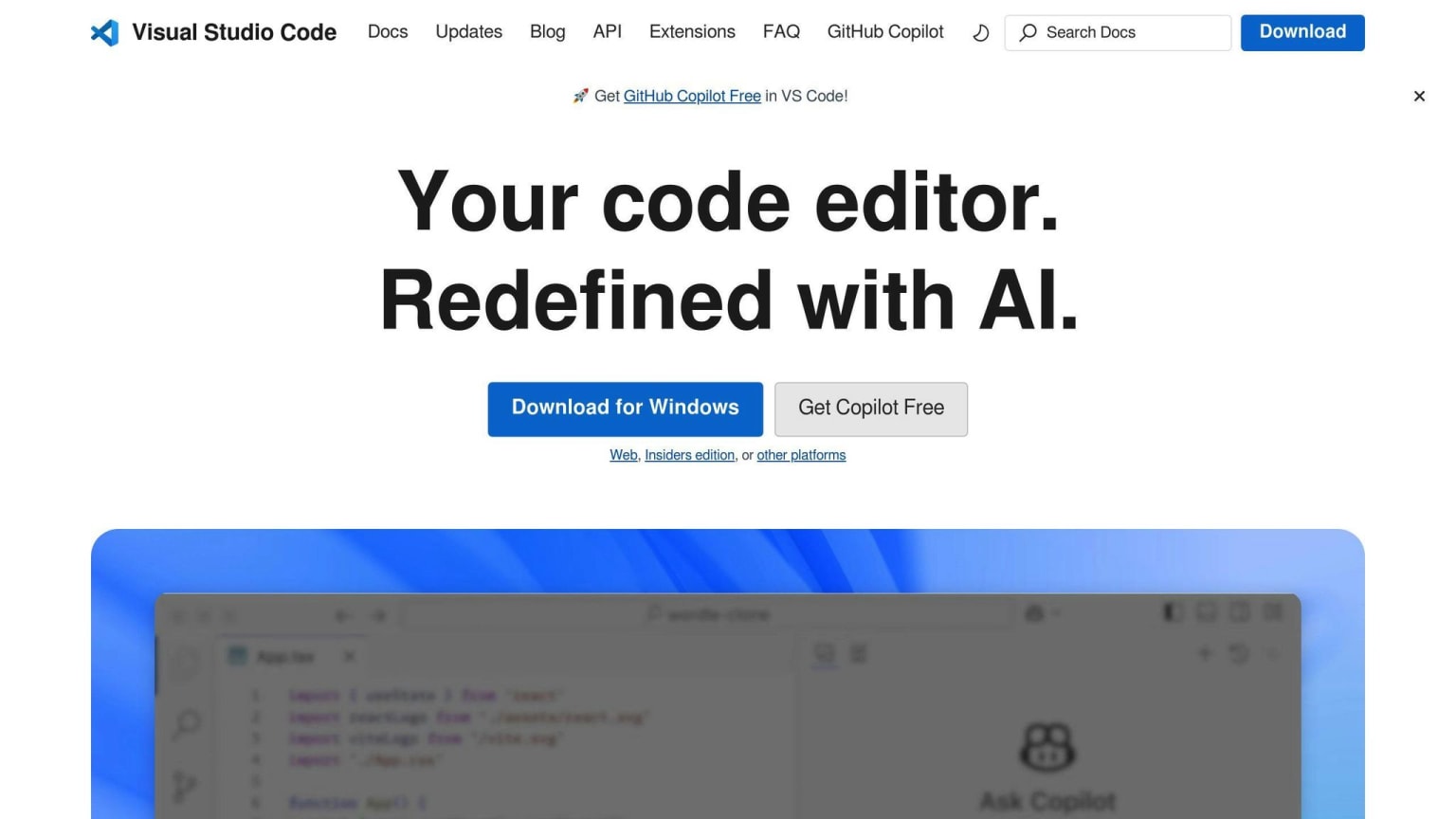
Made by Microsoft, VS Code is a strong and flexible code editor.
| Feature | Description |
|---|---|
| Key tools | Syntax highlighting, code completion, debugging, version control, add-ons |
| Good points | Very customizable, big user community, often updated |
| Drawbacks | Takes time to learn, uses a lot of computer resources |
| Best for | Web, JavaScript, TypeScript, and Python coding |
2. Atom
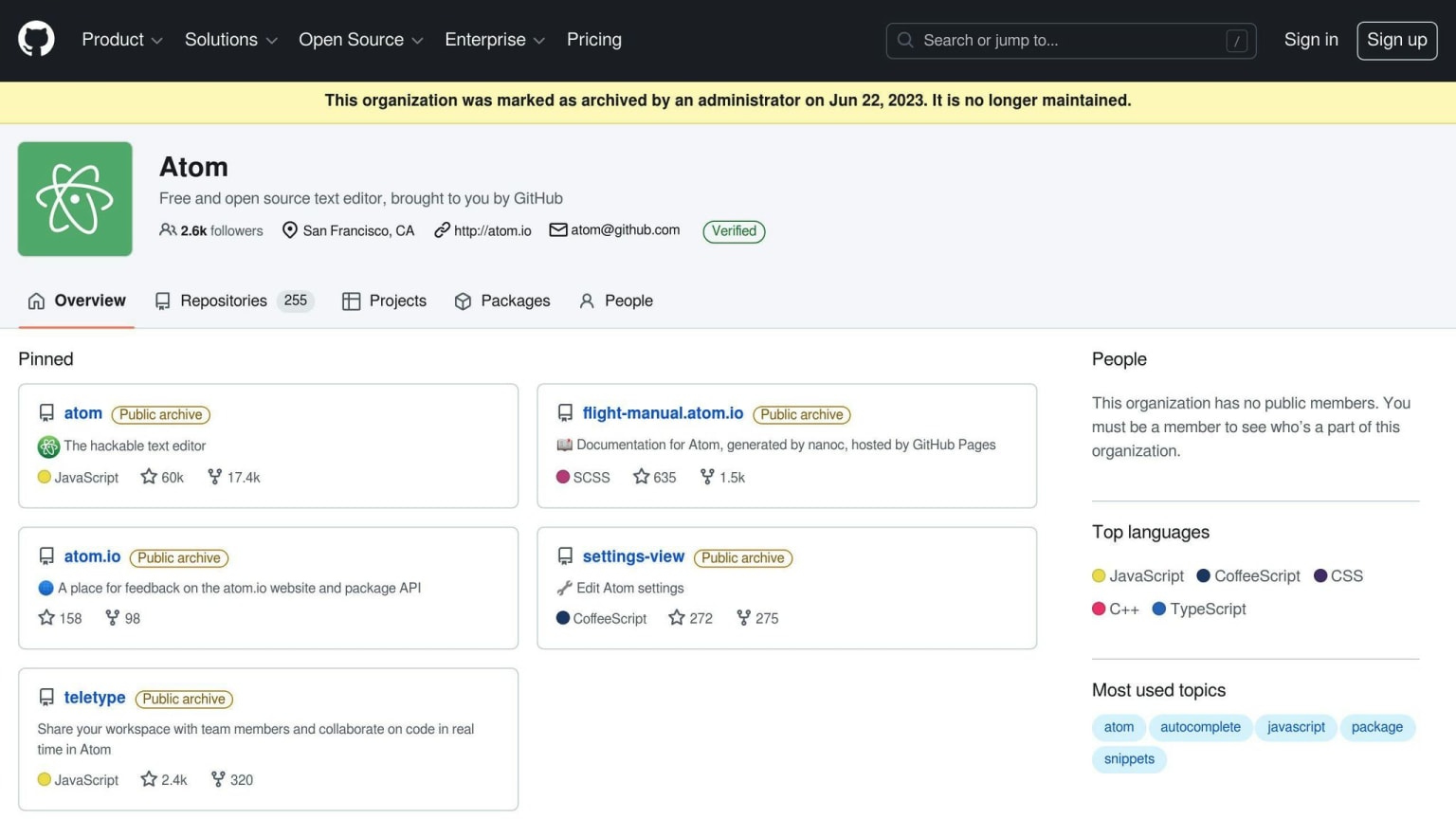
An open-source editor by GitHub known for being easy to change.
| Feature | Description |
|---|---|
| Key tools | Syntax highlighting, code completion, debugging, version control, add-ons |
| Good points | Very customizable, big user community, often updated |
| Drawbacks | Uses a lot of computer resources, takes time to learn |
| Best for | Web, JavaScript, HTML, CSS, and PHP coding |
3. Sublime Text
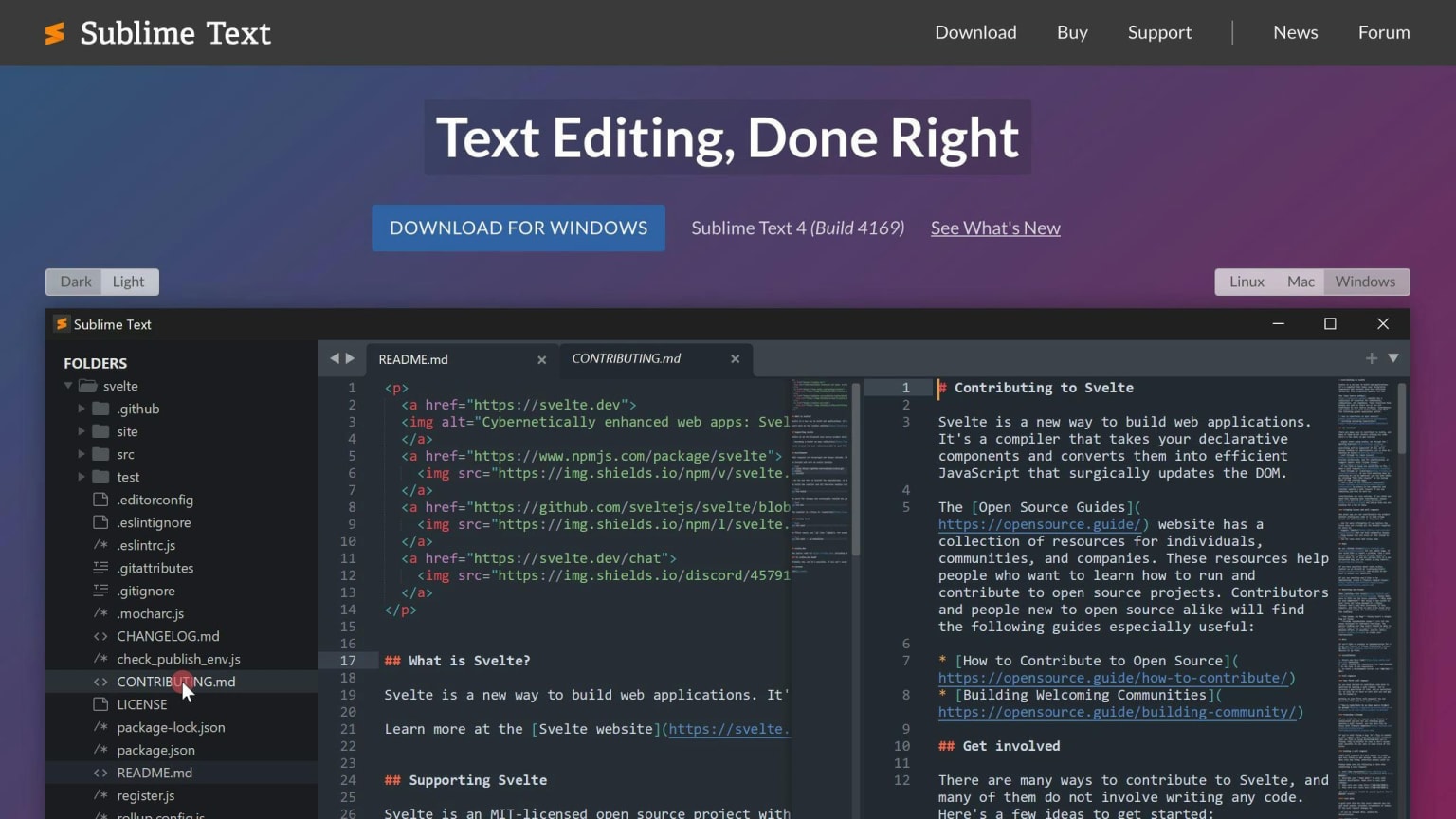
A fast and feature-rich text editor liked by many coders.
| Feature | Description |
|---|---|
| Key tools | Syntax highlighting, code completion, debugging, version control, add-ons |
| Good points | Fast, lots of features, very customizable |
| Drawbacks | Not free for work use, takes time to learn |
| Best for | Web, JavaScript, HTML, CSS, and PHP coding |
4. Brackets
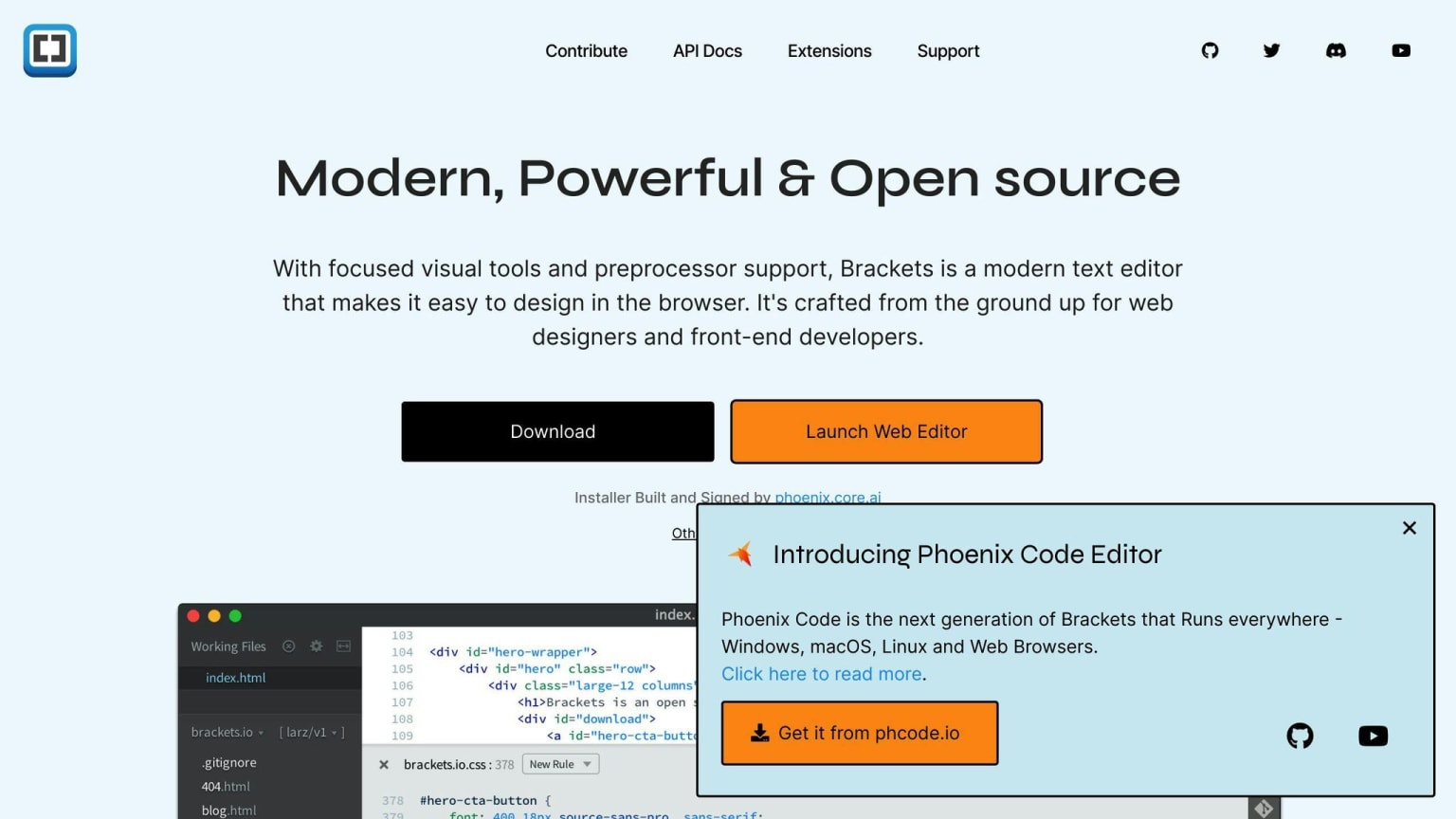
A modern text editor from Adobe made for web coding.
| Feature | Description |
|---|---|
| Key tools | Syntax highlighting, code completion, debugging, version control, add-ons |
| Good points | Free, very customizable, easy to use |
| Drawbacks | Fewer features than some other editors, not good for big projects |
| Best for | Web, JavaScript, HTML, CSS, and PHP coding |
5. Notepad++
A light and strong code editor for Windows.
| Feature | Description |
|---|---|
| Key tools | Syntax highlighting, code completion, debugging, version control |
| Good points | Free, light on computer resources, easy to use |
| Drawbacks | Fewer features than some other editors, only for Windows |
| Best for | Web, JavaScript, HTML, CSS, and PHP coding |
6. Vim
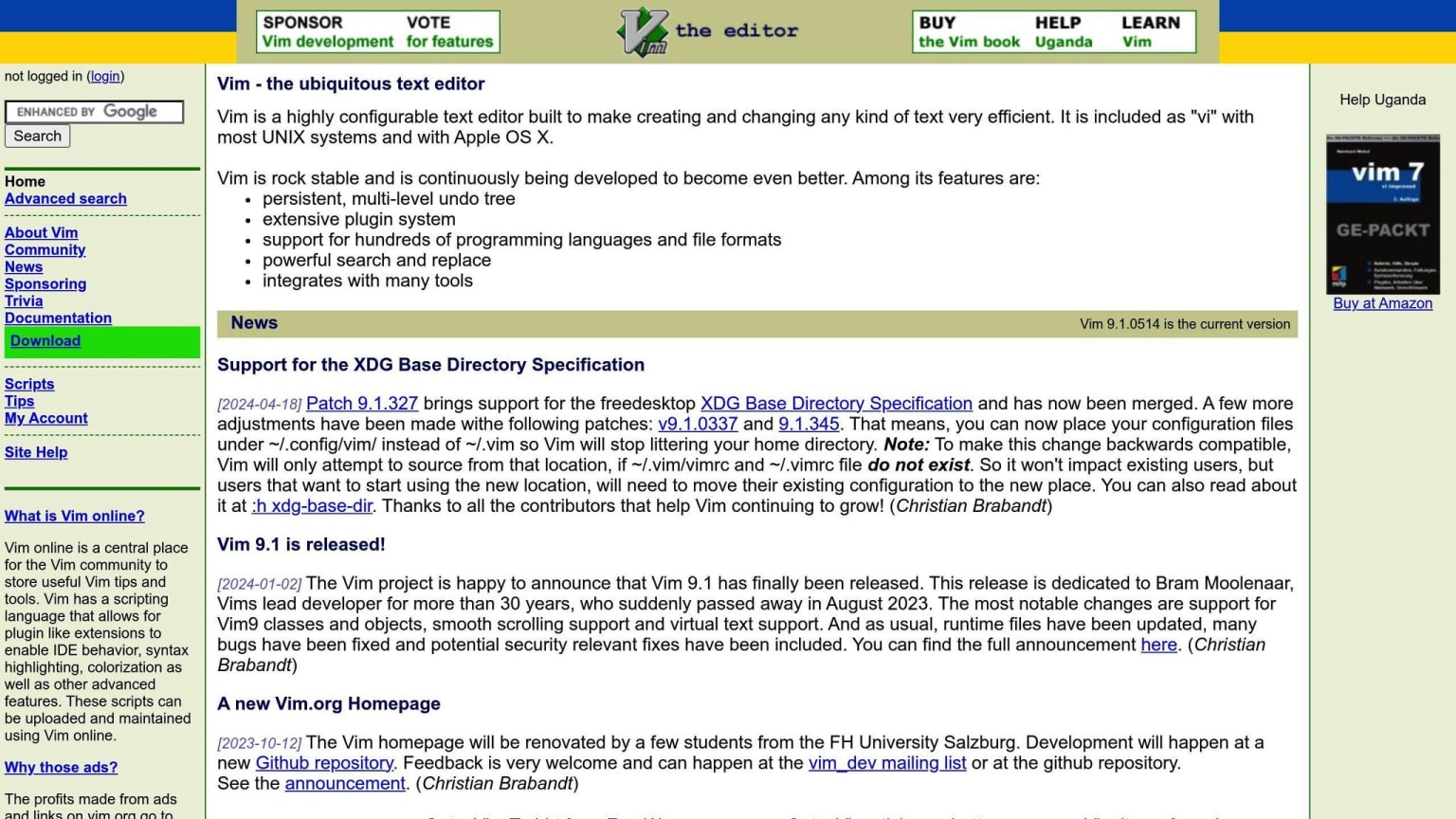
A command-line editor known for being fast and changeable.
| Feature | Description |
|---|---|
| Key tools | Syntax highlighting, code completion, debugging, version control |
| Good points | Very customizable, fast, free |
| Drawbacks | Hard to learn, uses command-line |
| Best for | Web, JavaScript, HTML, CSS, and PHP coding |
7. Bluefish
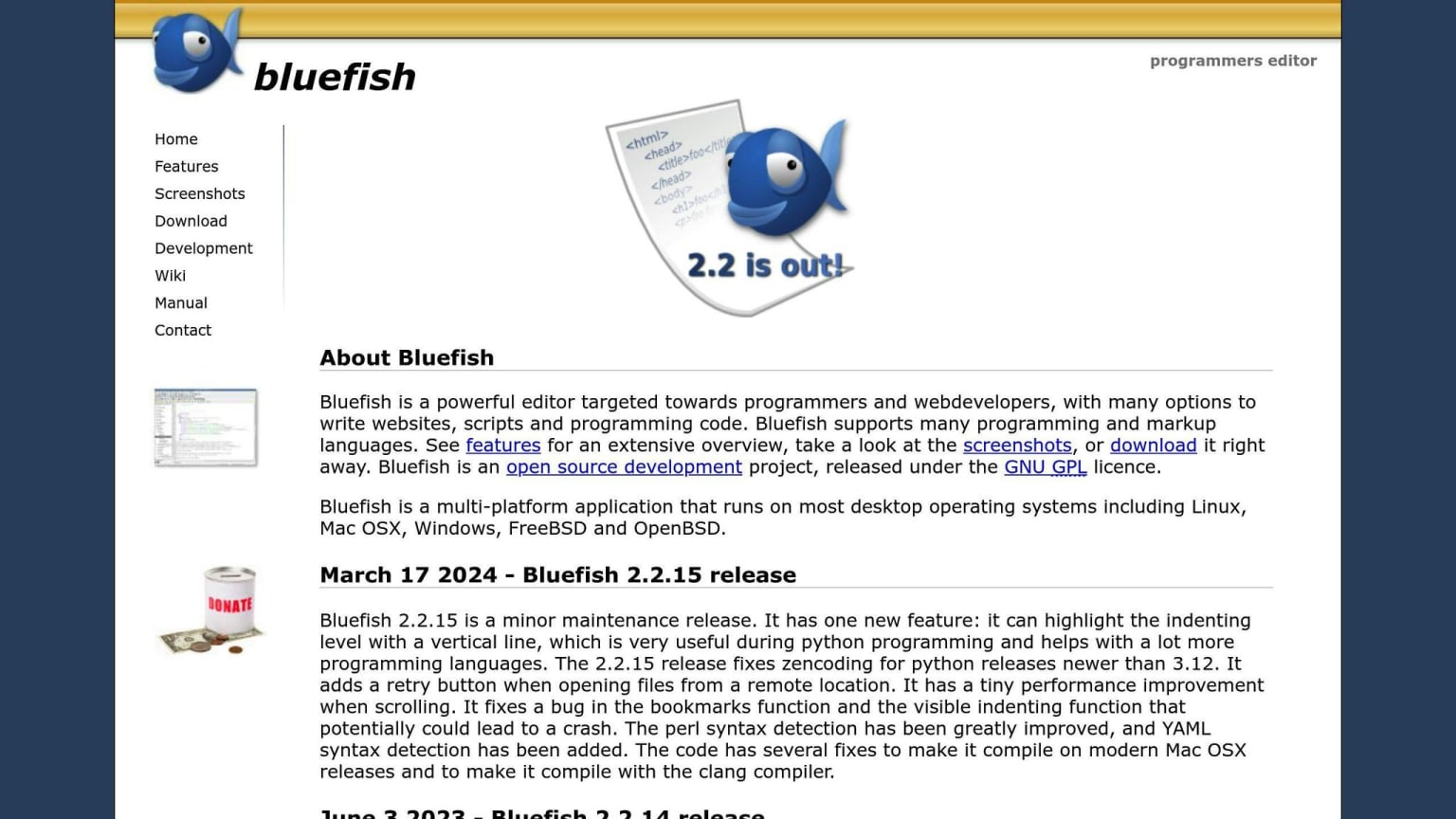
A quick and light code editor that works with many coding languages.
| Feature | Description |
|---|---|
| Key tools | Syntax highlighting, code completion, debugging, version control |
| Good points | Free, light on computer resources, easy to use |
| Drawbacks | Fewer features than some other editors, not good for big projects |
| Best for | Web, JavaScript, HTML, CSS, and PHP coding |
8. Light Table
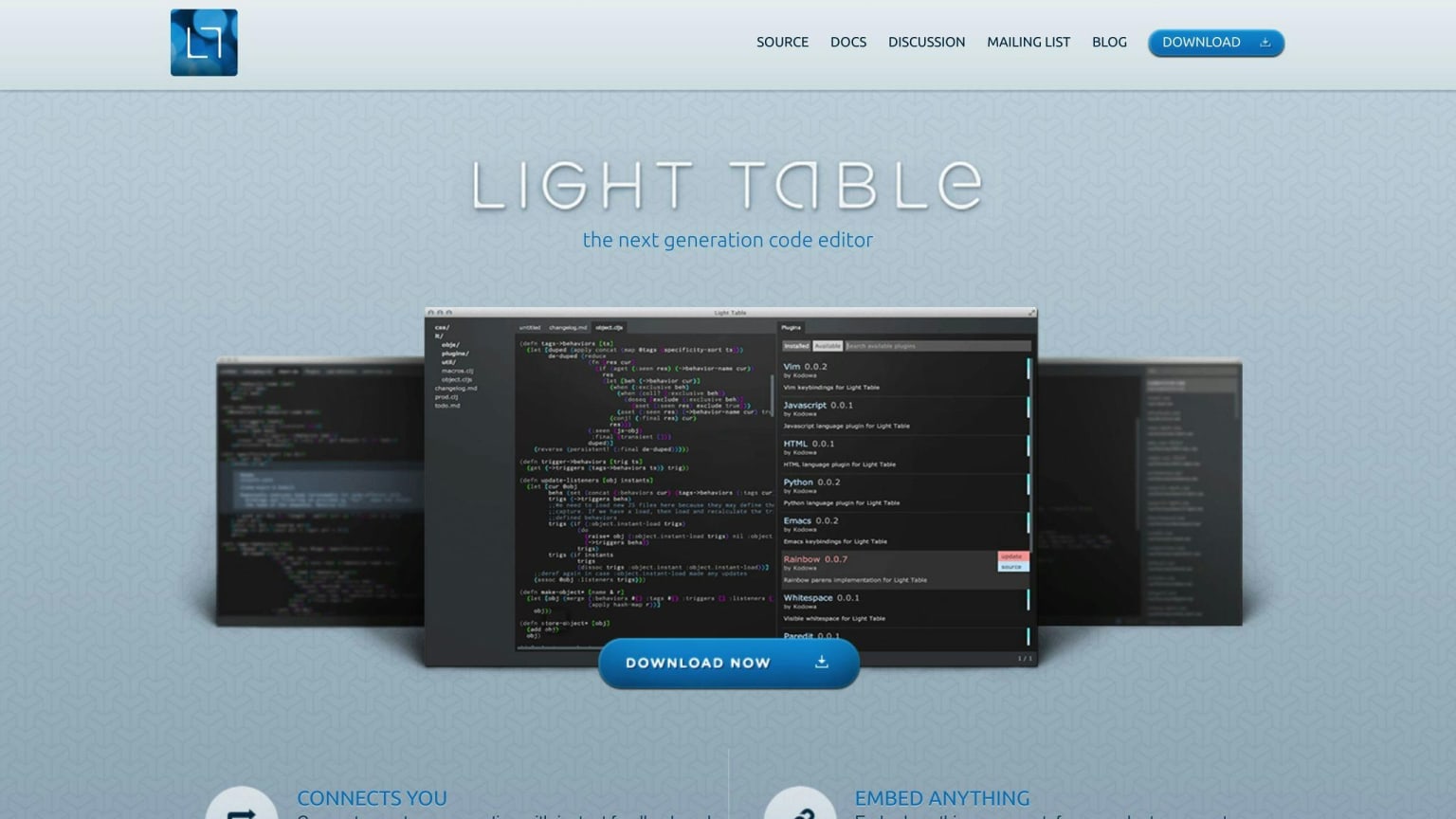
An interactive and changeable code editor with live feedback.
| Feature | Description |
|---|---|
| Key tools | Syntax highlighting, code completion, debugging, version control |
| Good points | Interactive, very customizable, free |
| Drawbacks | Fewer features than some other editors, not good for big projects |
| Best for | Web, JavaScript, HTML, CSS, and PHP coding |
9. Gedit
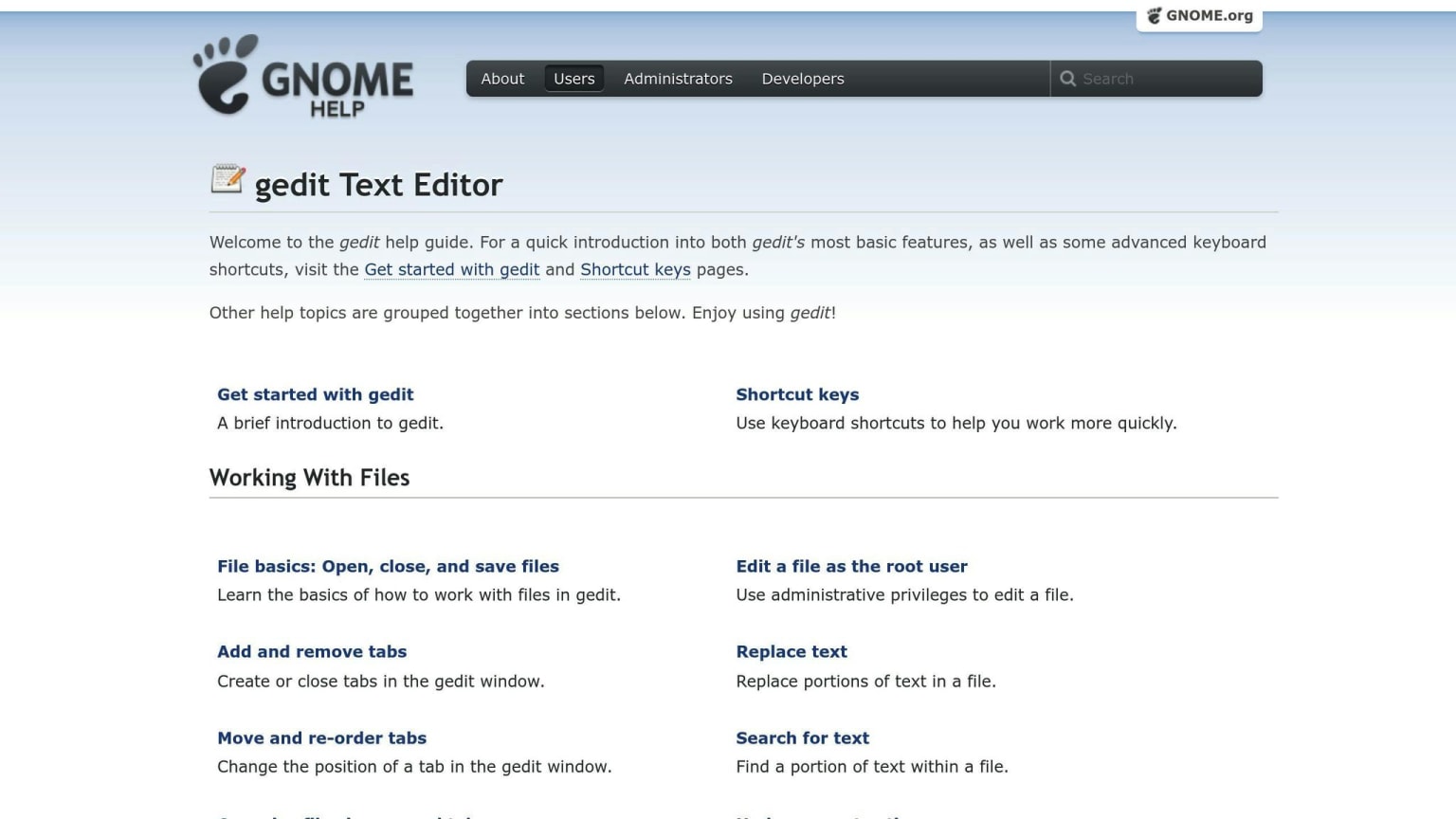
A simple but strong text editor that comes with many Linux systems.
| Feature | Description |
|---|---|
| Key tools | Syntax highlighting, code completion, debugging, version control |
| Good points | Free, easy to use, very customizable |
| Drawbacks | Fewer features than some other editors, only for Linux |
| Best for | Web, JavaScript, HTML, CSS, and PHP coding |
10. CodePen
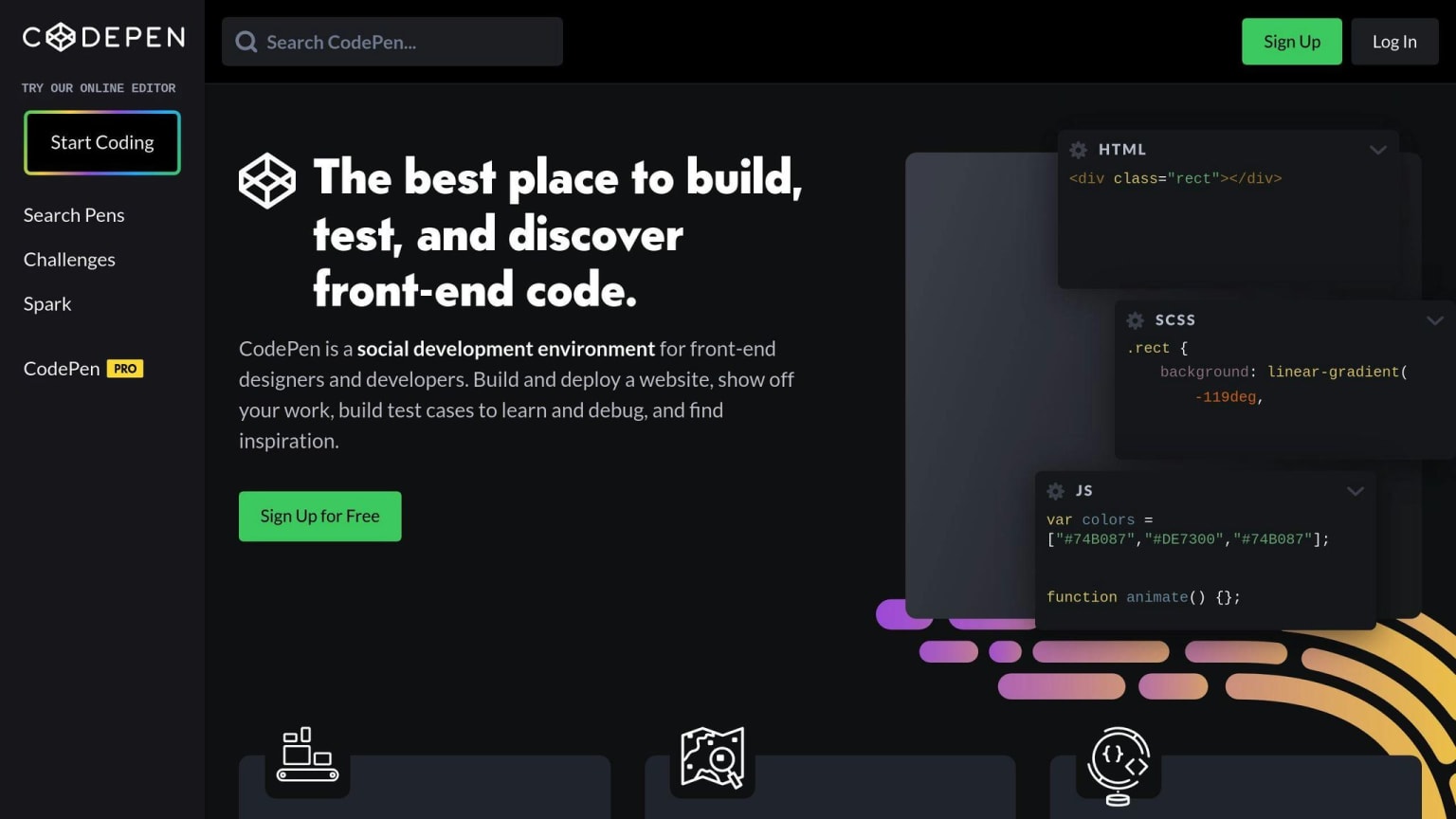
An online code editor for writing and sharing HTML, CSS, and JavaScript snippets.
| Feature | Description |
|---|---|
| Key tools | Syntax highlighting, code completion, debugging, version control |
| Good points | Free, online, easy to use |
| Drawbacks | Fewer features than some other editors, not good for big projects |
| Best for | Web, JavaScript, HTML, CSS, and PHP coding |
Editor Comparison Table
Here's a simple comparison of the 10 free code editors for web development in 2024. This table shows their main features, what coding languages they work with, and what computers they run on:
| Editor | Main Features | Coding Languages | Computers |
|---|---|---|---|
| Visual Studio Code | Highlights code, helps complete code, finds errors, works with Git, has add-ons | JavaScript, TypeScript, Python, HTML, CSS | Windows, Mac, Linux |
| Atom | Highlights code, helps complete code, finds errors, works with Git, has add-ons | JavaScript, HTML, CSS, PHP | Windows, Mac, Linux |
| Sublime Text | Highlights code, helps complete code, finds errors, works with Git, has add-ons | JavaScript, HTML, CSS, PHP | Windows, Mac, Linux |
| Brackets | Highlights code, helps complete code, finds errors, works with Git, has add-ons | JavaScript, HTML, CSS, PHP | Windows, Mac, Linux |
| Notepad++ | Highlights code, helps complete code, finds errors, works with Git | JavaScript, HTML, CSS, PHP | Windows only |
| Vim | Highlights code, helps complete code, finds errors, works with Git | JavaScript, HTML, CSS, PHP | Windows, Mac, Linux |
| Bluefish | Highlights code, helps complete code, finds errors, works with Git | JavaScript, HTML, CSS, PHP | Windows, Mac, Linux |
| Light Table | Highlights code, helps complete code, finds errors, works with Git, shows results as you type | JavaScript, HTML, CSS, PHP | Windows, Mac, Linux |
| Gedit | Highlights code, helps complete code, finds errors, works with Git | JavaScript, HTML, CSS, PHP | Linux only |
| CodePen | Highlights code, helps complete code, finds errors, works with Git, lets you work with others online | JavaScript, HTML, CSS | Works in web browsers |
This table makes it easy to compare the editors side by side. You can quickly see what each editor can do, what coding languages it works with, and what computers you can use it on.
Picking the Right Code Editor
Choosing a code editor can be tough with so many options. Here's how to find the best one for you.
What to Look For
Think about these things when picking a code editor:
| Factor | Questions to Ask |
|---|---|
| Project Type | What kind of coding do you do? |
| Language Support | Which coding languages do you use most? |
| User Interface | Do you like simple or feature-packed editors? |
Try Before You Decide
It's smart to test different editors before choosing one. Here's how:
- Use free versions to test features
- Try several editors to compare them
- Read what other coders say about the editors
| Step | Action |
|---|---|
| 1 | Download free versions of editors |
| 2 | Use each editor for a small project |
| 3 | Check online reviews and forums |
| 4 | Pick the editor that feels best for you |
Editors to know in 2025–2026 that are not on this list
The ten editors here cover the established free editor landscape as of when this guide was written. A few additions are worth knowing if you are making a fresh decision. Zed is a high-performance collaborative editor built in Rust — it opens large files and repositories noticeably faster than Electron-based editors like VS Code and Atom, and it ships with built-in AI model integration. It is available for macOS and Linux, with Windows support in progress. Cursor is a fork of VS Code that embeds an AI pair programmer deeply into the editing experience — it supports the full VS Code extension ecosystem and is a minimal context-switch from VS Code for developers who want tighter AI integration than the Copilot plugin provides. Helix is a modal editor in the Vim tradition that ships with tree-sitter syntax support and LSP integration out of the box, removing the configuration overhead that makes Vim a steeper starting point. None of these invalidate the editors on this list — VS Code in particular remains the dominant choice for most web developers and the comparison table is accurate for the tools it covers. The practical decision for most developers is still: start with VS Code, add Copilot if you want AI assistance, and switch to a specialized tool only if a specific workflow requirement is not met.
Wrap-Up
Quick Review
We've looked at 10 free code editors for web development in 2024. Here's a quick summary:
| Editor | Best For | Key Feature |
|---|---|---|
| Visual Studio Code | All-around use | Lots of add-ons |
| Atom | Customization | Easy to change |
| Sublime Text | Speed | Fast and light |
| Brackets | Web design | Live preview |
| Notepad++ | Windows users | Simple and quick |
| Vim | Command line fans | Keyboard shortcuts |
| Bluefish | Multi-language support | Works with many coding languages |
| Light Table | Interactive coding | Live feedback |
| Gedit | Linux users | Comes with many Linux systems |
| CodePen | Online coding | Share code easily |
Closing Thoughts
Free code editors can help you code better and faster. By trying different ones, you can find the best fit for your needs. Remember, the right editor is the one that helps you work well. Keep coding and have fun!
| Tip | Why It Matters |
|---|---|
| Try different editors | Find what works for you |
| Use free versions | Save money while learning |
| Check the features | Make sure it has what you need |
| Read user reviews | Learn from others' experiences |
FAQs
Which is the best free code editor?
There's no single "best" free code editor for everyone. The right choice depends on what you need and like. Here's a quick look at some top picks:
| Editor | Good for | Main plus |
|---|---|---|
| Atom | Changing how it looks and works | Easy to adjust |
| Sublime Text | Fast work | Quick and light |
| Visual Studio Code | Many types of coding | Lots of add-ons |
| Bluefish | Working with many coding languages | Supports many languages |
| CodePen | Coding online | Easy to share code |
To find your best fit:
- Think about what you need most in a code editor
- Try out a few different ones
- See which one feels most comfortable to use