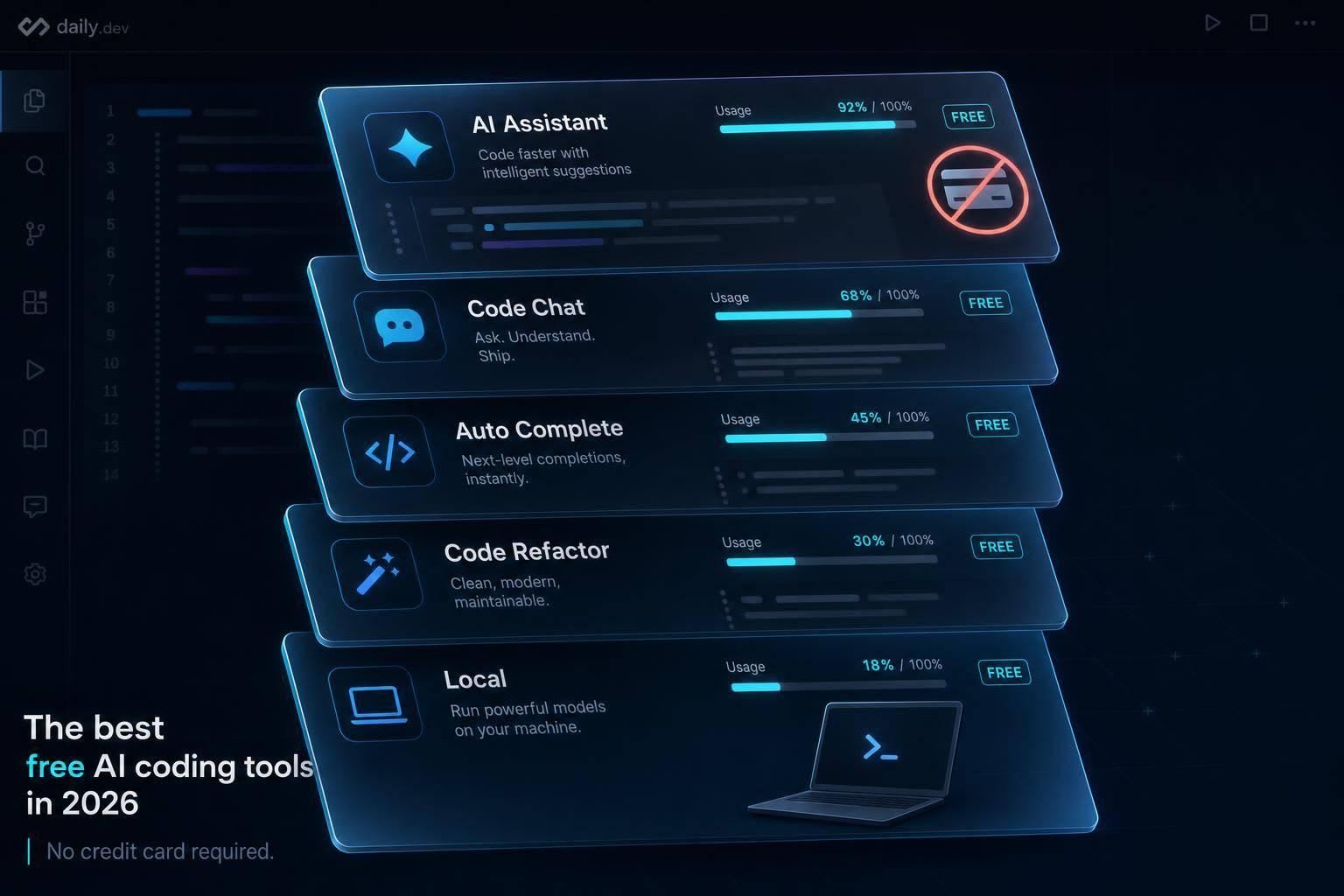
Free AI coding tools can be useful — but expect strict usage caps, weaker models, or to run local models for full control.
If I wanted a free AI coding tool today, I’d start with just three picks: GitHub Copilot Free for simple editor use, Codeium for unlimited autocomplete, and Continue.dev or Aider if I wanted no vendor cap and didn’t mind setup.
Here’s the short version:
- GitHub Copilot Free gives me 2,000 completions and 50 chat messages per month
- Codeium gives me unlimited autocomplete and chat, but agent work is capped at 25 credits per month
- Gemini Code Assist had very high free limits, but the article notes a June 18, 2026 shift to Antigravity CLI
- Cursor and Windsurf are solid for editor-first AI use, but both put tighter limits on multi-file or agent work
- Replit Starter is best if I want to test code online in the browser
- Continue.dev, Aider, and Tabby are the no-subscription path, but I need my own model, local hardware, or API setup
The main point is simple: “free” does not mean unlimited. Some tools cap you at 50 chats per month. Others allow unlimited completions but put the hard stop on agent tasks. And if I want zero vendor limits, I need to run local models or bring my own API.
Quick Comparison
| Tool | What I get for free | Main limit | Best fit |
|---|---|---|---|
| GitHub Copilot Free | 2,000 completions/month, 50 chats/month | Low monthly cap | Light daily coding |
| Codeium | Unlimited autocomplete, chat | 25 agent credits/month | Heavy autocomplete use |
| Gemini Code Assist / Antigravity CLI | High daily usage | Product transition | Google-heavy workflows |
| Cursor | 2,000 completions/month, 50 premium requests/month | Tight premium quota | AI-first editor fans |
| Windsurf | Unlimited completions | 25 Cascade credits/month | Editor-based agent work |
| Replit Starter | Browser coding, limited AI Agent | Metered AI access | Prototypes and learning |
| Continue.dev | No built-in cap | Setup and hardware/API cost | Local or BYO model use |
| Aider | No built-in cap | Terminal-only | Git-heavy CLI work |
| Tabby | Self-hosted, no vendor cap | Hardware load | Private local setup |
My takeaway: if I want the easiest free start, I’d pick Copilot Free. If I want the most room before hitting limits, I’d pick Codeium. If I want full control, I’d use Continue.dev, Aider, or Tabby with a local model.
That’s the whole article in one view.
What counts as truly free AI coding in 2026
Not every tool labeled “free” makes the cut here. As of mid-2026, this list includes only free-forever tiers and freemium plans you can keep using without a credit card. Trials don’t count.
The key test is simple: does the free tier still hold up for actual coding, or is it just enough for a demo? That’s where the gap shows up. One free plan may feel generous at first, while another hits its limits almost as soon as you start working.
Those limits matter because capped plans disappear fast in day-to-day use. GitHub Copilot Free includes 2,000 code completions and 50 chat messages per month . Autocomplete tends to be cheap for vendors to offer, so it’s often capped less aggressively. But multi-file editing is a different story. That feature is often metered at 25–50 credits per month, and one session can burn through 3–8 credits .
Then there’s the less obvious limit: model quality. On most commercial tools, free users get base or smaller models, not the top-end options like Claude 3.7 Opus or GPT-4o that sit behind paid plans . Cursor stands out here. Its free Hobby tier includes top models, but there’s a catch: peak-hour wait times can stretch to 20–60 seconds . So yes, the model may be strong, but the experience can still slow you down.
If you want to sidestep those ceilings, local models are the cleanest path. Tools like Continue.dev paired with Ollama can give you unlimited completions, unlimited chat, and full privacy. The tradeoff is hardware. You’ll want at least 32GB of RAM to run local models well .
With that baseline in mind, the list below sticks to tools that remain meaningfully usable for free.
1. GitHub Copilot Free
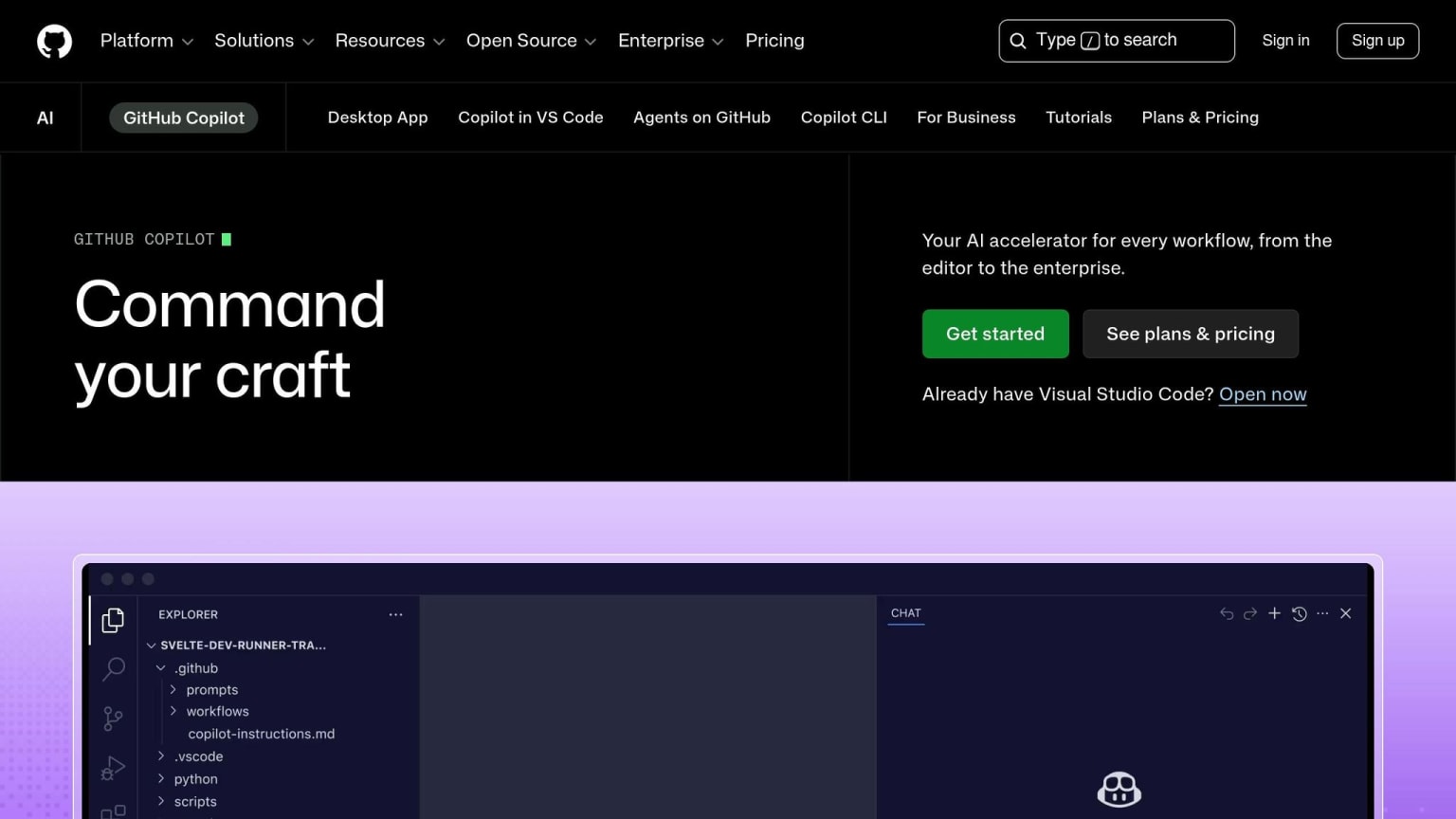
Plan type: Free forever - no credit card required.
The free tier comes with about 2,000 code completions and 50 chat messages or requests per month. That works fine for light use. But if you're coding every day or spending time on long refactor sessions, you'll probably hit the limit fast.
Copilot Free makes the most sense for steady, low-volume work instead of heavy editing sprints.
Chat and agent tasks now run on AI Credits, and multi-file refactors burn through those credits faster than simple prompts.
If those monthly limits line up with how you work, the big draw here is editor support. It works across VS Code, JetBrains, Neovim, Visual Studio, and GitHub web. Free users get a rotating set of models rather than the top-tier choices.
If you need more room each month, the next tool takes a different approach to its free plan.
2. Codeium
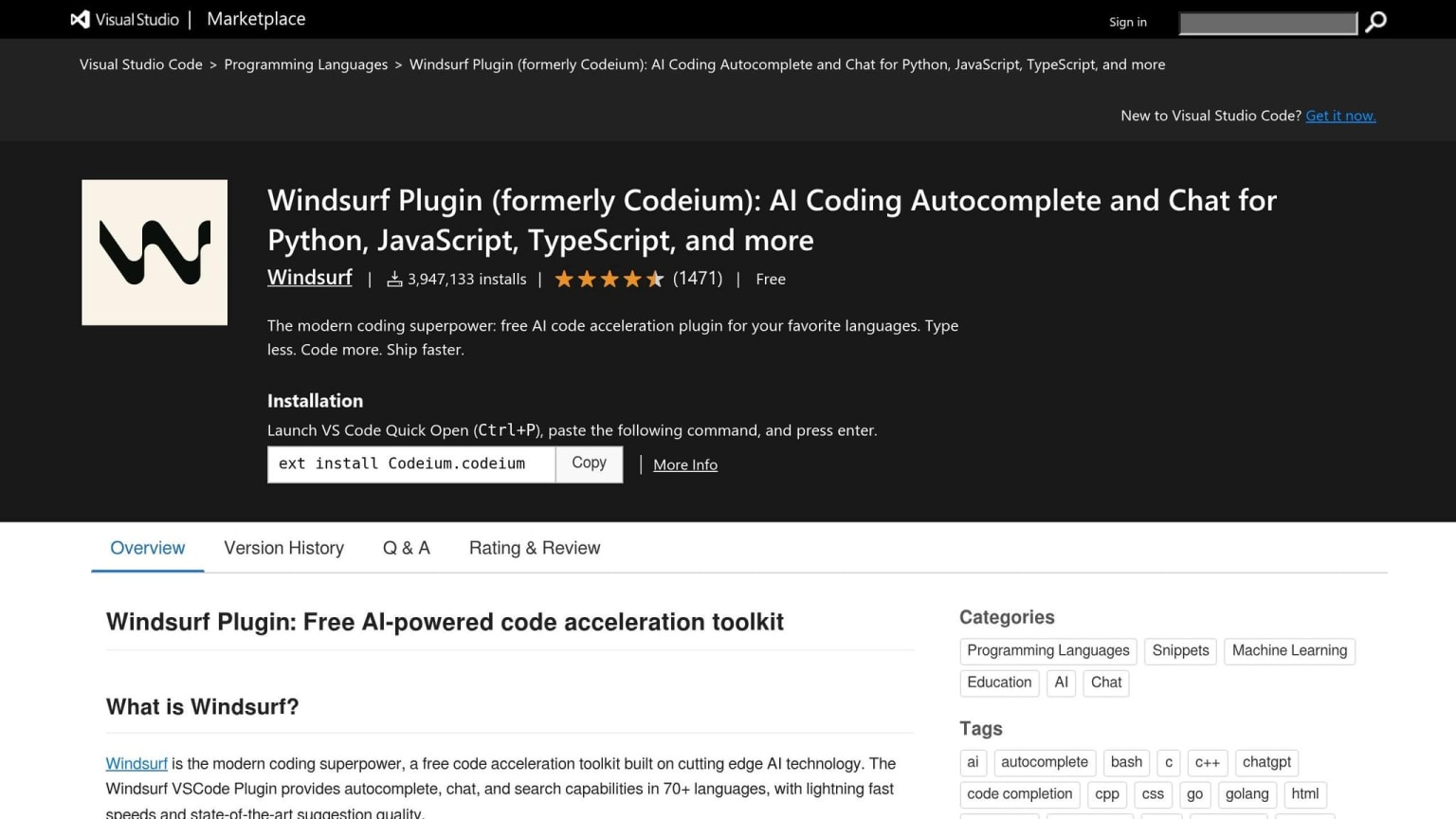
Plan type: Free forever - no credit card required .
If Copilot Free feels a bit cramped, Codeium is the next place to look. The big draw is simple: it gives individual developers unlimited autocomplete and in-IDE chat on the free plan. For solo use, it's the clearest free option if you want autocomplete without hitting a cap.
There is one limit to know about. Cascade, Codeium’s multi-file agent mode, is capped at about 25 credits per month . But for normal autocomplete and chat, the free tier stays unmetered.
Free users get Codeium’s base models, not premium models like SWE-1.5 . Still, the tool covers 70+ programming languages and works in 40+ editors and IDEs, including VS Code, JetBrains, Vim, Neovim, Sublime Text, and Eclipse .
Another nice touch: code training opt-out is on by default, which matters if you work with proprietary code . So if your day-to-day work is mostly writing, editing, and iterating inside your editor, Codeium gives you a lot on the free plan. The main catch is that agent-style edits are where the limits show up.
3. Gemini Code Assist
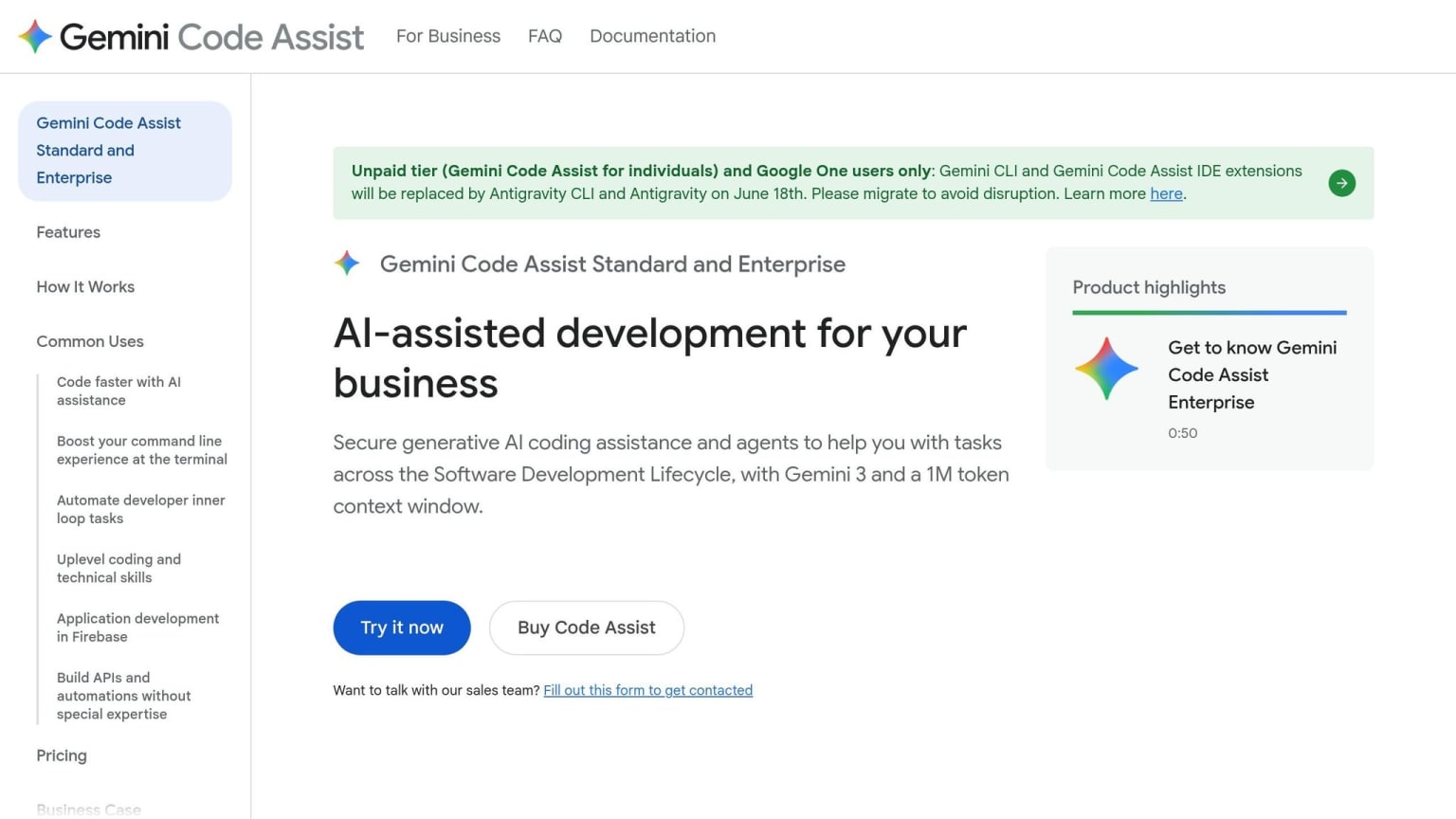
Plan type: Free for individuals . (See the migration note below.)
If you burn through autocomplete, Gemini Code Assist gives you the biggest free quota on this list: 6,000 code completions per day and 240 AI chat requests per day . That’s a lot of room to work. The main tradeoff isn’t usage volume. It’s where this tool makes the most sense in your setup.
Free users get Gemini 2.5 Pro and Gemini 2.5 Flash, plus a 128K context window . IDE support includes VS Code and other essential extensions, the JetBrains suite (IntelliJ, PyCharm, WebStorm), and Android Studio . If you work in the browser, it also connects with Google Cloud Shell or other online code writer tools. And for terminal use, the Gemini CLI (OAuth login) adds 1,000 requests per day at 60 RPM .
The catch is pretty simple: this tool leans hard on Google Cloud. So it tends to work best if you already spend time in Firebase, BigQuery, or Cloud Shell .
As of mid-2026, Google said the individual free tier was set to transition on June 18, 2026. Users would move to Antigravity CLI (agy), which is still free in public beta for personal use . Before you dive in, check whether your account points to Gemini Code Assist or Antigravity CLI. Then use /model and /stats model to switch models and keep an eye on usage .
If you want something lighter and more editor-first, with less platform lock-in, the next tool is a better fit.
4. Sourcegraph Cody Free
Plan type: Discontinued; unavailable to new users.
As of mid-2026, Sourcegraph shut down Cody Free and Cody Pro on July 23, 2025 . New users can’t sign up for Cody Free anymore. Sourcegraph moved to an enterprise-only model, and Amp now fills that spot . So this section is best read as a historical note, not a current pick.
What made Cody stand out was its project-wide context for large repos. It could search across your full codebase and public GitHub repositories, then pull in matching patterns before offering suggestions . That made it handy for people working in big, messy codebases where local file context just wasn’t enough.
IDE support included VS Code, JetBrains, and Neovim .
Cody’s main draw was whole-codebase context. But for new users looking for a free option today, it’s no longer on the table. If you want a current no-cost option from the same company, use Amp.
5. Cursor
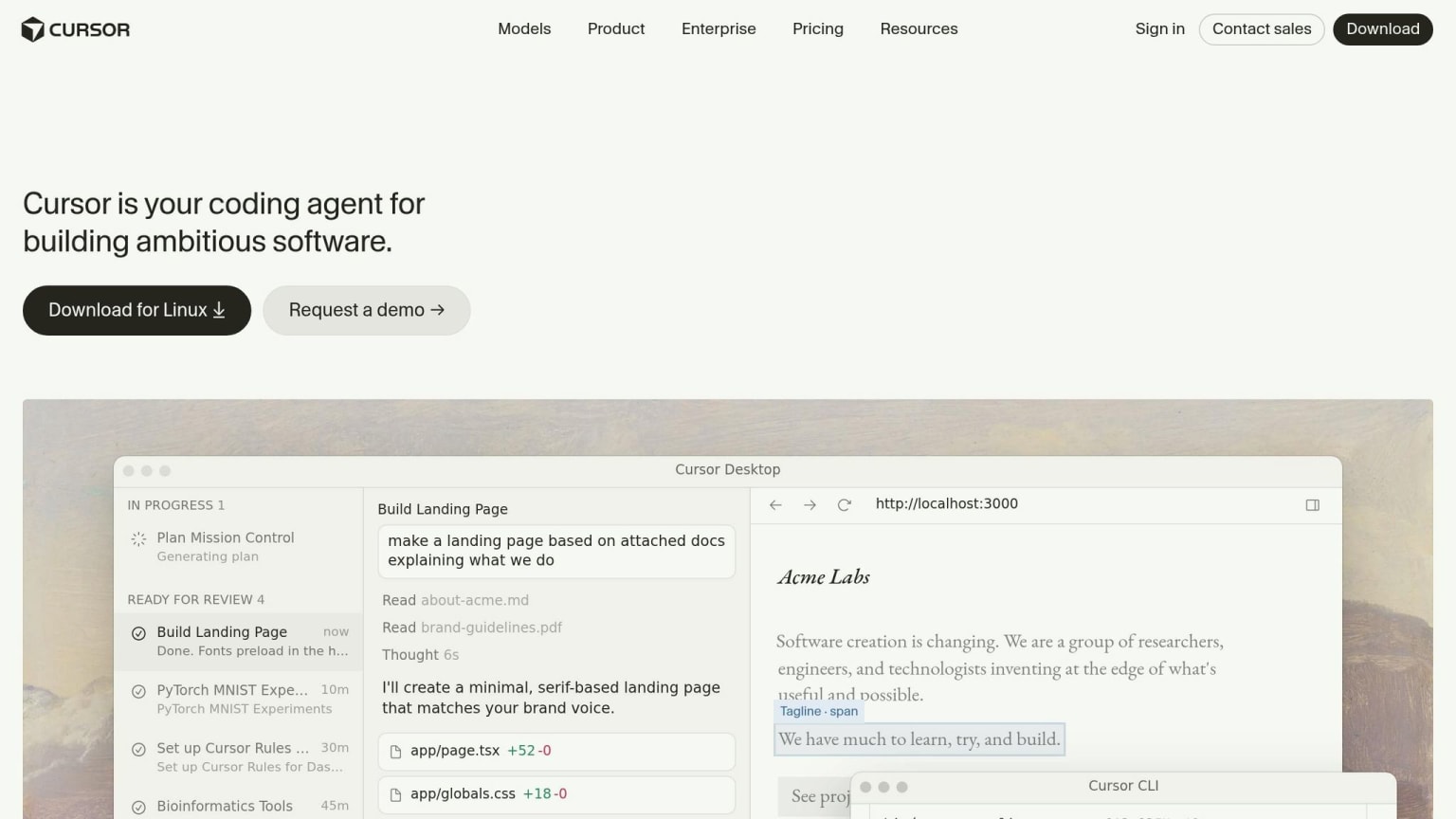
Plan type: Free forever (Hobby tier) - no credit card required .
Cursor is a fork of VS Code, so it comes as a full editor instead of a lightweight add-on. That means you can keep using your current extensions, themes, and keybindings. The catch is simple: the free quota is pretty tight.
The Hobby plan gives you about 2,000 tab completions and 50 premium model requests per month . Those premium requests apply to Chat and Composer, which is Cursor’s multi-file editing feature. Free requests are still available, but they go through a slower queue .
For day-to-day work, the Hobby plan can disappear fast. New users often get a 1- to 2-week Pro trial before the account drops back to Hobby . If you want to keep an eye on what’s left, you can check your usage at app.cursor.sh/account/usage .
Cursor is desktop-only, so there’s no browser version .
If you’d rather work in the browser first, the next tool leaves the desktop IDE behind.
6. Windsurf
Plan type: Free forever (Hobby tier) - no credit card required .
If Cursor feels a bit cramped, Windsurf is the cleaner pick for heavier autocomplete use. As of mid-2026, Windsurf is a VS Code fork that gives you unlimited Tab completions on the free tier .
The big constraint isn’t autocomplete. It’s agent work. Cascade can handle multi-file edits and terminal commands, but the free tier limits you to 25 credits per month . And those credits go fast: one Cascade session can use 3 to 8 credits, which means you’ll often get only four or five actual agent tasks before you hit the ceiling .
That’s why the best way to use Windsurf is pretty simple:
- Use Cascade for refactors, scaffolding, and bigger edits
- Use Tab for your day-to-day coding
Don’t want to change editors? Windsurf also has a plugin for 40+ other editors, including JetBrains IDEs and Vim, so you can get the unlimited autocomplete inside your current setup .
7. Replit Starter
Plan type: Free forever - no credit card required .
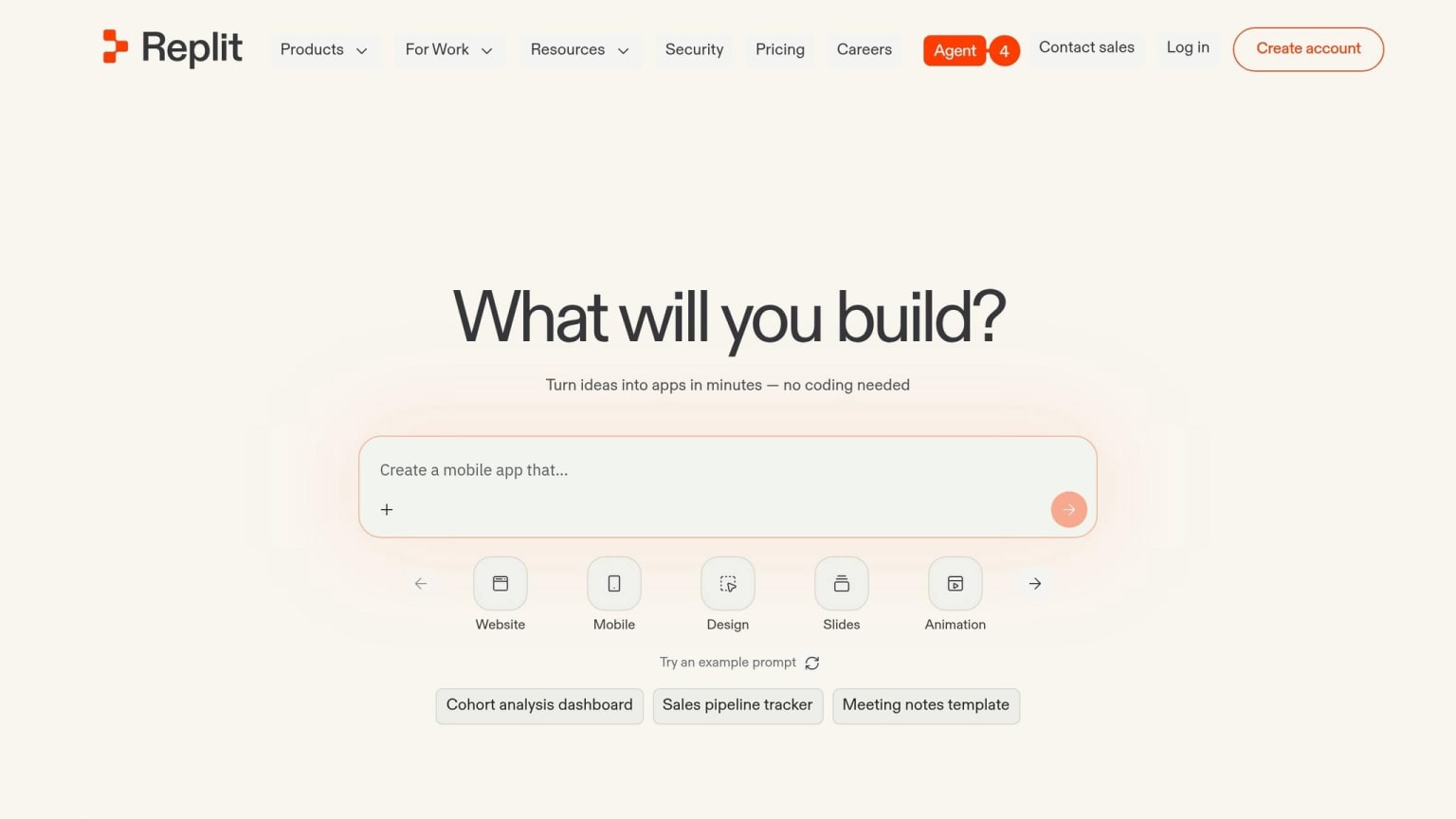
Replit Starter is a browser-based development environment, so you can start coding without installing anything on your computer .
On the free tier, you get limited access to the AI Agent for prompt-driven app building and multi-file edits. Full AI Agent access starts with Replit Core at $25/month .
Replit Starter is a good fit for quick prototypes, learning, and team collaboration when instant hosting matters more than deeper AI features. If you want fast, low-friction coding in the browser, the free plan does the job well .
The catch is pretty simple: it’s cloud-only, there’s no offline access, and the free AI Agent is heavily metered . Once you start building larger multi-file apps, a local IDE with bring-your-own-key support tends to be a better long-term free setup.
If you want more control over model access and your editor, the next tool is the better fit.
8. Continue.dev
Plan type: Free forever - no credit card required .
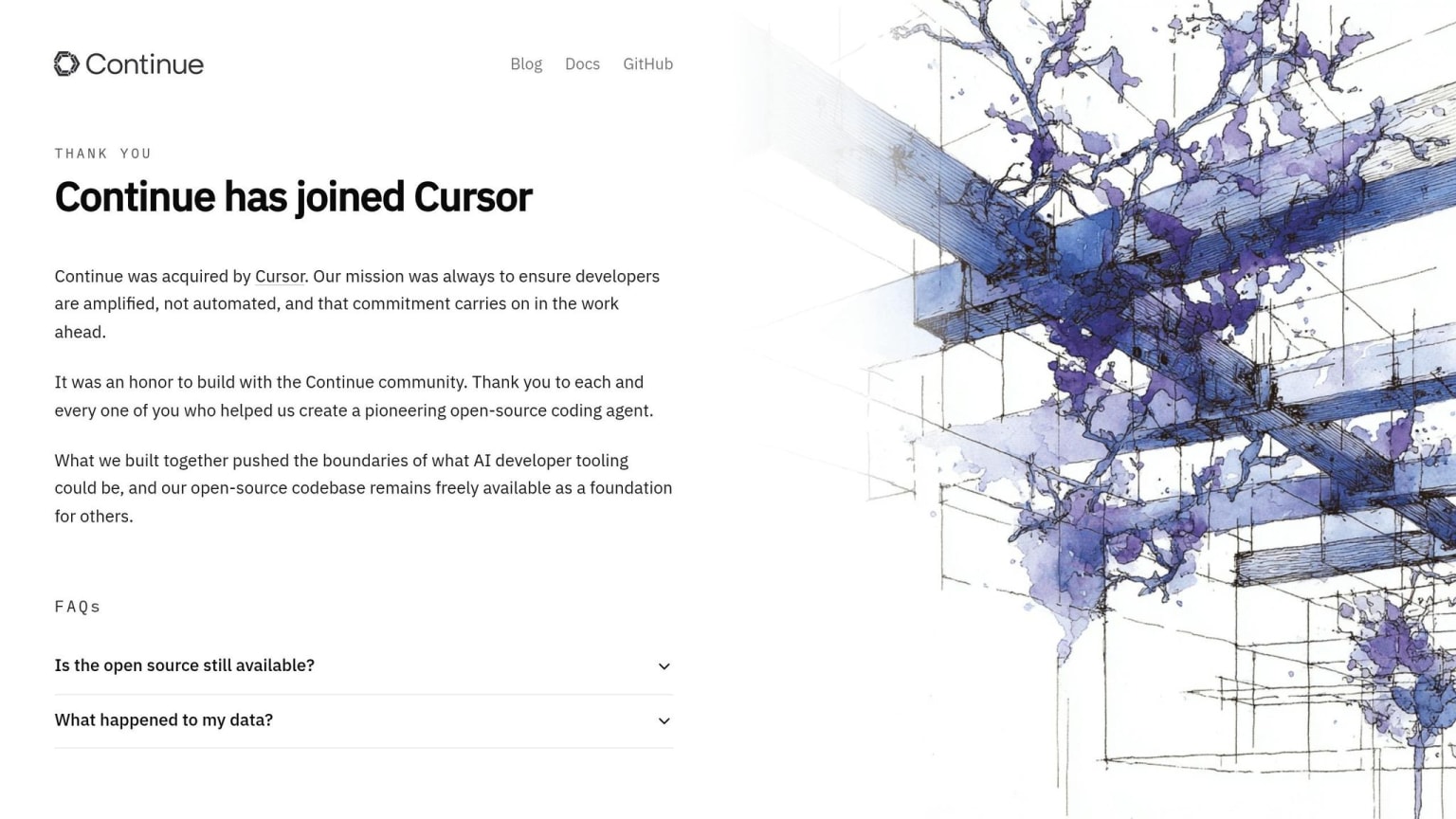
Continue.dev is an open-source IDE extension under Apache 2.0, and it doesn’t come with built-in request caps. Your actual limits depend on the model or API you plug into it. That’s why Continue is the cleanest free pick if you want unlimited use with your own model.
It uses a bring-your-own-model setup, so you can connect local models or cloud APIs from the same extension. That includes options like Ollama, Anthropic, and OpenAI .
If you want a $0 setup, pair Continue with Ollama or another local model runner. You’ll want at least 16 GB of RAM, and 32 GB+ is a safer bet for larger models .
Continue works in VS Code and JetBrains IDEs like IntelliJ, PyCharm, and WebStorm . It comes with chat, inline edits, autocomplete, and PR checks .
The main downside is setup. You’ll need to configure providers or API keys in a JSON file .
If you’d rather use a CLI-first workflow than an IDE extension, Aider is next.
9. Aider
Plan type: Free forever for the software itself - no account or credit card required .
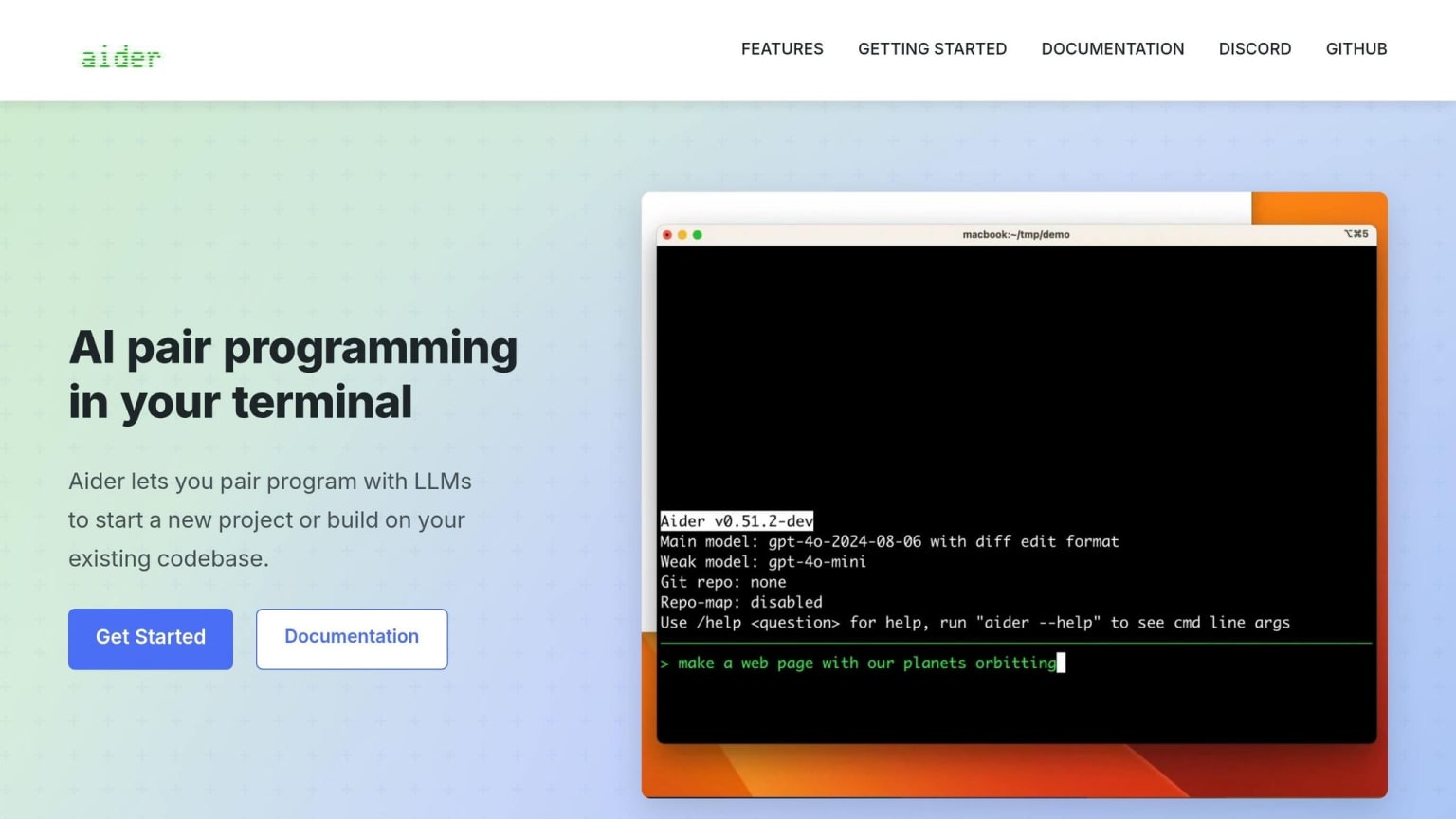
Aider is a CLI-based AI coding tool licensed under Apache 2.0. The software is free to use, and there are no built-in request caps. Any limits come from the model provider, not from Aider itself .
That matters if you want control over the model layer instead of being boxed into a vendor quota. You choose how the setup works.
For a $0 setup, you can pair Aider with Ollama and a local open-weight model. Plan on at least 16 GB of RAM, and 32 GB or more if you want to run larger models .
Aider is also git-native, which is a big part of its appeal. It auto-commits each AI change with a descriptive message and uses a repo map to keep context across large, multi-file edits . In practice, that makes it a strong match for terminal-heavy workflows, where it can work directly with files and commits without extra friction.
There’s one clear tradeoff: Aider is terminal-only. It doesn’t have a GUI or browser interface, so it fits developers who want direct, scriptable control over edits . It runs in your terminal, including an editor’s terminal pane. If you’d rather use a free AI-powered code editor instead of the terminal, the next option is Tabby.
10. Tabby
Plan type: Free forever - self-hosted, open-source, no credit card required .
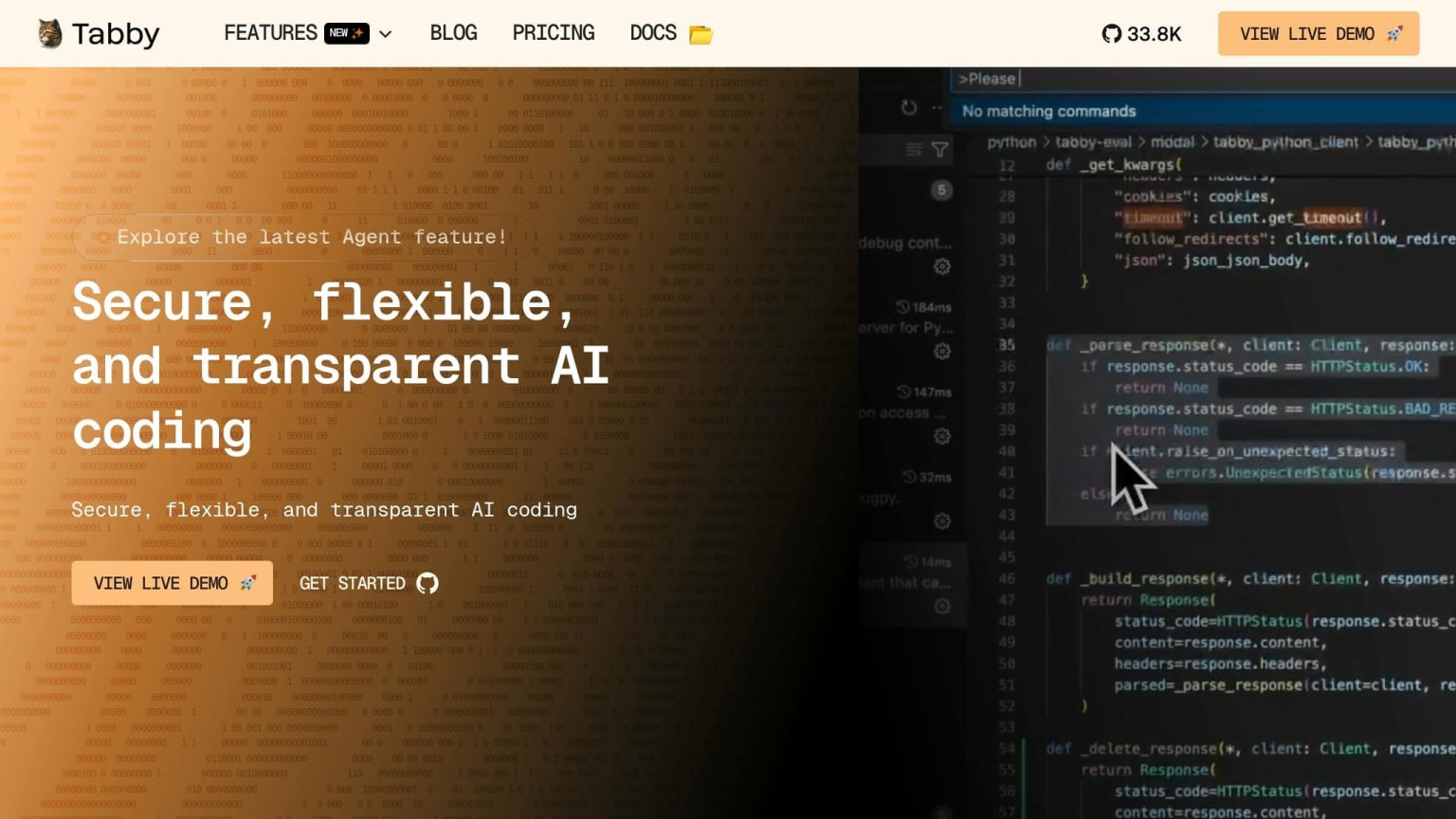
If you want editor integration instead of a terminal-first setup, Tabby is the self-hosted pick. It's an open-source coding assistant you run on your own machine or infrastructure, with no subscription fees and no usage caps. In plain English: the limit is your hardware.
That said, hardware is the catch. Tabby needs 16 GB of RAM at minimum, 32 GB recommended, and an NVIDIA GPU with 8 GB+ VRAM if you want solid response times .
Tabby supports open-weight models and works with VS Code, JetBrains IDEs like IntelliJ and PyCharm, plus Vim and Emacs . The big draw is privacy. Your code stays on your own infrastructure, which makes Tabby a good match for sensitive or regulated codebases. The flip side is that you handle updates, uptime, and hardware costs yourself .
Quick comparison table: limits, models, and best use case
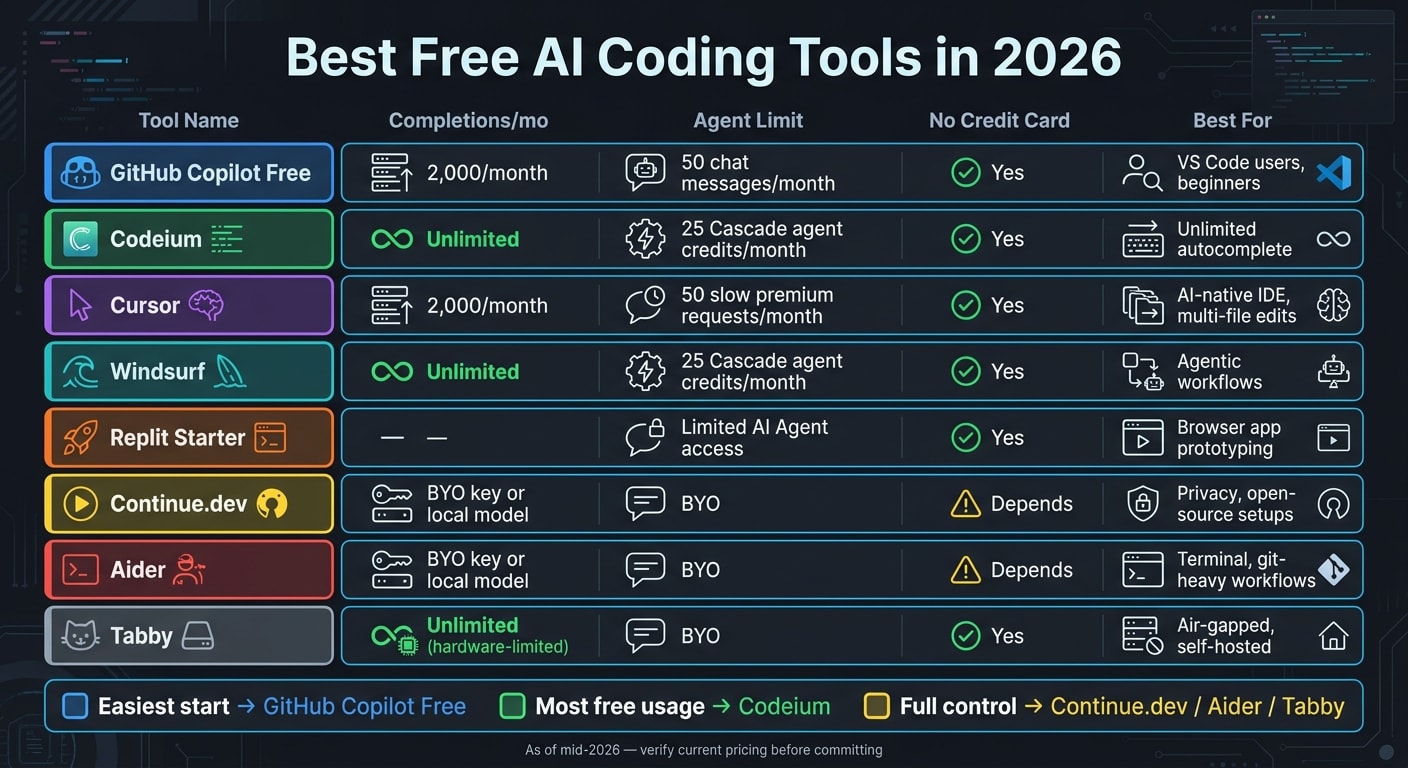
Free tiers are all over the map, and the fine print matters more than the brand name. As of mid-2026, Sourcegraph Cody Free was discontinued in 2025, and Gemini Code Assist's free individual tier ended on June 18, 2026 .
| Tool | Free? | Card required? | Completions | Chat / Agent Limit | Free-tier model access | Best For |
|---|---|---|---|---|---|---|
| GitHub Copilot Free | ✅ | No | 2,000/mo | 50 chat messages/mo | Rotating free-tier models | VS Code users, beginners |
| Codeium | ✅ | No | Unlimited | 25 Cascade agent credits/mo | Base models | Unlimited autocomplete |
| Cursor | ✅ | No | 2,000/mo | 50 slow premium requests/mo | Rotating free-tier models | AI-native IDE, multi-file edits |
| Windsurf | ✅ | No | Unlimited | 25 Cascade agent credits/mo | Base models | Agentic workflows |
| Replit Starter | ✅ | No | - | Limited AI Agent access | Varies | Browser app prototyping |
| Continue.dev | ✅ | Depends | BYO key or local model | BYO | Depends on your model | Privacy, open-source setups |
| Aider | ✅ | Depends | BYO key or local model | BYO | Depends on your model | Terminal, git-heavy workflows |
| Tabby | ✅ | No | Unlimited, hardware-limited | BYO | Local open-weight models | Air-gapped, self-hosted |
Use this table as a shortcut. If you want a simple setup, GitHub Copilot Free and Cursor are easy starting points. If your main goal is unlimited autocomplete, Codeium and Windsurf stand out. And if you care more about control than convenience, Continue.dev, Aider, and Tabby give you a bring-your-own-model path.
From there, it gets simpler: match the tool to the way you work, then look at the top picks by use case below.
Best free AI coding tools by use case
Use the table above for limits and models. This section is about picking the right tool for the way you work.
Best everyday choice: GitHub Copilot Free. If you want something that feels familiar and takes almost no setup, Copilot is the easy pick. The catch is usage: heavy day-to-day work can hit the cap fast, with 2,000 completions and 50 chats per month .
Best free Cursor alternative: Windsurf. If you want an AI-first editor that can handle multi-file edits without paying, Windsurf is probably the closest fit. Just be aware that 25 Cascade credits per month usually disappear after about 4–5 more complex sessions .
Best for browser-based building: Replit Starter. No install, no local setup. Replit gives you a cloud environment with limited AI Agent access, which makes it a good fit for quick prototypes and side projects .
Best for terminal-first developers: Aider. Aider commits each AI change separately, so reviewing changes and rolling them back is straightforward. It makes sense when commit-by-commit control matters more than having a GUI .
Best for privacy and self-hosting: Tabby. Tabby is fully self-hosted out of the box, so your code stays on your own infrastructure and doesn’t leave your environment .
Best for full control with a local model: Continue.dev + Ollama. If control matters more than convenience, this pairing gives you unlimited, fully offline completions in a zero-cost local setup .
Best for highest free usage caps: Codeium. If your main goal is getting as much free autocomplete as possible, Codeium stands out because it has no completion limit. For the highest free usage ceiling, it’s the place to start .
How to stay current as free tiers change
Use this quick check before you pick from the tools above. As of mid-2026, free AI coding tiers change fast. What works today can vanish, come with tighter limits, or get moved into a new product with little warning. In plenty of cases, a few months is all it takes for a free tier to disappear.
Before you depend on any free plan, check the vendor’s pricing page, release notes, and online code writer best practices for the latest update dates.
Pay close attention to migration deadlines too. Vendors often shift free users to a successor tool on a set cutoff date. Test the replacement before that date hits.
It also helps to keep an eye on BYOK tools like Continue and Aider. Their pricing changes with the underlying API, not with a vendor’s free quota. That makes BYOK tools more stable, since costs follow the underlying API instead of a vendor free tier.
One last step: check the last verified date, then confirm the current pricing page before you commit.
With those checks in place, the final takeaways below narrow the list to the most reliable free options.
Final takeaways
After lining up the limits and model access, the easiest pick is pretty clear: GitHub Copilot Free is the best starting point for most developers. It works inside VS Code, JetBrains, and Neovim, and it includes 2,000 completions plus 50 chat messages per month. For light use, that's usually enough .
Need more room on a free plan? Go with Codeium. If your main goal is unlimited autocomplete, Codeium stands out as the best free option, with unlimited completions across 40+ editors .
For agent-style editing, try Windsurf and Cursor. Both are worth a look if you want more than plain autocomplete. Just note that agent-heavy work hits caps, so it's smart to map that against how you code day to day .
If you want zero quota, the answer is local. The private, uncapped route is a local open-weight model running through Ollama with Continue.dev, Aider, or Tabby. The tradeoff is hardware: local models run best on stronger machines .
Before you settle on anything, check the current pricing page one more time. Start with your workflow, then confirm the free tier details before you commit.
FAQs
is GitHub Copilot free?
As of mid-2026, GitHub Copilot has a free tier for personal use, and you don’t need a credit card to sign up.
That plan includes 2,000 code completions per month and 50 premium requests, which cover tools like chat and code review. It’s free forever rather than a trial, but it does come with limits. If you use up those allowances, GitHub will prompt you to upgrade.
One thing to watch: GitHub is shifting to an AI Credits system, so these usage limits may change over time.
best free Cursor alternative
As of August 2026, the best free Cursor alternative comes down to how you like to work.
Windsurf feels closest to an AI-first IDE. You get unlimited tab completion, plus a limited number of Cascade sessions each day. If you want something that behaves a lot like Cursor out of the box, this is probably the nearest match.
If you prefer VS Code, Cline is a strong pick for agent-style, multi-file editing - as long as you bring your own API key. It gives you a lot of control, which can be a big deal if you already have a setup you like.
If privacy matters most, Continue.dev or Aider paired with local models through Ollama gives you a zero-cost setup that can run offline. That’s a good fit if you want your code and prompts to stay on your machine.