
Explore 10 accessibility success stories and case studies across various sectors like healthcare, education, e-commerce, technology, media, social media, and finance. Discover how accessibility improvements can boost customer satisfaction, drive sales, and enhance company reputation.
Here's a quick overview of 10 accessibility success stories across different sectors:
- Healthcare: Major provider added screen reader support, adjustable displays, and voice control
- Education: University improved digital systems with accessibility features
- E-commerce: Tesco enhanced online grocery shopping with RNIB collaboration
- Technology: Apple developed VoiceOver and Braille display support
- Technology: Microsoft created Xbox Adaptive Controller
- Media: Netflix improved closed captioning options
- Media: BBC made iPlayer more screen reader-friendly
- Social Media: Instagram added image description features
- Social Media: Facebook introduced auto-generated image descriptions
- Finance: Legal & General Group updated website accessibility
These cases show how accessibility improvements can:
- Increase user engagement
- Boost customer satisfaction
- Enhance company reputation
- Drive sales and cost savings
| Sector | Company | Key Improvement | Result |
|---|---|---|---|
| Healthcare | Major Provider | Screen reader, adjustable display, voice control | Increased patient engagement |
| Education | University | Accessibility features for online systems | Improved student access |
| E-commerce | Tesco | Website enhancements with RNIB | 350% increase in online sales |
| Technology | Apple | VoiceOver, Braille display support | Expanded user base |
| Technology | Microsoft | Xbox Adaptive Controller | Inclusive gaming |
| Media | Netflix | Enhanced closed captioning | Better viewer experience |
| Media | BBC | iPlayer screen reader optimization | Easier navigation |
| Social Media | Image description tools | Improved visual content access | |
| Social Media | Auto-generated image descriptions | Better content understanding | |
| Finance | Legal & General | Website accessibility update | 25-50% increase in site visits |
Related video from YouTube
Healthcare Sector
Major Healthcare Provider Improves Digital Access
The COVID-19 pandemic has sped up the need for digital access in healthcare. Nearly two-thirds of American adults now use mobile health apps. However, healthcare has been slow to adopt new tech. A big healthcare provider added special tools to help patients who use assistive tech.
New Tools for Better Access
The provider had trouble with digital documents that some patients couldn't use. They fixed this by adding:
| Tool | Purpose |
|---|---|
| Screen reader support | Lets visually impaired patients use content |
| Changeable display | Patients can adjust text size, colors, and spacing |
| Voice control | Patients can use voice to interact with documents |
Good Results from Better Access
Adding these tools made patients happier and more involved. It helped in these ways:
- Patients used digital documents more
- Patients were more satisfied
- The provider looked better to patients
What We Learned
This success shows why access matters in healthcare. Key points:
Access is a must: It's not just nice to have, it's needed in healthcare.
Put patients first: Design digital documents thinking about what patients need.
Keep improving: Always check and update to make access better.
Education
University Makes Digital Systems Easier to Use
A big university found that its online systems were hard to use for some students. They checked their systems and made changes to help all students use them better.
Problems with Digital Access
The university's online systems were hard for students with disabilities to use. This meant not all students had the same chances to learn. The university wanted to fix this so everyone could use their online content.
Making Things Better
The university added new features to help:
| Feature | What it Does |
|---|---|
| Screen reader support | Helps students who can't see well use course materials |
| Changeable display | Lets students change text size, color, and spacing |
| Voice control | Lets students use their voice to work with online content |
Good Results
Adding these new features helped in many ways:
- More students could use online content
- It was easier for all students to use online systems
- The university followed the rules about making things easy to use
What We Learned
This story shows why it's important to make online learning easy for everyone:
- Everyone should be able to use online learning: It's important to make sure all students can use online content.
- Check systems often: Look at online systems regularly to find and fix problems.
- Fixing problems helps: Adding new features like screen readers and voice control can make a big difference.
E-commerce
Tesco Makes Online Grocery Shopping Easier for All
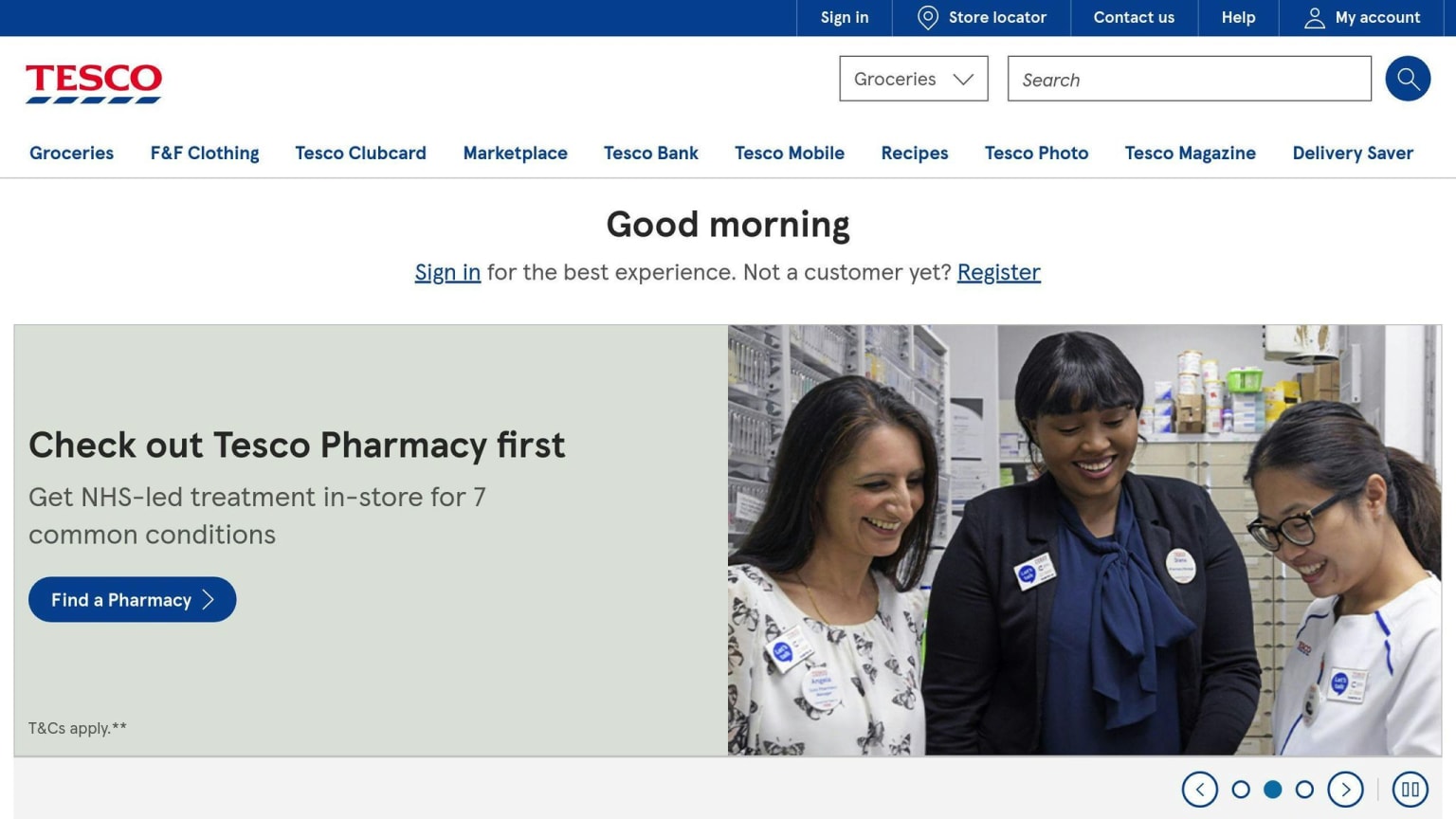
Tesco, a big store chain, worked to make their online grocery shopping better for people with disabilities. They teamed up with the Royal National Institute of Blind People (RNIB) to improve their website.
The Problem
Tesco's website was hard to use for some people, especially those who can't see well. They wanted to fix this so everyone could shop easily.
The Fix
Tesco and RNIB worked together to make the website better. They added:
| New Feature | What It Does |
|---|---|
| Screen reader help | Lets people who can't see well use the site |
| Easy-to-use menus | Helps people find things quickly |
| Simple words | Makes sure everyone can understand the site |
What Happened
After these changes, Tesco saw good results:
- Online sales went up by 350%
- More customers were happy with the site
- People with disabilities found the site easier to use
What We Learned
Tesco's work shows that making websites easy for everyone to use is good for business. Here's what we can learn:
- Easy-to-use sites help sales: When Tesco made their site easier to use, they sold more.
- Working with experts helps: Tesco got good ideas by working with RNIB.
- Changes help everyone: The new site was better for people with disabilities and for all shoppers.
Technology
Apple Develops Key Accessibility Features
Apple has made its devices easier to use for people with disabilities. They added two main features:
| Feature | What it does |
|---|---|
| VoiceOver | Reads out what's on the screen |
| Braille Display Support | Lets users connect Braille displays to read with their fingers |
These changes help more people use Apple products and make customers happy.
Microsoft Creates Adaptive Gaming Controller
Microsoft made a new controller to help people with limited movement play games. The Xbox Adaptive Controller has:
| Feature | How it helps |
|---|---|
| Customizable buttons | Users can set up the controller how they want |
| Many ports | Users can plug in different devices to control the game |
Microsoft worked with groups that help people with disabilities to make sure the controller works well. This shows Microsoft wants everyone to be able to play games.
Media and Entertainment
Netflix Improves Closed Captioning
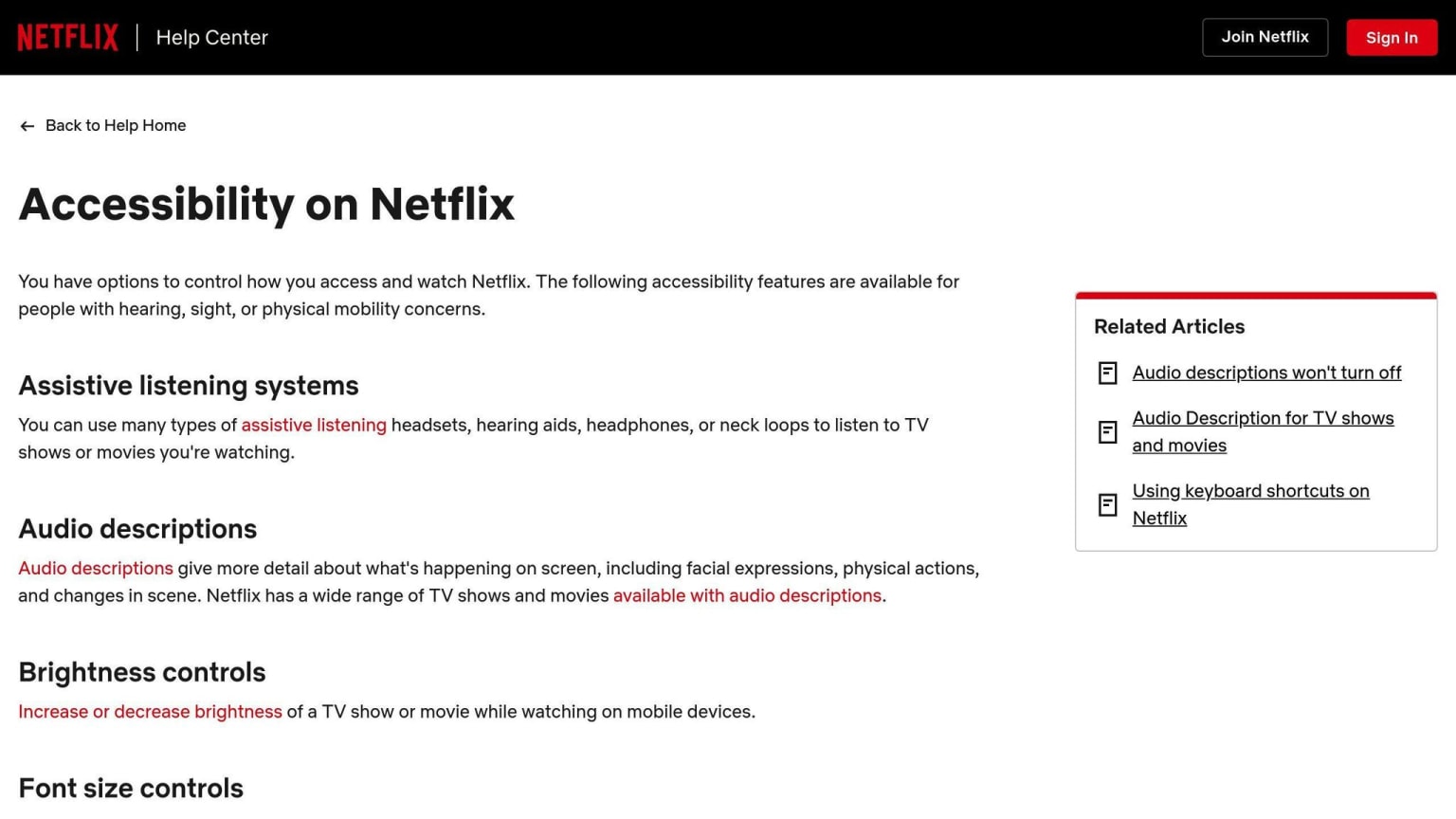
Netflix has made its closed captioning better for viewers who have trouble hearing. This helps more people enjoy and understand Netflix shows and movies.
| Feature | How it helps |
|---|---|
| Closed Captioning | Shows text for what people say and important sounds |
| Changeable Font Size | Users can make the text bigger or smaller |
| High Contrast Mode | Makes the words easier to see against the background |
These changes show that Netflix wants to make its service better for all users.
BBC Makes iPlayer Better for Screen Readers
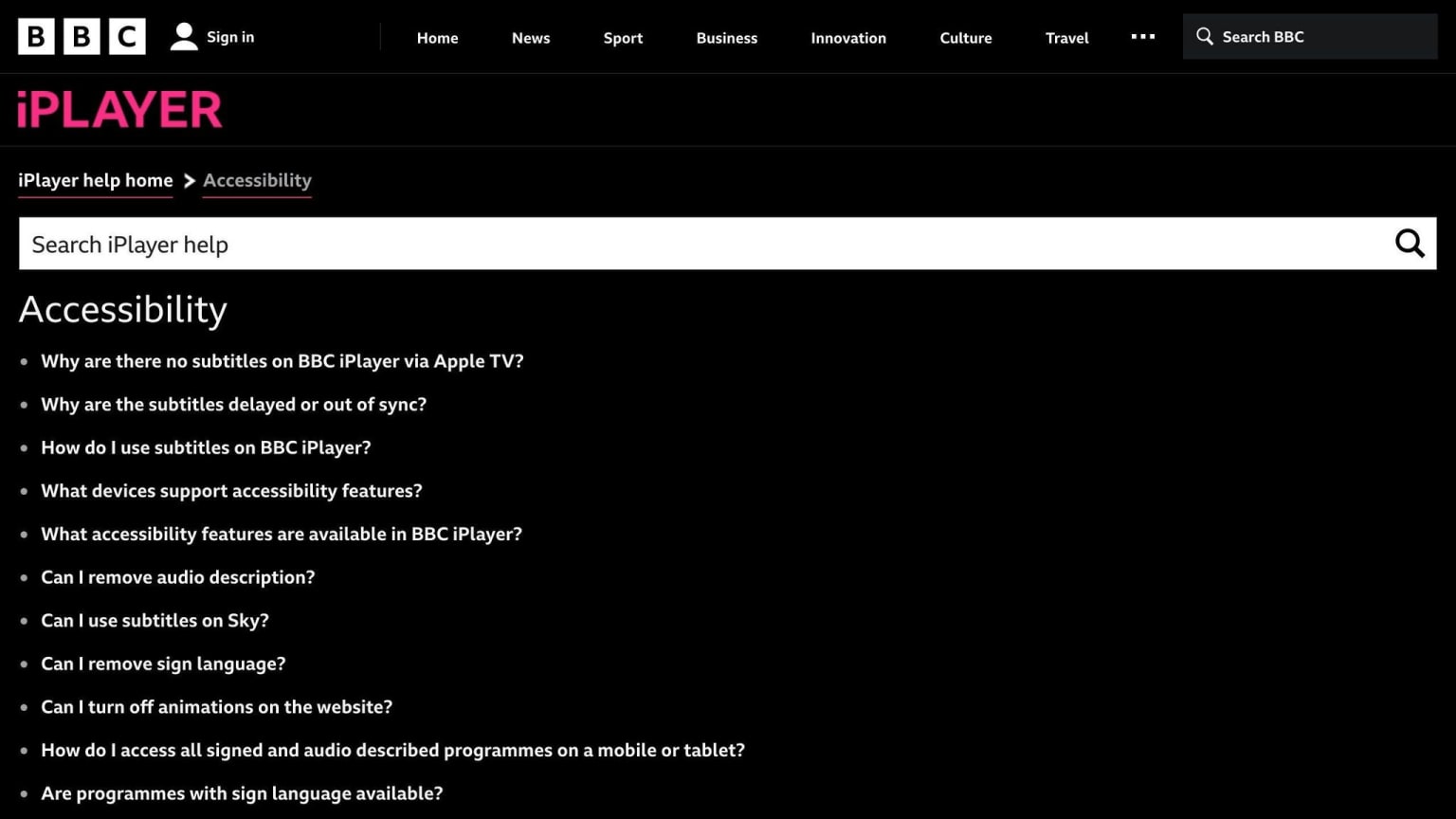
The BBC has changed its iPlayer to work better for people who use screen readers. The new design is simpler and easier to use.
| Feature | How it helps |
|---|---|
| Simpler Navigation | Fewer steps to find and play shows |
| Clearer Content Layout | Makes it easier for screen readers to understand the content |
| Same Design Everywhere | Works the same way on different devices |
These updates have made the iPlayer much easier to use for people who rely on screen readers. This shows that the BBC wants to make sure everyone can use their service.
Social Media
Instagram Improves Accessibility Features
Instagram has made its platform easier to use for people with disabilities. They've added new ways to describe images for users who can't see well.
| Feature | What it does |
|---|---|
| Auto Alt Text | Adds descriptions to images by itself |
| Custom Alt Text | Lets users write their own image descriptions |
| Better Screen Reader Support | Makes the app work better with screen readers |
These changes show Instagram wants to make its app work for everyone.
Facebook Adds Auto-Generated Image Descriptions
Facebook has also made its platform easier to use. They've added a tool that describes images automatically.
This new tool uses AI to write descriptions for images. It helps people who can't see well understand what's in the pictures on Facebook.
| Feature | What it does |
|---|---|
| Auto Image Descriptions | Writes descriptions for images by itself |
| Better Screen Reader Use | Makes the app work better with screen readers |
These new features show Facebook wants to make its platform work for all users.
Financial Services
Legal & General Group Updates Website Accessibility
Legal & General Group made big changes to their website after checking how easy it was to use. This led to more people finding the site and a better experience for users.
The new website has:
- Easier navigation
- Clear and consistent text
- Better access for users with disabilities
These changes helped in many ways:
| Result | Change |
|---|---|
| More people found the site | Up 25% in first day, then 50% later |
| Pages load faster | 75% quicker |
| Money saved on site upkeep | £200,000 per year |
This shows why making websites easy to use is important for financial companies. When everyone can use a site easily, more customers are happy and use it more.
Other banks have also made their services easier to use:
| Bank | What They Did |
|---|---|
| Bank of America | Added talking ATMs and made account info work with helper tech |
| Citibank | Set up a team to check and manage how easy their digital services are to use |
These changes help make sure everyone can use financial services, no matter their abilities.
Mobile Applications
CityMaas App Helps Users with Mobility Issues
The CityMaas Assist app helps people with mobility problems plan their trips. It shows how good design can make apps easy for everyone to use.
The app has these features:
| Feature | Description |
|---|---|
| Easy to use | Simple menus and clear text |
| Can be changed | Users can adjust text size and colors |
| Works with screen readers | People who can't see well can use the app |
The CityMaas app shows why it's important to make apps that everyone can use. When apps are easy to use, more people can enjoy them.
Other apps that are easy to use:
| App | Features |
|---|---|
| Google Maps | Works with screen readers, gives sound cues |
| Uber | Has rides for wheelchairs, gives sound cues |
| Works with screen readers, has high contrast mode |
These apps show how mobile apps can help people with disabilities. When apps are made for everyone, they can be useful and fun for all users.
Why Easy-to-Use Apps Matter
Apps that everyone can use are good because:
- People can do things on their own
- Apps are more fun to use
- More people can use the apps
When app makers focus on making apps easy to use, they create better apps for everyone.
How to Make Apps Easy to Use
To make apps that everyone can use:
- Test apps with people who have disabilities
- Follow rules for making apps easy to use
- Add text descriptions for pictures
Conclusion
This article shows how making websites and apps easy for everyone to use helps both people and businesses. We looked at examples from different areas like shopping, health, and social media.
Here's what we learned:
| Benefit | Example |
|---|---|
| More people can use the product | Tesco's online shopping |
| Users are happier | Apple's VoiceOver feature |
| Companies look better | Legal & General's website update |
Making things easy to use isn't just nice to do. It's good for business too. When companies make their websites and apps work for everyone:
- They can reach more customers
- Their websites show up better in search results
- People think better of the company
The stories we looked at, like the American Red Cross, Tesco, Apple, and the BBC, show that when you make things easy for people with disabilities, it often helps everyone.