

Discover the latest strategies and tools for optimizing Android app performance in 2024, including code improvements, advanced techniques, and robust testing.
Optimizing Android app performance is crucial for delivering a smooth user experience, boosting engagement, and driving business success. This guide covers key strategies to improve your app's performance:
Key Performance Metrics
- Load Time: Aim for under 2 seconds to minimize uninstalls
- Crash Statistics: Target < 1% per user, < 0.1% per session, < 0.01% per screen view
- Device Resource Usage: Monitor memory, network, and energy consumption
- Time in App: Analyze user engagement patterns
- Memory Usage: Optimize memory allocation to prevent crashes
Improving Code Performance
Technique
Description
Minify and Obfuscate Code
Reduce code size and protect intellectual property
Optimize Images and Resources
Compress images, use vector graphics
Use Asynchronous Programming
Keep app responsive during intensive tasks
Implement Caching
Reduce network requests and load times
Optimize Database Operations
Ensure efficient data retrieval
Advanced Optimization Techniques
Technique
Description
Sophisticated UI Management
Use ConstraintLayout, avoid overdraw, leverage RecyclerView
Backend Task Optimization
Use async tasks, job scheduling, and caching
Latest SDKs and Android Versions
Target latest versions for performance improvements
Monitoring and Testing Tools
- Android Profiler: Monitor CPU, memory, and network usage
- Load Testing Tools: Apache JMeter, Gatling, BlazeMeter, LoadRunner, Locust
- Crash Reporting: Crashlytics, Sentry
- Network Monitoring: Wireshark, Fiddler
By following these optimization strategies and leveraging the right tools, you can build high-performance Android apps that provide a seamless user experience and drive business success.
Key Performance Metrics for Android Apps
To understand how your app affects user satisfaction, you need to track the right metrics. These metrics provide valuable insights into areas that require optimization, enabling you to make data-driven decisions to improve your app's overall performance.
Load Time
The time it takes for your app to launch and become usable is critical. Aim for a load time of no longer than 2 seconds, as slower load times can lead to higher uninstall rates and negative reviews.
Crash Statistics
Crash rates measure the number of users who haven't encountered any app bugs, malfunctions, or crashes during a specific period. Aim for the following targets:
Crash Rate Target
Description
Less than 1% per user
Minimize crashes per user
Less than 0.1% per session
Reduce crashes per session
Less than 0.01% per screen view
Optimize crashes per screen view
Device Details
Understand how your app consumes device resources to optimize performance. Use tools like the Android Profiler to monitor:
- Memory allocations
- Network traffic
- Energy usage
Time in App
This metric measures how frequently and enthusiastically users engage with your app. Analyze user behavior to identify trends and patterns, enabling you to make informed decisions about feature enhancements and improvements.
Memory Usage
Monitor memory usage to avoid crashes and poor performance. Optimize your app's memory allocation to ensure a seamless user experience.
By tracking these key performance metrics, you can identify areas for improvement, optimize your app's performance, and ultimately, enhance the user experience.
sbb-itb-bfaad5b
Improving Code for Better Performance
Improving code performance is crucial to delivering a seamless user experience. In this section, we'll explore strategies for code optimization to improve app performance, focusing on reducing app size, enhancing networking, and managing memory effectively.
Code Optimization Techniques
To optimize code, you can employ various techniques:
- Minifying and obfuscating code: Reduce code size and protect your intellectual property using tools like ProGuard or R8.
- Optimizing image and resource usage: Compress images and use vector graphics where possible to minimize system resource usage.
- Using asynchronous programming: Perform computationally expensive tasks asynchronously to keep your app responsive.
- Implementing caching mechanisms: Reduce network requests and load times by storing frequently accessed data.
- Optimizing database operations: Ensure efficient data retrieval by optimizing queries and using appropriate indexing.
Reducing App Size
Reducing app size is essential to improve performance. To reduce app size, consider the following strategies:
Strategy
Description
Remove unused code and libraries
Reduce app size and improve performance
Compress resources
Reduce resource size and improve load times
Use Android App Bundles
Upload a single app bundle file to Google Play, which generates optimized APKs for each user's device configuration
By implementing these code optimization techniques and reducing app size, you can significantly improve your app's performance, leading to a better user experience and increased user satisfaction.
Advanced Performance Optimization Techniques
Delve into high-level optimization strategies to improve your app's performance.
Sophisticated UI Management
Effective UI management is crucial for delivering a seamless user experience. Consider the following strategies to optimize UI performance:
Strategy
Description
Use ConstraintLayout
Optimize UI layout performance by using ConstraintLayout, which reduces layout calculations and improves rendering efficiency.
Avoid Over-Draw
Minimize over-draw by using android:hardwareAccelerated="true" and optimizing view hierarchies to reduce unnecessary redraws.
Leverage RecyclerView
Improve list performance by using RecyclerView, which efficiently manages item views and reduces memory usage.
Backend Task Optimization
Optimize backend tasks to reduce latency and improve overall app performance. Consider the following strategies:
Strategy
Description
Use Async Tasks
Perform computationally expensive tasks asynchronously to keep your app responsive and prevent UI blocking.
Implement Job Scheduling
Schedule tasks using JobScheduler or WorkManager to optimize resource usage and reduce battery drain.
Leverage caching
Implement caching mechanisms to reduce network requests and load times, improving overall app performance.
Leveraging Latest SDKs
Stay up-to-date with the latest SDKs and Android versions to take advantage of performance optimizations and new features. Consider the following strategies:
Strategy
Description
Target Latest Android Versions
Optimize your app for the latest Android versions to leverage performance improvements and new features.
Use AndroidX Libraries
Migrate to AndroidX libraries, which provide optimized and modular implementations of Android APIs.
Leverage Android NDK
Use the Android NDK to optimize performance-critical components and take advantage of native code optimizations.
By implementing these advanced performance optimization techniques, you can significantly improve your app's performance, leading to a better user experience and increased user satisfaction.
Tools for Monitoring and Testing App Performance
To identify performance bottlenecks and optimize your Android app's performance, you need effective monitoring and testing tools. Here, we'll explore some popular tools for monitoring and testing app performance.
Android Profiler
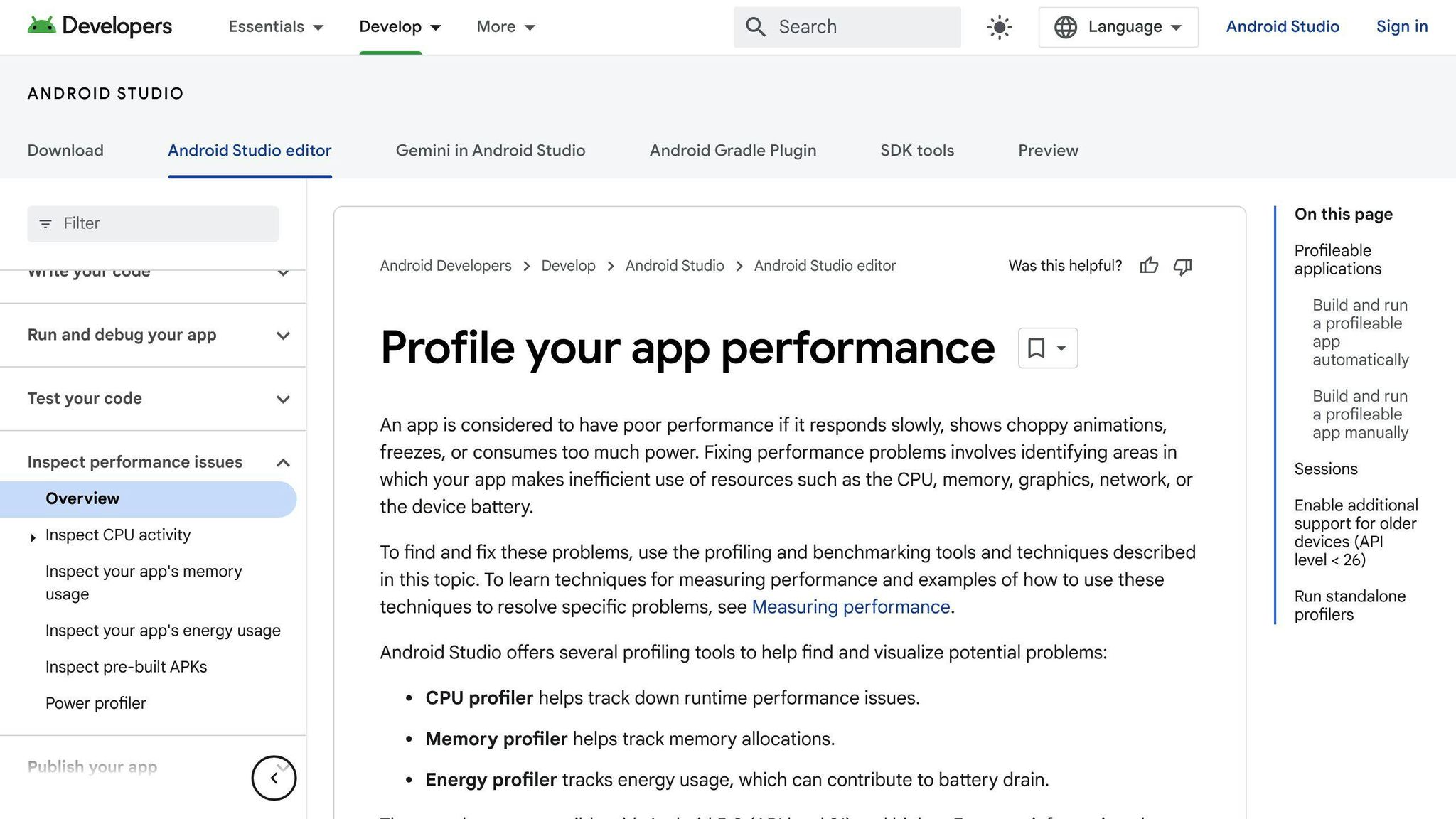
Android Profiler is a comprehensive tool provided by Google for monitoring app performance. It offers real-time data on your app's:
Category
Description
CPU Usage
Analyze CPU usage and thread activity
Memory Allocation
Track memory allocation and identify memory leaks
Network Activity
Monitor network activity and optimize data transfer
Other Profiling Tools
In addition to Android Profiler, several other profiling tools are available:
Tool
Description
Apache JMeter
Open-source testing tool for load testing and performance monitoring
Gatling
Open-source testing tool for load testing and performance monitoring
BlazeMeter
Cloud-based testing tool for load testing and performance monitoring
LoadRunner
Commercial testing tool for load testing and performance monitoring
Locust
Open-source testing tool for load testing and performance monitoring
Crash Reporting Tools
Crash reporting tools help you identify and diagnose app crashes, enabling you to fix issues and improve overall app stability:
Tool
Description
Crashlytics
Popular crash reporting tool for Android apps
Sentry
Crash reporting tool that provides detailed error reporting and analytics
Network Monitoring Tools
Network monitoring tools help you optimize network activity and reduce latency:
Tool
Description
Wireshark
Network protocol analyzer for monitoring network traffic
Fiddler
Web debugging proxy for monitoring network activity
By leveraging these tools, you can effectively monitor and test your Android app's performance, identifying areas for improvement and optimizing the user experience.
Conclusion: Building High-Performance Android Apps
In conclusion, building high-performance Android apps requires a combination of efficient coding practices, effective resource management, and robust testing and monitoring tools. By following the guidelines outlined in this guide, developers can create Android apps that provide a seamless user experience while minimizing resource usage and ensuring optimal performance.
Key Takeaways
To summarize, the key takeaways from this guide are:
- Optimize code for better performance: Use efficient algorithms, reduce unnecessary object creation, and leverage caching mechanisms to improve app performance.
- Manage resources effectively: Manage memory and battery life efficiently, and optimize network requests to reduce latency and improve overall app performance.
- Use robust testing and monitoring tools: Leverage tools like Android Profiler, Crashlytics, and network monitoring tools to identify performance bottlenecks and optimize app performance.
Building Successful Android Apps
By adopting these optimization practices, developers can create successful Android apps that meet the evolving needs of users in 2024 and beyond. Remember, performance optimization is an ongoing process that requires continuous monitoring, testing, and refinement to ensure optimal app performance and user satisfaction.
FAQs
How do I optimize an app for Android?
Optimizing an Android app is crucial to provide a seamless user experience. Here are some best practices to help you optimize your app:
Optimization Techniques
Technique
Description
Use Baseline Profiles
Identify performance bottlenecks and optimize app startup time
Use a startup profile
Analyze app startup sequence and identify areas for improvement
Use the App Startup library
Optimize app startup time and improve performance
Lazily load libraries or disable auto-initialization
Reduce memory usage by loading libraries only when needed
Use ViewStubs
Improve UI performance by loading views on-demand
Optimize splash screen
Ensure splash screen is optimized for performance
Use scalable image types
Reduce image loading time and improve performance
Use Performance APIs
Monitor and optimize app performance
By following these best practices, you can optimize your Android app for better performance, reduced latency, and improved user satisfaction.