A concise 2026 guide to top platforms and a simple weekly workflow for finding developer tools with real traction and technical signals.
If I want to find new dev tools without wasting time, I don’t rely on one site. I use a small mix: Product Hunt for launches, GitHub Trending for repo growth, Hacker News for hard feedback, Reddit for niche checks, dev.to for setup stories, and daily.dev for a steady feed.
Here’s the short version:
- Product Hunt shows what just launched.
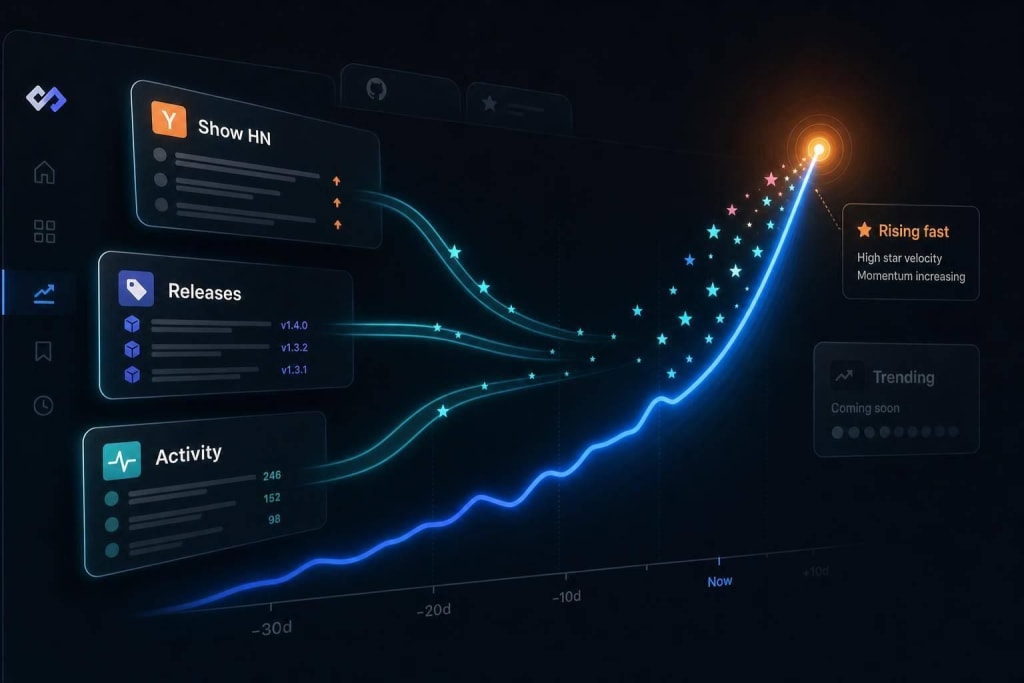
- GitHub Trending shows which open-source repos are getting stars fast.
- Hacker News shows whether a tool can handle tough technical questions.
- Subreddits show if people bring it up while solving day-to-day problems.
- dev.to shows how tools work once people try them.
- daily.dev helps me keep up without checking every site by hand.
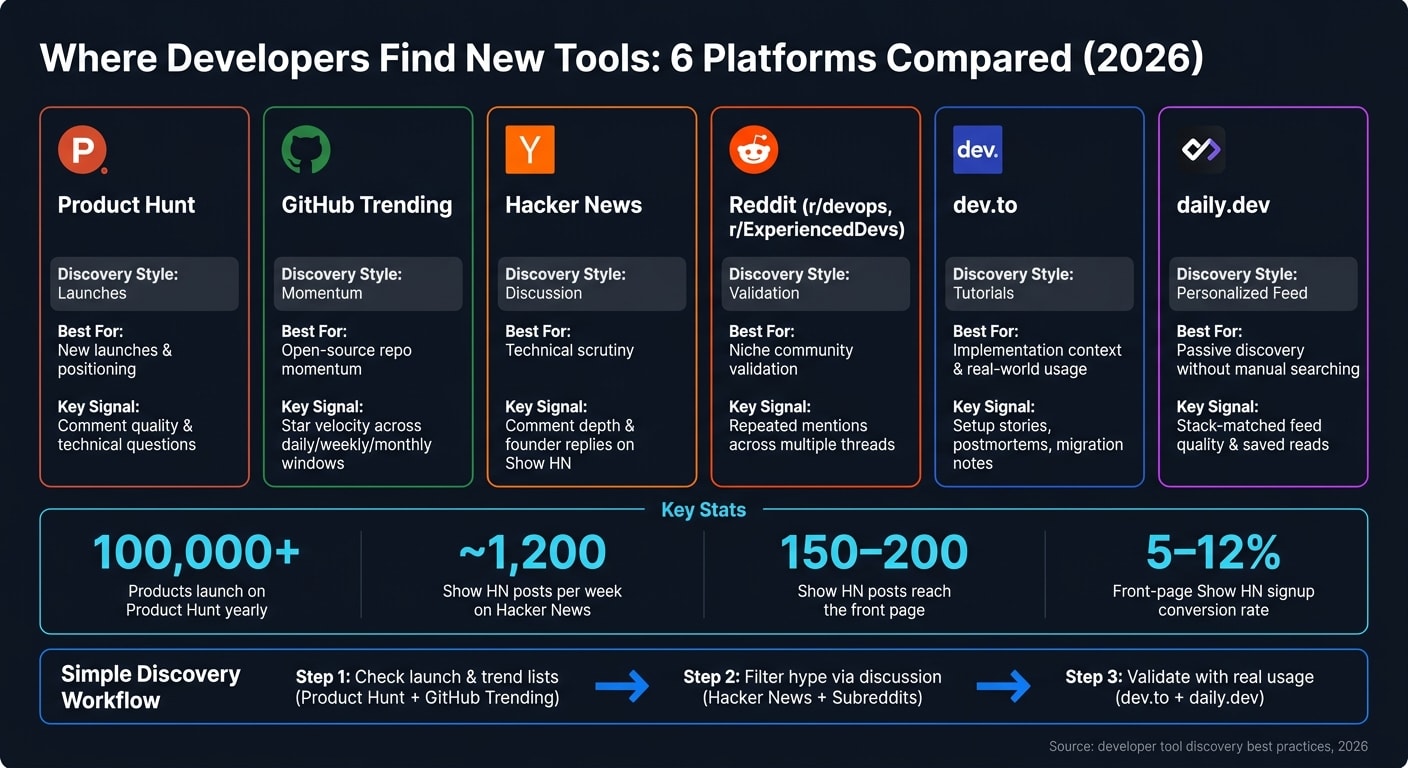
A few numbers stand out:
- 100,000+ products launch on Product Hunt each year.
- Show HN makes up about 8% of Hacker News story volume, or around 1,200 posts per week.
- Only about 150–200 Show HN posts reach the front page.
- Front-page Show HN posts can convert at 5%–12% for signups.
The main point: I look for signs of use, not just noise. Comments, commit activity, issue replies, repeat mentions, and hands-on writeups tell me more than votes alone.
Quick Comparison
| Platform | What I use it for | What I look at first |
|---|---|---|
| Product Hunt | New launches | Comments, launch timing, demo clarity |
| GitHub Trending | Repo momentum | Star growth, language filter, repeat appearances |
| Hacker News | Technical review | Comment depth, founder replies, /show posts |
| Niche checks | Repeat mentions, pain-point threads, blunt feedback | |
| dev.to | Usage stories | Tutorials, migration notes, setup problems |
| daily.dev | Passive discovery | Feed quality, stack fit, saved reads |
So if I want a simple workflow, I start with launch and trend lists, use discussion sites to filter hype, and finish with docs, repos, and user writeups before I spend any time testing a tool.
Launch platforms and trend lists: Product Hunt and GitHub Trending
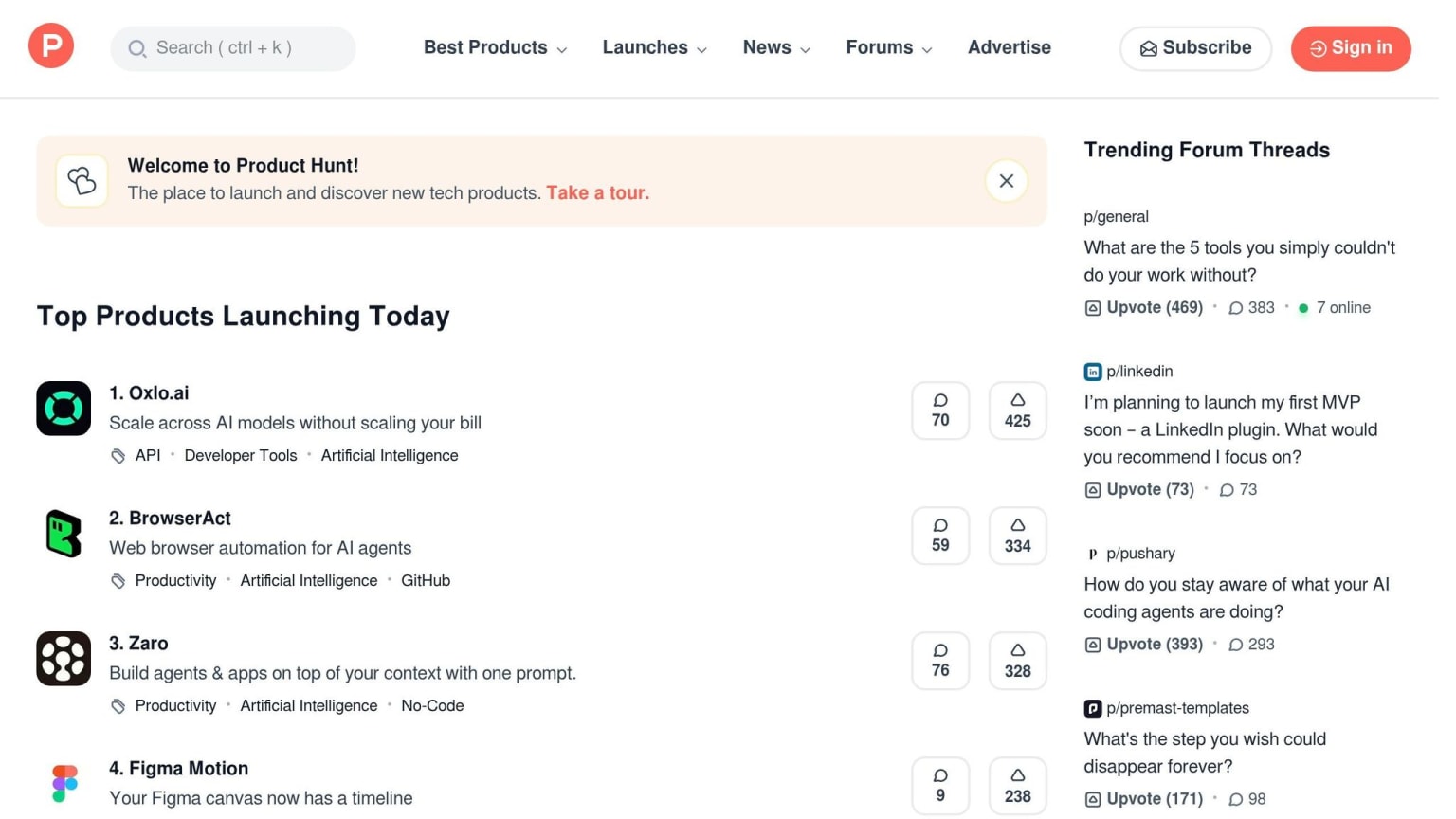
Product Hunt: community voting and launch-day visibility
Product Hunt can give a new tool a sharp 24-hour burst of attention. If upvotes and comments come in fast, a product can end up in front of a lot of developers in a single day. More than 100,000 products launch on the platform each year .
Upvotes show reach. Comments tell you more. When people ask technical questions about architecture, edge cases, and integrations, that’s usually a much better sign of real developer interest than generic praise .
Timing matters too. Launching just after midnight PT gives you the full 24-hour window, and weekdays tend to do better than weekends .
That same test - what still looks good under scrutiny - shows up even more clearly in discussion communities.
GitHub Trending: repository momentum and early open-source signals
GitHub Trending tracks star velocity, not total stars, across daily, weekly, and monthly windows . That makes it useful for spotting open-source tools that are starting to pull in real developer attention.
The language filters help cut noise. If most of your work is in Rust or TypeScript, filtering by language will surface tools that fit your stack more closely . And if a repo keeps showing up on the daily, weekly, and monthly lists, that points to momentum that’s building over time, not just a one-day burst .
These are early signals; the next filter is public discussion and top community picks for dev resources.
Discussion communities: Hacker News and relevant subreddits
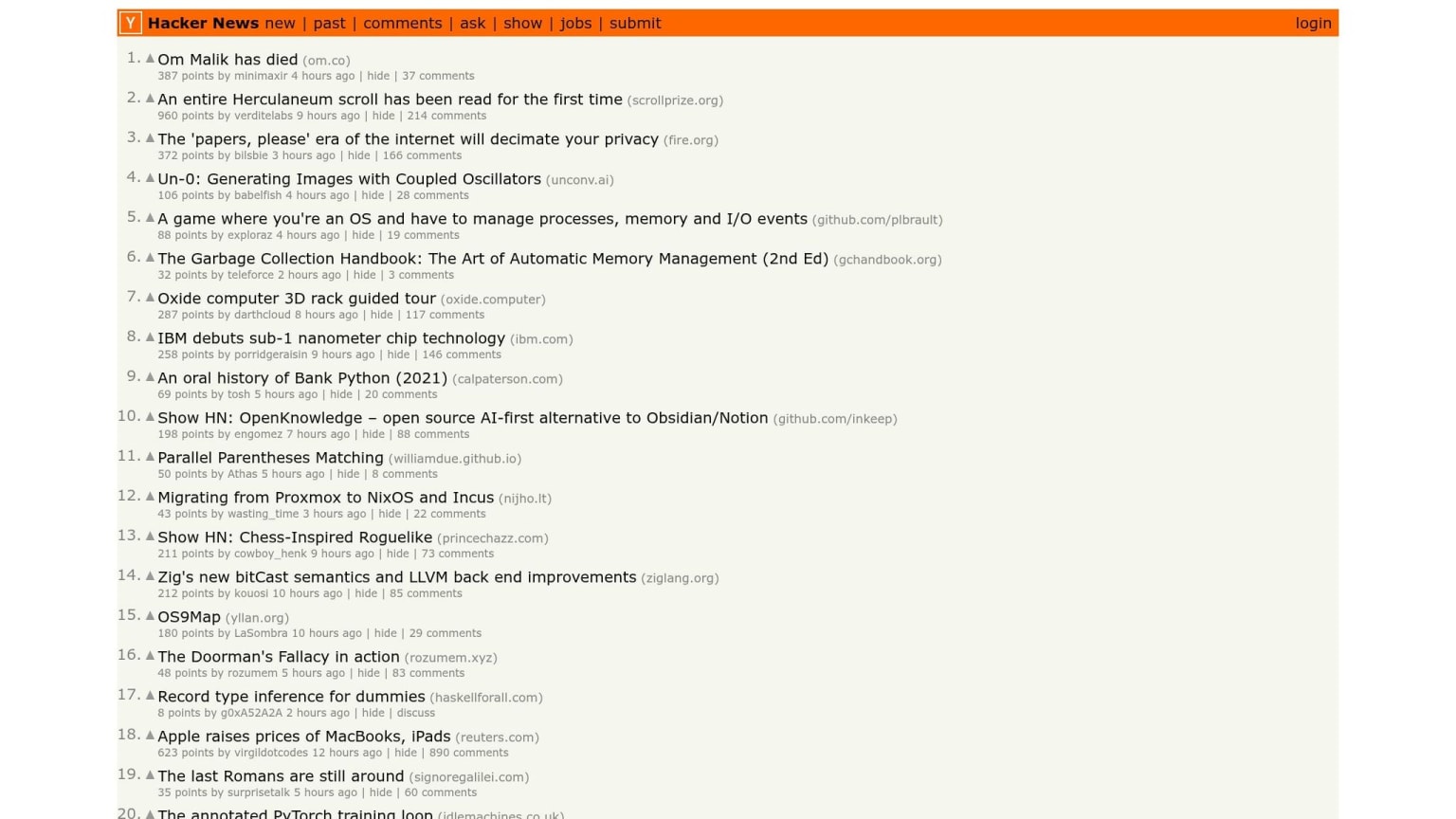
After launch lists, discussion communities work like a filter. Launch numbers can show interest. Discussion threads show whether a tool can stand up to close technical review. They bring out tradeoffs, edge cases, and adoption friction that launch metrics often miss.
Hacker News: discussion-driven discovery with technical scrutiny
The Show HN tag is where many early-stage tools show up before launch marketing kicks in. Founders usually post on their own, often before they have revenue, and the replies tend to focus on technical questions instead of praise. Show HN makes up about 8% of story volume on Hacker News, or around 1,200 posts per week. But only 150–200 of those make it to the front page .
On HN, comment depth matters more than upvotes. Thin marketing copy gets picked apart fast. If a tool’s architecture holds up in that kind of thread, that’s a strong signal. Front-page Show HN posts can convert at 5–12% for signups .
One simple move: check the /show listing directly instead of waiting for a post to hit the front page. That’s usually where you’ll spot tools before a marketing team has cleaned up the story . And that same tough review process is what makes HN useful for sorting hype from tools that are worth a closer look.
Relevant subreddits: niche communities for context and validation
Subreddits like r/devops and r/ExperiencedDevs add another layer of validation. The focus there is usually on operational burden and maintainability, not just whether the demo looks good . Mentions often come from people dealing with actual problems, not from promotion, which makes the signal stronger than a one-off launch post.
Repeated mentions across threads matter more than one viral post. If a tool keeps showing up in “how do I handle X” discussions over a few weeks, that says more than a single high-upvote mention. Complaint threads are worth watching too. When developers call out problems with an old tool and a new one gets named as the fix, that’s a strong sign .
From there, content feeds and personalized streams help keep the best tools in view without making you search all day.
Content flow and personalized discovery: dev.to and daily.dev
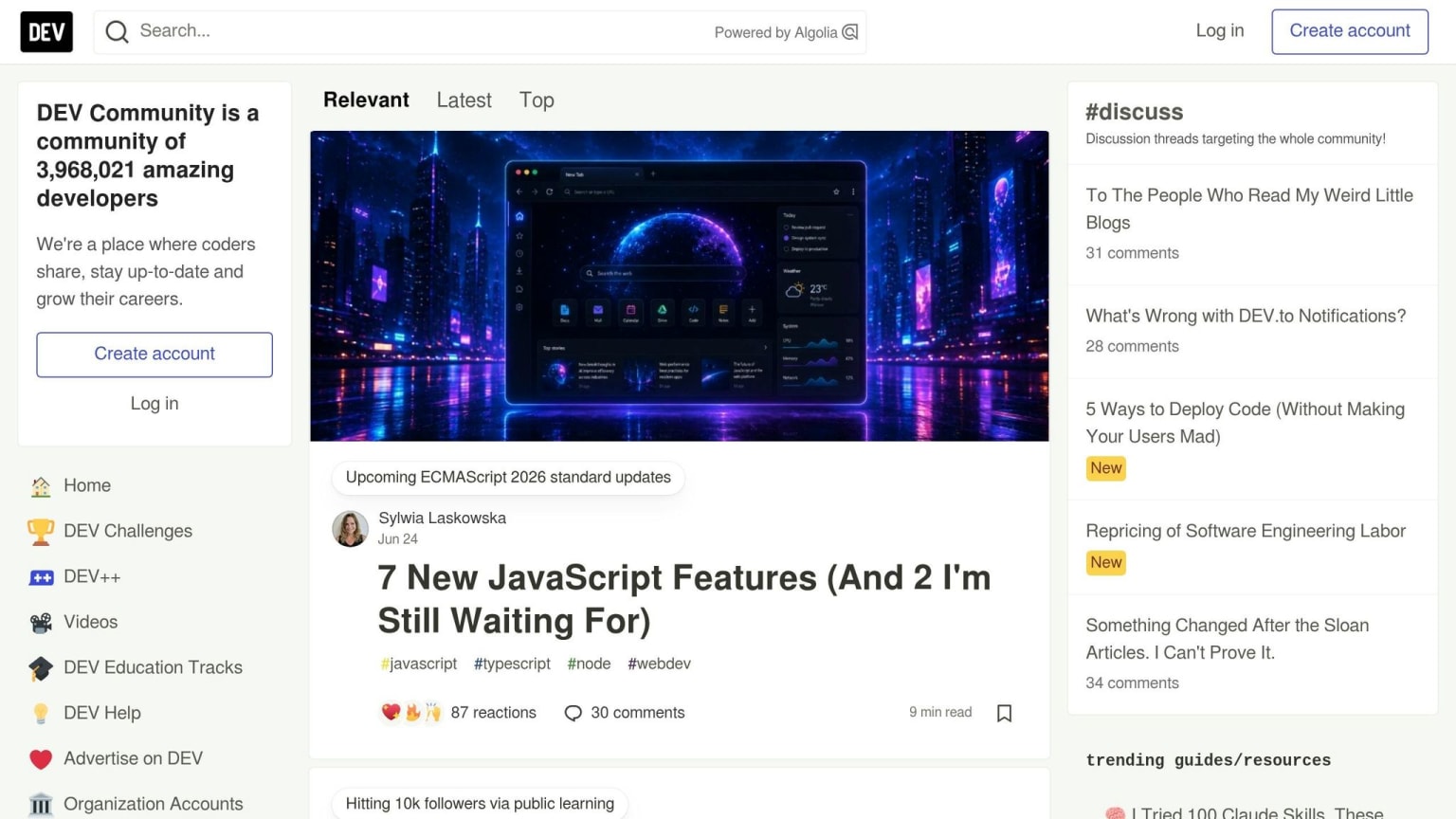
After the launch buzz dies down, content feeds show whether a tool still holds up when people use it for actual work. Personalized streams help you keep up between product launches and forum threads, without having to hunt for updates all day.
dev.to: tool writeups and implementation stories
dev.to plays a different role than launch sites or discussion boards. It’s a publishing platform for technical articles, SDK walkthroughs, and postmortems that surface proof of how a tool performs in practice . You see the messy stuff there too: setup quirks, performance problems, and edge cases that only show up after real use.
Its tag system also makes niche topics easier to find. Search for Postgres schema diff or debugging flaky CI pipelines, and you’ll often find tutorials and postmortems from developers who hit the exact same issue . First impressions and migration notes can also show onboarding friction and tradeoffs . That makes dev.to useful when you need evidence, not just hype.
daily.dev: a personalized feed for staying current without hunting
daily.dev pulls articles, tutorials, and discussions into one feed that shifts based on your stack and interests . The browser extension, Search, and Squads help keep relevant content in front of you with very little effort.
Instead of checking a bunch of sites one by one, you get a steady stream of material that matches what you work on. That balance between deeper reading and passive discovery leads naturally into choosing the smallest useful discovery workflow.
Which platform fits which job, and how to build a low-effort discovery workflow
Each source does a different job. Some are good for new launches. Others are better for traction, tough technical debate, niche feedback, or hands-on how-to content. If you use them that way, it gets much easier to know where to look first.
Platform comparison by discovery style
| Platform | Discovery Style | Best For |
|---|---|---|
| Product Hunt | Launches | New launches and positioning |
| GitHub Trending | Momentum | Open-source momentum |
| Hacker News | Discussion | Technical scrutiny |
| Subreddits | Validation | Niche validation |
| dev.to | Tutorials | Implementation context |
| daily.dev | Personalized feed | Personalized discovery |
The catch is simple: these places surface way more tools than most developers have time to check. So the job isn’t just discovery. It’s filtering.
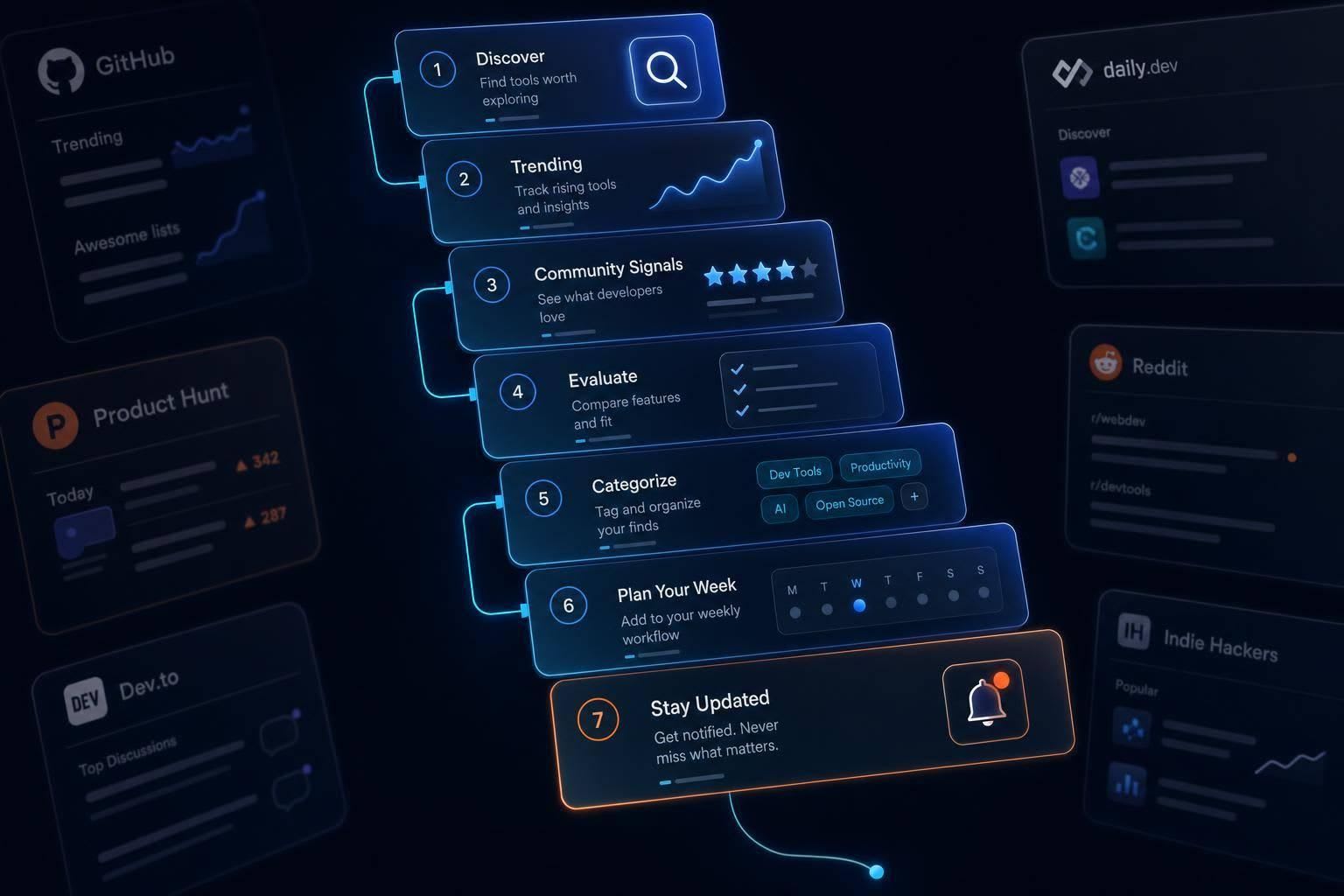
A simple weekly workflow for discovering tools early
Make it a small weekly routine instead of a random scroll habit. On Monday, check Product Hunt and GitHub Trending first. For GitHub Trending, filter by your main language so the list stays useful instead of turning into noise.
After that, skim Hacker News posts and the subreddits tied to your stack. That’s usually where you’ll spot early reactions, blunt criticism, and the kind of comments that tell you whether a tool holds up once people poke at it.
For the rest of the week, let daily.dev do some of the work for you. Its personalized feed pulls in articles, tutorials, and discussions tied to your stack, so you don’t have to keep opening each source one by one. When something looks worth a closer look, check the README, the last commit date, and the issue tracker. That quick pass is often enough to tell whether the project is active, useful, or probably not worth your time.
The basic idea is to match the source to the question:
- What just launched?
- What’s picking up steam?
- What survives technical scrutiny?
- What solves an actual pain point?
- What deserves a deeper read?
Start with the question, use the source that fits, and move on.
FAQs
How can I spot a tool early without chasing hype?
Focus on technical signals, not hype.
Start with the repo. Look for recent commits, active replies in issues, and a steady release cadence. A big star count can look nice, but it often matters less than steady development and more than one active contributor.
Then check whether the tool solves a specific engineering pain point. That usually shows up in the basics:
- Clear docs
- Working examples
- Feedback from peers on places like Hacker News, Reddit, or daily.dev discussions
A tool can sound great on paper and still fall apart when you try to use it. Good docs and real examples are often the first sign that the team understands the problem they're trying to fix.
What signals show a dev tool is actually gaining traction?
Look past launch-day hype. On GitHub, a high fork velocity can point to active development and a community that’s actually contributing, not just watching from the sidelines. Peer feedback in niche communities matters too. It’s one of the best trust signals when you want to confirm that a tool has real use, not just buzz.
Strong tools also tend to show their age in good ways. You’ll often see clear, automated documentation, plus features like strong typing or runtime validation. And when you want more than surface-level popularity, adoption metrics and technical benchmarks tell a much better story, including latency, API stability, and security performance.
How often should I check these platforms without wasting time?
Use a simple tiered schedule that helps you shortlist tools fast, not sink hours into deep reading.
Spend 10 minutes a day scanning places like daily.dev for new tools. The goal here is simple: look for anything that fits your current stack, and flag only those items.
Then block 45 minutes each week to go through what you flagged. Check the health of each GitHub repository and skim community discussions to see what people are saying.
Once a month, set aside 30 minutes to prune your sources and clean up your watchlist so it still matches your goals.