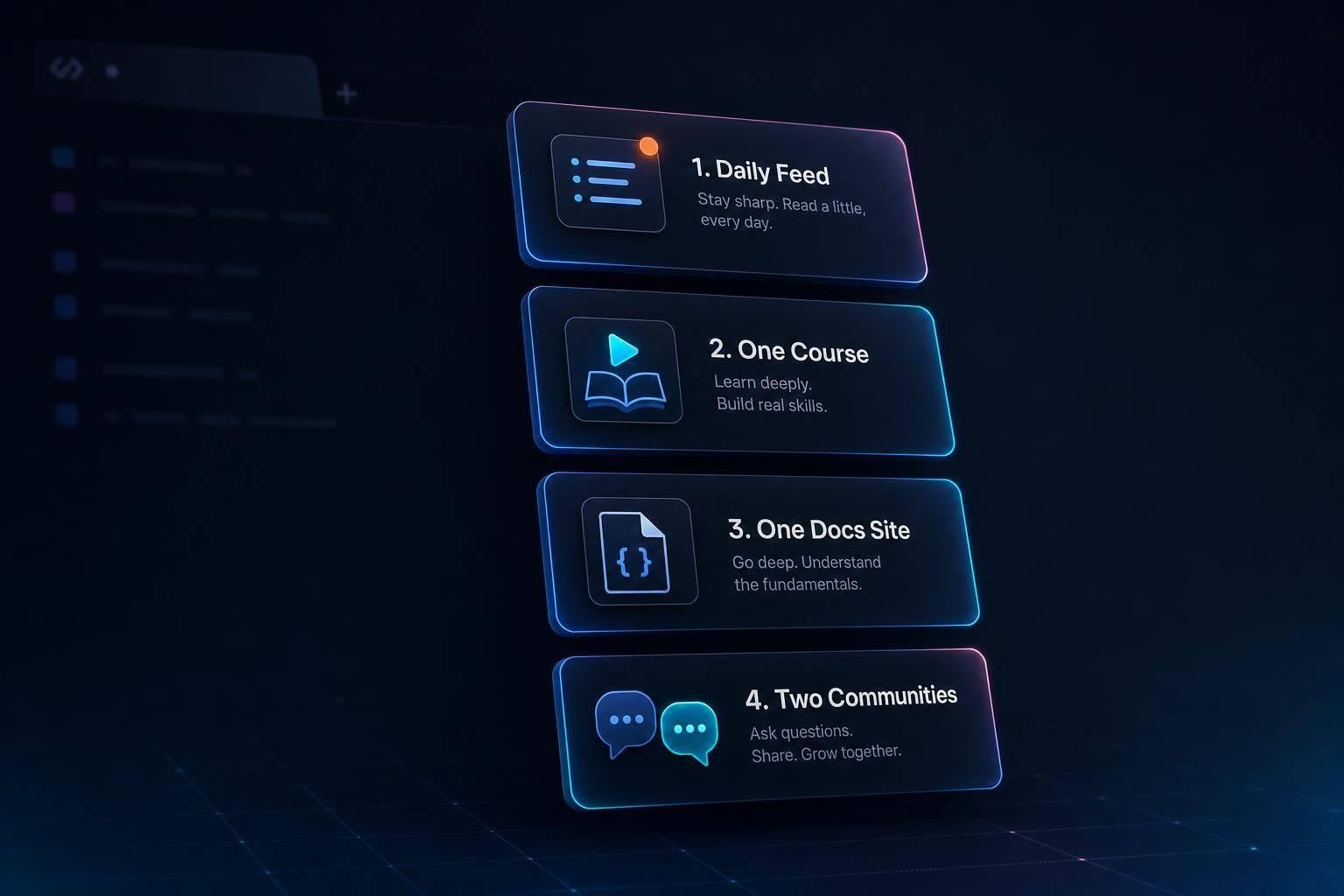
Small, repeatable setup for new devs: a focused daily feed, one course, one docs site, and a couple communities to stay current.
If I were starting out in 2026, I would keep my setup small: one daily feed, one course, one docs site, and one or two places to ask questions. That is the main idea.
Here’s the short version:
- I’d use daily.dev to skim coding news from 2,000+ sources in one place
- I’d pair it with freeCodeCamp or The Odin Project for step-by-step learning
- I’d use MDN for deeper web docs and W3Schools for fast syntax checks
- I’d join freeCodeCamp Forum, Discord, DEV Community, Reddit, and GitHub based on the kind of help I need
- I’d follow a simple routine: 10–15 minutes daily, a few study sessions each week, and one monthly tool check
Why does this matter now? In 2026, many new developers are expected to read, test, and fix AI-written code. At the same time, tools and frameworks change fast. So I think the smart move is simple: stay focused on basics while using a small set of sources to track what matters.
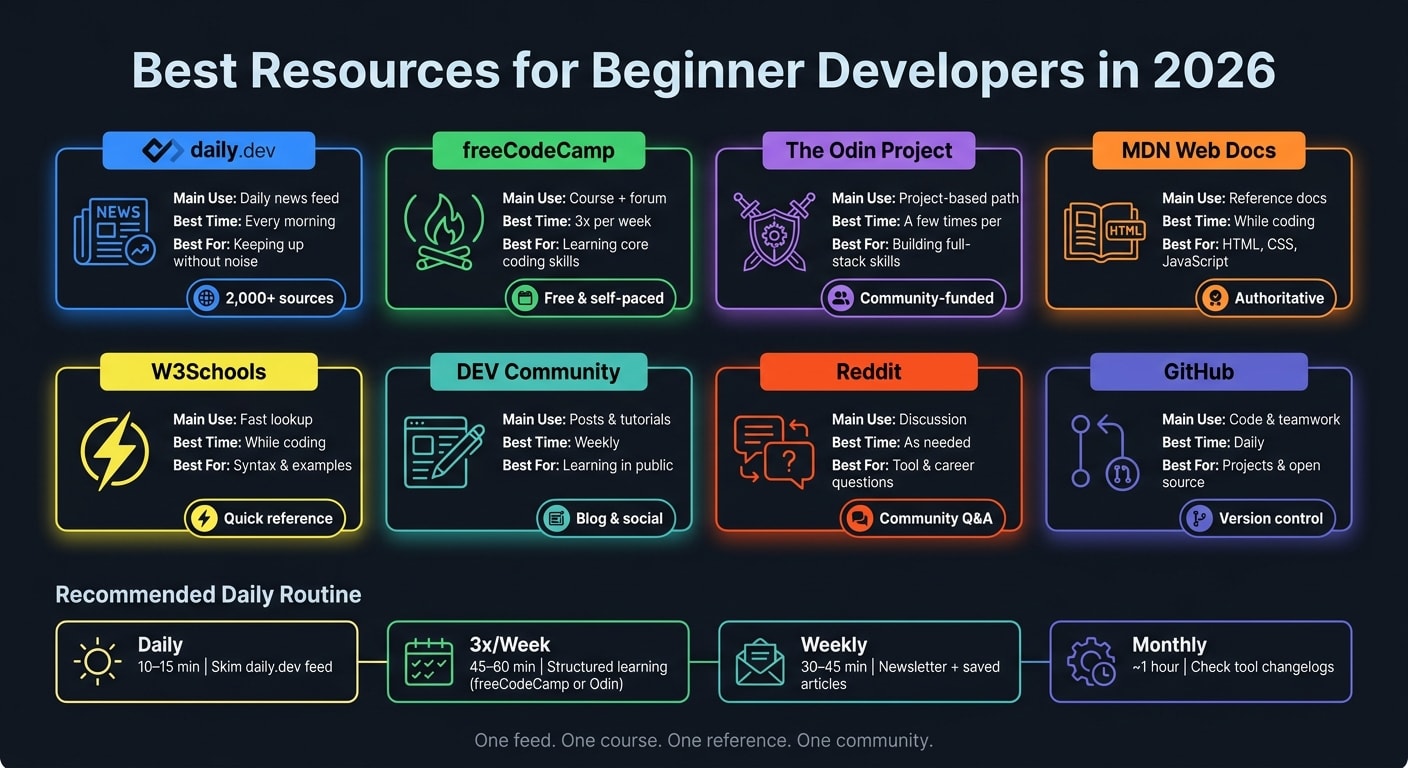
Quick Comparison
| Resource | Main use | Best time to use it | Best for |
|---|---|---|---|
| daily.dev | Daily news feed | Every morning | Keeping up without too much noise |
| freeCodeCamp | Course + forum | 3x per week | Learning core coding skills |
| The Odin Project | Project-based path | A few times per week | Building full-stack skills |
| MDN Web Docs | Reference docs | While coding | Understanding HTML, CSS, and JavaScript |
| W3Schools | Fast lookup | While coding | Checking syntax and examples |
| DEV Community | Posts and tutorials | Weekly | Sharing what I learn |
| Discussion | As needed | Tool and career questions | |
| GitHub | Code and teamwork | Daily | Projects, version control, open source (see version control basics) |
Bottom line: I don’t need to read everything. I need a routine I can keep.
1. daily.dev as the Main Daily Feed for Beginner Developers
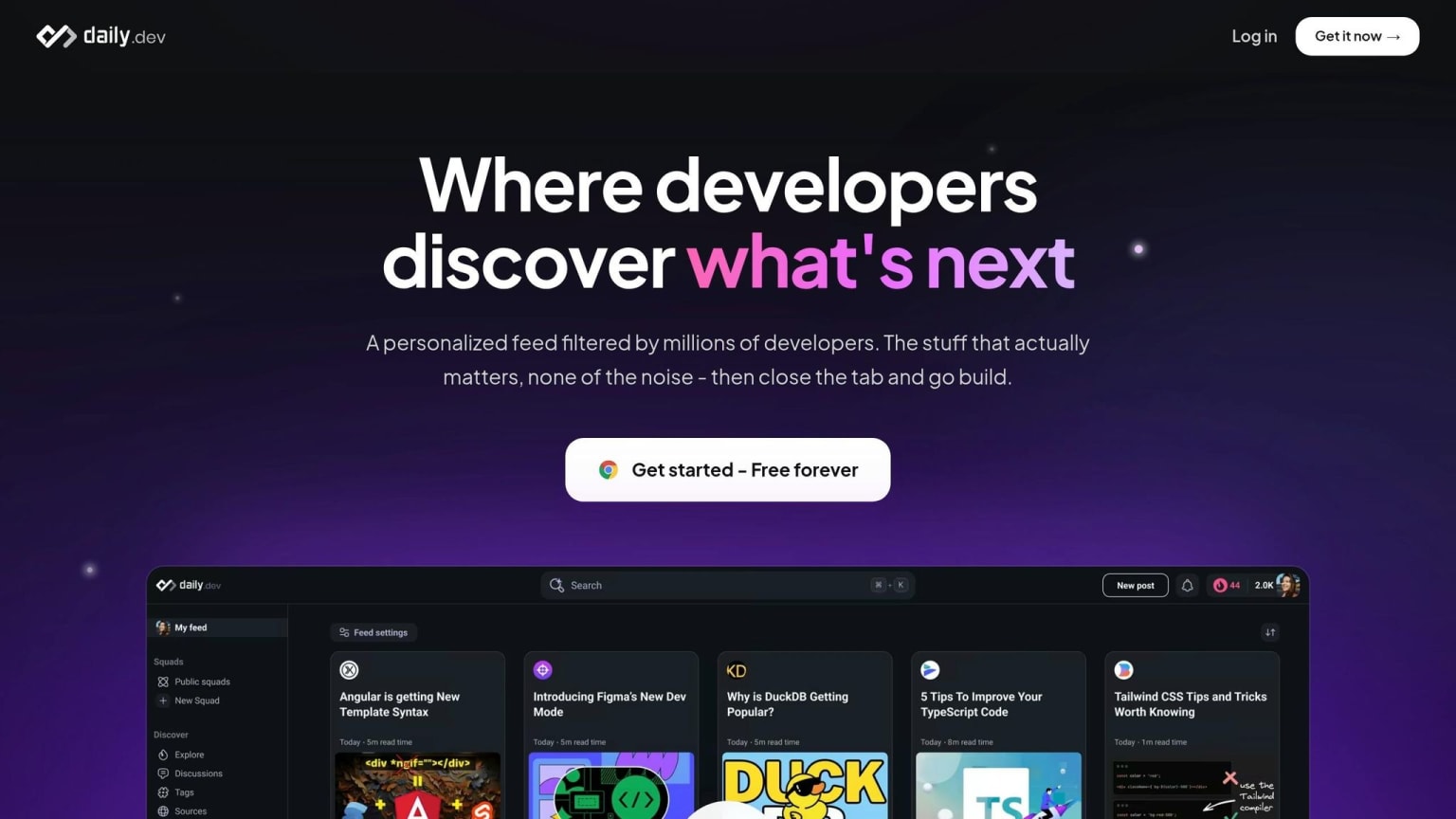
For beginners, daily.dev works well as a daily feed for developer tools, frameworks, and easy-to-follow explainers. It’s free, and it pulls articles, tutorials, and discussions from more than 2,000 trusted sources, including GitHub Blog, Hacker News, Dev.to, and freeCodeCamp, into one feed shaped around your stack .
That matters because beginner learning can get messy fast. One minute you’re reading a React guide, the next you’re buried in random hot takes on X. daily.dev helps cut through that. The community upvotes content, so better tutorials and news tend to float to the top while low-value noise gets filtered out .
How to Set Up daily.dev for a Beginner Stack
Start with the stack you’re learning right now, not the one you might learn later. If you’re focused on JavaScript, Python, HTML/CSS, or React, choose that first and let the feed adjust around it.
This keeps your daily reading tied to what you’re already working on. That’s a big deal for beginners. If your feed is too broad, it can feel like trying to drink from a fire hose.
It also helps to save posts on topics you want more of. When you save useful content, you’re giving the feed a clearer signal about what you need next.
daily.dev Features That Help Beginners Stay Consistent
The browser extension swaps out your new tab page in Chrome or Edge. So each time you open a new tab, you see your personal feed instead of a blank page or a pile of bookmarks .
That small shift can make daily learning feel a lot easier. You don’t have to remember where to go. The feed is just there, waiting for you.
A few features stand out for beginners:
| Feature | What It Does for You |
|---|---|
| New Tab Feed | Turns every new tab into a short learning check-in. |
| Search | Helps you find explainers on specific topics when a concept isn’t clicking. |
| Squads | Topic groups where you can follow discussions around your stack. |
| AI TL;DR | Sums up long articles so you can decide faster if they’re worth your time. |
| DevCards | Tracks your progress and lets you share your interests with the community. |
Use these tools to scan fast, save what matters, and keep moving. DevCards also add streaks and progress markers, which can make it easier to stick with the habit.
Once your daily feed is set, add one structured learning source and one reference site for deeper study.
2. The Best Beginner-Friendly Resources Beyond Your Daily Feed
Once your daily feed points you to a topic, the next step is simple: learn the basics with a structured learning path, check the docs, and scan a weekly update or two. That keeps you from bouncing around without a plan.
Structured Learning: freeCodeCamp and The Odin Project

Stick with the same beginner stack you picked in daily.dev. That way, your reading and practice stay aligned.
freeCodeCamp is a solid place to start if you're new. Its curriculum is completely free and self-paced, and it covers Responsive Web Design, JavaScript, Python, Relational Databases, and Back-End Development .
The Odin Project is also free, community-funded, and built around project-based learning . So instead of only reading, you build things as you go. That can make the whole process feel less abstract.
Reference Docs: MDN Web Docs and W3Schools
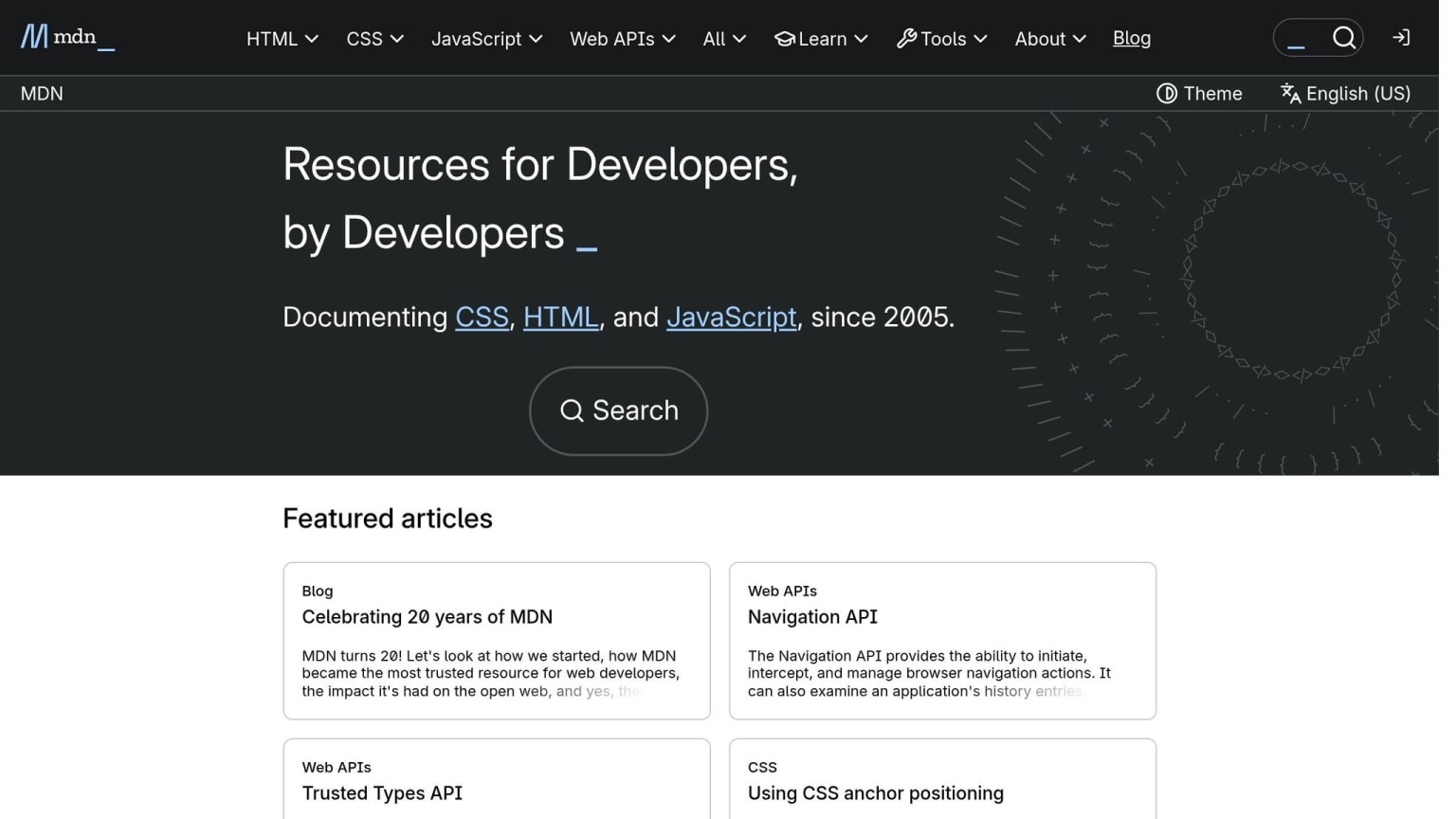
Use MDN Web Docs when you want accurate, deeper references for HTML, CSS, and JavaScript. It’s the place to go when you need to understand how something works, not just copy a snippet.
Use W3Schools for quick syntax checks while you code. Think of it as a fast lookup when you forget a tag, property, or method.
Newsletters for a Lighter Weekly Check-In
For a lighter weekly pass, use Dev Weekly or the freeCodeCamp newsletter. They pair well with your daily feed and give you a simple way to skim what’s new without getting overloaded.
When you want answers, accountability, or feedback, the next move is communities.
3. Beginner-Friendly Communities Worth Joining
Use communities when you need feedback, a second opinion, or help getting unstuck.
freeCodeCamp Forum and Discord
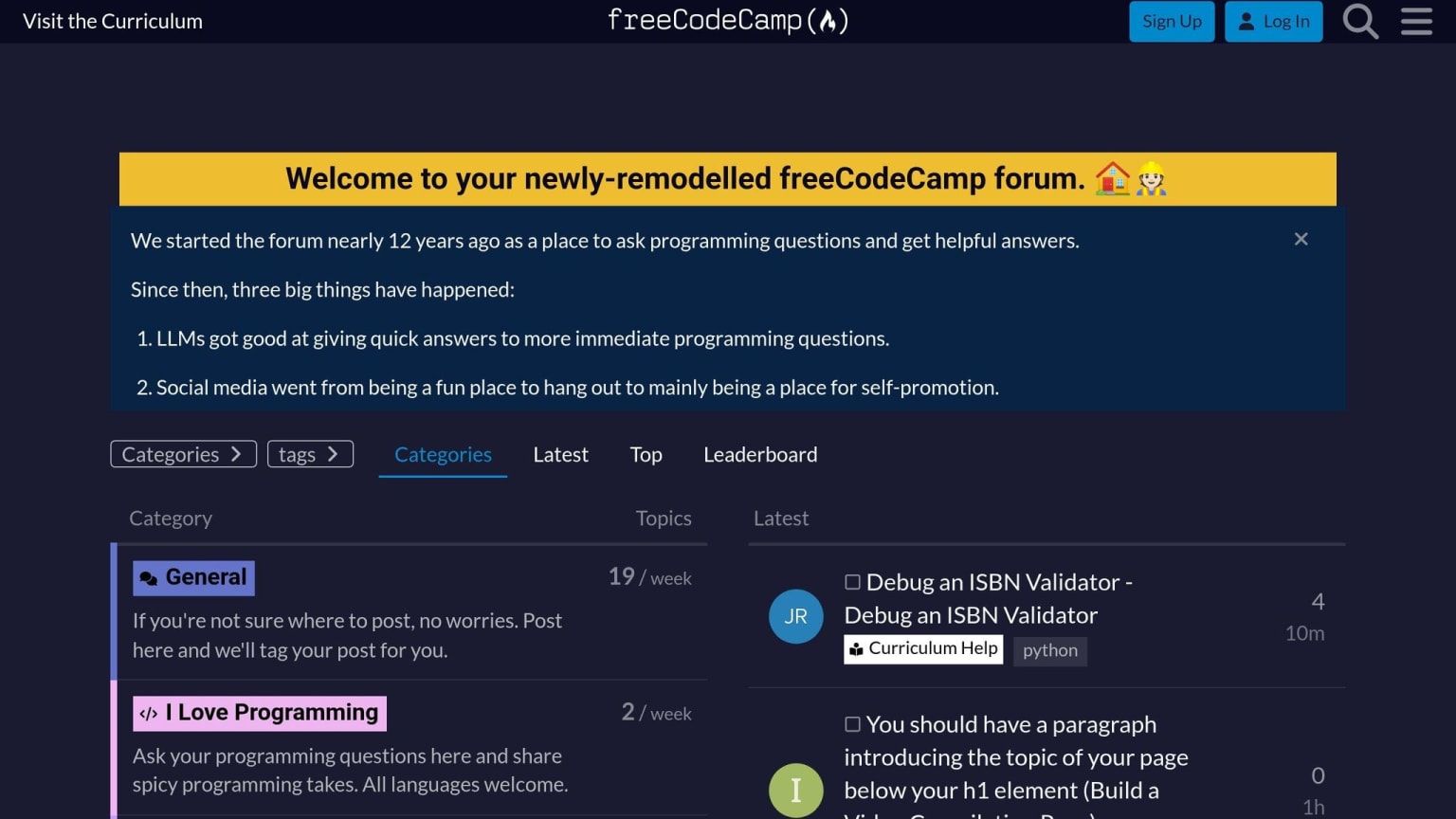
The freeCodeCamp Forum is built for programming help and project feedback . A lot of learners have used it as part of their move into tech and even landed their first developer jobs . That tells you something: people there tend to take helping others seriously.
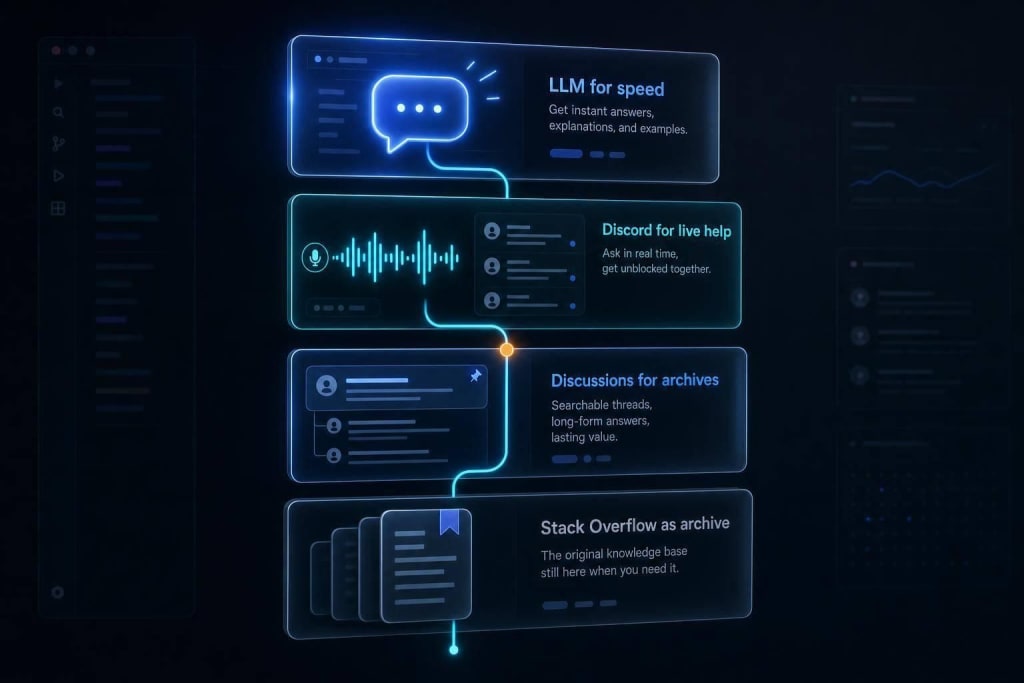
The freeCodeCamp Discord works better for live back-and-forth with other developers and learners . It’s more like a quick chat room. One catch, though: Discord messages are much harder to search later. So if you want your question to be easy to find down the road, the forum is the better pick .
For public discussion and learning in public, move to DEV Community, Reddit, and GitHub.
DEV Community, Reddit, and GitHub
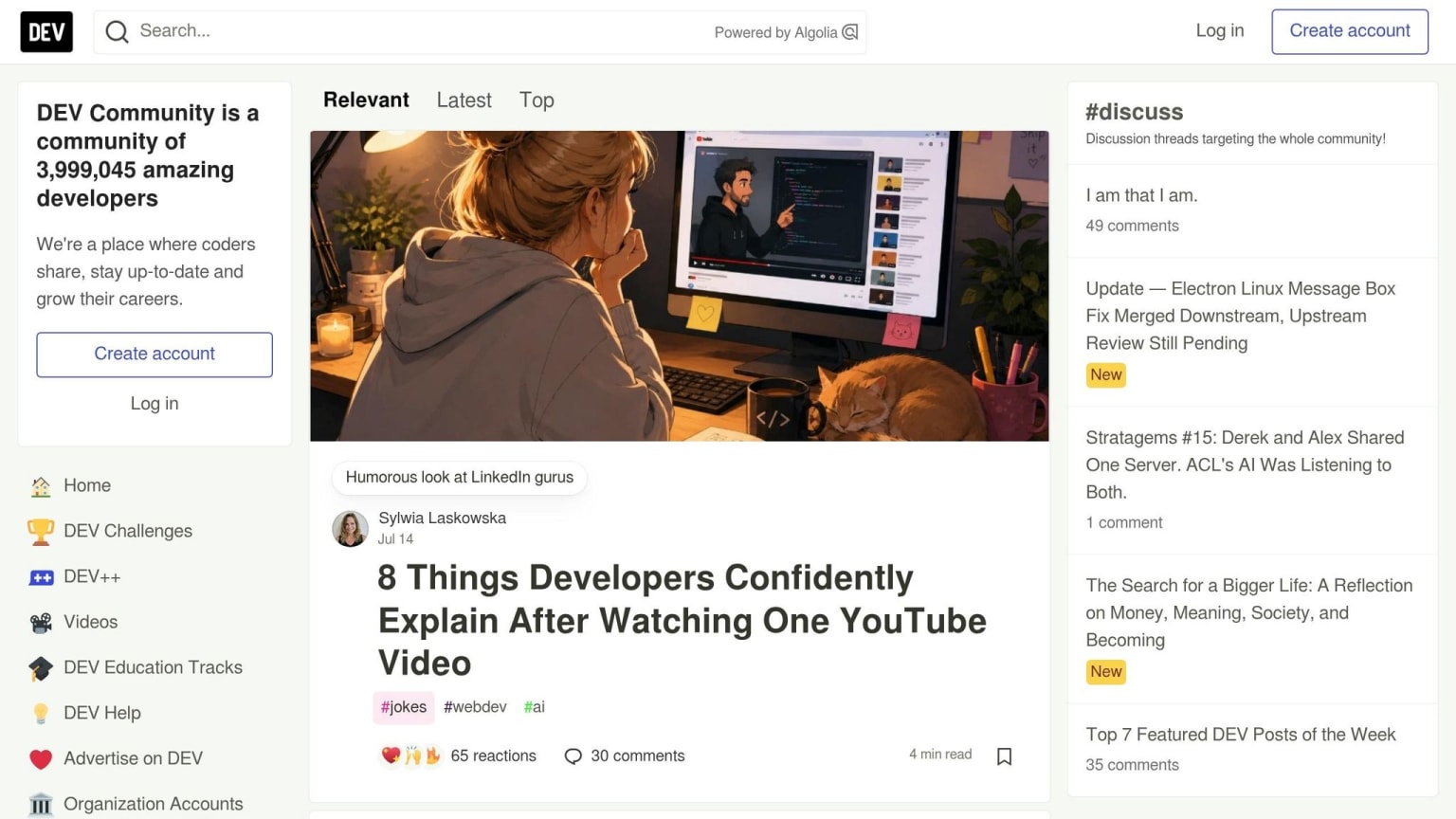
DEV Community is a good place to write about what you're learning. Even short posts about what you built or figured out can help you think it through and make your progress visible . Over time, those posts can become a public record of your work and growth .
Reddit is useful for discussion-style questions, especially when you want opinions on tools, career advice, or help with a tool-choice or career question. GitHub is where you build, work with others, and practice version control on portfolio or open-source projects.
Comparison Table: Which Resource Fits Which Beginner Need
| Resource | Type | Best for | When to use it |
|---|---|---|---|
| daily.dev | News Feed | Staying updated on tech trends without noise | Daily morning skim |
| freeCodeCamp | Community/Course | Structured curriculum and fast forum help | When starting a new certification |
| The Odin Project | Curriculum | Deep-dive full-stack development path and project logic | For long-term career prep |
| MDN Web Docs | Reference | Authoritative web standards and syntax | While actively coding/debugging |
| W3Schools | Reference | Quick syntax checks and examples | When you need a fast "how-to" |
| DEV Community | Blog/Social | Learning in public and reading tutorials | Weekly check-in or after finishing a project |
| Discussion | Tool-choice or career discussions | When you have a tool-choice or career question | |
| GitHub | Collaboration | Open-source work, portfolios, and version control | Daily for all project work |
4. A Simple 2026 Routine for Keeping Up Without Burning Out
These resources only help if you use them on a regular basis. So once you’ve picked a few sources you trust, the next step is simple: turn them into a routine you can stick with.
The key is to keep it small. If your system feels like homework, you probably won’t keep doing it.
Daily, Weekly, and Monthly Habits
Use a simple schedule so your news, learning, and community time don’t compete with each other.
| Frequency | Time | What to Do |
|---|---|---|
| Daily | 10–15 min | Skim your daily.dev feed each morning; save one article for later |
| 3x per week | 45–60 min | Work through one structured learning source, like freeCodeCamp |
| Weekly | 30–45 min | Read one newsletter issue and read your saved articles |
| Monthly | ~1 hour | Check changelogs for the main tools in your stack |
daily.dev filters updates for you, which helps keep your daily check-in short and on-topic.
How to Choose the Right Resources as a Beginner
Be picky. If a source doesn’t fit one clear role, leave it out.
Start with sources tied to choosing your tech stack, not every tool you might use later. A small setup is enough:
- one daily feed
- one learning source
- one reference site
- one or two communities
Add more only when that routine feels automatic. The goal is steady progress on the skills that matter now.
FAQs
How do I choose my beginner stack?
Choose your beginner stack by following a clear path instead of chasing trends. Pick one proven roadmap, like roadmap.sh or freeCodeCamp, and stick with it for at least 90 days.
For web development, start with HTML, CSS, and vanilla JavaScript before you touch frameworks. Use free documentation you can trust, such as MDN Web Docs. And if you're just starting out, this part matters a lot: spend more time building than watching tutorials.
It's easy to fall into the trap of jumping between courses, tabs, and YouTube playlists. Try not to. Finish one course before you start the next so your progress doesn't get scattered.
Should I use freeCodeCamp or The Odin Project first?
Both are great for beginners. freeCodeCamp is often the better first step because you can start in your browser right away. No setup, no friction, just jump in and begin.
The Odin Project is a solid next move, or a good pick from the start if you want to work in a local development environment and get used to a workflow that feels closer to professional development. Either way, you’re in good hands with both.
How do I keep up without burning out?
Follow a simple three-part routine: discovery, validation, and batching.
Use daily.dev as your main discovery feed to cut down on noise and information overload. During the week, keep scanning to about 10 minutes.
Then set aside one 30–45 minute block for deeper reading or testing. Skip launch-day hype, and wait 30 days before you spend time learning a new tool.