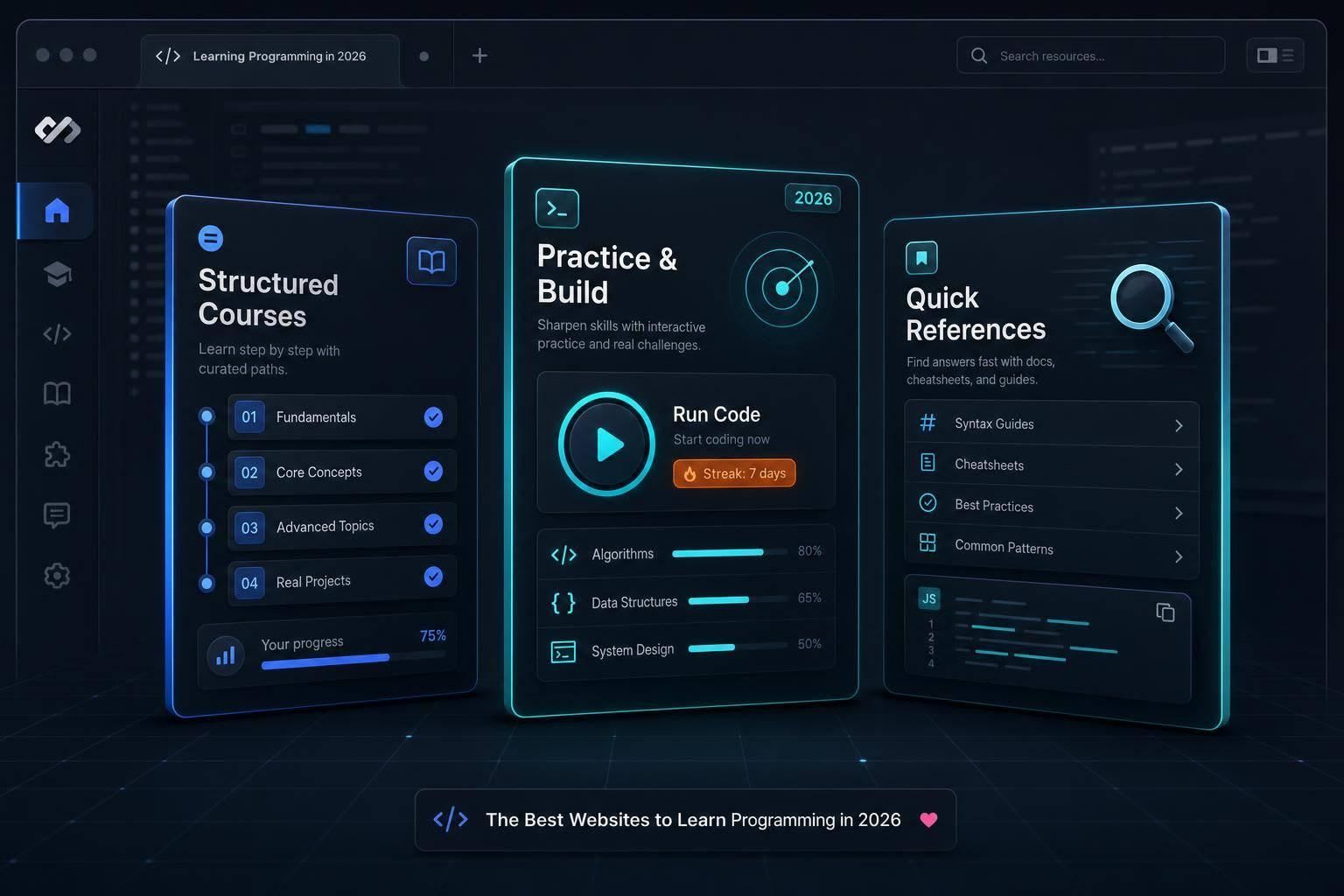
Compare the top websites to learn programming: structured courses, practice tools, and quick references.
If I had to keep it simple: start with one path, one practice site, and one reference. That setup is easier to stick with than bouncing between 10 tools.
Here’s the short answer:
- I’d pick freeCodeCamp or The Odin Project for a full learning path
- I’d use Codecademy if I wanted guided, in-browser lessons first
- I’d use Exercism for coding reps and mentor feedback
- I’d keep MDN Web Docs, W3Schools, or GeeksforGeeks open for lookups
- I’d turn to Coursera or edX for course-based study
- I’d use daily.dev to keep learning between study sessions
The pattern is simple: beginners need structure, self-taught developers need practice and projects, and working programmers need fast reference and steady learning. Some sites are free, some charge about $29.99 to $39.99 per month, and some let you audit classes before paying.
A few numbers stand out:
- Exercism has 8,521+ exercises across 83 languages
- Coursera says 75% of Google Career Certificate completers reported a positive career result within 6 months
- freeCodeCamp added new database and full-stack updates in 2026
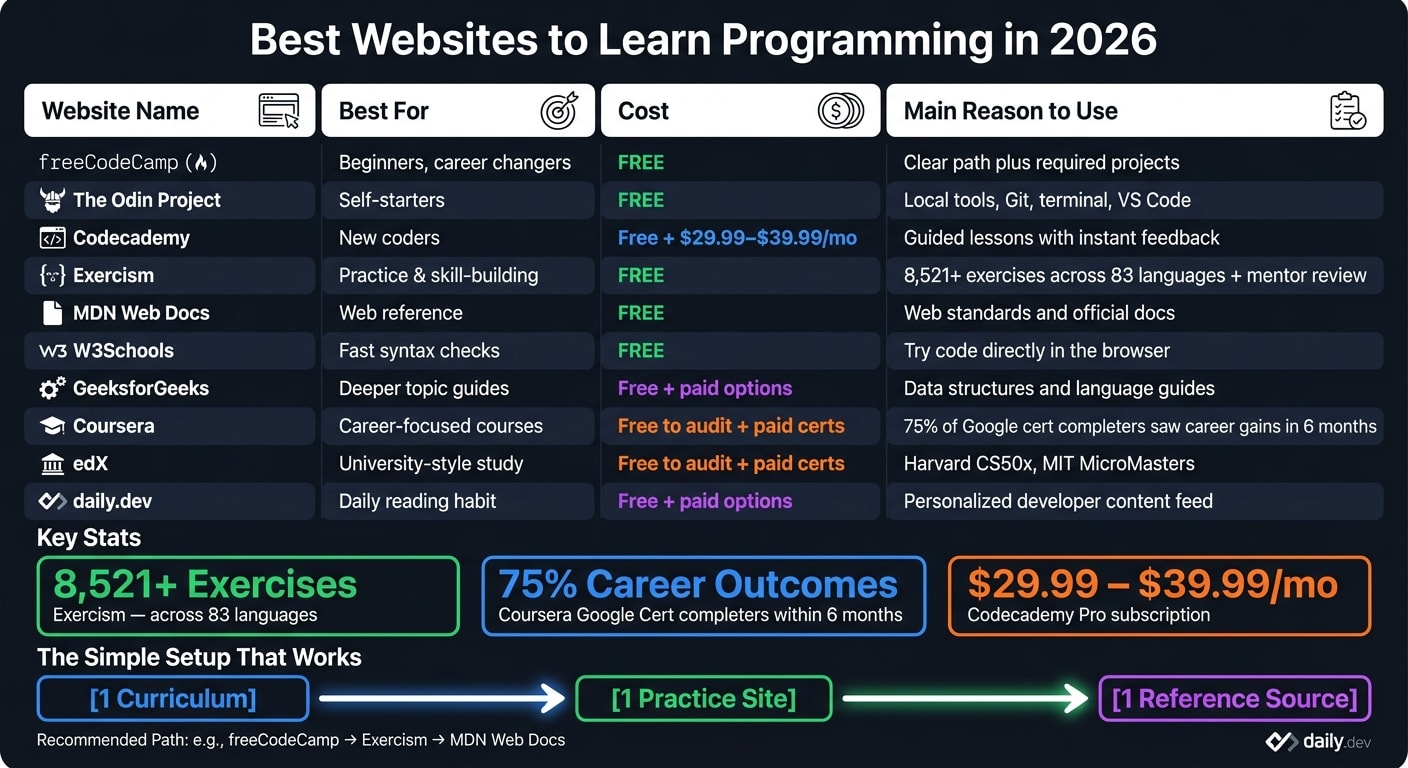
Quick Comparison
| Website | Best for | Cost | Main reason to use it |
|---|---|---|---|
| freeCodeCamp | Beginners, career changers | Free | Clear path plus required projects |
| The Odin Project | Self-starters | Free | Local tools, Git, terminal, VS Code |
| Codecademy | New coders | Free + paid plans | Guided lessons with instant feedback |
| Exercism | Practice | Free | Exercises plus mentor review |
| MDN Web Docs | Web reference | Free | Web standards and docs |
| W3Schools | Fast syntax checks | Free | Try code in the browser |
| GeeksforGeeks | Deeper topic guides | Free + paid options | Data structures and language guides |
| Coursera | Career-focused courses | Free to audit + paid certs | Job-focused certificates |
| edX | University-style study | Free to audit + paid certs | CS courses and academic programs |
| daily.dev | Daily reading | Free + paid options | Personalized developer feed |
My takeaway: don’t look for one site to do everything. Pick the one that fits your next step, then pair it with a practice tool and a reference source.
Best websites for beginners and self-taught developers
Pick the platform that fits the way you learn. These two free options aim at the same goal, but they take different roads. One keeps things simple in the browser. The other gets you working in a local dev setup early.
freeCodeCamp and The Odin Project: structured, free learning paths
Both freeCodeCamp and The Odin Project are fully free.
freeCodeCamp is the better pick if you want a clear, step-by-step path. It runs in the browser, so setup is light. Its 2026 curriculum update added new relational database certifications and a more unified full-stack track. Each certification also includes required projects, which helps keep your learning tied to actual work instead of just reading and clicking through lessons. If you want a guided path with built-in checkpoints, this is a smart place to start.
The Odin Project takes a different approach. It pushes you into local tools early, including Git, the terminal, and VS Code. That’s much closer to the workflow used in day-to-day development. It’s a better fit for self-starters who don’t mind figuring things out on their own. If your goal is to learn how working developers actually build things, The Odin Project has the edge.
Codecademy: guided interactive lessons for new coders

If you want more hand-holding before jumping into projects, Codecademy is the easiest way in. The in-browser editor, instant feedback, and short lessons remove a lot of friction from that first coding session. You can open it up and start typing fast, which matters when you’re new and every bit of setup feels like a wall.
The downside is the free tier. Basic syntax courses are available at no cost, but career paths, larger projects, and certificates are behind a Pro subscription that costs about $29.99 to $39.99 per month. So the free version works more like a sample than a full learning path.
There’s another catch too: passive learning. Guided exercises can make you good at spotting patterns without making you good at writing code on your own. Codecademy works well for getting comfortable with syntax. After that, it makes sense to move into a project-heavy setup where you have to solve problems without prompts at every step.
Best websites for practice, documentation, and building real skills
If beginner courses teach the basics, these sites help you use them. This is where you move from step-by-step lessons to writing code on your own.
Exercism: language practice with code review and mentoring
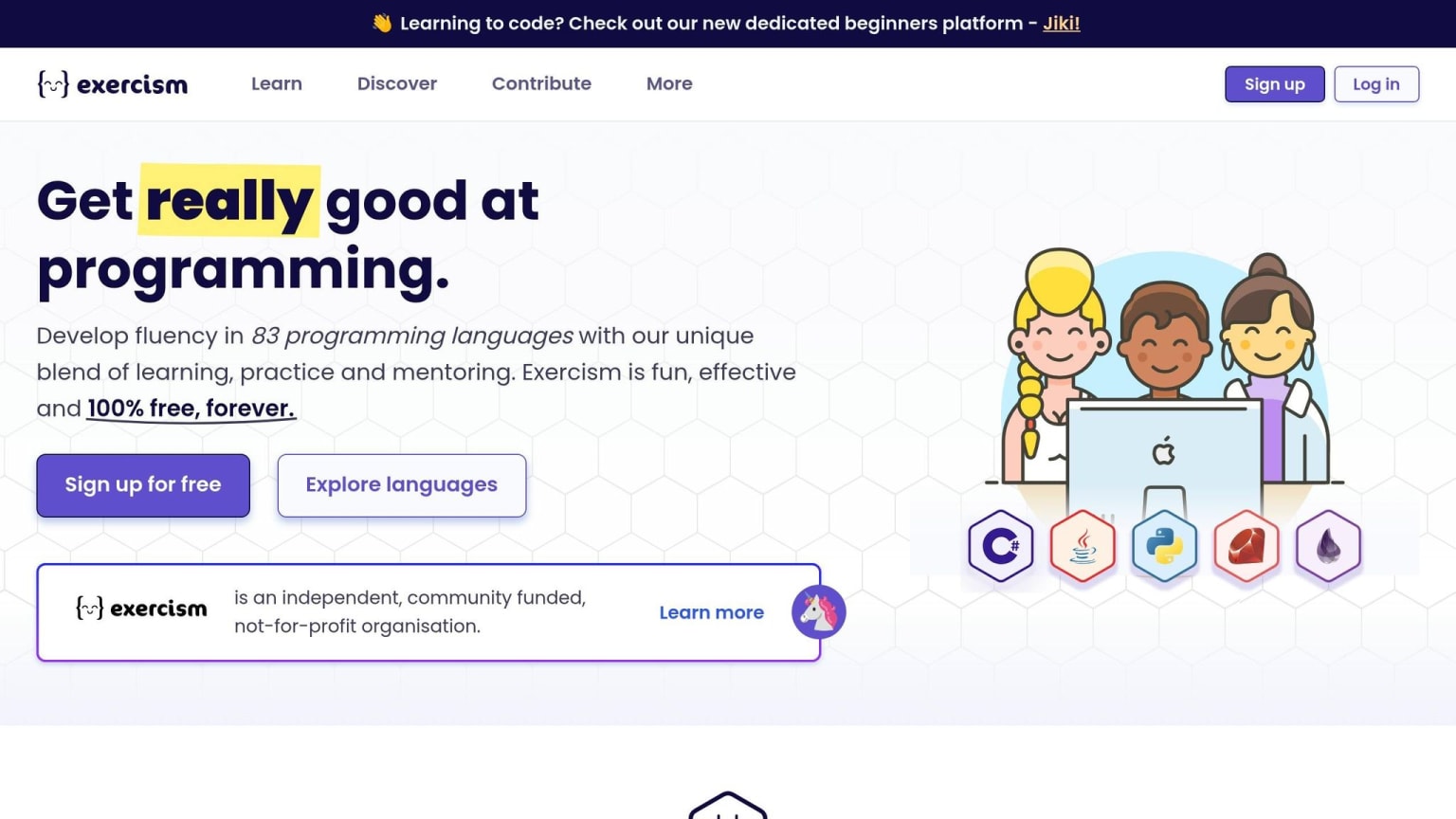
Exercism is built on a simple idea: fluency comes from reps, not reading. It offers 8,521+ exercises across 83 programming languages . Python and JavaScript are two of its most used tracks.
What makes it stand out is its free mentor feedback . You submit a solution, and an experienced developer can review it. They can show you not just whether your code works, but whether it follows the usual style and patterns of that language. That kind of feedback is tough to find for free.
Exercism works well once you know the basics and need repetition, practice, and feedback to code on your own. It's entirely free .
When you need to debug something or double-check how a feature works, it helps to switch from practice mode to reference mode.
MDN Web Docs, GeeksforGeeks, and W3Schools: reference and tutorial resources
For web development, MDN should be the first tab you open.
MDN Web Docs is the main reference for web standards, and it also includes learning paths and quizzes for beginners .
W3Schools is a better fit for fast lookups. Its "Tryit Editor" lets you test a snippet right away . That's handy when you need a quick reminder on CSS flexbox or want to check a single attribute without digging through long docs.
GeeksforGeeks is a better choice for deeper tutorials on data structures, algorithms, and language-specific topics.
A simple way to think about it:
- Use MDN for standards
- Use W3Schools for quick syntax checks
- Use GeeksforGeeks for deeper walkthroughs
Best websites for structured courses and keeping your skills current
Once you’ve covered the basics, structured courses can help you go deeper. Then, for day-to-day learning, daily.dev helps you keep up without feeling like you’re back in school.
Coursera and edX: academic-style programming courses
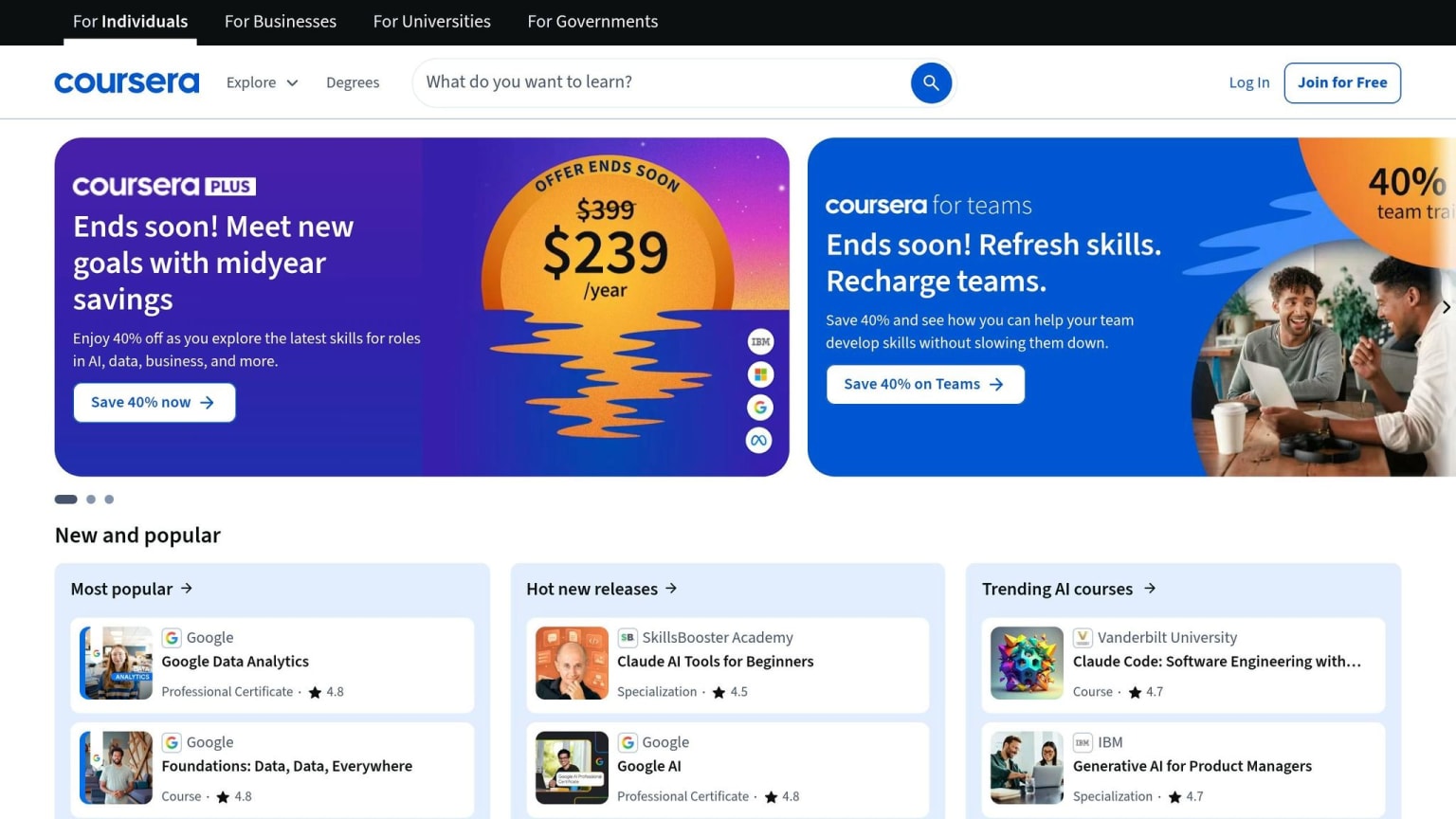
Coursera is the better fit if you want career-focused certificates from well-known partners like Google, Meta, and IBM. Coursera says that 75% of Google Career Certificate completers saw a positive career outcome - such as a new job or promotion - within six months .
edX leans more academic. It’s a stronger choice for deep study and university-backed credentials. You’ll find programs like Harvard's CS50x and MIT's MicroMasters, and you can audit many of them for free before paying for a certificate.
daily.dev: a learning companion for working programmers
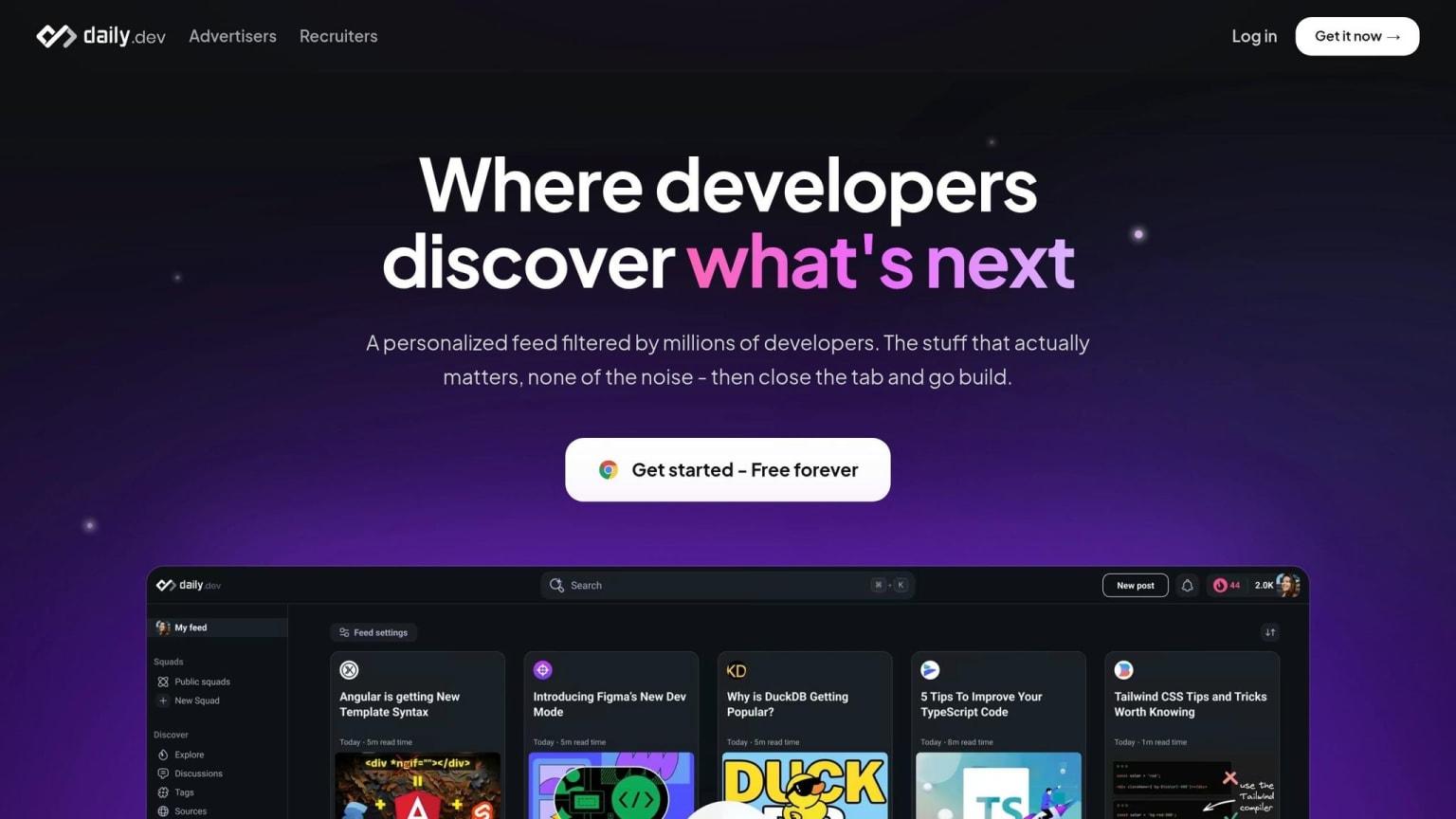
If full courses feel a bit heavy between study sessions, daily.dev gives you a lighter way to keep learning. It offers a personalized feed of tutorials, articles, and technical discussions based on your stack and interests.
A couple of features stand out:
- Squads help you join topic-based communities when you want to dig into a specific subject.
- Search helps you find programming content fast when you need a quick answer.
Use daily.dev to stay on top of new ideas, tools, and conversations between longer study sessions.
Conclusion: match the site to how you learn
There isn’t one best site for everyone. The right pick depends on your level and how you like to learn. Beginners usually need more guidance. Career changers often need structure and projects. Working developers tend to care more about speed and depth.
A simple setup works best: use one curriculum, one practice source, and one reference. Here’s how that can look based on your goal:
| Learner Type | Best-Fit Websites | Why It Works |
|---|---|---|
| Complete beginner | Codecademy, freeCodeCamp | Low friction and guided on-ramp |
| Career changer | freeCodeCamp, The Odin Project, Coursera | Structured paths and portfolio projects |
| Self-taught developer | The Odin Project, Exercism, MDN Web Docs | Real-world workflow and strong foundations |
| Working programmer | Exercism, MDN Web Docs, daily.dev | Practice, reference, and staying current |
| Daily learning habit | daily.dev | Personalized feed for your stack |
That mix matters more than any single site.
If you want to keep costs low, start with a free path. freeCodeCamp is still one of the strongest free options for building job-ready skills. Paid platforms like Coursera can make sense when you want more structure, steady accountability, or a credential that helps you stand out.
Pick one curriculum, one practice tool, and one reference that fit your routine.
FAQs
Which site should I start with?
It depends on your goals and how you like to learn.
For most beginners, freeCodeCamp is a strong place to start. It’s free, walks you through hands-on projects, and helps you build a portfolio from scratch. That matters a lot when you’re new and want something you can actually show.
If you want a softer introduction, try Khan Academy. If you want to learn the way developers often work on actual projects, The Odin Project is a great fit, though you’ll need to set up your computer from the start. And if you like short, interactive lessons, Codecademy’s free tier is a solid first move.
What is the best free site to learn coding?
The best free site to learn coding depends on your goals and how you like to learn, but freeCodeCamp is often the top pick for beginners who want one place to start. It gives you a structured, project-based path through web development, Python, and data science.
There are other strong free options too. The Odin Project is a good fit if you want full-stack projects and a more hands-on path. CS50x is great for computer science basics. Exercism works well for language-specific practice. Coddy keeps things short with bite-sized lessons. And Khan Academy is a solid choice if you want a gentler start.
How do I choose between projects, practice, and courses?
Use courses to build a base and get a clear, step-by-step grasp of new topics. Then use practice sites like Exercism or LeetCode to sharpen syntax, algorithms, and problem-solving once you know the basics.
Put projects first when it’s time to use what you’ve learned, grow your portfolio, and work in ways that match real jobs. Spend more time building than watching tutorials, and turn to courses or documentation to fill specific gaps when you get stuck.