
In this tutorial, you'll learn how to create a powerful table with the help of a fairly new library in the JavaScript ecosystem - Grid.js.
In this tutorial, you'll learn how to create a powerful table with the help of a fairly new library in the JavaScript ecosystem - Grid.js. The best part? It's seriously easy to integrate, powerful enough to fetch data asynchronously, and can be styled to whatever the way you want! Next-gen stuff, right?

Ready for some next-gen stuff?
Why choose Grid.js? 🤨
What makes it better than others is the fact that it is:
- Ridiculously easy to start with!
I mean, I made the following demo in a matter of a few minutes. It already comes with some really useful tools which can be easily plugged-in to an existing app. So, you don't need to worry about actually learn another new library. - Use it with or without any framework:
It has only one external dependency already baked in. Hence, you don't have to worry about managing dependencies if you don't use a package manager like NPM. Use it with Angular, React, Vue, or with just vanilla JS! - React Native support (UPCOMING):
It is designed to be independent of the web browser context, and the library developer has stated that support for RN is coming! - Fast!
Grid.js has an internal pipeline that takes care of caching and processing data. This helps in loading, searching, sorting, or displaying the data really quickly. - Powerful CSS integration:
You can style your tables whichever way you want. It doesn't matter if you're using plain old CSS in a separate stylesheet or inside JS 😏.
What will we make using Grid.js? 😀
This:
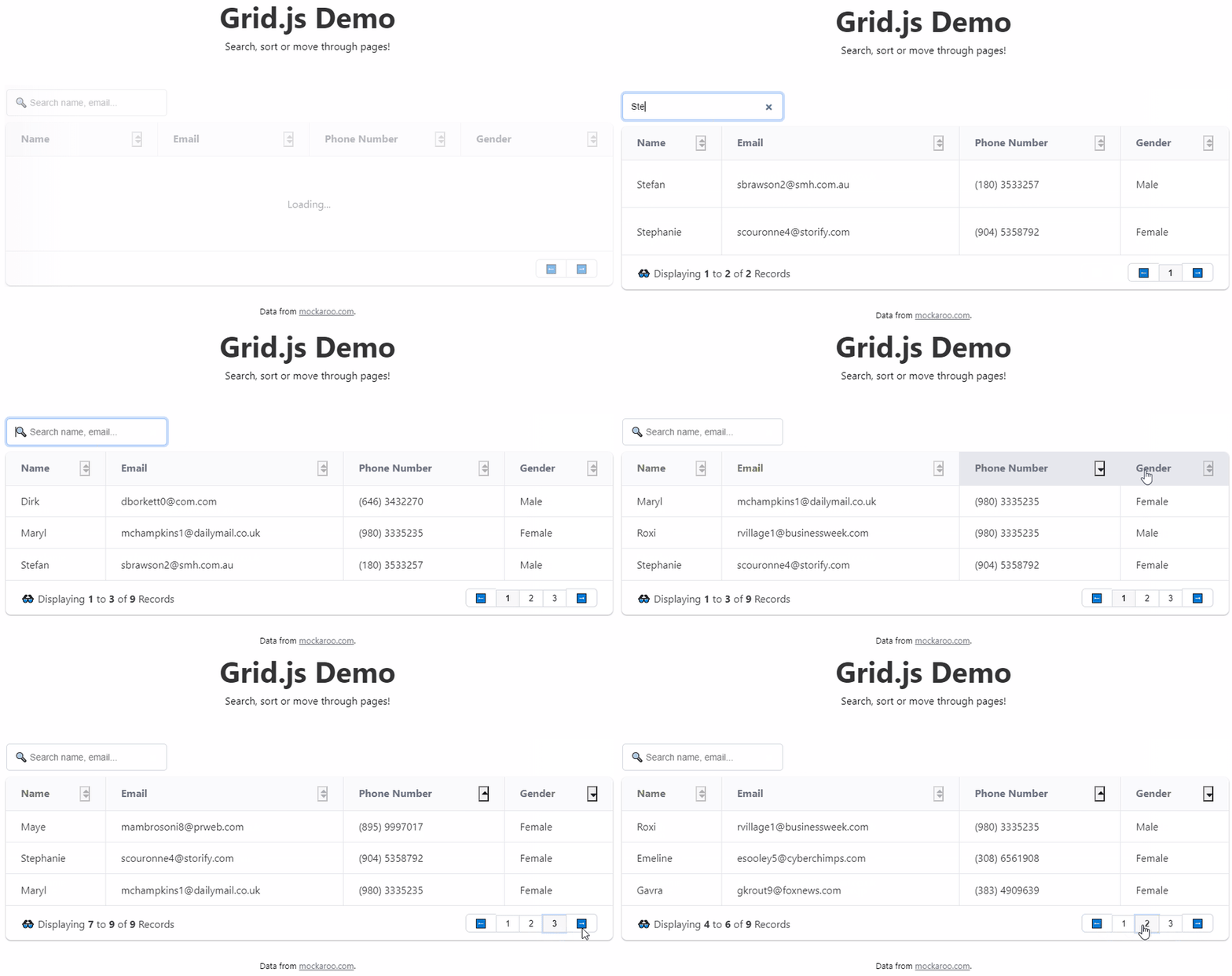
As you see, we'll cover the following features:
- Adding the "Loading..." state.
- Displaying the data.
- Sorting each or multiple rows.
- Searching the contents.
- Adding pagination.
- Using custom CSS styles.
- Adding internalization.
Let's make this powerful table in a matter of minutes! ⚡
Step 1: Grab the CDN
For this demo, we'll be installing Grid.js using the quick grab-the-cdn-and-go! method. Also, this is a vanilla JS project where we'll be using this library.
Add the following in your index.html file:
``
This includes Grid.js styles. For the JS, import the library with:
`