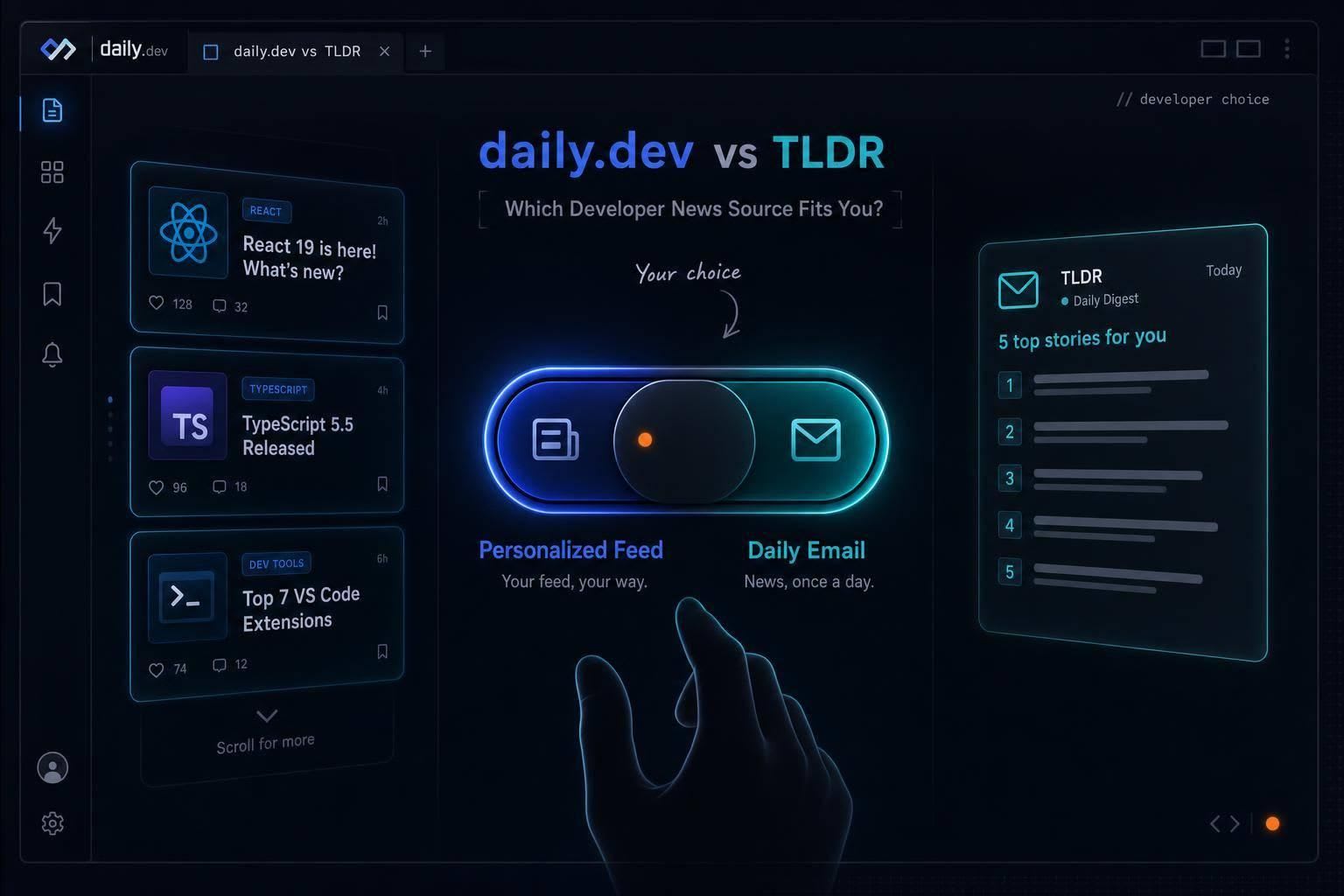
Use a personalized browser feed for steady discovery or a concise daily email for a quick developer news check.
If I want the short answer: I’d pick daily.dev for check-ins during the day, TLDR for one inbox read in about 5 minutes, and both if I want breadth plus depth.
Here’s the whole choice in plain English:
- daily.dev gives me a personalized feed across 2,000+ sources
- TLDR sends a weekday email with about 5–6 stories
- daily.dev fits browsing between tasks
- TLDR fits one morning read before work gets busy
- daily.dev leans more on my stack and clicks
- TLDR leans more on editor picks and 13+ topic editions
- daily.dev includes comments, upvotes, and group discussion
- TLDR is a read-and-go format with no built-in discussion
If I care most about topic-level updates, daily.dev is the better match. If I care most about a broad daily scan, TLDR is easier to keep up with. And if I don’t want to choose, the pairing is simple: TLDR for the signal, daily.dev for the follow-up.
Quick Comparison
| Criteria | daily.dev | TLDR |
|---|---|---|
| Main format | Feed | |
| Delivery | Browser, web, mobile | Inbox |
| Timing | Throughout the day | Monday–Friday |
| Personalization | Based on stack and behavior | Based on edition choice |
| Story flow | Many items over time | 5–6 summarized stories |
| Best for | Niche tracking and discovery | One short daily update |
| Community | Yes | No |
So when I compare them, I don’t see a winner for everyone. I see two different reading habits: steady feed reading versus one-pass email reading.
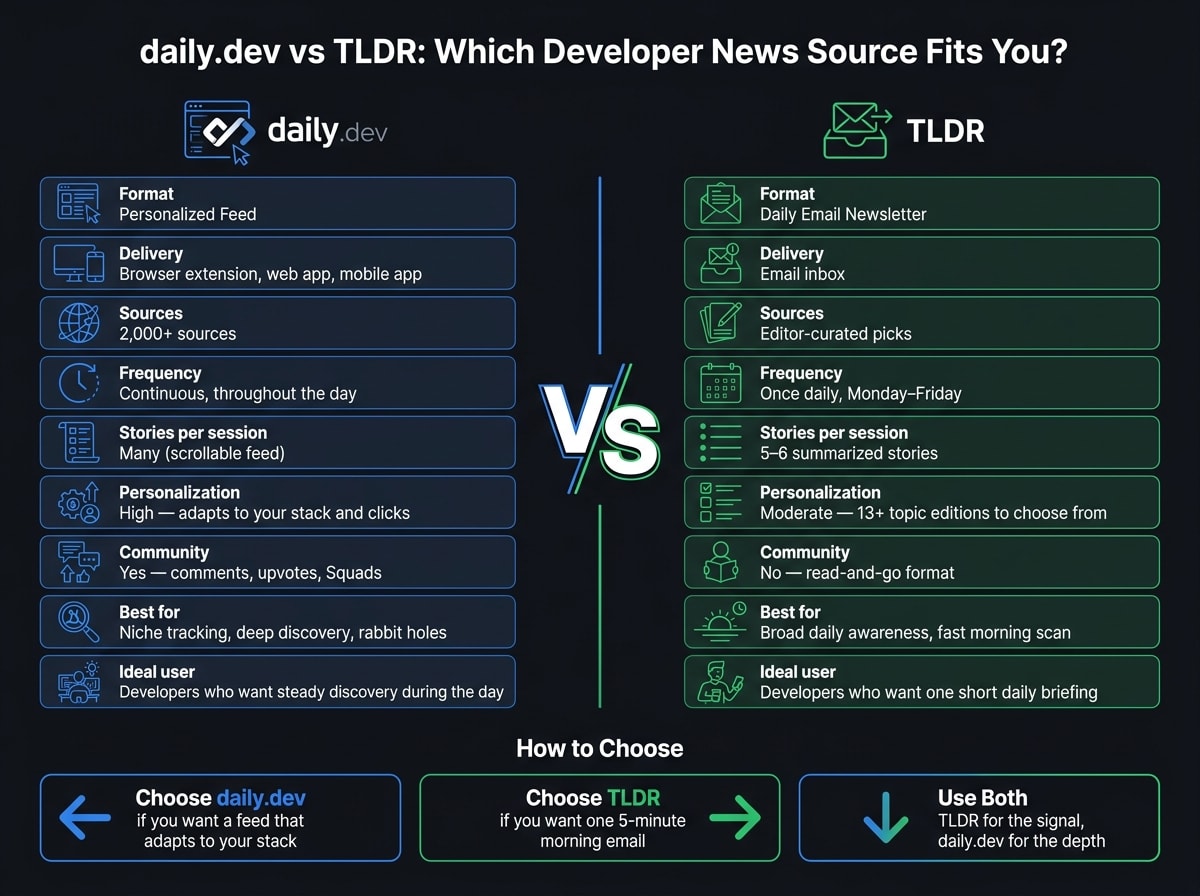
How daily.dev and TLDR differ in delivery, personalization, and pace
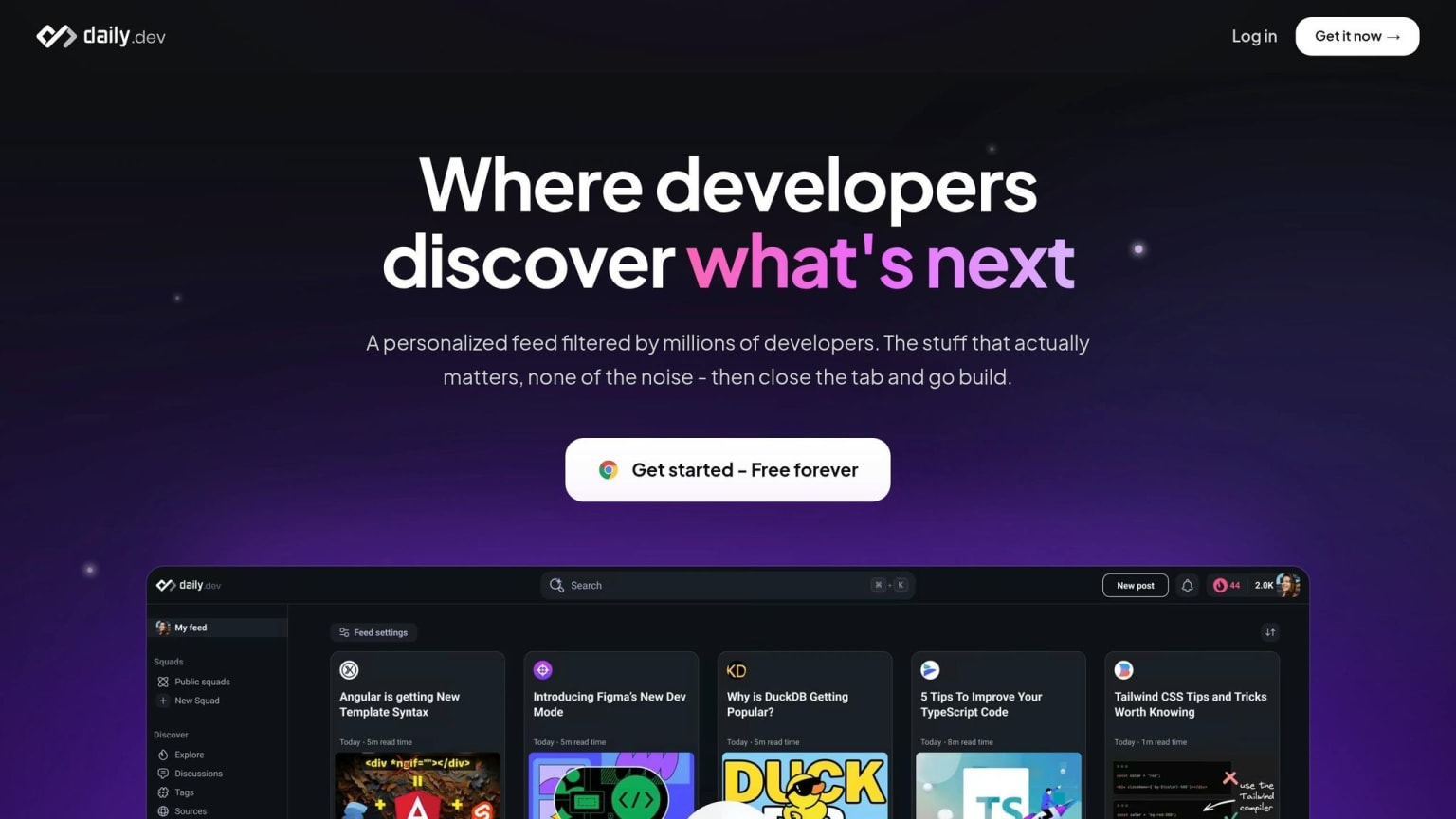
daily.dev: a personalized feed you can check throughout the day
daily.dev lives right in your browser. Its extension turns each new tab into a feed ranked around your stack. That new-tab habit is the whole engine behind it. You open a tab between tasks, scan a few headlines, and get back to work.
The feed keeps updating as the day moves along. It also learns from what you read and click, so over time it gets more tuned to your stack and interests.
TLDR: curated summaries delivered in one daily email
TLDR shows up in your inbox once a day, Monday through Friday, as a short digest. It covers 5–6 stories, each with a one-paragraph summary and a link to the full article.
It also has 13+ focused editions, including TLDR AI, TLDR Dev, and TLDR InfoSec, which lets you narrow what you get to a specific topic .
What these differences mean for your time and attention
The main split is simple: when you read and how the news reaches you.
| Feature | daily.dev | TLDR |
|---|---|---|
| Delivery mode | Browser extension, web app, mobile app | Email newsletter |
| Frequency | Continuous, near-real-time | Daily, Monday-Friday |
| Personalization | High - adapts to your stack and clicks | Moderate - choose from 13+ vertical editions |
| Primary interface | New tab feed | Email inbox |
| Ideal usage pattern | Quick check-ins between coding tasks | Single morning session before standup |
daily.dev keeps your reading in one place and makes discovery part of your normal browser flow. TLDR cuts the day’s news down to a short, editor-picked list, so you’re not spending time deciding what to open.
Put another way: daily.dev leans toward steady discovery during the day, while TLDR fits a single focused read in the morning. If your main goal is staying updated in tech news, that gap in pace can shape which one feels easier to stick with.
Which one actually keeps you more current
“Staying current” can mean two different things.
Sometimes it means seeing changes the moment they happen. Other times, it means getting one solid daily read that tells you what mattered today. That’s the main split between daily.dev and TLDR: one is built for fast, topic-level updates, and the other is built for a broad daily scan.
When daily.dev is the better fit for staying current
daily.dev makes more sense when “current” means following one stack or topic closely.
Say you spend most of your time in the Rust ecosystem. In that case, daily.dev’s tag-based personalization can surface posts that a broad newsletter might never touch. This is where it stands out most: it’s strongest when you want updates around one stack or one topic. As new stories come in, they show up in the feed, which helps you spot deprecation notices, security patches, or product releases right when they land.
When TLDR is the better fit for staying current
TLDR fits better when “current” means broad awareness in one short sitting.
If you want a quick read that covers the main tech stories of the day, TLDR does that well. You might miss smaller or more niche updates, but you’ll still come away knowing the day’s top tech headlines.
How community changes the learning experience
Staying current isn’t just about speed. It’s also about what happens after you see the headline.
Community adds context. With daily.dev, Squads, comments, and upvotes are built into the experience. So when a story hits your feed, you can also see how other developers are reacting to it and talk with people working on similar stacks. That extra layer can help answer the part that matters most: what changed, and why should you care?
TLDR takes a different path. It’s an editorial-only format, with human editors picking the links and writing the summaries. But there’s no built-in discussion layer inside the product. That keeps things fast and simple, though it also means you’re reading on your own.
How to choose: daily.dev, TLDR, or both
The right choice comes down to one simple thing: how you’ll actually keep up with developer news in real life. Not the ideal version of you. The version of you checking updates on a Tuesday morning five minutes before standup.
This isn’t mostly about coverage. It’s about fit. Which format slides into your day without feeling like homework?
Choose daily.dev if you want a feed that adapts to your stack
daily.dev makes the most sense if you want a news source that gets more useful over time. Its feed changes based on your stack, seniority, and interests, which means two developers can open it and see very different content.
Pick daily.dev if you want discovery built right into your browser. Pick it if you like having stories, comments, and related reading in one place. That setup works well when you don’t just want headlines - you want the rabbit holes too.
A simple way to think about it: if you want steady discovery during the day, go with the feed. If you’d rather do one pass and be done, inbox formats tend to fit better.
Choose TLDR if you want one short daily briefing in your inbox
TLDR fits best if you want a fast editorial scan with nothing else fighting for your attention. Human editors pull together the day’s top stories into a read that takes about five minutes.
You open one email, read it, and move on.
That’s the appeal. No tabs. No scrolling loop. No “I’ll just check one more thing.” If your goal is low-effort awareness, TLDR is a strong match.
Use both if you want a broad overview plus deeper discovery
Using both is easier than it sounds.
Read TLDR in the morning to get the broad signal - what launched, what changed, and what people across the industry are talking about. Then use daily.dev when you want to dig deeper.
TLDR gives you the signal; daily.dev gives you the depth.
So if a story catches your eye, you can jump into daily.dev to find related tutorials, read community reactions, or see what developers in the same stack are saying. And if daily.dev is already your new tab, that deeper layer is already part of your workflow.
Conclusion: the right choice depends on how you like to stay informed
daily.dev and TLDR solve the same problem, but they do it in very different ways.
daily.dev makes more sense if you want an always-on feed that shifts with your stack and interests. It also adds a community layer, so you can find, share, and talk about content as you go through your day. This setup is built for steady discovery and continuous learning, not just one reading session.
TLDR makes more sense if you want one short daily email, picked and filtered by human editors.
Put simply: daily.dev fits continuous discovery, while TLDR fits a short daily check-in.
FAQs
Which is easier to stick with long term?
It depends on your workflow.
daily.dev is often easier to stick with if you want an always-on, personalized feed that fits right into your daily browsing routine. TLDR may be the simpler pick if you want a concise, once-a-day email that lands at a set time.
A lot of developers use both: TLDR for a broad daily snapshot, and daily.dev for deeper, more personal discovery throughout the day.
Will daily.dev take more time than I expect?
It depends on how you use it. Since daily.dev is a personalized, always-on feed, you set the pace.
Unlike a fixed daily email that you read in one sitting, daily.dev lets you drop in whenever you have a spare moment. You can also tailor your feed to cut the noise and focus on what matters most.
Can I use TLDR and daily.dev together without overlap?
Yes. A lot of developers use both.
They use TLDR as a quick daily brief and daily.dev as an always-on, personalized feed.
That setup gives you TLDR for high-level news, while daily.dev helps you dig into deeper, more relevant content tied to your stack.