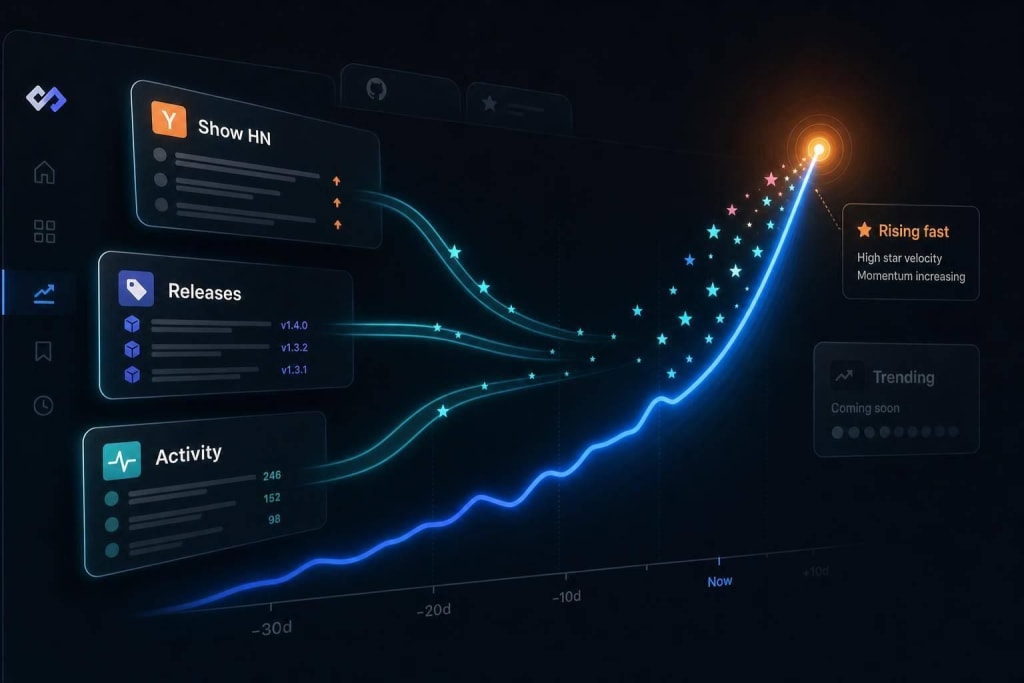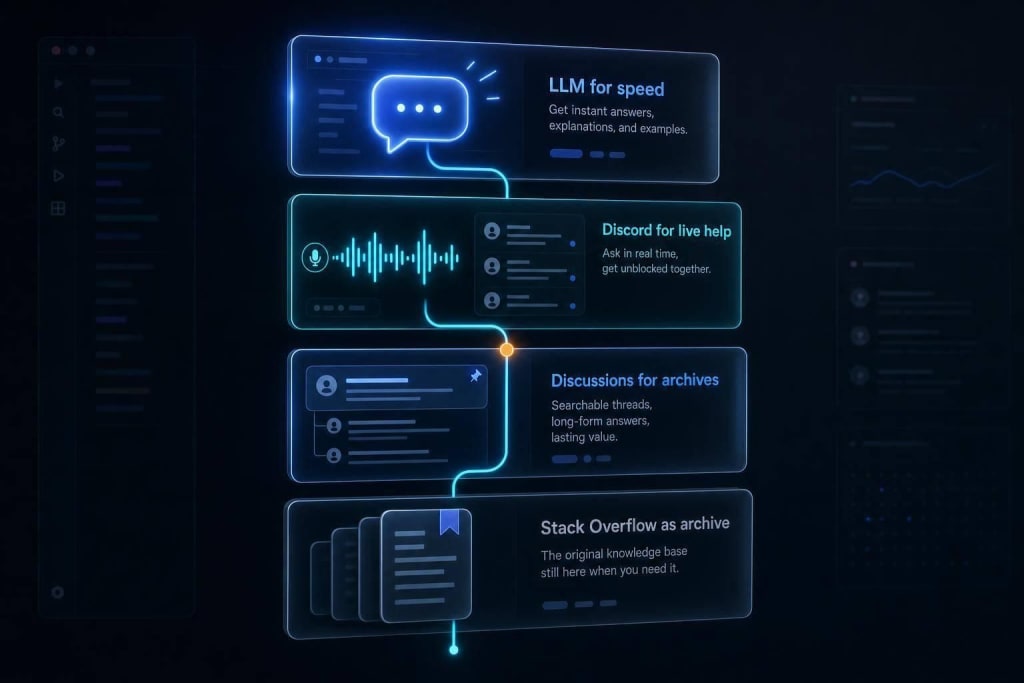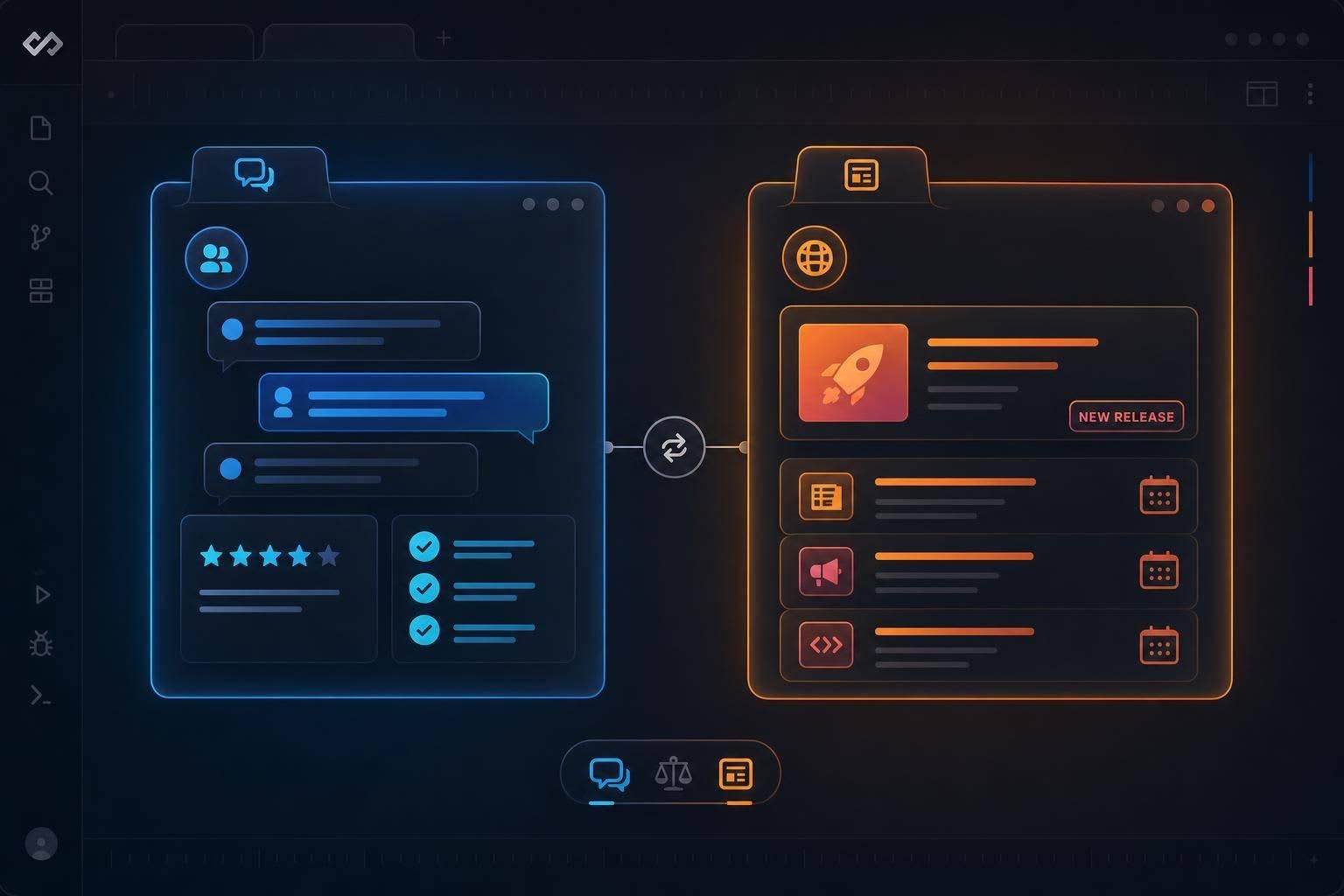
Use project forums to judge tools and news hubs to judge releases—match the community to the job.
If I want better tool picks and better release reads, I don’t use the same community for both. I use project spaces like GitHub Discussions and Discourse forums to check setup issues, support quality, and stack fit. I use Apple Developer Forums, Google for Developers channels, and Hacker News when I need fast takes on SDK updates, release notes, and breaking changes.
In short, this article comes down to 2 jobs:
- Find tools: look where people share repos, install steps, and tradeoffs
- Read release reactions: look where people react to updates and compare stack impact
A simple way to think about it:
- GitHub Discussions: best for checking how a project is run
- Discourse forums: best for peer Q&A and migration talk
- Apple Developer Forums: best for Apple platform updates
- Google for Developers channels: best for Google ecosystem changes
- Hacker News: best for early industry chatter
That split matters because many developer spaces are noisy. In many feeds, most posts fade fast. By contrast, repo forums and vendor communities leave a trail you can search, compare, and use later.
Quick comparison
| Community | Best use | What I look for |
|---|---|---|
| GitHub Discussions | Tool evaluation | Maintainer replies, issue patterns, roadmap talk |
| Discourse forums | Tool Q&A | Migration pain, version conflicts, setup tips |
| Apple Developer Forums | Apple releases | SDK changes, platform questions, peer feedback |
| Google for Developers channels | Google updates | Release context, API shifts, stack impact |
| Hacker News | Fast news discussion | Early reactions, tradeoffs, rough edges |
I’d sum it up like this: use project-based communities to judge tools, and use news-driven communities to judge releases.
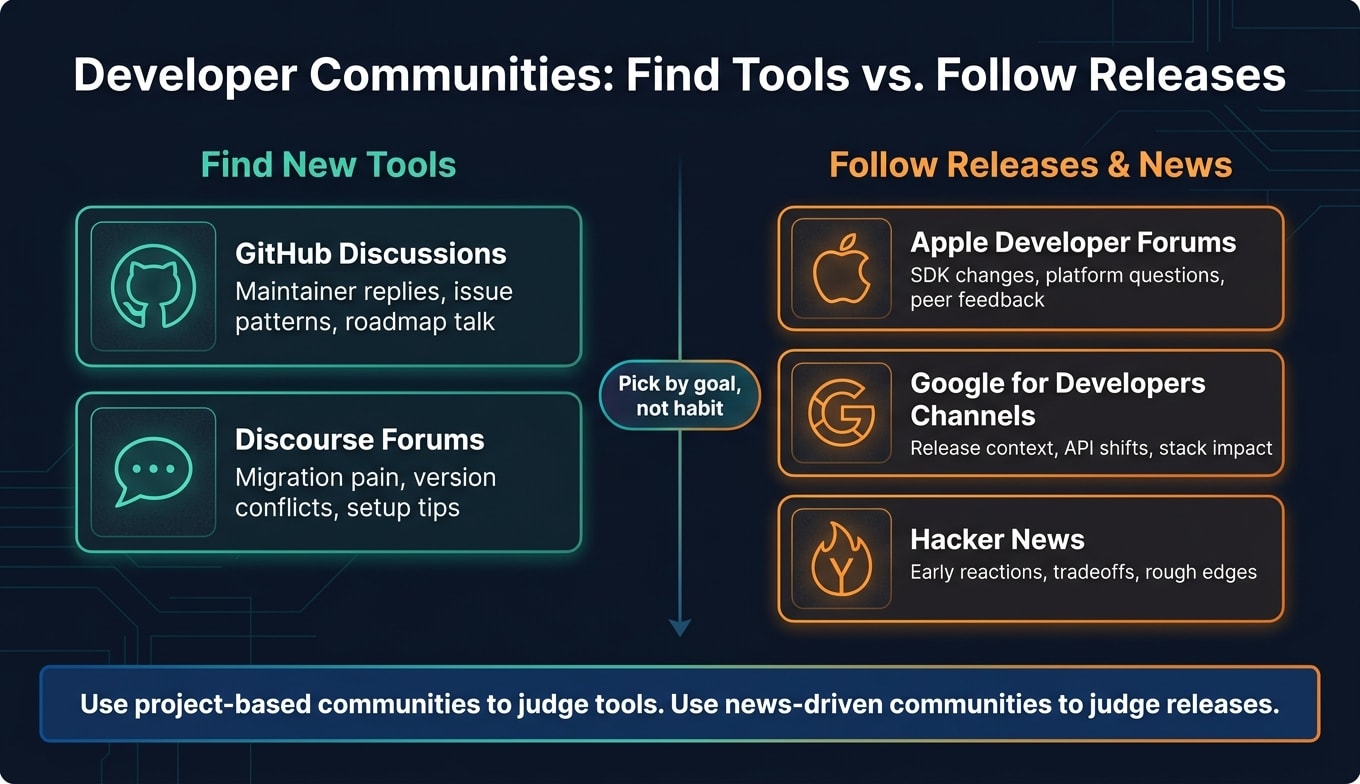
Developer communities for finding new tools
People don’t usually find a new tool by typing a keyword into Google and calling it a day. More often, it starts in a community thread: someone asks for help, someone else shares a new launch, and a few replies later you get the part that product pages leave out - the tradeoffs.
GitHub Discussions
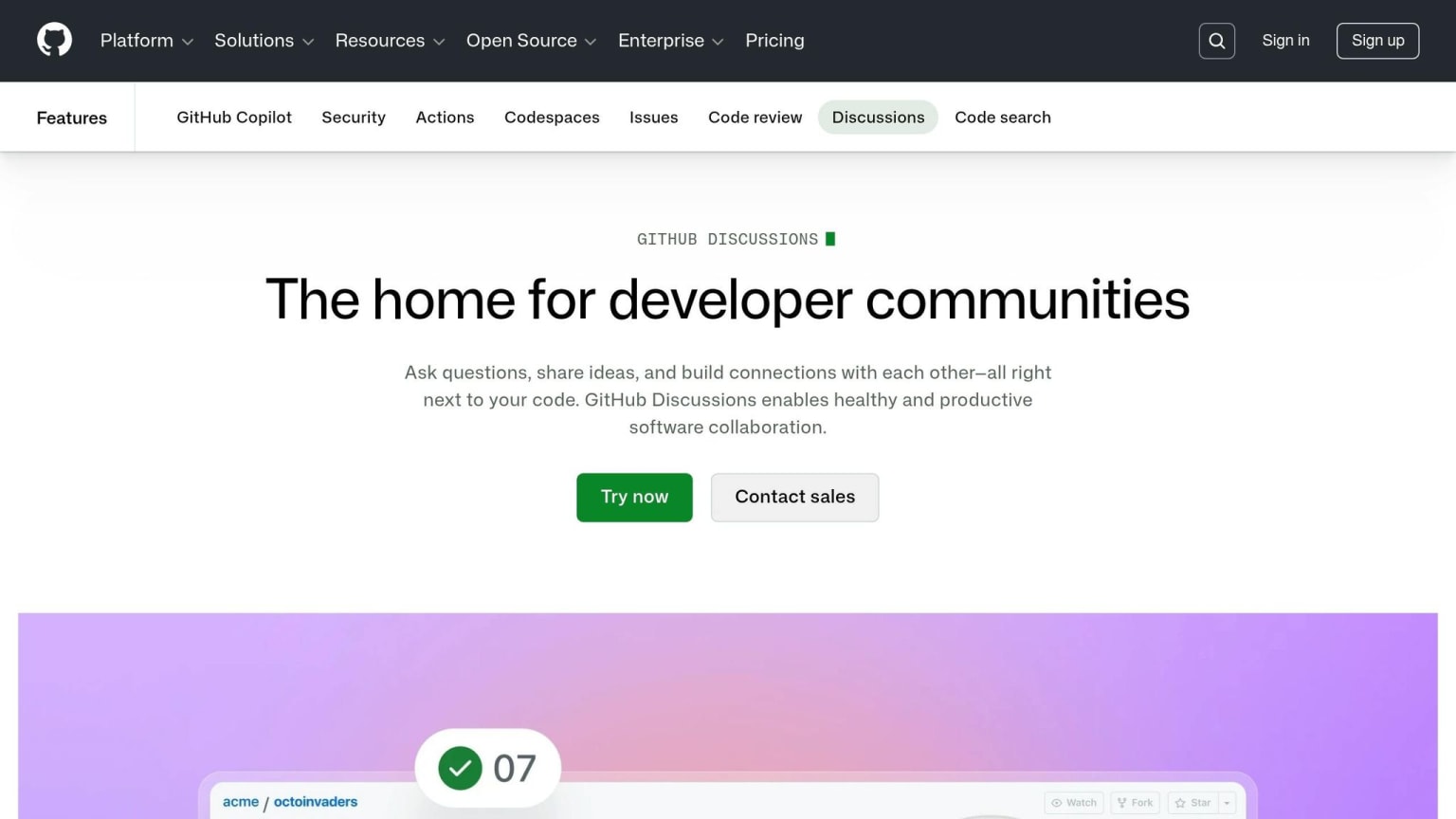
GitHub Discussions is a solid place to size up a tool by looking at how the project is maintained and how the community shows up around it. Inside a repository, you can see how maintainers reply, how roadmap topics are discussed, and whether edge cases get actual answers instead of silence.
That matters. If maintainers are active and reply with care, it tells you the project is current, responsive, and more likely to fit your stack.
Discourse-powered developer forums

A lot of companies and open source projects run forums on Discourse. These spaces usually mix announcement threads, Q&A, and peer recommendations, which makes them useful both for finding tools and for seeing how people use them day to day.
They also tend to surface the stuff product pages skip. Threads about switching from one tool to another often bring up performance issues, integration pain points, and version-compatibility problems that are hard to spot anywhere else.
Apple Developer Forums and Google for Developers community channels
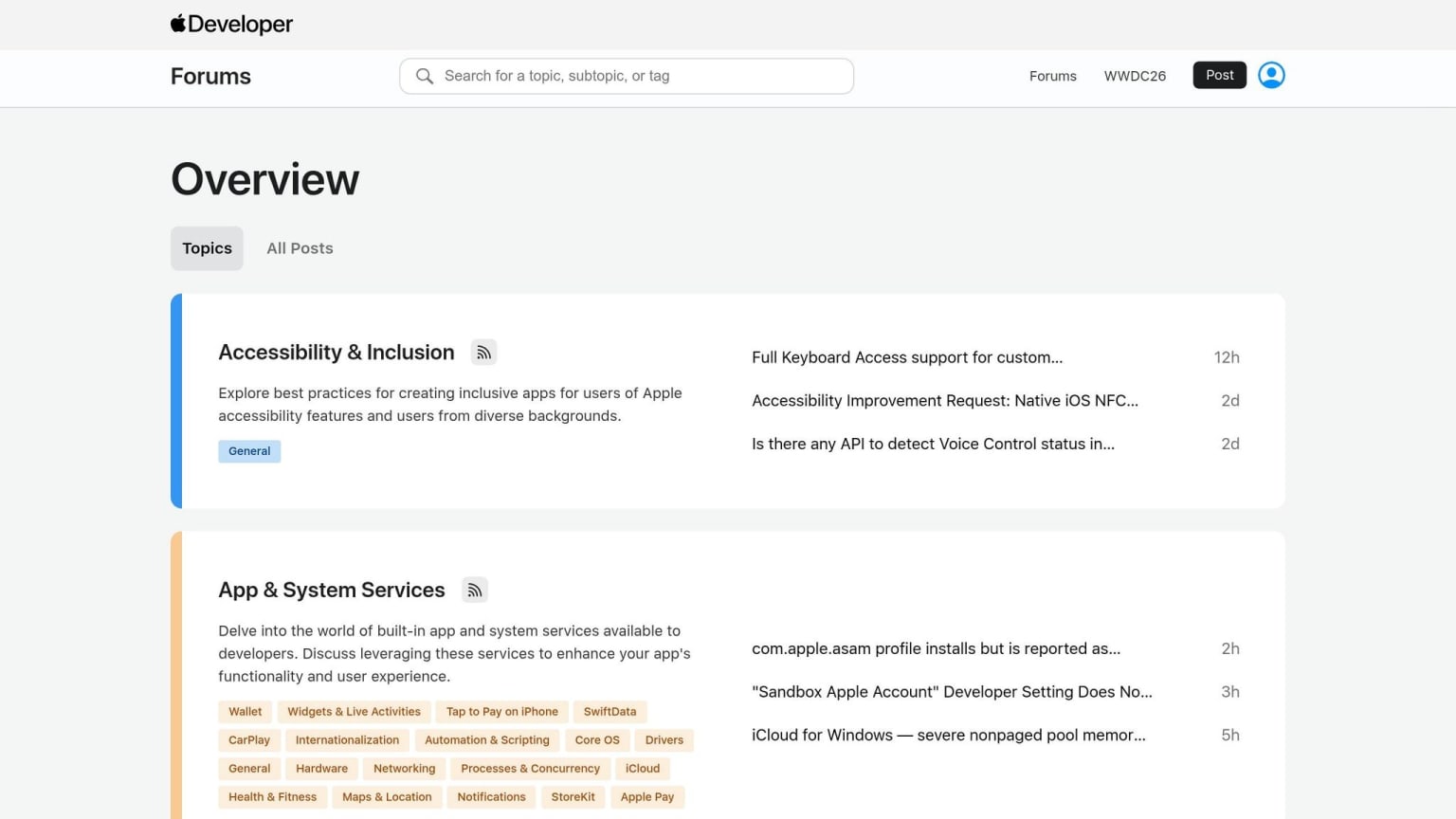
These official ecosystem communities are most useful when a new SDK or developer tool comes out. You get the release context and the first wave of peer reactions in the same place, which makes it easier to judge what changed and why it matters, instead of relying on release notes alone.
Once the goal moves from picking a tool to figuring out what changed, news-focused communities tend to be a better fit.
Developer communities for tech news and release discussions
Some communities are better at making sense of releases than helping you find new tools. That matters when you need to figure out breaking changes, stack impact, and ecosystem shifts fast. The clearest examples are broad discussion hubs and official vendor channels.
Fast-moving technical discussion hubs
When a major release drops, these threads are often the first place people start picking it apart. You’ll usually see people call out what changed, what it means in practice, and whether it’s likely to affect your stack.
These spaces move fast. That’s the upside and the catch. You can get early signal fast, but you have to read with a bit of care and sort solid takeaways from hot takes.
Focused ecosystem communities
Smaller communities often give you faster, more practical answers because everyone is talking about the same stack. The discussion stays tight, so the signal is usually more relevant.
That’s especially useful when you don’t want to wade through general chatter just to figure out if a release matters to your team. Communities with active technical discussion around areas like Kubernetes, cloud architecture, or Rust are especially useful when you want practical signal instead of noise .
How these communities compare in practice
Use tool-focused communities when you want to see how a product holds up in actual projects. Use news-focused communities when you want to read release reactions and figure out what a change means once people start using it.
The table below shows which community fits which type of decision.
| Community | Use When |
|---|---|
| GitHub Discussions | Checking tools in real projects |
| Discourse-powered forums | Deep technical Q&A and discussion |
| Apple Developer Forums | Platform-specific guidance |
| Google for Developers community channels | Release notes and ecosystem changes |
| Hacker News | Fast-moving release and industry discussion |
GitHub Discussions is strongest when you need repository-level context.
Pick a community based on your goal
If you're evaluating a tool, start where the implementation details live. That's usually the place where people share setup issues, edge cases, and what happened when they used it in production.
If you're following a release, go to the community where that ecosystem talks about updates most directly. That's often where you'll spot early reactions, rough edges, and the parts of a release that matter day to day.
If you're tracking a broader trend, use the community where people are already comparing impact, tradeoffs, and next steps.
For a workflow that brings discovery and discussion into one feed, the next section shows how daily.dev fits.
Where daily.dev fits as a personalized discovery and discussion hub
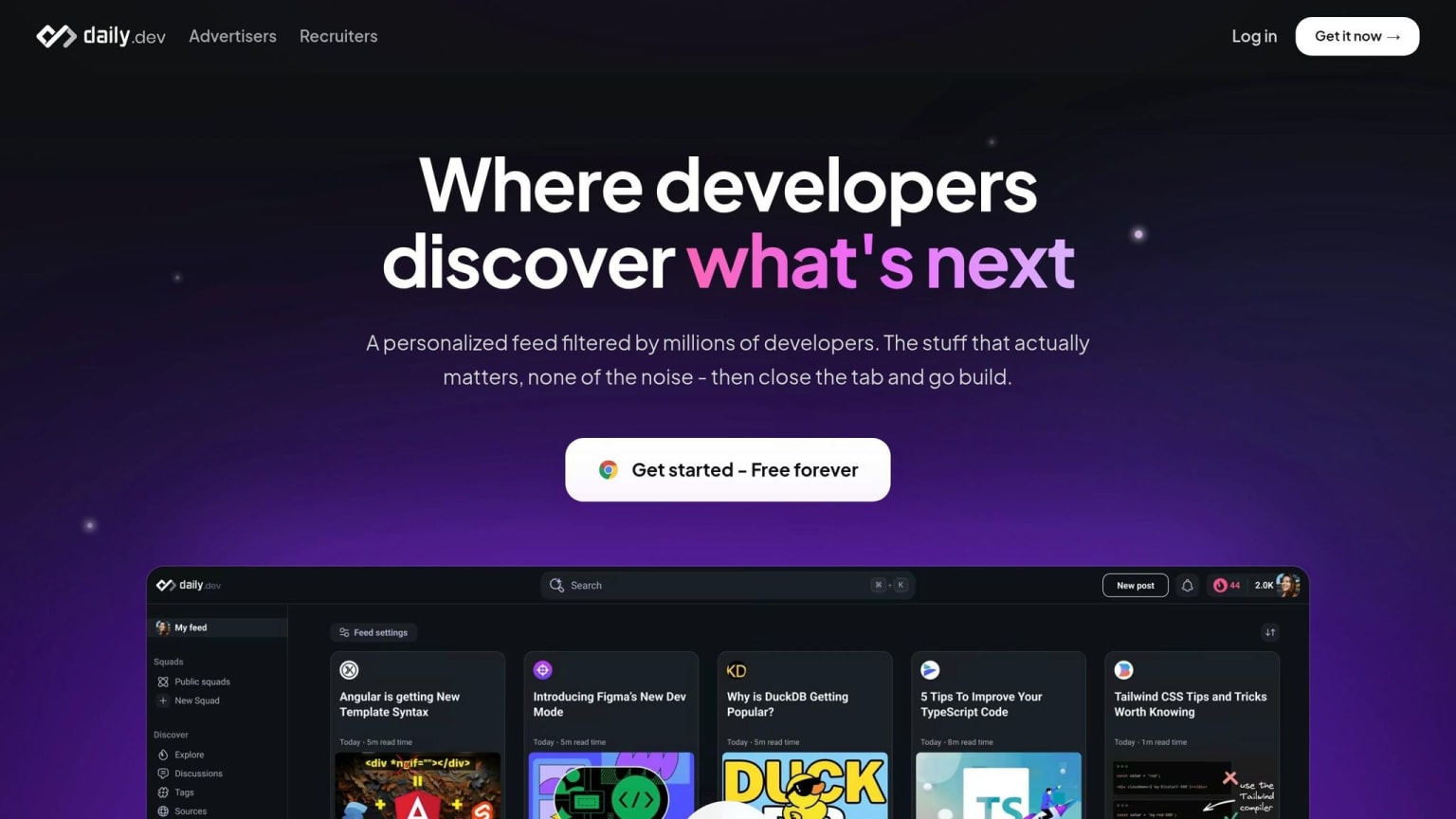
Those communities solve different jobs well. But when you have to check each one on its own, discovery gets split up fast. daily.dev pulls those threads into one place.
Its personalized feed shows articles, tools, and discussions based on what you read and engage with. So over time, the experience gets more tuned to your interests. daily.dev cuts through the noise so engineers can spend more time on the tools, articles, and discussions that matter to them.
Feed, Search, and Squads in one workflow
It starts with Feed, Search, and Squads working together in a single flow.
The Feed is for day-to-day discovery. It brings in tools, articles, and discussions that match your stack and interests.
Search helps when something in the feed grabs your attention and you want more context on a topic or piece of tech.
Squads are where the discussion keeps going. They’re topic-based community spaces where developers with the same stack or interests can talk about what they’re seeing.
Together, Feed, Search, and Squads cover the full cycle: discover, research, discuss.
FAQs
How do I know if a community is good for tool evaluation?
A good community for tool evaluation puts open, community-led insight ahead of passive databases. You want active discussions where developers share how tools behave in practice, not just static marketing data.
The best communities also lean on trust-based, opt-in interaction and honest talk about day-to-day workflows. That makes it much easier to judge a tool’s practical use and see whether it fits your project needs.
When should I use a news-focused community instead of a project forum?
Use a news-focused community like daily.dev when you want to follow industry trends, spot new tools, or jump into broader tech conversations.
Use a project forum when you need tool-specific help, troubleshooting, or more detailed implementation guidance. Project forums give you depth around one tool or project, while news-focused communities help you keep up with the bigger picture across tech.
How can daily.dev help me track both tools and release discussions?
daily.dev brings tool discovery and release discussions into one personalized feed. It curates content around your professional interests, so you can track product updates and community conversations in the same place.
That means you can keep up with new tech and size up new tools without bouncing between different community hubs.