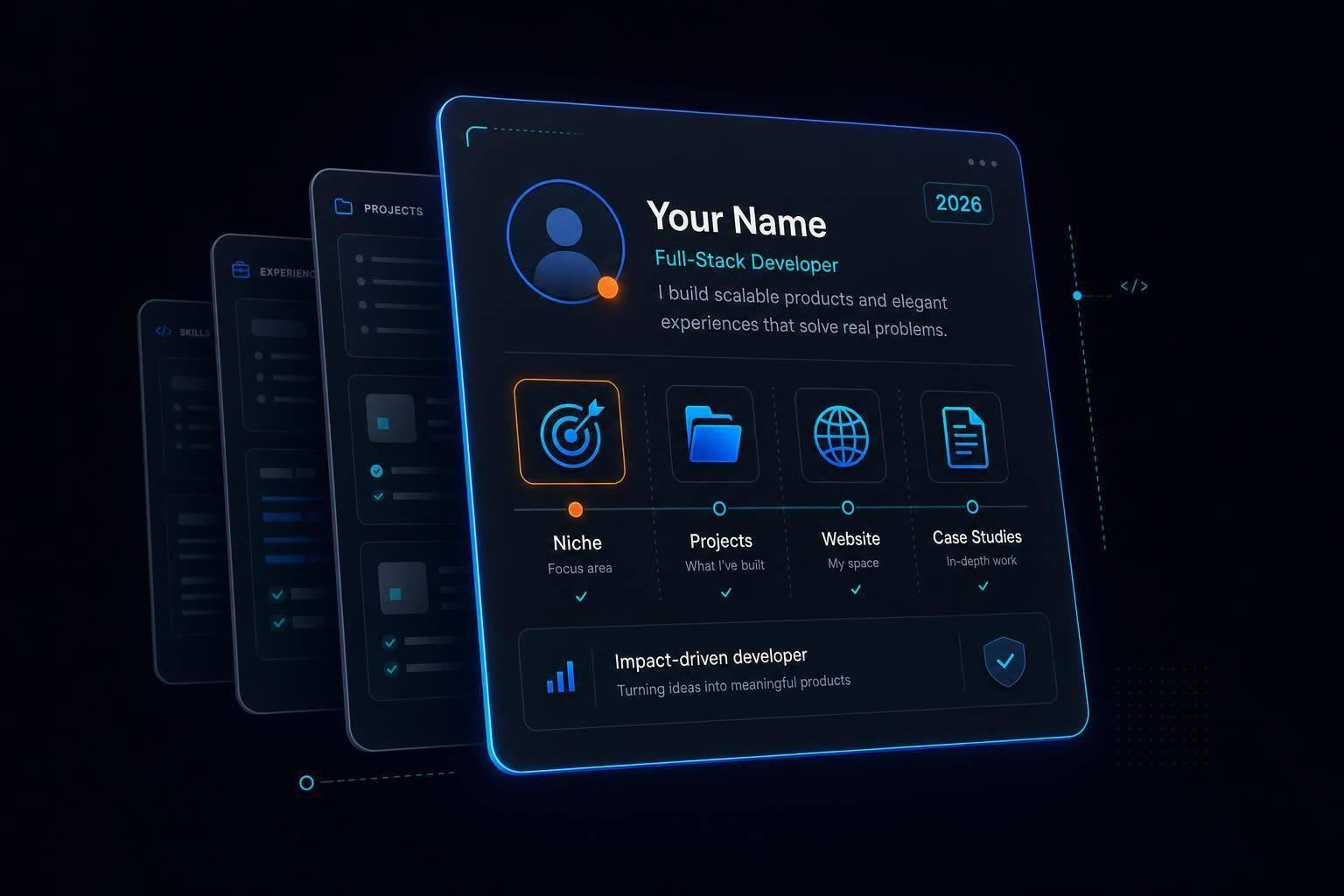
Make your developer profile scannable and trustworthy: pick a niche, showcase GitHub projects, add a simple site and short case studies.
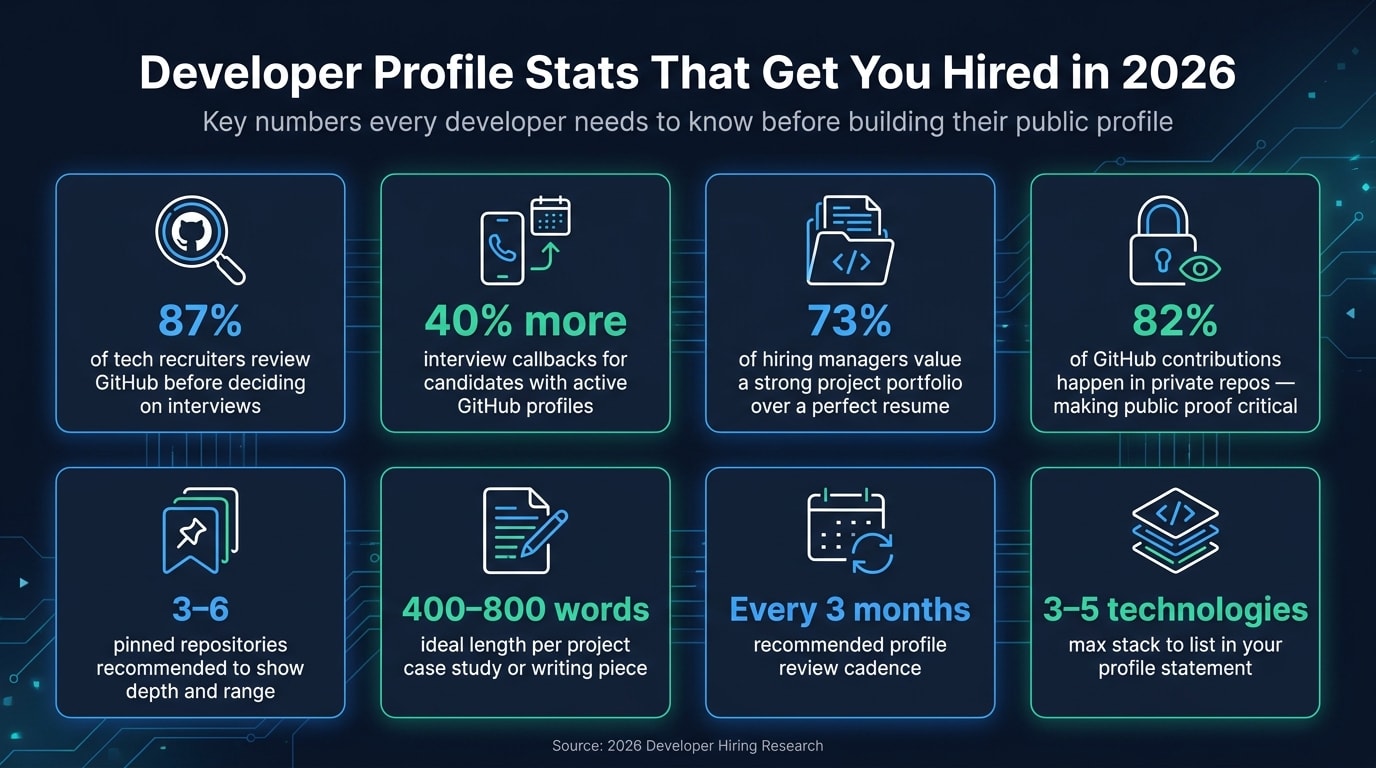
Your profile needs to answer three questions in seconds: what I build, where I prove it, and why I’m worth a call. In 2026, that matters more because hiring teams check proof before they trust claims. 87% of tech recruiters review GitHub before deciding on interviews, and 73% of hiring managers care more about a strong project portfolio than a perfect resume.
If I wanted to stand out fast, I’d do this:
- Pick one clear niche and tie it to one target role
- Use one short profile statement across GitHub, my site, and daily.dev
- Show proof, not noise with pinned repos, docs, tests, and project results
- Use a simple personal site to explain context, constraints, and outcomes
- Publish short writing that shows how I think
- Link every profile together and review it every 3 months
The big idea is simple: a clean, focused public profile beats a scattered one. Since 82% of GitHub contributions happen in private repos, I can’t assume employers will infer my skills from hidden work. I need to make my public proof easy to scan, easy to trust, and easy to contact.
This article shows how I’d build that profile system without fluff: clear positioning, strong GitHub proof, a simple site, useful writing, and steady upkeep.
Define your niche and the signals that make you worth hiring
A generic profile is easy to scroll past. A focused one gives recruiters one clear reason to stay. But focus by itself isn’t enough. The proof on your profile has to line up with the role you want.
Choose a clear specialty and target role
Pick one specialty: frontend, backend, data engineering, or mobile.
That choice should shape the whole profile. It affects which projects you pin, how you write your bio, and what you post in public. If you’re changing careers, pair your past domain knowledge, like finance or healthcare, with your new technical skills. That gives you a specialty that feels specific and useful instead of broad and generic.
Once your niche is clear, use every public profile to reinforce it.
The credibility signals that matter most in 2026
In 2026, recruiters don’t just read resumes. They check for proof.
87% of tech recruiters check GitHub before making an interview decision, and candidates with active profiles receive 40% more interview callbacks . But “active” doesn’t mean dumping code into random repos every week. It means being intentional. Put your energy into maintained repositories, real problem-solving, and solid documentation. Quality beats volume.
That lines up with how hiring managers think too. 73% of hiring managers now consider a strong project portfolio more important than a perfect resume . So the goal isn’t to look busy. It’s to make your work easy to trust at a glance.
Next, turn that positioning into one short statement people can remember across platforms.
Write one profile statement and use it everywhere
Write two to three sentences that explain:
- what you build
- your core stack, limited to 3–5 technologies you know well
- one concrete metric, like GitHub stars, project users, or monthly revenue if you ship your own tools
Skip vague lines like “passionate developer” or “open to opportunities.” Those phrases don’t tell anyone much. Instead, name the problem you solve.
Then use that same statement across your GitHub bio, your daily.dev profile, and your personal site. Those are the proof sources that hold your broader profile system together. If your message changes from one place to another, review gets slower and callbacks drop.
Make GitHub show real work, not just activity
Now turn that profile statement into proof on GitHub.
Set up a GitHub profile page that is fast to scan
Use your profile README for a one-line bio, your core stack, and two links. Keep it lean. The bio should tell people what you do at a glance, and the pinned projects should do most of the heavy lifting after that.
Pin repositories that show depth and keep them maintained
Pin 3 to 6 repositories that match the kind of role you want. Show range, but keep it focused.
For each pinned repo, include:
- An architecture diagram
- Test coverage
- A commit history that shows why changes happened
- One short note on what you'd improve next
That last part matters more than people think. It shows judgment. It also makes the repo feel alive instead of parked and forgotten.
Show contribution quality beyond commit count
Raw commit volume is a weak signal in 2026. A big graph can look busy without saying much.
Use PR descriptions, issue comments, reviews, and commit history to show how you work. That’s where people can see your reasoning, your tradeoffs, and how you communicate when the work gets messy.
Treat every public contribution as proof of work quality, not volume.
GitHub shows what you build; your site and writing explain how you think.
Use a personal site, writing, and daily.dev to round out your profile
A personal site and your writing help turn raw code into proof that you can ship work, explain it, and show its effect.
Build a simple personal site that ties your projects together
Use your site to explain the parts your GitHub profile can't show on its own.
Keep it lean: a hero section, selected projects, a short About section, and contact details. For each project, spell out the problem, your role, the constraints, and the result. If you have proof points like live business metrics, active user counts, or verified audience numbers, put them where people can spot them fast.
The goal is simple: connect the work, the result, and the story behind it.
Add a short note about what you'd change today. That small bit of self-critique says a lot. It shows judgment, honesty, and growth.
From there, turn those project pages into short case studies people can read and assess.
Turn what you learn into public writing others can evaluate
Writing is another way to show how you think. Project descriptions and READMEs show whether you can explain ideas clearly under real constraints. That gives hiring teams a better sense of how you'd do in code reviews.
You don't need long essays. Aim for 400–800 words per case study . Good formats include:
- Implementation notes tied to a specific project
- Short postmortems on a bug or outage
- Lessons-learned write-ups after using a new tool or pattern
| Writing Format | What It Proves |
|---|---|
| Project case study | Execution and results |
| Implementation notes | Technical depth and architectural trade-offs |
| Post-mortems | Debugging process and root-cause analysis |
| Short explainers | Ability to communicate complex ideas clearly |
Link each piece to the related project on your site or GitHub. That link matters. It turns separate writing samples into one clear picture of how you work.
Use daily.dev as a learning signal alongside GitHub and your site
Use daily.dev to show what you're learning now, not just what you've built in the past.
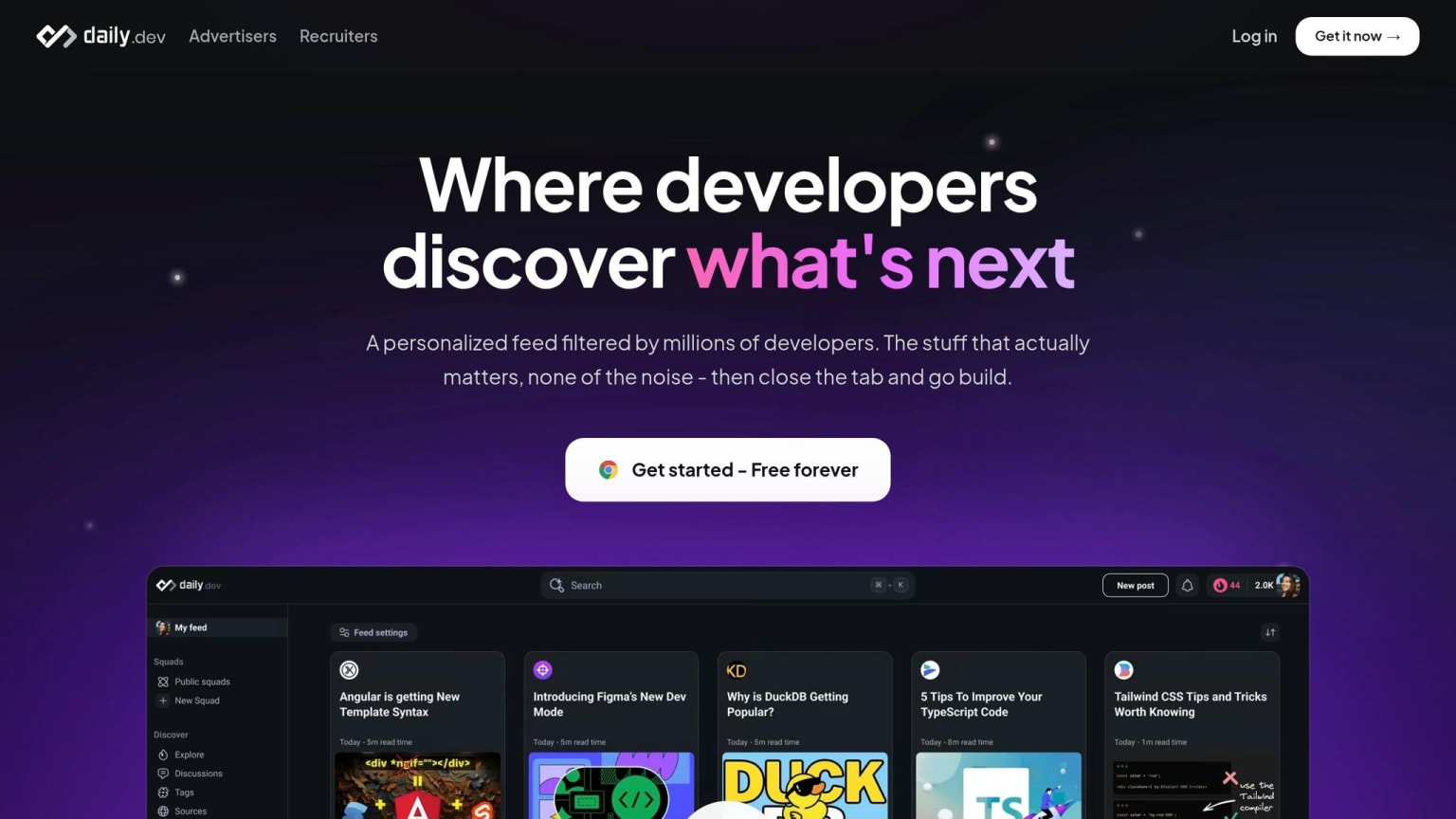
daily.dev is a personalized feed for developers. It surfaces relevant articles, tutorials, and discussions based on your stack and interests, and its DevCards are shareable developer skill profiles.
Use your DevCard as a small, visible signal of what you're reading and learning. Add it to your GitHub bio, your personal site's About section, your resume, or your email signature. It should back up your main proof, not stand in for it.
These signals only help when they all point to the same niche and the same story.
Put it all together into one clear profile system
Keep your profile details consistent across platforms
Once the main pieces are set, step back and look at your profile like one connected system. Do a quick pass across every platform where you show up. Your name, niche, primary stack, contact info, and positioning statement should match everywhere.
That kind of consistency makes life easier for anyone checking you out. A recruiter, hiring manager, client, or collaborator shouldn't have to piece together who you are from five slightly different versions of the same profile.
Link your profiles together and review them every 3 months
After the wording matches, connect each profile to the others. Your GitHub profile should link to your personal site and include your daily.dev DevCard. Your personal site should link back to GitHub, your daily.dev profile, and your writing. Your daily.dev profile should point back to GitHub, your personal site, and your writing.
Then comes the part people often skip: upkeep.
Broken demo links, stale pinned repos, and old stack claims can quietly weaken an otherwise strong profile. Every 3 months, check your live demo links, pinned repos, and contact forms for broken deployments or stale claims. Test your contact form too, and keep your email private.
Conclusion: Focus on proof, clarity, and consistency
The goal of this whole system is simple: make it easy for anyone to see what you do, confirm that you're good at it, and contact you. Choose a niche, keep your GitHub in shape, explain your projects clearly on your personal site, publish what you learn, and use your daily.dev DevCard as extra proof. Then tie all of it together.
Start with GitHub and your personal site. After that, add writing and daily.dev as supporting proof.
FAQs
How do I choose the right developer niche?
Choose a developer niche by leaning into your strengths and the work that pulls you in. Don’t try to learn everything. That’s a fast way to get stuck.
Start by mapping out your technical skills, community involvement, and interests. Then get specific: What problems do you want to solve most? And who do you want to help?
Once your focus starts to click, turn it into a clear mission statement. That statement should explain what you do and the value you bring in plain English.
What if most of my work is in private repos?
That’s common. You can turn on private contribution tracking in GitHub so your activity graph reflects your work without exposing private code.
It also helps to point people to other signals they can see:
- Bug reports
- Documentation updates
- Pull request reviews
- Public summary repos for private projects
- A small number of intentional side projects
Platforms like daily.dev can also help show steady learning and technical curiosity.
How often should I update my developer profile?
Aim for steady activity, not random bursts. A good target is 3 to 4 meaningful contributions per week to keep your profile active and credible.
Hiring managers often look at the last 90 days, so a steady rhythm matters more than trying to game the system. Regular commits, bug reports, or documentation updates help show that you stay involved and can be counted on.