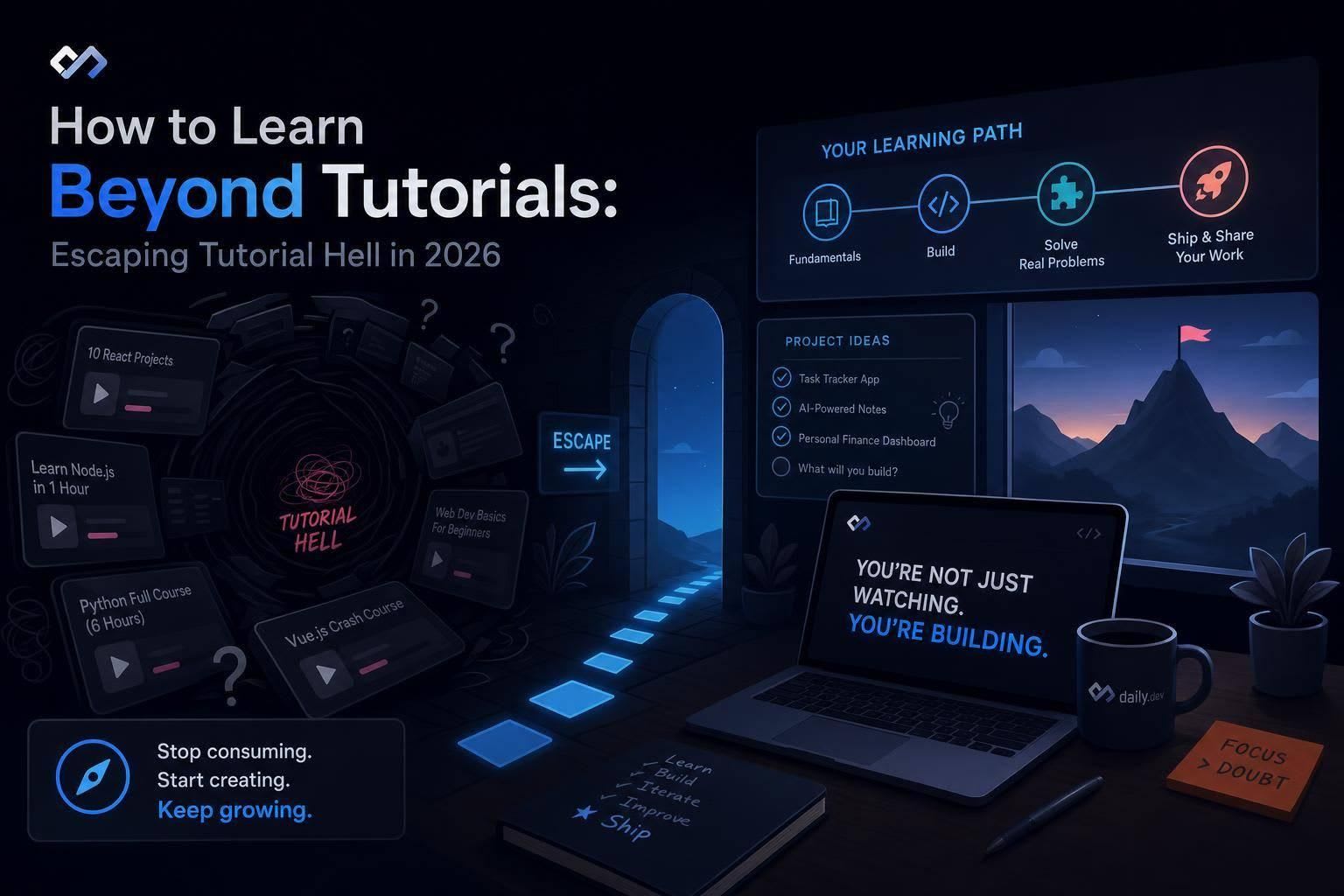
Stop treating tutorials as the plan — build small projects, read docs, and learn by shipping to turn recognition into recall.
If you can finish tutorials but freeze in a blank editor, the fix is simple: spend less time watching and more time building.
I’d sum up the whole article like this: tutorials help me recognize code, but projects force me to recall it. In 2026, that gap matters more because 76% of developers use AI coding tools, so my edge comes from choosing what to build, debugging problems, and making trade-offs on my own.
Here’s the short version:
- Tutorial hell means I can follow steps but struggle to start alone
- The main problem is recognition vs. recall
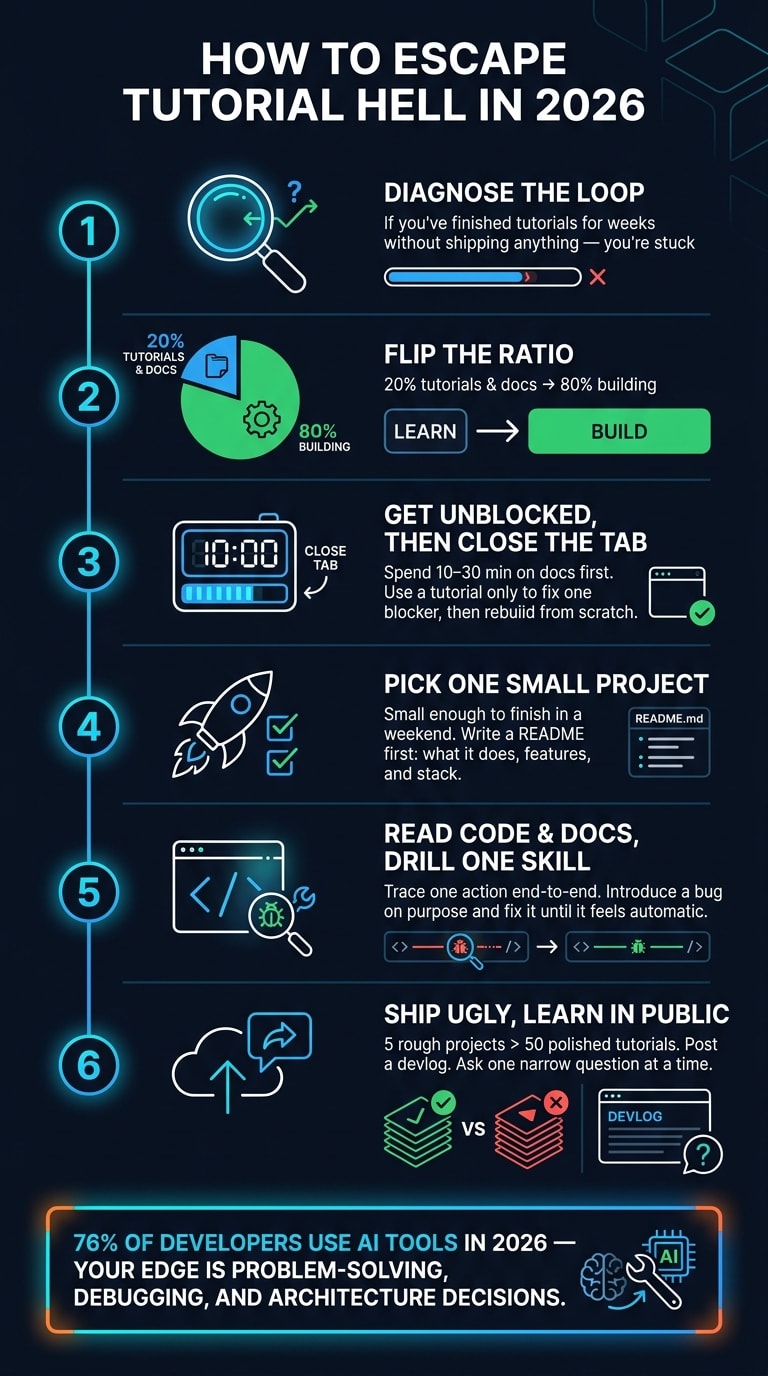
- A better learning split is 20% tutorials/docs and 80% building
- I should try to solve a blocker for 10–30 minutes before looking up help
- My first solo project should be small enough to finish in a weekend
- Reading source code and official docs builds stronger judgment than endless videos
- Writing a short devlog and asking narrow questions helps me spot gaps fast
- Shipping 5 rough projects teaches more than finishing 50 polished tutorials
The core idea is simple: I stop treating tutorials as the plan and start treating them as backup.
Tutorial hell: symptoms, causes, and cost
Tutorial hell isn't about laziness. It's a loop: you finish tutorial after tutorial, yet when it's time to build on your own, you freeze.
You can complete a course. You can copy the steps. But when the video ends and you open a blank project, nothing moves.
How to tell if you are stuck
The clearest sign is blank editor paralysis. Guided projects feel fine. Then you close the tutorial, open a new file, and your brain stalls. You know the syntax, but you can't figure out what to type first.
A few other signs tend to show up too:
- You need a guide to decide what features to build
- You lean on walkthroughs for basic debugging
- Your GitHub is packed with course repos with only tiny changes
Then there's the biggest trap: the one-more-course loop. You tell yourself you just need a better teacher, a clearer lesson, or one more resource before you'll be ready. That feeling is the trap.
Why tutorials do not build real skill
Tutorials are built to feel smooth. The problem is already defined, the tools are already picked, and the messy failures are cut out. So you're not learning how to solve the problem. You're following a path that has already been solved.
That gets to the core issue: recognition vs. recall.
Tutorials train recognition. You see a pattern and think, "Yep, I've seen that before." Real development asks for recall. You have to pull the pattern out of your own head, from scratch, often under pressure and without hints.
So every time you code along with a video, you're training the first skill far more than the second.
In 2026, that gap costs more than it used to. Roughly 76% of developers now use AI coding tools . That shifts the value toward problem-solving, architecture trade-offs, and debugging - the parts tutorials often skip. If AI can help write code, then your edge comes from knowing what to build, why to build it that way, and how to fix it when things break.
That is why the answer isn't more walkthroughs. It's practice that forces recall.
Once you spot the loop, you can start swapping passive watching for project-first learning.
Switch from tutorial-first to project-first learning
The fix isn't quitting tutorials all at once. It's changing the ratio: spend about 20% of your time on tutorials and docs, and 80% of your time building . Tutorials should help you get past a blocker, not run the whole show. In practice, each tutorial should solve one problem, and then you move on.
Use tutorials only to get unblocked, not to drive the whole plan
When you get stuck, spend 10–30 minutes trying to work through it with docs and error messages first. If you're still stuck after that, use a tutorial to find the fix, then close the tab and rebuild it from scratch . That rebuild is where the learning starts. It turns “I’ve seen this before” into “I can do this myself.”
After you can get yourself unstuck, don't jump into another course. Go back to something you've already built and make it do more. Add authentication, a filtering system, a few unit tests, or a caching layer . That’s where things get interesting, because now you have to make the calls the tutorial made for you.
Pick one small project that creates real learning pressure
Your first project should be small enough to finish in a weekend, but hard enough to push you a bit. A bookmark manager or a CLI utility is a good fit . The point is to run into the parts tutorials tend to skip: reading docs to pick a library, dealing with edge cases, and figuring out how to organize your files. That kind of project forces decisions, debugging, and tradeoffs.
Scope matters a lot here. If you still can't outline the logic after 2 hours, the project is probably too advanced right now . A simple way to stay on track is to write a short README first with:
- what the project does
- what features it includes
- what stack you'll use
Use daily.dev to find project ideas and implementation details
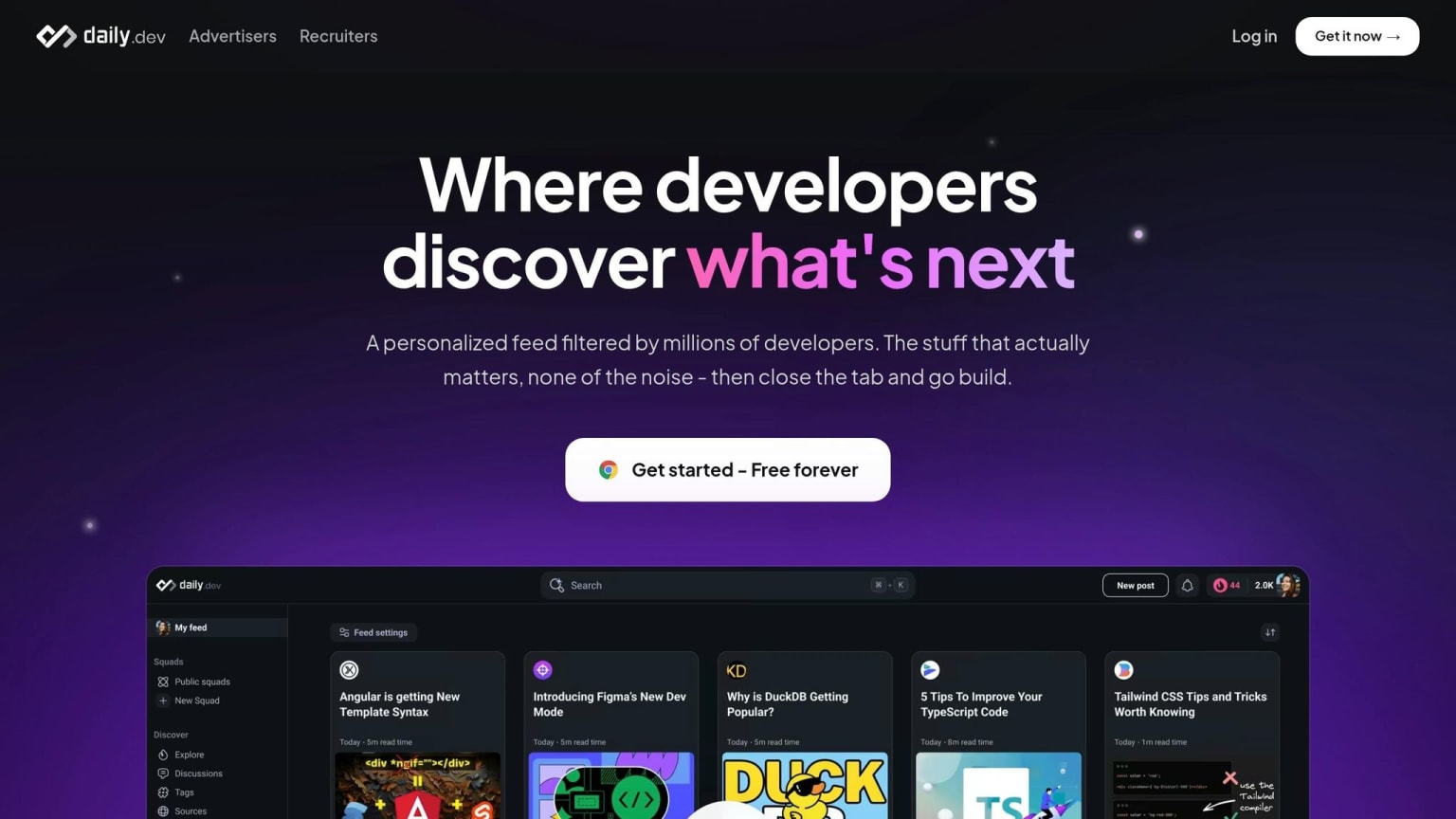
This is where daily.dev comes in. You can use daily.dev to find project ideas, implementation notes, and tradeoffs for your stack. Once you know what you're building, the next move is reading code and docs to fill in the gaps tutorials leave behind.
Learn from source code, docs, and deliberate practice
Once you have one project going, stop relying on tutorials from start to finish. At that point, the better move is to learn from the project itself. Read code, check docs, and practice one skill at a time. That’s where you start picking up the parts tutorials usually gloss over.
How to read source code without getting lost
Start small. Trace one action from start to finish, like a button click, form submit, or API call, across components, state, and back . As you go, write down what each part is doing in plain English .
That simple habit helps a lot. Instead of staring at a giant codebase and hoping it clicks, you follow one thread at a time.
In bigger codebases, put your attention on a few things first:
- Module boundaries
- Error handling
- Naming conventions
- Performance trade-offs
As Robert C. Martin put it:
"The ratio of time spent reading vs. writing is well over 10:1. We are constantly reading old code as part of the effort to write new code."
That hits even harder when you're checking code you didn’t write yourself. In 2025, 41% of all code written was AI-generated . And 66% of developers said AI-generated code was close, but wrong in small ways .
Use official docs as your default reference
When the code path gets fuzzy, check the docs before you keep building. Open the official docs before you hunt for yet another tutorial. Start with the "Getting Started" page so you can get your bearings, then jump to the API reference for the exact thing you need . And yes, always check the version number before you copy an example .
Docs help you answer three basic questions: what the tool does, when to use it, and whether AI-generated code lines up with the actual API. Long term, knowing which tool fits which job matters more than memorizing syntax .
Build from scratch and practice one skill at a time
Once you can read the code and use the docs, zoom in on one weak spot and work on it directly. Deliberate practice means choosing one specific skill, like debugging, refactoring, or state management, then drilling it with a clear goal and a feedback loop .
A simple way to do that: take something you already built, add a bug on purpose, and then fix it . Do it again. Then do it under slightly different conditions.
That kind of repetition is what turns recognition into recall .
Pick one skill, introduce a bug on purpose, and fix it until the steps feel automatic.
Learn in public, get feedback, and build a lasting habit
Getting out of tutorial hell takes repeated practice, not one magic moment. Once you can build and debug on your own, public feedback helps you see what still needs work.
Share work early to expose gaps faster
One of the fastest ways to spot weak points is to explain your work to someone else. Post a short note after you fix a bug. Share what you built, why you built it, and ask about one design choice.
A simple habit helps here: write 3–5 sentences in devlog.md after each session. Note what you built, what broke, and what you learned. It’s small, but it keeps you honest. And it makes progress easier to see when the week feels messy.
Use community feedback and daily.dev Squads to improve faster
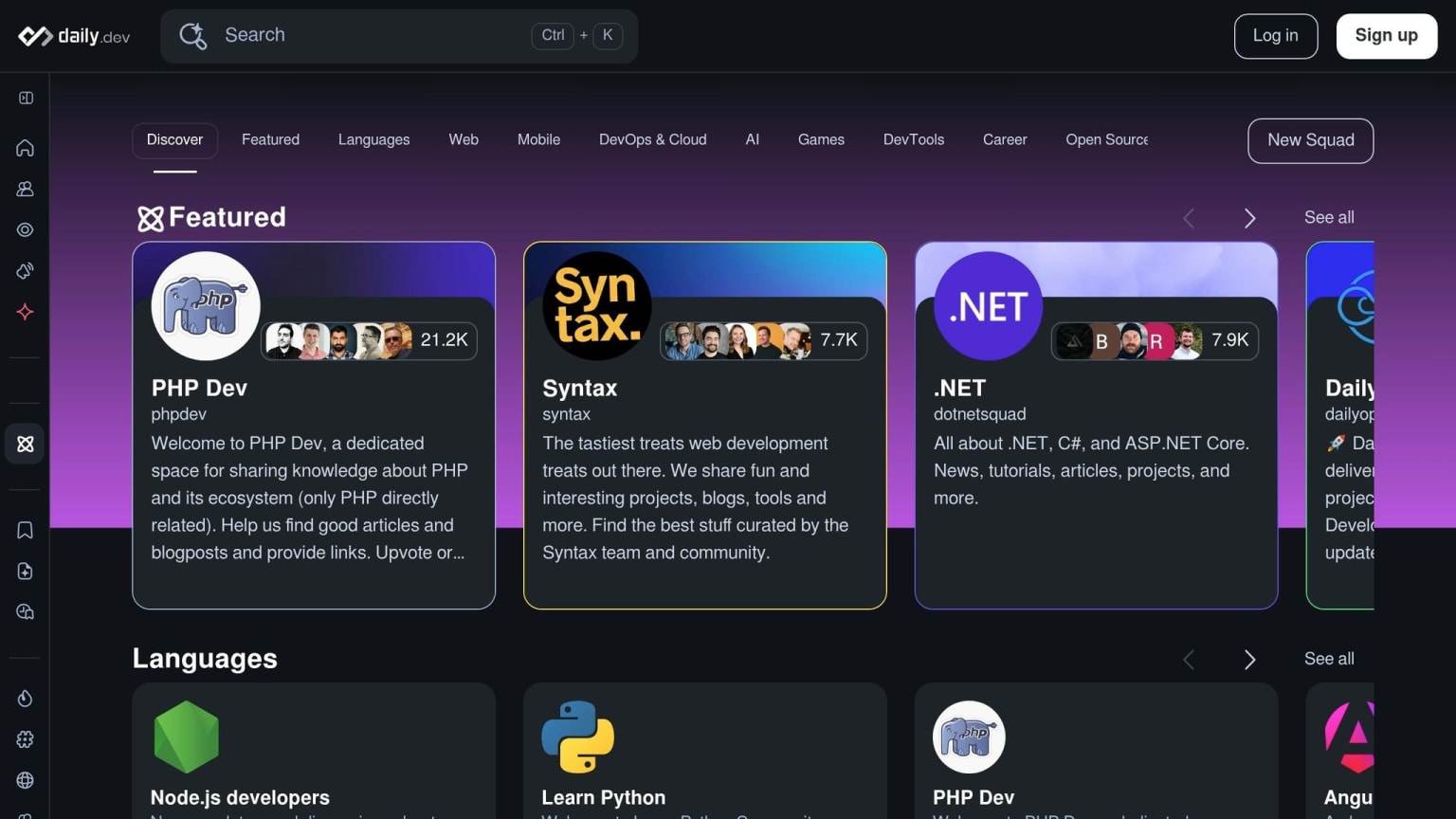
Ask one narrow implementation question at a time. Specific questions get better answers. So instead of asking, “how do I build a to-do app,” ask, “how do I save a JSON object to localStorage and retrieve it on page load?”
Community spaces can turn solo practice into a tighter feedback loop. daily.dev Squads are topic-based spaces where developers share implementation questions, post projects, and give peer feedback. DevCards give you a lightweight way to share your developer identity and connect with others around shared interests and tools.
Conclusion: a simple plan to escape tutorial hell in 2026
Put it all together. First, diagnose the loop: if you’ve been watching tutorials for weeks without shipping anything, that’s the sign. Next, use tutorials only to get unstuck, not to run the whole plan. Then pick one small project with a real constraint, read docs and source code when you hit a wall, and drill one weak skill at a time with a clear feedback loop.
Share unfinished work early.
"The developer who has shipped 5 ugly projects has more real skill than the developer who has completed 50 polished tutorials." - Ruhid Ibadli
Here’s your next step for this week: pick one project, write a README before you write any code, and post your first build note. Use daily.dev as your regular feed for engineering articles and discussions, and use Squads when you want feedback on what you’re building. Ship, ask, learn, repeat.
FAQs
How do I know if I’m in tutorial hell?
You’re probably in tutorial hell if you can follow along with a lesson, then go blank the second you open an empty editor and try to build something on your own.
It usually shows up in a few familiar ways:
- You lean on tutorials for most of your coding
- You have a hard time debugging without step-by-step help
- You keep starting new courses instead of finishing projects
- You understand the ideas, but still can’t build from scratch
That gap can feel frustrating. You know the concepts, but when it’s time to turn them into working code, things stall out fast.
What should I build first without a tutorial?
Start with a small project that fixes a problem you deal with yourself. That gives you a clear target from day one. You already know where the pain point is, what would make life easier, and why the project matters. And when debugging gets annoying - as it always does - that personal link helps you stick with it.
Keep the scope tight. Go for a functional MVP you can wrap up in a weekend, not a giant app that drags on for months. A basic responsive website, a simple e-commerce setup, or a starter chatbot built with APIs is more than enough.
If you want ideas, browse real-world projects on daily.dev.
How do I learn from docs and source code?
Treat documentation and source code as primary tools, not backup references. Use docs on purpose: go there to clear up tricky ideas, confirm how something works, or check the exact syntax. And when you hit a wall, start with the official docs and a search engine instead of jumping straight into tutorials.
With source code, keep it small at first. Choose GitHub repositories that are easy to read, still maintained, and have clear READMEs. Labels like good first issue are a strong signal. From there, narrow your scope and focus on one feature or one bug fix at a time.