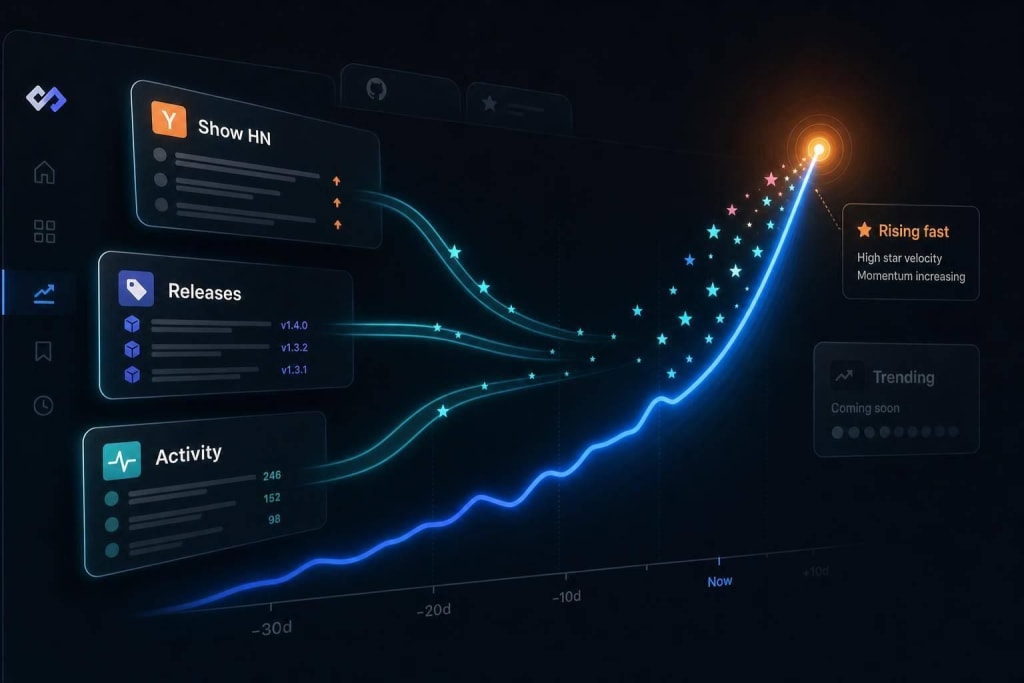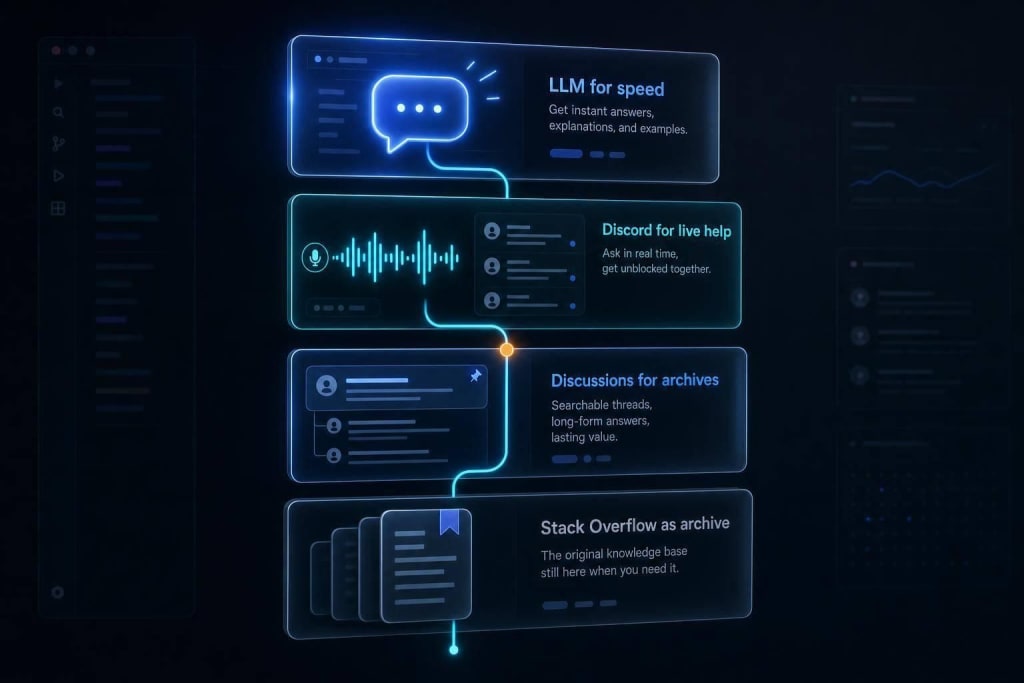
Stay informed with a focused feed: 1-2 trusted sources, 10–15 minute checks, and triage stories into act/watch/ignore.
You do not need to follow everything. You need a small system that tells you what matters and when to stop.
I keep this simple: I follow a few sources, check them in a 10–15 minute window, and ignore anything that will not affect my work soon. That matters because one interruption can cost about 23 minutes and 15 seconds of refocus time.
Here’s the whole approach in plain English:
- Pick only topics tied to my role and tech stack
- Use a small set of sources
- Tune the feed to current work
- Read at fixed times, not all day
- Sort stories into act now, watch, or ignore
- Drop low-value sources before adding new ones
The core idea is simple: news should support my work, not take over it. I do not try to keep up with all engineering news. I build a filter, stick to it, and let most headlines pass.
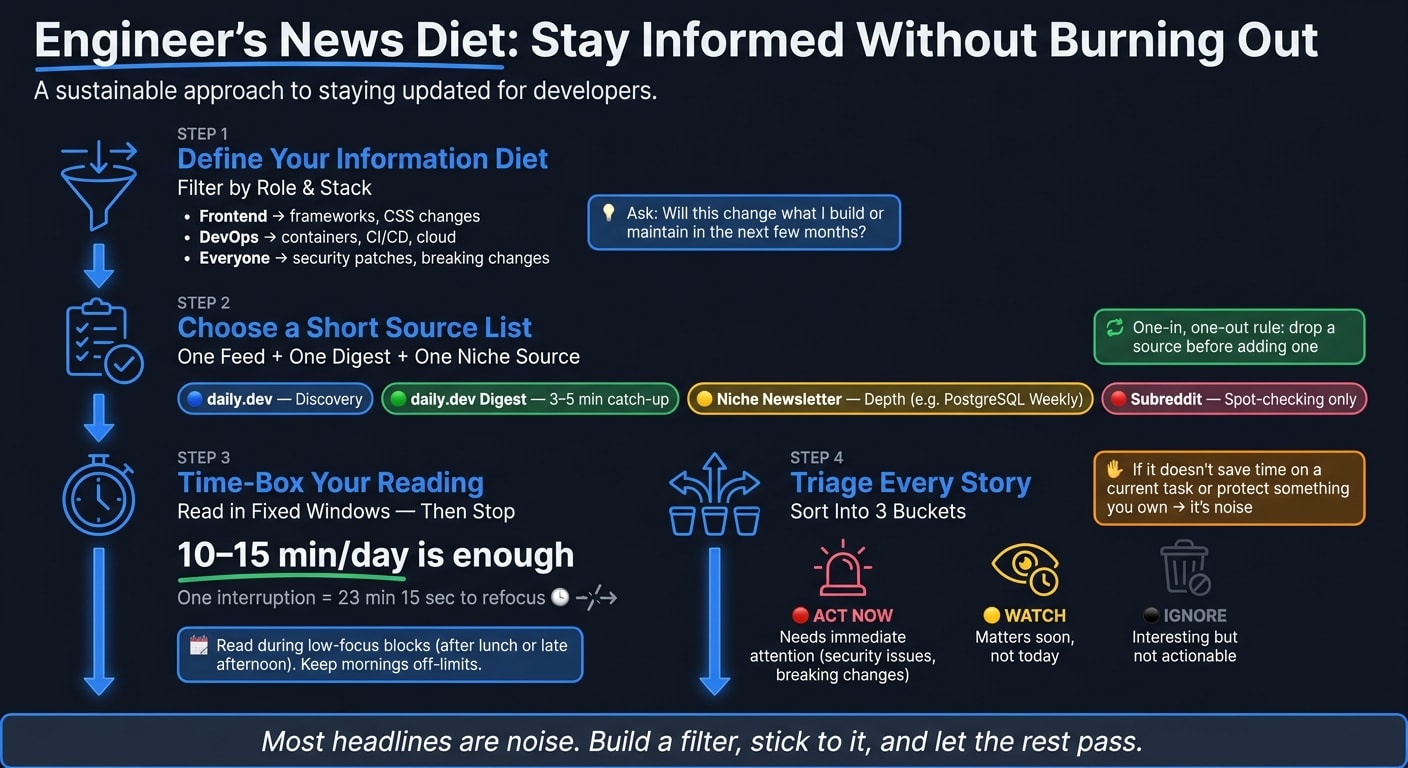
Define a small information diet
Start by narrowing down what matters to your day-to-day work. A small information diet means giving your attention to the things that directly affect what you do.
Pick the topics that actually affect your work
Filter by role and stack. Frontend developers should watch framework and CSS changes. DevOps engineers should watch container, CI/CD pipeline orchestration, and cloud updates. And everyone should keep an eye on security patches and breaking dependency changes.
From there, separate signal from noise. Ask two simple things: does this affect my work soon, and is it backed by solid evidence? If the answer is no, skip it. That matters most with revolutionary claims, "X-killer" headlines, and vendor-backed research without transparent methodology .
Then make the rule mechanical.
Replace random checking with a deliberate reading rule
Here’s a rule that works: if it won’t change what you build, maintain, or learn in the next few months, it doesn’t need your regular attention. Don’t ask, “Is this interesting?” Ask, “Is this actionable for me, soon?”
Curiosity has its place, but it needs a boundary. Cap yourself at 1–2 high-signal sources per category, and drop one before adding another. That keeps the diet small. The next step is picking the few sources worth letting in.
Choose a short list of sources you can trust
Once you know what matters, the next step is simple: pick a small set of sources that can give you that information on a steady basis. Think one main feed, one digest, and a few slower sources. That setup keeps your reading system lean, useful, and easy to stick with.
Use daily.dev as your primary feed for relevant stories
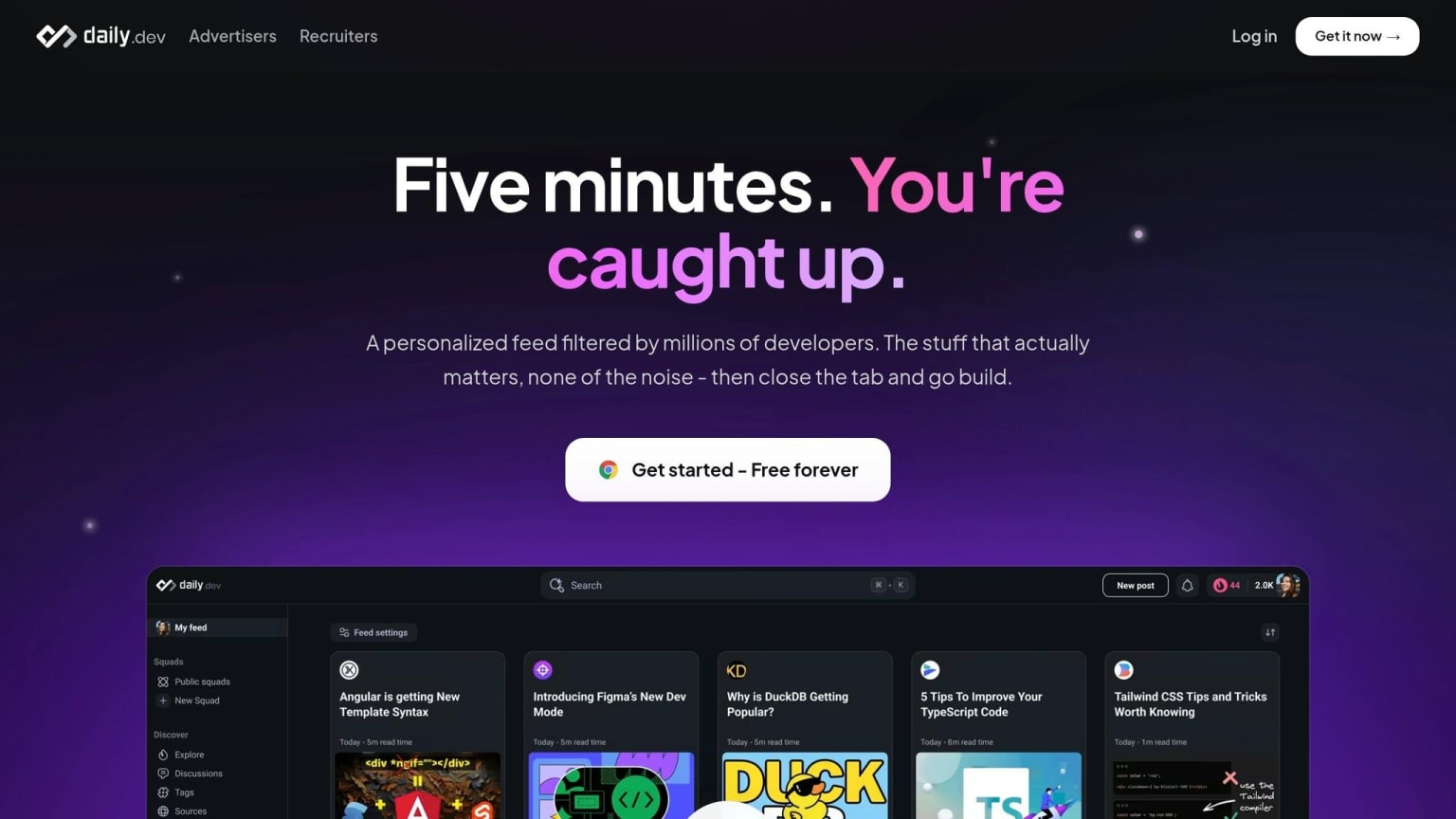
Use daily.dev as your main discovery layer. Its personalized feed surfaces stories that match your stack and interests, and the new-tab placement slips right into your normal workflow.
Add 1 digest layer and a few slow sources
Add one scheduled digest layer so you don’t miss updates. daily.dev Digest compresses major stories, releases, and discussions into 3–5 minutes . If you need deeper context in one area, add one niche newsletter, such as PostgreSQL Weekly for database work . Then use one relevant subreddit only as a search-based validation layer for complaints, limits, and bugs.
That gives you a simple setup:
- daily.dev for discovery
- daily.dev Digest for catch-up
- One newsletter for depth
- One subreddit for spot-checking
Use a one-in, one-out rule: add a source only when you drop another. With the source list fixed, the next control is when you check it.
Personalize and time-box your reading
Tune the feed to your stack, role, and current goals
Once your sources are in place, tighten the feed so the right stories rise to the top. That cuts noise before it even hits your screen.
Use tags to match your tech stack - React, Kubernetes, Rust - and your role, whether that's frontend, DevOps, or backend. You can also push up the tags that matter and block the ones that don't. As your work shifts, update those tags. If you're deep in infra this month and back to product work next month, your feed should shift too.
Check news in short, fixed windows and then stop
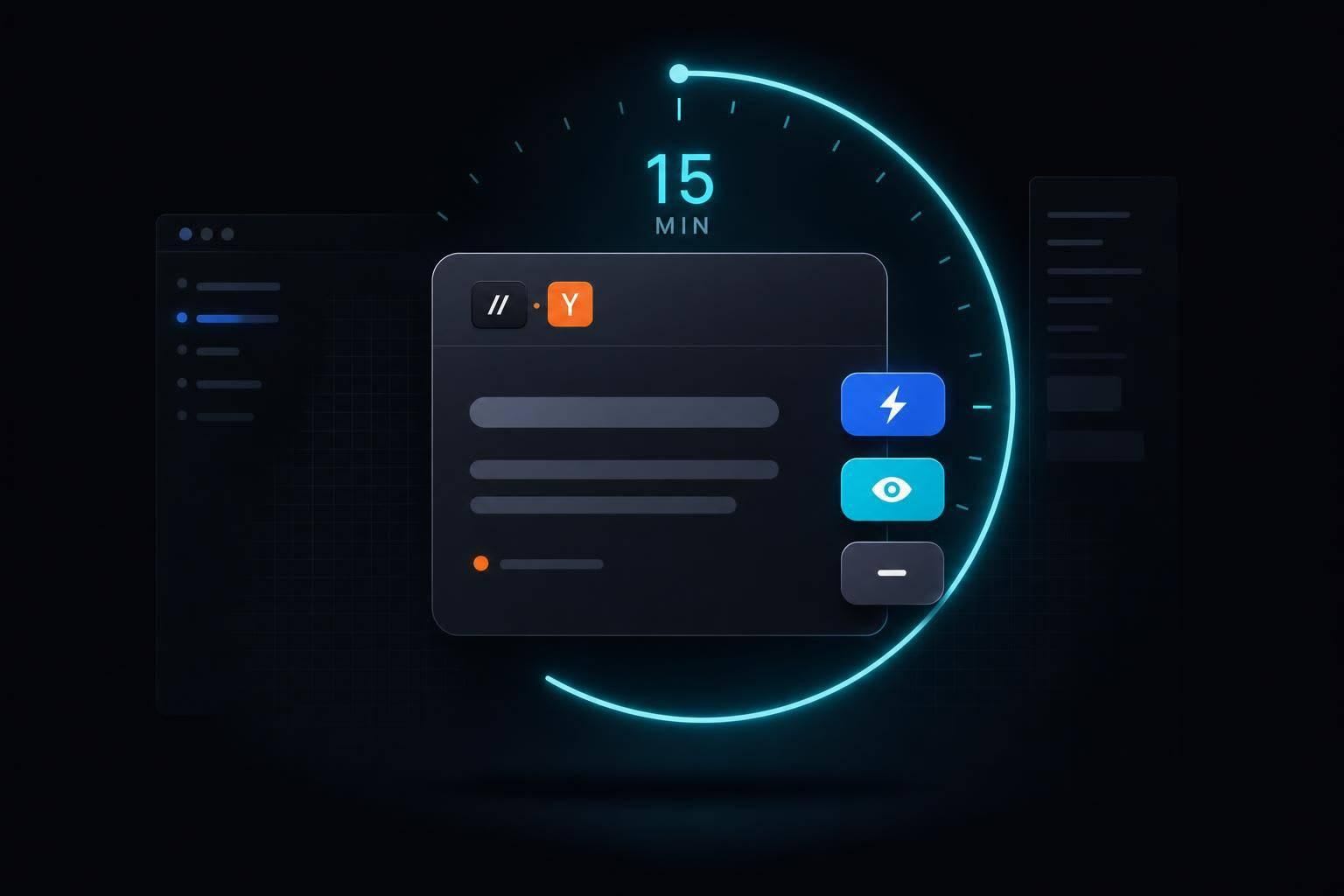
After you filter the feed, put limits on when you check it. For most developers, a 10 to 15-minute daily session is enough to stay up to date.
The bigger issue isn't reading. It's checking again and again. Every unplanned glance pulls you out of focus.
A simple fix is to read during low-focus blocks - like after lunch or late afternoon - and keep your morning work time off-limits. If time is tight, use daily.dev's "Happening Now" sidebar. It pulls up the day's biggest stories and releases, plus expandable TL;DRs, so you don't have to dig through a long feed.
Set a timer. Read until it ends. Then stop.
What matters most is staying consistent, not checking all day.
Ignore most of it and keep the system going
Separate actionable news from background noise
Once you’ve narrowed your sources and put a time limit on reading, use a simple triage rule: most headlines are noise. Keep only the items that affect your current work, roadmap, or the tools you use day to day. In most cases, that means security issues in your stack, breaking changes in tools you actively use, and shifts in workflow.
Here’s the filter: if a story doesn’t save you time on a task you’re doing now or protect something you own, it’s noise. Being selective protects your attention.
A simple way to sort what you see:
- Act now: This needs your attention right away.
- Watch: This matters, but not today. Keep it in your feed until the next review.
- Ignore: This may be interesting, but it doesn’t affect your work.
The daily.dev feed already does some of this for you by ranking stories based on your stack and interests, so lower-priority items usually drop below the fold.
Once that filter is in place, the next move is to keep the routine small enough that you’ll actually stick with it.
FAQs
How do I choose which engineering topics to follow?
To avoid information overload, go deeper in your main work areas instead of trying to keep up with all of tech. Put your attention on the frameworks and tools that matter most in your day-to-day work.
When a new tool shows up, ask a simple question: does it solve a clear problem, or can it save you at least 30 minutes on work you already do? That small filter cuts out a lot of noise.
It also helps to look at senior-level job descriptions. They can show you which skills keep showing up over time and are more likely to stay in demand.
What if I miss something important by checking news less often?
You can’t know everything. Accepting that takes a lot of pressure off and helps you avoid burnout.
Tech moves fast, sure. But you don’t need to track every launch, feature drop, or hot new trend just to do good work.
Put your energy into depth: your core areas, your current projects, and the problems you’re trying to solve right now. That’s usually where the payoff is.
And here’s the nice part: if something matters, it tends to show up more than once. You’ll see it in a few places, hear people talk about it, and know it’s worth a closer look. A personalized feed like daily.dev can help you spot what matters without drowning in noise.
How often should I update my news sources and feed settings?
You don’t need to update them all the time. A quick audit once a month is enough.
Just ask yourself one simple thing: did you act on something from this source, or at least clearly remember it later?
If the answer is no, unsubscribe. The newsletters and trend reports aren’t going anywhere, and you can always sign up again later.
Keeping just a small handful of trusted sources - and trimming the rest each month - helps stop your feed from turning into noise.