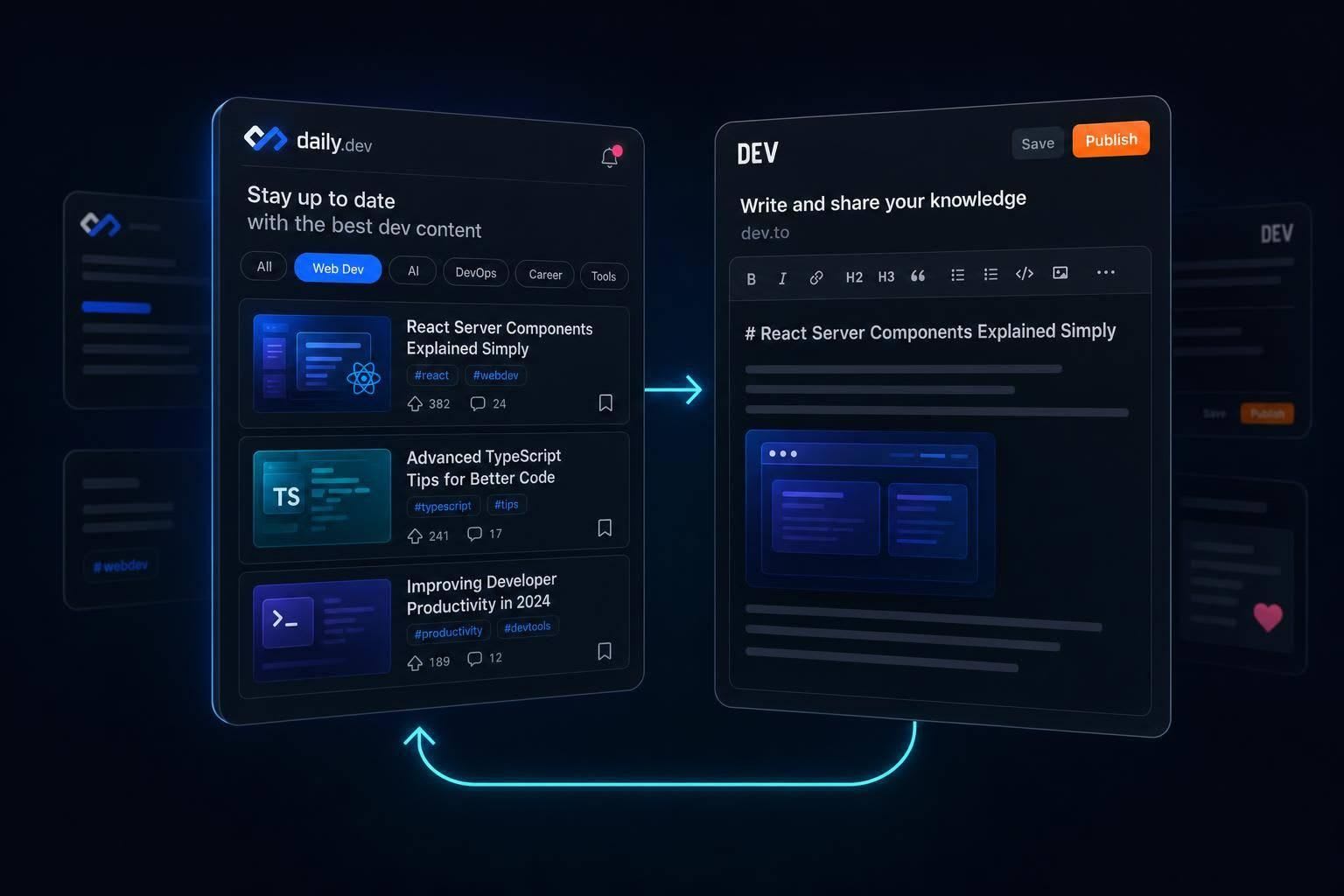
Use daily.dev to discover topics and dev.to to publish Markdown posts; tune feeds, pick ideas, publish, then repeat.
Use daily.dev to read and dev.to to publish. That’s the short answer.
If I wanted one simple workflow, I’d do this:
- Use daily.dev to track topics, posts, and discussions in one feed
- Use dev.to to write in Markdown, publish with up to 4 tags, and reply to comments
- Turn repeat topics into posts instead of guessing what to write
- Publish on dev.to between 8:00 and 10:00 a.m. ET if I want more early reactions
- Go back to daily.dev to keep reading and spot my next post idea
This works because the two sites handle different parts of the same loop. One helps me find what developers are reading. The other gives me a place to post my own work and talk with readers.
Quick comparison
| Platform | What I use it for | Main actions |
|---|---|---|
| daily.dev | Reading and topic discovery | Personalized feed, search, reading list, Squads, article discussion pages and other advanced features |
| dev.to | Writing and discussion | Markdown posts, tags, comments, reactions, discussion threads |
If I want the plain version: I read on daily.dev, then I publish on dev.to. That keeps my reading focused and my writing tied to topics people already care about.
What each platform is for
Here’s the simple split: dev.to is for publishing, and daily.dev is for reading. Put them together, and you cover both parts of the developer feedback loop: getting your ideas out there and finding stuff worth reading.
Use dev.to to write, publish, and talk with other developers

dev.to is a developer publishing and discussion platform. You can write in Markdown, add up to four lowercase tags, publish, and invite comments, reactions, and discussion. It also supports discussion posts for AMAs and open conversations.
That makes dev.to the place where you create the posts that daily.dev later helps you find and follow.
Use daily.dev to read, discover, and keep all your reading in one feed
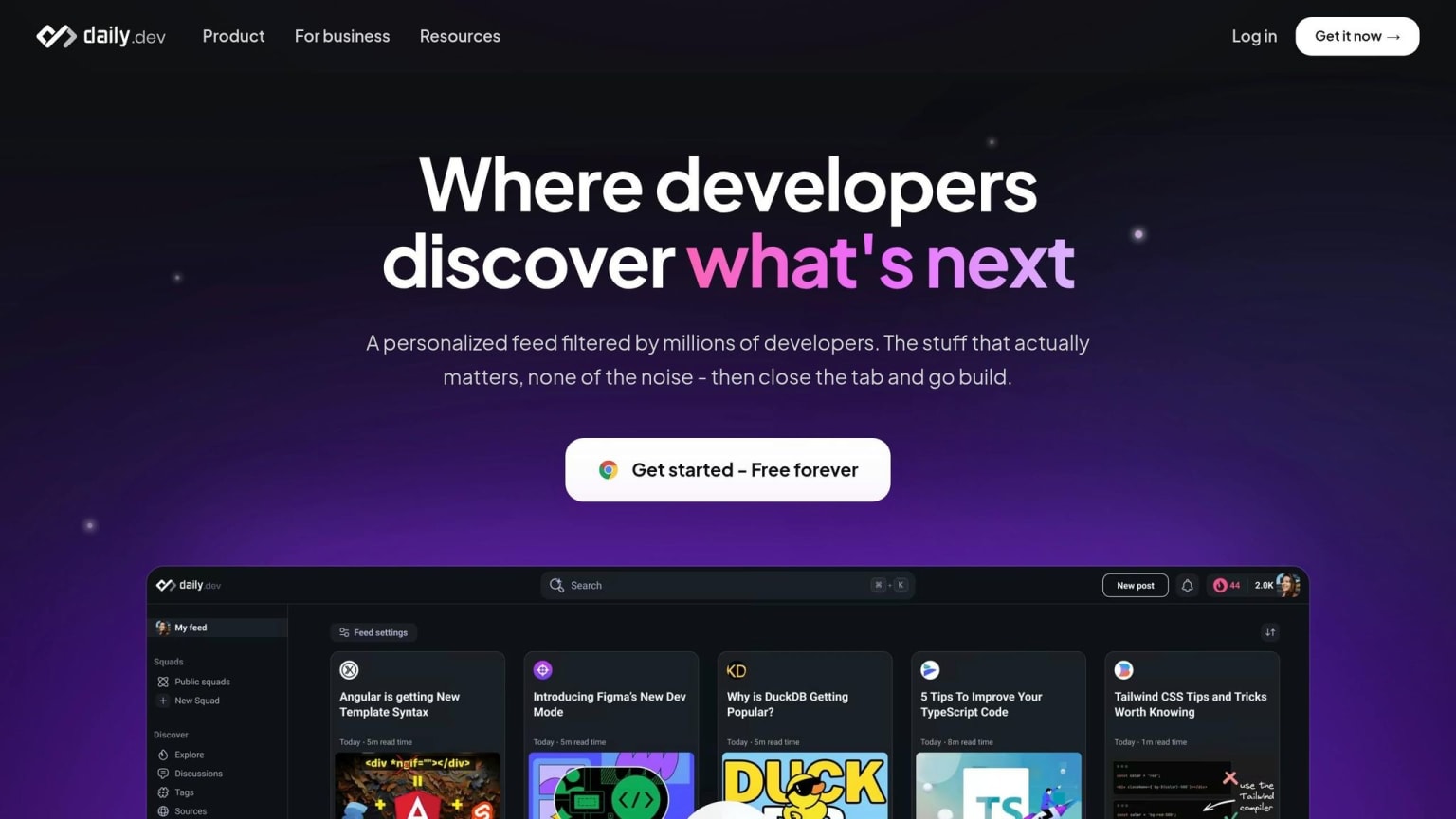
daily.dev is a personalized reading hub that pulls developer content from across the web - including posts first published on dev.to - into one feed tuned to your stack. You can use Search to find topics, Squads to talk about articles with other people, and DevCards to show what you read.
From there, the workflow is pretty straightforward: publish on dev.to, then read and share through daily.dev.
How to set up a two-platform workflow
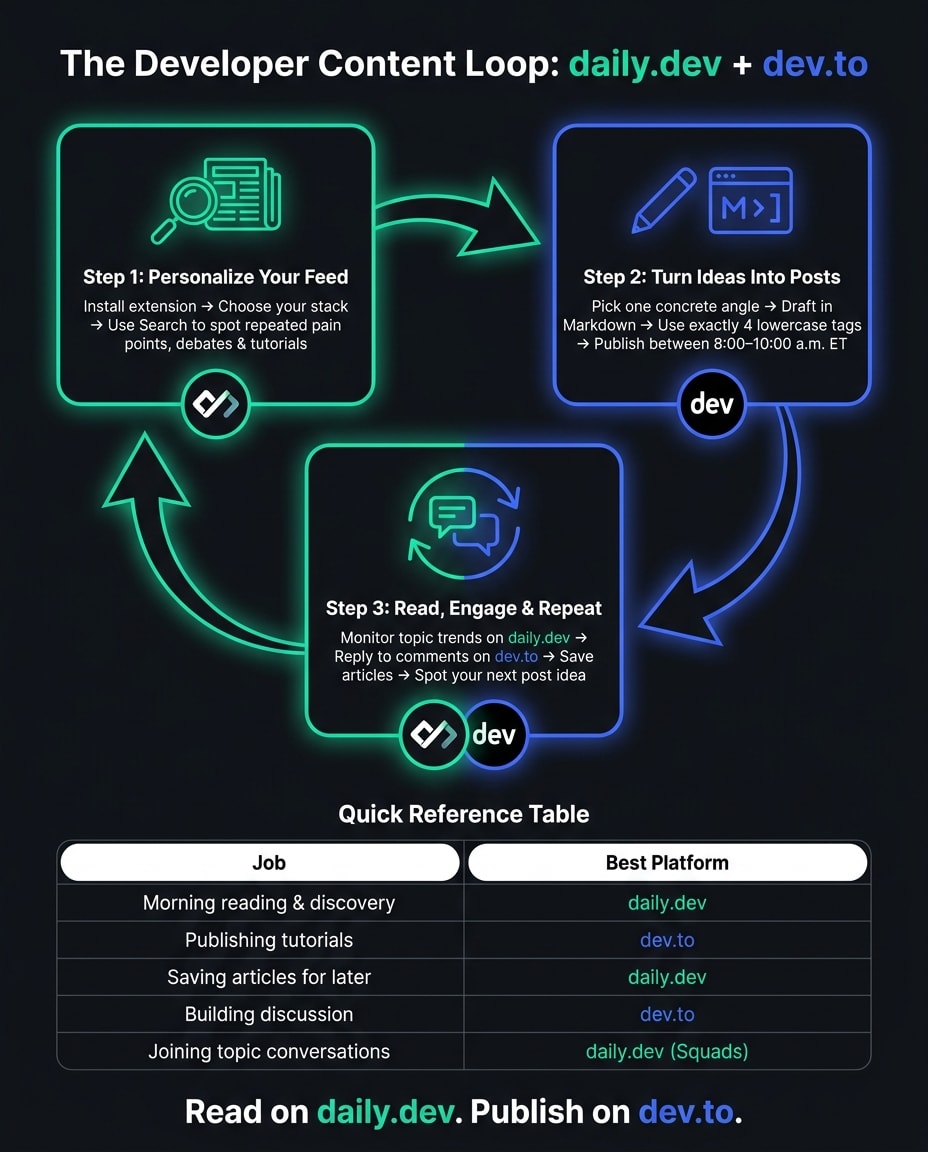
Use daily.dev to find ideas, then turn them into dev.to posts. The setup is simple: tune daily.dev around what you actually want to read, spot patterns, and turn those patterns into posts people care about.
Step 1: personalize your daily.dev feed for signal, not noise
Install the daily.dev extension, create a free account, and choose your stack. That keeps your feed centered on the topics you care about, with posts pulled from trusted sources across the web , including dev.to.
Use Search when a topic starts to stand out. You don't need to read every link that flies by. Focus on repeated pain points, debates, and tutorials. Those are usually the clues that a topic has legs.
When you keep seeing the same issue come up, that's a strong cue to turn it into a dev.to post.
Step 2: turn what you read into a dev.to post
Once one idea rises above the rest, narrow it down to one concrete angle: a problem you fixed, a tool comparison, or something you built and shipped. Specific wins over broad. A title like "How I cut my Postgres query from 2s to 80ms" tells readers exactly what they'll get.
Draft the post in Markdown and use exactly four lowercase tags. Publish between 8:00 and 10:00 a.m. ET to get more early reactions and a better shot at visibility in the Relevant and Top feeds . After it goes live, share it with teammates and ask them to leave technical questions in the comments.
Then go back to daily.dev and watch how that topic moves. That gives you a simple way to judge what deserves a follow-up post.
Step 3: use daily.dev to read and stay in the loop
After publishing, return to reading. Your daily.dev feed will show dev.to posts alongside articles from other sources, so you can naturally compare how similar topics are landing with other developers. If you want the daily.dev discussion page for any article, add daily.dev/ before the article URL in your address bar .
Save articles that connect to your next post ideas. That habit keeps your next dev.to piece tied to what developers are talking about right now.
Use that loop to choose what to publish next.
Which platform to use for which job
Once you have the loop in place, this table makes the day-to-day choice simple. It shows where each task fits best, so you’re not bouncing between platforms without a clear reason.
Job-to-platform table
| Job or task | Best place to start | How to use it |
|---|---|---|
| Staying current with articles | daily.dev | Use the personalized feed for a filtered morning scan. |
| Finding dev.to posts in a broader reading flow | daily.dev | Follow tags like #webdev to surface dev.to posts in your feed. |
| Publishing a tutorial | dev.to | Write and publish directly to an active developer community. |
| Building discussion around a post | dev.to | Engage readers through the comment section on your published articles. |
| Saving resources for later | daily.dev | Use the built-in reading list to bookmark articles you want to revisit. |
| Joining topic-focused conversations | daily.dev | Join a Squad to discuss specific articles or niche technologies with other developers. |
Use this as the quick rule: read on daily.dev, publish on dev.to.
Conclusion: publish on dev.to, stay current on daily.dev
If you want the simple version, use dev.to for publishing and community, and daily.dev for reading and discovery. They fit together well: one gives you a place to publish and talk with other developers, while the other helps you find high-signal reading without the clutter.
Discovery works best where developers already spend time reading, clicking, and joining the conversation.
The easiest workflow is read on daily.dev, publish on dev.to. daily.dev helps you stay updated in the latest tech news. dev.to gives your writing a home and a comment section that can get the conversation going. That split keeps your reading sharp and your publishing steady.
FAQs
Is daily.dev better than dev.to?
Not better - just different. dev.to is where developers write, share tutorials, and build community. daily.dev is where you discover and read a personalized feed, including posts from dev.to, all in one place.
Use dev.to to create and connect. Use daily.dev to stay informed and figure out what to read next.
Can I use daily.dev if I only want to read?
Yes. daily.dev is built for reading. It gives developers a personalized feed, so it’s easier to stay up to date without hand-picking sources every day.
dev.to is mostly where developers go to write and share their own posts. daily.dev, on the other hand, pulls in content from 2,000+ sources - including dev.to - and puts it into one clean feed shaped around your interests and tags.
How do I turn daily.dev topics into dev.to post ideas?
Use daily.dev to spot topics people are talking about right now, or to notice gaps in what you know. When an article gives you a new question or a solid how-to angle, save it in a notes app like Notion or Obsidian.
Then take what you picked up from daily.dev, form your own point of view, and turn it into a tutorial or opinion post on dev.to.