
Discover the best PHP static analysis tools for 2024 that enhance code quality, catch bugs early, and streamline your development process.
Static analysis tools are essential for PHP developers in 2024. They catch bugs, improve code quality, and save time and money. Here's what you need to know:
- Top tools: PHPStan, Psalm, Phan, PHP Mess Detector (PHPMD), Scrutinizer
- Benefits: Early bug detection, consistent code, improved security, faster development
- How it works: Parses code, builds AST, applies rules, reports issues
- Common issues found: Syntax errors, type errors, security vulnerabilities, unused code
Quick Comparison:
| Tool | Best For | Unique Strength |
|---|---|---|
| PHPStan | Laravel | Fast growth, great ecosystem |
| Psalm | Symfony | Advanced annotations |
| Phan | Fewer false positives | Highly customizable |
| PHPMD | Code smells | Multiple coding standards |
| Scrutinizer | Continuous inspection | Integrated platform |
These tools integrate with code editors and build systems, making it easy to catch issues early. Custom rules can be created for project-specific needs. While false positives can occur, the benefits in code quality far outweigh the drawbacks.
Remember: Static analysis is a powerful ally, but it's most effective when used alongside other testing methods in your PHP development workflow.
Related video from YouTube
What changed since this guide was written
PHP static analysis tooling is one of the more stable corners of the ecosystem — the core tools listed here (PHPStan, Psalm, Phan, PHPMD, Scrutinizer) are all still active, and the fundamentals of how static analysis works haven't shifted. A few things are worth noting before you adopt from this list. PHPStan has become the de facto community standard: it now has a large extension ecosystem including Larastan for Laravel and phpstan-symfony for Symfony, which reduces the historical advantage Psalm had for framework-specific checks. Psalm has remained capable but its development pace has slowed relative to PHPStan's — check the GitHub commit history before treating the two as equally maintained. Scrutinizer is a paid SaaS product; verify current pricing against what is shown here. The GitHub Actions example in the guide targets php-version: '7.4' — PHP 7.4 reached end-of-life in November 2022, so update that to PHP 8.2 or 8.3 when adapting the workflow.
How Static Analysis Works
Static analysis is like having a code-savvy friend check your PHP without running it. It's a key tool for catching bugs early and keeping your code clean.
Steps in Static Analysis
- Parsing: The tool reads your PHP files.
- Building an AST: It creates a map of your code.
- Applying Rules: It checks your code against set rules.
- Reporting: You get a list of potential issues.
Types of Issues Found
Static analysis tools can spot various problems in PHP code:
- Syntax errors
- Type errors
- Security vulnerabilities
- Code style violations
- Unused code
- Logic errors
Here's a quick look at some common issues:
| Issue Type | Example | How It Helps |
|---|---|---|
| Type Error | String used where integer expected | Flags mismatch before runtime |
| Security Vulnerability | Potential SQL injection | Identifies risky code patterns |
| Unused Code | Defined but uncalled functions | Highlights dead code |
Static analysis can save you time and money. A study found fixing a bug in production can cost $10,000, while catching it early might only cost $60.
"Static analysis is one of the best things to happen to PHP since Composer. We owe a lot to tools like @phpstan and @psalmphp for improving the quality of PHP code." - James Titcumb, PHP Developer
Best PHP Static Analysis Tools in 2024
Let's look at the top PHP static analysis tools for 2024:
PHPStan
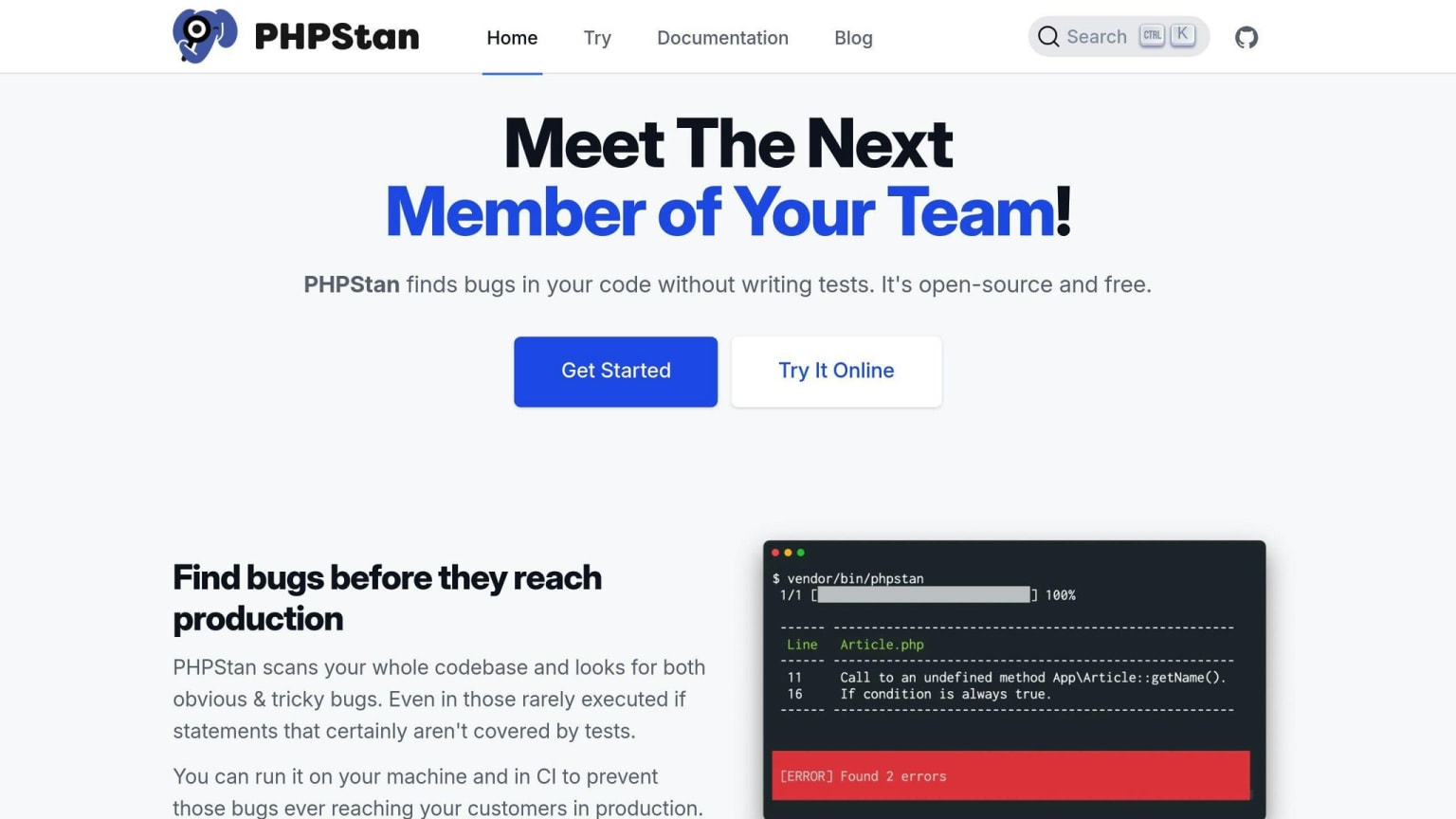
PHPStan finds bugs without running your code. It's growing fast and works great with Laravel.
Key features:
- Uses PHP stubs from PHPStorm
- Full-time contributor
- Great for Laravel (especially with Larastan)
Setup:
- Install:
composer require --dev phpstan/phpstan - Create config:
phpstan.neon - Run:
vendor/bin/phpstan analyse src tests
"PHPStan is one of the best things to happen to PHP since Composer." - James Titcumb, PHP Developer
Psalm
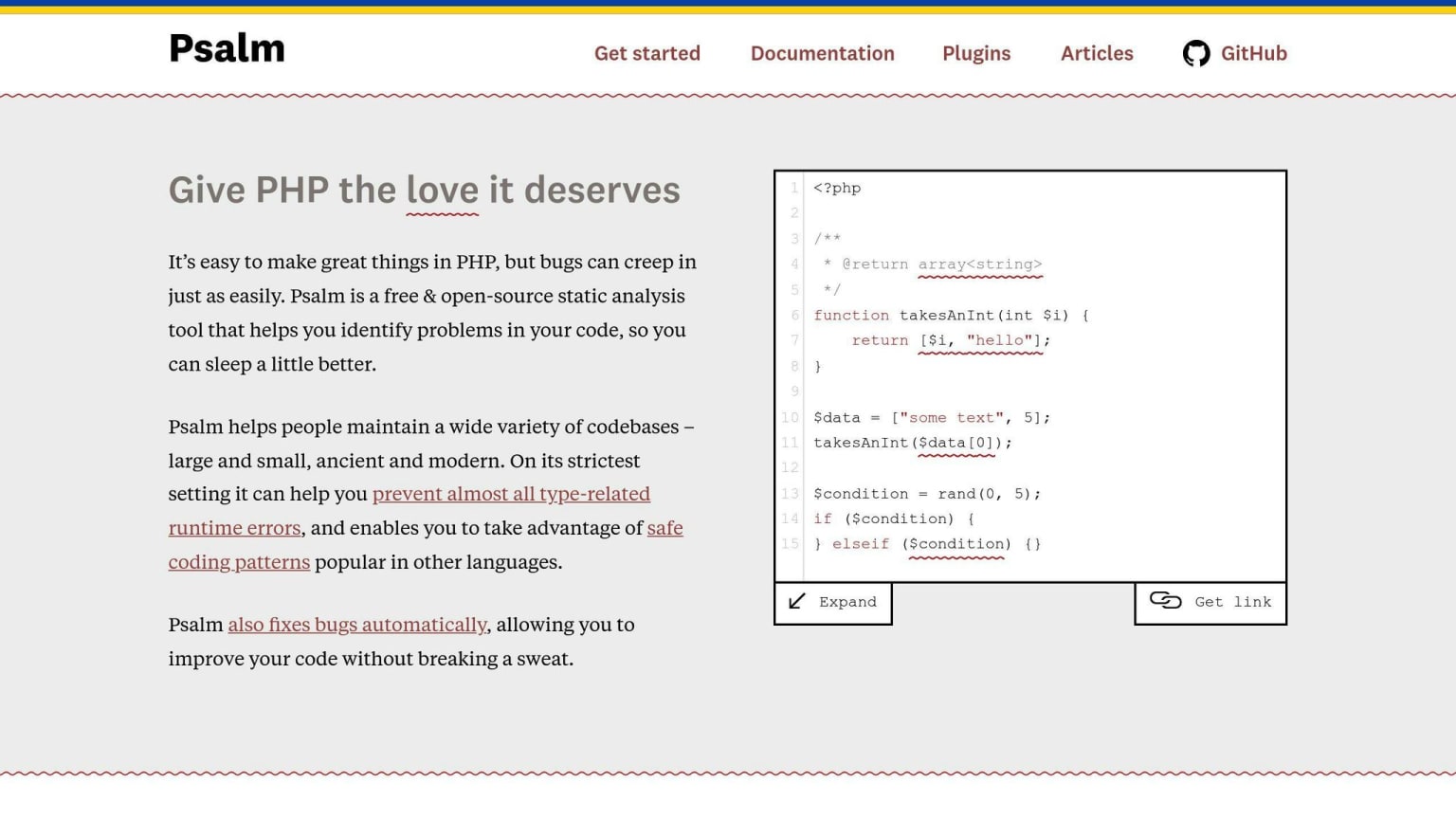
Made by Vimeo, Psalm shines with Symfony projects.
Key features:
- Own PHP stubs
- Advanced annotations
- Cleans up old baseline records
Setup:
- Install:
composer require --dev vimeo/psalm - Init:
vendor/bin/psalm --init - Run:
vendor/bin/psalm
Phan
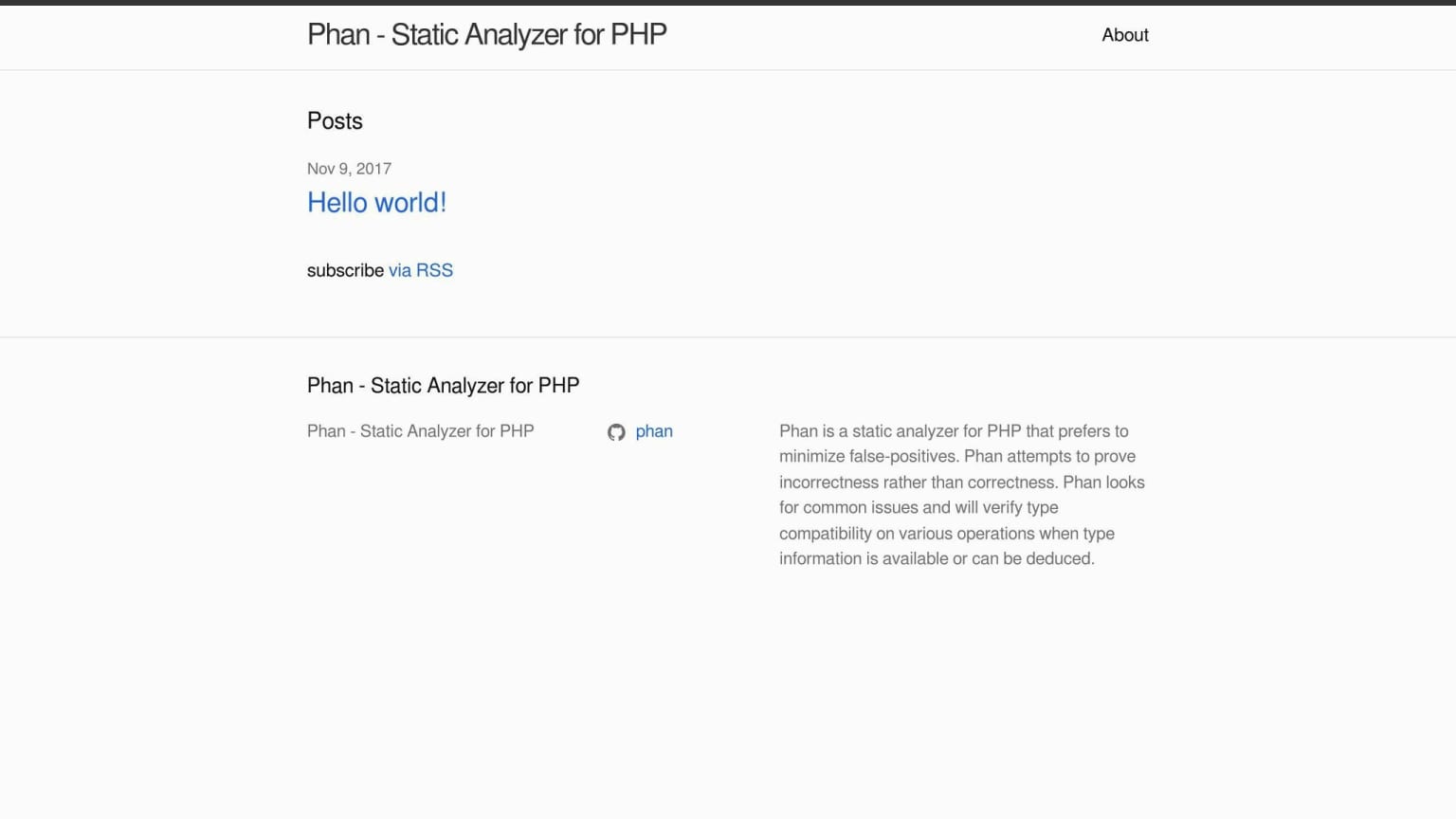
Phan aims to catch real issues while avoiding false alarms.
Setup:
- Install:
composer require --dev phan/phan - Config:
.phan/config.php - Run:
vendor/bin/phan
PHP Mess Detector (PHPMD)
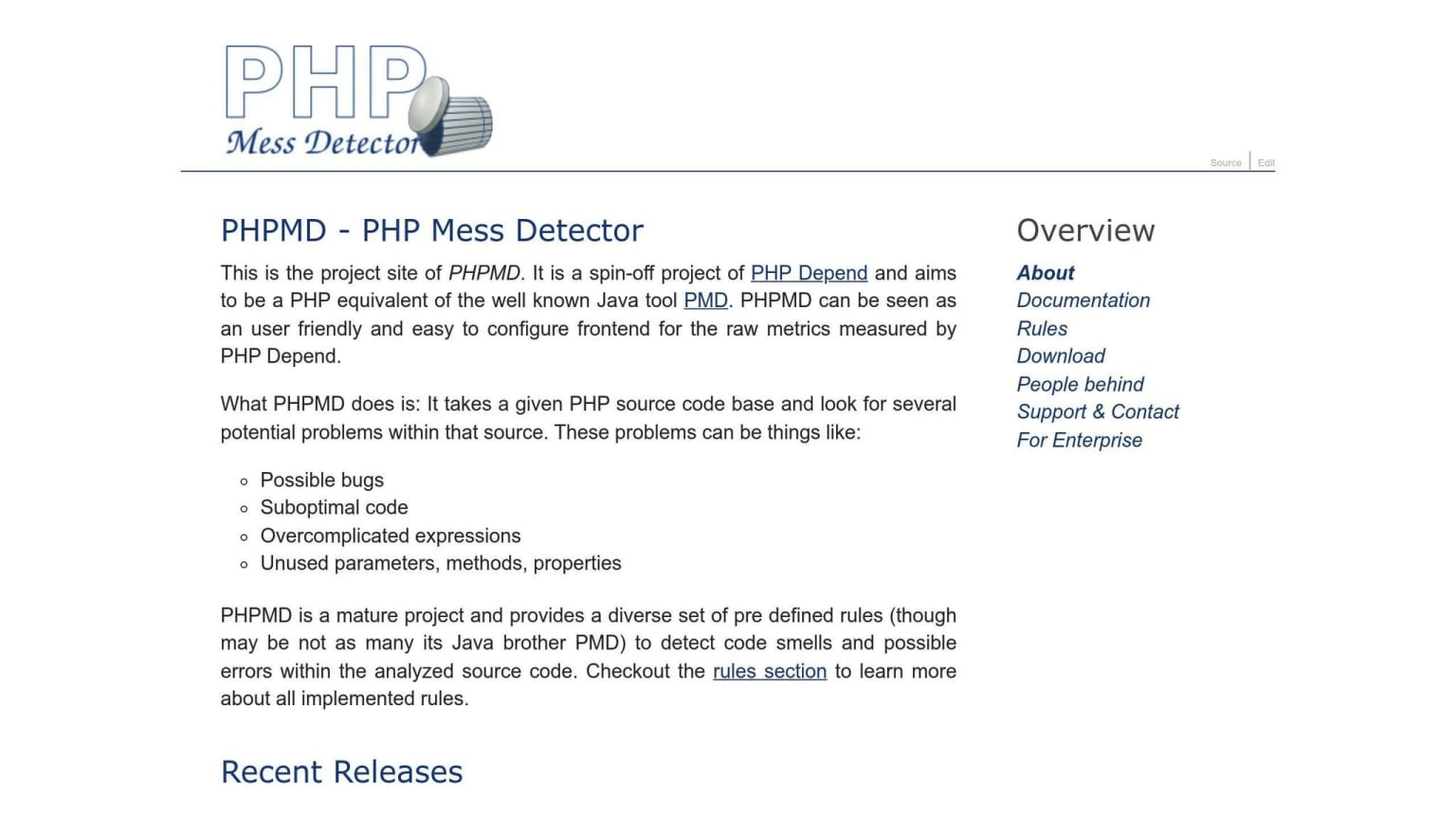
PHPMD spots potential problems like bugs and dead code.
Key features:
- Finds code smells
- Supports various coding standards
- Keeps PHP apps clean
Setup:
- Install:
composer require --dev phpmd/phpmd - Create ruleset:
phpmd.xml - Run:
vendor/bin/phpmd src xml phpmd.xml
Scrutinizer
Scrutinizer is a platform for continuous code inspection.
Setup:
- Sign up at scrutinizer-ci.com
- Connect your repo
- Add
.scrutinizer.ymlto your project
| Tool | Best For | Unique Strength |
|---|---|---|
| PHPStan | Laravel | Fast growth |
| Psalm | Symfony | Advanced annotations |
| Phan | Fewer false positives | Customizable |
| PHPMD | Code smells | Multiple standards |
| Scrutinizer | Continuous inspection | Integrated platform |
Pro tip: Use PHPStan and Psalm together for better coverage. Try PHPStan's Level 9 for strict checks.
Tool Comparison
Let's compare the top PHP static analysis tools to help you pick the right one.
Feature List
Here's a breakdown of key features for popular PHP static analysis tools:
| Tool | Language Support | Integration | Free Version | Extensibility |
|---|---|---|---|---|
| PHPStan | PHP | CI/CD, build systems | Yes | Custom rules |
| Psalm | PHP | CI/CD | Yes | Advanced annotations |
| Phan | PHP | CI/CD | Yes | Customizable |
| PHPMD | PHP, multiple | CI/CD, other tools | Yes | Multiple standards |
| Scrutinizer | Multiple | GitHub, GitLab, Bitbucket | For open-source | Integrated platform |
PHPStan and Psalm are the most popular. Out of 15 major PHP projects:
- 6 use PHPStan
- 6 use Psalm
- 4 use Scrutinizer
PHPStan's been gaining traction since 2016, while Psalm focuses on type-related bugs.
How Tools Play Nice with Others
- PHPStan
Works great with Laravel (especially with Larastan). Fits smoothly into CI/CD pipelines and build systems.
"PHPStan is one of the best things to happen to PHP since Composer." - James Titcumb, PHP Developer
- Psalm
Shines with Symfony projects. Uses XML for config (easy to read and validate). Plays well with CI/CD.
- Phan
Aims to cut down false positives. Works with various CI/CD setups. MediaWiki's go-to tool.
- PHP Mess Detector (PHPMD)
Teams up with other tools. Supports multiple coding standards. Spots potential bugs and messy code.
- Scrutinizer
Open-source project favorite. Hooks right into GitHub, GitLab, and Bitbucket. Easy to add to existing workflows.
Pro tip: Many devs use multiple tools together. PHPStan + Psalm? That's a powerful combo for thorough code analysis.
Adding Static Analysis to Your Work
Let's look at how to use PHP static analysis tools in your coding and release process.
Using Tools in Code Editors
Add static analysis to your code editor for real-time feedback:
PHPStorm
- Install the Snyk plugin from JetBrains marketplace
- Right-click your project in Project Explorer
- Select "Snyk Scan"
- Check results in the Snyk tab
- Install Snyk Vulnerability Scanner extension
- It'll auto-scan your PHP code and composer dependencies
- See issues right in your editor
Using Tools in Build Systems
Add static analysis to your CI/CD pipeline for consistent quality checks. Here's how to add Psalm to GitHub Actions:
name: Psalm
on:
  push:
    paths:
      - '**.php'
      - 'psalm.xml.dist'
jobs:
  psalm:
    name: psalm
    runs-on: ubuntu-latest
    steps:
      - uses: actions/checkout@v2
      - name: Setup PHP
        uses: shivammathur/setup-php@v2
        with:
          php-version: '7.4'
          extensions: dom, curl, libxml, mbstring, zip, pcntl, pdo, sqlite, pdo_sqlite, bcmath, soap, intl, gd, exif, iconv, imagick
          coverage: none
      - name: Cache composer dependencies
        uses: actions/cache@v2
        with:
          path: vendor
          key: composer-${{ hashFiles('composer.lock') }}
      - name: Run composer install
        run: composer install -n --prefer-dist
      - name: Run psalm
        run: ./vendor/bin/psalm --output-format=github
This workflow runs when PHP files or Psalm config change, sets up PHP, caches dependencies, and runs Psalm with GitHub-friendly output.
By using static analysis in both your editor and build process, you catch issues early and keep your code quality high.
"Add Psalm to your CI pipeline. It's not optional, it's a must. If you have a build server, that's the ONLY way to start using Psalm. Don't trust yourself or other devs to run it manually every time. And trust me, checks on a build server are WAY more reliable than those on a dev machine." - Barney Laurance, Author
Advanced Use and Changes
Let's dive into customizing PHP static analysis tools for your project.
Making Your Own Rules
Want to enforce project-specific standards? Here's how to create custom rules in PHPStan:
- Implement
PHPStan\Rules\Ruleinterface in a new class 2. DefinegetNodeTypemethod 3. WriteprocessNodemethod 4. Register your rule inphpstan.neon
Here's an example rule that ensures only CarbonImmutable is used:
class CarbonImmutableRule implements Rule
{
    public function getNodeType(): string
    {
        return Node\Stmt\Use_::class;
    }

    public function processNode(Node $node, Scope $scope): array
    {
        if ($node instanceof Node\Stmt\Use_) {
            foreach ($node->uses as $use) {
                if ($use->name->toString() === 'Carbon\Carbon' && !$use->alias) {
                    return [
                        "Can't use Carbon\Carbon. Only CarbonImmutable and CarbonInterface imports allowed."
                    ];
                }
            }
        }
        return [];
    }
}
Register it in phpstan.neon:
services:
    - class: App\PHPStan\Rules\CarbonImmutableRule
      tags:
        - phpstan.rules.rule
Dealing with Wrong Alerts
False positives bugging you? Try these:
Use
/** @phpstan-ignore-next-line */for PHPStan (only works for your code, not packages).Tweak your tool's config. For Psalm, adjust
psalm.xml:
<psalm
    errorLevel="3"
    reportMixedIssues="false"
    disableVarParsing="true"
>
    <!-- Other options -->
</psalm>
Adjust strictness levels in Psalm (1 = strictest, 8 = loosest).
Improve your code's type annotations to help tools understand your intentions.
Picking between PHPStan and Psalm in 2026
The comparison table earlier treats PHPStan and Psalm as near-equals. That was accurate when this was written; the gap has widened since. PHPStan is now the tool most PHP projects reach for first, partly because the extension ecosystem is larger and partly because it ships level-based strictness (0–9) that makes incremental adoption straightforward. The community around Larastan (PHPStan for Laravel) is particularly active. Psalm still has genuine strengths — its annotation system is more expressive, and it can catch certain type-level bugs that PHPStan misses at equivalent strictness levels — but the momentum is clearly with PHPStan. A practical approach for a greenfield project: start with PHPStan at level 0 and raise the level incrementally in CI. For a codebase already using Psalm, there is no pressing reason to migrate. Running both is still a valid strategy for maximum coverage, but it adds CI time. If you are picking one, PHPStan is the lower-friction choice in 2026.
Wrap-up
PHP static analysis tools are game-changers for code quality. Here's the lowdown:
PHPStan and Psalm are the big players, with PhpCsFixer handling style. Big names like Symfony and Composer swear by these tools.
Why use them? They catch bugs and security issues BEFORE you run your code. That's a huge time-saver.
Many devs bake static analysis into their CI/CD pipelines. It's like having a code quality watchdog 24/7.
Choosing a tool? PHPStan's popular, but Psalm packs more features out of the box. Want the full package? Pair PhpCsFixer with PHPCS.
Just remember: static analysis is a sidekick, not a superhero. It works best alongside other testing methods. You might hit some false alarms, but the payoff in code quality is worth it.