![Top 10 Threat Modeling Tools Compared [2024]](https://media.daily.dev/image/upload/s--7iPIL-RO--/c_limit,dpr_auto,f_auto,q_auto,w_1536/v1/recruiter-landing/663660ef001a4a617617600c_0d6540a810a447b1582ac937b7524ed5_b478eb4169)
Compare the top 10 threat modeling tools of 2026, their features, integrations, and methodologies to enhance software security during development.
Threat modeling helps identify and mitigate potential security threats during software development. Here are the top 10 threat modeling tools and their key features:
- IriusRisk
- Integrates with development workflows
- Supports STRIDE and OCTAVE methodologies
- Automates threat identification and mitigation suggestions
- Provides compliance reporting
- ThreatModeler
- Integrates with JIRA, Jenkins, Azure Boards, and Pipelines
- Automated threat modeling process
- Easy to use, no security expertise required
- SD Elements
- CAIRIS
- Open-source
- Supports STRIDE, PASTA, and DREAD methodologies
- Automates threat model generation, data flow diagrams, and attack trees
- Cisco Vulnerability Management
- Integrates with security tools and systems
- Uses predictive modeling to forecast vulnerability weaponization
- Automates vulnerability prioritization, risk scoring, and remediation workflows
- Threagile
- Open-source
- Supports agile threat modeling
- Automates threat identification and mitigation suggestions
- ARIA ADR
- Integrates with development tools and platforms
- Supports STRIDE, PASTA, and NIST 800-30 methodologies
- Automates threat identification and mitigation suggestions
- Securonix Security Operations and Analytics
- Integrates with various data sources
- Analytics Sandbox for testing and tuning threat use cases
- Detailed reporting and analytics capabilities
- Microsoft Threat Modeling Tool
- Integrates with development environments
- Supports STRIDE methodology
- Guided processes and visual interface
- OWASP Threat Dragon
-   Open-source
-   Supports STRIDE methodology
-   Automated threat detection and mitigation suggestions
-   Simple and intuitive interface
Quick Comparison
Tool
Integration
Methodologies
Automation
Compliance
User Accessibility
IriusRisk
Development workflows
STRIDE, OCTAVE
Threat identification, mitigation
Yes
Intuitive interface
ThreatModeler
JIRA, Jenkins, Azure
Automated process
Simple flow diagram
SD Elements
Development workflows
- Automated process
OWASP, NIST, ISO 27001
Simple flow diagram
CAIRIS
Development workflows
STRIDE, PASTA, DREAD
Threat models, DFDs, attack trees
- Intuitive interface
Cisco Vulnerability Management
Security tools
Predictive modeling
Vulnerability prioritization
- Risk meter interface
Threagile
Development tools
Agile
Threat identification, mitigation
- Intuitive interface
ARIA ADR
Development tools
STRIDE, PASTA, NIST 800-30
Threat identification, mitigation
- Intuitive interface
Securonix Security Operations and Analytics
Data sources
- Analytics Sandbox
Reporting
Security Command Center
Microsoft Threat Modeling Tool
Development environments
STRIDE
Threat identification, mitigation
- Visual interface
OWASP Threat Dragon
STRIDE
Threat detection, mitigation
- Simple interface
What changed since this comparison was written
Threat modeling tooling has had real change since this was written. AI-assisted threat identification has moved from an experimental feature to a mainstream capability — most commercial tools now include LLM-based threat suggestion as part of their standard offering. Two entries in this list have naming and availability issues worth flagging before you search for them: Cisco restructured its vulnerability management product portfolio following the Kenna Security acquisition, so the product described as 'Cisco Vulnerability Management' may not map directly to what you find on Cisco's current site. ARIA ADR's availability under the same name should also be verified. The open-source entries — CAIRIS, Threagile, and OWASP Threat Dragon — are the most stable picks on this list.
1. IriusRisk
Integration
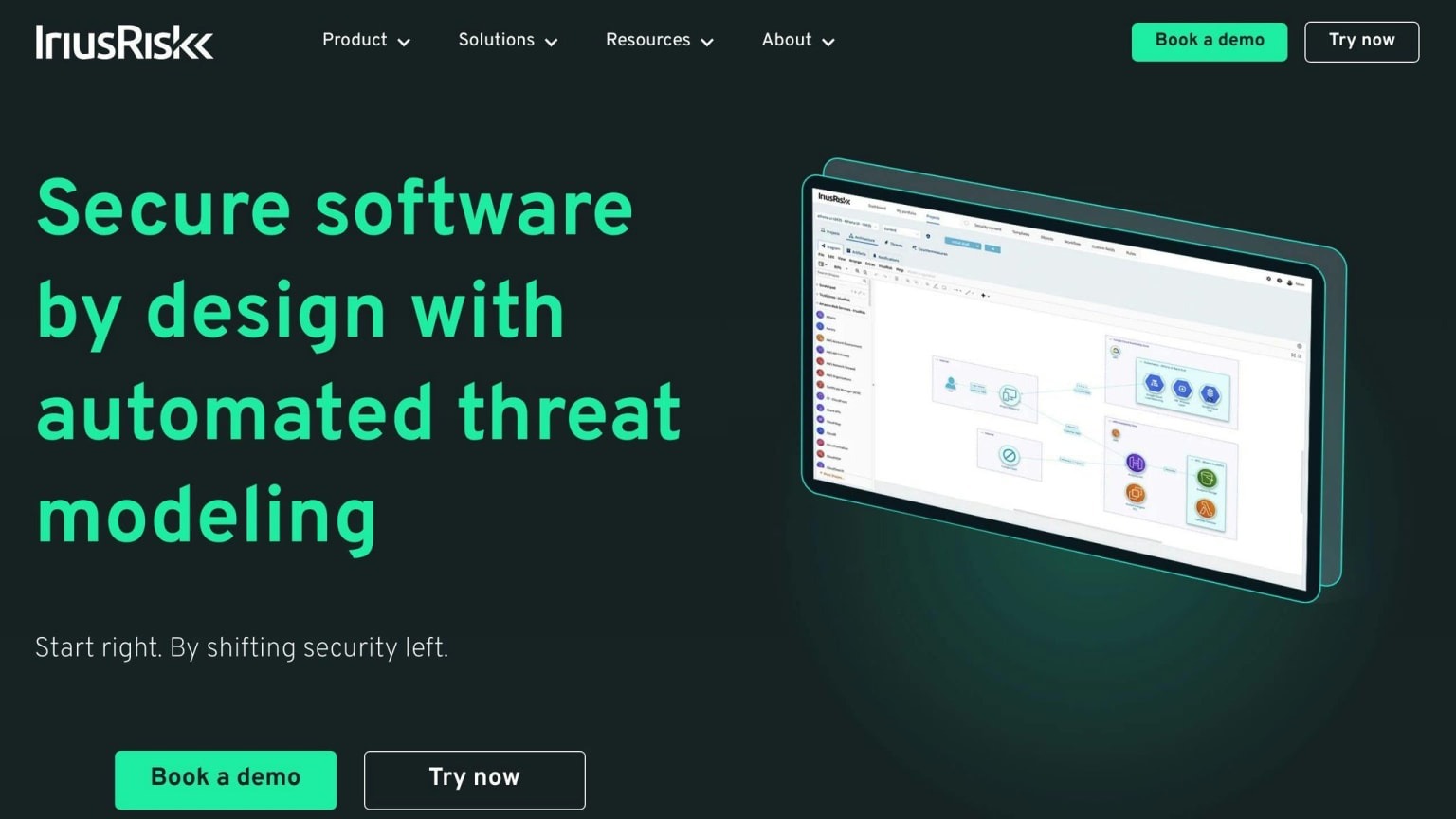
IriusRisk integrates seamlessly with various development workflows, allowing teams to incorporate threat modeling into their existing processes. Its bi-directional data flows ensure that threat models are always up-to-date and reflective of the latest changes.
Methodologies Supported
IriusRisk supports multiple threat modeling methodologies, including:
Methodology
Description
STRIDE
Identifies threats based on six categories: spoofing, tampering, repudiation, denial of service, elevation of privilege, and information disclosure
OCTAVE
Focuses on identifying and mitigating threats based on operational risk
Automation Capabilities
IriusRisk automates threat modeling tasks, reducing manual effort. Its features include:
- AI-powered threat library and risk patterns for swift threat identification
- Customizable workflows to streamline the threat modeling process
Compliance and Reporting
IriusRisk provides robust compliance and reporting features, ensuring teams can easily demonstrate adherence to industry standards and regulations. Its reporting capabilities offer detailed insights into:
- Threat models
- Risks
- Mitigation strategies
User Accessibility
IriusRisk is designed to be user-friendly, making threat modeling accessible to both security and non-security professionals. Its features include:
- Intuitive interface
- Guided workflows
- Methodology-agnostic approach, allowing teams to use their preferred threat modeling methodology
2. ThreatModeler
Integration
ThreatModeler integrates with various development workflows, including JIRA, Jenkins, and Azure Boards and Pipelines. This allows teams to incorporate threat modeling into their existing processes. Its bidirectional web services API also unifies stakeholders in collaboration.
Automation Capabilities
ThreatModeler automates threat modeling tasks, reducing manual effort. Its features include:
Feature
Description
Automated threat modeling process
Flow diagram-based functionality that's easy to use
Low security expertise required
Eliminates the need for an outside security consultant
User Accessibility
ThreatModeler is designed to be user-friendly, making threat modeling accessible to both security and non-security professionals. Its features include:
Feature
Description
Simple process flow diagram-based functionality
Easy to use
Collaborative enhancements
Advances secure-by-design principles
ThreatModeler's capabilities provide developers with a comprehensive understanding of their code, minimizing risks and ensuring compliance and governance protocols post-deployment.
3. SD Elements
Integration
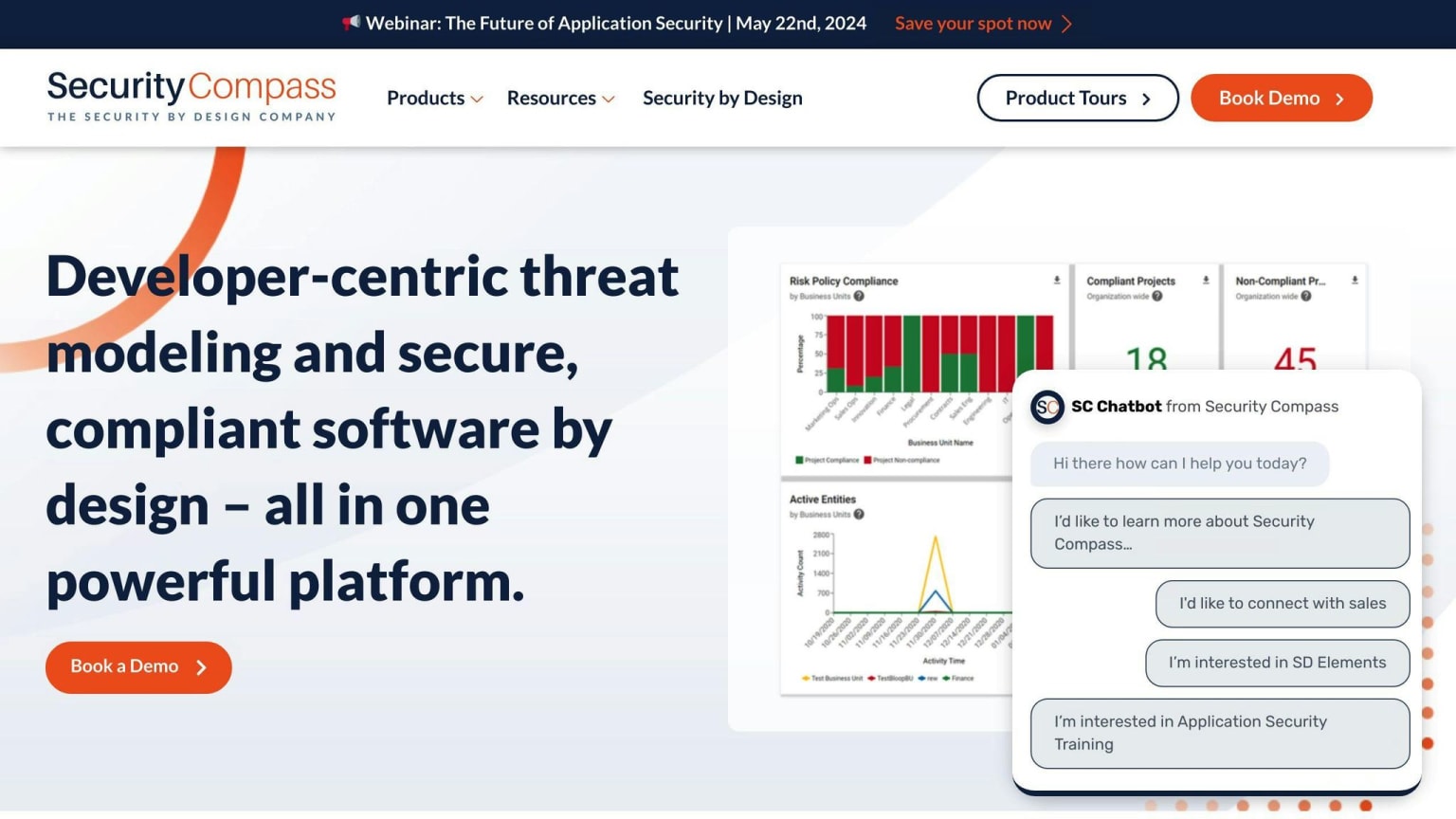
SD Elements integrates with various development workflows, allowing teams to incorporate threat modeling into their existing processes. It supports automated threat modeling, which can be seamlessly integrated into development pipelines.
Automation Capabilities
SD Elements automates threat modeling tasks, reducing manual effort. Its features include:
Feature
Description
Automated threat modeling process
Easy-to-use flow diagram-based functionality
Low security expertise required
No need for an outside security consultant
Compliance and Reporting
SD Elements provides comprehensive compliance and reporting features, enabling teams to generate:
- Security requirements
- Risk assessments
- Compliance reports
It supports various compliance standards, including:
Standard
Description
OWASP
Open Web Application Security Project
NIST
National Institute of Standards and Technology
ISO 27001
International Organization for Standardization 27001
User Accessibility
SD Elements is designed to be user-friendly, making threat modeling accessible to both security and non-security professionals. Its features include:
Feature
Description
Simple process flow diagram-based functionality
Easy to use
Collaborative enhancements
Advances secure-by-design principles
SD Elements' capabilities provide developers with a comprehensive understanding of their code, minimizing risks and ensuring compliance and governance protocols post-deployment.
4. CAIRIS
Integration
CAIRIS is an open-source threat modeling tool that integrates with various development workflows, allowing teams to incorporate threat modeling into their existing processes. It supports automated threat modeling, which can be seamlessly integrated into development pipelines.
Methodologies Supported
CAIRIS supports multiple threat modeling methodologies, including:
Methodology
Description
STRIDE
Identifies threats based on six categories: spoofing, tampering, repudiation, denial of service, elevation of privilege, and information disclosure
PASTA
Focuses on identifying and mitigating threats based on operational risk
DREAD
Evaluates threats based on damage potential, reproducibility, exploitability, affected users, and discoverability
Automation Capabilities
CAIRIS automates threat modeling tasks, reducing manual effort. Its features include:
- Automated generation of threat models
- Data flow diagrams
- Attack trees
User Accessibility
CAIRIS is designed to be user-friendly, making threat modeling accessible to both security and non-security professionals. Its intuitive interface and automated features enable teams to collaborate effectively and ensure that threat modeling is an integral part of their development process.
CAIRIS provides a comprehensive threat modeling solution that integrates with existing workflows, supports multiple methodologies, and automates tasks to reduce manual effort. Its user-friendly interface makes it accessible to teams of all skill levels, ensuring that threat modeling is an integral part of the development process.
5. Cisco Vulnerability Management
Integration
⚠️ Cisco restructured its vulnerability management product portfolio after acquiring Kenna Security and subsequently rebranding the product line. The product described here as 'Cisco Vulnerability Management' may have a different name, feature set, or pricing structure on Cisco's current site. Verify the current product name and availability at cisco.com before evaluating this option.
Cisco Vulnerability Management integrates with various security tools and systems, including vulnerability scanners, ticketing systems, and threat intelligence feeds. This integration enables organizations to centralize their vulnerability data, streamline remediation efforts, and prioritize risks based on real-time threat intelligence.
Methodologies Supported
Cisco Vulnerability Management uses predictive modeling technology to forecast the weaponization of vulnerabilities. This allows organizations to stay ahead of high-risk vulnerabilities and prioritize remediation efforts accordingly.
Automation Capabilities
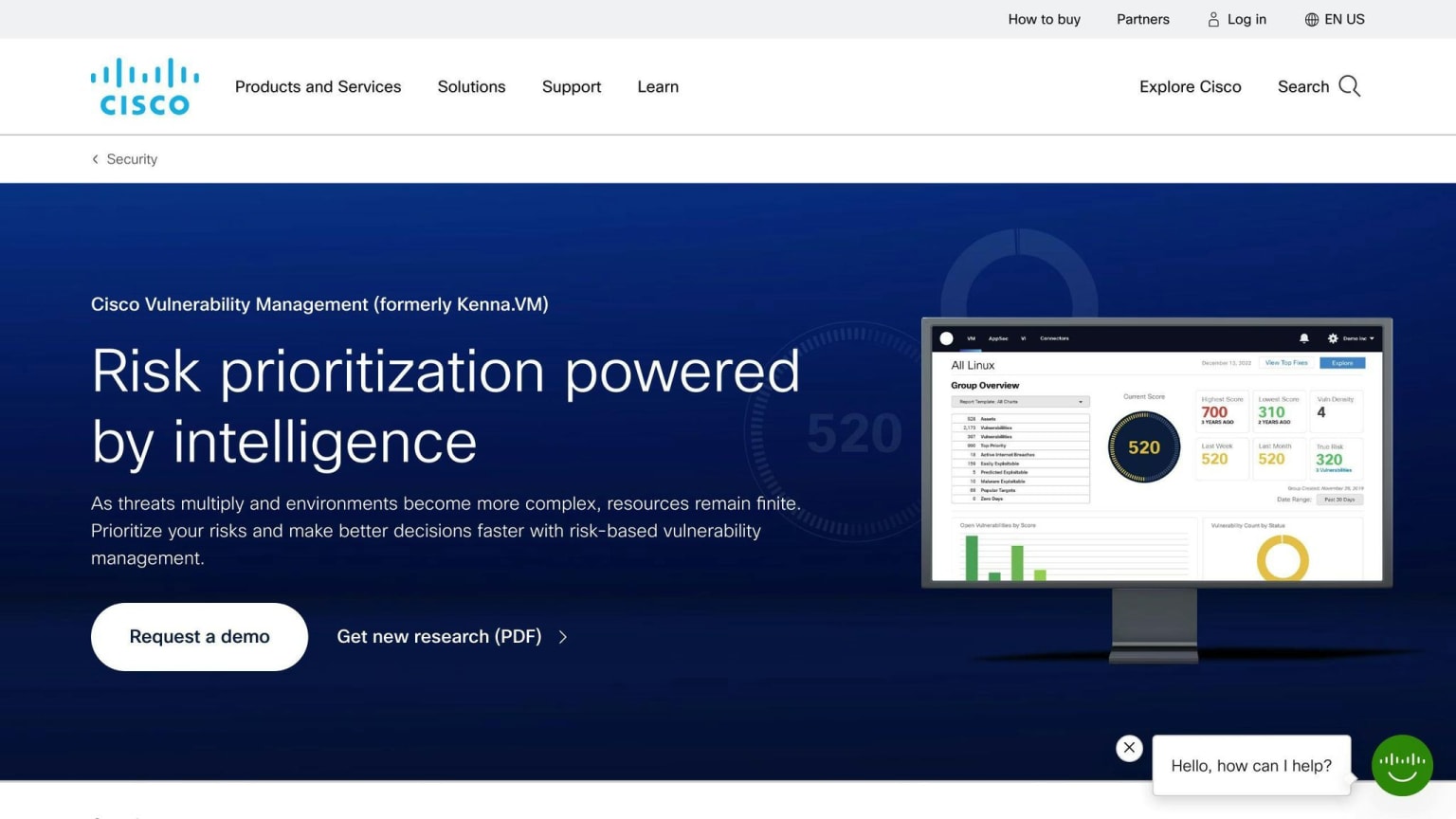
Cisco Vulnerability Management automates vulnerability prioritization, risk scoring, and remediation workflows. Its patented predictive modeling technology and risk meter provide a data-driven approach to vulnerability management, enabling organizations to focus on the most critical vulnerabilities and reduce risk efficiently.
User Accessibility
Cisco Vulnerability Management provides an intuitive interface that aligns IT and security teams around evidence-based prioritization and self-service remediation workflows. Its risk meter and predictive modeling technology make it easy for organizations to understand their risk posture and prioritize remediation efforts effectively.
6. Threagile
Integration
Threagile is an open-source threat modeling tool that integrates with various development tools and platforms, making it easy to incorporate threat modeling into DevSecOps pipelines. It can be executed as a command-line tool or a REST server, allowing for seamless integration with continuous integration and continuous deployment (CI/CD) pipelines.
Methodologies Supported
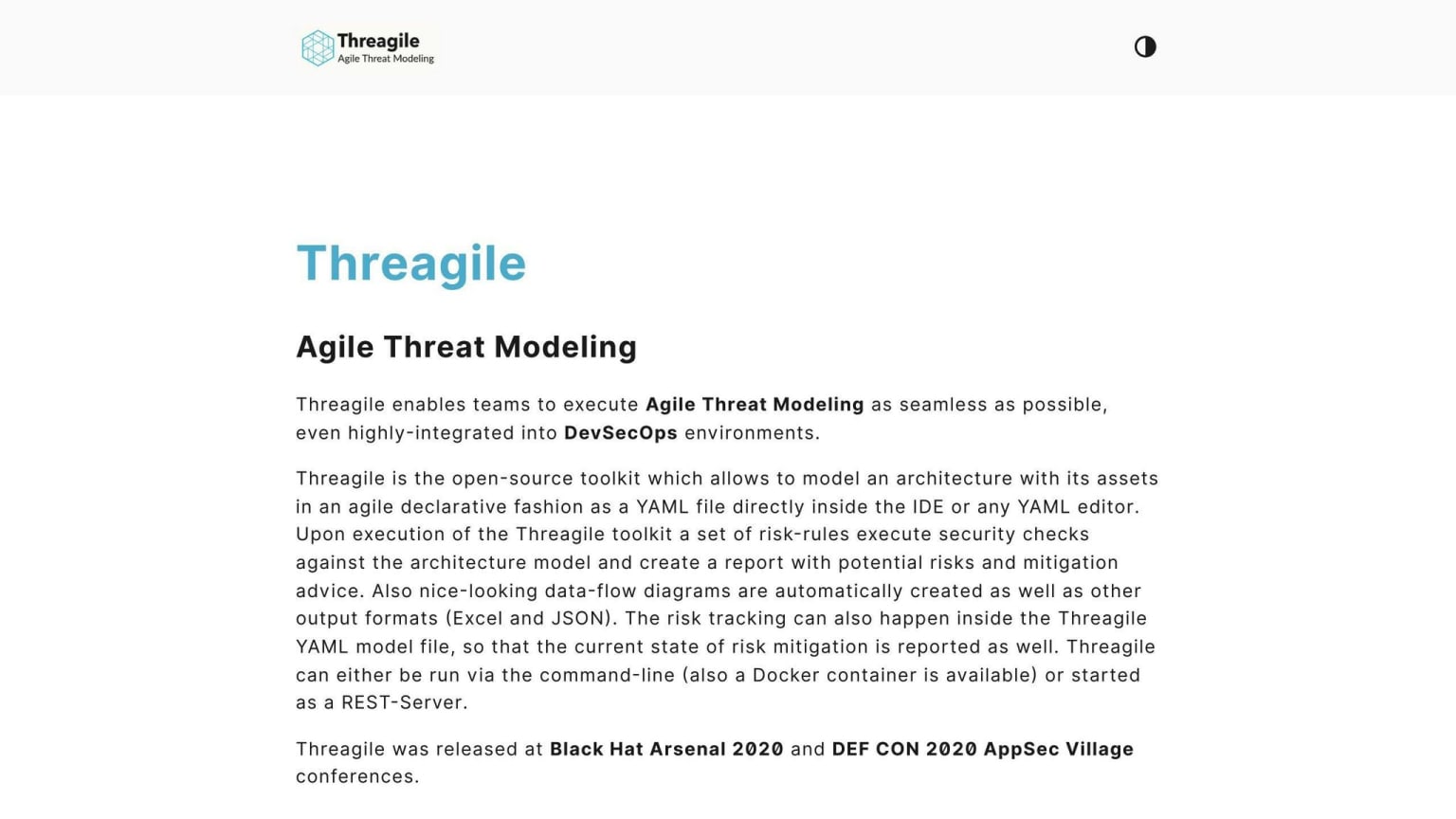
Threagile supports agile threat modeling, enabling developers to model their architecture and assets as a YAML file directly inside their integrated development environment (IDE). This approach allows for continuous and editable threat modeling, ensuring that threat models are always up-to-date and aligned with the evolving architecture.
Automation Capabilities
Threagile automates threat modeling by executing 40 built-in risk rules (and any custom rules created) against the architecture model. This results in reports on identified risks, their severity, mitigation steps, and the risk tracking state.
Automation Capability
Description
Built-in risk rules
40 rules to identify risks
Custom rules
Allows for creation of custom rules
Report generation
Reports on identified risks, severity, mitigation steps, and risk tracking state
User Accessibility
Threagile provides an intuitive interface that allows developers to model their architecture and assets in a declarative fashion. The tool generates reports and diagrams, making it easy for developers and security teams to understand and prioritize risks.
User Accessibility Feature
Description
Intuitive interface
Easy to use for developers
Declarative modeling
Allows for easy modeling of architecture and assets
Report generation
Generates reports and diagrams for easy risk understanding and prioritization
7. ARIA ADR
Integration
⚠️ ARIA ADR's availability under this name should be verified before evaluating it. The cybersecurity tool market has seen significant consolidation and rebranding since this was written. Check ariacybersecurity.com directly to confirm the product is still offered and that the feature set described here is current.
ARIA ADR integrates with various development tools and platforms, making it easy to incorporate into DevSecOps pipelines. It supports multiple integration options, including REST APIs, command-line interfaces, and graphical user interfaces.
Methodologies Supported
ARIA ADR supports multiple threat modeling methodologies, including:
Methodology
Description
STRIDE
Identifies threats based on six categories: spoofing, tampering, repudiation, denial of service, elevation of privilege, and information disclosure
PASTA
Focuses on identifying and mitigating threats based on operational risk
NIST 800-30
Provides guidelines for threat modeling and risk assessment
Automation Capabilities
ARIA ADR automates threat modeling by executing built-in risk rules and custom rules against the architecture model. This results in detailed reports on identified risks, their severity, mitigation steps, and risk tracking state.
Automation Capability
Description
Built-in risk rules
30+ rules to identify risks
Custom rules
Allows for creation of custom rules
Report generation
Reports on identified risks, severity, mitigation steps, and risk tracking state
User Accessibility
ARIA ADR provides an intuitive interface that allows developers and security teams to model their architecture and assets in a declarative fashion. The tool generates reports and diagrams, making it easy for users to understand and prioritize risks.
User Accessibility Feature
Description
Intuitive interface
Easy to use for developers and security teams
Declarative modeling
Allows for easy modeling of architecture and assets
Report generation
Generates reports and diagrams for easy risk understanding and prioritization
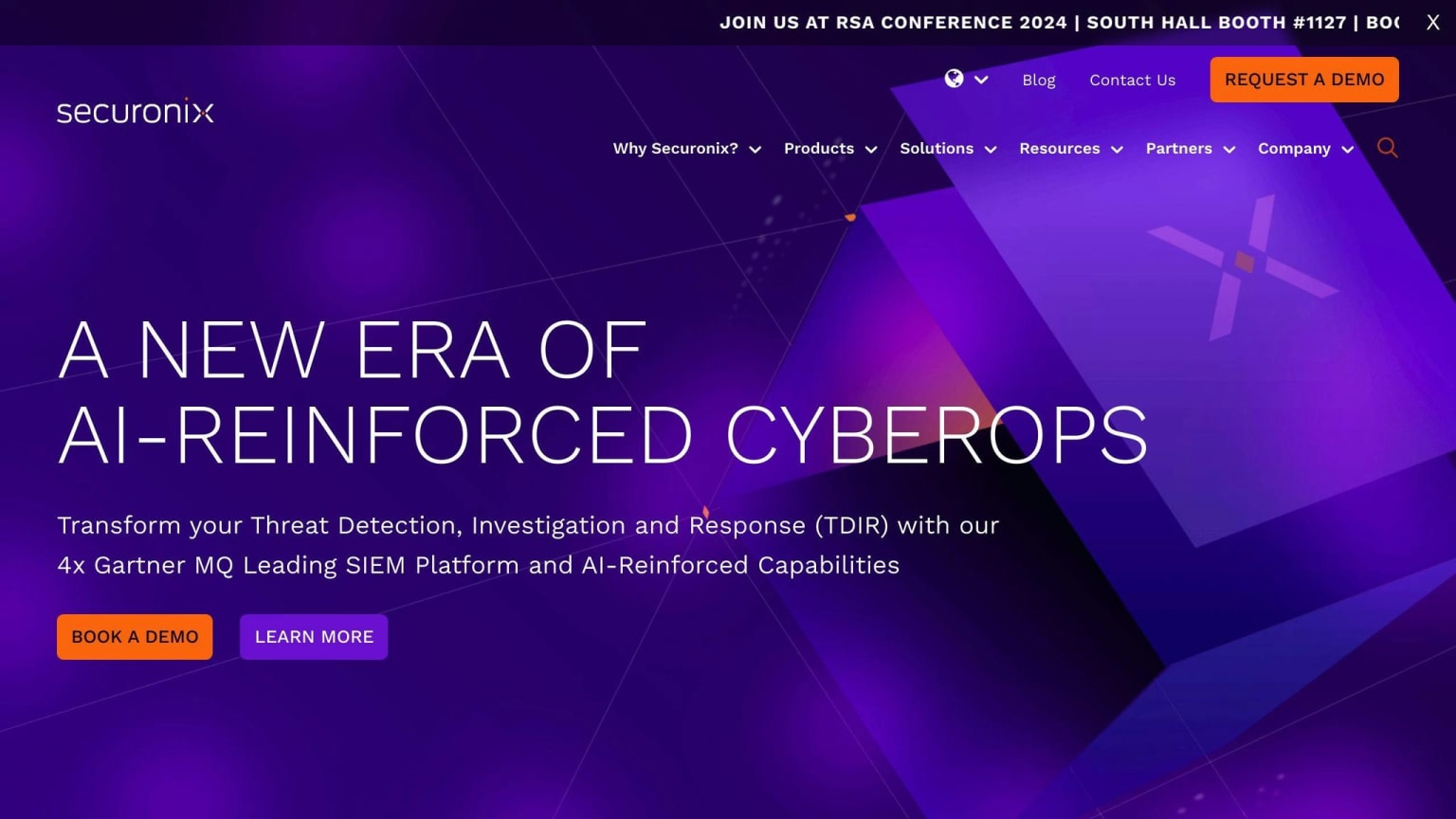
8. Securonix Security Operations and Analytics
Integration
Securonix integrates with various data sources, including logs, network traffic, and cloud services, to provide a comprehensive threat modeling platform. Its cloud-based architecture allows for dynamic resource allocation, enabling it to handle large volumes of data and scale as needed.
Automation Capabilities
Securonix Analytics Sandbox is a key feature of the platform, allowing security teams to test, tune, and validate threat use cases against real company data in a sandbox environment. This enables fine-tuning of threat models, reducing analyst alert fatigue, and improving the overall efficacy of threat detection.
Automation Capability
Description
Analytics Sandbox
Test, tune, and validate threat use cases against real company data
Fine-tuning threat models
Reduce analyst alert fatigue and improve threat detection efficacy
Compliance and Reporting
Securonix provides detailed reporting and analytics capabilities, enabling organizations to meet compliance requirements and demonstrate the effectiveness of their threat modeling practices. The platform's analytics capabilities help identify unknown threats and zero-day attacks, providing a higher level of confidence in threat detection and response.
Compliance and Reporting Feature
Description
Detailed reporting
Meet compliance requirements and demonstrate threat modeling effectiveness
Analytics capabilities
Identify unknown threats and zero-day attacks
User Accessibility
The Securonix Analytics Sandbox widget is designed to provide a focused investigation of sandbox alerts in the Security Command Center (SCC). It allows security engineers to test new content on their data without impacting live security operations, and then push the policy violation directly to the production environment with a single click.
User Accessibility Feature
Description
Focused investigation
Investigate sandbox alerts in the Security Command Center (SCC)
Test new content
Test new content on data without impacting live security operations
Single-click deployment
Push policy violation directly to the production environment with a single click
9. Microsoft Threat Modeling Tool
Integration
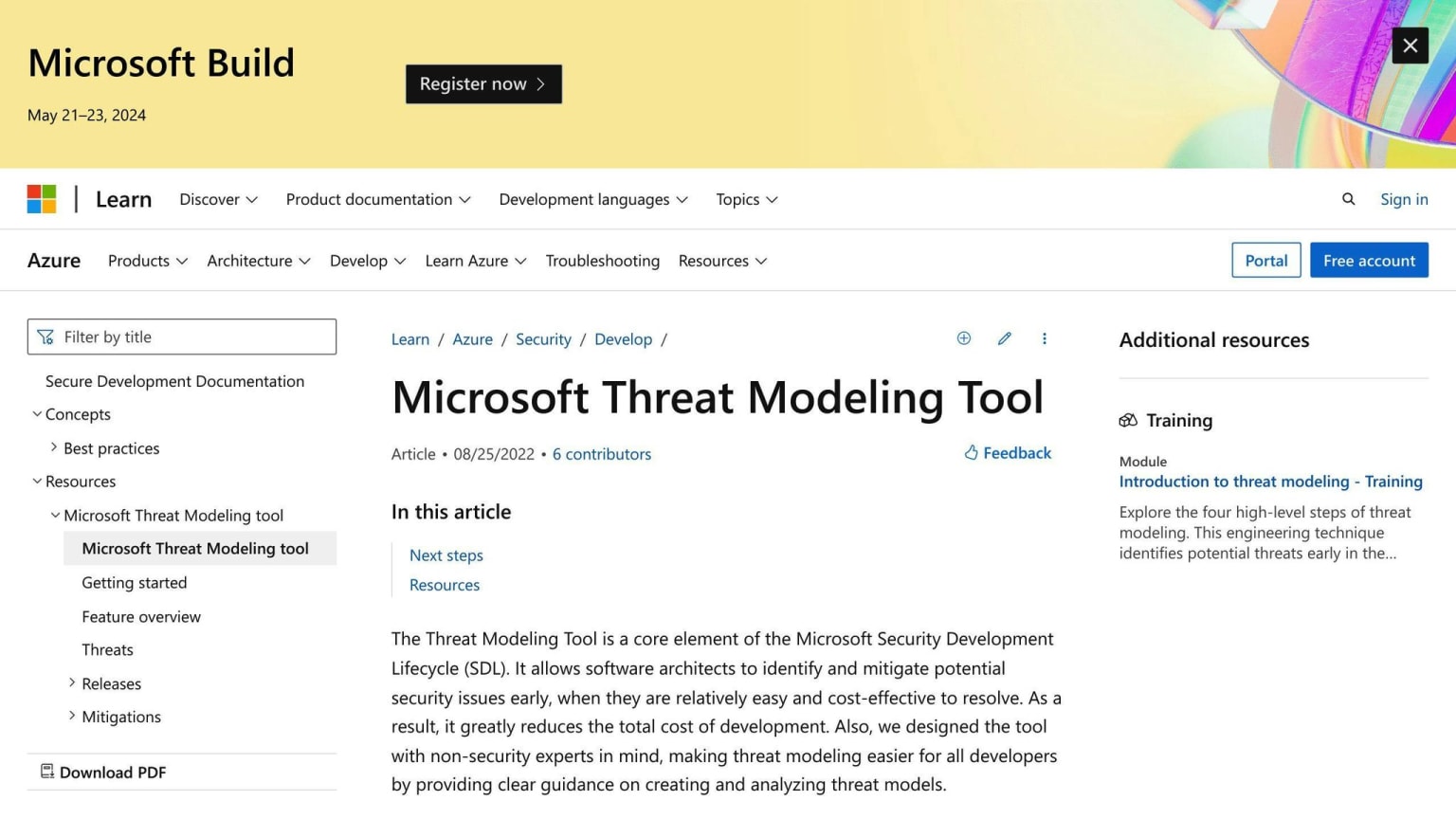
Microsoft Threat Modeling Tool (TMT) integrates with various development environments, allowing users to create threat models using Data Flow Diagrams (DFDs) to represent applications and perform threat modeling.
Methodologies Supported
Microsoft TMT supports the STRIDE threat modeling methodology, which identifies potential security threats based on six categories: spoofing, tampering, repudiation, denial of service, elevation of privilege, and information disclosure.
Automation Capabilities
Microsoft TMT provides automation capabilities through its guided processes and visual interface. It identifies potential threats based on the application's design and data flows, and suggests mitigation strategies to address identified threats.
User Accessibility
Microsoft TMT is designed to be user-friendly, making it accessible to developers and security professionals alike. The tool provides a visual interface and guided processes, enabling users to create and analyze threat models without requiring extensive security expertise.
Feature
Description
Visual Interface
Simplifies complex threat modeling through a visual representation of system components and data flows
Guided Processes
Provides a structured approach to threat modeling, enabling users to identify and analyze potential security threats
Automation Capabilities
Identifies potential threats and suggests mitigation strategies, helping to prioritize security efforts
10. OWASP Threat Dragon
Integration
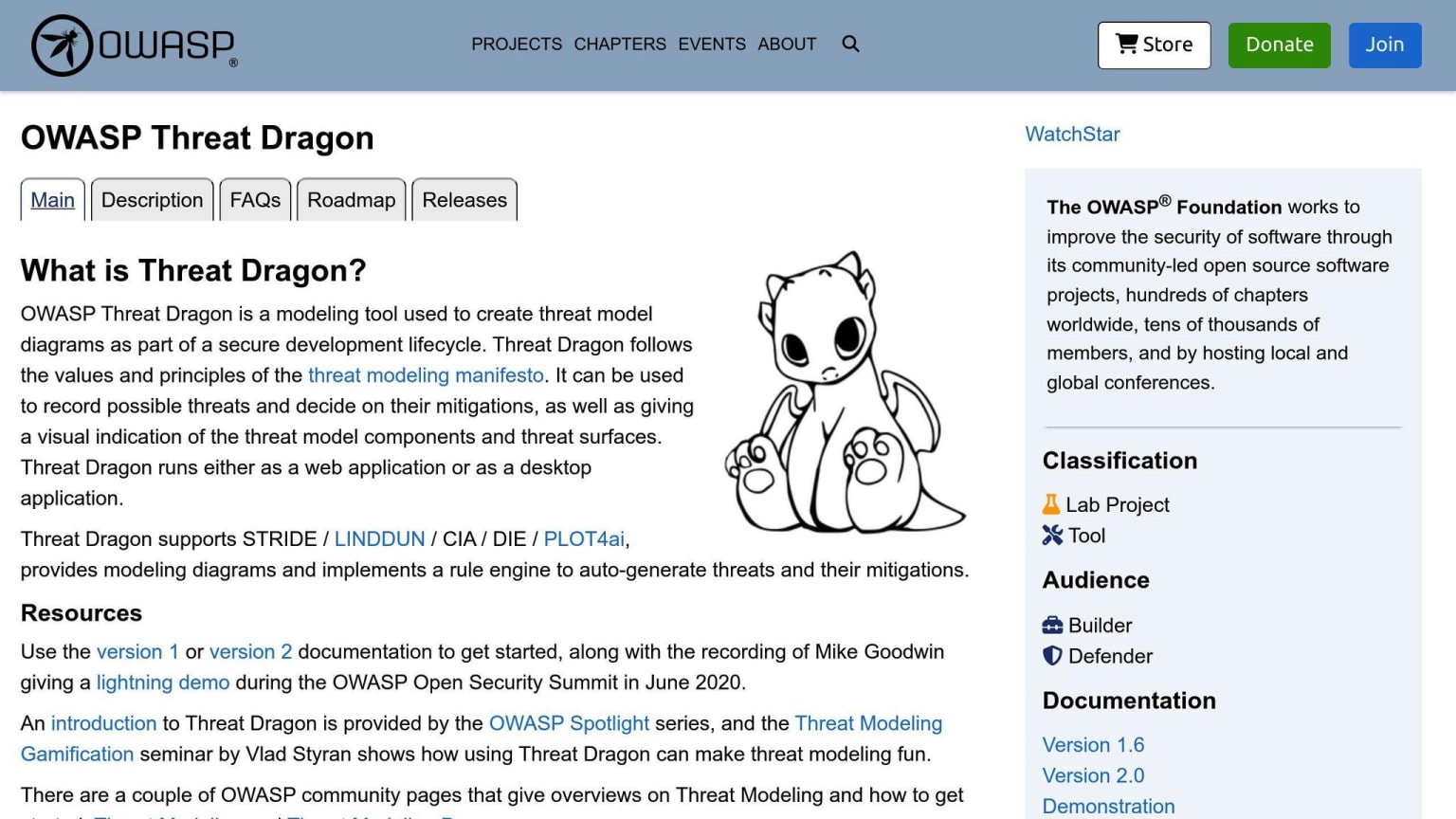
OWASP Threat Dragon is a free, open-source threat modeling tool that integrates with various development tools and processes. It stores threat models close to the final code, allowing developers to consider security threats when creating new features or updating existing ones. Currently, Threat Dragon integrates with GitHub, with plans to support other storage options in the future.
Methodologies Supported
OWASP Threat Dragon supports the STRIDE threat modeling methodology, which identifies potential security threats based on six categories: spoofing, tampering, repudiation, denial of service, elevation of privilege, and information disclosure.
Automation Capabilities
Threat Dragon includes a rule engine that automatically detects and ranks security threats, suggests mitigations, and implements countermeasures. This feature helps developers identify potential security threats in their designs and provides guidance on how to address them.
User Accessibility
OWASP Threat Dragon is designed to be user-friendly, making it accessible to developers and security professionals alike. The tool provides a simple and intuitive interface, allowing users to create and analyze threat models without requiring extensive security expertise.
Feature
Description
Web-based and Desktop Versions
Offers flexibility and convenience for users
Rule Engine
Automates threat detection and mitigation
GitHub Integration
Stores threat models close to the final code
Simple and Intuitive Interface
Makes threat modeling accessible to developers and security professionals
By providing an easy-to-use and accessible threat modeling tool, OWASP Threat Dragon aims to make threat modeling a reality in all organizations, regardless of their size or security expertise.
Pros and Cons
When choosing a threat modeling tool, it's essential to consider the advantages and disadvantages of each option. Here's a comparison of the pros and cons of each tool:
Tool
Advantages
Disadvantages
IriusRisk
Easy to use, automated threat detection, and mitigation suggestions
Limited integration with development tools, steep learning curve for advanced features
ThreatModeler
Comprehensive threat modeling capabilities, easy integration with development tools
Expensive, complex interface for beginners
SD Elements
Centralized threat modeling platform, integrates with various development tools
Steep learning curve, limited customization options
CAIRIS
Open-source, flexible, and customizable
Limited user support, outdated interface
Cisco Vulnerability Management
Advanced threat detection and mitigation capabilities, integrates with Cisco products
Expensive, complex setup and configuration
Threagile
Agile threat modeling approach, easy integration with development tools
Limited features compared to other tools, steep learning curve
ARIA ADR
Advanced threat modeling capabilities, integrates with various development tools
Expensive, complex interface for beginners
Securonix Security Operations and Analytics
Comprehensive security analytics platform, integrates with various development tools
Expensive, complex setup and configuration
Microsoft Threat Modeling Tool
Easy to use, integrates with Microsoft products, and free
Limited features compared to other tools, outdated interface
OWASP Threat Dragon
Open-source, easy to use, and integrates with development tools
Limited features compared to other tools, limited user support
When evaluating threat modeling tools, consider the following key factors:
Ease of Use
- How easy is the tool to use, especially for team members without extensive security expertise?
Integration
- Does the tool integrate with your existing development tools and processes?
Automation
- Does the tool automate threat detection and mitigation, reducing manual effort?
Customization
- Can the tool be customized to fit your organization's specific needs?
Cost
- What is the total cost of ownership, including any licensing fees, training, and support?
User Support
- What kind of user support and resources are available, such as documentation, tutorials, and community forums?
By considering these factors and weighing the pros and cons of each tool, you can make an informed decision about the best threat modeling tool for your organization.
AI-assisted threat modeling in 2026: which tools have added LLM-based threat identification
The meaningful shift in this category since 2024 is that LLM-based threat identification has become a standard commercial feature rather than a specialty capability. IriusRisk has integrated AI-powered threat library matching that suggests threats based on architecture descriptions. ThreatModeler and SD Elements have both added AI-assisted risk categorization. For open-source tools, the gap is larger — CAIRIS, Threagile, and OWASP Threat Dragon do not have built-in LLM integration, though Threagile's YAML-based architecture model is well-suited to being wrapped with AI tooling if you want to build that pipeline yourself. The practical implication for teams evaluating tools: AI threat suggestions are useful for coverage (catching threats a human reviewer might miss) but require expert review to avoid false confidence. A tool that generates a long AI-produced threat list is not automatically better than one that prompts a rigorous human-led STRIDE analysis. Weight the quality of the threat library and the accuracy of the suggestions over the presence of an AI feature checkbox.
Final Thoughts
Threat modeling is a crucial step in identifying and mitigating potential security risks in today's complex technology infrastructures. When selecting a threat modeling tool, consider your organization's specific needs, including the level of security expertise, development tools, and integration requirements.
Key Considerations
Factor
Description
Ease of Use
How easy is the tool to use, especially for team members without extensive security expertise?
Integration
Does the tool integrate with your existing development tools and processes?
Automation
Does the tool automate threat detection and mitigation, reducing manual effort?
Customization
Can the tool be customized to fit your organization's specific needs?
Cost
What is the total cost of ownership, including any licensing fees, training, and support?
User Support
What kind of user support and resources are available, such as documentation, tutorials, and community forums?
By evaluating these factors, you can make an informed decision about the best threat modeling tool for your organization.
The Future of Threat Modeling
Threat modeling tools will continue to evolve, incorporating advanced automation, artificial intelligence, and machine learning capabilities. These advancements will enable organizations to respond more effectively to emerging threats and improve their overall security posture.
Best Practices
To ensure successful threat modeling, adopt a proactive and iterative approach, continually assessing and refining your security strategies to stay ahead of potential threats. By leveraging the right threat modeling tool and following best practices, you can protect your organization from potential security breaches and ensure the confidentiality, integrity, and availability of your data.
Remember, threat modeling is an ongoing process that requires continuous monitoring and improvement. By staying vigilant and adapting to the evolving threat landscape, you can safeguard your organization's technology infrastructure.
FAQs
Which tool is used for threat modeling?
The Microsoft Threat Modeling Tool is a popular choice for threat modeling. It's an open-source software that helps identify threats during the design phase of software projects.
What is an open-source threat modeling tool?
An open-source threat modeling tool is a software that is freely available and can be modified by anyone. The Microsoft Threat Modeling Tool is an example of an open-source threat modeling tool. It provides a common language for displaying system components, data flow, and security limits, making threat modeling easy for all developers.
Here's a comparison of open-source threat modeling tools:
Tool
Description
Microsoft Threat Modeling Tool
An open-source tool that helps identify threats during the design phase of software projects
OWASP Threat Dragon
An open-source tool that provides a simple and intuitive interface for threat modeling
Threagile
An open-source tool that offers an agile threat modeling approach
Remember, threat modeling is an essential step in identifying and mitigating potential security risks. By using an open-source threat modeling tool, you can protect your organization's technology infrastructure without incurring significant costs.