
Discover the top 10 API documentation tools in 2026 with features like collaboration, automation, integrations, and API type support. Choose the best tool...
Looking for the top API documentation tools in 2024? Here's a quick overview of the 10 best options:
- SwaggerHub - Collaborative API design and documentation
- Postman - API testing and auto-generated docs
- Redocly - OpenAPI-based interactive documentation
- Stoplight - Visual API design and testing
- ReadMe - Interactive API guides and SDKs
- Document360 - Knowledge base and API docs
- DapperDox - OpenAPI docs with GitHub integration
- GitBook - Collaborative documentation platform
- Theneo - AI-powered API documentation
- apiDOC - Open-source docs from code comments
Quick Comparison:
Tool
Key Features
Best For
Pricing
SwaggerHub
API design, docs, mocking
Full API lifecycle
Free - Enterprise
Postman
Testing, auto-docs
API development
Free - $12/mo+
Redocly
Interactive OpenAPI docs
Clear, readable docs
Free - $12/mo+
Stoplight
Visual editor, style guides
API design-first
Free - $99/mo+
ReadMe
Guides, SDKs, versioning
Free - $99/mo+
Document360
Knowledge base, API docs
Large doc projects
Free - $49/mo+
DapperDox
GitHub integration
OpenAPI projects
Free - Custom
GitBook
Collaborative docs
Team documentation
Free - Custom
Theneo
AI-powered docs
Quick doc generation
Free - Custom
apiDOC
Code comment parsing
Free
Choose based on your team's needs, ease of use, features, and budget. Consider factors like collaboration tools, automation, integrations, and API type support.
Related video from YouTube
What changed since this list was written
API documentation tooling has had real movement since this was written. Postman went through a pricing restructure that frustrated many teams — the free tier now has tighter collection run limits and some collaboration features moved behind a paid plan. SmartBear, SwaggerHub's parent, has continued acquisition activity in the API space. AI-powered doc generation, represented here only by Theneo, has since become a checkbox feature in most major tools rather than a differentiator. Two entries — DapperDox and apiDOC — have had minimal recent activity on GitHub; verify both are still maintained before adopting. Treat the pricing column in the comparison table as directional and verify against each tool's current pricing page.
1. SwaggerHub
Collaboration Features
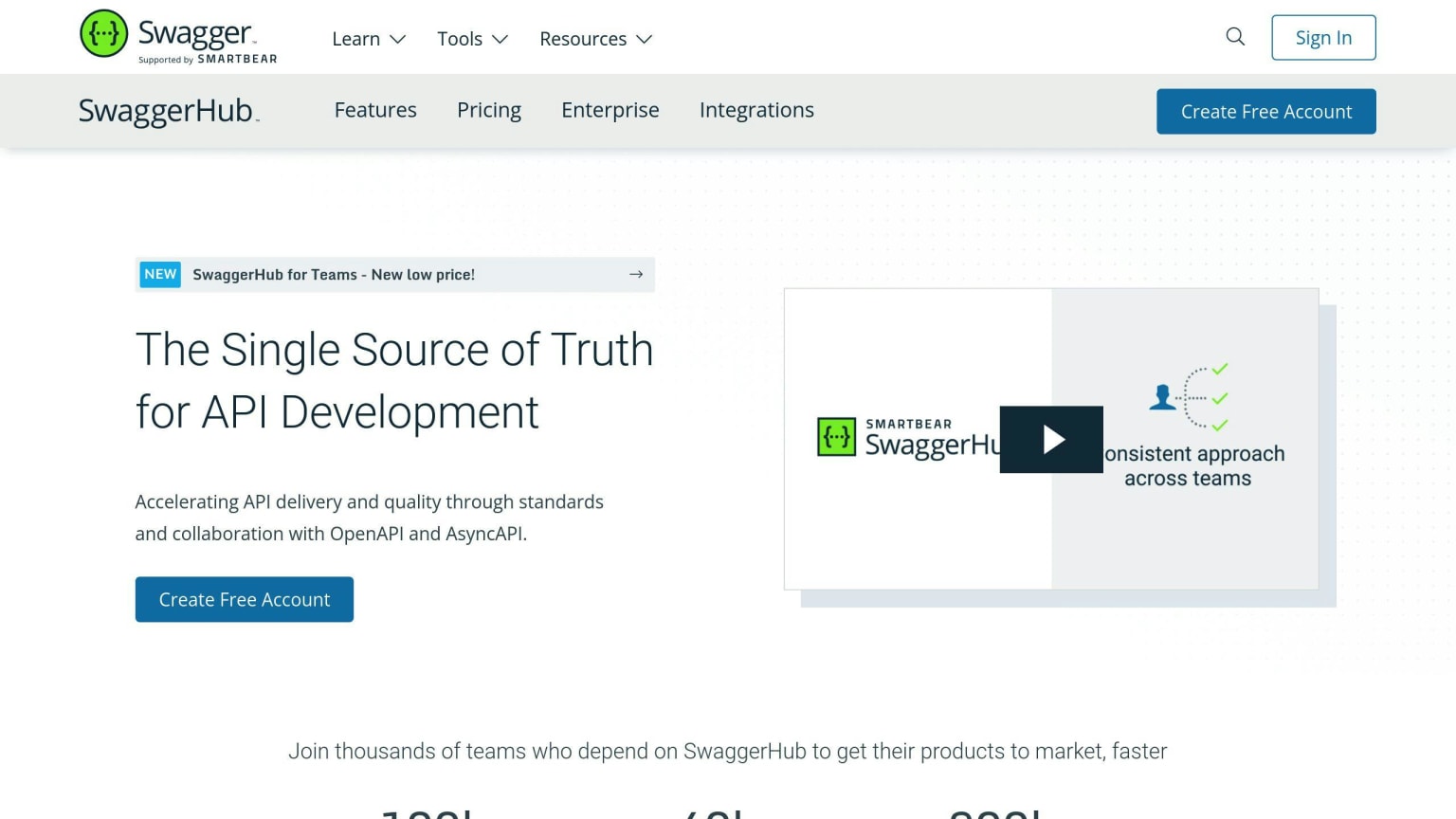
SwaggerHub helps teams work together on API documentation. It offers:
- Real-time editing
- Version control
- Team member invitations for reviews and feedback
These features make it easier for teams to work on API designs together.
Automation Capabilities
SwaggerHub saves time and reduces errors by:
- Auto-generating API documentation
- Creating server stubs and client SDKs from API specs
This helps keep the API development process consistent.
Integration Options
SwaggerHub works well with other tools. It can:
- Push API designs and code to other systems
- Deploy APIs to management platforms
- Start Jenkins builds
These connections help manage the API lifecycle better.
Support for API Types
SwaggerHub works with different API types:
API Type
Support
RESTful
Yes
Yes
Yes
It also supports API design-first approaches, where you plan the API before building it.
SwaggerHub helps teams create and manage API documentation efficiently. Its features for teamwork, automation, connections to other tools, and support for various API types make it a good choice for API projects.
2. Postman
Collaboration Features
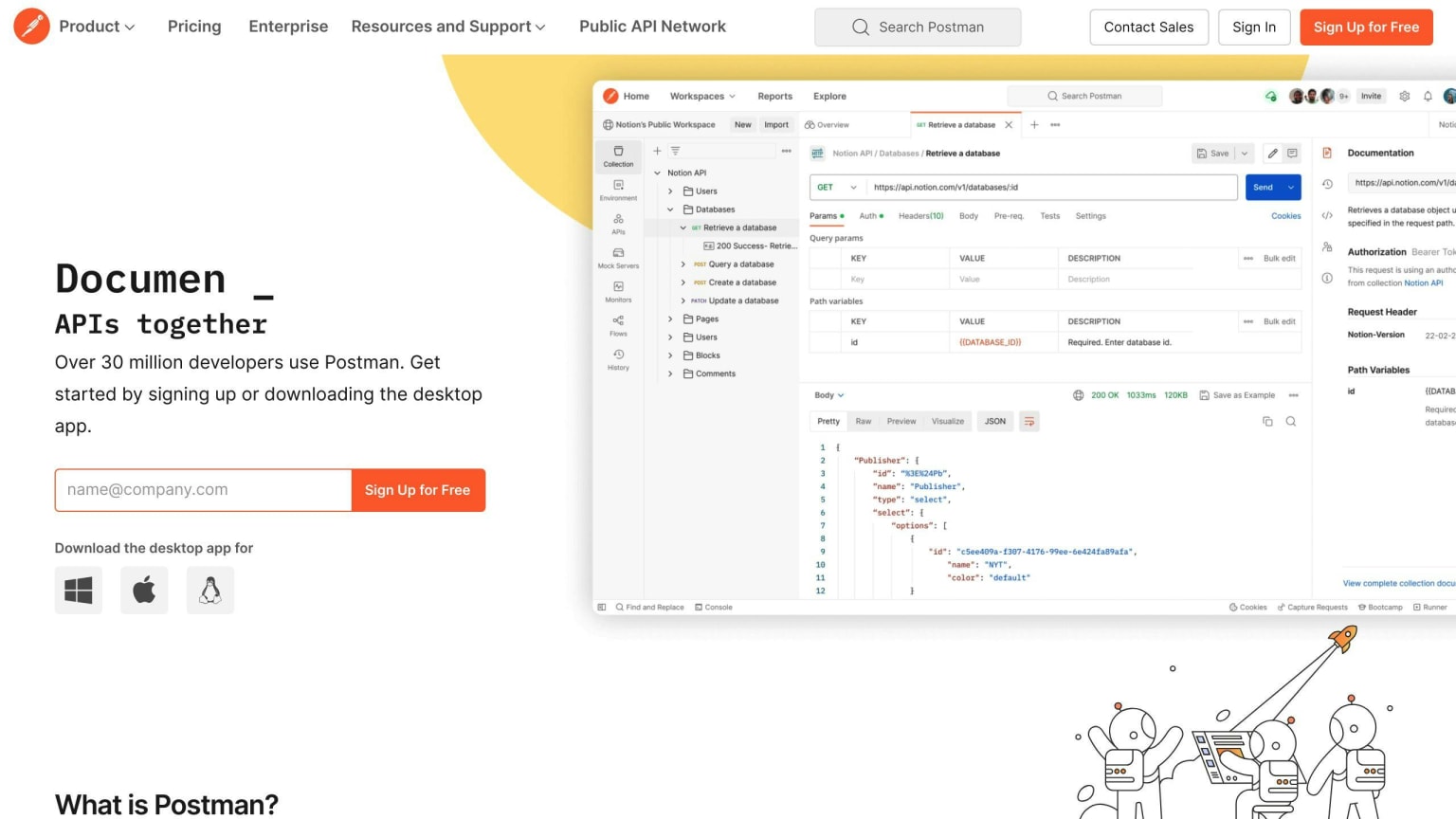
Postman helps teams work together on API projects. It offers:
- Team workspaces for sharing work
- Comments on collections and APIs
- Discussions on specific requests and versions
Automation Capabilities
Postman makes documentation easier by:
- Auto-generating docs for OpenAPI 3.0 definitions
- Creating docs for any collection
- Updating docs when changes are made
Integration Options
Postman lets you:
- Publish docs with other public API items
- Share docs on public domains
Support for API Types
Postman works with:
- OpenAPI Specification
- RAML
Postman is a tool for managing APIs. It tests APIs and creates docs from them. When you change your API, Postman updates the docs. It's easy to share docs with your team.
Pricing
Plan
Price
Free
$0 (one user)
Paid
$12 per month (team)
Pros and Cons
Pros
Cons
Full API development platform
Some features need paid plan
Works with OpenAPI and RAML
Can be hard for new users
Auto-creates docs
Limited free collection runs
Interactive examples
Team tools
3. Redocly
Collaboration Features
Redocly helps teams work together on API projects. It:
- Fits with current tools and processes
- Automates API documentation
- Creates one place for API info and how-to guides
Automation Capabilities
Redocly makes API docs automatically:
- Turns OpenAPI files into interactive docs
- Handles complex data structures
- Lets users try the API
- Makes code examples on its own
- Allows extra info in separate files
Integration Options
Redocly works well with other tools:
- Fits into how teams already work
- Has a nice-looking interface
- Makes docs easy to use and read
Support for API Types
Redocly works with:
- OpenAPI 2.0
- OpenAPI 3.0
- OpenAPI 3.1
This means teams can use the newest OpenAPI features.
Pricing
Plan
Price
Free
$0
Paid
From $12/month
Pros and Cons
Pros
Cons
Makes docs automatically
Not many ways to change how it looks
Works with OpenAPI
Can be hard for new users
Easy to use with other tools
Doesn't work with many other API types
Good search feature
Makes code examples
Redocly is a good tool for API docs. It makes the process easier and works well with other tools. It's best for teams that use OpenAPI and want to make their API docs better.
4. Stoplight
Collaboration Features
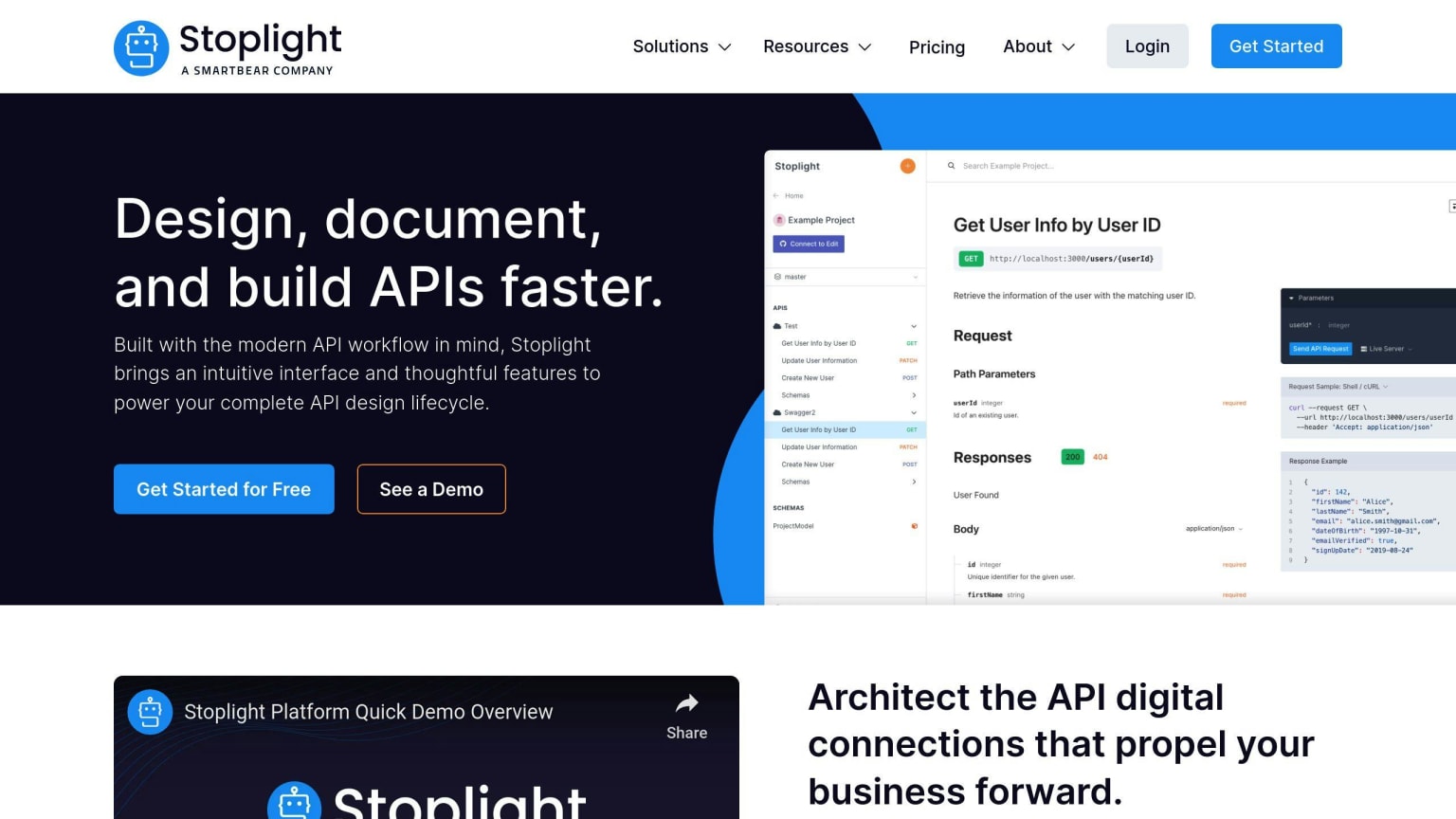
Stoplight helps teams work together on API projects. It offers:
- A visual editor for API design
- Interactive API documentation
- API mocking
Automation Capabilities
Stoplight makes API work easier by:
- Creating docs from OpenAPI files
- Testing and checking APIs
Integration Options
Stoplight works with other tools like:
This helps teams use Stoplight with their current tools.
Support for API Types
Stoplight works with:
- OpenAPI Specification
- JSON Schema
It also has style guides and templates to keep API design consistent.
Plan
Price
Free
$0
Paid
From $99/month
Pros and Cons
Pros
Cons
Team-friendly API design and docs
Some features need paid plan
Makes API docs automatically
Can be hard for new users
Works with popular tools
Supports OpenAPI and JSON Schema
Has style guides for consistent design
Includes API testing
Stoplight is a good tool for API design and docs. It helps teams work together and manage projects. It makes many parts of API work easier and works well with other tools.
5. ReadMe
Collaboration Features
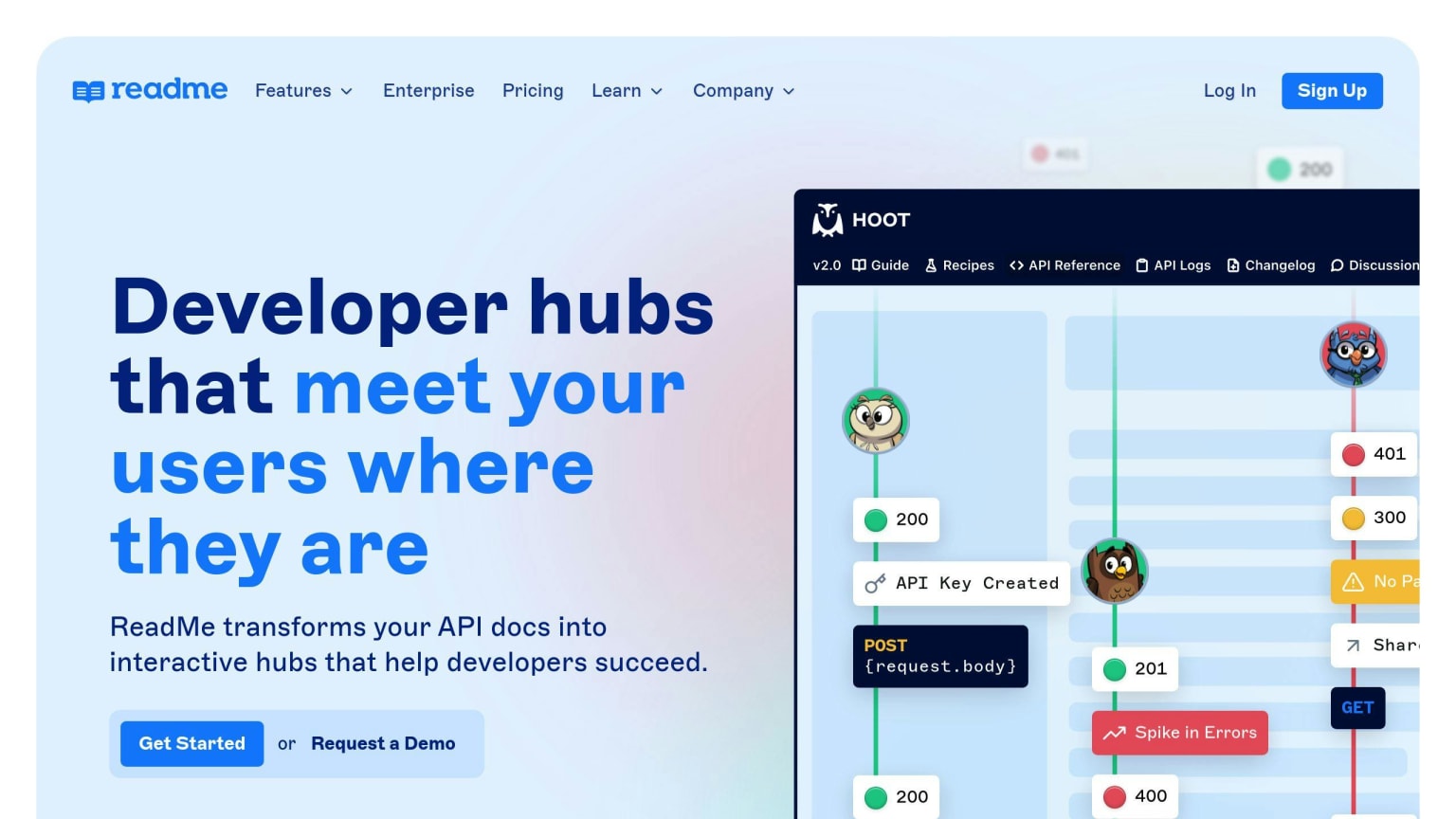
ReadMe helps teams work together on API docs. It offers:
- Interactive API guides
- Code samples
- SDK creation
- Version control
- Team editing tools
These features make it easy for teams to manage different versions of their API docs and work together.
Automation Capabilities
ReadMe makes API docs easier by:
- Creating interactive docs from OpenAPI and GraphQL files
- Letting users test APIs within the docs
This saves time and helps teams find and fix issues quickly.
Integration Options
ReadMe works with other tools like:
- GitHub
- GitLab
- Bitbucket
It also uses webhooks to send alerts when docs change.
Support for API Types
ReadMe works with:
- OpenAPI
- GraphQL
This means teams can use one tool for different API types.
Plan
Price
Free
$0
Paid
From $99/month
Pros and Cons
Pros
Cons
Many API doc features
Some features cost extra
Team tools
Can be hard for new users
Makes docs automatically
Works with popular tools
Supports OpenAPI and GraphQL
Lets users test APIs in docs
ReadMe is a good tool for API docs. It helps teams work together and make docs faster. While it might take time to learn, ReadMe works well for teams using different API types.
6. Document360
Collaboration Features
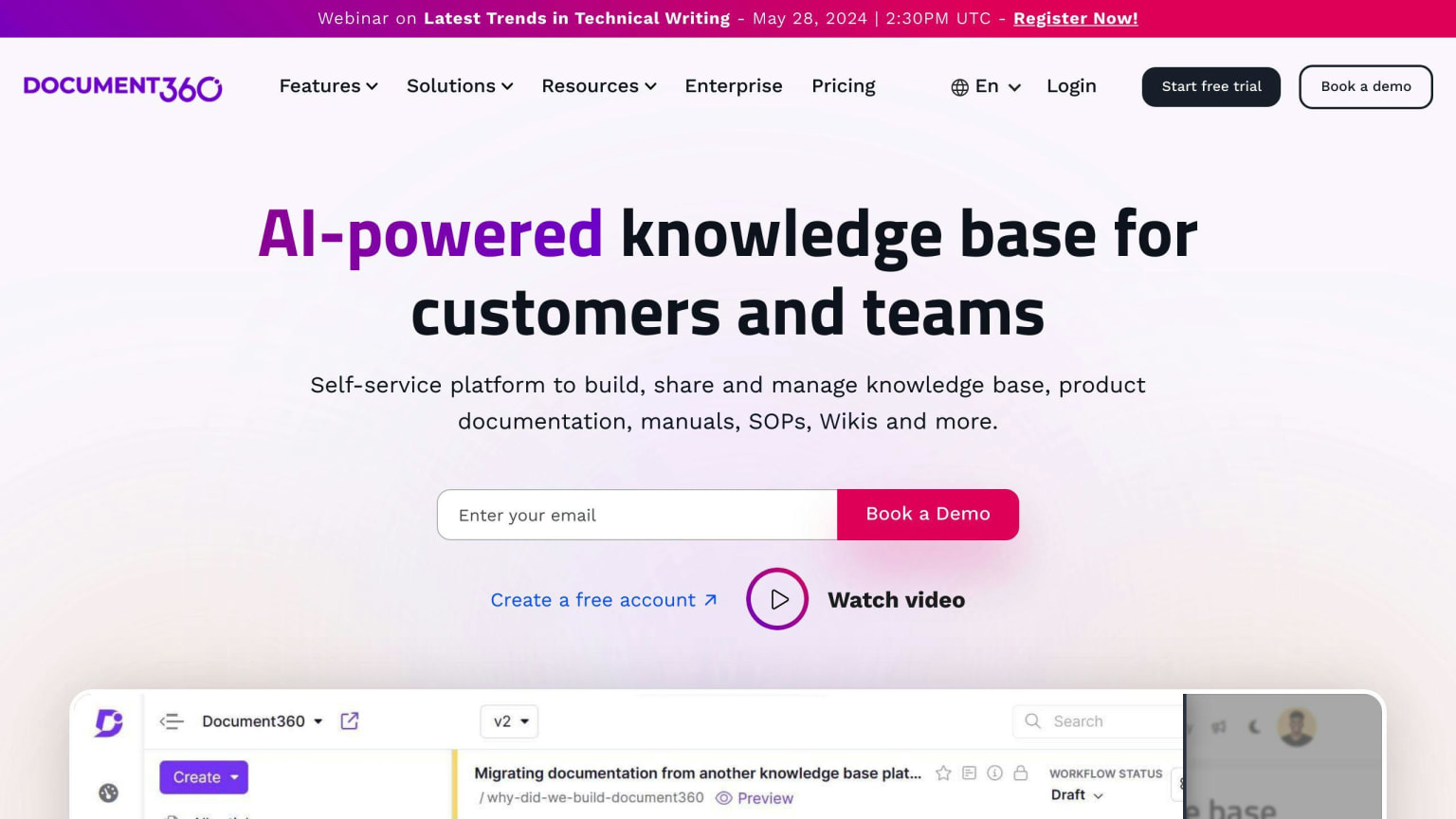
Document360 helps teams work together on API docs. It offers:
- An easy-to-use editor for team writing
- Version control to track changes
- @mentions and comments for team talk
- User permissions to control who can edit or view docs
Automation Features
Document360 makes API doc work easier by:
- Importing API info from OpenAPI and Swagger files
- Making docs from code comments
- Using custom templates for doc look
Works With Other Tools
Document360 connects to:
- GitHub and GitLab for code and doc management
- Bitbucket for central doc and code storage
- Other tools through its own API
API Types Supported
Document360 works with these API types:
- OpenAPI
- Swagger
- GraphQL
This makes it good for many API doc needs.
Plan
Price
Free
$0
Paid
From $49/month
Good and Bad Points
Good
Bad
Easy-to-use editor
Not many ways to change how it looks
Team writing tools
Takes time to learn
Makes docs from code
Hard for non-tech users
Works with other tools
Supports many API types
Document360 is a good tool for making and managing API docs. It's great for teams working on big API projects. But it might be too much for small teams or people who aren't tech-savvy.
7. DapperDox
Collaboration Features
⚠️ DapperDox has had minimal GitHub activity in recent years. Verify the project is still maintained and that its GitHub integration still functions correctly with current GitHub API versions before adopting it for a production documentation workflow.
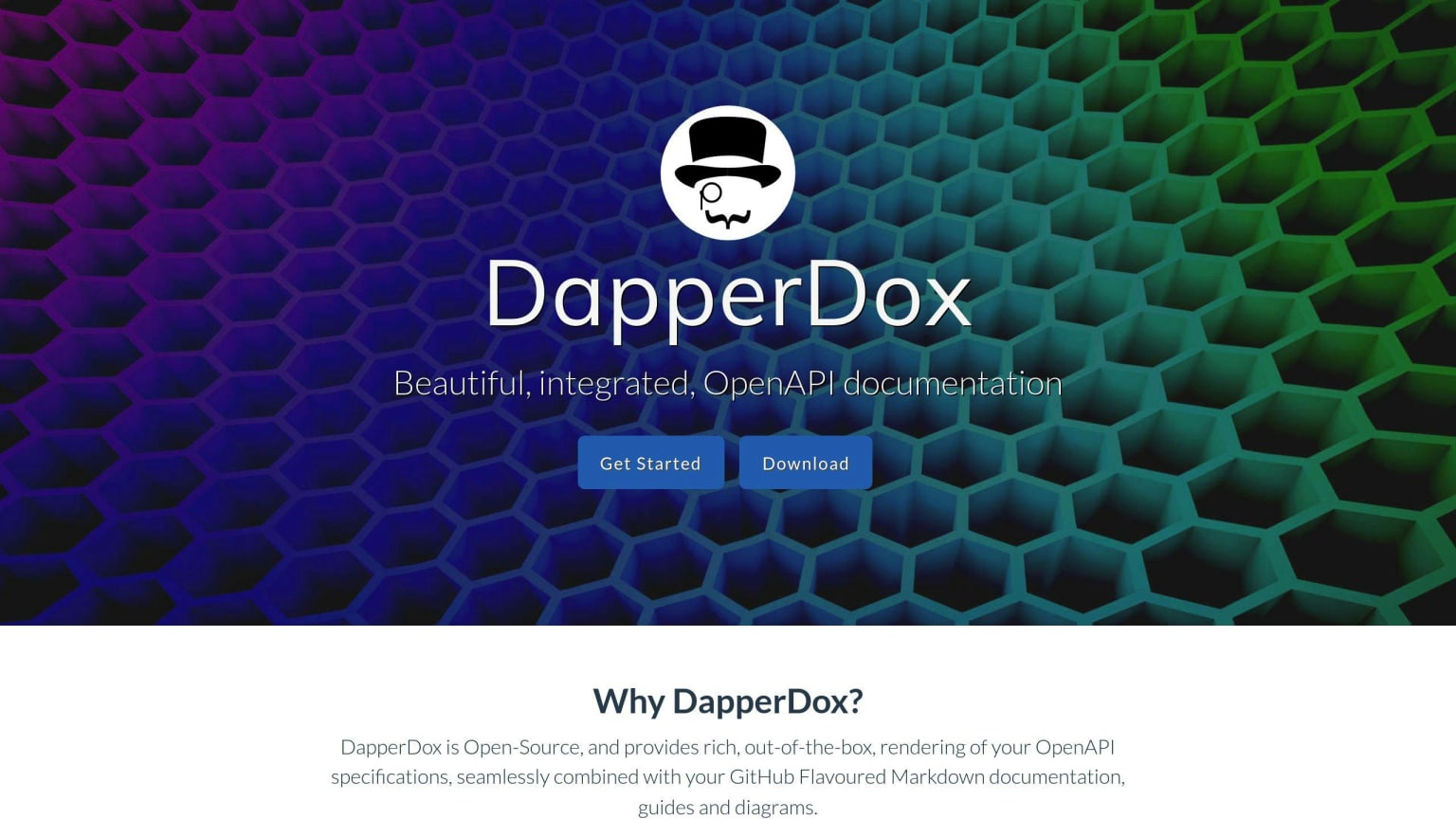
DapperDox helps teams work together on API docs. It offers:
- Team writing: Many people can work on docs at once
- Comments: Team members can talk about the docs
Automation Capabilities
DapperDox makes API doc work easier:
- Creates docs from OpenAPI files
- Works with Markdown for custom docs
Integration Options
DapperDox works with other tools:
- Connects to GitHub for code and doc management
- Controls who can see and change docs
Support for API Types
DapperDox works with these API types:
- OpenAPI
- Swagger
It also has a tool to test APIs.
Plan
Price
Free
$0
Paid
Ask for price
Good and Bad Points
Good
Bad
Not many ways to change how it looks
Works with OpenAPI and Swagger
Takes time to learn
Connects to GitHub
Makes docs from API files
DapperDox is good for big API projects. It helps teams work together and make docs faster. But it might be hard for small teams or people new to API docs to use.
8. GitBook
Collaboration Features
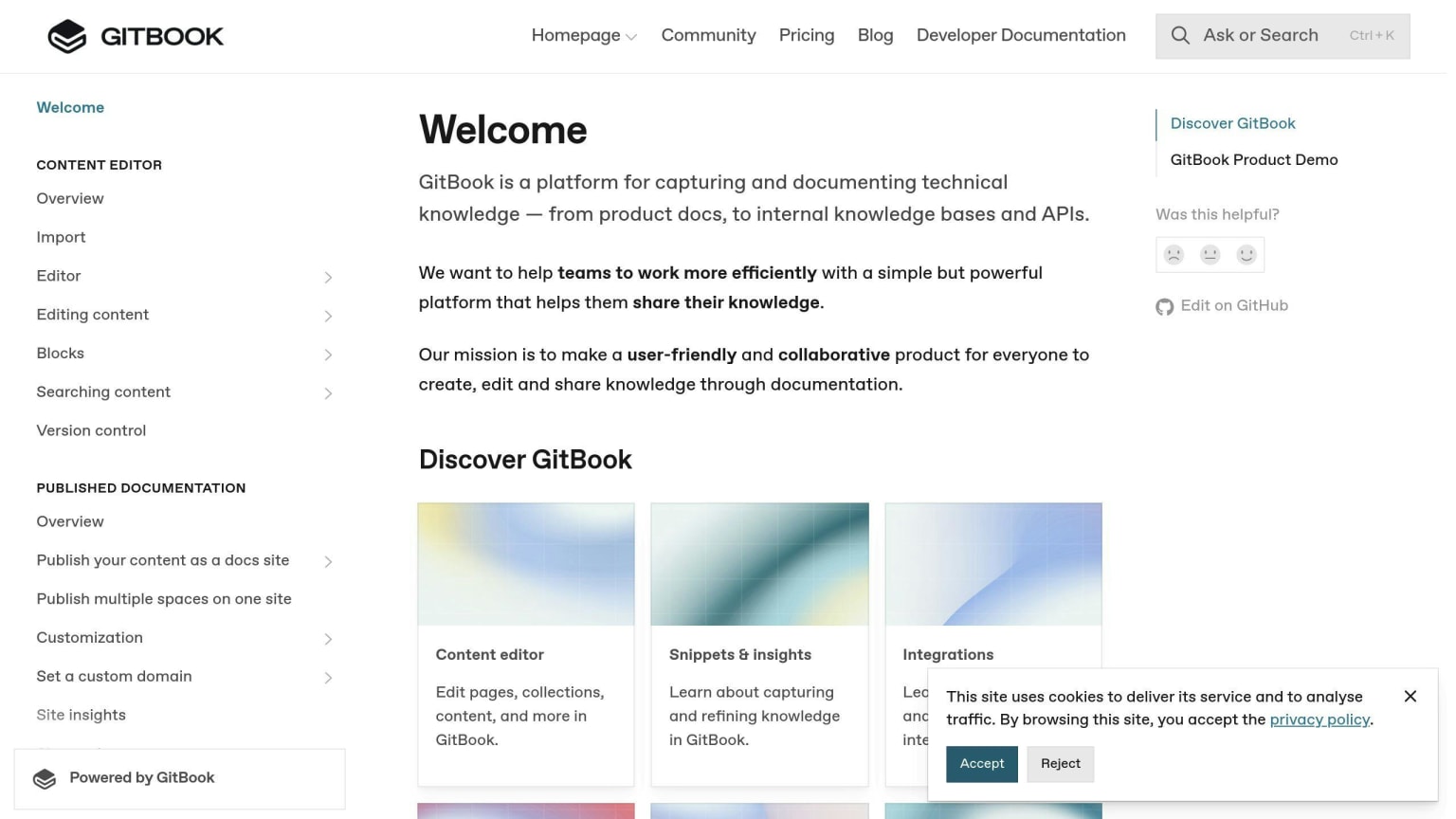
GitBook helps teams work together on API docs. It offers:
- Team editing: Many people can work on docs at the same time
- Comments: Team members can talk about the docs
Automation Features
GitBook makes API doc work easier:
- Works with Markdown, AsciiDoc, and reStructuredText
- Connects to GitHub, Slack, and Google Drive
Works With Other Tools
GitBook connects to:
- GitHub for code and doc management
- Slack for updates on doc changes
API Types Supported
GitBook works with these API types:
- OpenAPI
- Swagger
It also has its own API for working with GitBook.
Plan
Price
Free
$0
Paid
Ask for price
Good and Bad Points
Good
Bad
Works with many file types
Not many ways to change how it looks
Connects to popular tools
Takes time to learn
Makes doc work easier
Good for team work
GitBook is good for big doc projects. It helps teams work together and make docs faster. But it might be hard for small teams or new users to learn.
9. Theneo
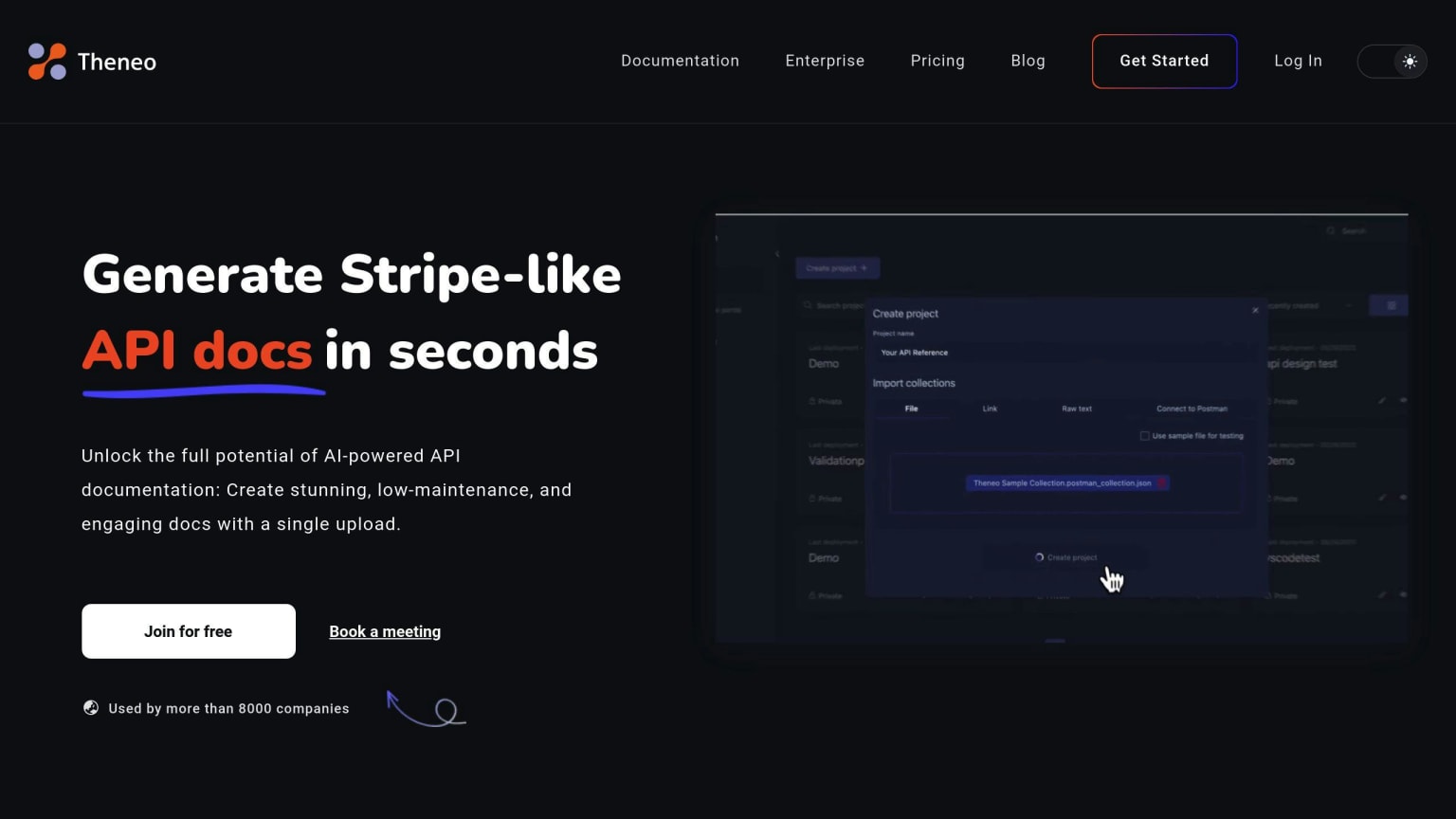
Theneo is an API documentation tool that uses AI to help developers and businesses make better docs. It has a new look and many useful features.
Collaboration Features
Theneo helps teams work together:
- Many people can edit at the same time
- Changes show up right away
- Everyone can see what others are doing
This makes it easier for teams to create and update API docs.
Automation Capabilities
Theneo does some work on its own:
- Makes lists of API changes automatically
- Uses AI to write summaries of API endpoints
This saves time for teams working on docs.
Integration Options
Theneo works well with other tools:
- Fits with REST, GraphQL, and SOAP APIs
- Connects to Postman and VS Code
Teams can use Theneo with their current tools without much trouble.
Support for API Types
Theneo works with different API types:
API Type
Supported
REST
Yes
GraphQL
Yes
SOAP
Yes
This means teams can use Theneo for many kinds of API projects.
Theneo is a good choice for teams that want to make their API docs better in 2024. It helps teams work together, does some tasks on its own, works with other tools, and supports many API types.
10. apiDOC
⚠️ apiDOC (apidocjs) has had minimal recent activity and the project appears to be in low-maintenance mode. For generating API docs from code comments in 2026, consider JSDoc with OpenAPI plugins, or TypeDoc for TypeScript projects — both are actively maintained and produce richer output.
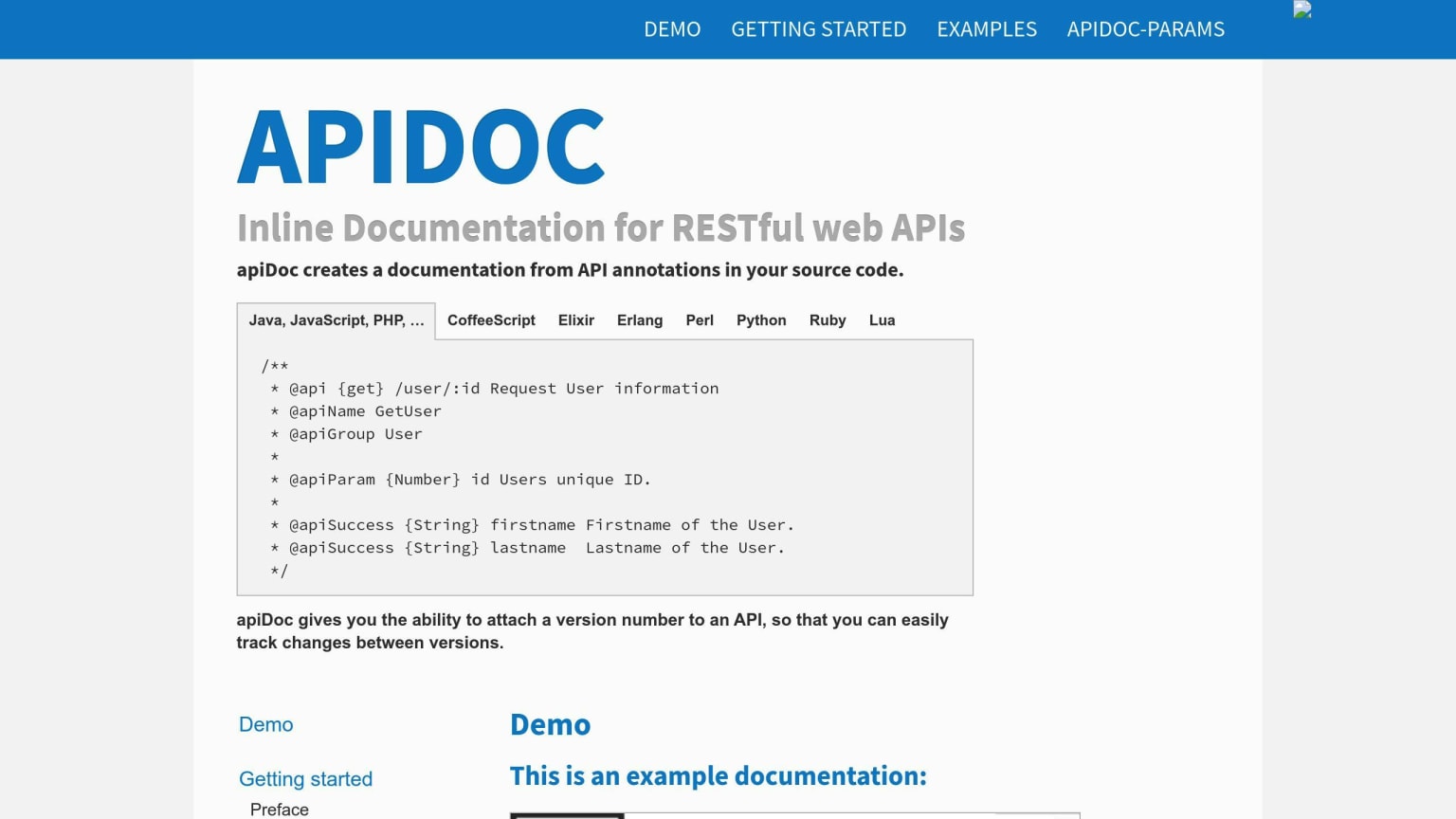
apiDOC is an open-source API documentation tool that helps teams work together and manage projects better.
Collaboration Features
apiDOC lets teams work on docs at the same time:
- Many people can edit docs together
- Changes show up right away
- Teams can change the tool to fit their needs
Automation Capabilities
apiDOC makes doc work easier:
- Gets info from code comments
- Makes docs automatically
- Keeps docs up-to-date as code changes
This saves time and helps keep docs correct.
Integration Options
apiDOC works with many coding languages. This means:
- Teams can use it with their current tools
- It fits into how teams already work
Support for API Types
apiDOC works with different API types:
API Type
Supported
REST
Yes
Other types
Yes
This makes apiDOC good for many kinds of API projects.
Good Points
Not So Good Points
Free and open-source
Might need tech skills to set up
Makes docs from code
Less fancy features than paid tools
Works with many coding languages
Might need more work to customize
Good for team work
apiDOC is a good choice for teams that want a free tool to make API docs. It's best for teams that can set it up themselves and don't need fancy features.
AI-assisted API documentation in 2026: how the feature landscape changed
When this list was written, Theneo stood out specifically because it used AI to generate endpoint summaries and changelogs. That is no longer a differentiator — AI-generated descriptions are now a feature in Postman, Readme, and SwaggerHub, and most tools in this category have added some form of AI-assisted writing or completion. What actually differentiates tools in 2026 is the quality of the AI output (does it understand your domain, or does it produce generic filler?), how well it handles schema changes (does it flag breaking changes automatically?), and whether it can generate docs for event-driven and async APIs, not just REST. If you evaluated tools on this list in 2024 primarily based on AI features, re-evaluate — the gap has compressed significantly. The better questions to ask now are about the developer experience for consumers of your docs and how tightly the tool integrates with your CI pipeline.
Good and Bad Points
Here's a table comparing the good and bad points of each API documentation tool:
Tool
Good Points
Not So Good Points
SwaggerHub
Easy to use
Good docs
Strong API design and testing
Team editing and version control
Can be pricey
Hard for beginners
Some tech issues
Postman
Easy to use
Many API testing features
Good team tools
Works with different setups
Slow with big requests
Few outside connections
Price may not fit all
Redocly
Makes good interactive docs
Works with many API types
Can change how it looks
Good user help
Can be hard for new users
Some parts need extra setup
Stoplight
Easy API design tool
Makes test APIs
Built-in testing
Good team features
Takes time to learn
Some users say it's slow
ReadMe
Interactive docs
Can change how it looks
Easy to use
Few auto-features
Can be costly for small teams
Document360
Works well with other tools
Makes different doc types
Good for making help centers
Too much for simple APIs
Hard to learn all features
DapperDox
Makes docs from OpenAPI files
Can change it
Easy to use
Fewer features than others
May not work with all APIs
GitBook
Good for team writing
Uses markdown
Good for team docs
Not made just for APIs
Few auto-features
Theneo
Focuses on API design and docs
Easy to use
Clean look
May lack big team features
Less user help
apiDOC
Free
Makes docs from code notes
Good for team work
Needs tech skills to set up
Lacks some paid tool features
Each tool has good and bad points. Pick one that fits your team's needs and what your project requires. Think about what's most important to you - ease of use, auto-features, or how it works with other tools - when choosing your API doc tool for 2024.
Wrap-up
Picking the right API documentation tool in 2024 can help teams work better together and manage projects more easily. Here's a quick look at what to think about and which tools might work best for you.
What to Look For
Feature
Why It Matters
Team Tools
Lets many people work on docs at once
Auto-Features
Saves time by doing some work for you
Works with Other Tools
Fits in with what you already use
Tool Suggestions
Need
Best Tools
Why
Full Package
SwaggerHub, Postman
Good for design, testing, and team work
Easy-to-Use Docs
Redocly, ReadMe
Make docs that are easy to read and use
Change How It Looks
Document360, DapperDox
Can make docs look how you want
Final Thoughts
The best tool for you depends on what your team needs, how easy it is to use, what it can do, and how much it costs. Think about these things when you choose:
- How easy is it to use?
- Does it have the features you need?
- Does it fit your budget?
FAQs
Which tool is best for API documentation?
The best API documentation tool depends on your team's needs. Here are some top choices for 2024:
Tool
Strong Points
SwaggerHub
- Good editor
- Team work features
- API design focus
Postman
- Many testing options
- Works with different setups
Redocly
- Makes clear docs
- Works with many API types
These tools are liked for how they help teams work together and make good docs.
What is the best tool for API documentation?
In 2024, these tools are often seen as the best for API docs:
Tool
Key Features
SwaggerHub
- Real-time team editing
- Strong API design tools
Postman
- Good for testing APIs
- Makes docs from tests
Stoplight
- Easy-to-use design tool
- Built-in API testing
Redocly
- Makes docs easy to read
- Works with OpenAPI
Each tool has its own good points. Some are better for making docs, while others help more with testing or working as a team. Pick the one that fits what your team needs most.