
Explore the top 10 API performance testing tools for 2024, including JMeter, Postman, SoapUI, LoadRunner, K6, Gatling, LoadNinja, LoadView, Loader.io, and Locust.io. Find the best tool for your API testing needs.
Here's a quick overview of the top 10 API performance testing tools for 2024:
- JMeter: Free, open-source tool for load and stress testing
- Postman: Popular for API development and basic performance testing
- SoapUI: Specialized for SOAP and REST API testing
- LoadRunner: Enterprise-level performance testing solution
- K6: Open-source tool for load testing websites and APIs
- Gatling: Code-based performance testing tool
- LoadNinja: Browser-based load testing platform
- LoadView: Cloud-based testing for APIs, websites, and apps
- Loader.io: Free, cloud-based load testing service
- Locust.io: Python-based open-source load testing tool
Quick Comparison:
| Tool | Load Testing | Stress Testing | CI/CD Integration | Reporting | Cost |
|---|---|---|---|---|---|
| JMeter | Yes | Yes | Yes | Yes | Free |
| Postman | Yes | Limited | Yes | Yes | Free/Paid |
| SoapUI | Yes | Yes | Yes | Yes | Paid |
| LoadRunner | Yes | Yes | Yes | Advanced | Paid |
| K6 | Yes | Yes | Yes | Yes | Free/Paid |
| Gatling | Yes | Yes | Yes | Yes | Free/Paid |
| LoadNinja | Yes | Yes | Yes | Yes | Paid |
| LoadView | Yes | Yes | Yes | Yes | Paid |
| Loader.io | Yes | Limited | Limited | Basic | Free/Paid |
| Locust.io | Yes | Yes | Yes | Basic | Free |
These tools help teams test API performance, find issues early, and ensure reliability under heavy loads. Choose based on your needs, budget, and existing workflow.
Related video from YouTube
How to Choose API Performance Testing Tools
Picking the right API performance testing tool can be tricky. Here's how to make a good choice:
Key Features to Look For
When checking out API performance testing tools, keep these important features in mind:
| Feature | Description |
|---|---|
| Easy to use | Simple interface for quick test creation and running |
| Works with other tools | Fits with your current setup and supports different protocols |
| Clear reports | Gives detailed info to help fix API problems |
| Various test types | Supports load, stress, and long-term testing |
Factors to Consider
Also think about these points when choosing a tool:
| Factor | Why It Matters |
|---|---|
| Can handle big loads | Tests if your API works with lots of users |
| Allows custom tests | Lets you make tests that fit your API's needs |
| Price | Fits your budget (some are free, others cost money) |
| Help available | Has good support and info when you need it |
1. JMeter
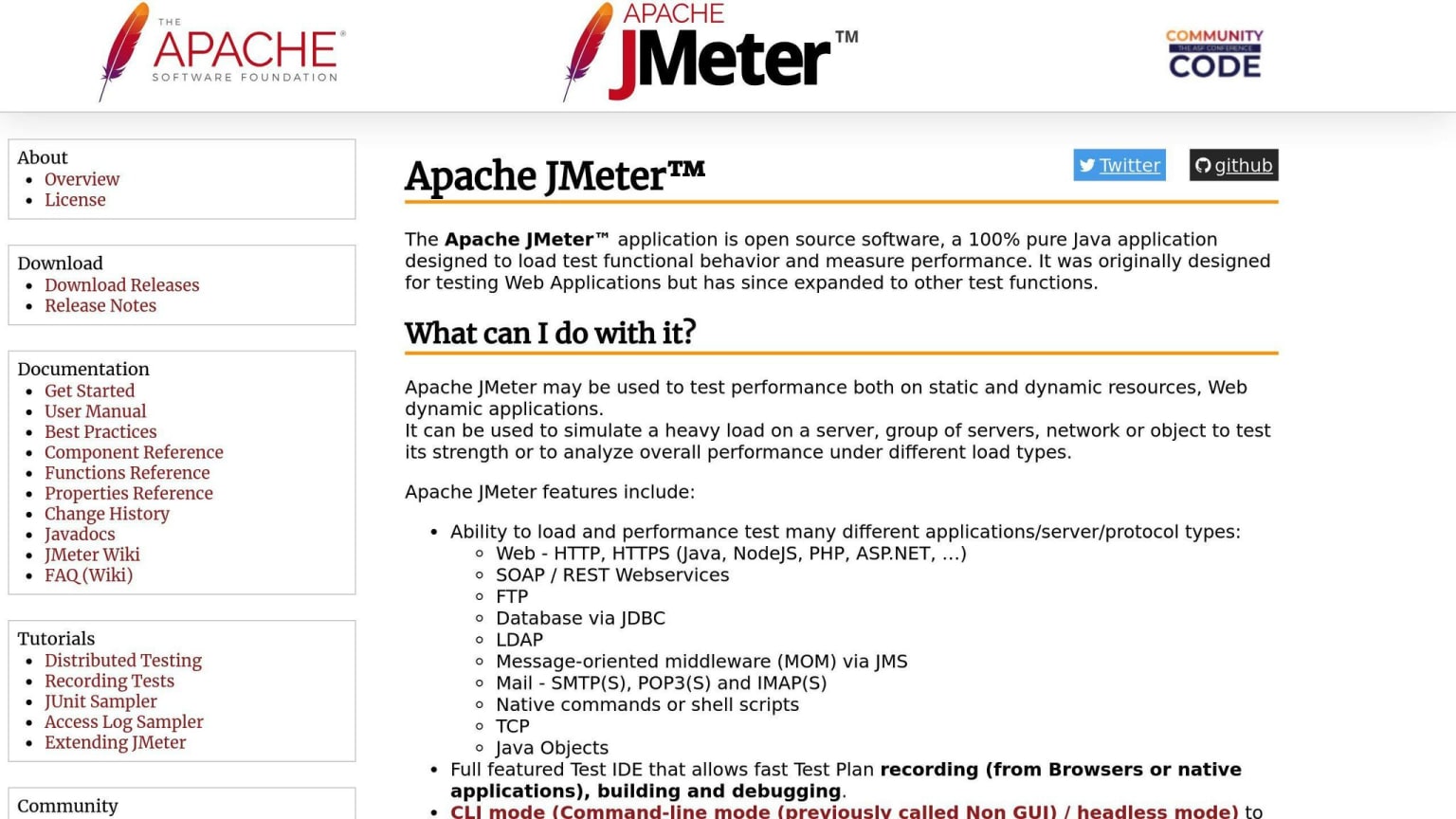
JMeter is a free tool that helps test how well APIs work. Here's what it can do:
Load Testing
JMeter can act like many people using your API at once. This helps find slow spots and make your API work better for lots of users.
Stress Testing
JMeter can push your API very hard to see when it breaks. This shows you how much your API can handle and where it needs to be stronger.
Works with CI/CD
You can use JMeter with your CI/CD setup. This means you can test your API's speed every time you update your code, catching problems early.
Clear Reports
JMeter gives you easy-to-read reports about how your API is doing. These reports show:
| What it measures | Why it's useful |
|---|---|
| Response times | Shows how fast your API answers |
| Throughput | Tells you how many requests your API can handle |
| Error rates | Points out where your API is having trouble |
These reports help you spot where your API needs work to make it faster and more reliable for users.
2. Postman
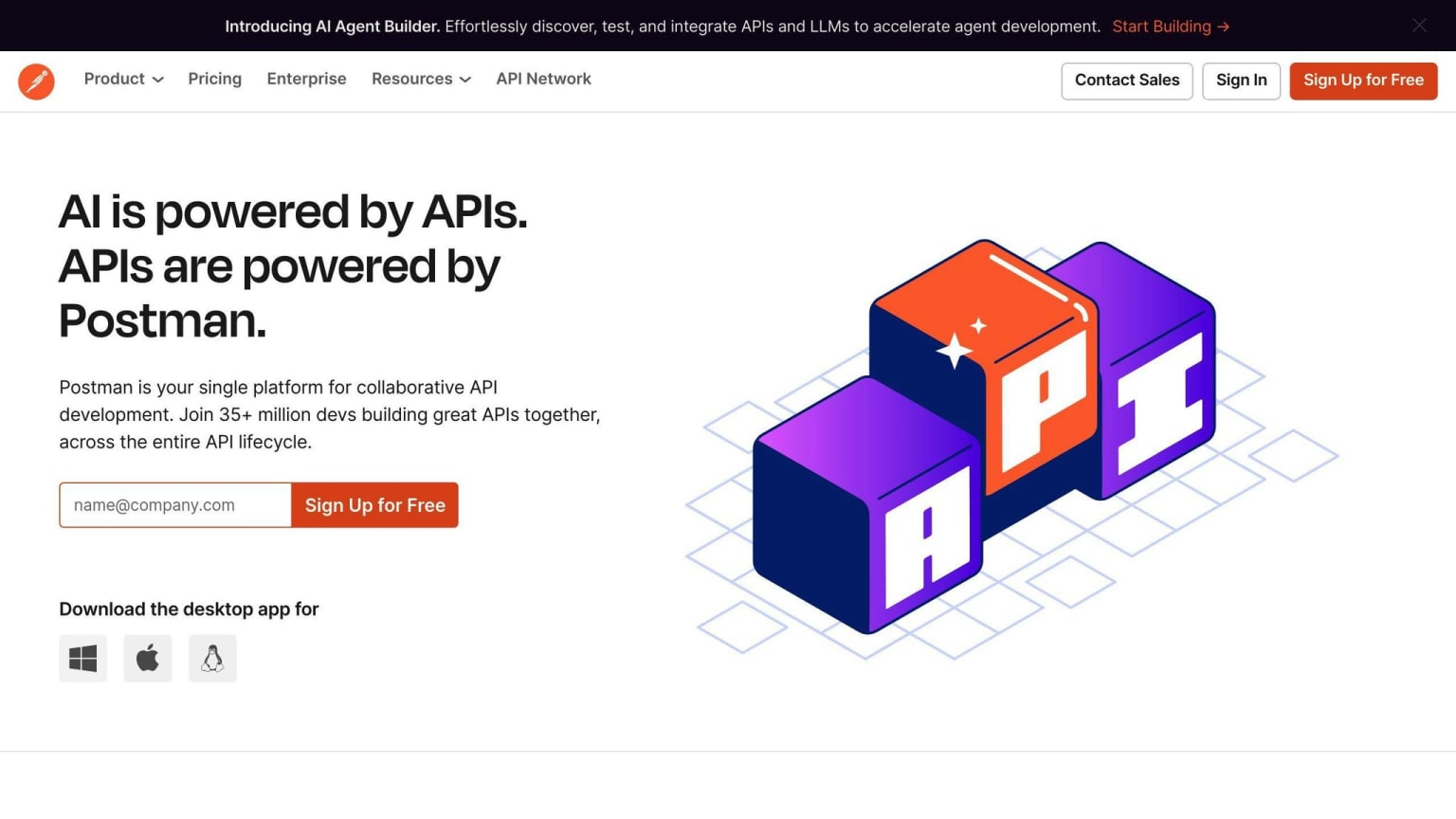
Postman is a tool many people use to create and test APIs. It's easy to use and can also check how well APIs work.
Load Testing
Postman can now test how APIs handle many users at once:
- Simulates multiple users
- Sets how long tests run
- Shows how fast the API responds
- Tells you how many requests the API can handle
Works with CI/CD
You can use Postman with your CI/CD tools. This means:
- API tests run automatically when you update your code
- Helps catch problems before they reach users
Clear Reports
Postman gives easy-to-read reports about API performance:
| What it shows | Why it's helpful |
|---|---|
| Response times | How fast the API answers |
| Throughput | How many requests the API can handle |
| Error rates | Where the API has trouble |
These reports help you find and fix slow parts of your API.
When to Use Postman
Postman is good for basic API testing. But if you need more complex tests, you might want to use tools like JMeter or LoadRunner. Here's a quick comparison:
| Tool | Best for |
|---|---|
| Postman | Teams already using it for API work |
| JMeter or LoadRunner | More advanced performance tests |
If you're already using Postman to build APIs, its testing features are a handy way to check basic performance.
3. SoapUI
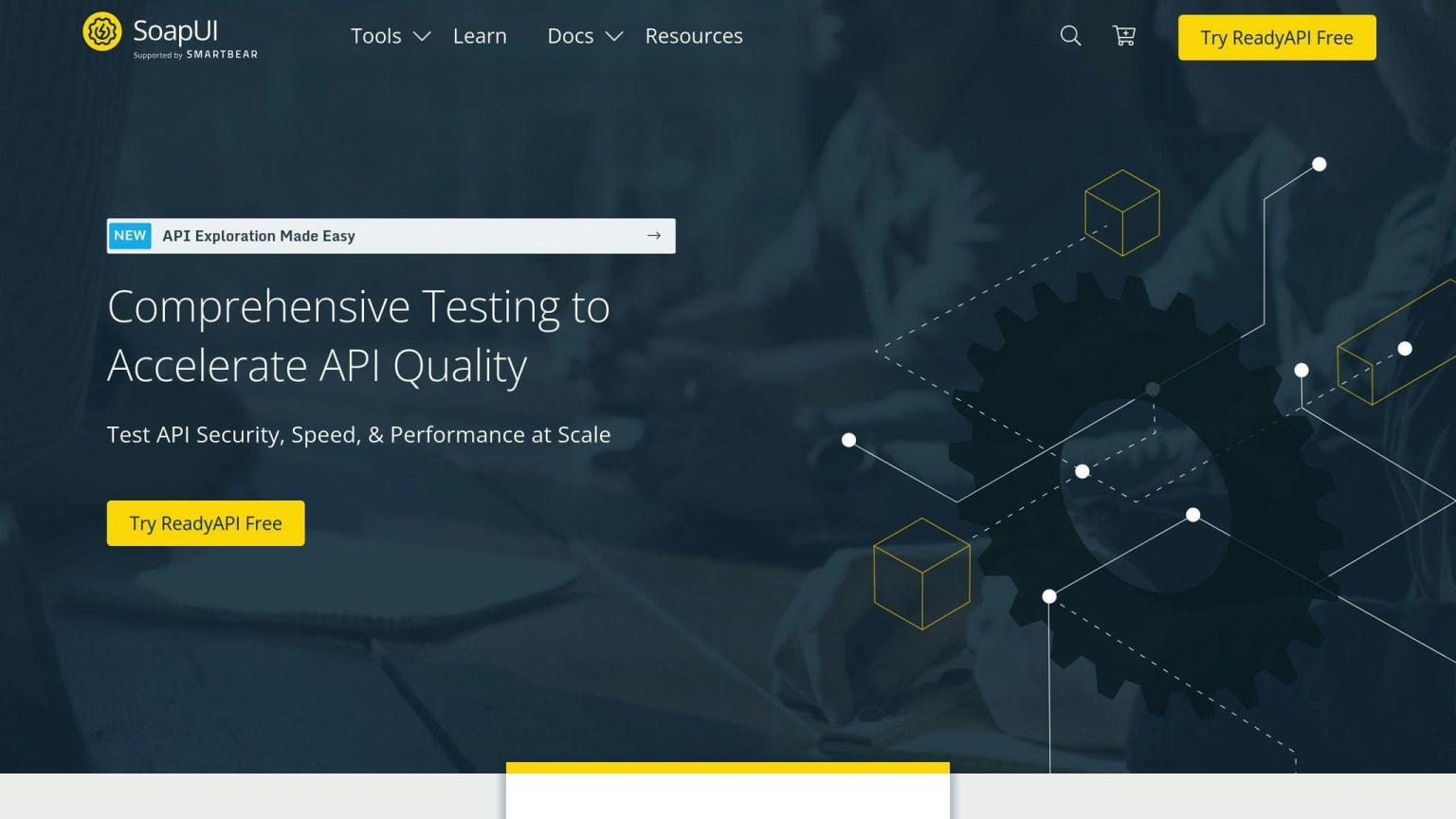
SoapUI is a free tool for testing APIs, especially SOAP and REST types. It's good for checking how APIs work and how well they perform.
Load Testing
SoapUI is strong in load testing:
- Tests different load patterns
- Lets you make complex test cases
- Easy to run tests quickly
- Checks if the API is working as it should
Works with CI/CD
SoapUI fits well with common CI/CD tools:
| Tool | How it helps |
|---|---|
| Jenkins | Runs API tests automatically |
| JIRA | Helps track bugs |
| TestRail | Makes managing tests easier |
This means you can easily add API testing to how you already work.
Clear Reports
SoapUI gives good reports:
- Shows how well the API is working
- You can change reports to show what you need
- Helps find slow parts of the API
- Can test with different data to get a full picture
These reports help teams see how the API is doing and where to make it better.
4. LoadRunner
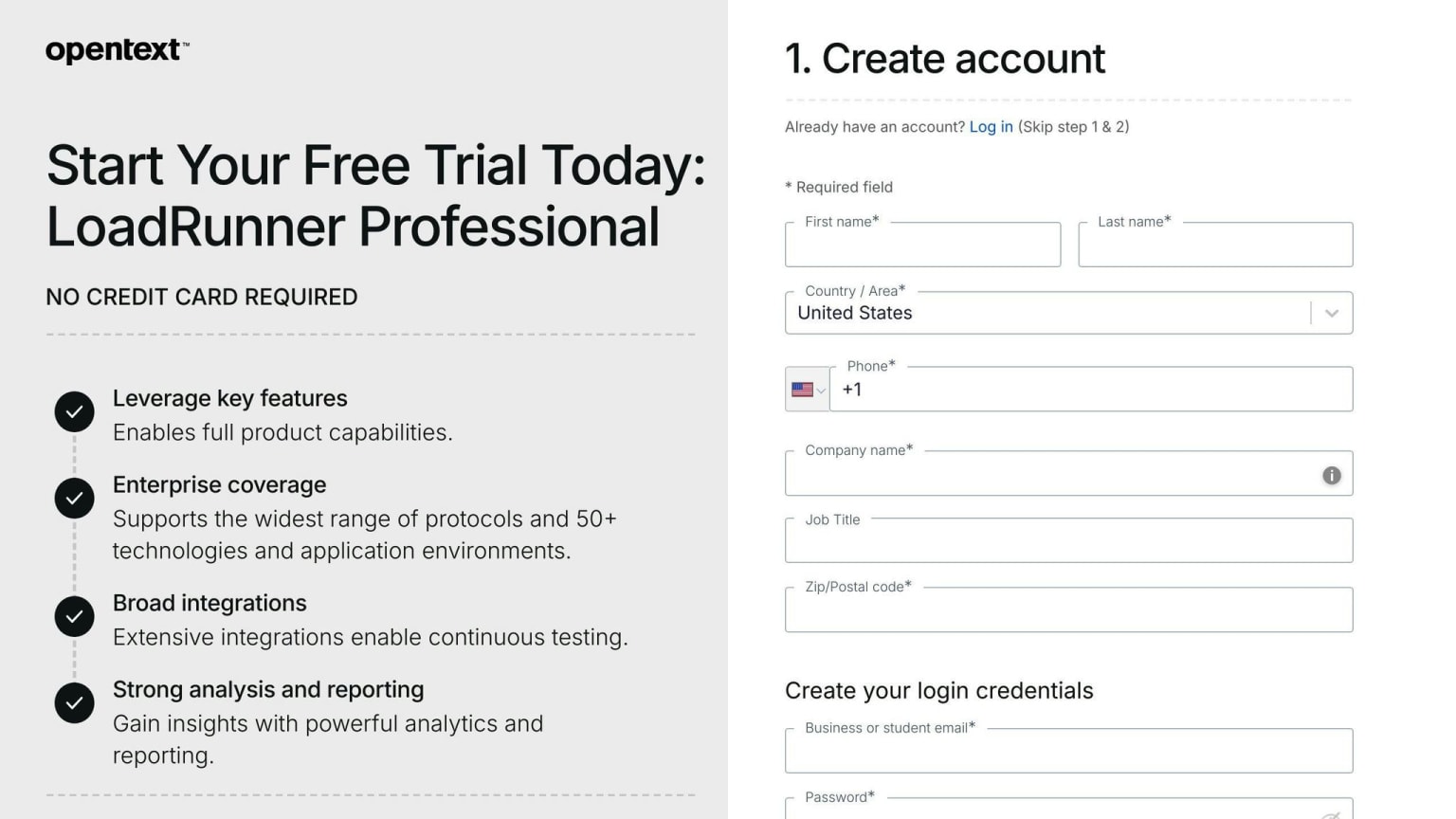
LoadRunner is a well-known tool for testing how well apps work under heavy use. It's good for big companies that need to test their apps with many users at once.
Load Testing
LoadRunner can:
- Test different types of user loads
- Make complex test cases
- Run tests quickly
- Check if the API works right
Stress Testing
LoadRunner also does stress testing. This helps find where apps might break when too many people use them at once.
Works with CI/CD
LoadRunner fits in with other tools teams use:
| Tool | What it does |
|---|---|
| Jenkins | Runs tests automatically |
| JIRA | Helps track problems |
| TestRail | Makes managing tests easier |
This means teams can test their apps often and catch problems early.
Clear Reports
LoadRunner gives detailed reports that show:
| Report shows | Why it's useful |
|---|---|
| How well the API works | Helps find slow parts |
| Where problems happen | Shows what to fix |
| How the app acts under load | Helps make the app better for users |
These reports help teams make their apps work better and give users a good experience.
5. K6
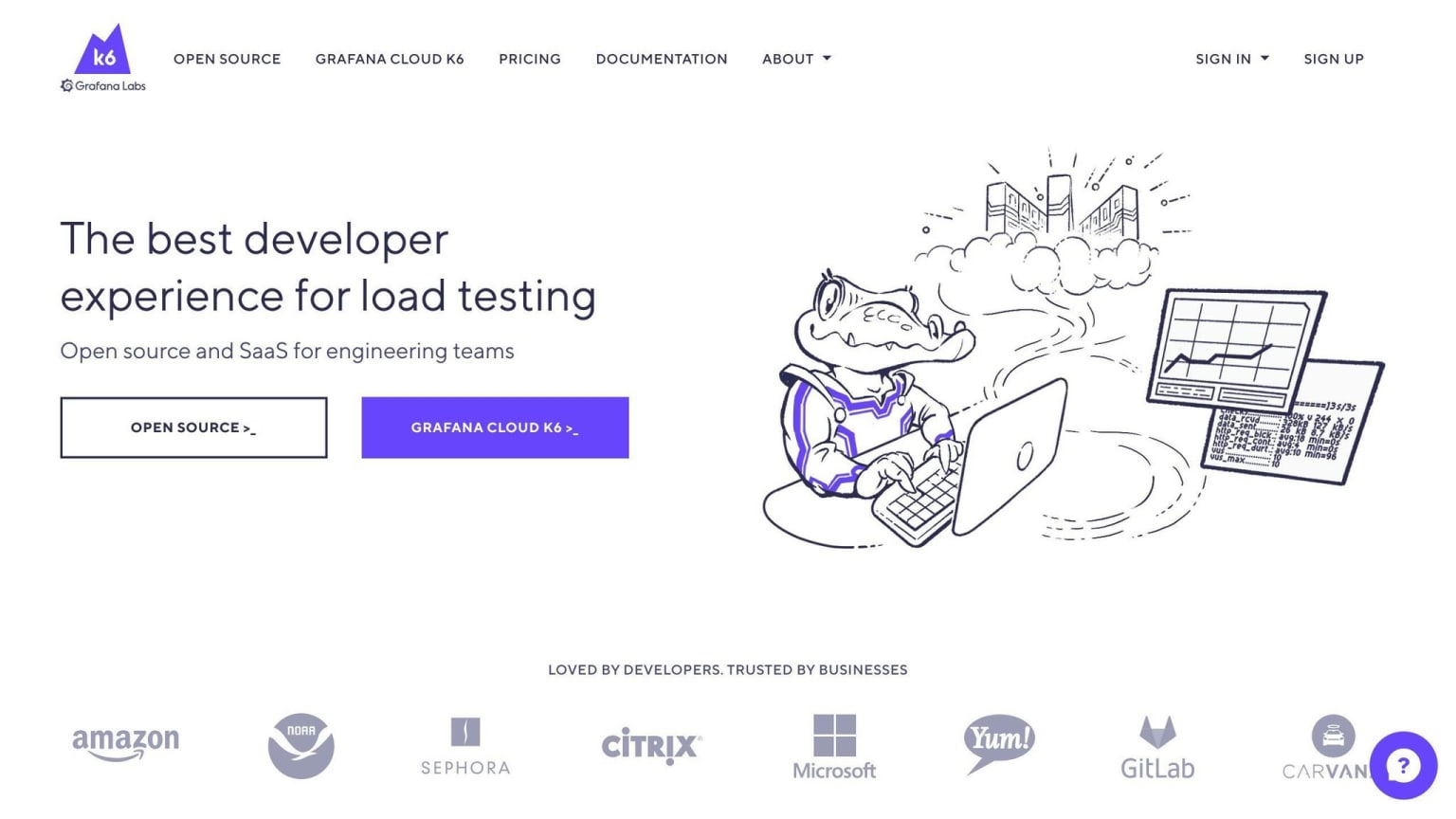
K6 is a free tool for testing how well systems work when many people use them at once. It's good for checking websites, APIs, and microservices.
Load Testing
K6 can:
- Copy real user actions
- Test how systems work in different situations
- Give detailed info about how well the system is doing
Works with CI/CD
K6 fits well with tools like Jenkins and CircleCI. This means you can test your system every time you update your code.
K6 also has a cloud service that lets you:
- Run tests from different places around the world
- Use more or fewer tests as needed
This helps find problems before users see them.
Clear Reports
K6 gives easy-to-understand reports that show:
| What it shows | How it helps |
|---|---|
| Where the system is slow | Helps you fix slow parts |
| How well the system works | Shows what needs to be better |
| Custom info you want to see | Lets you focus on what matters to you |
These reports help teams make their systems work better and faster.
K6 is a good choice for many teams because it's:
- Easy to use
- Works well with other tools
- Gives clear info about how systems are working
6. Gatling
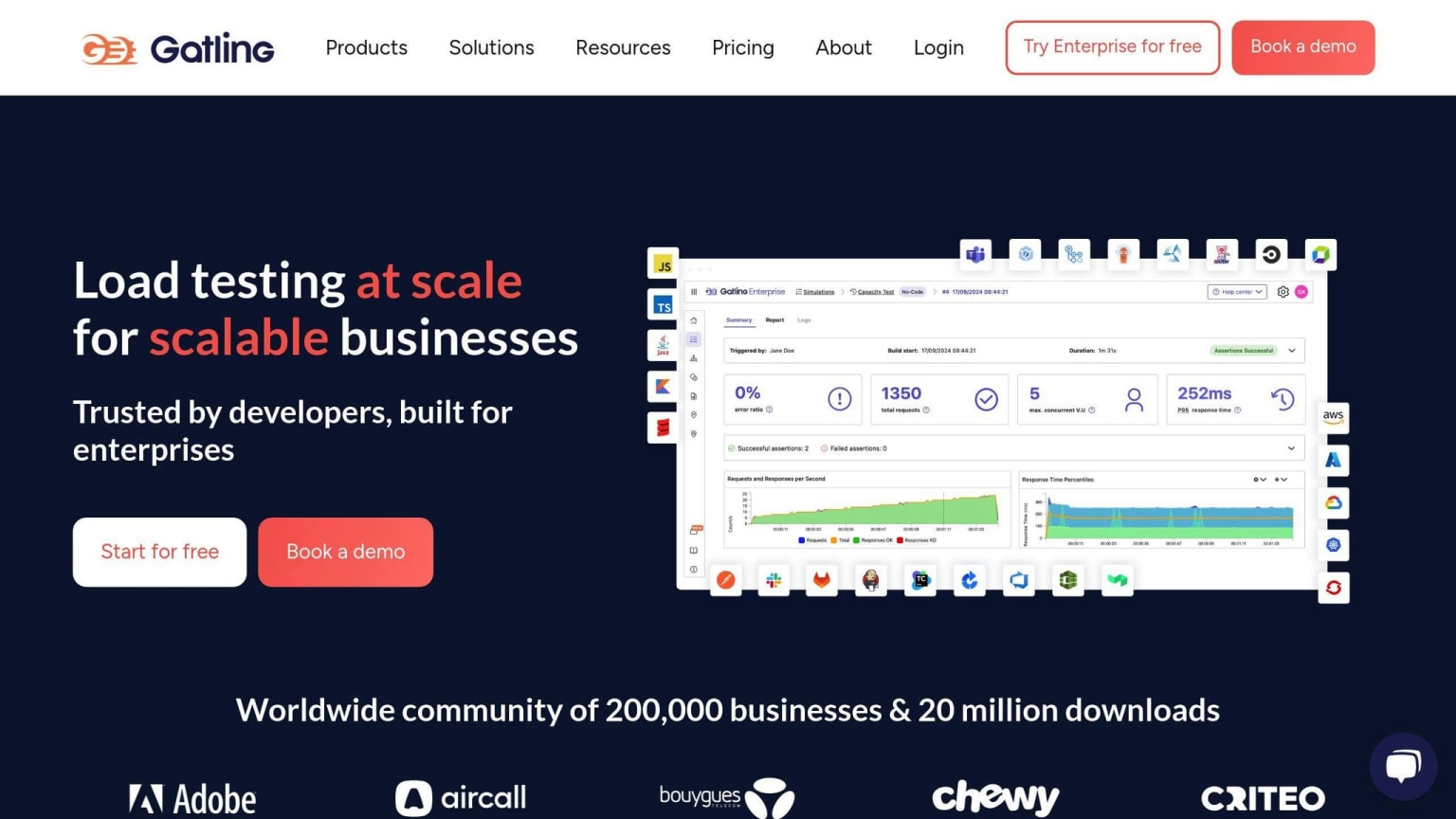
Gatling is a free tool for testing how well websites and apps work when many people use them at once. It's different because you write tests as code, which makes it work well.
Load Testing
Gatling is good at load testing:
- Works with HTTP, WebSocket, and JMS
- Can test with thousands of users at once
- Makes tests that act like real users
- Can test different ways people might use your site
Works with CI/CD
Gatling fits well with tools that help build and test code:
| Tool | How it works with Gatling |
|---|---|
| Jenkins | Runs tests automatically |
| Bamboo | Checks performance when code changes |
| TeamCity | Finds problems early |
This means you can test your site or app every time you change something.
Clear Reports
Gatling gives easy-to-read reports:
- Shows results while the test is running
- Tells you how fast your site responds and if there are errors
- Uses charts to show what's happening
- Helps you find slow parts of your site
Why people like Gatling:
| Feature | Why it's good |
|---|---|
| Uses Scala for tests | Makes tests easy to read and fix |
| Works fast | Uses computer power well |
| Tests are like code | Easy to work on with others |
| Can use outside data | Makes tests more like real use |
Gatling is a good choice for teams who want to test their websites or apps to make sure they work well when lots of people use them.
7. LoadNinja
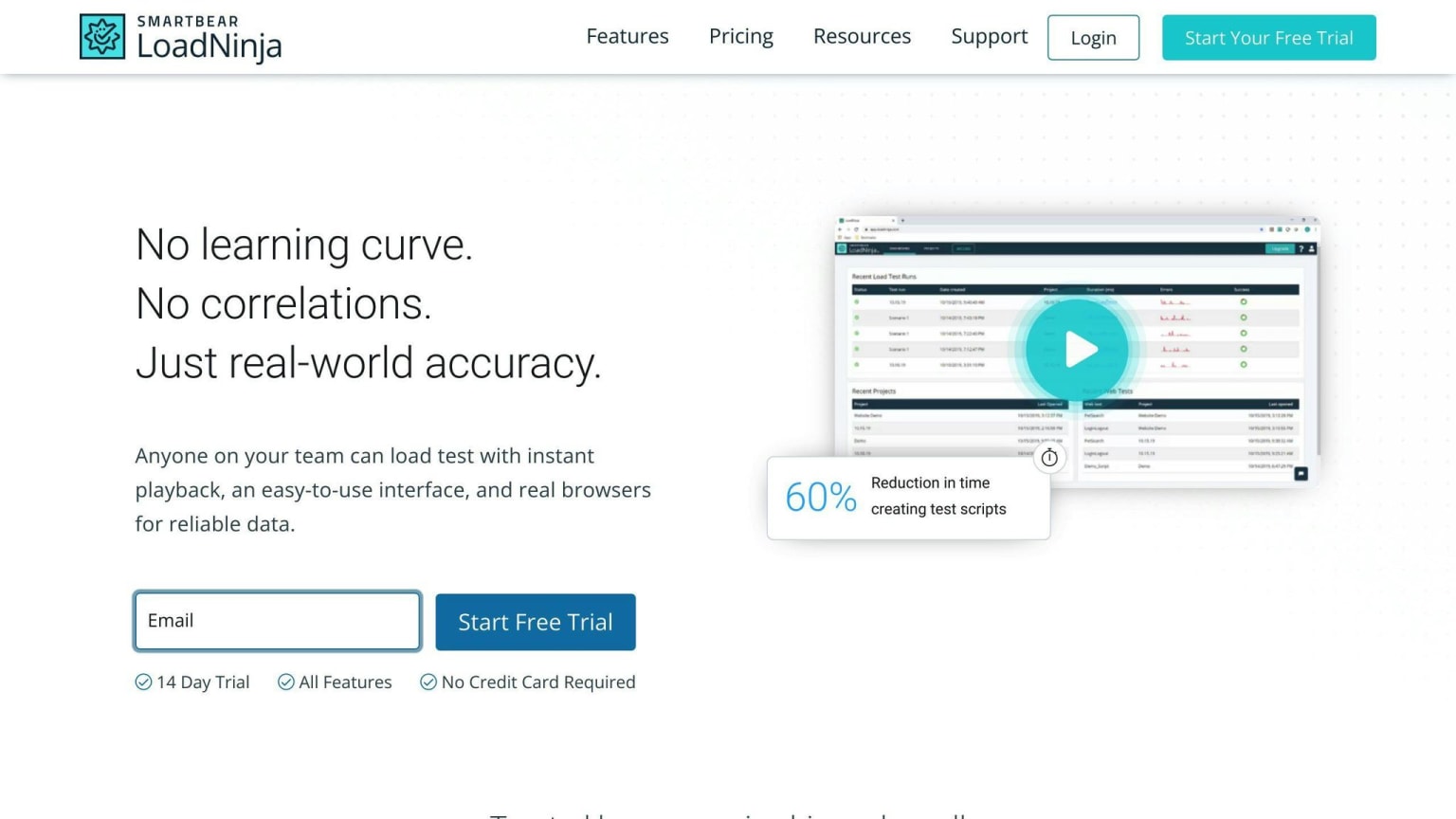
LoadNinja is a tool that tests websites and apps using real web browsers. It helps teams check how well their sites work when many people use them at once.
Load Testing
LoadNinja can:
| Feature | Description |
|---|---|
| Use real browsers | Tests are more like real users |
| Test with many users | Can test with thousands of users at once |
| Work with different types | Tests HTTP, HTTPS, and WebSocket |
| Fit with other tools | Works with tools that help build and test code |
Works with CI/CD
LoadNinja fits in with tools teams use to build and test code:
| Tool | What it does |
|---|---|
| Jenkins | Runs tests when code changes |
| Bamboo | Checks how well the site works |
| TeamCity | Helps find problems early |
Clear Reports
LoadNinja gives easy-to-read reports that show:
- How the site is working right now
- Where there are problems
- Custom views you can set up
- Works with tools like JIRA and Excel
These reports help teams see how their sites are doing and fix any issues.
LoadNinja is good for teams who want to make sure their websites and apps work well when lots of people use them.
8. LoadView
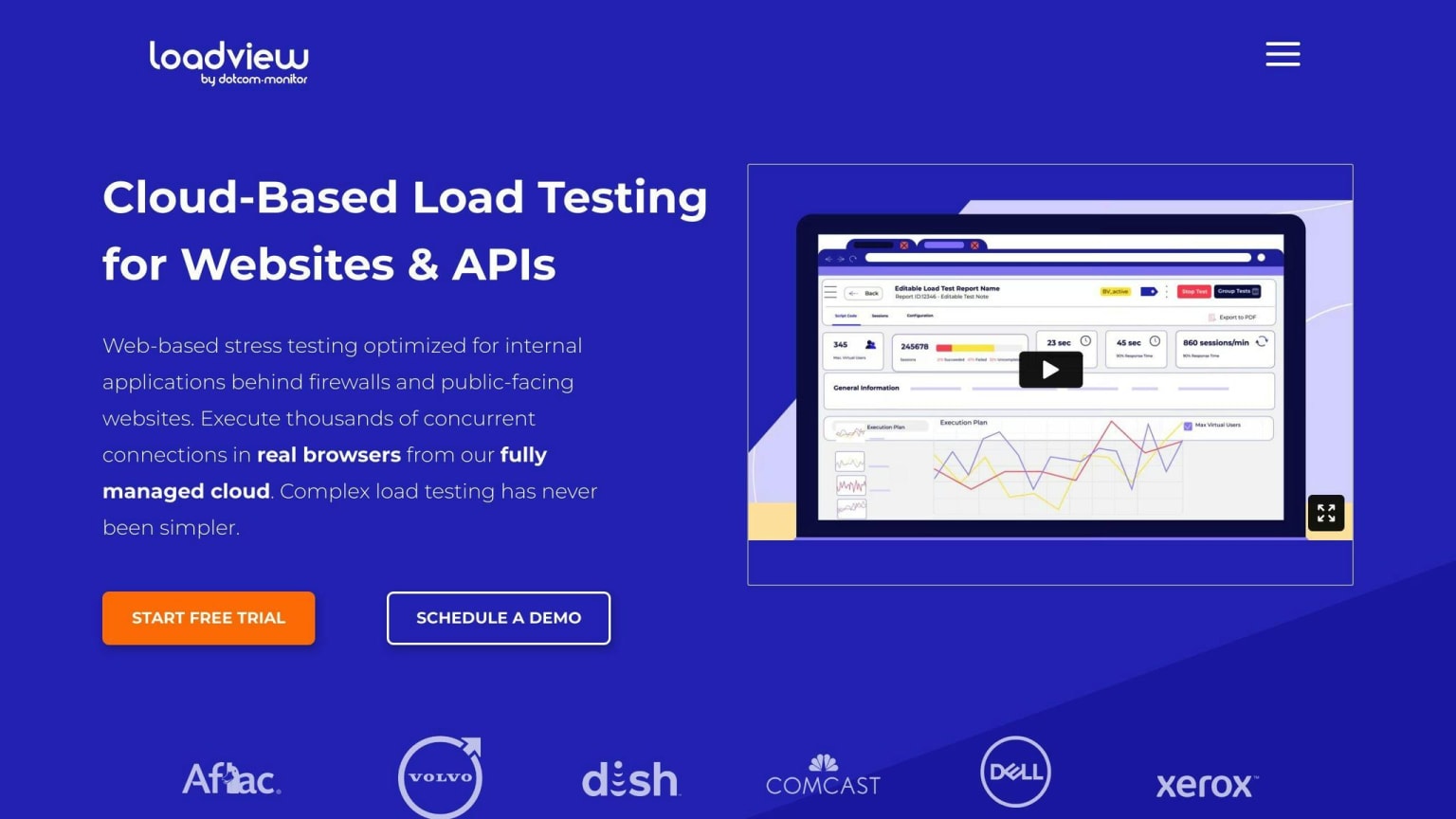
LoadView is a tool that tests APIs, websites, and apps from the cloud. It checks how well they work when many people use them at once.
Load Testing
LoadView can:
| Feature | Description |
|---|---|
| Test APIs | Copies real user calls to APIs |
| Check websites | Tests forms, shopping carts, and more |
| Handle big loads | Can test with thousands of users |
| Work with many systems | Tests different types of websites and apps |
Works with CI/CD
LoadView fits in with tools that help build and test code:
| Tool | What it does |
|---|---|
| Selenium | Helps test how websites look and work |
| JMeter | Checks how well systems handle lots of users |
| Postman | Makes it easy to test APIs |
This means you can test your website or app every time you change something.
Clear Reports
LoadView gives easy-to-read reports that show:
- How fast the website or app responds
- If there are any errors
- How many requests it can handle
These reports help teams find and fix slow parts of their websites or apps.
Who It's For
LoadView works well for:
- People working alone
- Big companies
- Medium-sized businesses
- Small businesses
It costs $199.00 per month to start, but you can try it for free first. The tool is in English.
9. Loader.io
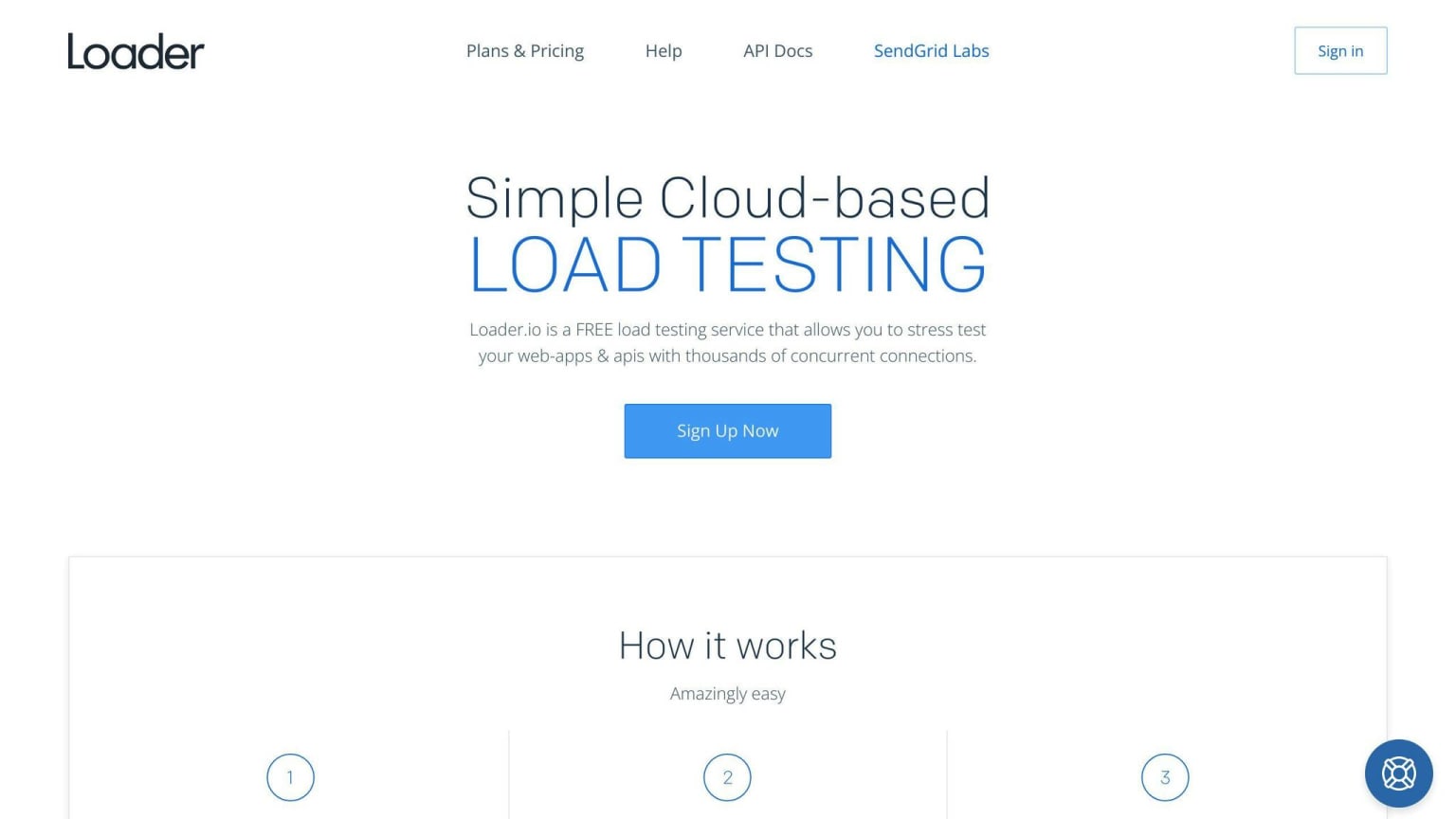
Loader.io is a free, cloud-based tool for testing how well websites and apps work when many people use them at once. It's easy to use and helps you check if your website can handle lots of users.
Load Testing
Loader.io can:
| Feature | Description |
|---|---|
| Test many users | Checks how your site works with lots of people using it |
| Find slow parts | Shows where your site might have problems |
| Test APIs | Checks if your API can handle many calls |
How to Start
Starting with Loader.io is simple:
- Go to the Loader.io website
- Sign up with your email
- Confirm your email
- Add the website you want to test
After these steps, you can start testing your site.
Why Use Loader.io
| Reason | Explanation |
|---|---|
| Easy to use | You don't need to be an expert to use it |
| Works from anywhere | You can test your site from any computer |
| Shows results quickly | You get information about your site fast |
| Free | You can use it without paying |
Loader.io helps developers make sure their websites and apps work well, even when many people use them at the same time.
10. Locust.io
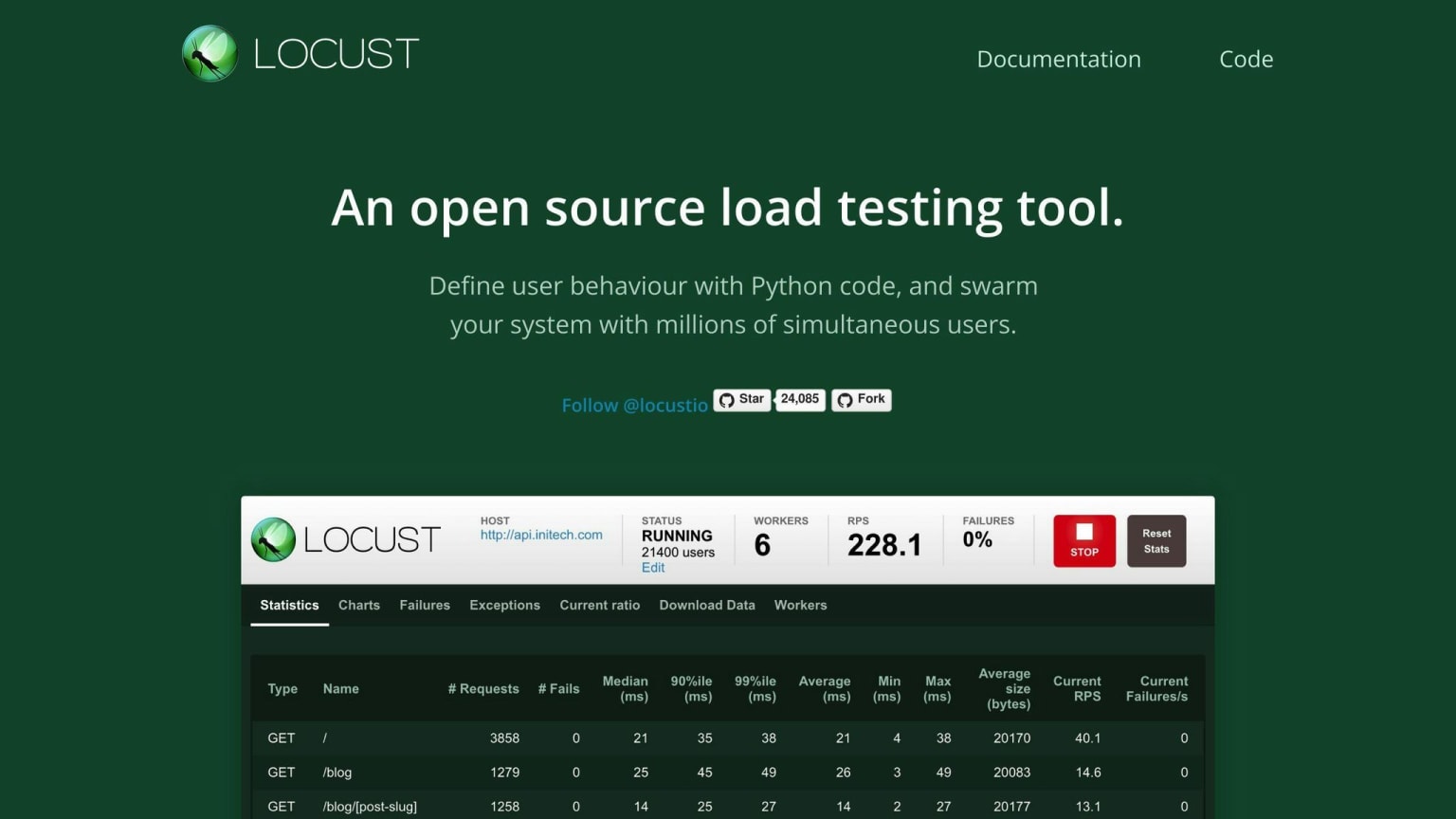
Locust.io is a free, open-source tool for testing how well websites, apps, and APIs work when many people use them at once. It's written in Python and helps find slow parts of your system.
Load Testing
Locust lets you:
- Make tests that act like real users
- Set how many users to test with
- Choose how fast to add new users
- Find slow parts and errors in your system
This helps you see how your system works when lots of people use it.
Works with CI/CD
You can use Locust with tools that help build and test code. This means:
- Tests run automatically when you change your code
- You can find problems early
- It's easier to make sure your system works well
Clear Reports
Locust gives you easy-to-read reports that show:
| What it shows | Why it's helpful |
|---|---|
| How fast your system responds | Helps you find slow parts |
| How many errors happen | Shows where things go wrong |
| How many requests it can handle | Tells you if your system can handle lots of users |
These reports help you make your system work better, even when many people use it at once.
With Locust, you can check if your website, app, or API works well when lots of people use it. This helps make sure users have a good experience, even when your system is very busy.
Tool Comparison Table
Here's a simple comparison of the main features for each API performance testing tool:
| Tool | Load Testing | Stress Testing | Works with CI/CD | Clear Reports | Cost |
|---|---|---|---|---|---|
| JMeter | Yes | Yes | Yes | Yes | Free |
| Postman | Yes | Yes | Yes | Yes | Free/Paid |
| SoapUI | Yes | Yes | Yes | Yes | Paid |
| LoadRunner | Yes | Yes | Yes | Yes | Paid |
| K6 | Yes | Yes | Yes | Yes | Paid |
| Gatling | Yes | Yes | Yes | Yes | Paid |
| LoadNinja | Yes | Yes | Yes | Yes | Paid |
| LoadView | Yes | Yes | Yes | Yes | Paid |
| Loader.io | Yes | Yes | Yes | Yes | Paid |
| Locust.io | Yes | Yes | Yes | Yes | Free |
This table shows what each tool can do, helping you pick the right one for your needs. All tools offer the main features needed for API testing, but they differ in cost. Some are free, while others you need to pay for.
Key points to remember:
- All tools can do load and stress testing
- They all work with CI/CD systems
- Each one gives clear reports about how your API is doing
- JMeter and Locust.io are free options
- Postman has both free and paid versions
- The rest are paid tools
When choosing a tool, think about:
- Your budget
- How easy the tool is to use
- If it fits with the other tools you already use
- The kind of support and help you can get
This overview should help you start comparing these API testing tools. Look into each one more to see which fits your team and project best.
Wrap-up
Picking the right API performance testing tool is key to making sure your app works well. There are many tools to choose from, so it's important to think about what you need before you decide. Here's a quick look at some options:
| Tool Type | Examples | Cost |
|---|---|---|
| Free, open-source | JMeter, Locust.io | Free |
| Mix of free and paid | Postman | Both options |
| Paid with more features | SoapUI, LoadRunner | Paid |
When choosing a tool, think about:
- What it can do
- How easy it is to use
- If it works with your other tools
- How much it costs
Using a good API testing tool regularly helps you:
- Find and fix problems early
- Make your API work better
- Keep users happy
Remember, the best tool is one that fits your team's needs and budget. By using it often, you can make sure your API works well, even when lots of people are using it.
| Benefits of Regular API Testing |
|---|
| Catch issues before users do |
| Improve API performance |
| Handle more users at once |
| Make your app more reliable |
FAQs
Which tool is best for API testing?
The best API testing tool depends on what you need. Here's a quick look at some popular options:
| Tool | What it does | Cost |
|---|---|---|
| JMeter | Tests how well APIs work, uses scripts | Free |
| Postman | Tests APIs, helps teams work together | Free and paid versions |
| SoapUI | Tests APIs, checks speed and safety | Costs money |
| Katalon Studio | Tests APIs, works with other tools | Costs money |
When picking a tool, think about:
- How easy it is to use
- What it can do
- If it works with your other tools
- How much it costs
The right tool is one that fits what your team needs and can afford.