
Discover the top 10 mobile UI/UX design tools for 2024 and choose the best one for your needs. Compare features, costs, and team options to make an informed decision.
Here's a quick overview of the top mobile UI/UX design tools for 2024:
- Figma: Web-based, real-time collaboration, $0-$75/month
- Sketch: Mac-only, precise design, $10/month or $120 one-time
- Adobe XD: Part of Creative Cloud, prototyping, design systems
- InVision: Prototyping, user testing, feedback, various pricing
- Axure RP: Complex prototypes, documentation, $29/month-$495 one-time
- Marvel: Easy prototyping, pre-built components, custom pricing
- Framer: Advanced animations, code customization, free and paid plans
- UXPin: Advanced prototyping, design systems, $19/month-custom
- Proto.io: Interaction-focused, animation control, $24-$160/month
- Origami Studio: Facebook-made, complex interactions, free
Quick Comparison:
| Tool | Key Features | Platform | Price Range |
|---|---|---|---|
| Figma | Collaboration, design systems | Web, desktop | $0-$75/month |
| Sketch | Precise design, plugins | Mac | $10/month-$120 |
| Adobe XD | Prototyping, integration | Mac, Windows | CC subscription |
| InVision | User testing, feedback | Web, mobile | Custom |
| Axure RP | Complex prototypes, docs | Windows, Mac | $29/month-$495 |
| Marvel | Easy prototyping, templates | Web, mobile | Custom |
| Framer | Advanced animations, code | Web, desktop | Free-custom |
| UXPin | Design systems, team tools | Web, desktop | $19/month-custom |
| Proto.io | Interactions, animations | Web | $24-$160/month |
| Origami Studio | Complex interactions | Mac | Free |
Choose based on your needs, budget, platform, and team requirements.
Related video from YouTube
How We Chose These Tools
We picked the best mobile UI/UX design tools for 2024 based on what designers need now and might need soon. Here's what we looked at:
Easy to Use
We chose tools that are simple to learn and use. This helps designers focus on making great designs instead of figuring out how to use the software.
| Feature | Why It Matters |
|---|---|
| Simple Controls | Designers can start working faster |
| Clear Menus | Easy to find and use features |
| Adjustable Workspace | Designers can set up the tool how they like |
Main Features
We looked for tools that let designers:
- Make basic layouts
- Create working models
- Manage design systems
- Edit shapes and lines
- Add moving parts to designs
These features help designers make complete mobile app designs from start to finish.
Works on Different Computers
We picked tools that work on many types of computers. This is important because design teams often use different devices.
| Computer Type | Why It's Important |
|---|---|
| Mac | Many designers use Macs |
| Windows | Often used in big companies |
| Online Tools | Can be used on any computer with internet |
Team Work Options
We chose tools that make it easy for teams to work together. This includes:
- Editing together in real-time
- Leaving comments
- Keeping track of changes
Cost
We looked at how much each tool costs, including:
| Price Option | Description |
|---|---|
| Free Trials | Try before you buy |
| Monthly Payments | Pay as you go |
| One-Time Buy | Pay once, use forever |
| Team Deals | Special prices for groups |
We tried to find tools for all budgets, from solo designers to big companies.
10 Best Mobile UI/UX Design Tools
1. Figma
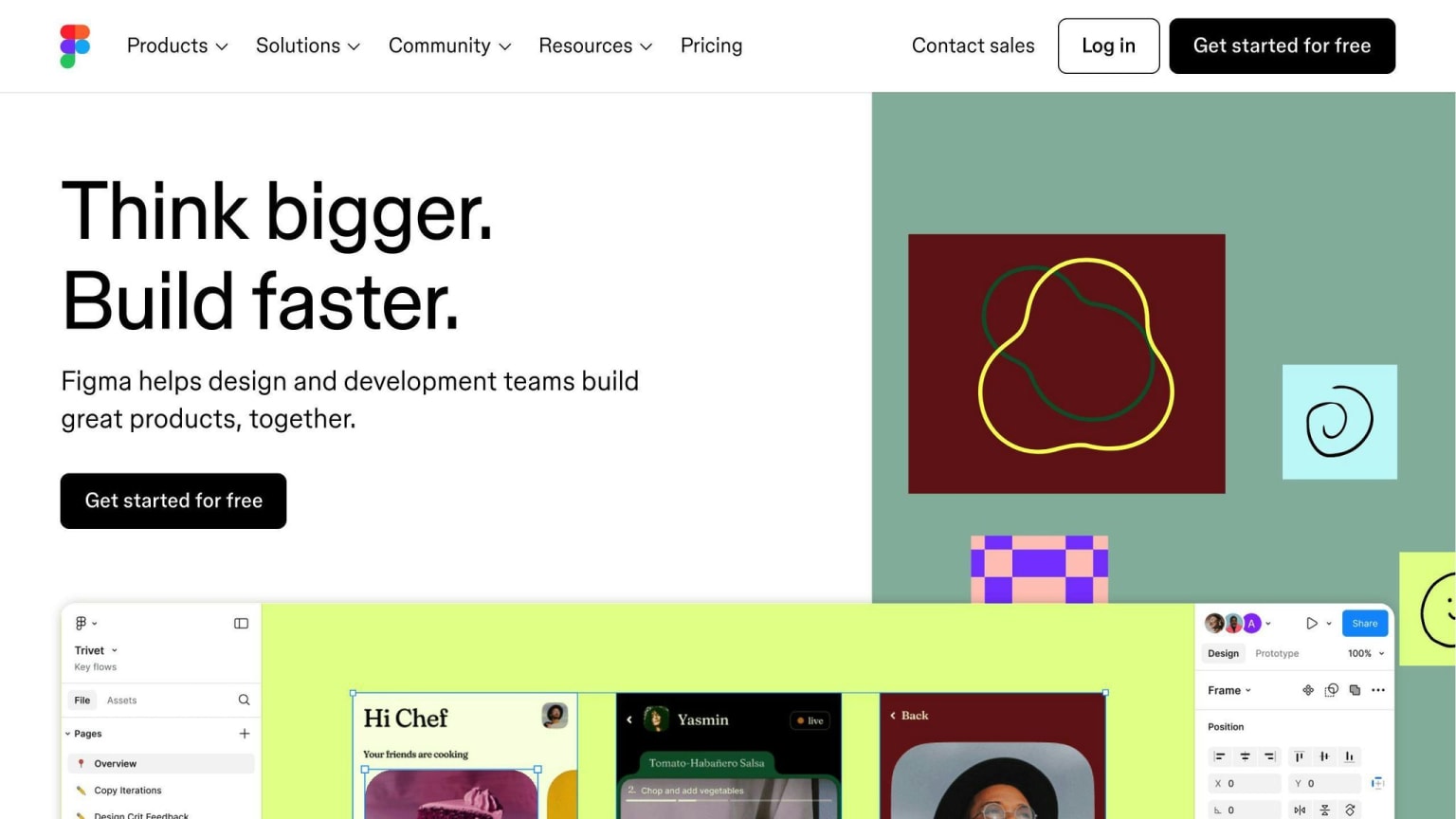
Figma is a top tool for mobile UI/UX design that works online. It's great for teams working together. Main features:
- Easy to use
- Reusable design parts
- Team work in real-time
- Good for drawing shapes
- Keeps designs consistent
Figma's prices:
| Plan | Price |
|---|---|
| Starter | Free |
| Professional | $12/month |
| Organization | $45/month |
| Enterprise | $75/month |
2. Sketch
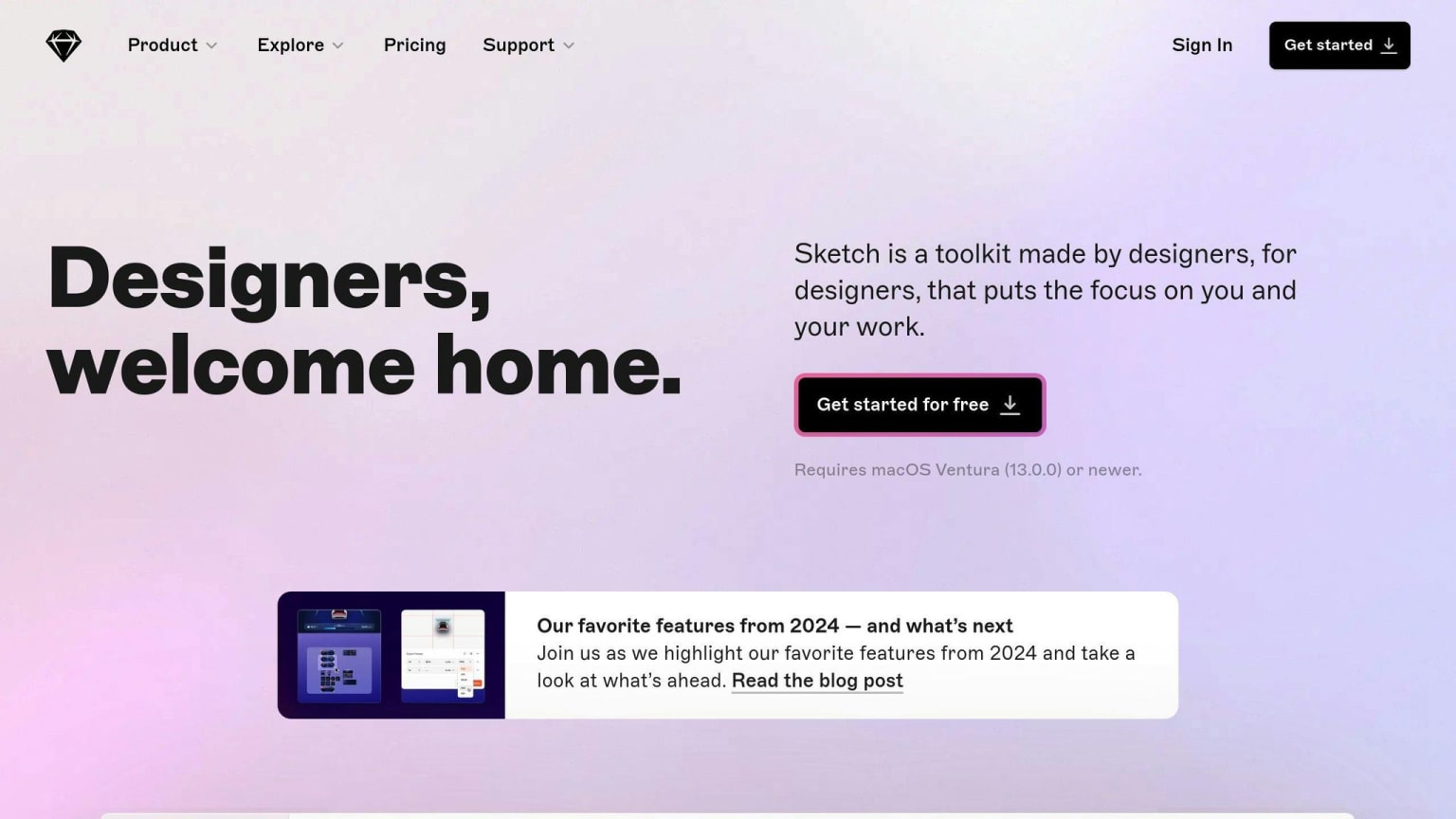
Sketch works only on Mac but many designers like it. It offers:
- Very precise design
- Good for drawing shapes
- Easy to make working models
- Reusable design templates
- Lots of add-ons
Sketch's prices:
| Plan | Price |
|---|---|
| Monthly | $10/month |
| One-time Mac license | $120 |
| Business | $20/month |
3. Adobe XD
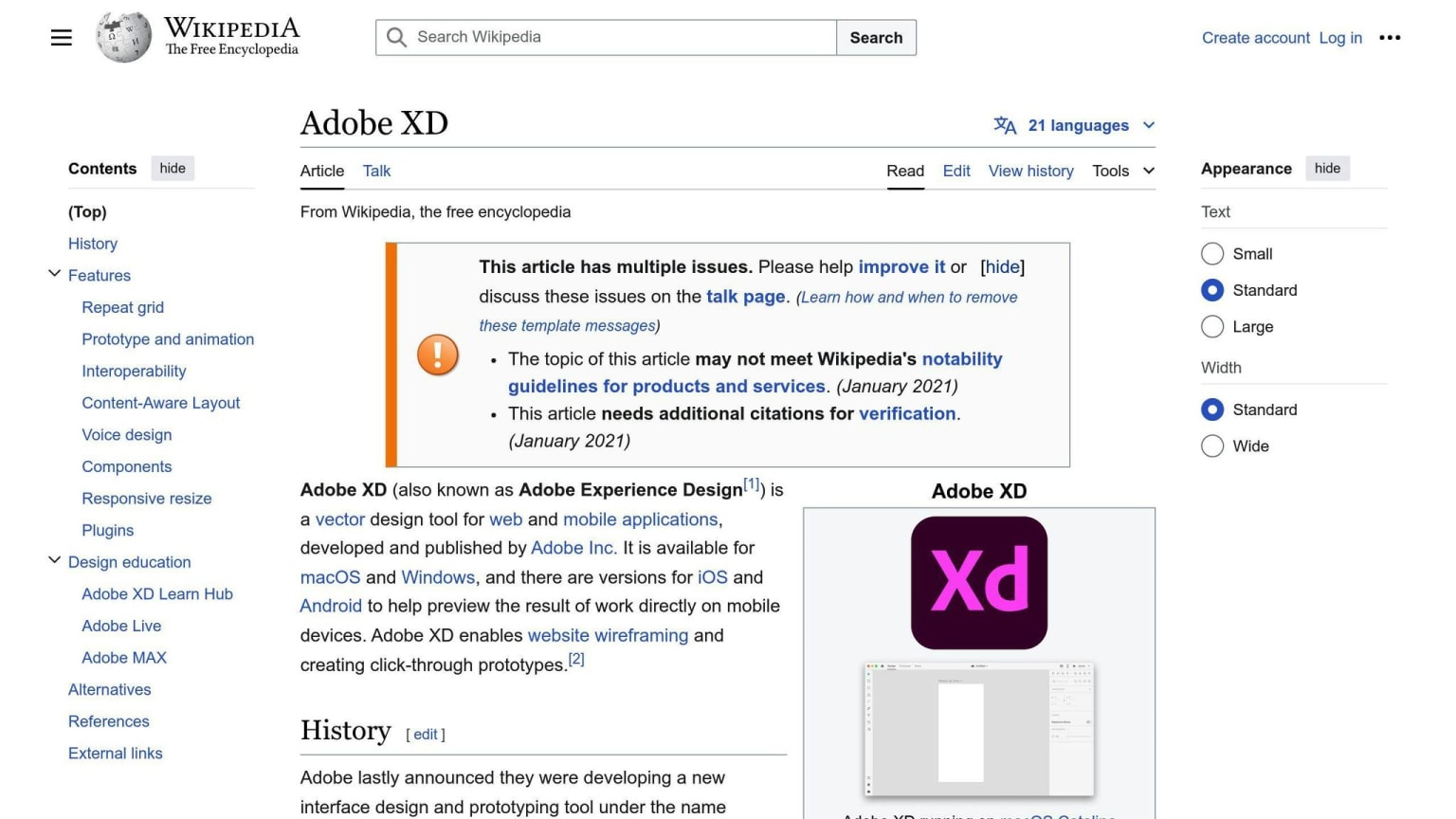
Adobe XD helps make interactive designs for mobile apps. Key points:
- Not too hard to learn
- Good for making working models and animations
- Easy to make repeated designs
- Reusable parts with different states
- Keeps track of design files well
Adobe XD is part of Creative Cloud, with different payment options.
4. InVision
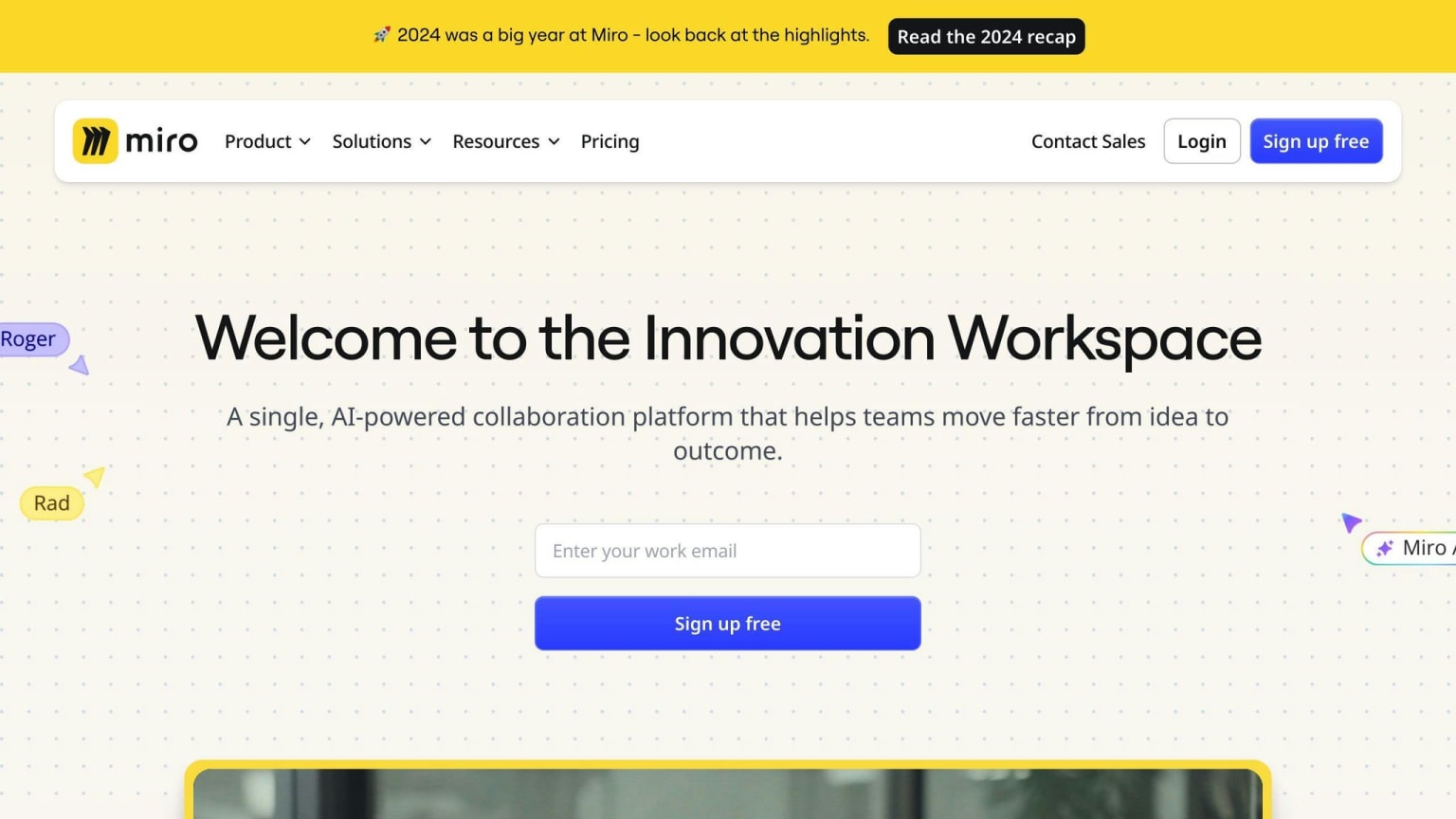
InVision is a big design platform. It lets designers:
- Make interactive models
- Get feedback
- Test with users
- Improve designs based on feedback
InVision has prices for single designers and big teams.
5. Axure RP
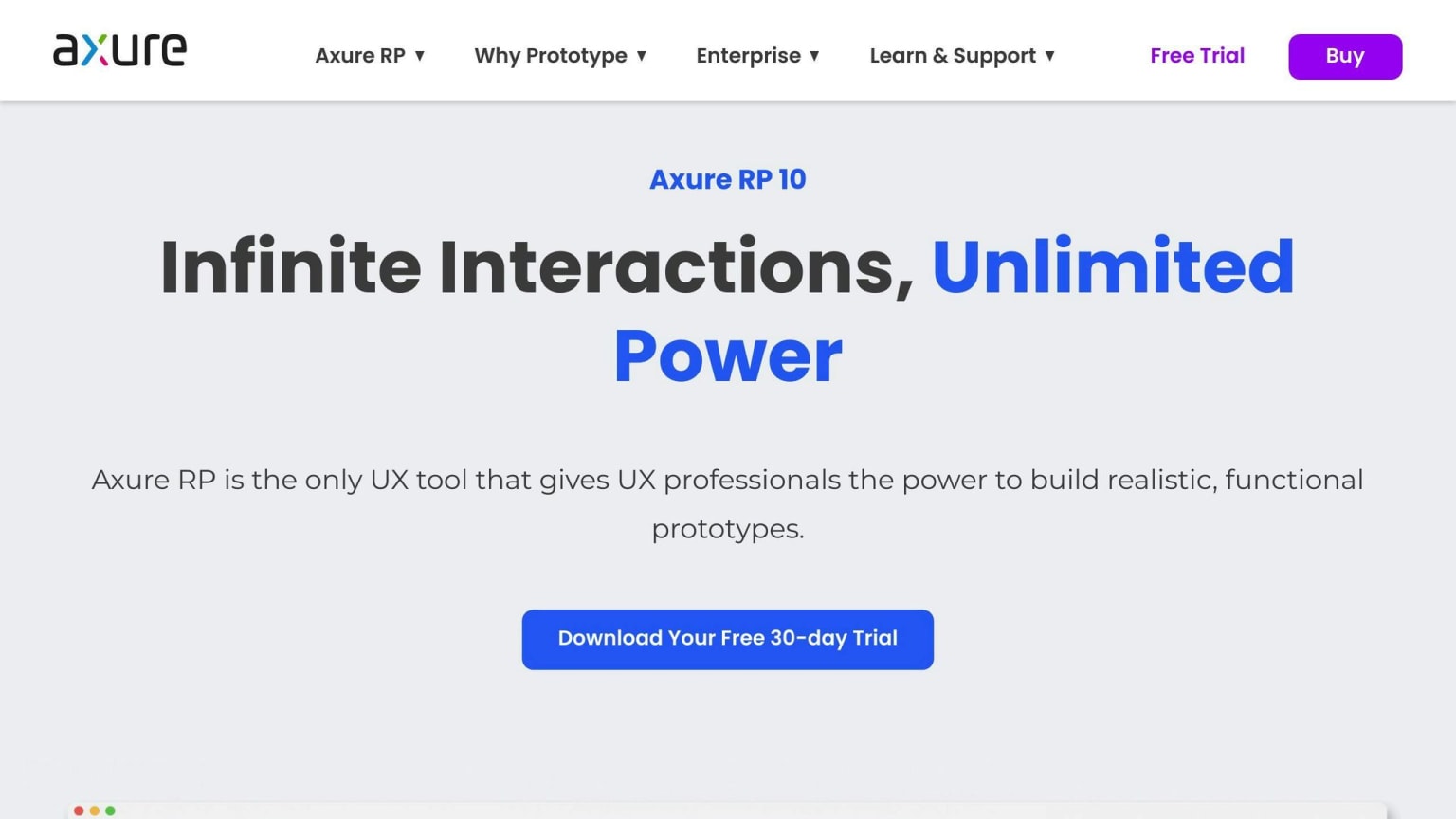
Axure RP is good for complex mobile app designs. It offers:
- Detailed interactive models
- Advanced moving parts and animations
- Good for writing about designs
- Lots of help and learning materials
You can buy Axure RP once or pay monthly.
6. Marvel
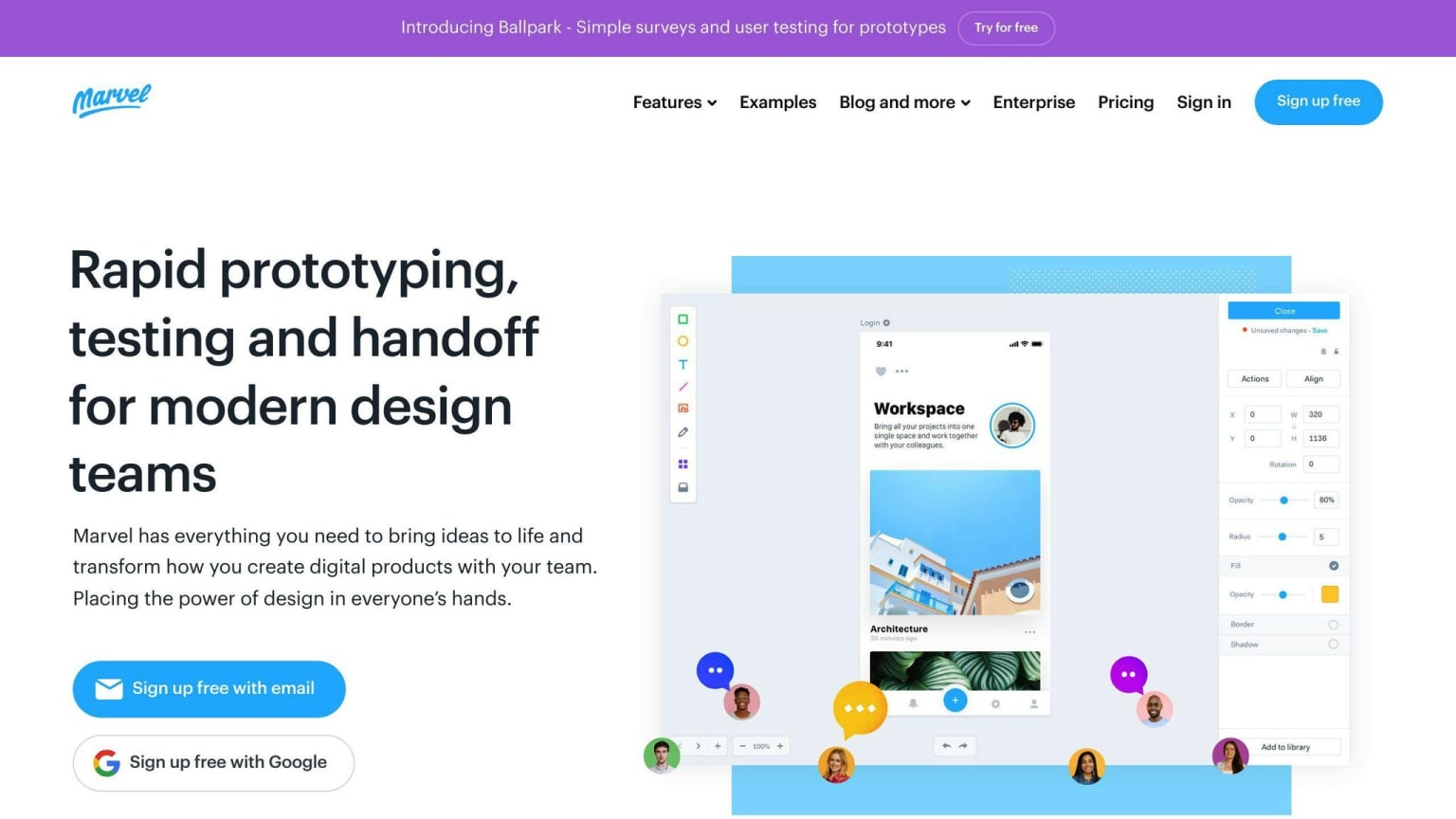
Marvel makes mobile app design easy. It has:
- Simple tools for making working models
- Many pre-made design parts
- Custom animations
- Easy sharing and feedback
Marvel has different prices for people, small companies, and big groups.
7. Framer
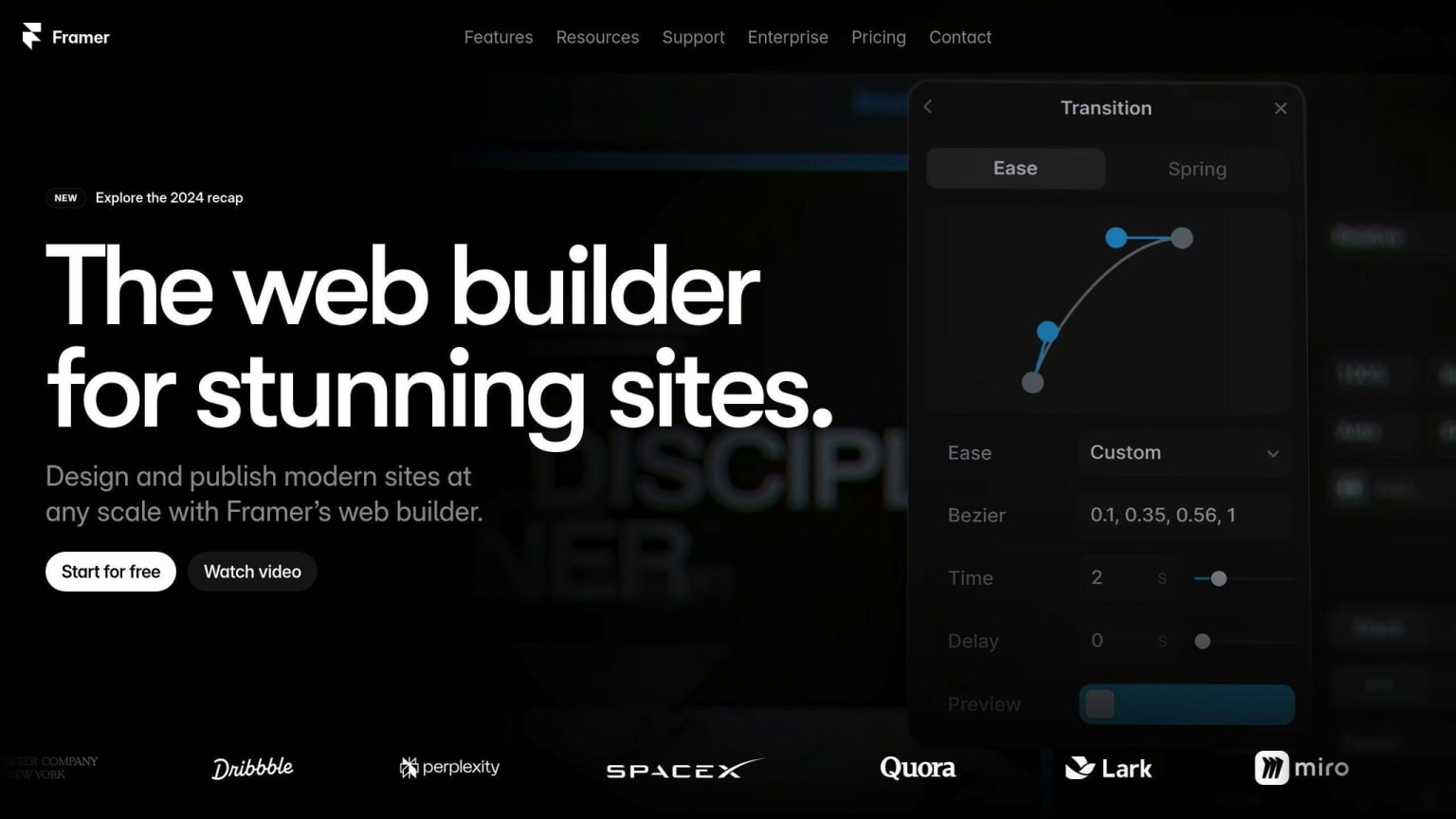
Framer is great for making detailed working models. Main points:
- Good for complex animations
- Can use code to customize
- Flexible layout tools
- Works well with other design tools
Framer has free and paid plans.
8. UXPin
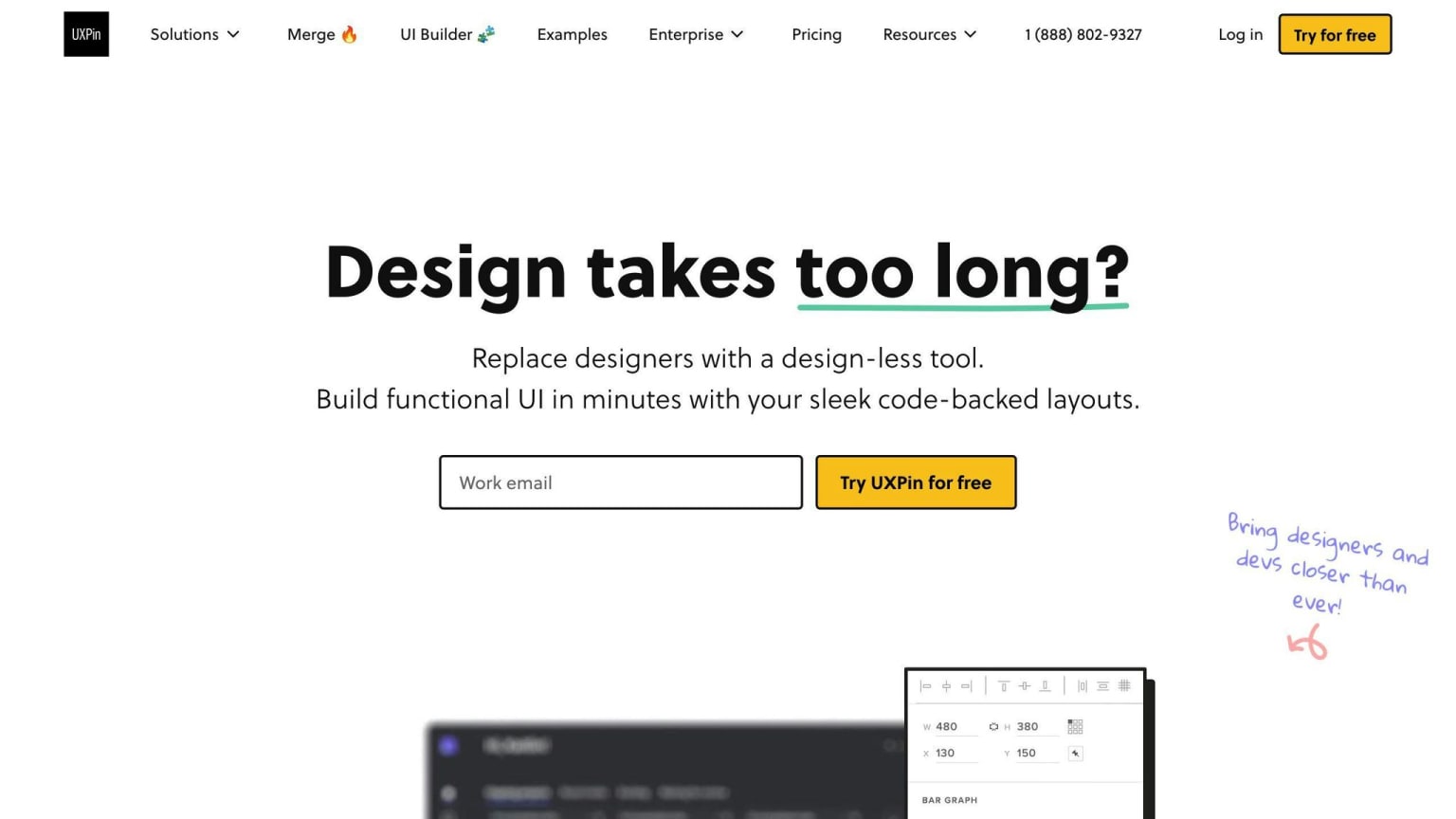
UXPin has many tools for mobile UI/UX design. It includes:
- Advanced model-making tools
- Helps manage design systems
- Good for team work
- Works with other popular design tools
UXPin has prices for single designers and big companies.
9. Proto.io
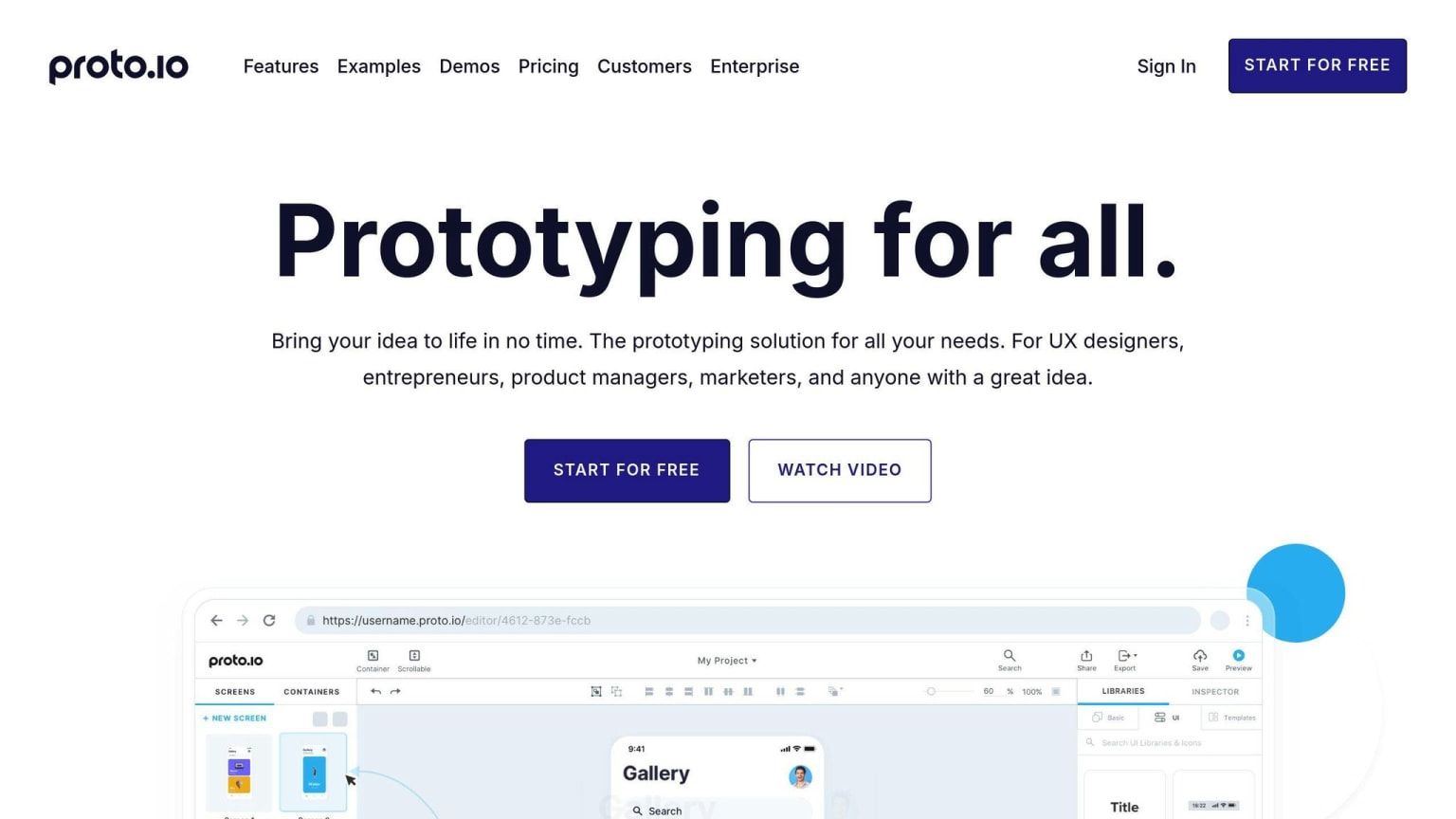
Proto.io focuses on mobile app interactions. Key features:
- Many options for interactivity
- Full control over animations
- Works for all mobile devices
- Easy drag-and-drop use
Proto.io's prices:
| Plan | Price |
|---|---|
| Freelancer | $24/month |
| Startup | $40/month |
| Agency | $80/month |
| Corporate | $160/month |
10. Origami Studio
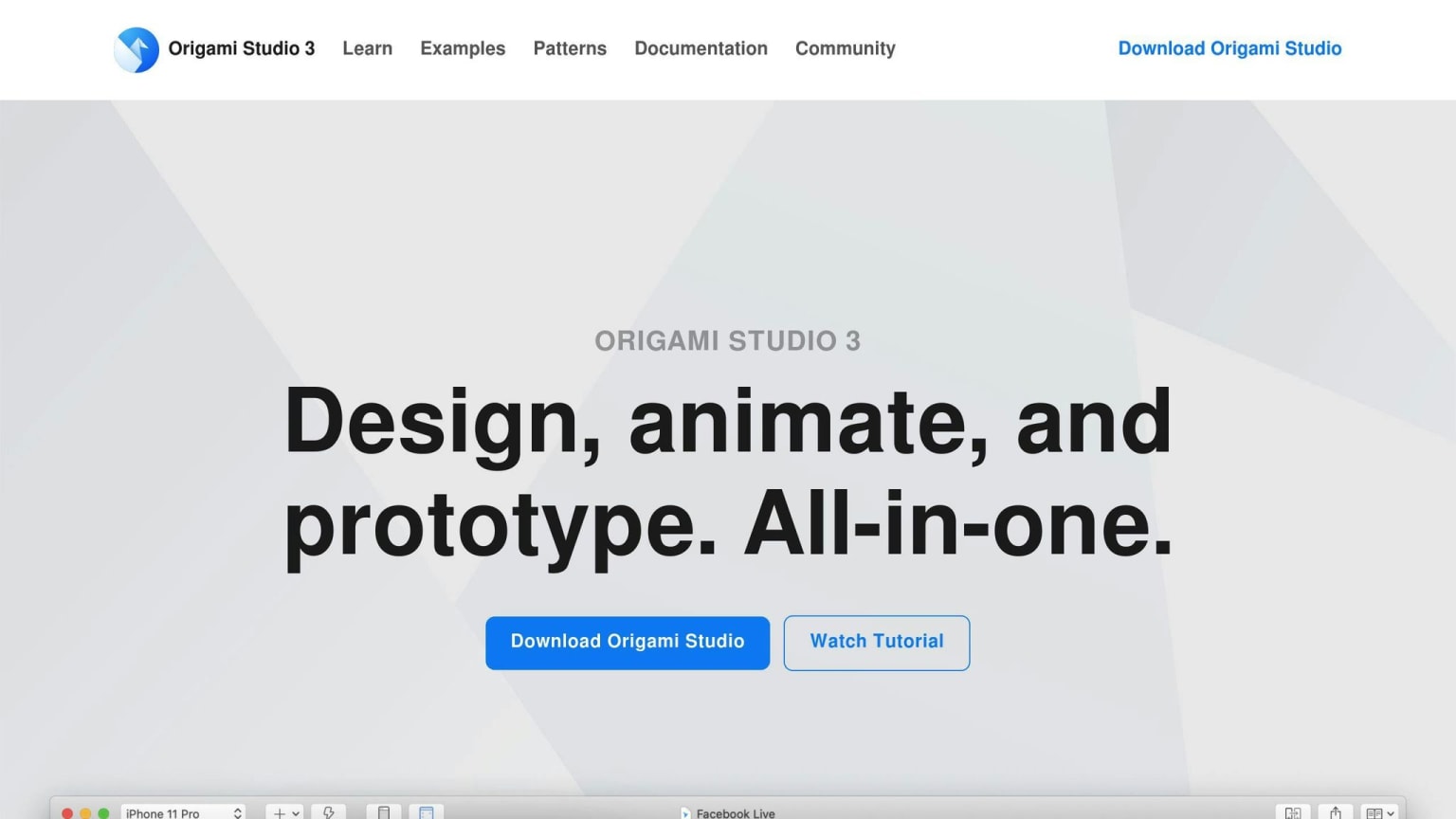
Origami Studio, made by Facebook, is good for mobile UI/UX animations. It has:
- Strong tools for making working models
- Works well with other design tools
- Lots of help docs and community support
- Good for complex interactions
Origami Studio is free for all designers.
Tool Comparison Table
This table shows how the 10 mobile UI/UX design tools compare. It covers their main features, costs, what computers they work on, team options, and mobile design tools.
| Tool | Main Features | Cost | Computers | Team Options | Mobile Design |
|---|---|---|---|---|---|
| Figma | Reusable parts, team work, shape tools | Free - $75/month | Web, Mac, Windows, Linux | Live team work, comments, past versions | App design, testing |
| Sketch | Exact design, shape tools, add-ons | $10/month - $120 one-time | Mac only | Team work, comments, past versions | App design, testing |
| Adobe XD | Interactive design, testing, design systems | Part of Creative Cloud | Mac, Windows, iOS, Android | Team work, comments, past versions | App design, testing, moving parts |
| InVision | Design, testing, feedback | Free - Custom | Web, Mac, Windows, iOS, Android | Team work, comments, past versions | App design, testing, feedback |
| Axure RP | Complex designs, moving parts, design notes | $29/month - $495 one-time | Windows, Mac | Team work, comments, past versions | App design, testing, design notes |
| Marvel | Easy testing, pre-made parts, custom moving parts | Free - Custom | Web, Mac, Windows, iOS, Android | Team work, comments, past versions | App design, testing, feedback |
| Framer | Complex moving parts, custom code, flexible layout | Free - Custom | Web, Mac, Windows | Team work, comments, past versions | App design, testing, moving parts |
| UXPin | Advanced testing, design systems, team tools | $19/month - Custom | Web, Mac, Windows, iOS, Android | Team work, comments, past versions | App design, testing, feedback |
| Proto.io | Many interactive options, full control of moving parts | $24/month - $160/month | Web, Mac, Windows, iOS, Android | Team work, comments, past versions | App design, testing, moving parts |
| Origami Studio | Strong testing tools, works with other tools | Free | Web, Mac, Windows | Team work, comments, past versions | App design, testing, moving parts |
This table gives a quick look at each tool's features, costs, and what it can do. It helps you pick the best mobile UI/UX design tool for your needs.
Wrap-Up
Quick Review of Tools
We've looked at the top 10 mobile UI/UX design tools for 2024. Each tool has its own strong points. We compared these tools in a table, showing their main features, costs, what computers they work on, team options, and mobile design tools.
How to Pick the Best Tool for You
Choosing the right tool can be hard with so many good options. Here's what to think about when picking a tool:
| Factor | What to Consider |
|---|---|
| Project Needs | What features do you need? (e.g., design, testing, feedback) |
| Money | How much can you spend? Some tools are free, others cost money |
| Team Work | Do you need to work with others? Look for team features |
| Computer Type | Make sure the tool works on your computer |
| Mobile Design | Check if the tool has good mobile design features |
Think about these points to find the tool that fits your needs best.