
Discover the top 10 configuration management tools for developers in 2024, featuring ease of use, scalability, and automation benefits.
Configuration management tools automate system setup and deployment. Here's a quick look at the top 10 for 2024:
- Ansible - Easy, agentless
- Terraform - Cloud-agnostic infrastructure as code
- Chef - Ruby-based for complex setups
- Puppet - Model-driven for enterprises
- SaltStack - Fast at scale
- Rudder - Web-based, compliance-focused
- CFEngine - Lightweight and efficient
- Vagrant - Local dev environments
- Octopus Deploy - .NET deployment
- Juju - Cloud service orchestration
| Tool | Key Feature | Best For | Ease of Use |
|---|---|---|---|
| Ansible | Agentless | Quick setup | Easy |
| Terraform | Multi-cloud | Cloud infrastructure | Moderate |
| Chef | Ruby DSL | Complex systems | Hard |
| Puppet | Scalability | Large enterprises | Moderate |
| SaltStack | Speed | High-volume servers | Moderate |
| Rudder | Compliance | Regulated industries | Easy |
| CFEngine | Efficiency | Resource-constrained | Hard |
| Vagrant | Local VMs | Dev environments | Easy |
| Octopus | .NET focus | .NET shops | Easy |
| Juju | Cloud services | Distributed apps | Moderate |
Pick based on your needs, team skills, and infrastructure. Consider ease of use, scalability, and integrations.
Related video from YouTube
How We Chose These Tools
Picking the right configuration management tool can make or break your workflow. We focused on:
- Ease of use
- Scalability
- Integration
- Community support
- Cost-effectiveness
These tools help developers by:
- Saving time
- Reducing errors
- Ensuring consistency
- Improving collaboration
- Maintaining compliance
For example, Ansible cuts setup time dramatically:
"Ansible slashed our server setup time from hours to minutes. It's like having an extra team member who never sleeps."
Chef appeals to those who like coding infrastructure:
"With Chef, I can version control my infrastructure just like my application code. It's a lifesaver for tracking changes and rollbacks."
Top 10 Configuration Management Tools
Let's dive in:
1. Ansible
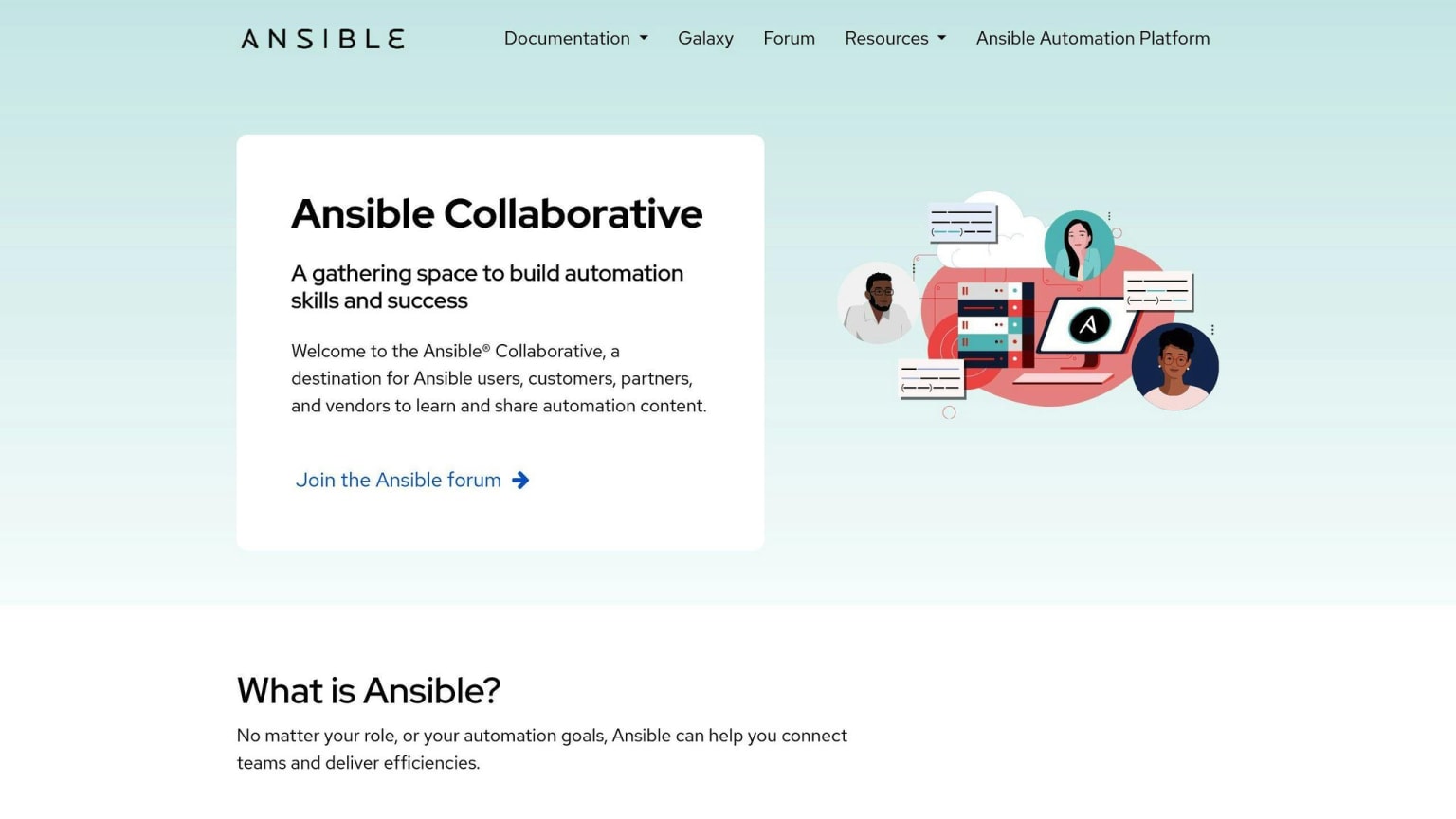
Simple, agentless, uses YAML "playbooks".
| Pros | Cons |
|---|---|
| Easy to learn | Limited Windows support |
| Agentless | Slower for complex tasks |
| Large community |
Best for: Quick implementation.
2. Terraform
Cloud infrastructure provisioning with code.
| Pros | Cons |
|---|---|
| Cloud-agnostic | Steep learning curve |
| Declarative language | Limited config management |
| Strong state management |
Best for: Multi-cloud environments.
3. Chef
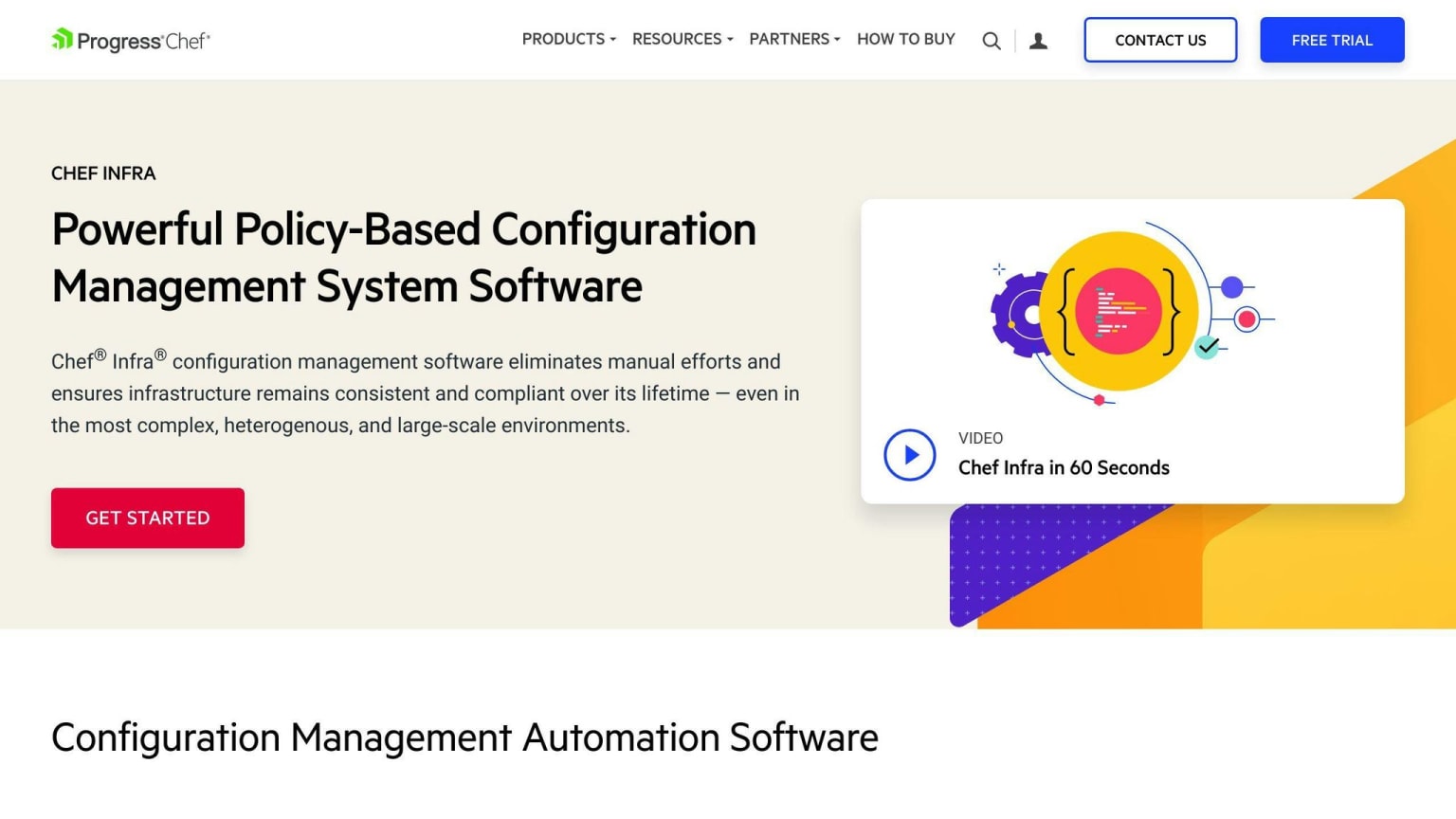
Uses Ruby DSL, with reusable "cookbooks".
| Pros | Cons |
|---|---|
| Flexible and powerful | Complex setup |
| Cloud integration | Requires coding skills |
| Strong community |
Best for: Ruby experts with complex needs.
4. Puppet
Model-driven for large infrastructures.
| Pros | Cons |
|---|---|
| Scalable | Requires master server |
| Strong reporting | Steeper learning curve |
| Cross-platform |
Best for: Large, diverse infrastructures.
5. SaltStack

Fast data collection and execution.
| Pros | Cons |
|---|---|
| Fast execution | Complex initial setup |
| Scalable | Smaller community |
| Flexible architecture |
Best for: Quick config across many servers.
6. Rudder
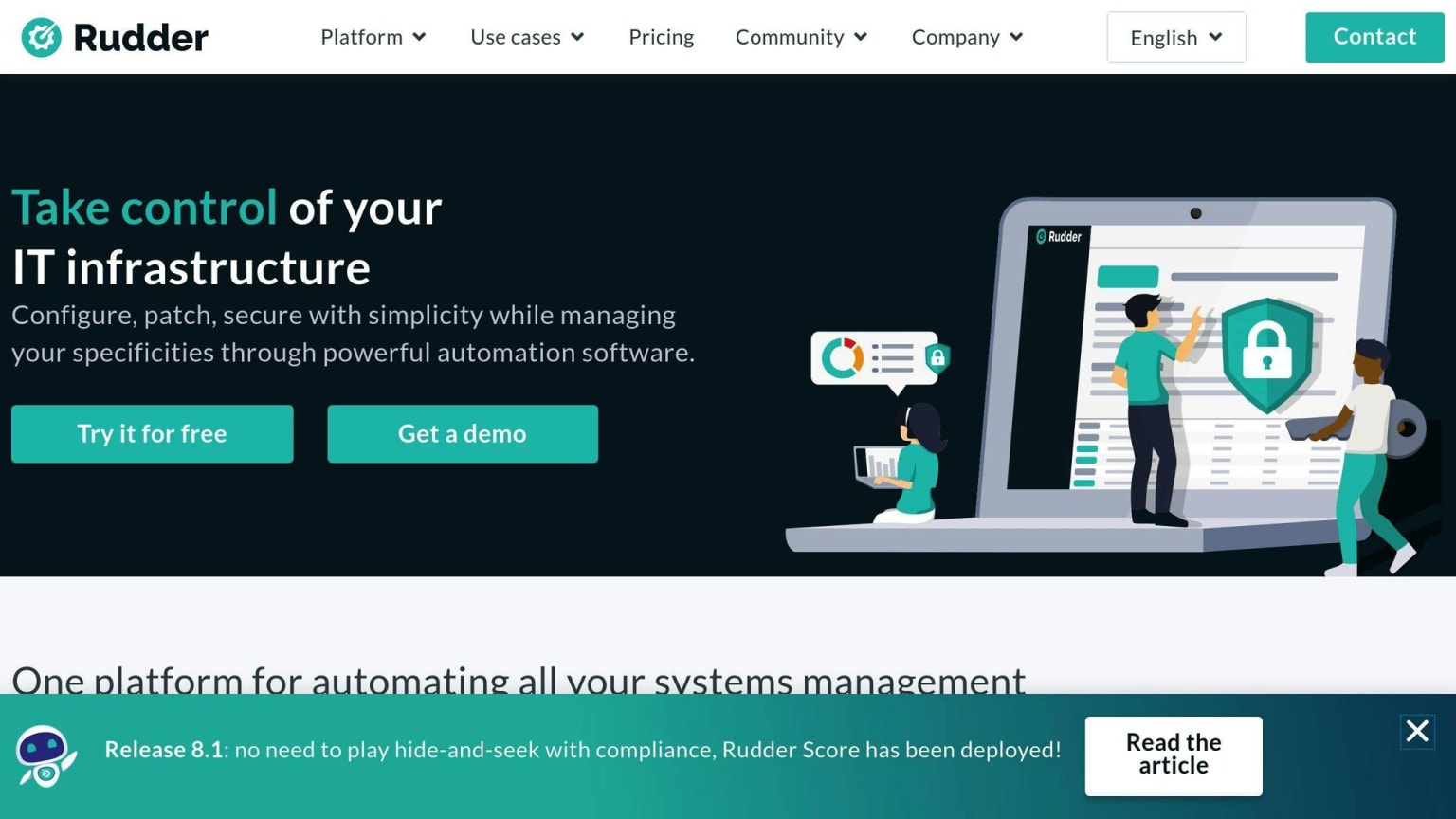
Web-based with continuous auditing.
| Pros | Cons |
|---|---|
| User-friendly interface | Limited cloud integration |
| Built-in compliance tools | Smaller ecosystem |
| Agentless option |
Best for: Compliance-focused teams.
7. CFEngine
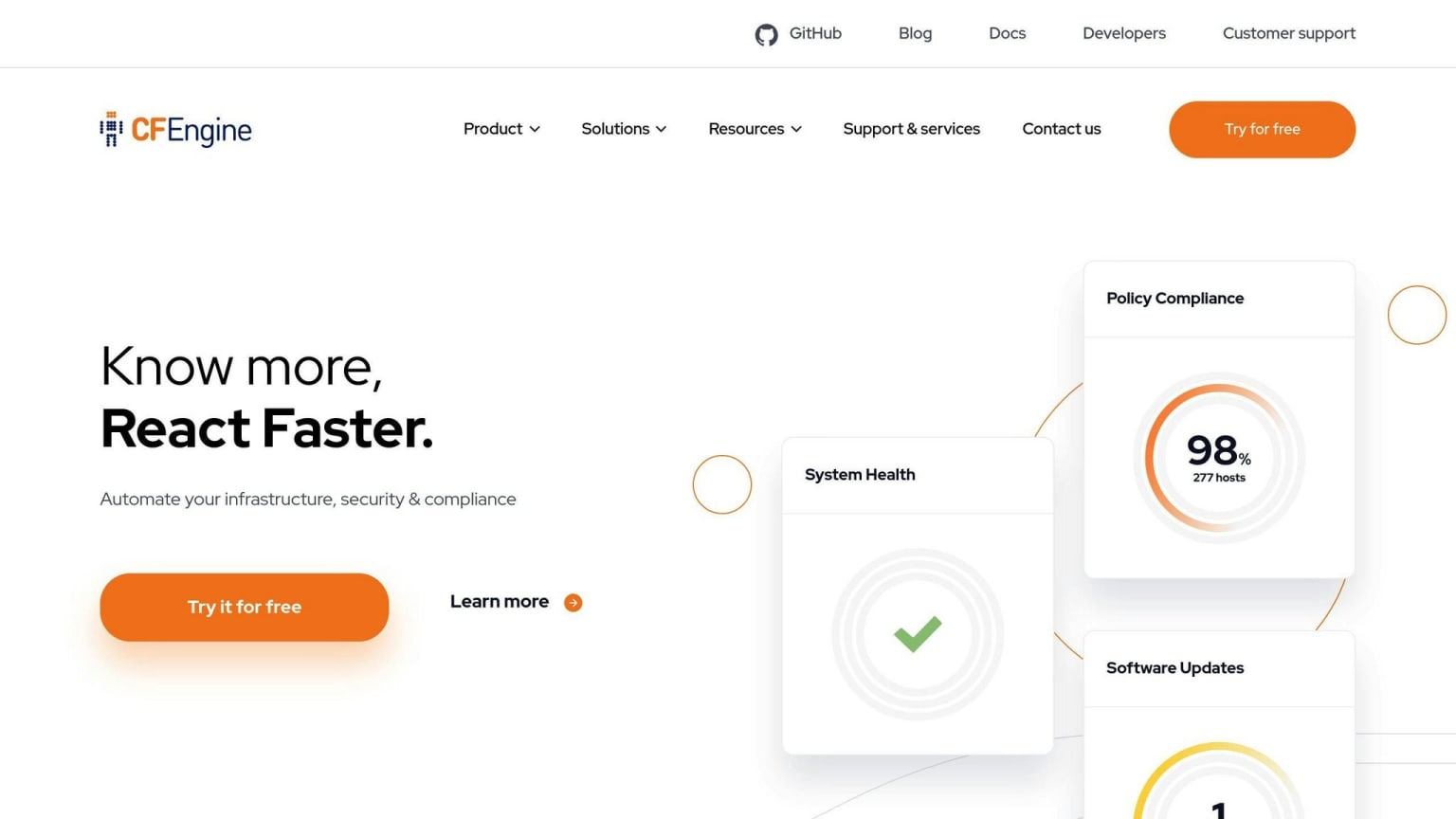
Lightweight and efficient.
| Pros | Cons |
|---|---|
| Low resource usage | Steep learning curve |
| Highly scalable | Smaller community |
| Mature and stable |
Best for: Large-scale, performance-critical setups.
8. Vagrant
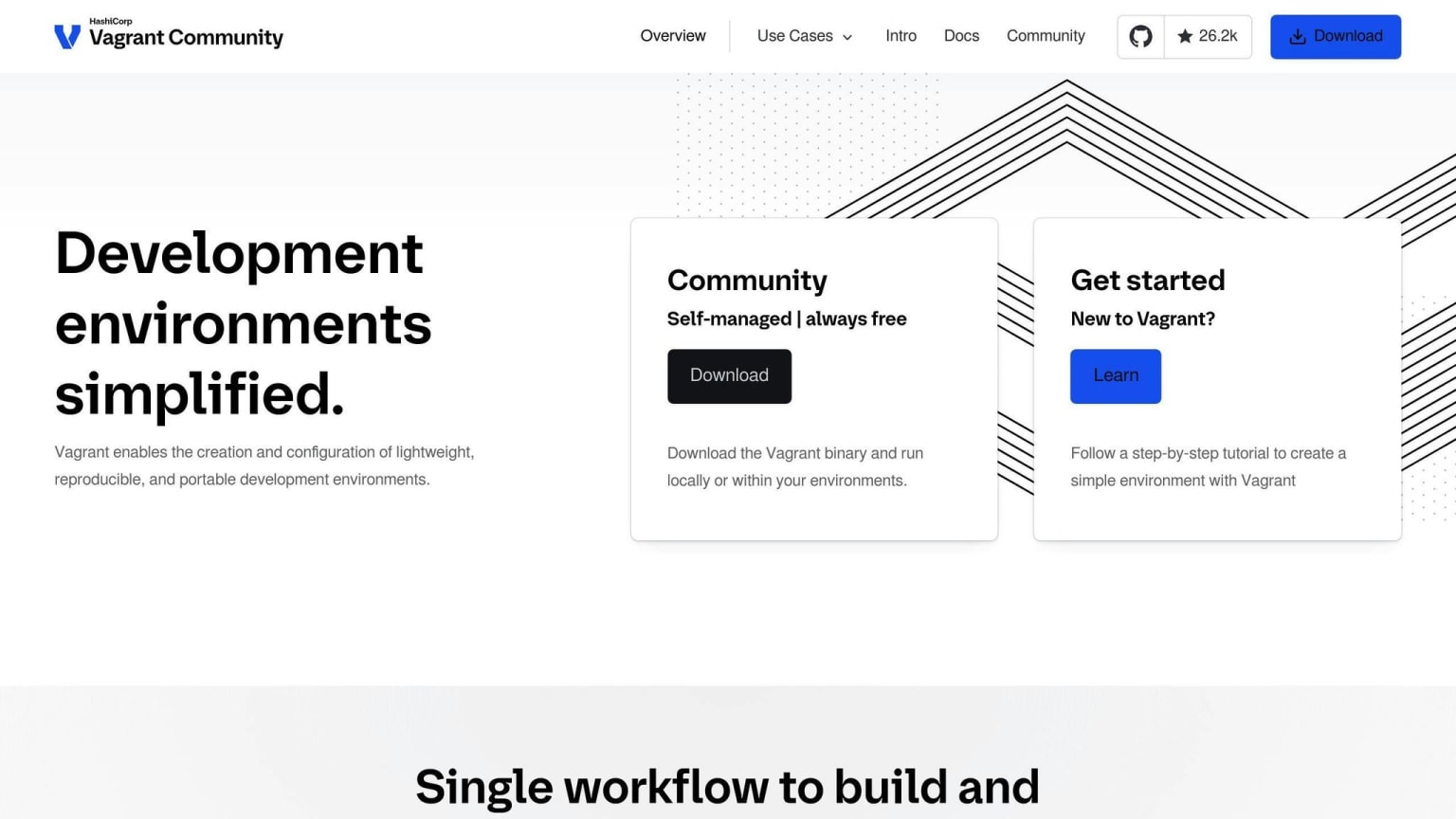
Creates virtual dev environments.
| Pros | Cons |
|---|---|
| Easy local setup | Dev environments only |
| Cross-platform | Not for production |
| Integrates with other tools |
Best for: Consistent local dev environments.
9. Octopus Deploy
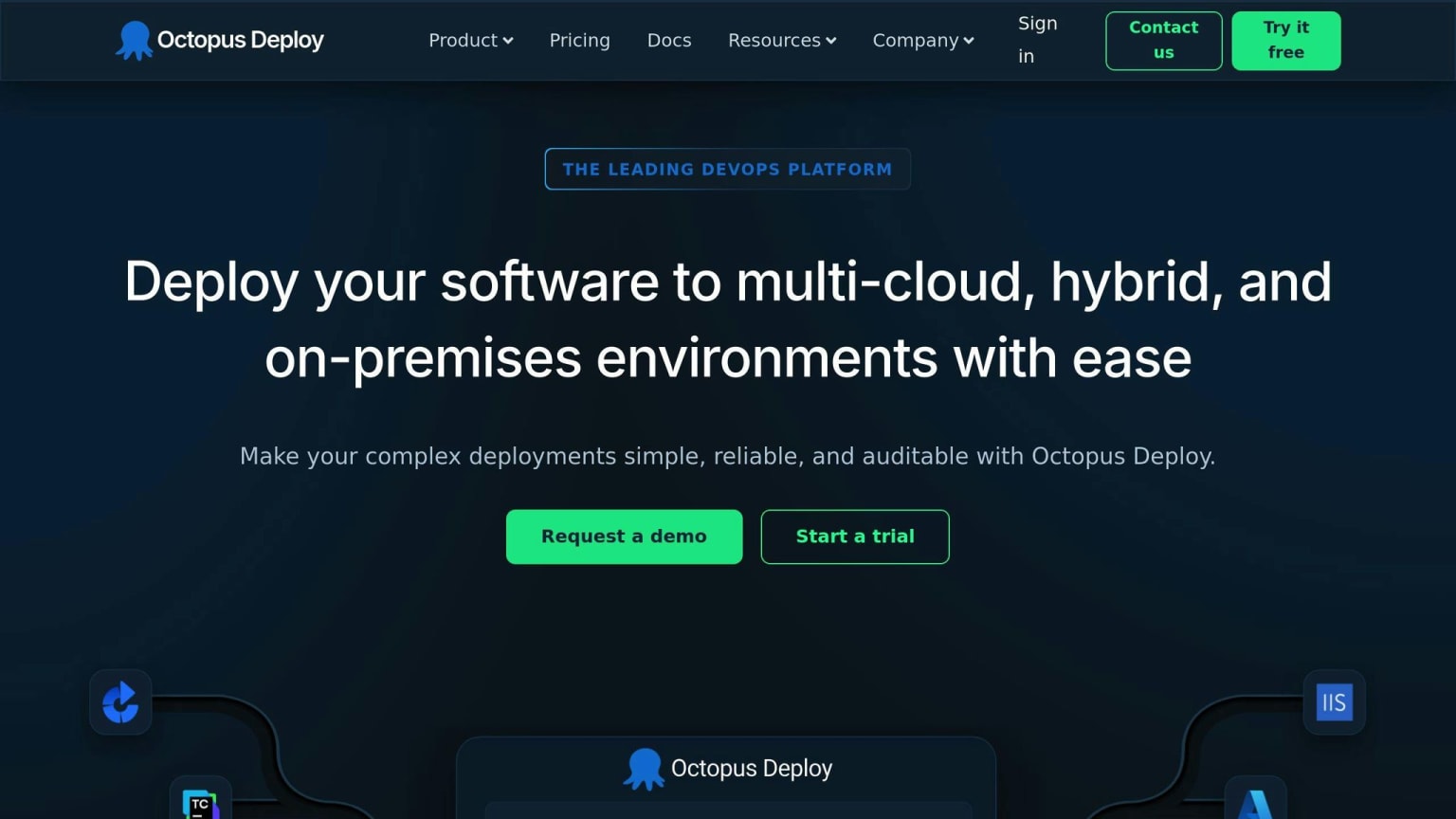
Automated deployment for .NET.
| Pros | Cons |
|---|---|
| User-friendly | Primarily for .NET |
| Strong versioning | Can be expensive |
| CI tool integration |
Best for: .NET deployment automation.
10. Juju
Service orchestration for clouds.
| Pros | Cons |
|---|---|
| Model-driven | Limited community |
| Strong multi-cloud | Steep learning curve |
| Charm ecosystem |
Best for: Complex cloud apps.
Tool Comparison
Here's a quick comparison:
| Tool | Key Features | Best For | Pricing |
|---|---|---|---|
| Ansible | Agentless, YAML | Quick setup | Custom |
| Terraform | Cloud-agnostic | Multi-cloud | Free tier, paid plans |
| Chef | Ruby DSL | Complex infra | Custom |
| Puppet | Model-driven | Large enterprises | Custom |
| SaltStack | Fast execution | Many servers | Custom |
| Rudder | Web-based, compliance | Auditing focus | Not specified |
| CFEngine | Lightweight, efficient | Large-scale | Not specified |
| Vagrant | Local environments | Dev consistency | Free, paid for teams |
| Octopus | .NET focus | .NET automation | Free to $9/target/month |
| Juju | Multi-cloud, charms | Distributed apps | Not specified |
Use this to match tools to your needs, budget, and team skills.
Picking the Best Tool for You
Consider:
- Team size and skills
- Infrastructure complexity
- Integration needs
- Security requirements
- Budget
Match to your workflow:
- Assess your process
- Consider learning curves
- Evaluate scalability
- Check community support
- Test before committing
| Factor | Example Tool | Why It Matters |
|---|---|---|
| Ease of Use | Ansible | Quick implementation |
| Scalability | CFEngine | Efficient at scale |
| Cloud Integration | Terraform | Multi-cloud support |
| Security Focus | Rudder | Strong compliance tools |
| Language Preference | Chef | Good for Ruby teams |
What's Next in Configuration Management
AI and ML are changing the game:
- AI-driven automation
- Predictive maintenance
- Dynamic Configuration Management (DCM)
This affects tool choice:
- Look for AI capabilities
- Consider scalability for DCM
- Check ML integration
- Support for immutable infrastructure
- PaaS compatibility
| Feature | Traditional CM | Next-Gen CM |
|---|---|---|
| Config Files | Many static | Few dynamic |
| Decision Making | Manual | AI-assisted |
| Maintenance | Reactive | Predictive |
| Infrastructure | Mutable | Immutable |
| Scaling | Manual | Automated, ML-driven |
Wrap-up
CM tools are crucial for stable, efficient development. They create a "source of truth" for configs and automate tasks.
Next steps:
- Evaluate your needs
- Improve processes first
- Document requirements
- Consider integration
- Plan for the future
- Implement gradually
- Leverage new tech
FAQs
Benefits of configuration as code:
- Consistency
- Repeatability
- Version control
- Faster recovery
- Reduced errors
- Better collaboration
| Benefit | Description |
|---|---|
| Consistency | Uniform configs |
| Repeatability | Quick environment recreation |
| Version control | Track changes |
| Faster recovery | Quick system restores |
| Reduced errors | Minimize manual mistakes |
| Collaboration | Review config changes |
To implement:
- Use version control
- Secure sensitive data
- Automate testing
- Integrate with CI/CD