
Discover the top 10 open source analytics platforms for 2024, offering feature-rich, customizable, and scalable solutions with strong community support.
Open source analytics platforms offer cost-effective and customizable solutions for collecting, processing, analyzing, and visualizing data. They provide access to source code, community-driven development, flexibility, and interoperability.
This article explores the top 10 open source analytics platforms for 2024, evaluated based on feature richness, customizability, scalability, community support, and user experience.
| Platform | Key Features |
|---|---|
| PostHog | Event autocapture, trend analysis, dashboards, funnels, path analysis, retention tracking |
| Matomo | Customizable dashboards, real-time reporting, visitor profiling, heatmaps, session recordings, A/B testing |
| Metabase | Visual query builder, automated reports, interactive dashboards, multi-data source support |
| Plausible Analytics | Lightweight script, essential website metrics, event and goal conversion tracking, GDPR compliant |
| Apache Superset | Connects to various SQL databases, powerful SQL query editor, over 40 chart types, Deck.GL integration |
| Grafana | Multiple data sources, interactive dashboards, alerts, robust query editor |
| Redash | Multiple data sources, robust query editor, visualization options, dashboards |
| Open Web Analytics | Real-time tracking, customizable dashboards, event and ecommerce tracking, content analytics, conversion funnel analysis |
| Countly | Dashboards, funnel analysis, retention tracking, crash analytics |
| Umami | Pageviews, devices used, visitor origin tracking |
By leveraging open source analytics platforms, organizations can save costs, gain control over their data, and make informed, data-driven decisions.
How We Chose These Platforms
Before we dive into the list, it's essential to understand the criteria used to select these platforms. We evaluated each platform based on the following key factors:
| Criteria | Description |
|---|---|
| Feature Richness | The range of analytics capabilities, data visualization options, and reporting features offered by each platform. |
| Customizability | The ability to tailor the platform to meet specific organizational needs, including integrations with existing systems and data sources. |
| Scalability | The platform's ability to handle large volumes of data, support multiple users, and adapt to growing organizational demands. |
| Community Support | The availability and quality of community-driven resources, such as documentation, forums, and tutorials. |
| User Experience | The ease of use, intuitiveness, and overall usability of the platform for both technical and non-technical users. |
By considering these factors, we can ensure that the selected platforms provide a comprehensive analytics solution that meets the needs of various organizations.
1. PostHog
Feature Richness
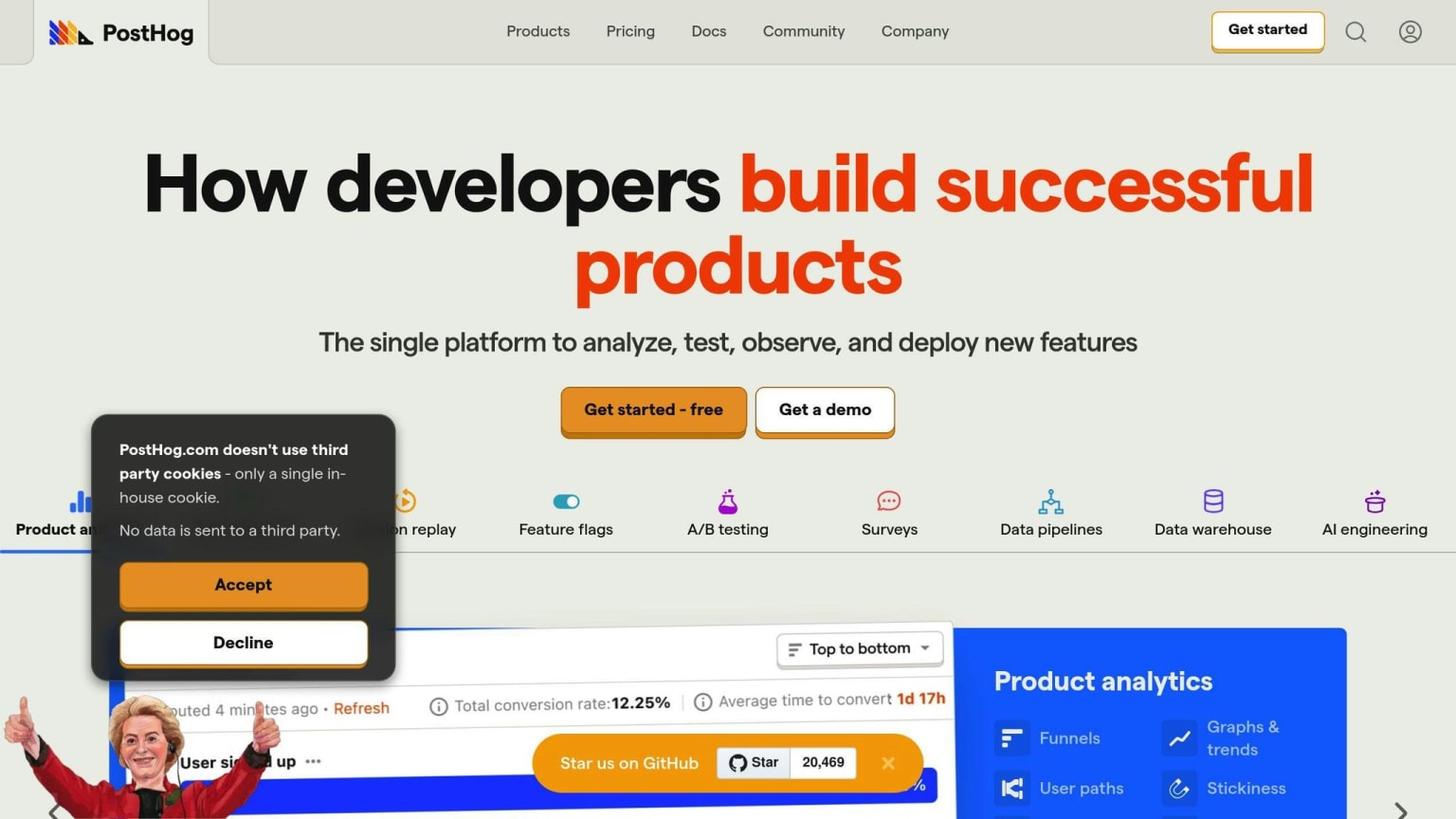
PostHog is an all-in-one, open-source analytics platform that offers a wide range of features for product analytics, session recording, feature flags, and experimentation. It provides trend analysis, dashboards, funnels, path analysis, retention tracking, and more.
Key Features
| Feature | Description |
|---|---|
| Event Autocapture | Collect useful data immediately without instrumenting events by hand |
| Trend Analysis | Analyze data trends to make informed decisions |
| Dashboards | Visualize key metrics and analytics |
| Funnels | Track user journeys and identify drop-off points |
| Path Analysis | Analyze user behavior and identify patterns |
| Retention Tracking | Track user retention and identify areas for improvement |
Customizability
PostHog is highly customizable, allowing users to self-host on existing infrastructure using Docker Compose. This provides full control over data and infrastructure. Additionally, PostHog provides APIs to integrate with data warehouses, enabling users to connect to external services and manage data flows.
Customization Options
| Option | Description |
|---|---|
| Self-Hosting | Host PostHog on existing infrastructure using Docker Compose |
| API Integration | Integrate with data warehouses using APIs |
| Data Flow Management | Manage data flows between PostHog and external services |
Scalability
PostHog is designed to scale with growing organizational demands. It can handle large volumes of data and support multiple users, making it an ideal solution for businesses of all sizes. Additionally, PostHog offers a cloud-hosted option, PostHog Cloud, which provides a fully-managed service with servers hosted in Frankfurt, Germany.
Scalability Features
| Feature | Description |
|---|---|
| Large Data Handling | Handle large volumes of data |
| Multi-User Support | Support multiple users |
| Cloud-Hosted Option | Fully-managed service with servers hosted in Frankfurt, Germany |
Community Support
PostHog has a large and active community of developers, with over 411 contributors and 110,000+ developers in the community. The platform provides extensive documentation, including a getting started guide, tutorials, and API references. Additionally, PostHog offers community support through its forums and GitHub issues.
Community Resources
| Resource | Description |
|---|---|
| Documentation | Extensive documentation, including getting started guide, tutorials, and API references |
| Forums | Community support through forums |
| GitHub Issues | Community support through GitHub issues |
User Experience
PostHog provides an intuitive and user-friendly interface, making it easy for both technical and non-technical users to navigate. The platform offers a comprehensive dashboard that provides a clear overview of key metrics and analytics, allowing users to make data-driven decisions.
User Experience Features
| Feature | Description |
|---|---|
| Intuitive Interface | Easy to navigate for both technical and non-technical users |
| Comprehensive Dashboard | Clear overview of key metrics and analytics |
| Data-Driven Decision Making | Make informed decisions with data-driven insights |
2. Matomo
Feature Richness
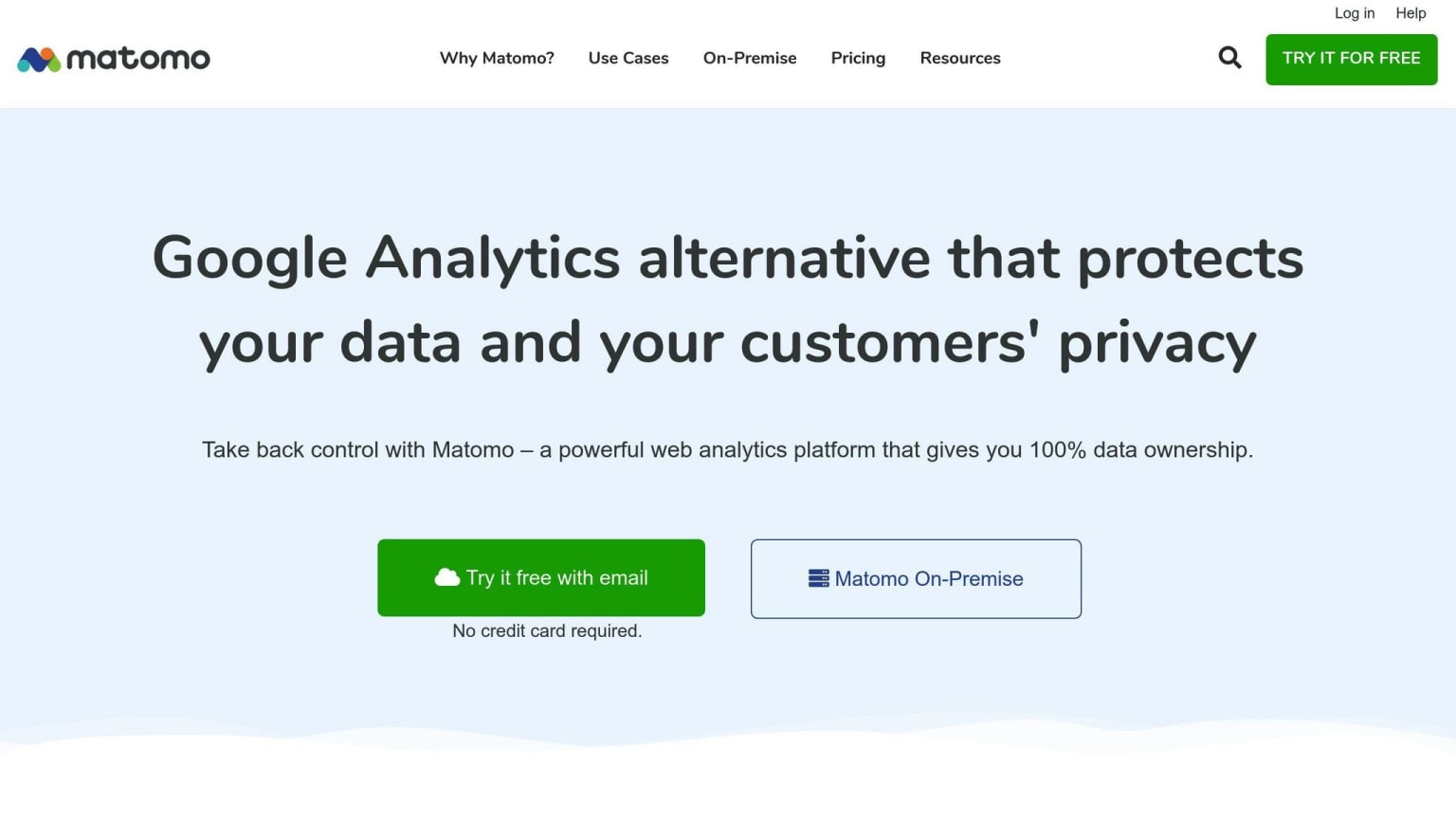
Matomo is an open-source analytics platform that offers a range of features for tracking website analytics. It provides customizable dashboards, real-time reporting, and visitor profiling. Additionally, Matomo offers heatmaps, session recordings, and A/B testing capabilities, making it a comprehensive tool for understanding user behavior.
Key Features
| Feature | Description |
|---|---|
| Customizable Dashboards | Create personalized dashboards to track key metrics |
| Real-time Reporting | Get instant insights into website performance |
| Visitor Profiling | Understand individual user behavior and preferences |
| Heatmaps | Visualize user interactions with your website |
| Session Recordings | Replay user sessions to identify areas for improvement |
| A/B Testing | Test and optimize website elements for better performance |
Customizability
Matomo is highly customizable, allowing users to tailor the platform to their specific needs. It offers plugins and integrations with popular content management systems, e-commerce platforms, and online forums. Additionally, Matomo provides APIs for custom development and integration with external services.
Customization Options
| Option | Description |
|---|---|
| Plugins | Extend Matomo's functionality with plugins for specific use cases |
| Integrations | Integrate Matomo with popular platforms like WordPress, Magento, and Joomla |
| APIs | Develop custom solutions using Matomo's APIs |
| Self-Hosting | Host Matomo on your own infrastructure for full control |
Scalability
Matomo is designed to scale with growing organizational demands. It can handle large volumes of data and support multiple users, making it an ideal solution for businesses of all sizes. Additionally, Matomo offers a cloud-hosted option, providing a fully-managed service with servers hosted in various locations.
Scalability Features
| Feature | Description |
|---|---|
| Large Data Handling | Handle large volumes of data with ease |
| Multi-User Support | Support multiple users with customizable access levels |
| Cloud-Hosted Option | Fully-managed service with servers hosted in various locations |
Community Support
Matomo has a large and active community of developers, with extensive documentation, tutorials, and community forums. The platform also offers commercial support and services for users who require additional assistance.
Community Resources
| Resource | Description |
|---|---|
| Documentation | Extensive documentation, including getting started guides and API references |
| Tutorials | Step-by-step tutorials for setting up and using Matomo |
| Community Forums | Active community forums for discussing issues and sharing knowledge |
User Experience
Matomo provides an intuitive and user-friendly interface, making it easy for both technical and non-technical users to navigate. The platform offers a comprehensive dashboard that provides a clear overview of key metrics and analytics, allowing users to make informed decisions.
User Experience Features
| Feature | Description |
|---|---|
| Intuitive Interface | Easy to navigate for both technical and non-technical users |
| Comprehensive Dashboard | Clear overview of key metrics and analytics |
| Data-Driven Decision Making | Make informed decisions with data-driven insights |
3. Metabase
Feature Richness
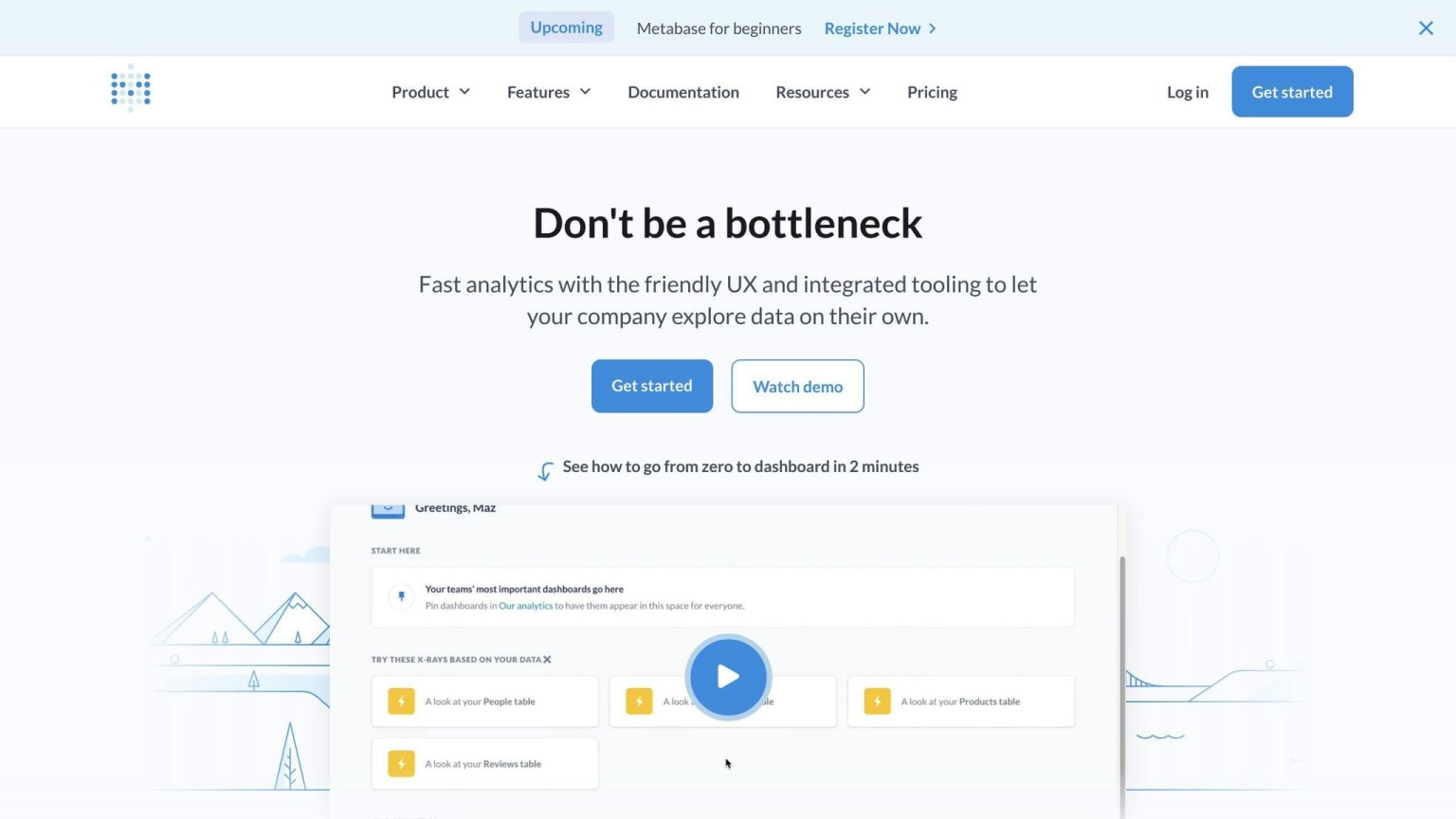
Metabase is an open-source business intelligence tool that offers a range of features for data visualization and analysis. It provides a visual query builder, allowing users to create dashboards and reports without requiring SQL knowledge. Additionally, Metabase supports automated reports, interactive dashboards, and integrations with over 20 data sources.
Key Features
| Feature | Description |
|---|---|
| Visual Query Builder | Create dashboards and reports without SQL knowledge |
| Automated Reports | Schedule reports to be sent to stakeholders |
| Interactive Dashboards | Explore data in real-time with interactive dashboards |
| Multi-Data Source Support | Connect to over 20 data sources, including databases and spreadsheets |
User Experience
Metabase is designed to be user-friendly, with a drag-and-drop interface that makes it easy to create dashboards and reports. The platform also provides a native SQL editor for advanced users, allowing them to write custom queries.
User Experience Features
| Feature | Description |
|---|---|
| Drag-and-Drop Interface | Easily create dashboards and reports without coding |
| Native SQL Editor | Write custom queries for advanced data analysis |
Community Support
Metabase has an active community of developers and users, with extensive documentation and community forums. The platform also offers commercial support and services for users who require additional assistance.
Community Resources
| Resource | Description |
|---|---|
| Documentation | Extensive documentation, including getting started guides and API references |
| Community Forums | Active community forums for discussing issues and sharing knowledge |
| Commercial Support | Additional support and services for users who require assistance |
4. Plausible Analytics
Feature Richness
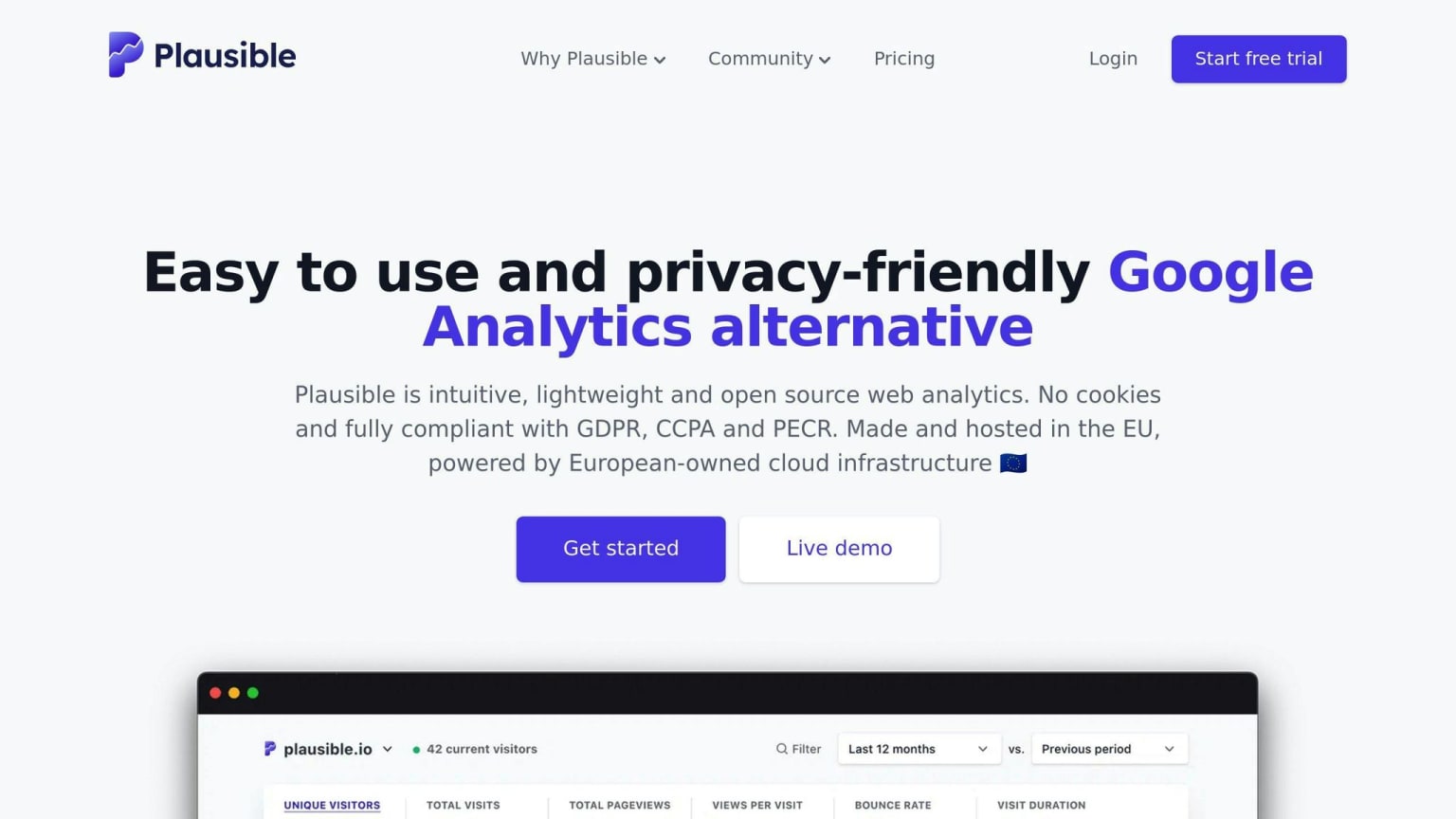
Plausible Analytics is a lightweight, open-source web analytics platform that prioritizes user privacy. It provides essential website metrics, including unique visitors, page views, bounce rate, and referrers. Plausible also offers event and goal conversion tracking, making it easy to monitor website performance.
Key Features
| Feature | Description |
|---|---|
| Lightweight Script | Less than 1KB, ensuring no impact on page performance |
| Essential Website Metrics | Unique visitors, page views, bounce rate, and referrers |
| Event and Goal Conversion Tracking | Monitor website performance and conversions |
| GDPR Compliant | No cookies or personal data collection, ensuring user privacy |
User Experience
Plausible Analytics is designed to be simple and easy to use, with a focus on essential metrics. The platform provides a clean and intuitive interface, making it easy to navigate and understand website performance.
User Experience Features
| Feature | Description |
|---|---|
| Simple Interface | Easy to navigate and understand website performance |
| Essential Metrics | Focus on key metrics, avoiding unnecessary complexity |
Community Support
Plausible Analytics has an active community of developers and users, with extensive documentation and community forums. The platform also offers a free trial and affordable pricing plans, making it accessible to users of all levels.
Community Resources
| Resource | Description |
|---|---|
| Documentation | Extensive documentation, including getting started guides and API references |
| Community Forums | Active community forums for discussing issues and sharing knowledge |
| Free Trial and Affordable Pricing | Accessible to users of all levels, with a free trial and affordable pricing plans |
5. Apache Superset
Feature Richness
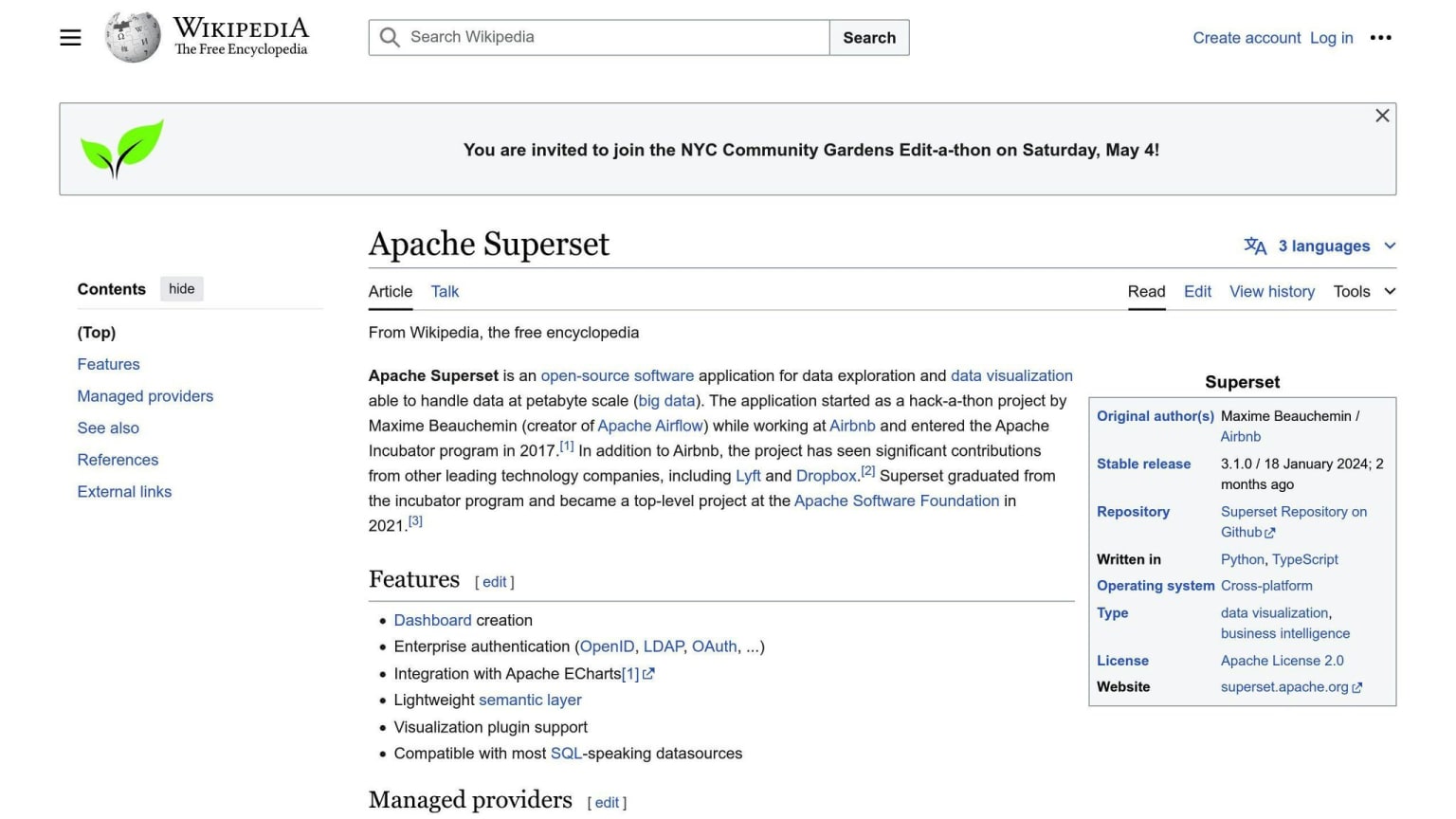
Apache Superset is a powerful open-source business intelligence tool that offers a wide range of charting and visualization options. It connects to various SQL databases and has a large and active community. Superset provides a powerful web-based SQL query editor, over 40 chart types for data visualization, and Deck.GL integration for advanced geographic data visualization.
Key Features
| Feature | Description |
|---|---|
| Connects to various SQL databases | Supports multiple SQL databases |
| Powerful web-based SQL query editor | Prepares data for visualization |
| Over 40 chart types | Offers various data visualization options |
| Deck.GL integration | Supports advanced geographic data visualization |
Community Support
Apache Superset has a large and active community, with extensive documentation and community forums. It is also highly configurable, with a semantic layer, caching layer, and support for various SQL data sources.
Community Resources
| Resource | Description |
|---|---|
| Documentation | Extensive documentation, including getting started guides and API references |
| Community Forums | Active community forums for discussing issues and sharing knowledge |
Scalability
Apache Superset is designed to handle large data sets and provides extensive permissioning systems, allowing users to restrict access to sensitive data. It is ideal for enterprises with experienced in-house data teams.
Scalability Features
| Feature | Description |
|---|---|
| Handles large data sets | Designed to handle large data sets |
| Extensive permissioning systems | Restricts access to sensitive data |
User Experience
Apache Superset offers a modern data visualization platform with a state-of-the-art SQL IDE, no-code data exploration, and a semantic layer. It provides a rich set of visualization options and supports custom visualization plugins.
User Experience Features
| Feature | Description |
|---|---|
| Modern data visualization platform | Offers a state-of-the-art SQL IDE and no-code data exploration |
| Rich set of visualization options | Supports over 40 chart types and custom visualization plugins |
6. Grafana
Feature Richness
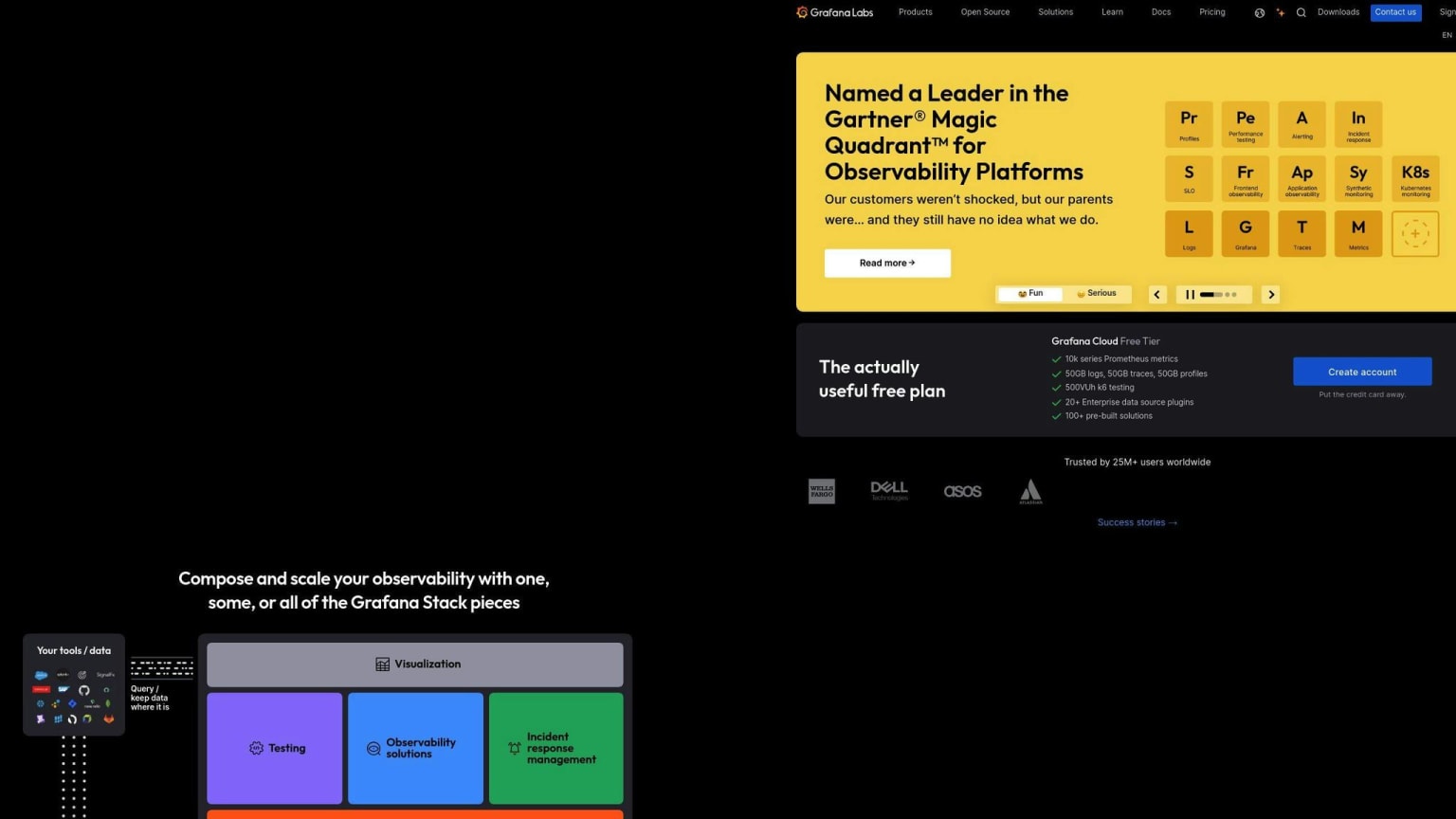
Grafana is a powerful open-source analytics platform that offers a range of features for data visualization and exploration. It connects to various data sources, including Prometheus, InfluxDB, and Elasticsearch, and provides a large collection of plugins for customization.
Key Features
| Feature | Description |
|---|---|
| Multiple data sources | Supports Prometheus, InfluxDB, Elasticsearch, and more |
| Interactive dashboards | Customizable and interactive dashboards for data visualization |
| Alerts | Provides alerting capabilities for anomaly detection and notification |
| Robust query editor | Supports advanced querying and filtering capabilities |
Community Support
Grafana has a large and active community, with extensive documentation and community forums. It is also highly customizable, with a wide range of plugins and integrations available.
Community Resources
| Resource | Description |
|---|---|
| Documentation | Detailed guides and API references |
| Community Forums | Active forums for discussing issues and sharing knowledge |
User Experience
Grafana offers a modern and intuitive user interface, with a focus on ease of use and customization. Its dashboards are highly customizable, with a wide range of visualization options and plugins available.
User Experience Features
| Feature | Description |
|---|---|
| Modern UI | Easy to use and navigate |
| Customizable dashboards | Supports a wide range of visualization options and plugins |
7. Redash
Feature Richness
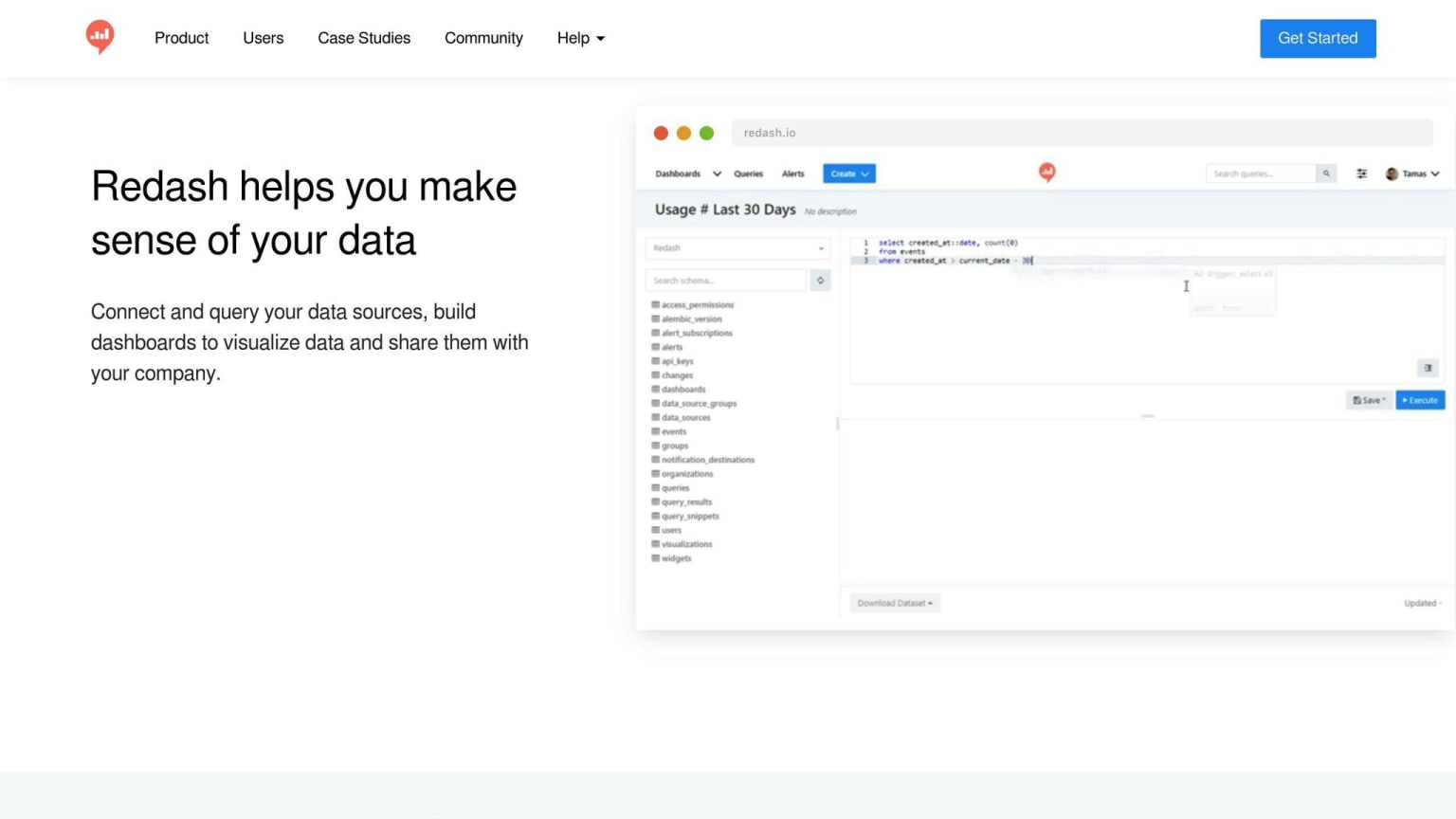
Redash is a powerful open-source analytics platform that offers a range of features for data visualization and exploration. It connects to various data sources, including SQL databases, cloud storage, and NoSQL databases.
Key Features
| Feature | Description |
|---|---|
| Multiple data sources | Supports various data sources |
| Robust query editor | Advanced querying and filtering capabilities |
| Visualization options | Offers charts, tables, and maps for data visualization |
| Dashboards | Create interactive dashboards for data visualization |
Community Support
Redash has an active community, with extensive documentation and community forums. It is also highly customizable, with a wide range of plugins and integrations available.
Community Resources
| Resource | Description |
|---|---|
| Documentation | Detailed guides and API references |
| Community Forums | Active forums for discussing issues and sharing knowledge |
User Experience
Redash offers a simple and intuitive user interface, with a focus on ease of use and customization. Its dashboards are highly customizable, with a wide range of visualization options and plugins available.
User Experience Features
| Feature | Description |
|---|---|
| Simple UI | Easy to use and navigate |
| Customizable dashboards | Supports various visualization options and plugins |
| Collaboration features | Allows team members to work together on projects in real-time |
8. Open Web Analytics
Open Web Analytics (OWA) is a free, open-source web analytics software that provides an alternative to Google Analytics while giving users full control over their data. It's a powerful tool that helps you understand how well your website is performing.
Feature Richness
OWA offers several advanced features, including:
| Feature | Description |
|---|---|
| Real-time tracking | Monitor your website's performance in real-time |
| Customizable dashboards | Create tailored views of your website's analytics |
| Event and ecommerce tracking | Track specific events or actions on your website |
| Content analytics | Analyze how users interact with your content |
| Conversion funnel analysis | Identify areas where users drop off in the conversion process |
Customizability
OWA is highly customizable, allowing you to create custom reports and track specific events or actions on your website. It also supports integration with popular frameworks like WordPress and MediaWiki.
Community Support
OWA has a dedicated community and extensive documentation, making it easy to get started and troubleshoot any issues that may arise.
User Experience
OWA provides a simple and intuitive user interface, making it easy to navigate and understand your website's analytics. Its dashboards are highly customizable, allowing you to create a tailored view of your website's performance.
Overall, Open Web Analytics is a solid choice for those looking for a self-hosted analytics solution with advanced features and customization options.
9. Countly
Feature Richness
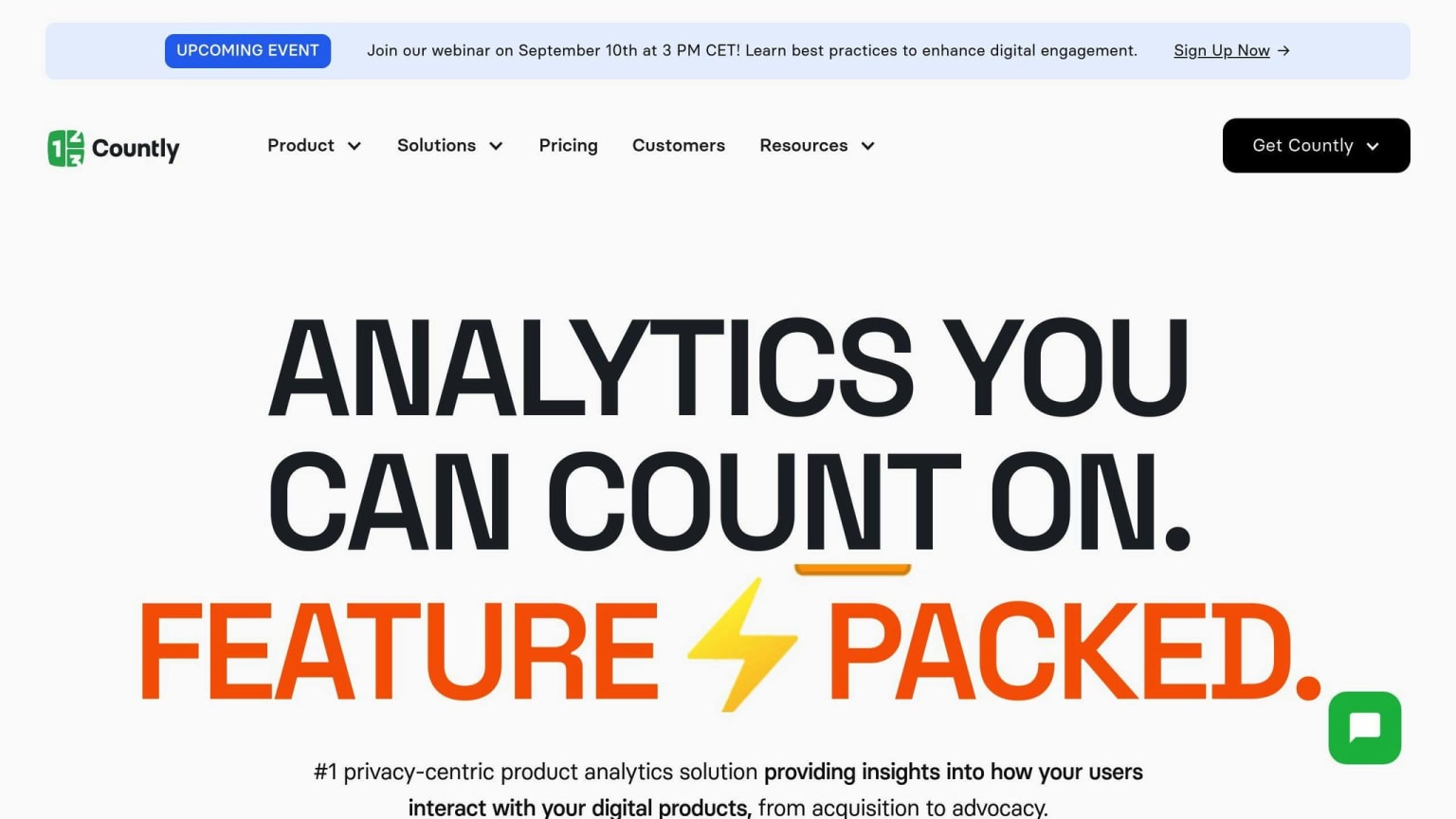
Countly is an open-source product analytics platform that offers a range of tools to help you build better products. It focuses on mobile and desktop applications, and enables you to combine both qualitative and quantitative insights. Key features include:
| Feature | Description |
|---|---|
| Dashboards | Visualize key metrics and analytics |
| Funnel Analysis | Identify areas where users drop off |
| Retention Tracking | Monitor user retention and identify areas for improvement |
| Crash Analytics | Analyze app crashes to improve performance |
Customizability
Countly allows you to create custom dashboards, build your own plugins, or add new functionalities to increase your ROI. You can also create metrics specific to your business and track events you define from your app.
Community Support
Countly has a dedicated community and extensive documentation, making it easy to get started and troubleshoot any issues that may arise. It also offers an enterprise version with extra features like A/B testing and customer feedback.
User Experience
Countly provides a simple and intuitive user interface, making it easy to navigate and understand your product's analytics. Its dashboard is easy to use, and you can quickly access important information such as sessions, events, new users, etc.
10. Umami
Feature Richness
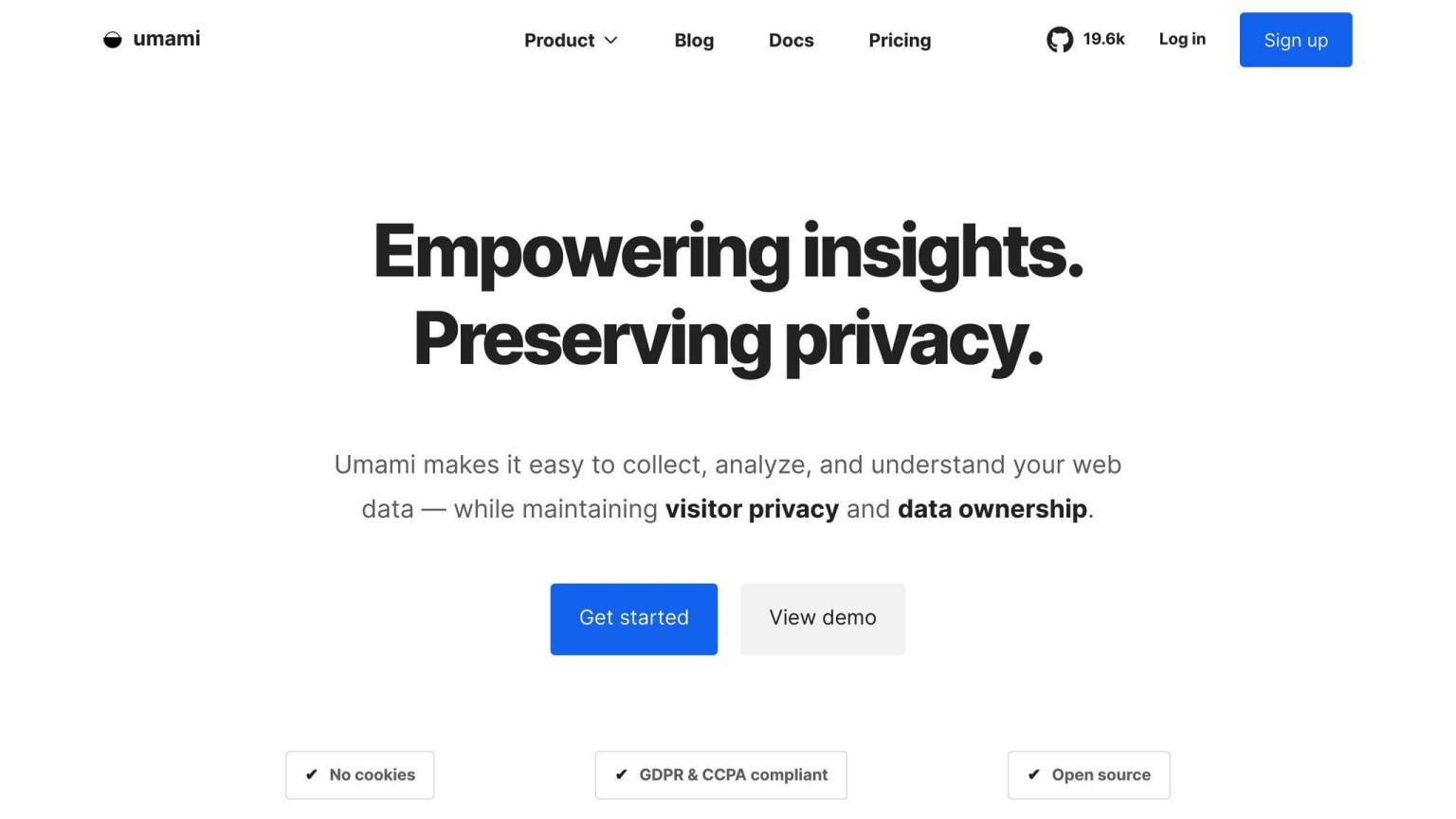
Umami is a simple, fast, and privacy-focused open-source web analytics solution. It collects essential metrics, including pageviews, devices used, and where your visitors are coming from. Umami measures important metrics and displays them on a single, easy-to-browse page.
Key Features
| Feature | Description |
|---|---|
| Pageviews | Track the number of times users visit your website |
| Devices used | Identify the devices your visitors use to access your website |
| Visitor origin | See where your visitors are coming from |
Customizability
Umami is highly customizable, allowing you to tailor it to your needs. You can track basic events, such as button clicks, using CSS classes or JavaScript. Additionally, Umami offers a free cloud hosting option, making it easy to get started.
Community Support
Umami has an active community and extensive documentation, making it easy to get started and troubleshoot any issues that may arise. Its open-source nature also allows for community contributions and plugins, ensuring that the platform continues to evolve and improve.
User Experience
Umami provides a clean, intuitive, and modern interface for analyzing your website traffic. It's lightweight, fast, and focused on delivering actionable insights. You can track real-time user activity, views, and events, giving you a better understanding of your website's performance.
Final Thoughts
In this article, we've explored the 10 best open source analytics platforms in 2024. Each platform offers a unique set of features, customization options, and scalability. By choosing an open source analytics platform, organizations can save costs and gain greater control over their data.
Key Considerations
When implementing open source analytics tools, consider the following:
| Factor | Description |
|---|---|
| Planning | Proper planning is essential for optimal performance and security. |
| Training | Ensure users receive adequate training to get the most out of the platform. |
| Updates | Regularly update the platform to ensure security and performance. |
Integrating with AI and Cloud-Based Solutions
Integrating open source analytics platforms with AI and machine learning capabilities, as well as leveraging cloud-based solutions, can enable:
| Capability | Description |
|---|---|
| Advanced Analytics | Unlock advanced analytics and real-time insights. |
| Scalability | Scale your analytics capabilities to meet growing demands. |
Choosing the Right Platform
Remember, open source analytics platforms offer cost savings and customization options, but may require technical expertise and community support. By carefully evaluating your organization's needs and choosing the right platform, you can unlock the full potential of open source analytics and drive data-driven decision-making.
FAQs
What is open source data analytics?
Open source data analytics software is software that allows users to view, modify, and distribute its source code. This type of software is designed to be publicly accessible and is often managed and maintained by a community of developers and users. It provides tools to collect, process, analyze, and visualize data.
What is an open source reporting tool?
An open source reporting tool is a software application that is free to use and modify. It is developed collaboratively by a community of developers and users and can be used for various purposes, such as data analysis, reporting, and visualization. These tools allow users to explore data and uncover trends, correlations, and insights.
Key Features of Open Source Reporting Tools
| Feature | Description |
|---|---|
| Free to use | No cost or licensing fees |
| Modifiable | Users can modify the source code |
| Collaborative development | Developed by a community of developers and users |
| Data analysis | Analyze data to uncover trends and insights |
| Reporting | Create reports to present findings |
| Visualization | Visualize data to make it easier to understand |