
Explore the top 10 UI animation libraries for beginners in 2026. From Anime.js to GSAP, Three.js, Lottie, and more, discover the best tools for creating...
This guide covers the top 10 UI animation libraries for beginners in 2024. Choosing the right animation library can be tricky, so we've evaluated each option based on ease of use, documentation quality, community support, performance, cross-browser compatibility, and beginner-friendly features.
The top libraries included are:
- Anime.js
- GSAP (GreenSock Animation Platform)
- Three.js
- Lottie
- Popmotion
- Mo.js
- Velocity.js
- ScrollReveal.js
- Kute.js
- Theatre.js
Here's a quick comparison of these libraries across key criteria:
Library
Ease of Use
Documentation
Community
Performance
Browser Support
Beginner Features
Anime.js
High
Good
Moderate
Good
Modern browsers
Simple API, staggering
GSAP
Moderate
Excellent
Large
Excellent
Modern browsers
Advanced tools, plugins
Three.js
Low
Good
Large
Excellent
WebGL support
3D graphics, VR/AR
Lottie
Moderate
Good
Moderate
Good
Multi-platform
Vector animations
Popmotion
High
Good
Small
Good
Modern browsers
TypeScript support
Mo.js
Moderate
Good
Small
Excellent
Modern browsers
Modular design, editors
Velocity.js
High
Moderate
Moderate
Excellent
IE9+
jQuery-like syntax
ScrollReveal.js
High
Moderate
Small
Good
Cross-browser
Kute.js
Moderate
Good
Small
Excellent
Modern browsers
Timeline, SVG morphing
Theatre.js
Low
Good
Small
Moderate
Modern browsers
Visual timeline editing
Whether you need simple animations, advanced effects, 3D graphics, or cross-platform support, this guide will help you choose the best UI animation library for your project as a beginner in 2024.
Related video from YouTube
What changed since this list was written
The library rankings here deserve a second look for 2026. The most significant gap: Framer Motion has become the dominant animation choice for React developers and is not on this list at all — it now ships as part of the Motion library and has the largest active community of any JavaScript animation tool. Two entries have also aged poorly: Velocity.js shows IE9+ browser support in the comparison table, signaling the data has not been refreshed, and the project has had no meaningful commits in years. Popmotion has been largely absorbed by Framer Motion's use case. Treat the GitHub star counts in the comparison table as outdated across the board.
How We Chose These Libraries
When picking the top 10 UI animation libraries for beginners in 2024, we looked at several key factors to make sure our list is helpful and relevant. Here are the criteria we used:
Ease of Use
We chose libraries that are easy to learn, have simple APIs, and good documentation. A beginner-friendly library should let developers start creating animations quickly without needing deep JavaScript or animation knowledge.
Documentation Quality
Good documentation is crucial. We checked each library's documentation for clarity, completeness, and ease of use. Good documentation should have clear examples, tutorials, and reference materials to help developers solve common problems.
Community Support
A strong community can greatly help a library's adoption and success. We looked at the size and activity of each library's community and the availability of resources like tutorials, forums, and GitHub issues.
Performance
Animation libraries need to be optimized for performance to ensure smooth animations. We evaluated each library's performance, considering rendering speed, memory usage, and compatibility with different browsers and devices.
Cross-Browser Compatibility
It's important that animation libraries work on multiple platforms. We made sure each library on our list supports a wide range of browsers, including Chrome, Firefox, Safari, Edge, and Internet Explorer.
Features for Beginners
Lastly, we considered features that are especially useful for beginners. These include easy integration with popular frameworks, support for common animation types, and built-in tools for debugging and testing.
Criteria
Description
Ease of Use
Simple learning curve, intuitive APIs, good documentation
Documentation Quality
Clear, complete, and easy-to-navigate documentation
Community Support
Active community, available resources like tutorials and forums
Performance
Optimized for smooth animations, good rendering speed, low memory usage
Cross-Browser Compatibility
Works on multiple browsers like Chrome, Firefox, Safari, Edge, and IE
Features for Beginners
Easy integration, support for common animations, built-in debugging tools
1. Anime.js
Overview
Anime.js is a small JavaScript library for animating web elements, from CSS to JavaScript objects. Its simple syntax and well-documented API make it easy for beginners to learn.
Key Features
- Staggering system for complex animations
- Layered CSS transforms
- Controls and callbacks for precise management
- Animates CSS and JavaScript objects
Getting Started
Visit the Anime.js GitHub page for documentation, tutorials, and examples. Install via npm for easy integration.
Use Cases and Examples
Anime.js can be used for:
- Scrolling animations
- Layered animations for landing pages
- Animating SVG elements
Pros and Cons
Pros
Cons
Lightweight and easy to learn
Limited support for older browsers
Powerful API with advanced features
Steeper learning curve for complex animations
Well-documented and actively maintained
Fewer community resources compared to other libraries
Highly customizable and flexible
May need extra setup for complex animations
Anime.js is a flexible animation library suitable for many projects. Its ease of use and good documentation make it great for beginners, while its advanced features appeal to experienced developers.
2. GSAP (GreenSock Animation Platform)
Overview
GSAP is a JavaScript library for animating anything JavaScript can touch. It's known for its high performance and wide range of features, making it popular among developers.
Key Features
- Smooth performance, even with complex animations
- Extensive toolset, including Scroll, SVG, Text, and more
- Supports various types of animations: CSS, SVG, canvas, React, Vue, WebGL, colors, strings, motion paths, and generic objects
- Advanced sequencing and control over animations
- GPU acceleration and other optimizations
- Customizable easing and playback controls
Getting Started
Visit the GSAP official website for documentation, tutorials, and examples. Install via npm or CDN for easy integration.
Use Cases and Examples
GSAP can be used for:
- Animating web elements like scrolling animations, hover effects, and loading animations
- Creating interactive animations like spinning wheels or bouncing balls
- Developing complex animations like morphing shapes or progressive reveals
- Building responsive animations for various devices and browsers
Pros and Cons
Pros
Cons
High-performance
Steeper learning curve for complex animations
Extensive toolset
May require extra setup for complex animations
Supports various types of animations
Limited support for older browsers
Advanced sequencing and control
Not ideal for simple animations
Customizable easing and playback controls
May need additional plugins for specific features
GSAP is a powerful animation library with many features and tools. While it may be harder to learn, it's great for complex animations and offers advanced control.
3. Three.js
Overview
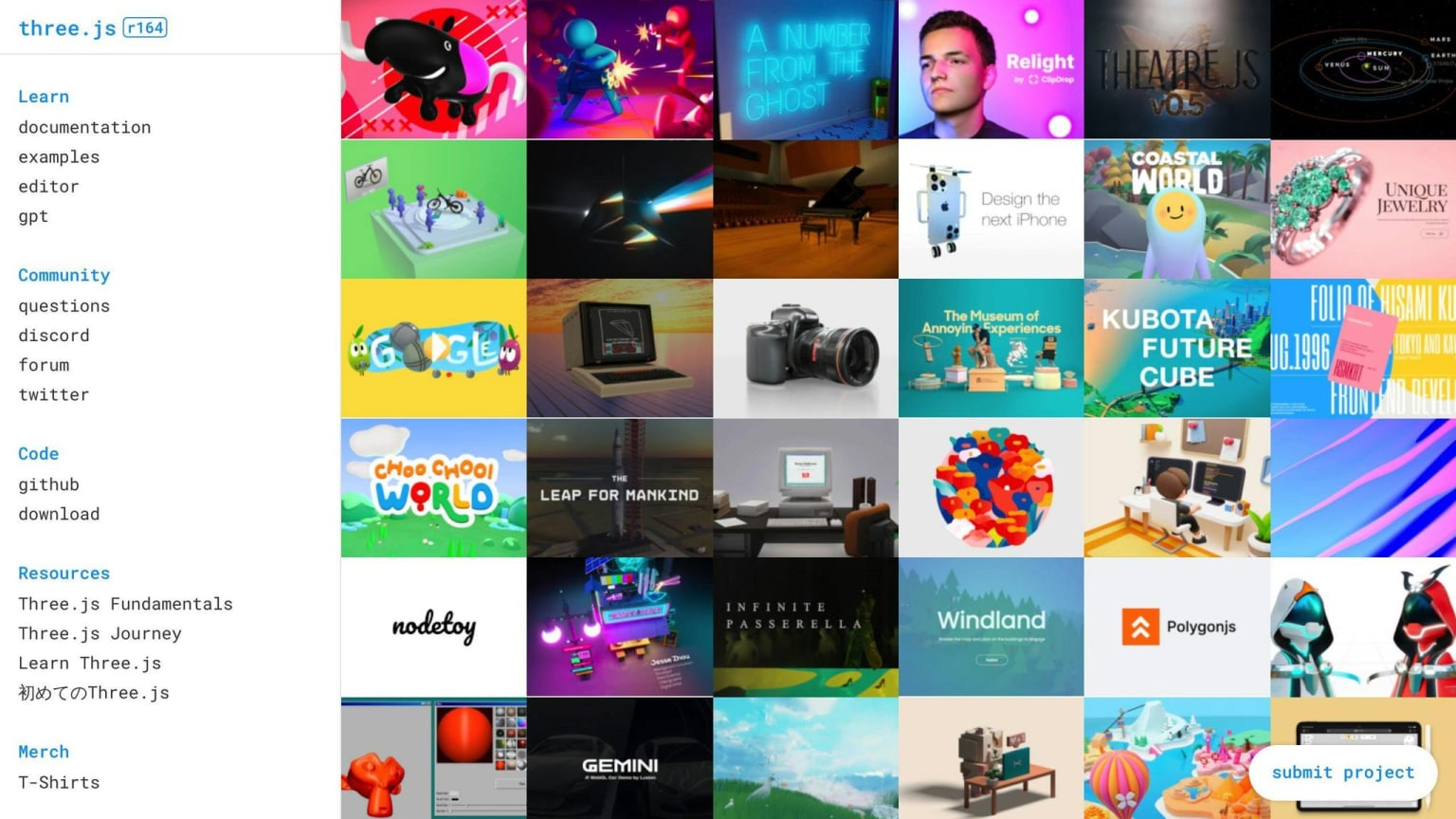
Three.js is a JavaScript library for creating 3D graphics in the browser using WebGL. It offers a high-level API, making it easier to create 3D animations and visualizations without deep WebGL knowledge. You can use it to build interactive 3D scenes, animations, and models.
Key Features
- High-level API for 3D graphics
- GPU acceleration for fast rendering
- Support for geometries, materials, cameras, and lights
- Animation features like keyframe animation and physics-based simulations
- Support for VR and AR via WebXR
Getting Started
Visit the Three.js official website for documentation, tutorials, and examples. Install via npm or CDN for easy integration.
Use Cases and Examples
Three.js is great for:
- Interactive 3D models and animations
- VR and AR experiences
- 3D visualizations for data analysis
- 3D animations for marketing
Pros and Cons
Pros
Cons
High-level API for 3D graphics
Steep learning curve for beginners
GPU acceleration for fast rendering
Requires up-to-date browsers for WebGL 1.0
Support for geometries, materials, cameras, and lights
Limited support for older browsers
Animation features like keyframe animation and physics-based simulations
Can be resource-intensive for complex scenes
Support for VR and AR via WebXR
May need extra plugins for specific features
Three.js is a strong tool for 3D animations and visualizations. It may take some time to learn, but its high-level API and 3D graphics support make it a good choice for creating immersive web experiences.
4. Lottie
Overview
Lottie is a UI animation library that lets designers and developers create and use animations easily. It uses a JSON-based format, making it a popular choice for web and mobile apps.
Key Features
- Cross-platform support (Android, iOS, Web, React Native, Windows)
- Dynamic animation changes
- Real-time rendering
- Supports vector animations
- Suitable for interactive animations, VR, and AR
Getting Started
Visit the Lottie official website for documentation, tutorials, and examples. Install via npm or CDN for easy integration.
Use Cases and Examples
Lottie is great for:
- Interactive animations and micro-interactions
- Animated logos and branding
- Educational animations
- Gaming and entertainment
- Advertising campaigns
Pros and Cons
Pros
Cons
Works on multiple platforms
Steep learning curve for beginners
Allows dynamic changes to animations
Limited support for older browsers
Real-time rendering
Can be resource-heavy for complex scenes
Supports vector animations
May need extra plugins for specific features
Easy to integrate with popular frameworks
Limited customization for advanced users
Lottie is a strong tool for creating beautiful and interactive animations. Its cross-platform support and real-time rendering make it a popular choice for web and mobile apps. However, it may require some learning and additional plugins for specific features.
5. Popmotion
Overview
⚠️ Popmotion's core use case has been largely absorbed by Framer Motion, which was built on top of Popmotion's primitives and has since grown into a much larger ecosystem with active maintenance. If you are building animations in a React project, Framer Motion is the more actively supported path forward.
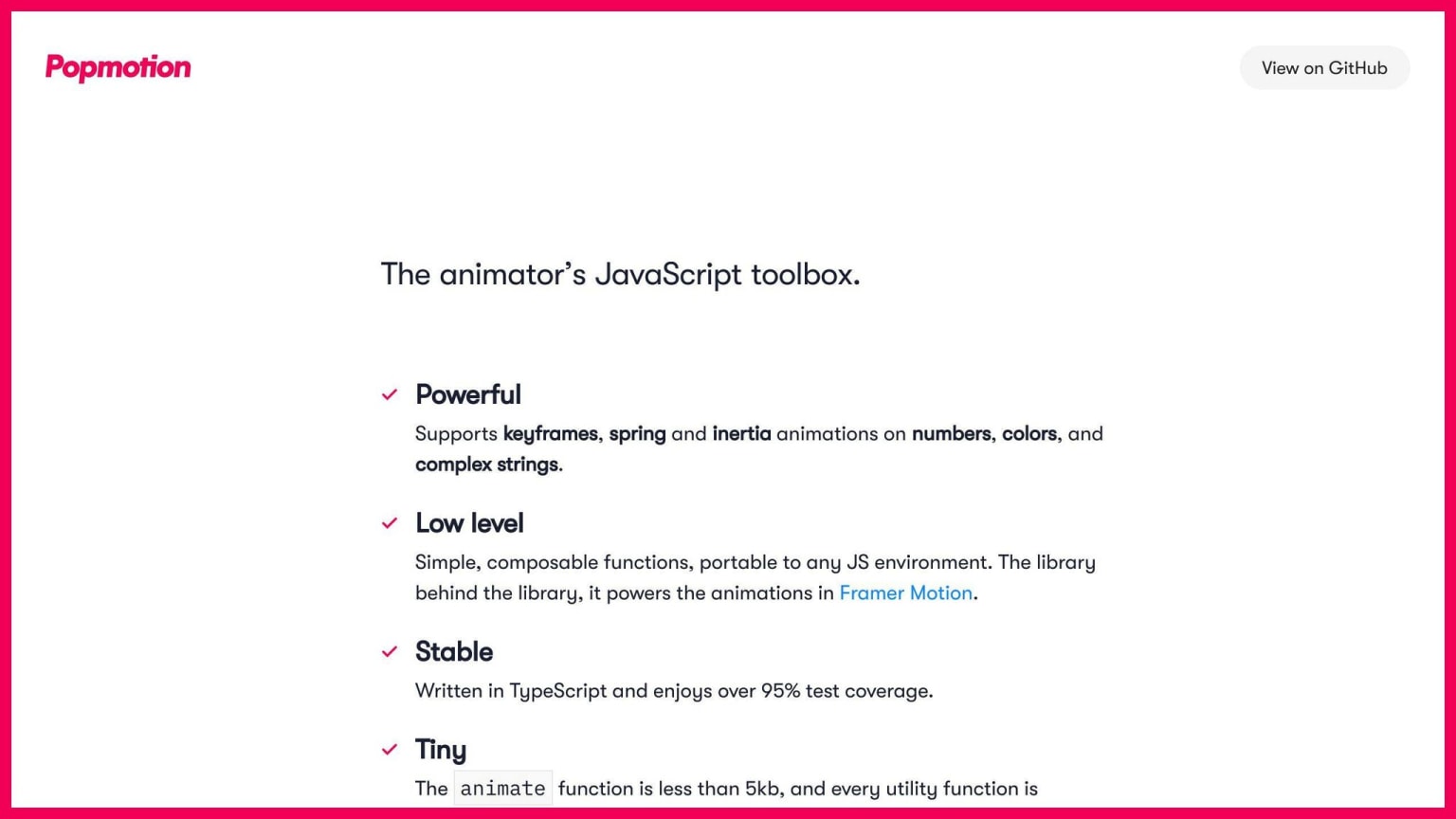
Popmotion is a simple animation library for creating user interfaces. It is easy to use and supports all major browsers. Popmotion is written in TypeScript, making it compatible with any API that accepts numbers as inputs, such as React.
Key Features
- Powerful: The animate function is just 4.5kb and supports spring, inertia, and keyframe animations for colors, numbers, and complex strings.
- TypeScript support: Written in TypeScript, it can be used with types if your project uses TypeScript.
- Customizable: Components can be tailored to fit your animation needs.
- Stable: All components have been thoroughly tested.
Getting Started
Install Popmotion via npm:
npm install popmotion --save
You can also download pre-bundled files or fork CodePen playgrounds. Full installation options are available on the Install Popmotion page.
Use Cases and Examples
Popmotion is great for:
- Simple animations like hover effects or page transitions
- Interactive animations like spinning wheels or bouncing balls
Pros and Cons
Pros
Cons
Simple and easy to use
Limited support for SVG
Supports all major browsers
Does not support older browsers
Customizable
Limited community support
Stable
Not ideal for complex animations
6. Mo.js
Overview
Mo.js is a JavaScript library for motion graphics. It's known for its speed, unique syntax, and modular design, making it great for creating complex, high-performance animations and interactive effects.
Key Features
- Curve Editor: Tool for custom eases and editing.
- Timeline Editor: Controls animators.
- Modular Design: Components are small and reusable.
- Declarative API: Full control over animations.
- Responsive Design: Retina-ready for different screen sizes.
Getting Started
Install Mo.js via npm:
npm install @mojs/core
or yarn:
yarn add @mojs/core
You can also use a CDN:
<!-- unpkg -->
<script src="https://unpkg.com/@mojs/core"></script>

<!-- jsdelivr -->
<script src="https://cdn.jsdelivr.net/npm/@mojs/core"></script>
Check the documentation for more examples.
Use Cases and Examples
Mo.js is great for:
- Page transitions
- Hover effects
- Interactive animations like spinning wheels or bouncing balls
Pros and Cons
Pros
Cons
Powerful and flexible
Limited support for SVG
Simple API
Does not support older browsers
Plugin system
Limited community support
Responsive design
Not ideal for simple animations
7. Velocity.js
Overview
⚠️ Velocity.js has had no meaningful commits in several years and should be considered unmaintained. Its IE9+ compatibility entry in the comparison table is a clear signal that the project has not kept pace with the modern browser landscape. For the use cases Velocity.js covered — smooth DOM animations without jQuery dependency — Framer Motion (React) or the Web Animations API natively handle this better in 2026.
Velocity.js is a fast and lightweight JavaScript animation library with a jQuery-like API. It's designed to replace jQuery's $.animate() method, offering high performance and simple syntax. Velocity.js is great for smooth animations and transitions on the web, with features like easing functions, SVG support, color animation, and scrolling.
Key Features
- High performance: Optimized code for fast and smooth animations.
- Short syntax: Simple and easy to use, similar to jQuery.
- Chaining: Apply multiple animations to the same element.
- Easing functions: Wide variety of easing functions for custom animations.
- SVG support: Animate SVG elements, including SVG paths.
- Cross-browser compatibility: Works with all modern browsers, including IE 9+.
Getting Started
To use Velocity.js, include it in your project via CDN or download the library files. Here's how to include it via CDN:
<script src="https://cdn.jsdelivr.net/npm/velocity-animate/velocity.min.js"></script>
Once included, select the elements you want to animate using CSS selectors and apply the desired animations using Velocity.js methods.
Use Cases and Examples
Velocity.js is great for:
- Complex animations like page transitions or hover effects
- Interactive animations like spinning wheels or bouncing balls
Pros and Cons
Pros
Cons
Fast and performant
Limited support for older browsers
Simple API
Not ideal for simple animations
Supports SVG and color animation
No built-in support for 3D animations
Cross-browser compatible
Steeper learning curve for beginners
8. ScrollReveal.js
Overview
ScrollReveal.js is a JavaScript library that animates elements as they scroll into view. It's a simple tool for adding animations to your website, making it more dynamic.
Key Features
- Easy to use: Just add the
scrollrevealclass to elements. - Extensible: Add or remove elements as needed.
- Flexible: Set animations to trigger on hover, click, or scroll. Control easing, direction, and speed.
Getting Started
Install ScrollReveal.js using npm or yarn. Include the library in your HTML file and add the scrollreveal class to the elements you want to animate. Customize the animation with a configuration object in the scrollReveal() method.
Use Cases and Examples
ScrollReveal.js is great for:
- Interactive storytelling
- Highlighting key information
- Adding visual interest to a website
Pros and Cons
Pros
Cons
Easy to use
Limited customization options
Flexible and extensible
Can be overwhelming for beginners
Lightweight and fast
Not ideal for complex animations
Cross-browser compatible
No built-in support for 3D animations
9. Kute.js
Overview
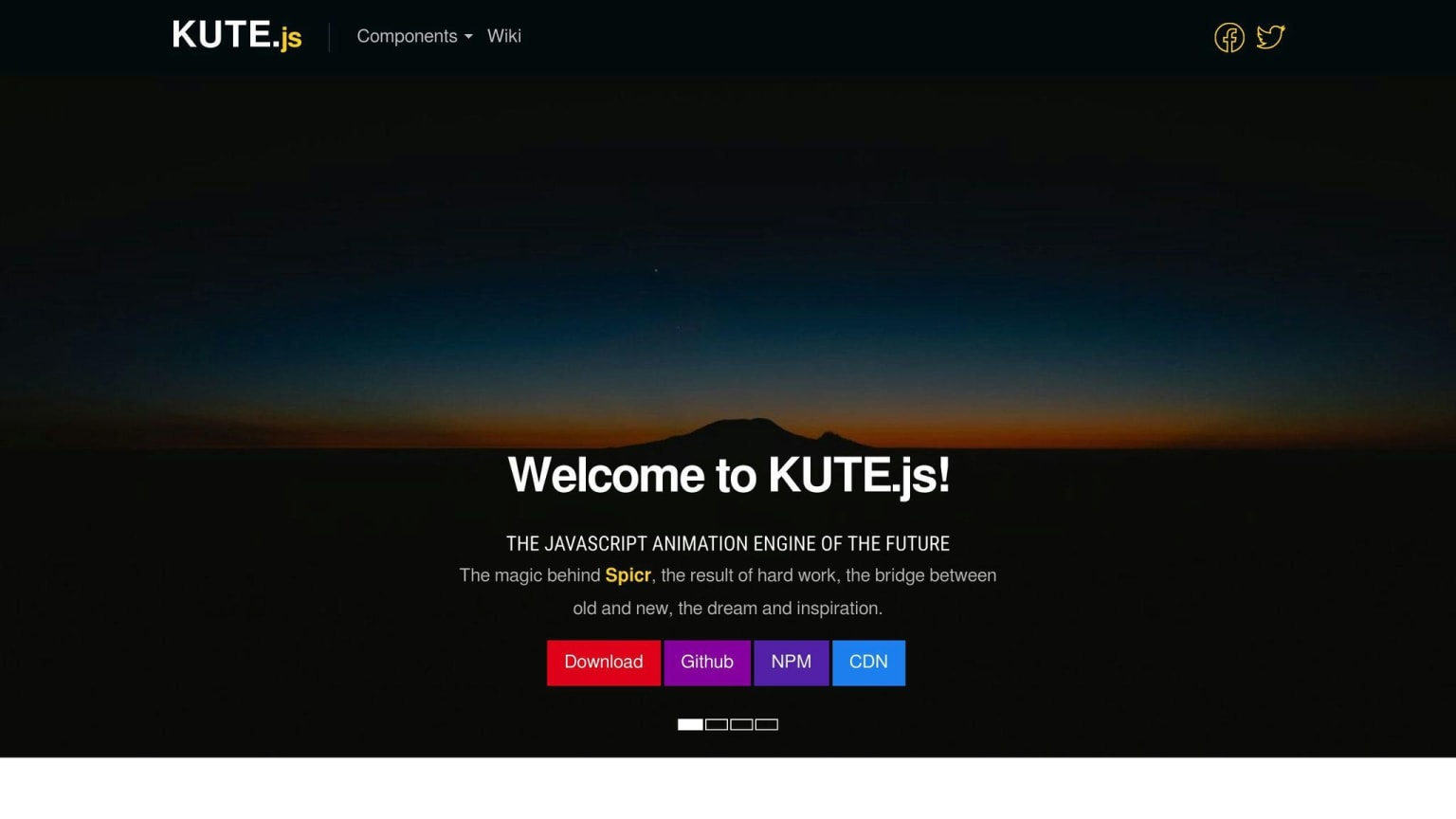
KUTE.js is a fast JavaScript animation library with many features. It's known for its performance, detailed documentation, and easy-to-use syntax. This library is great for developers who want to create complex animations easily.
Key Features
- Timeline-based animation
- SVG morphing
- Modular design: Import only the features you need
Getting Started
Download KUTE.js from the official GitHub repository. Include the necessary JavaScript files in your HTML. Use the KUTE.js API to create animations. The API is intuitive and beginner-friendly.
Use Cases and Examples
KUTE.js is useful for:
- Interactive storytelling
- Highlighting key information
- Adding visual interest to a website
Pros and Cons
Pros
Cons
High-performance animation engine
Steeper learning curve due to its modular design
Detailed documentation and easy syntax
May need extra setup for older browsers
Supports timeline-based animation and SVG morphing
Not ideal for simple animations
Modular design for smaller script size
Can be overwhelming for beginners
10. Theatre.js
Overview
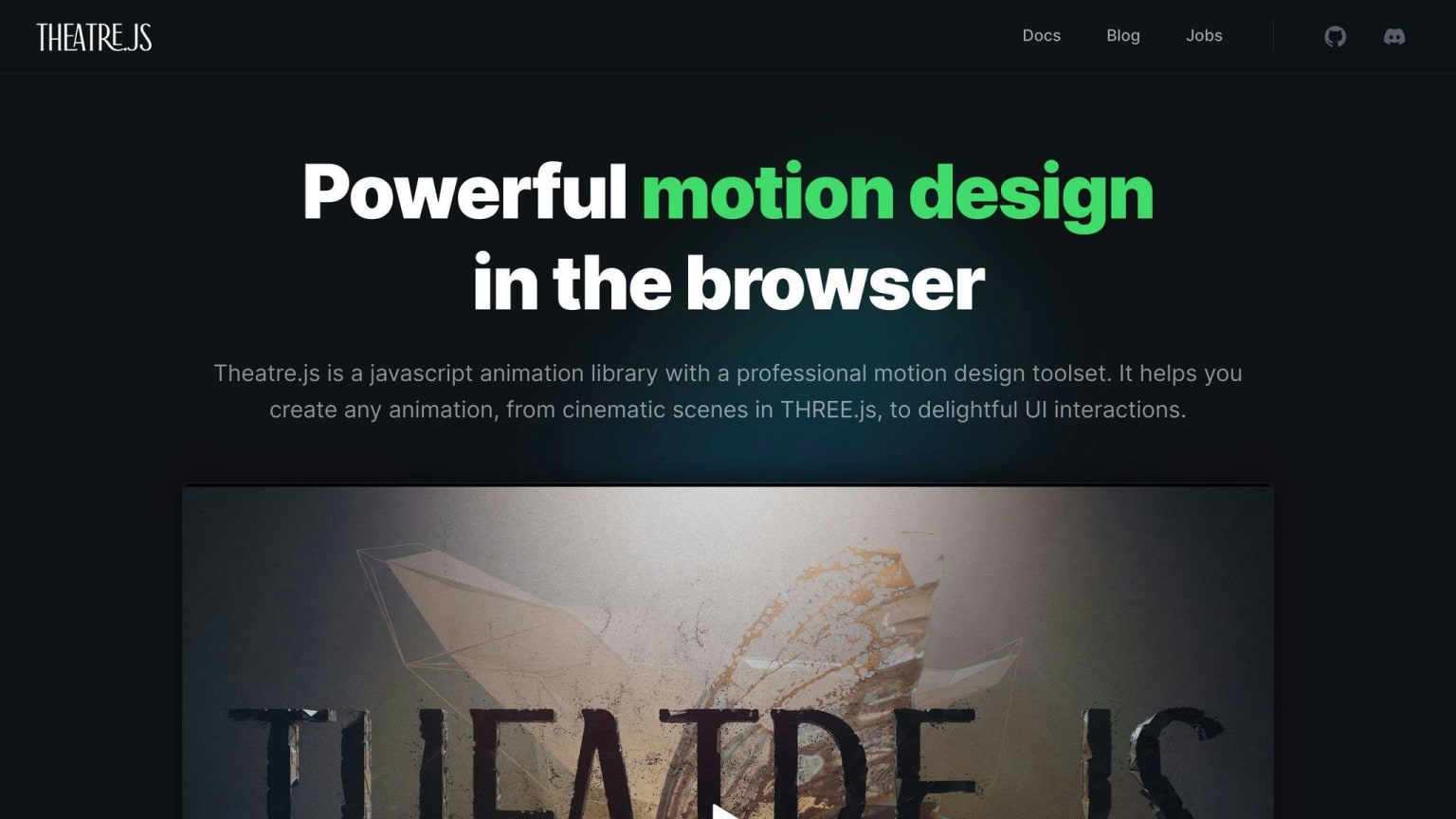
Theatre.js is a JavaScript library for creating detailed animations. It allows you to control animations precisely, making it useful for various elements like 3D objects, HTML/SVG, and interactive art.
Key Features
- Visual and Code-Based Choreography: Supports both visual timeline editing and programmatic animation.
- Animate 3D Objects: Works with THREE.js and other 3D libraries.
- HTML/SVG Animation: Animate HTML and SVG elements.
- Micro-Interactions: Design small, engaging animations.
- Generative Interactive Art: Create interactive art installations.
- Extensible Architecture: Integrate with various frameworks and tools.
Getting Started
Visit the Theatre.js website for documentation and tutorials. The GitHub repository also offers examples and resources to help beginners start their projects.
Use Cases and Examples
Theatre.js is great for:
- Cinematic Scenes: Create detailed animations with 3D libraries.
- Interactive Websites: Add engaging animations to websites.
- Data Visualization: Animate data for better understanding.
- Educational Content: Develop interactive educational materials.
- Game Development: Add smooth animations to games.
Pros and Cons
Pros
Cons
Precise control over animations
Steeper learning curve for complex animations
Supports visual and code-based choreography
Limited community support compared to other libraries
Integrates with various frameworks and tools
Performance may be affected by complex animations
Enables interactive art creations
Requires extra setup for production environments
Detailed documentation and tutorials
Limited support for older browsers
Framer Motion in 2026: why it belongs on any beginner's list
Framer Motion (now part of the Motion library, installable as motion) is the library that should be at the top of this list for anyone building React applications. It handles declarative animations, gesture detection, layout animations, and scroll-triggered effects through a single consistent API. The animate prop and AnimatePresence component make enter/exit animations — one of the trickier problems in UI development — approachable enough for beginners. GitHub star counts are in the tens of thousands and the project is under active development. If this guide were written today, Framer Motion would be entry number one. Install it with npm install motion and start with the official docs at motion.dev.
CSS-native animation in 2026: when you don't need a library
Before reaching for any JavaScript animation library, it is worth knowing that the browser platform has caught up significantly. The View Transitions API lets you animate between DOM states — including full page transitions in single-page apps — with a few lines of CSS and a single JavaScript call. CSS @keyframes and animation properties handle most micro-interactions without any dependency. The Web Animations API gives you JavaScript control over the same engine CSS animations use. For beginners especially, starting with CSS-native tooling keeps bundle size to zero and forces you to understand what the libraries are abstracting. Reach for Anime.js, GSAP, or Framer Motion when the complexity genuinely requires it.
Final Thoughts
As we wrap up our look at the 10 best UI animation libraries for beginners in 2024, it's clear that UI animation is a key part of modern web development. Adding animations to your projects can make them more engaging and user-friendly.
The libraries we've covered offer a variety of features and benefits to help you start with UI animation. From Anime.js to Theatre.js, each library has its own strengths and weaknesses, so it's important to choose the right one for your project.
Tips for Beginners
- Experiment: Try different libraries to see which one fits your needs.
- Read Documentation: Spend time with the documentation to understand how each library works.
- Practice: Build small projects to improve your skills.
- Seek Help: Use community resources if you run into problems.
Continuous Learning
UI animation is always evolving. Stay updated with the latest trends and new libraries to keep your skills sharp.
FAQs
What is the best JavaScript animation library?
GSAP (GreenSock Animation Platform) is a popular JavaScript animation library. It is lightweight, fast, and offers features like timeline-based animation, SVG support, and easing functions.
Which library do you utilize for web animations?
The choice of JavaScript animation library depends on your project's needs. Some popular options include:
- Anime.js
- GSAP
- Three.js
- Lottie
- Velocity.js
- Popmotion
- Mo.js
Each library has its own strengths and weaknesses, so it's important to research and experiment to find the best fit for your project.