Discover the best Elixir static analysis tools for high-quality, secure code. Choose from Credo, Sobelow, Dialyxir, CodeScene, Codacy, and Pronto to improve your Elixir projects.
Static analysis tools help Elixir developers write high-quality, secure, and maintainable code by identifying potential issues early. These tools improve code quality, catch errors, and reduce security risks.
Related video from YouTube
What changed since this guide was written
The six tools covered here are all active and the core use cases described remain accurate. A few things are worth noting. Credo continues to be the community default for Elixir code quality and has been updated regularly — version numbers in the mix.exs examples may be behind current releases; always check Hex.pm for the latest stable version before adding a dependency. Sobelow has seen less frequent maintenance activity in recent periods; verify the last release date on Hex.pm and check open issues before relying on it as your primary security scanner in a production pipeline. Dialyxir remains the standard way to run Dialyzer in Elixir projects and has been kept current alongside Erlang/OTP releases. CodeScene is a commercial product with pricing that has evolved; the 'limited free features' note is directional but verify current plan structure on their site. Pronto's development has slowed compared to when this guide was written — check whether the pronto-credo runner is being maintained before building CI workflows around it. One tool not listed here that has gained traction since this guide was written: mix_audit for auditing dependencies for known vulnerabilities, which complements the static analysis tools above and is now commonly run alongside Credo in Elixir CI pipelines.
Key Features
| Tool | Key Features |
|---|---|
| Credo | Code analysis, code duplication detection, security checks |
| Sobelow | Security-focused code analysis for Phoenix applications |
| Dialyxir | Code analysis, type checking with Dialyzer integration |
| CodeScene | Code analysis, team dynamics, software delivery insights |
| Codacy | Code analysis, duplication detection, complexity analysis |
| Pronto | Code analysis, duplication detection (integrates with Credo) |
Quick Comparison
| Tool | Installation | Integration | Pros | Cons |
|---|---|---|---|---|
| Credo | Easy (Hex) | GitHub, GitLab, Bitbucket | Detailed analysis, customizable, easy setup | - |
| Sobelow | Easy (Hex) | GitHub, GitLab, Bitbucket | Security-focused, easy setup | Limited features |
| Dialyxir | Easy (Hex) | GitHub, GitLab, Bitbucket | Detailed analysis, easy setup | Steeper learning curve |
| CodeScene | Easy (Git) | GitHub, GitLab, Bitbucket | Detailed analysis, prioritizes tech debt | Limited free features |
| Codacy | Easy (Git) | GitHub, GitLab, Bitbucket | Detailed analysis, multi-language | Limited free features |
| Pronto | Requires setup (GitHub) | Credo, GitHub, GitLab, Bitbucket | Integrates with Credo | Additional setup required |
These static analysis tools help Elixir developers improve code quality, catch bugs, and enhance security. Choose the tool that best fits your project's needs based on features, integration options, and ease of setup.
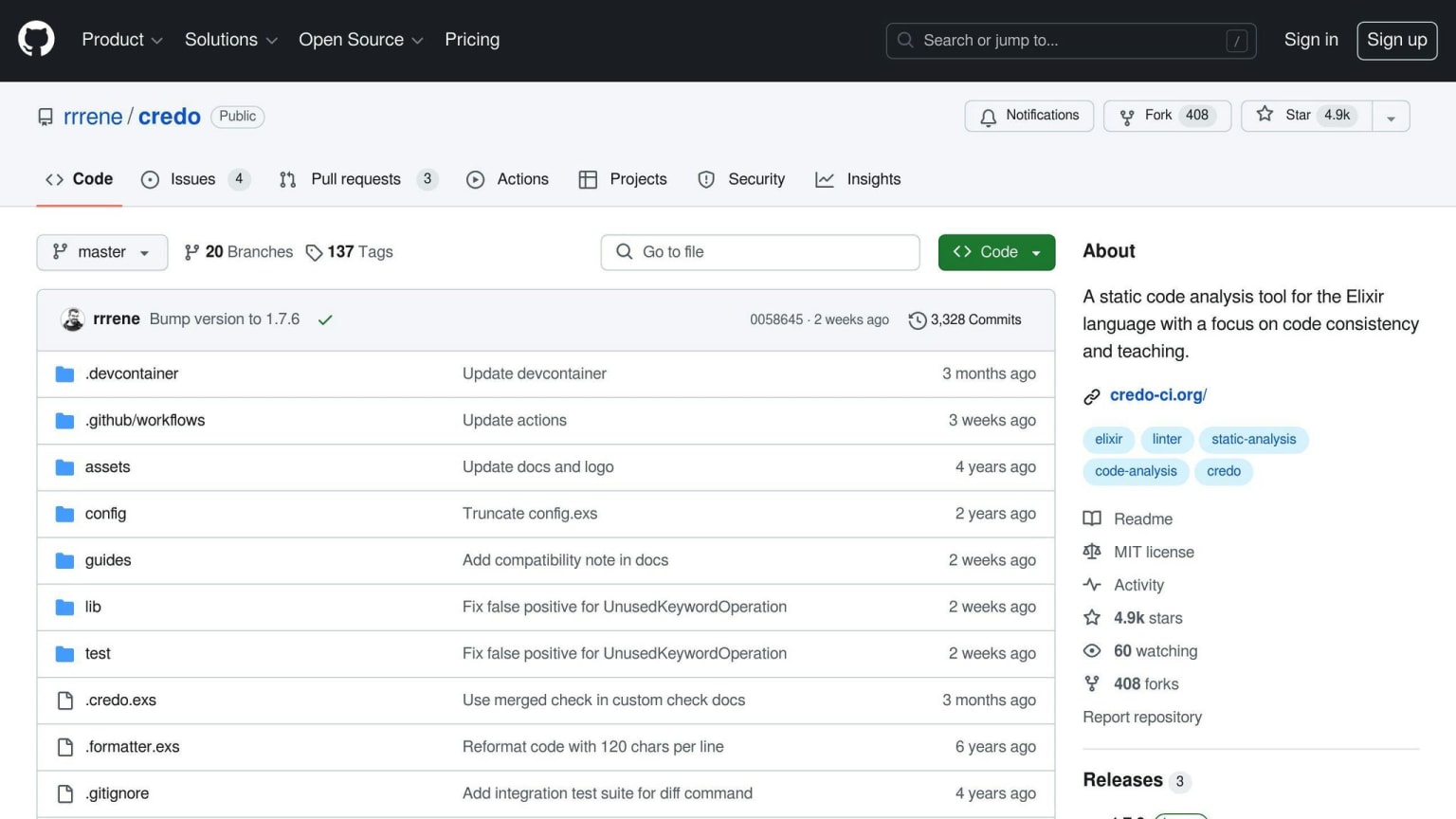
1. Credo
Installation and Setup
To set up Credo, add it to your mix.exs file:
{:credo, "~> 1.6", runtime: false, only: :dev}
Then, configure your .credo.exs file to capture errors. Automate Credo in your CI with:
mix credo -a
Key Features
Credo checks code quality and provides warnings for secure code. It can detect:
- Too many tuples
- Exposing/overriding/clearing important environment variables
- Executing unsafe code
You can also add custom rules to fit your needs.
Pros and Cons
| Pros | Cons |
|---|---|
| Easy to set up and integrate | Can be overwhelming for beginners |
| Detailed reports on code quality and security | May need extra configuration for specific needs |
| Customizable rules | |
| Integrates well with CI/CD pipelines |
Credo is a strong tool for ensuring code quality and security in Elixir projects. Its ease of use and customization options make it a popular choice among developers.
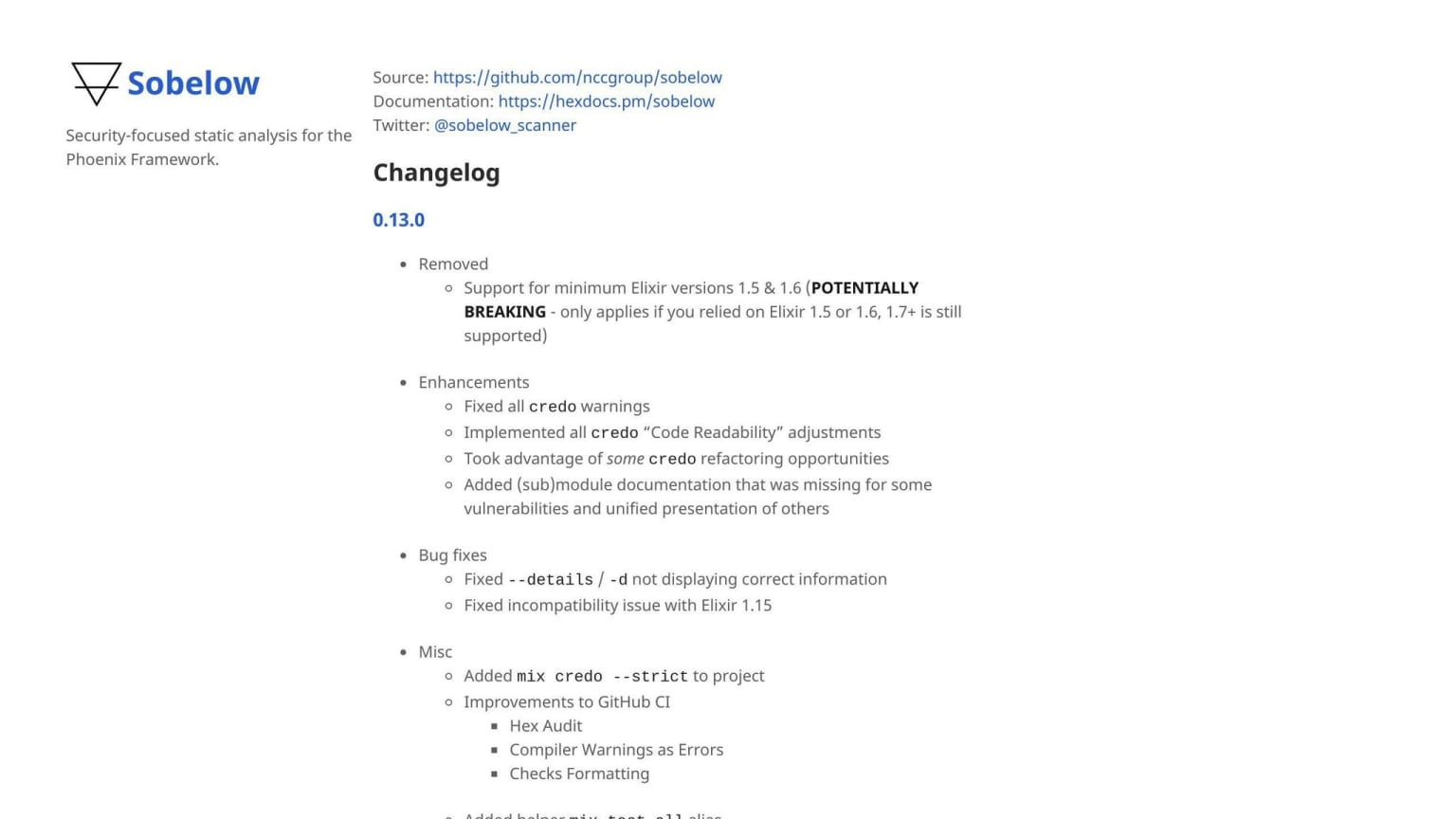
2. Sobelow
Installation and Setup
To set up Sobelow, add it to your mix.exs file:
{:sobelow, "~> 0.8", only: :dev}
Automate the installation in your CI with:
mix escript.install --force hex sobelow
Key Features
Sobelow is a security tool for the Phoenix framework. It can detect:
- Insecure configuration
- Cross-site scripting
- SQL injection
- Directory traversal
- Unsafe serialization
Run mix sobelow to find common issues.
Pros and Cons
| Pros | Cons |
|---|---|
| Focuses on security | May need extra setup for specific needs |
| Detects various security issues | |
| Supports Phoenix framework | |
| Easy to set up and use |
Sobelow helps keep Phoenix applications secure. Its focus on security and ease of use make it a popular choice among developers.
3. Dialyxir
Installation and Setup
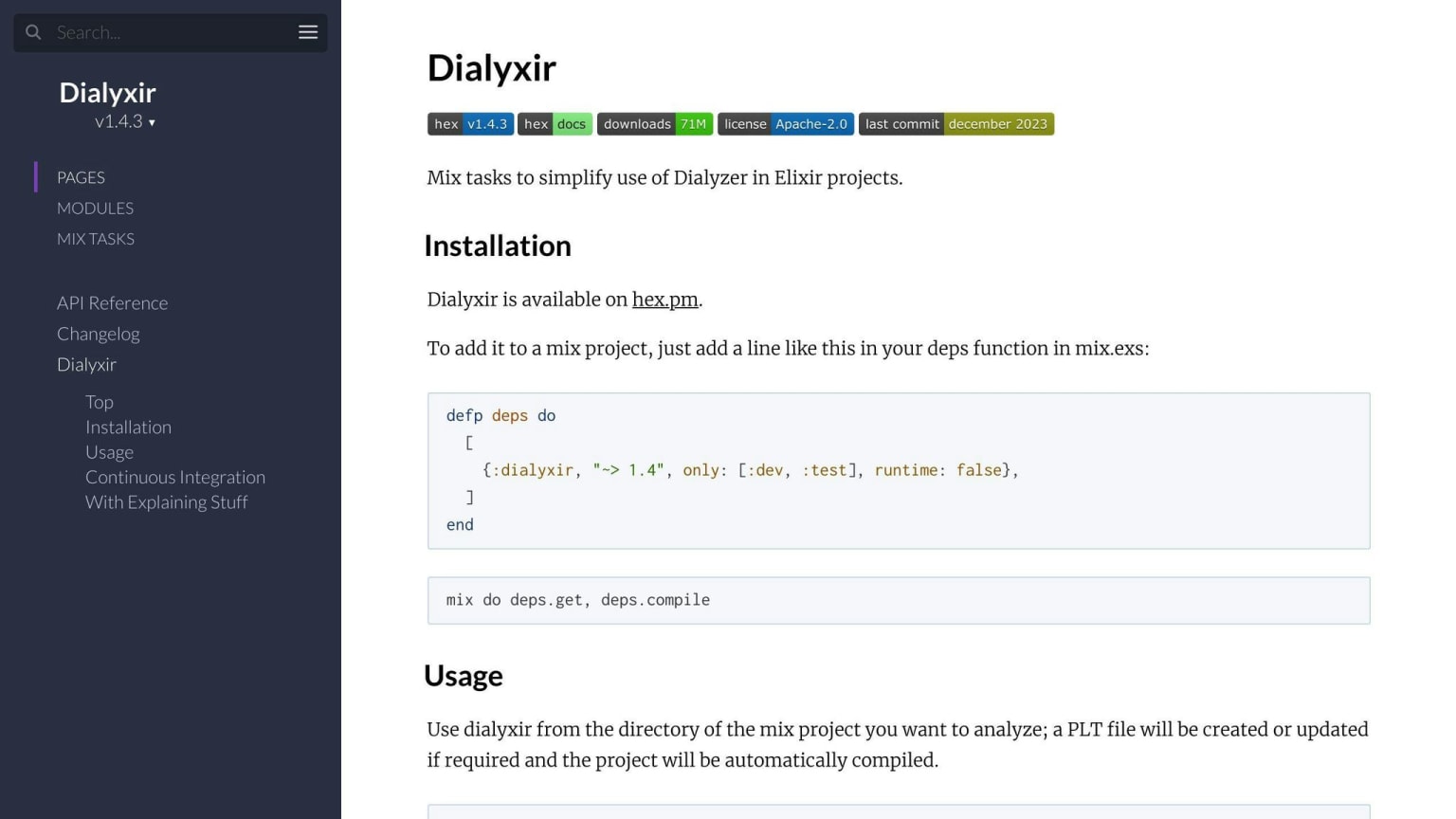
Dialyxir adds type checking and static analysis to Elixir projects. To install, add it to your mix.exs file:
defp deps do
  [
    {:dialyxir, "~> 1.1", only: [:dev, :test]}
  ]
end
Key Features
Dialyxir integrates the Dialyzer tool, which is used for static analysis in Erlang, with Elixir projects. It offers a simple interface to run Dialyzer and understand its output, helping developers write reliable Elixir code.
Pros and Cons
| Pros | Cons |
|---|---|
| Simplifies static analysis | |
| Integrates with Dialyzer | |
| Easy to use interface |
Dialyxir is useful for Elixir developers, making static analysis and type checking straightforward. Its simple interface is helpful even for those new to Dialyzer.
4. CodeScene
Installation and Setup
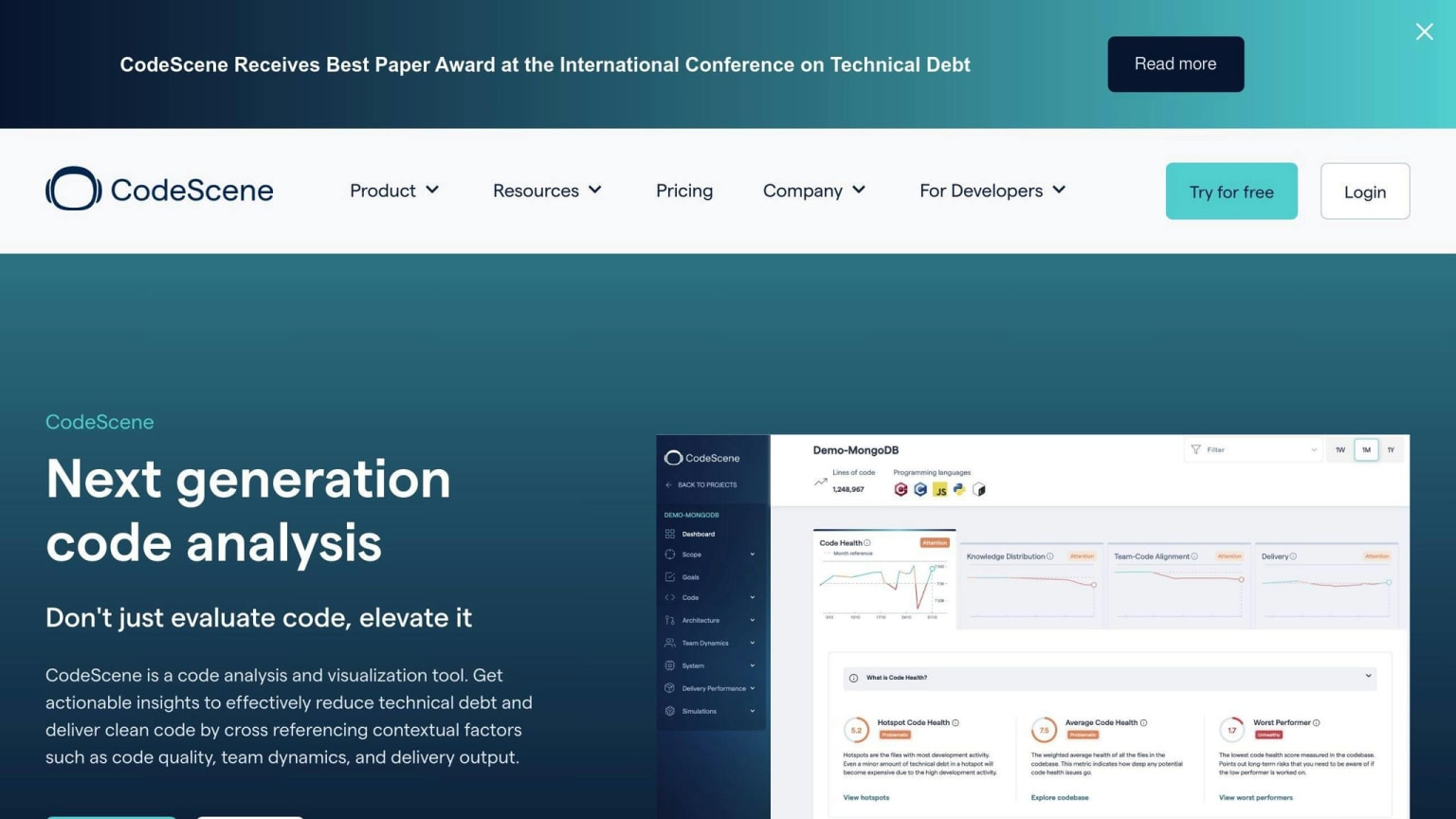
CodeScene is a behavioral code analysis platform that supports multiple languages, including Elixir. To use CodeScene, connect your Git account and set up an analysis of your code.
Key Features
CodeScene offers insights into:
- Code quality
- Team dynamics
- Software delivery
It identifies risks, suggests improvements, and prioritizes technical debt based on how your team works with the code.
Pros and Cons
| Pros | Cons |
|---|---|
| Detailed code analysis | Requires additional setup |
| Prioritizes technical debt | |
| Supports multiple languages |
CodeScene provides a deeper understanding of your Elixir project's code quality and team dynamics. Its ability to prioritize technical debt based on business context makes it a useful tool for development teams.
5. Codacy

Key Features
Codacy is a static analysis tool that supports Elixir and other languages. It helps developers improve code quality with features like:
- Static Analysis: Finds issues, bugs, and security vulnerabilities in your Elixir code.
- Code Duplication: Detects duplicated code to reduce redundancy.
- Code Complexity: Analyzes code complexity and suggests areas for refactoring.
- Test Coverage: Supports multiple test coverage report formats to help track and improve test coverage.
Pros and Cons
| Pros | Cons |
|---|---|
| Detailed static analysis | Requires additional setup |
| Supports multiple languages | |
| Identifies code duplication and complexity |
6. Pronto
Installation and Setup
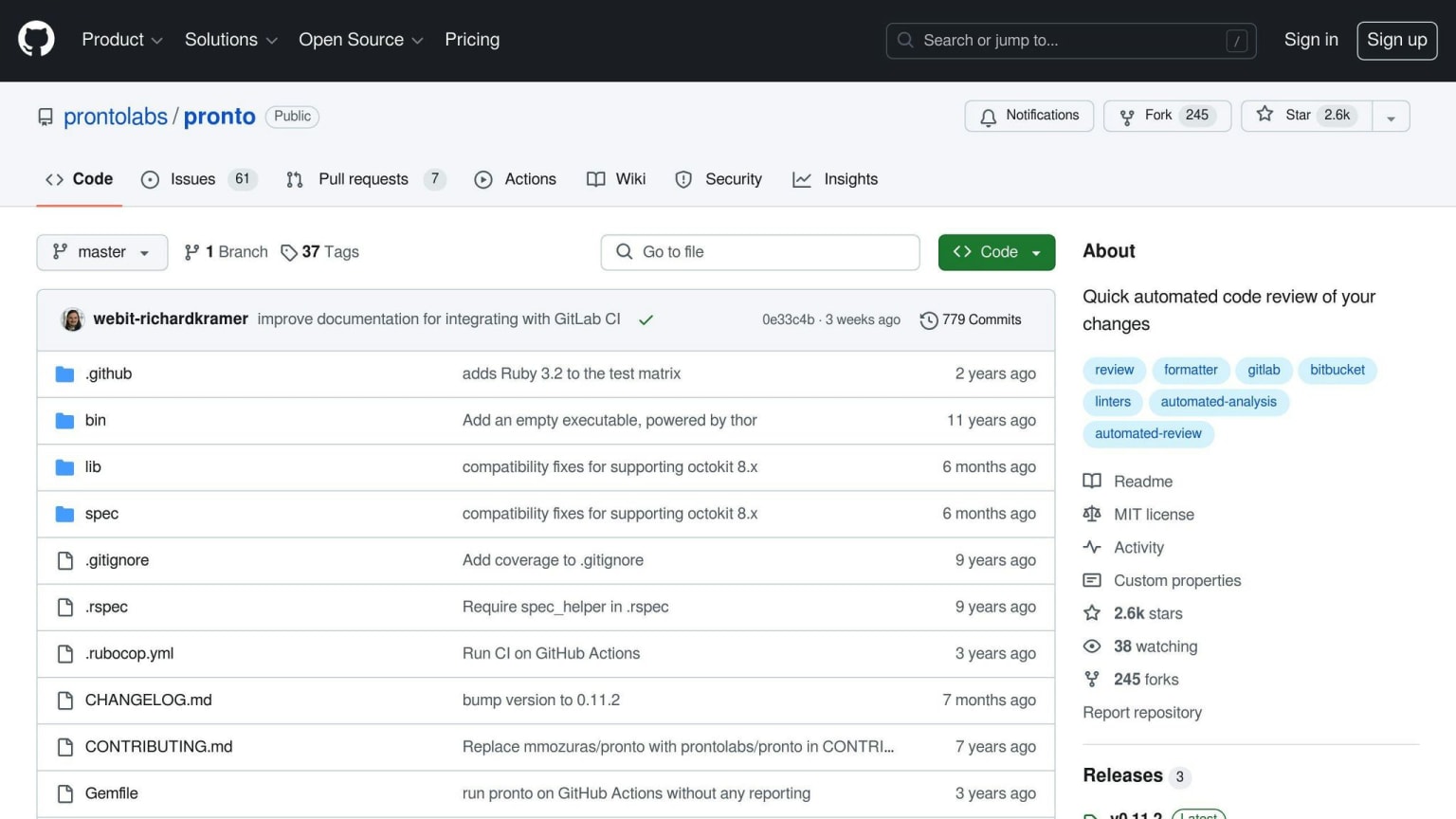
Pronto works with Credo to analyze Elixir code. To set up Pronto, install the pronto-credo package from GitHub. This package allows Pronto to run Credo checks.
Key Features
Pronto, combined with Credo, offers:
- Code Analysis: Identifies issues, bugs, and security vulnerabilities.
- Code Duplication Detection: Finds duplicated code to reduce redundancy.
Pros and Cons
| Pros | Cons |
|---|---|
| Integrates with Credo | Requires additional setup |
| Detects code duplication | |
| Provides detailed analysis |
Pronto, when used with Credo, helps improve Elixir code quality by identifying issues and reducing redundancy. It requires some setup but offers detailed analysis and integration with Credo.
Tool Comparison
When choosing the best Elixir static analysis tool for your project, it's important to compare their features, pros, and cons. Here's a side-by-side comparison of the six tools discussed in this article:
| Tool | Installation and Setup | Key Features | Integration Options | Pros | Cons |
|---|---|---|---|---|---|
| Credo | Easy, via Hex | Code analysis, code duplication detection, and more | Integrates with GitHub, GitLab, and Bitbucket | Detailed analysis, easy setup | None |
| Sobelow | Easy, via Hex | Security-focused code analysis, vulnerability detection | Integrates with GitHub, GitLab, and Bitbucket | Security-focused, easy setup | Limited features |
| Dialyxir | Easy, via Hex | Code analysis, type checking, and more | Integrates with GitHub, GitLab, and Bitbucket | Detailed analysis, easy setup | Steeper learning curve |
| CodeScene | Easy, via GitHub or GitLab | Code analysis, code health tracking, and more | Integrates with GitHub, GitLab, and Bitbucket | Detailed analysis, easy setup | Limited free features |
| Codacy | Easy, via GitHub or GitLab | Code analysis, code duplication detection, and more | Integrates with GitHub, GitLab, and Bitbucket | Detailed analysis, easy setup | Limited free features |
| Pronto | Requires additional setup, via GitHub | Code analysis, code duplication detection, and more | Integrates with Credo, GitHub, GitLab, and Bitbucket | Integrates with Credo, detailed analysis | Requires additional setup |
This comparison table should help you decide which Elixir static analysis tool fits your project's needs. Each tool has its strengths and weaknesses. By considering factors like installation, key features, integration options, pros, and cons, you can choose the tool that will help you improve your Elixir code quality.
Combining these tools in a modern Elixir CI pipeline
Most Elixir teams do not pick one tool — they layer several of them. The practical combination that has become common is Credo for style and code quality checks, Dialyxir for type correctness, and Sobelow for Phoenix security scanning, all running in CI on every pull request. The key to making this work without friction is separating the 'fail the build' tools from the 'advisory' ones: Dialyxir warnings can be numerous in an existing codebase, so teams often start with mix dialyzer --ignore-exit-status and work through the backlog incrementally rather than blocking merges on every type warning from day one. Credo's --strict flag is useful for new projects but often too aggressive for retrofitting into an existing codebase — start without it and tighten the configuration incrementally. If you are adding static analysis to a codebase that has none today, Credo is the lowest-friction entry point: a single dependency addition and a mix credo run will surface actionable feedback immediately, with no PLT build time and no additional configuration required to start.
Final Thoughts
In Elixir development, code quality is key for building maintainable applications. While Elixir offers basic code analysis features, advanced tools can elevate your coding skills.
The six tools discussed in this article - Credo, Sobelow, Dialyxir, CodeScene, Codacy, and Pronto - each offer unique features to help improve your code quality. Here's a quick summary:
| Tool | Key Features | Pros | Cons |
|---|---|---|---|
| Credo | Code analysis, code duplication detection | Detailed analysis, easy setup | None |
| Sobelow | Security-focused code analysis | Security-focused, easy setup | Limited features |
| Dialyxir | Code analysis, type checking | Detailed analysis, easy setup | Steeper learning curve |
| CodeScene | Code analysis, code health tracking | Detailed analysis, easy setup | Limited free features |
| Codacy | Code analysis, code duplication detection | Detailed analysis, easy setup | Limited free features |
| Pronto | Code analysis, code duplication detection | Integrates with Credo | Requires additional setup |