
Discover the top free open-source project management software for 2024 with key features, pros, cons, and best use cases. Make informed choices for your project needs!
This article provides an overview of the top free open-source project management software for 2024. Open-source tools allow you to access, modify, and share the source code, offering flexibility and customization for your project needs.
Here are the key features of the software covered:
- Task Management
- Scheduling and Time Tracking
- Collaboration Tools
- Reporting and Dashboards
- Support for Agile Methodologies (Scrum, Kanban)
Related video from YouTube
Quick Comparison
| Software | Gantt Charts | Kanban Boards | Time Tracking | Collaboration Tools |
|---|---|---|---|---|
| OpenProject | ✅ | ✅ | ✅ | ✅ |
| Redmine | ✅ | ✅ | ✅ | ✅ |
| Leantime | ✅ | ✅ | ✅ | ✅ |
| Taiga | ✅ | ✅ | ✅ | ✅ |
| Tuleap | ✅ | ✅ | ✅ | ✅ |
| WeKan | ✅ | ✅ | ✅ | ✅ |
| Orangescrum | ✅ | ✅ | ✅ | ✅ |
| GanttProject | ✅ | ❌ | ✅ | ✅ |
The article covers the key features, pros, cons, and best use cases for each software, helping you choose the right tool based on your project needs, team size, and methodology.
Software Comparison
Main Features
Here's a comparison of the main features of each open-source project management software:
| Software | Gantt Charts | Kanban Boards | Time Tracking | Collaboration Tools |
|---|---|---|---|---|
| OpenProject | ✅ | ✅ | ✅ | ✅ |
| Redmine | ✅ | ✅ | ✅ | ✅ |
| Leantime | ✅ | ✅ | ✅ | ✅ |
| Taiga | ✅ | ✅ | ✅ | ✅ |
| Tuleap | ✅ | ✅ | ✅ | ✅ |
| WeKan | ✅ | ✅ | ✅ | ✅ |
| Orangescrum | ✅ | ✅ | ✅ | ✅ |
| GanttProject | ✅ | ❌ | ✅ | ✅ |
Pricing
All the tools listed are free to use, with some offering premium upgrades or enterprise editions for extra features.
Pros and Cons
Here's a summary of the strengths and weaknesses of each tool:
| Software | Pros | Cons |
|---|---|---|
| OpenProject | Highly customizable, many features, active community support | Steep learning curve, resource-intensive |
| Redmine | Flexible, scalable, many plugins | Outdated interface, steep learning curve |
| Leantime | Simple interface, many features | Limited customization, limited community |
| Taiga | Agile-focused, highly customizable, many features | Steep learning curve, limited community |
| Tuleap | Highly customizable, many features, active community support | Complex interface, resource-intensive |
| WeKan | Simple interface, highly customizable | Limited features, limited community |
| Orangescrum | Highly customizable, many features, active community support | Complex interface, resource-intensive |
| GanttProject | Many features, simple interface | Limited collaboration tools, limited community |
Note: ✅ indicates the feature is available, while ❌ indicates it is not.
OpenProject Review
Key Features
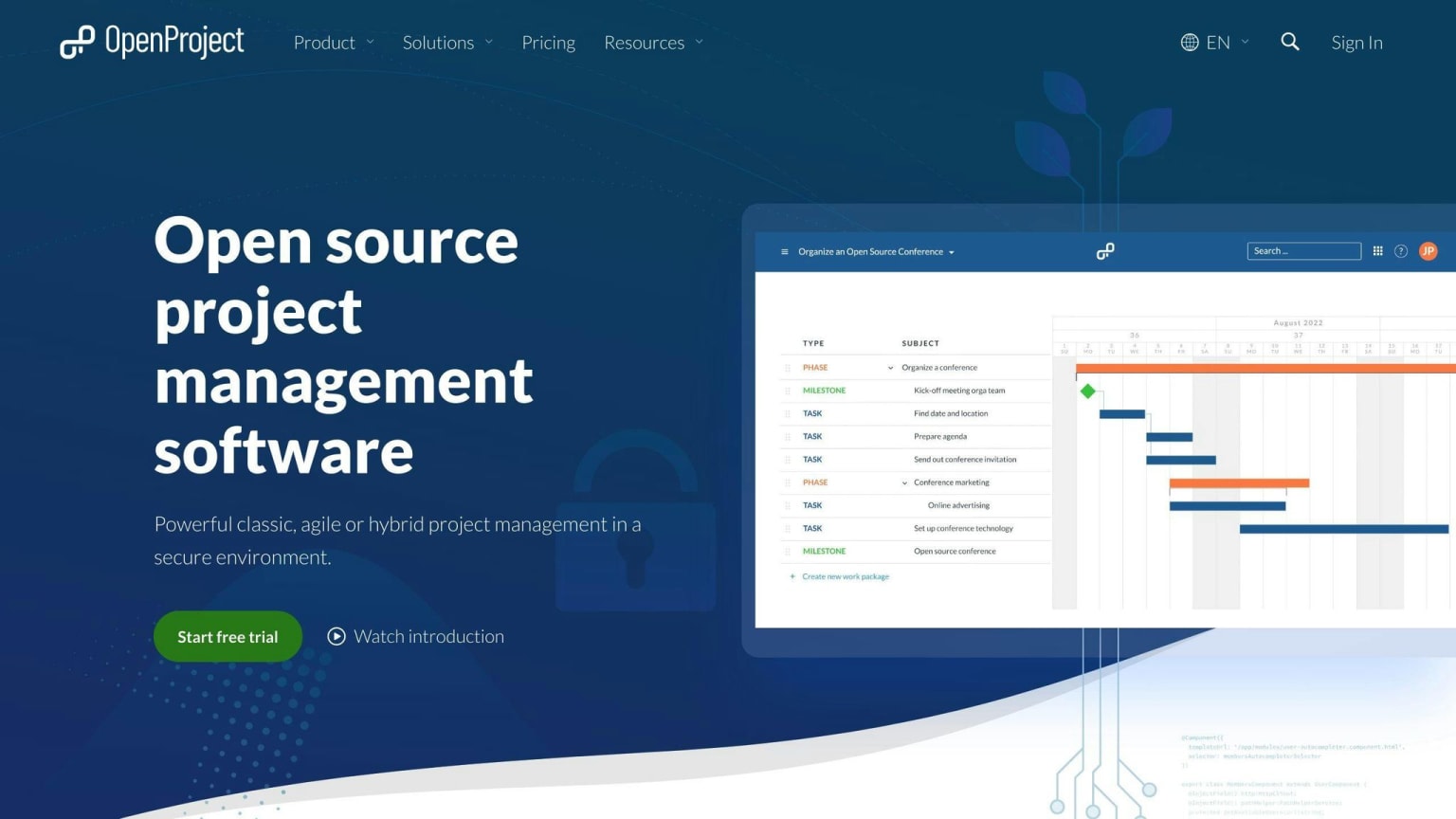
OpenProject is an open-source project management tool with features for both traditional and Agile methods. Key features include:
- Project planning and scheduling
- Cost reporting and time tracking
- Gantt charts, Kanban boards, and Scrum boards
- Collaboration tools like forums, wikis, and document sharing
Pros and Cons
| Pros | Cons |
|---|---|
| Strong security features | Complex setup for non-technical users |
| Extensive project management capabilities | Limited mobile support |
| Active community support | Resource management can be cumbersome |
Best Use Cases
OpenProject is best for large projects needing detailed tracking and reporting. It's useful for projects with multiple teams and stakeholders. It also supports Agile methods like Scrum and Kanban, making it suitable for various project management needs.
Redmine Review
Key Features
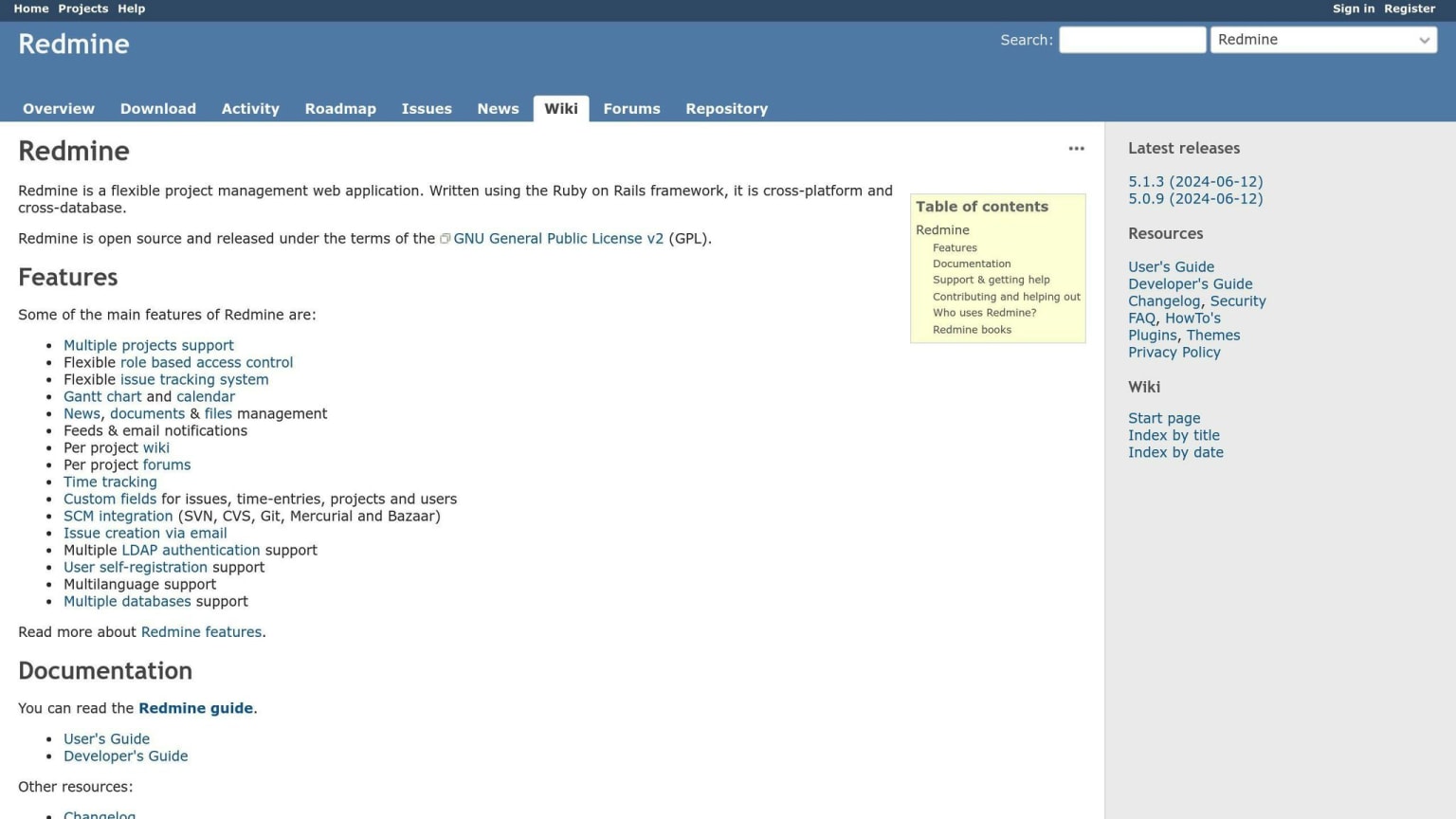
Redmine is a free project management tool with many useful features:
- Task Management: Create, track, and manage tasks and issues.
- Time Tracking: Log time spent on tasks to track progress and estimate future tasks.
- Customization: Use plugins to tailor the tool to your needs.
- Multi-language Support: Supports multiple languages for diverse teams.
Pros and Cons
| Pros | Cons |
|---|---|
| Highly customizable | Complex installation process |
| Supports multiple languages | Outdated user interface |
| Free to use |
Best Use Cases
Redmine is best for teams needing a customizable tool and can handle complex setups. It's great for task management, time tracking, and teams needing multi-language support.
Leantime Review
Key Features
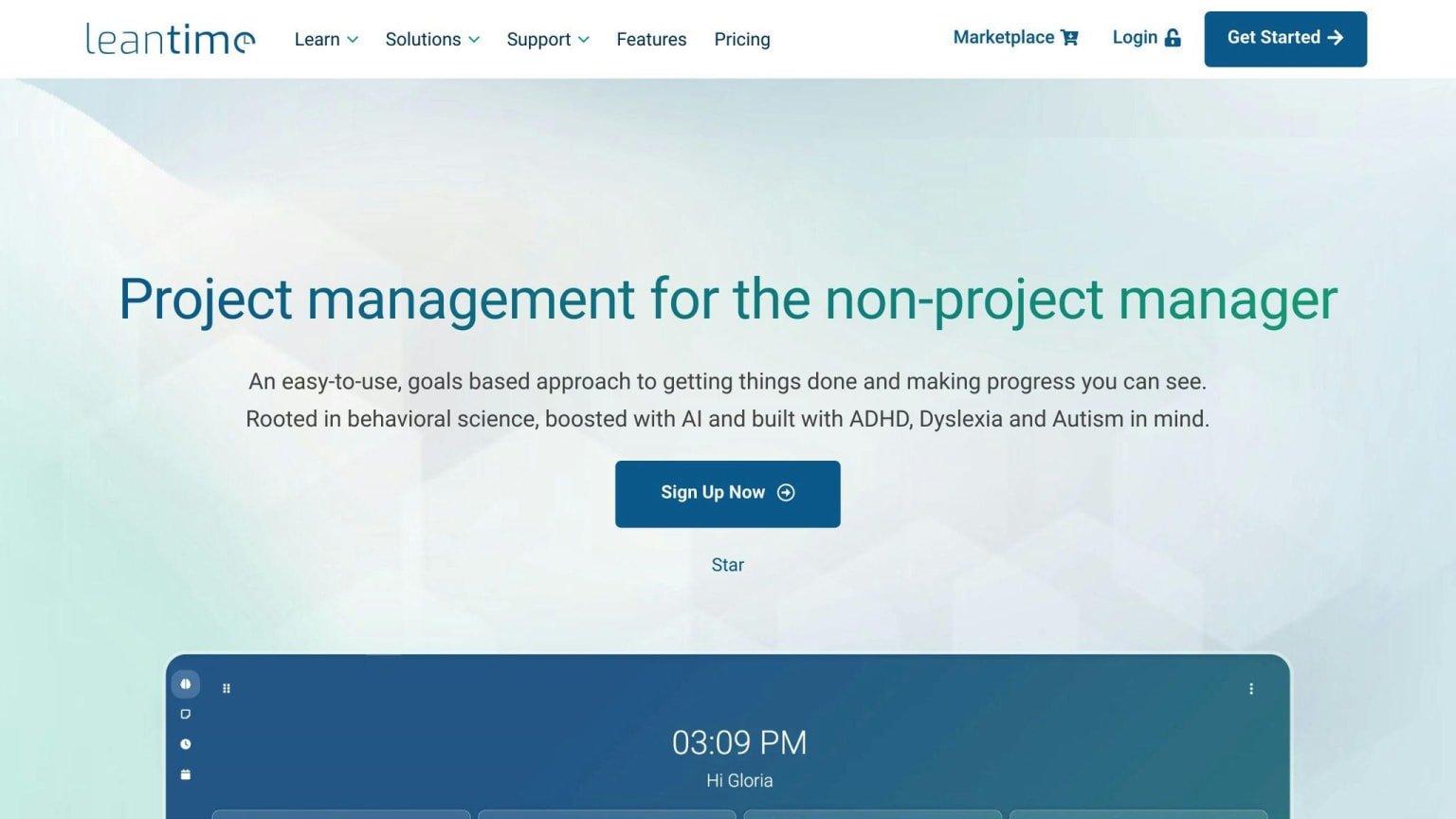
Leantime is an open-source project management tool with several useful features:
- Idea Boards: Brainstorm and prioritize ideas.
- Task Management: Create, assign, and track tasks.
- Milestone Management: Set and track progress towards milestones.
- Retrospective Boards: Reflect on progress and identify areas for improvement.
- Team Collaboration: Discussion boards and file sharing.
Pros and Cons
| Pros | Cons |
|---|---|
| Simple and intuitive interface | Limited features in the free plan |
| Quick and easy setup | Few integrations with other tools |
Best Use Cases
Leantime is ideal for small to medium-sized teams with basic project management needs. It suits teams looking for a straightforward tool to manage their projects efficiently.
Taiga Review
Key Features
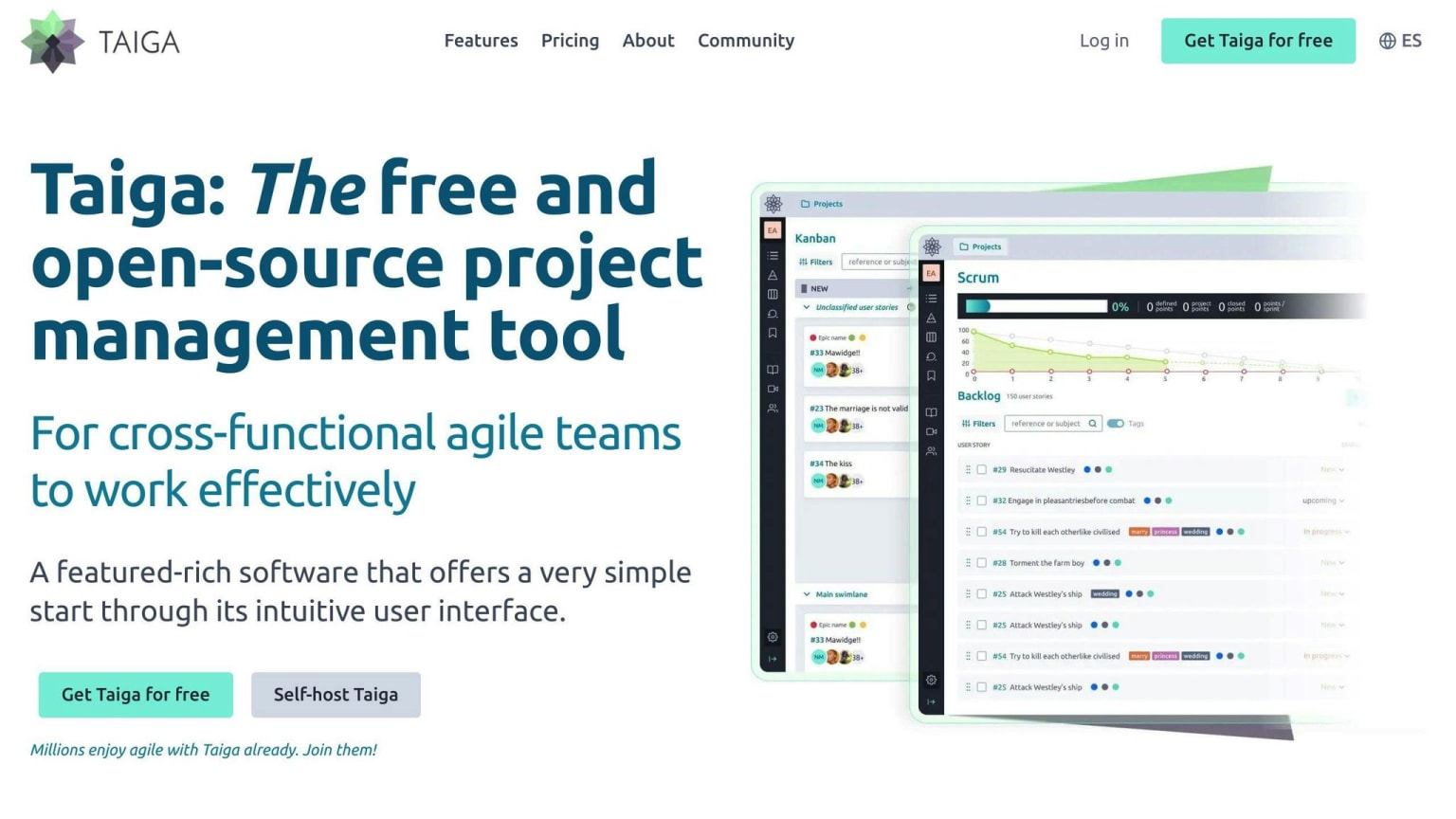
Taiga is an open-source project management tool with several useful features:
- Kanban boards: Visualize and manage projects using Kanban boards.
- Sprints: Organize tasks into sprints for efficient project management.
- Backlog management: Manage and prioritize tasks in the backlog.
- Gamification elements: Encourage team engagement with gamification features.
Pros and Cons
| Pros | Cons |
|---|---|
| Customizable | No built-in time tracking |
| Strong support for Agile methods | No native budget management |
Best Use Cases
Taiga is ideal for Agile teams focusing on sprint-based project management. It is particularly useful for teams that need a high degree of customization and flexibility in their project management tool.
Tuleap Review
Key Features
Tuleap is an open-source project management tool with many features:
- Supports Scrum, Kanban, and other Agile methods
- Integrated DevOps toolchain for continuous integration and test management
- Document management and version control
- Issue tracking and test case management
- Agile dashboard for visualizing project progress
Pros and Cons
| Pros | Cons |
|---|---|
| Integrates well with development tools like Git and Jenkins | Complex to set up and manage |
| Good for complex software projects | Steep learning curve |
| Open-source, providing flexibility |
Best Use Cases
Tuleap is best for DevOps teams and organizations needing a complete ALM solution. Its DevOps toolchain and Agile project management features are ideal for managing complex software projects from start to finish.
WeKan Review
Key Features
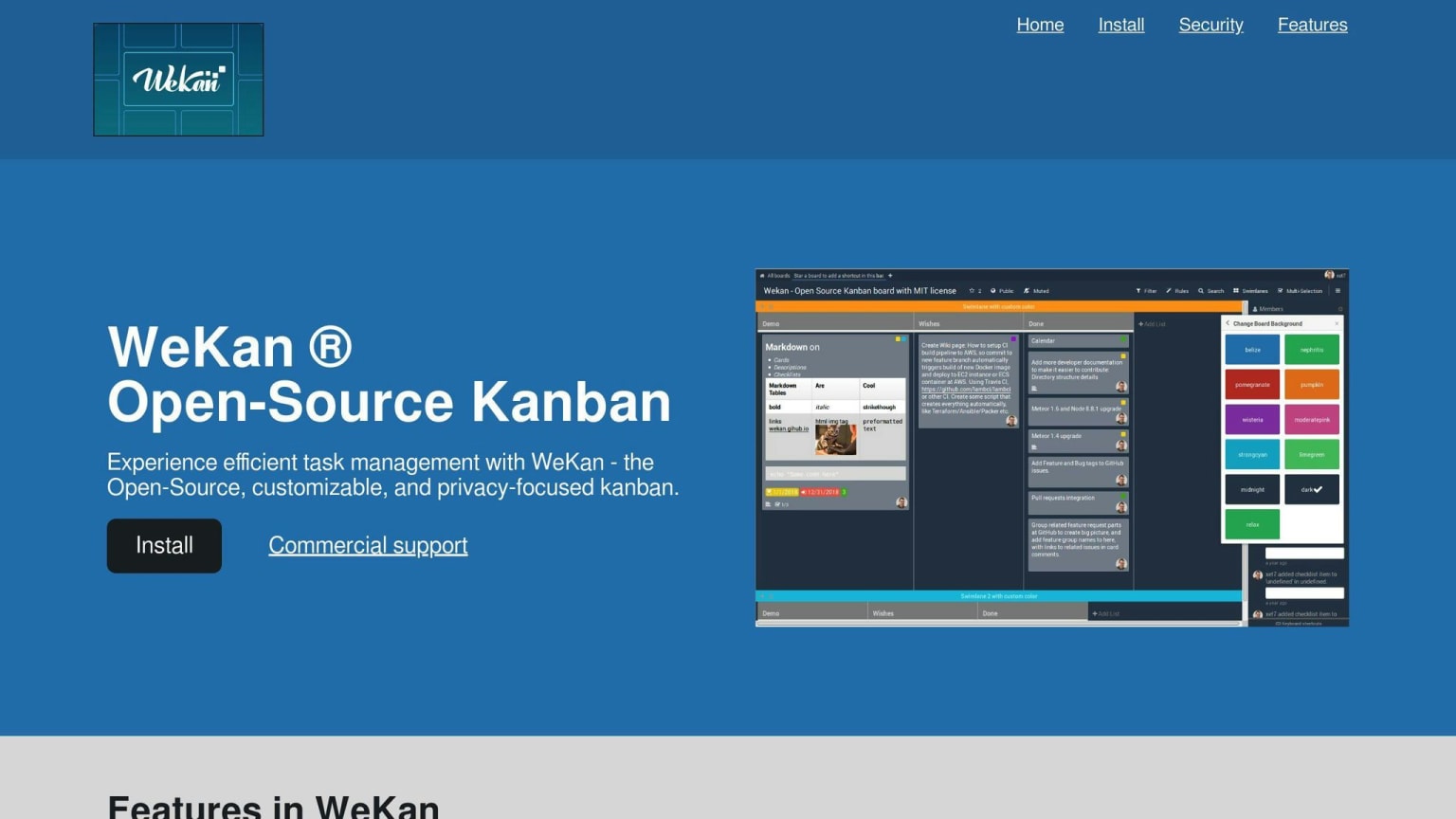
WeKan is an open-source Kanban board tool that is free and self-hosted. It has a simple interface and supports real-time collaboration. Key features include:
- Customizable boards, lists, and cards
- Labels, due dates, and file attachments
Pros and Cons
| Pros | Cons |
|---|---|
| Easy to set up and use | Limited to Kanban methodology |
| Extensive Kanban features | Lacks advanced project management features |
| Highly customizable |
Best Use Cases
WeKan is best for teams that use Kanban for task management. It suits those who need a simple, customizable tool and prefer to self-host their project management solution.
Orangescrum Review
Key Features
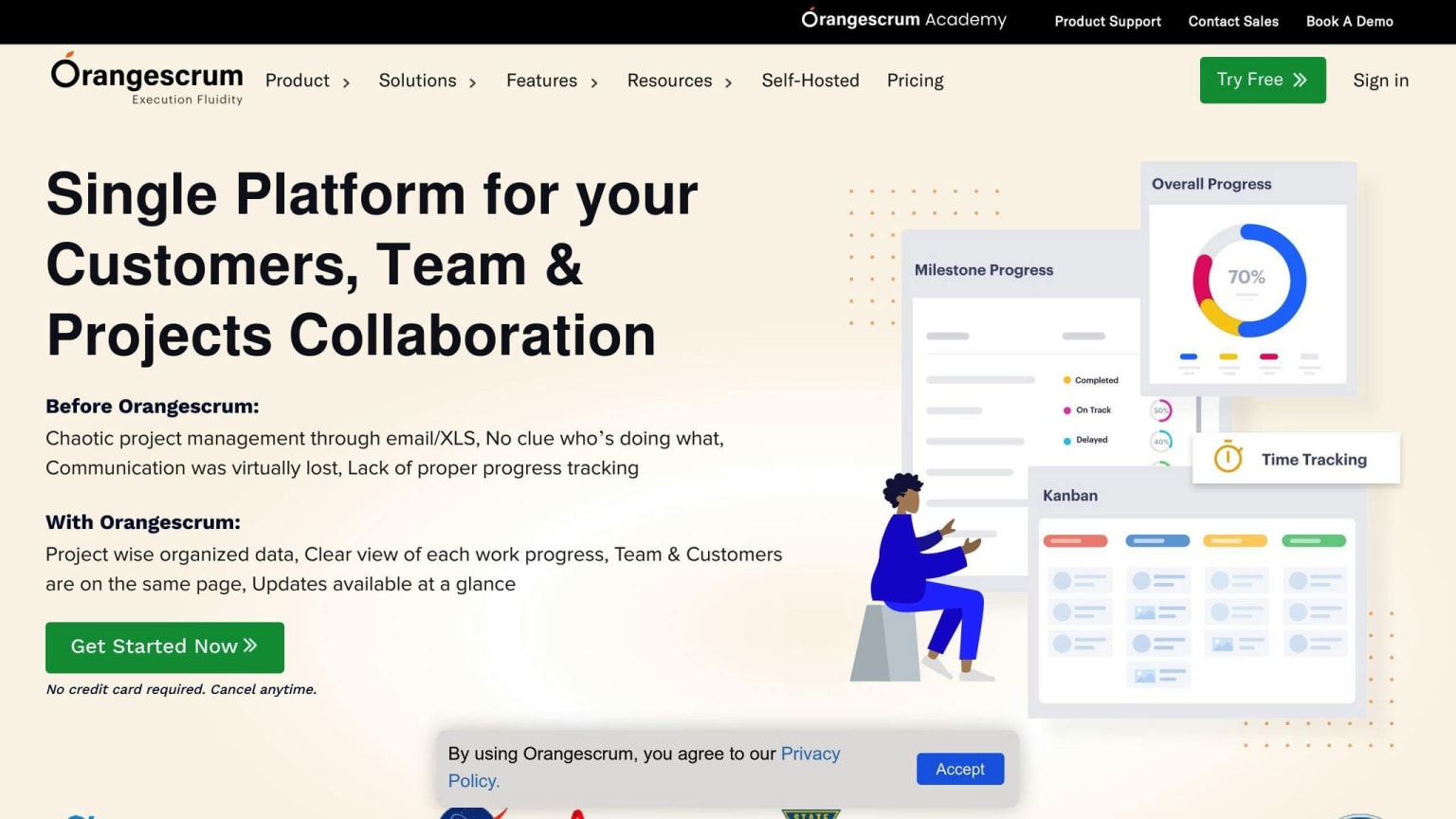
Orangescrum is a project management tool with features for planning, task tracking, real-time collaboration, time tracking, and reporting. It supports both classic and Agile project management methods. Key features include:
- Customizable dashboard
- Project templates
- Task management
- Resource allocation
- Time tracking
- Automated daily catch-ups
- Recurring tasks
- Collaboration tools
Pros and Cons
| Pros | Cons |
|---|---|
| Supports both classic and Agile methods | Complex setup for beginners |
| High customization | Limited features in the free version |
| Strong collaboration tools | |
| Time tracking and reporting |
Best Use Cases
Orangescrum is ideal for teams needing detailed project tracking and resource management. It suits teams managing complex projects with multiple stakeholders and dependencies. Its scalability makes it suitable for both small startups and large enterprises.
GanttProject Review
Key Features
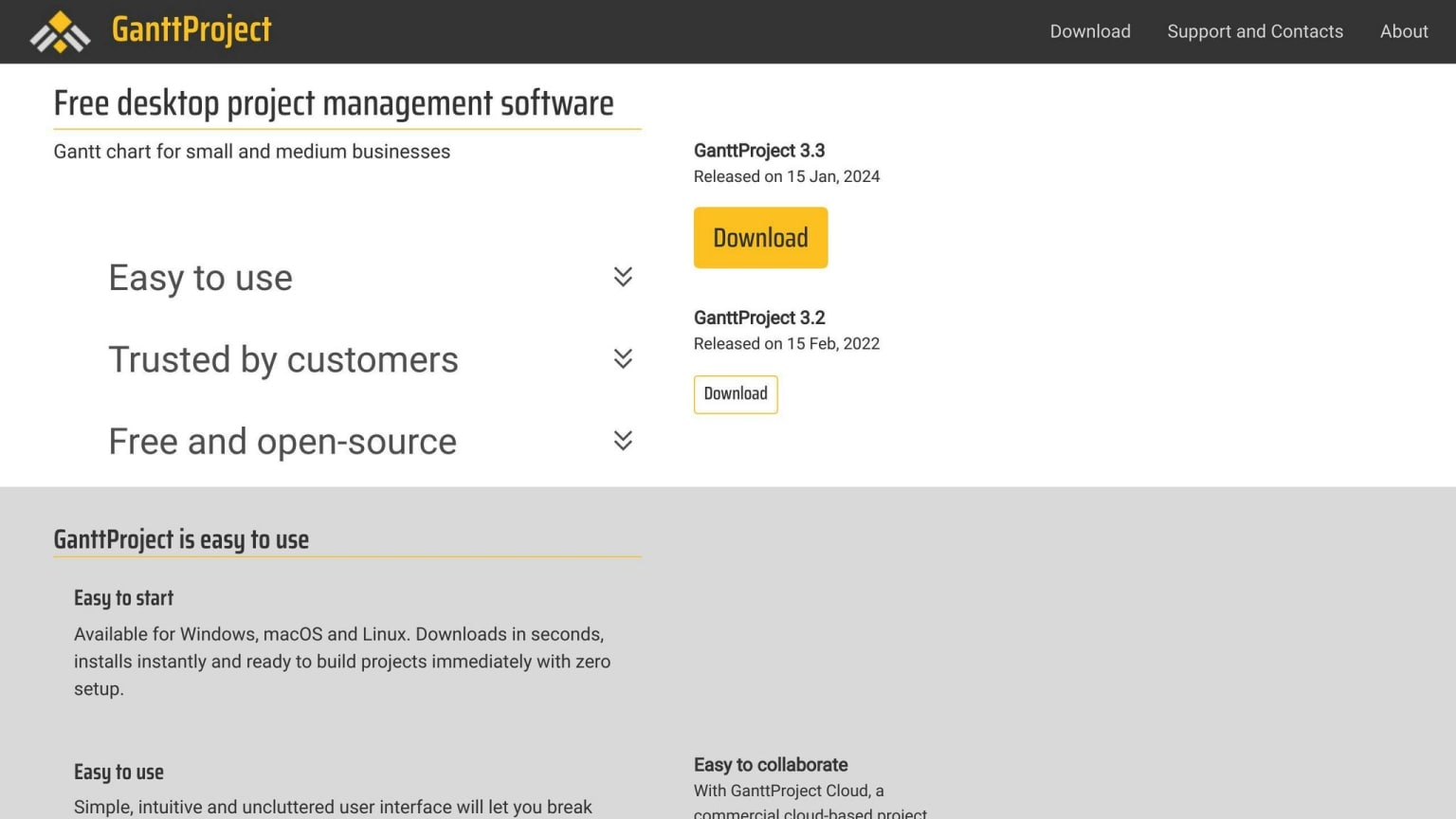
GanttProject is a free, open-source tool focused on creating Gantt charts for project planning and scheduling. Key features include:
- Creating and managing Gantt charts
- Task management and resource allocation
- Scheduling and calendaring
- Import and export options (MS Project, HTML, PDF, spreadsheets)
- Color codes and icons for visual data representation
Pros and Cons
| Pros | Cons |
|---|---|
| Easy to use with a small learning curve | Interface can be confusing |
| Free and open-source | Lacks advanced project management features |
| Quick setup | Limited collaboration tools |
Best Use Cases
GanttProject is best for project managers who need a simple tool for Gantt chart-based planning. It suits small to medium-sized projects with few stakeholders and dependencies. Its free nature makes it a good choice for individuals or teams on a budget.
Choosing the Right Tool
When picking the best open-source project management software for your team, consider these key factors:
| Factor | Description |
|---|---|
| Scalability | Can the software grow with your team and project needs? |
| Customization | Can you tailor the tool to fit your workflows? |
| Integration | Does it work well with other tools you use? |
| User Adoption | Is it easy for your team to learn and use? |
| Support | What kind of community support and resources are available? |