Compare top browser extensions that surface developer news—personalized new-tab feeds, dashboards, and lightweight headline tools.
If you want developer news built into your day, daily.dev looks like the top pick. It replaces your new tab with a feed based on your interests, pulls from 2,000+ sources, and has a 4.8/5 rating from 2,800+ Chrome Web Store reviews.
Here’s the short version:
- daily.dev: best if you want a personalized new-tab feed
- Hackertab.dev: best if you want a multi-source dashboard with custom RSS
- DevBytes: best if you want short updates with a few coding tools
- TechNews: best if you want simple headline summaries
What matters most is how you like to read:
- Open a tab and scan a feed? Pick daily.dev
- Want stories from places like Hacker News, Reddit, and RSS in one spot? Pick Hackertab.dev
- Want something lighter than a full feed? Try DevBytes or TechNews
Quick Comparison
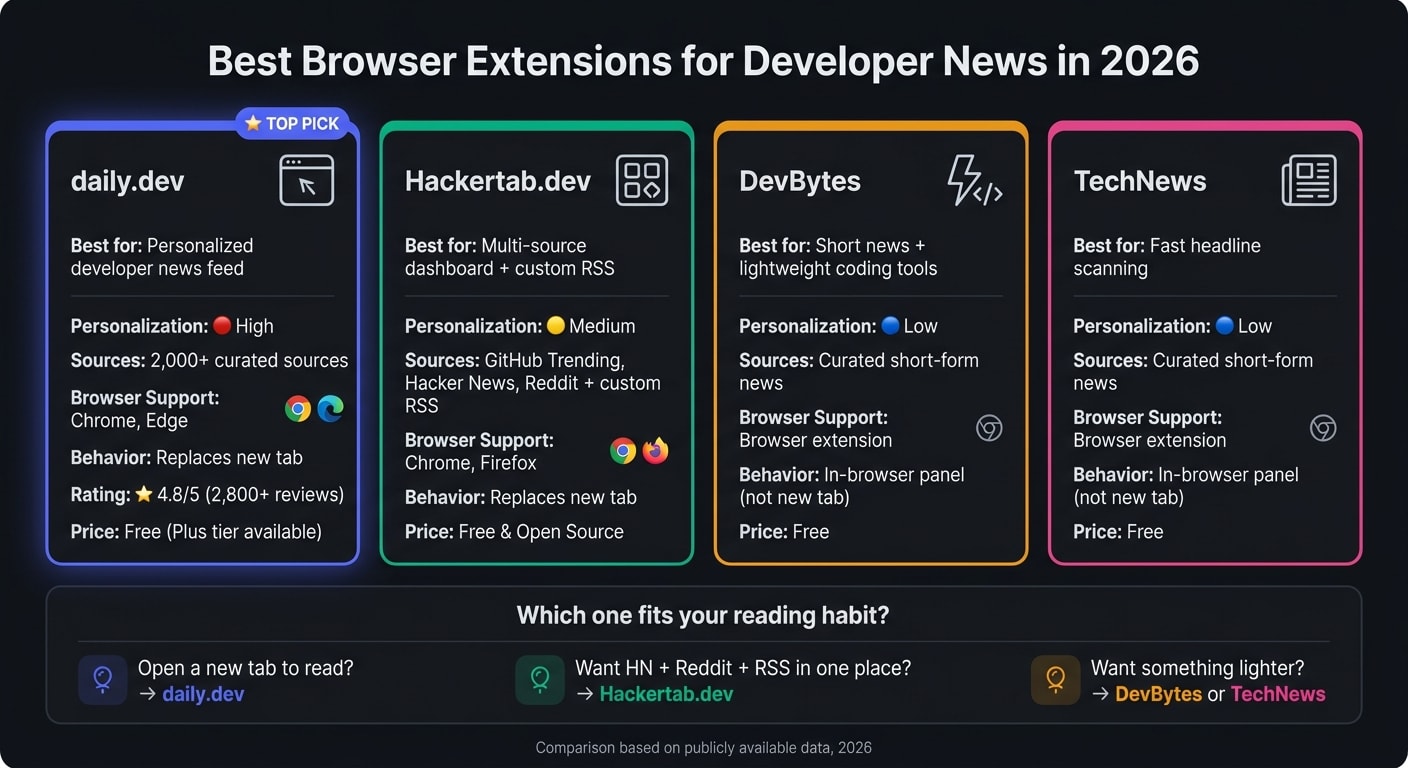
| Extension | Best for | Personalization | Sources | Browser support | How it works |
|---|---|---|---|---|---|
| daily.dev | New-tab developer feed | High | 2,000+ sources | Chrome, Edge | Replaces new tab |
| Hackertab.dev | Multi-source dashboard | Medium | HN, Reddit, GitHub Trending, RSS | Chrome, Firefox | Replaces new tab |
| DevBytes | Short news + tools | Low | Curated short updates | Browser extension | Runs in browser |
| TechNews | Short headline scanning | Low | Curated short updates | Browser extension | Runs in browser |
I’d read this article as a simple match-up between reading habit and extension style. If you want the most tailored option, go with daily.dev. If you want more manual control, Hackertab.dev makes more sense.
Top browser extensions for developer news
daily.dev: personalized developer news in every new tab
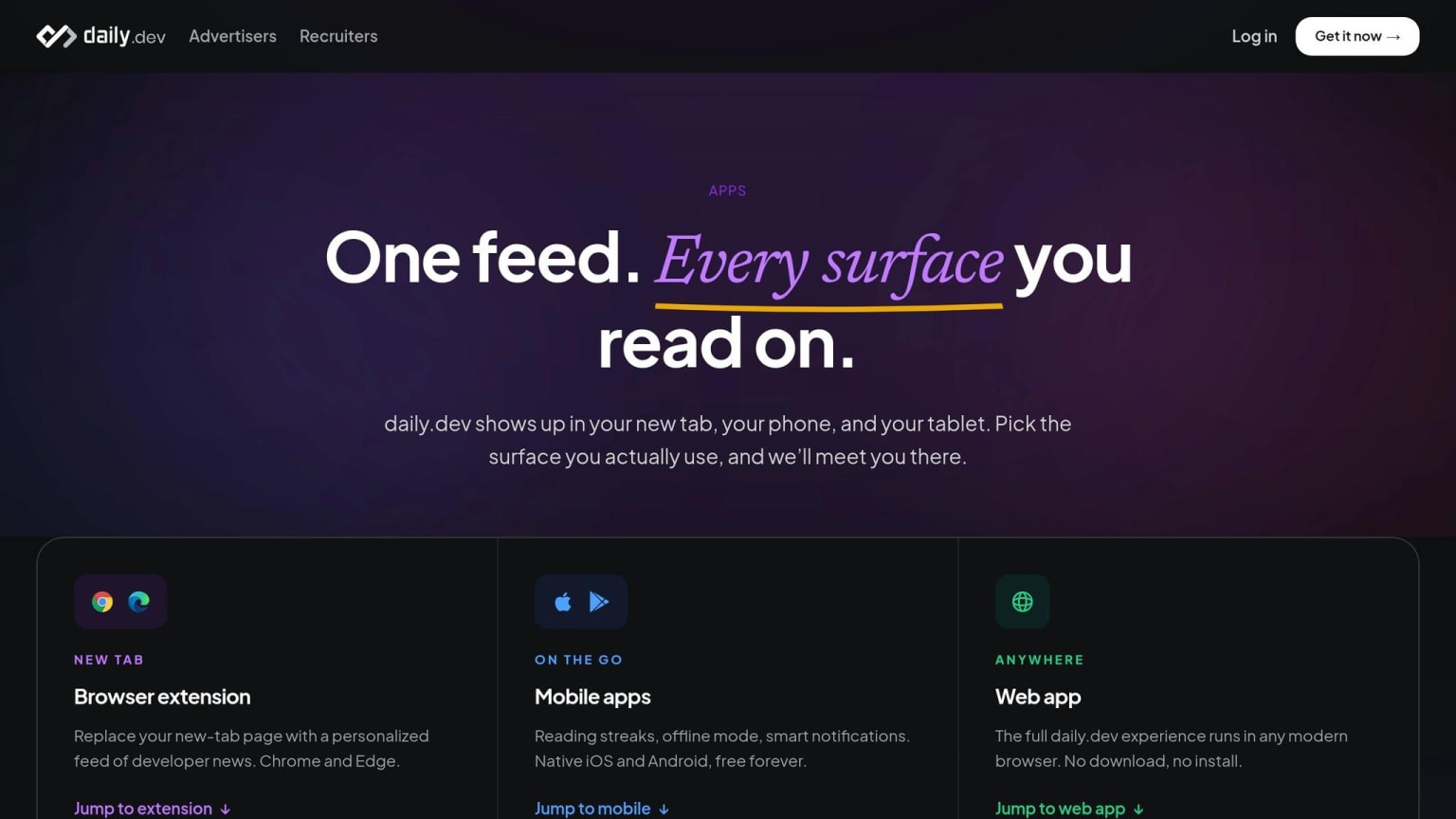
daily.dev swaps your default new tab for a news feed tuned to your stack and interests. As you read, it learns from your clicks, so the feed gets more on target over time. It pulls from more than 2,000 blogs and publications .
You also get Squads, which add topic-based spaces where people can discuss posts and share ideas . The main version is free and works on Chrome and Edge. If you want extras, Plus adds Clickbait Shield and AI daily summaries .
Hackertab.dev: developer news pulled from multiple sources
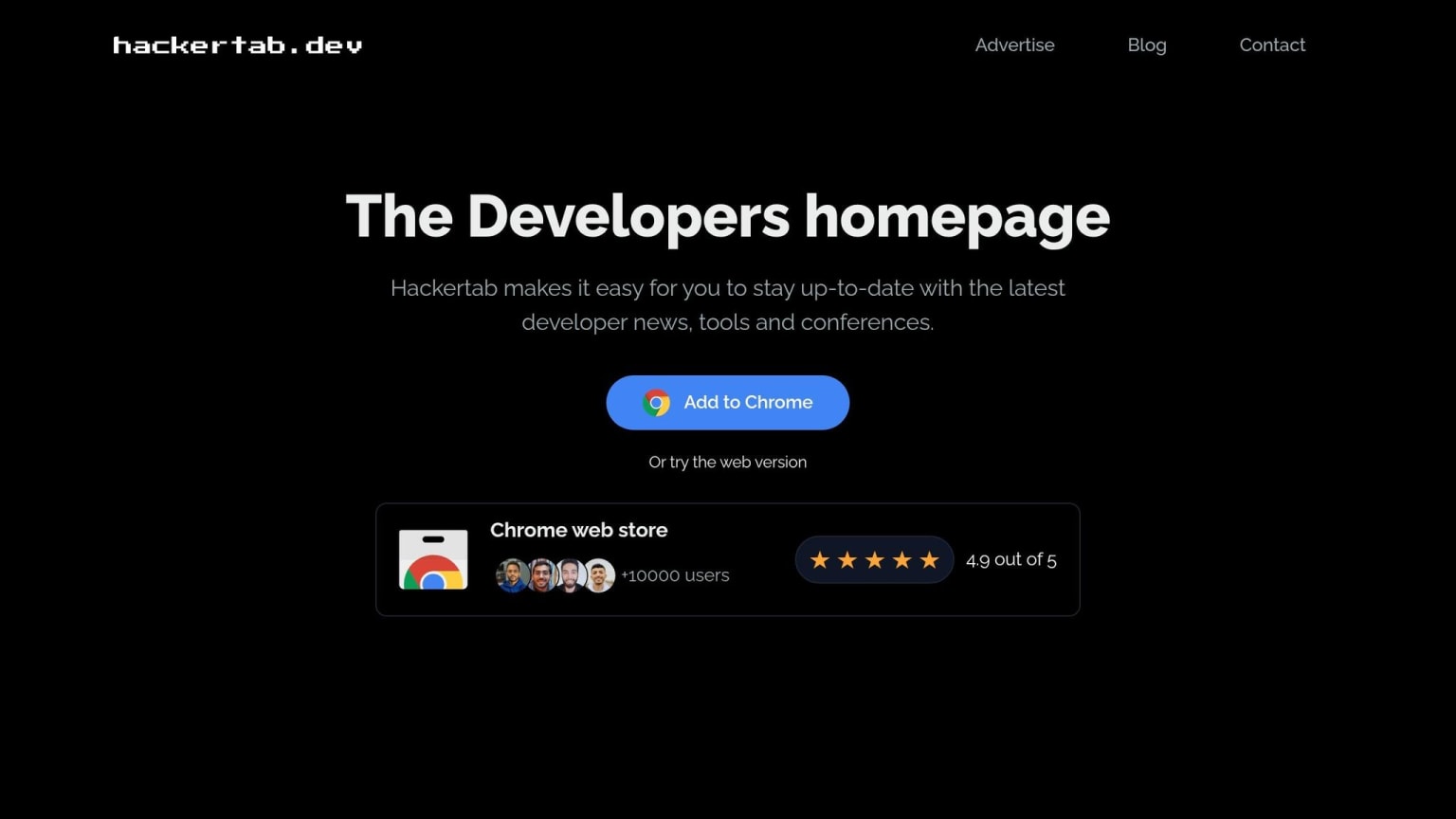
If you want a broader mix of sources, this one feels more like a dashboard than a feed.
Hackertab.dev turns your new tab into a customizable page that pulls in stories from popular developer news sources . You can add your own RSS feeds on top of the built-in ones, which is handy if you already follow a few niche sites. It refreshes every hour , and it's completely free and open source .
DevBytes and TechNews: lighter in-browser news options
If you want less clutter, these two keep things simple.
DevBytes mixes coding utilities with news, which can be nice if you like having a few handy tools in the same place. TechNews sticks to short, summarized tech headlines, so you can scan what matters without getting pulled into a long feed.
Quick comparison of the extensions
Here’s a simpler way to look at it: compare each extension based on how developer news fits into your day-to-day workflow.
Use this table to see which one lines up best with your reading habits.
| Extension | Best for | Personalization | Source breadth | Browser support | New-tab behavior |
|---|---|---|---|---|---|
| daily.dev | Personalized developer news feed | High | 2,000+ curated sources | Chrome, Edge | Replaces new tab |
| Hackertab.dev | Tracking major developer hubs and custom RSS | Medium - language/topic filters and custom RSS | GitHub Trending, Hacker News, Reddit, plus custom RSS | Chrome, Firefox | Replaces new tab |
| DevBytes | Lightweight in-browser developer news | Limited | Curated short-form news | Browser extension | In-browser, not a new-tab replacement |
| TechNews | Lightweight in-browser developer news | Limited | Curated short-form news | Browser extension | In-browser, not a new-tab replacement |
daily.dev stands out on sheer scale. It has a 4.8/5 rating in the Chrome Web Store based on 2,800+ ratings .
That 2,000+ source count also gives daily.dev an edge if you follow niche frameworks, smaller tools, or fast-moving ecosystem updates. In plain English: if your interests go beyond the usual big-name sites, it has more room to match them.
If you already know how you like to read, the next move is simple: match that habit to the extension that fits it best.
How to choose the right developer news extension
Match your news style to the right extension
The table lays out the features. This section turns those details into a practical choice based on how you like to read developer news.
Start with one simple question: when do you want developer news?
If you want it every time you open a new tab, daily.dev fits neatly into your routine. It personalizes the feed around your stack and reading habits.
If a feed-first layout isn’t your thing, go with a lighter headline-scanning setup. And if you just want a fast news check during a short break, pick a dashboard-style extension that pulls multiple sources into one view.
Before you install anything, check the extension permissions. daily.dev says it does not track browsing history or alter content on other pages .
That gives you a setup that fits your reading habit - instead of forcing you to change how you read.
Conclusion: stay current with less friction
After comparing the options, the clearest pick for most developers is daily.dev. It’s the simplest default for staying current in a new tab: a feed that learns your stack and shifts with your interests over time.
That lines up with the main point of this article: stay current without adding another stop to your day. Instead of pulling developer news out of your workflow, it keeps it right where you already are.
daily.dev’s core experience is free forever, including personalized news, Squads, and search .
Install it once, and every new tab turns into a fast developer-news check.
FAQs
what's a good browser extension for software engineering news that keeps me updated on frameworks and development trends
The daily.dev browser extension is a strong pick for software engineers who want to stay current with frameworks and development trends.
It turns your new tab in Chrome or Edge into a personalized feed pulled from 2,000+ trusted sources. The feed uses AI and input from millions of developers to surface relevant, high-quality content based on your tech stack and interests.
best new-tab extension for developers
The daily.dev browser extension is a popular pick for developers who want a simple way to keep up. It turns every new tab into a personalized feed of technical content.
It pulls from thousands of curated sources and uses AI plus community signals to rank articles, so your feed stays tied to your tech stack and interests. It’s free, open source, and built to help millions of developers follow industry trends without getting in the way of their workflow.
browser extension for tech news
The daily.dev browser extension gives developers an easy way to keep up with frameworks and industry trends. It turns your new tab page into a personalized feed of technical articles, tutorials, and community discussions from more than 2,000 trusted publications.
It also uses AI and input from millions of developers to surface the topics that matter most to your tech stack. On top of that, it includes features like Squads, bookmarking, and built-in discussions.