
Learn how to contribute to open source documentation effectively in 5 simple steps, enhancing your skills while helping the community.
Want to make an impact in open source? Here's how to contribute to documentation in 5 steps:
- Pick a project
- Set up your computer
- Learn the doc layout
- Start writing
- Share your work
Contributing to open source docs helps others use software, showcases your skills, and empowers the community. You don't need to be a coding expert - even small edits make a difference.
Here's what you'll need:
Let's break down each step.
| Step | What You'll Do |
|---|---|
| 1. Pick a project | Find an open source project you like |
| 2. Set up your computer | Install Git and clone the repo |
| 3. Learn the doc layout | Understand the structure and style |
| 4. Start writing | Make your edits or additions |
| 5. Share your work | Submit a pull request |
Start small, follow guidelines, and be open to feedback. Your contributions can have a big impact.
Related video from YouTube
What You Need to Start
Before diving in, you'll need a few key skills and tools:
Git Basics
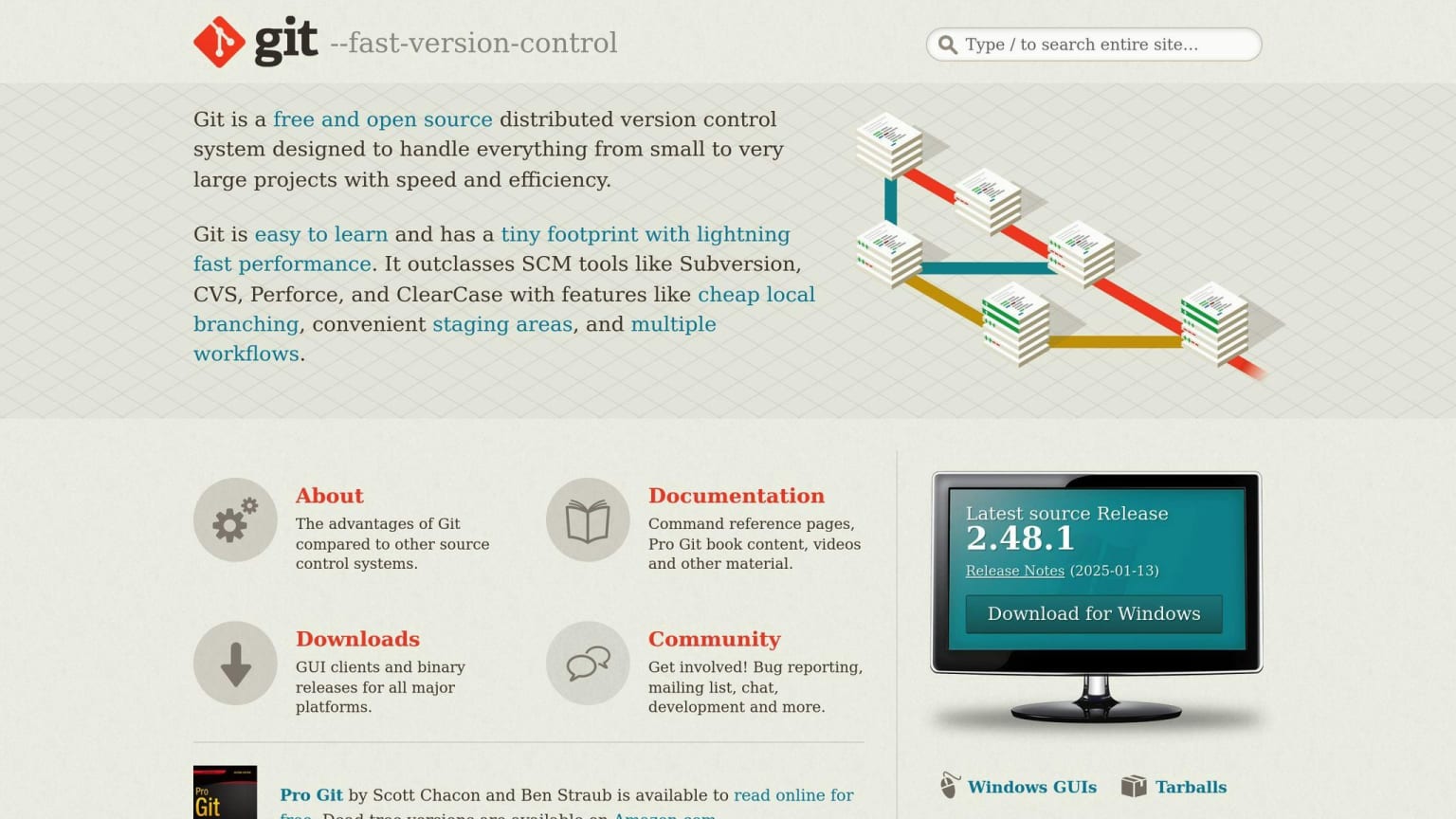
Git is crucial for most open source projects. Here's what to know:
- Install Git (
git versionto check if installed) - Learn basic commands:
clone,add,commit,push - Understand branching and merging
Common Document Formats
Most docs use simple formats. Markdown is most common:
- Plain text with simple formatting syntax
- Widely supported on GitHub and GitLab
- Learn basic syntax for headers, lists, links, code blocks
You might also see reStructuredText (reST) and AsciiDoc.
Setting Up Online Accounts
You'll need accounts on code hosting platforms:
- Create a GitHub account (most popular)
- Set up GitLab if needed (some projects use it)
- Configure Git with your account details
| Platform | Main Features | Best For |
|---|---|---|
| GitHub | Large community, Pull Requests, Issues | Most open source projects |
| GitLab | Built-in CI/CD, Self-hosted option | Projects needing more control |
Always check the project's CONTRIBUTING.md file before starting.
1. Pick a Project
Finding the right project is key. Here's how to choose:
Where to Look
GitHub hosts millions of open source projects. To find one:
- Search GitHub with keywords you like
- Explore trending repos in your preferred language
- Check out "Awesome" lists for various tech
For beginners, try these platforms:
| Platform | Description | Best For |
|---|---|---|
| First Contributions | Step-by-step guide for first-timers | Complete beginners |
| Up for Grabs | Lists projects with newcomer tasks | Basic Git knowledge |
| Good First Issues | Aggregates beginner-friendly issues | Quick starts |
Check What Docs are Needed
Once you find an interesting project:
- Look for CONTRIBUTING.md
- Check issues labeled "documentation" or "good first issue"
- Review existing docs for improvement areas
Many projects welcome doc improvements.
Start with Easy Tasks
Begin with manageable contributions:
- Fix typos or formatting
- Update outdated info
- Add examples
- Translate docs (if multilingual)
In March 2022, a new contributor fixed Firefox keyboard shortcut docs, helping thousands of users.
2. Get Your Computer Ready
Let's set up your computer:
Copy and Download the Project
Get the project files locally:
- Fork the repo on GitHub
- Clone your fork to your computer
Quick guide:
git clone https://github.com/your-username/project-name.git
cd project-name
Install Needed Software
You'll need some essential tools:
| Tool | Purpose | Installation |
|---|---|---|
| Git | Version control | Download from git-scm.com |
| Text Editor | Writing and editing | Choose VS Code, Atom, or Sublime Text |
| Markdown Viewer | Preview Markdown | Browser extension or dedicated app |
For advanced work, consider:
- Sphinx: Doc generator for Python projects
- MkDocs: Fast, simple static site generator
- Read the Docs: Hosting platform for docs
"Write documentation with Git and your favorite text editor. Developers and writers both love docs as code", says Read the Docs.
Check CONTRIBUTING.md for specific setup instructions.
3. Learn the Doc Layout
Understanding the existing structure is crucial:
Look at Current Docs
Examine the docs closely:
- Organization: How are topics grouped?
- Format: What file types are used?
- Content: Any gaps or outdated info?
Linkerd's "Getting Started" guide is task-oriented and quick to complete.
Follow Writing Rules
Most projects have specific guidelines:
| Aspect | Description | Example |
|---|---|---|
| Style Guide | Writing and design standards | Google's dev doc style guide |
| Tone | Preferred voice | Formal, casual, or technical |
| Formatting | Content structure | Headers, lists, code blocks |
| Language | Preferred terms and phrases | Avoiding jargon |
"A great open source documentation... is clean, written with the end user in mind, well-documented, well-presented, actively-maintained." - Adrian ABABEI
When following rules:
- Use active voice and simple sentences
- Format with headings, bullets, and links
- Include visuals for complex info
- Check spelling and grammar
4. Start Writing
Time to make your mark:
Choose What to Work On
Pick the right task:
- Check GitHub Issues for "Docs" or "Help Wanted" tags
- Review existing docs for unclear or outdated areas
- Start small to build confidence
| Task Type | Description | Example |
|---|---|---|
| Typo fixes | Correct spelling or grammar | "teh" to "the" in README |
| Clarity improvements | Rewrite confusing parts | Simplify installation steps |
| Content updates | Update outdated info | Update version numbers |
| New sections | Add missing info | Create troubleshooting guide |
Write Clearly
Tips for effective writing:
- Use active voice
- Keep sentences short (20 words max)
- Use headings, bullets, and tables
- Add visuals for complex concepts
"Writing is only a fraction of your contributions as a technical writer in open source." - Fabrizio Ferri-Benedetti
Focus on the "Getting Started" section - it gets the most traffic. Make it clear and easy to follow.
Write for newcomers. Ask: "Would a beginner understand this?" If not, simplify or add context.
Check for spelling and grammar errors.
5. Share Your Work
Time to submit your changes:
Submit Your Changes
To propose your edits:
- Push changes to your fork
- Open a pull request (PR) on the original repo
- Add a clear title and description
Tips for PRs:
- One PR per change or related set
- Use a short, descriptive title
- Explain why the change was needed
- Include "fixes #[issue number]" if applicable
Astro docs have an "Edit this page" link for easy contributions.
Handle Feedback
After submitting:
- Be patient - maintainers are often volunteers
- Stay engaged - watch for comments
- Make requested changes promptly
- Respond to all feedback
To update based on feedback:
- Edit the same branch locally
- Commit and push updates to your fork
- The PR will auto-update
Multiple feedback rounds are normal. Stay positive and learn from it.
| Do's | Don'ts |
|---|---|
| Keep PRs focused | Submit unrelated changes |
| Write clear commit messages | Use vague messages |
| Test changes before submitting | Submit untested code |
| Be open to feedback | Argue with maintainers |
Tips for Good Documentation
Key practices for effective docs:
Keep It Simple
Clarity is key:
- Use plain language, avoid jargon
- Write short, direct sentences
- Break complex ideas into chunks
"If you can't explain it simply, you don't understand it well enough." - Albert Einstein
Use Good Layout
Organize for easy reading:
- Use headers and subheaders
- Use bullet points and numbered lists
- Include a table of contents for long docs
Python docs are known for clear structure.
Make Docs for Everyone
Ensure accessibility:
- Write for beginners
- Define technical terms
- Include examples and code snippets
| Do's | Don'ts |
|---|---|
| Use active voice | Overuse jargon |
| Include visuals | Write long sentences |
| Provide code examples | Assume prior knowledge |
"Say what you mean, simply and directly." - Brian Kernighan
Test your docs by following your own steps.
Common Problems and Fixes
Addressing common documentation issues:
Fixing Old Information
To tackle outdated docs:
- Regular audits
- Version control with Git
- Encourage user feedback
| Problem | Solution |
|---|---|
| Old install instructions | Test and update for each release |
| Deprecated API refs | Remove or mark as deprecated, add new API details |
| Old screenshots | Replace with current UI images |
Working with Others
Navigate collaboration:
- Clear communication in project channels
- Follow contribution guidelines
- Be patient with maintainers
"Spend time in the community to understand their work style and decision-makers."
Keeping Docs Consistent
Maintain uniform style:
- Create and follow a style guide
- Provide templates
- Implement peer review
| Element | Implementation |
|---|---|
| Formatting | Use Markdown linters |
| Terminology | Maintain a project glossary |
| Voice and tone | Define preferred writing style |
For merge conflicts:
- Get latest changes with
git pull -r upstream master - Identify conflicts with
git status - Edit conflicting files
- Add resolved files with
git add - Commit with clear message
- Push updates
Conclusion
Contributing to open source docs benefits you and the tech community. Your contributions matter, even small changes make a difference.
Recap:
| Step | Action |
|---|---|
| 1 | Pick a project you like |
| 2 | Set up your environment |
| 3 | Understand doc structure |
| 4 | Start writing and improving |
| 5 | Submit changes and handle feedback |
Keep contributing to:
- Improve your writing skills
- Learn from others
- Build your reputation
- Make software more accessible
Your doc contributions are as important as code. They bridge the gap between complex software and users.
Take that next step. Find a project, dive in, and make a difference.
More Help and Tools
Resources to help your open source journey:
Learning Resources
- Git Basics: 36-minute video series on essential Git
- GitHub Learning Lab: Interactive Git and GitHub lessons
- Open Source Guide: Comprehensive resource for contributors
Finding Projects
Platforms to discover projects needing help:
| Platform | Description |
|---|---|
| Good First Issues | Curates beginner-friendly issues |
| Up for Grabs | Lists projects with easy tasks |
| EddieHub Finder | Aggregates "good first issue" labels |
| CodeTriage | Emails curated beginner-friendly issues |
Documentation Tools
Streamline your process:
- Read the Docs: Free hosting for open-source docs
- Docusaurus: Free, open-source static site generator
- GitBook: Free docs software with version control
Community Support
Join open source communities on Discord or Slack for guidance and feedback.
Always check a project's contributing guidelines before starting.