Learn about the best practices for DevOps continuous monitoring, including setting clear goals, watching all system parts, using AI, and more. Improve system performance and user experience.
Continuous monitoring in DevOps helps teams track system performance, catch issues early, and improve user experience. Here are the 7 best practices:
- Set clear monitoring goals
- Watch all parts of your system
- Check how apps are working
- Look at system logs
- Use automatic alerts
- Keep an eye on security
- Use AI to spot problems early
Quick comparison of benefits:
| Benefit | How It Helps |
|---|---|
| Better security | Catch threats fast |
| Faster fixes | Solve issues quickly |
| Less downtime | Keep systems running |
| Happier users | Improve experience |
| Stronger business | Build trust |
These practices help teams watch systems better, fix problems faster, and make users happier. While there can be challenges like keeping up with changes and dealing with lots of data, following these steps can lead to better monitoring and smoother-running software.
Related video from YouTube
What is Continuous Monitoring in DevOps?
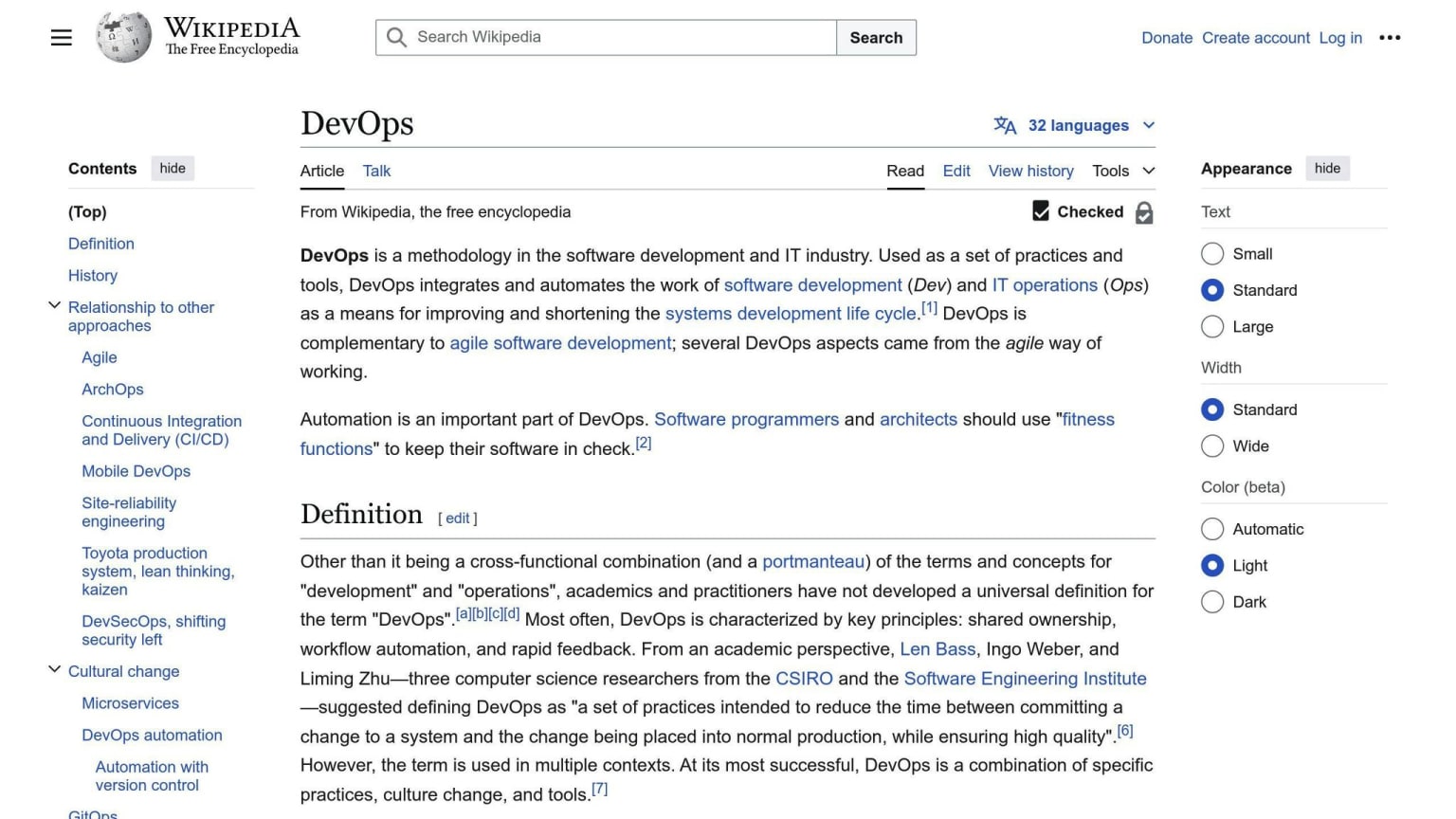
Continuous monitoring in DevOps is a way to keep an eye on IT systems and networks all the time. It helps find:
- Security problems
- Performance issues
- Rule-breaking
This happens automatically at the end of the DevOps process, just before the software goes live. It tells teams about any errors during production, so they can fix them quickly.
The main goals of continuous monitoring are to:
- Make software operations clearer
- Find and fix performance problems
- Protect the company
It also helps track user feedback after software updates. This lets companies improve their business plans.
Some people call continuous monitoring "continuous control monitoring" (CCM). It's an automatic process that spots problems in IT systems. Both business and tech teams use it to:
- Look at data
- Solve big issues right away
There's also "digital experience monitoring" (DEM), which focuses on making systems work better for users.
Continuous monitoring helps companies catch and fix issues before they become big problems. Here's what it can do:
| Benefit | How it Helps |
|---|---|
| Better security | Catch threats early |
| Faster fixes | Solve problems quickly |
| Less downtime | Keep systems running |
| Happier users | Improve user experience |
| Stronger business | Build trust |
1. Establish Clear Monitoring Objectives
Key Performance Indicators (KPIs)
Setting clear monitoring objectives is key for good continuous monitoring in DevOps. This means picking KPIs that show how well DevOps is working and its business value. Choose KPIs based on what your company needs. These will help guide future decisions about production and technology.
Monitoring Goals Alignment
Make sure your monitoring objectives match the main goals of continuous monitoring:
| Goal | Description |
|---|---|
| Clear operations | See how software is working |
| Fix problems | Find and solve performance issues |
| Protect the company | Keep systems safe |
By setting specific, measurable objectives, teams can focus their monitoring efforts on these goals.
Metrics Tracking
Track the right metrics to meet your objectives. Here are some important ones:
| Metric | What it Measures |
|---|---|
| Response time | How fast the system reacts |
| Error rate | How often things go wrong |
| Throughput | How much work the system can do |
By watching these metrics, teams can spot areas to improve and make smart choices to make their systems better.
Issue Detection
Catching issues early is a big part of continuous monitoring. Clear objectives help teams find potential problems before they become big ones. This lets them act quickly, which means less downtime and more reliable systems.
2. Implement Comprehensive Infrastructure Monitoring
Comprehensive infrastructure monitoring is key for successful continuous monitoring in DevOps. It involves tracking various aspects of your IT systems to keep them running smoothly.
Key Performance Indicators (KPIs)
Focus on these main KPIs for infrastructure monitoring:
| KPI | What it Measures |
|---|---|
| Server Availability | How often the server is working |
| CPU Use | How much of the CPU is being used |
| Disk Space | How full the server's storage is |
| Response Time | How fast the server answers requests |
| Error Rate | How many errors happen on the server |
Watching these KPIs helps teams spot and fix issues quickly, keeping systems reliable.
Other Important Metrics
Besides KPIs, keep an eye on:
| Metric | What it Tracks |
|---|---|
| Runtime | How long the server has been on |
| Security | Login attempts and access controls |
| Storage | How much storage space is used |
| Permissions | Who can access what on the server |
| Database Health | How well the database is working |
These metrics give a fuller picture of your infrastructure, helping teams make smart choices to improve it.
Catching Problems Early
By watching KPIs and metrics all the time, teams can spot issues before they become big problems. This helps:
- Keep systems running
- Stop downtime
- Make sure everything works well
For example, if CPU use is going up, the team can make the server work better. Or if they see a security risk, they can act fast to keep the system safe.
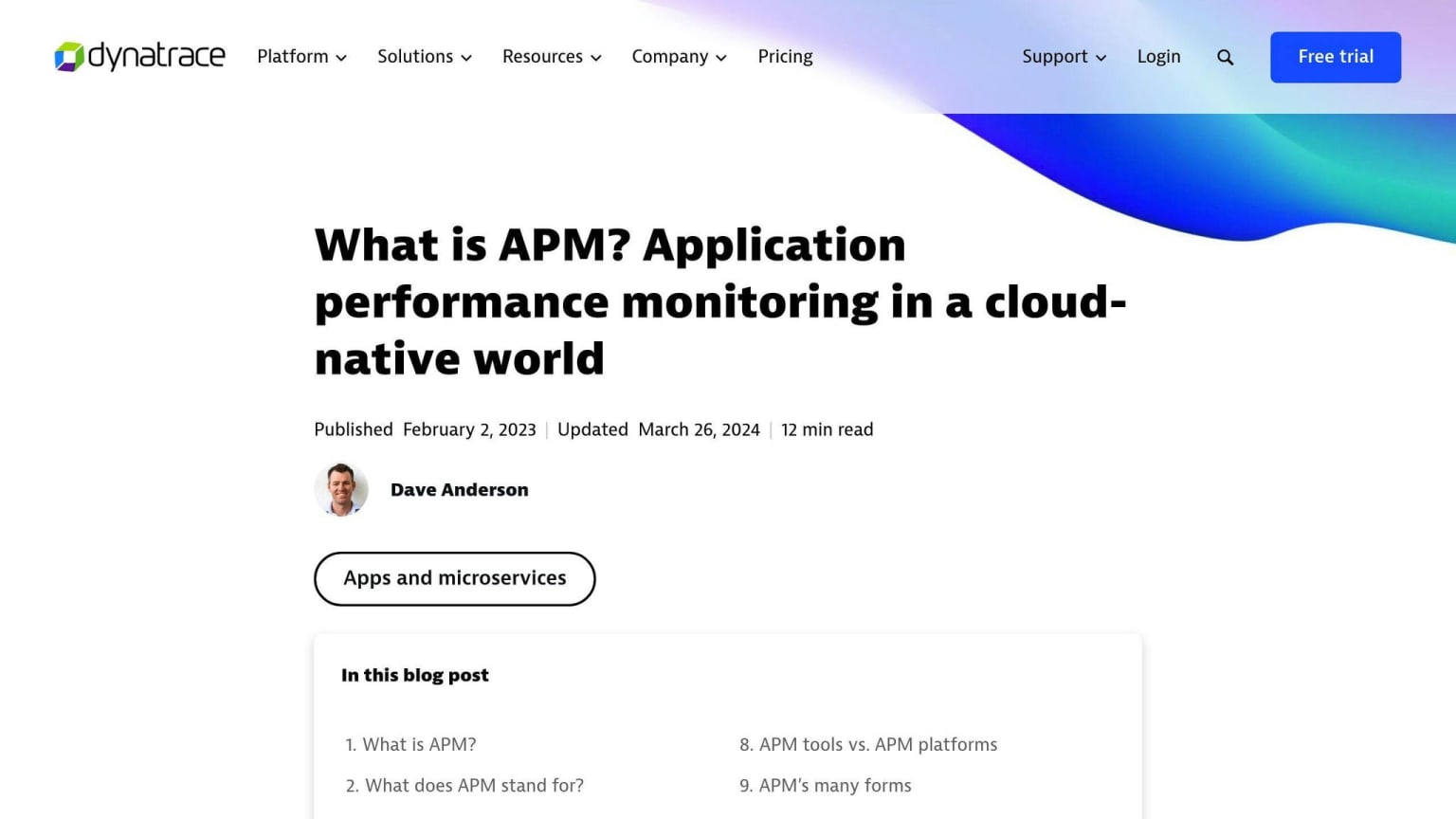
3. Prioritize Application Performance Monitoring (APM)
Key Performance Indicators (KPIs)
Application Performance Monitoring (APM) is a big part of DevOps continuous monitoring. To do APM well, focus on these main KPIs:
| KPI | What it Measures |
|---|---|
| Response Time | How fast the app answers user requests |
| Error Rate | How many errors happen in the app |
| Throughput | How many requests the app can handle in a set time |
| User Satisfaction | How happy users are when using the app |
By watching these KPIs, teams can find and fix performance issues quickly.
Monitoring Goals Alignment
Make sure your APM goals match your business goals. This means:
- Pick KPIs that matter to your business
- Set up APM tools to track these KPIs
When APM goals fit business goals, teams can focus on what's important.
Catching Issues Early
APM tools help teams spot problems before they get big. This means:
- Less downtime
- Better app performance
By watching the app all the time, teams can:
- Find possible issues fast
- Fix problems quickly
- Keep the app running smoothly
This helps make the app more reliable and reduces errors.
4. Use Log Management and Analysis
Good log management and analysis helps teams watch their systems better. By putting all logs in one place, teams can see what's happening and make smart choices.
Key Numbers to Watch
To get the most from log management, keep an eye on these numbers:
| Number | What It Shows |
|---|---|
| Log Amount | How much log data is made |
| Log Speed | How fast log data comes in |
| Error Count | How many errors are in the logs |
| Answer Time | How long it takes the system to respond |
Watching these numbers helps teams find and fix problems fast.
Match Goals with Business Needs
Make sure your log watching fits what your business needs:
- Pick the most important systems to watch
- Set up tools to track key numbers
- Decide when to send alerts
When log watching matches business needs, teams can focus on what matters most.
Find Problems Early
Good log management helps teams catch issues before they get big. By watching logs all the time, teams can:
- Spot possible problems early
- Take steps to stop issues before they happen
- Fix problems faster
This helps keep systems running smoothly and reduces downtime.
5. Adopt Automated Alerting and Incident Response
Key Performance Indicators (KPIs)
When setting up automated alerts and incident response, track these key numbers:
| KPI | What It Measures |
|---|---|
| Time to Detect | How fast you find issues |
| Time to Respond | How quickly you start fixing |
| Time to Resolve | How long it takes to fix |
| Alert Fatigue | How many alerts are ignored |
Watching these numbers helps you make your system better.
Matching Goals with Business Needs
Make sure your alert system fits what your business needs:
- Pick the most important systems to watch
- Set rules for when to send alerts
- Make clear steps for fixing problems
- Connect your watching system to how you fix issues
This helps your team focus on what matters most.
Tracking Numbers
Keep an eye on these numbers to make your alert system better:
| Number to Track | What It Shows |
|---|---|
| Alert Count | How many alerts you get |
| False Alarms | How many alerts aren't real problems |
| Response Speed | How fast your team starts fixing |
| Fix Time | How long it takes to solve issues |
By watching these, you can see where to improve.
Catching Problems Early
To make your alert system even better, try these:
- Use smart tools to spot odd patterns
- Look at old data to guess future problems
- Watch your system all the time for issues
This helps you find and fix problems before they get big.
6. Integrate Security Monitoring
Adding security monitoring to your DevOps watching plan helps find and fix security problems quickly. This means setting up a system that can spot and warn about things like:
- People getting in who shouldn't
- Data being stolen
- Bad software getting into your system
Key Numbers to Watch
When you add security watching, keep an eye on these numbers:
| Number | What It Shows |
|---|---|
| Time to Find | How long it takes to spot a security problem |
| Time to Act | How long it takes to start fixing a security problem |
| Security Issues | How many security problems happen in a set time |
| False Alarms | How many warnings aren't real problems |
Watching these numbers helps you see where to make your security better.
Match Goals with Business Needs
Make sure your security watching fits what your business needs:
- Pick the most important things to protect
- Set clear goals for security watching
- Make a plan for what to do when there's a problem
- Keep checking and updating your goals as things change
Things to Track
Keep an eye on these to see how well your security is working:
- What's happening on your network
- What's happening inside your systems
- How people are using your systems
- Looking for weak spots in your security
Watching these helps you find possible threats and fix them before they cause trouble.
Catch Problems Early
Try these ways to find security problems before they get big:
- Use smart tools to spot odd things
- Try to guess future threats
- Keep looking for weak spots all the time
- Check your security often
This helps you find and fix problems before they cause big trouble.
7. Use AI and Machine Learning for Smart Monitoring
Using AI and machine learning can help you spot problems before they happen. This makes your monitoring smarter and faster.
Key Numbers to Watch
When using AI for monitoring, keep an eye on these numbers:
| Number | What It Means |
|---|---|
| Time to Find | How fast you spot a problem |
| Time to Fix | How long it takes to solve a problem |
| Wrong Alerts | How often the AI gives false warnings |
| Correct Guesses | How often the AI guesses right |
Match Your Goals
To make AI monitoring work for you:
- Pick the most important things to watch
- Set clear goals for what you want AI to do
- Keep checking how well the AI is working
Things to Track
Watch these to see how well your AI monitoring is doing:
| What to Track | Why It Matters |
|---|---|
| Odd Events | How many strange things the AI finds |
| Future Guesses | How well the AI predicts problems |
| System Health | How your systems are running |
Catch Problems Early
AI can help you find issues before they cause trouble. Here's how:
- Use AI to look at old data and find patterns
- Connect AI to your problem-fixing tools
- Keep teaching the AI to make it better at finding issues
Common Challenges in Continuous Monitoring
Continuous monitoring in DevOps can be tricky. Here are some common issues teams face:
Keeping Up with Changes
Monitoring isn't a one-time thing. Teams need to:
- Add new systems
- Work with different groups
- Update old systems to fit new tools
Picking What to Watch
It's hard to choose what to monitor. Teams should:
- Know what's important to the business
- Focus on key problems like:
- App errors
- Slow performance
- Server issues
Dealing with Too Much Data
Modern systems make lots of data. Teams must:
- Pick the most important things to watch
- Look at key events like:
- Changes to firewalls
- Blocked traffic
How to Fix These Problems
Here's what teams can do:
| Step | Description |
|---|---|
| Set clear goals | Know what you want to achieve |
| Pick key systems | Focus on what matters most |
| Keep improving | Always look for ways to do better |
| Talk to others | Work with different teams |
| Update old systems | Make sure everything works together |
By working on these areas, teams can make their monitoring better and more useful.
Main Points to Remember
- Monitoring needs constant work
- Picking the right things to watch is key
- There's often too much data to look at
- Clear goals help focus efforts
- Working with others makes monitoring better
Conclusion
Continuous monitoring in DevOps helps teams keep their software working well. By using the 7 best practices we talked about, teams can:
- Watch their systems better
- Fix problems faster
- Make users happier
Here's a quick look at what we covered:
| Best Practice | What It Does |
|---|---|
| Set clear goals | Helps focus on what's important |
| Watch everything | Keeps an eye on all parts of the system |
| Check how apps work | Makes sure apps run smoothly |
| Look at logs | Helps find and fix issues |
| Use automatic alerts | Tells teams about problems quickly |
| Watch for security issues | Keeps systems safe |
| Use AI to help | Finds problems before they happen |
Teams might face some problems when trying to do all this:
- Keeping up with changes
- Choosing what to watch
- Dealing with too much information
But by working on these areas and following the best practices, teams can make their monitoring better. This helps them:
- Keep their software running well
- Stop problems before they start
- Make users happy with their products