Explore the new features of Material Design 3 for Android, including dynamic color, updated UI components, and theming capabilities. Learn about the advantages and disadvantages of this design language.
Material Design 3 (MD3), also known as Material You, is Google's latest design language for Android apps, introduced with Android 12. It focuses on personalization and customization, allowing for unique and accessible designs that match individual users' preferences.
Related video from YouTube
Key Features of Material Design 3
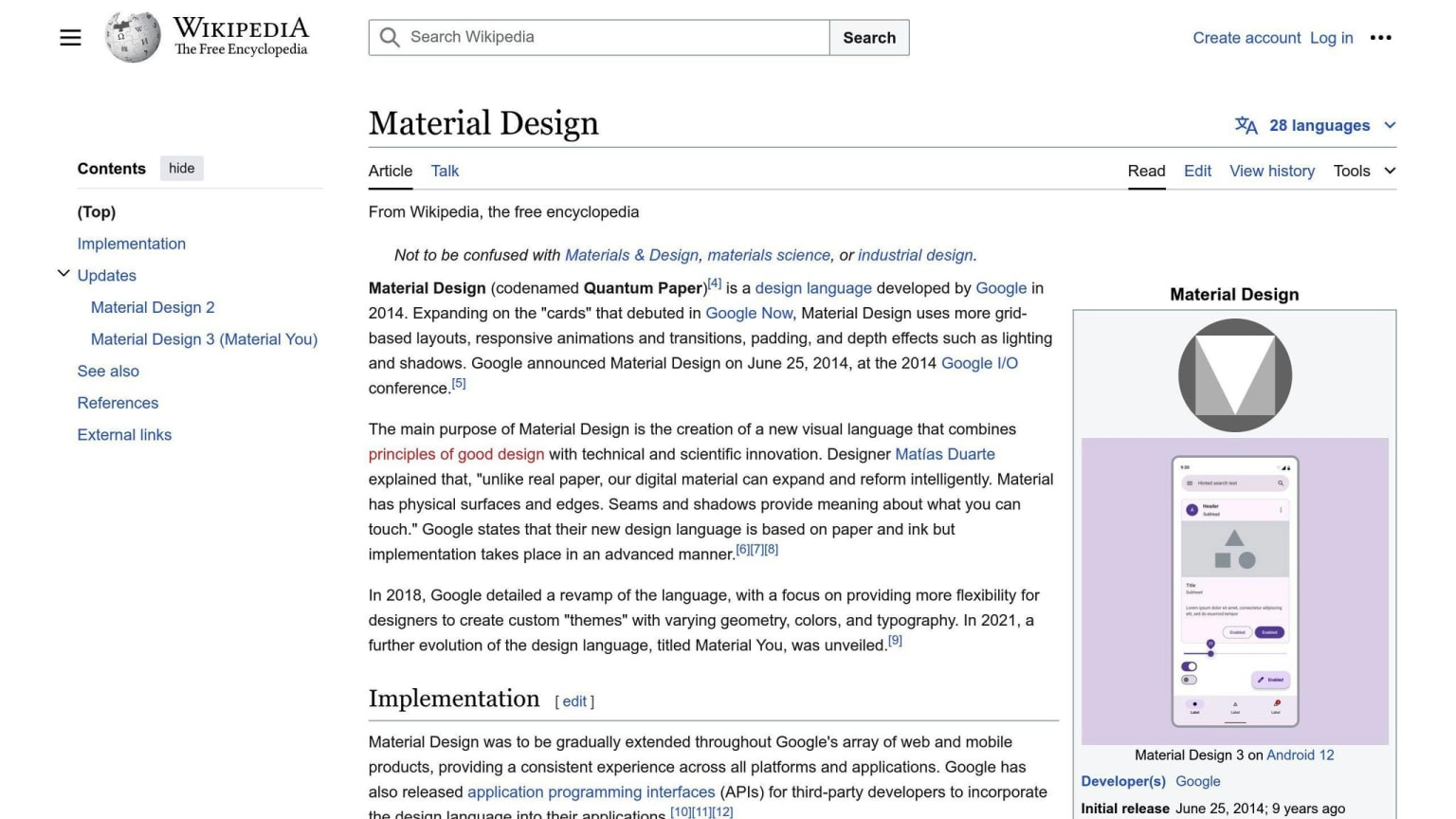
- Dynamic Color: Apps can change their colors based on the user's wallpaper, creating a personalized look.
- Updated UI Components: New navigation bars, floating action buttons, cards, and dialog modals designed for better user experience.
- Theming Capabilities: Developers can create custom themes and styles using the Material Theme Builder and CSS custom properties.
Advantages
| Feature | Advantage |
|---|---|
| User Experience | Intuitive and responsive interface |
| Customization | Match app design to brand or style |
| Development | Faster development with comprehensive design system |
| Consistency | Uniformity across Android apps |
Disadvantages
| Disadvantage |
|---|
| Limited creativity due to strict guidelines |
| Learning curve for complex system |
| Resource-intensive, affecting performance on low-end devices |
| Potential homogenization, making it harder for apps to stand out |
Material Design 3 offers a more personal and flexible experience for Android app users, but also comes with challenges like a learning curve and potential performance impact. Developers should consider their app's design and complexity when deciding to migrate to MD3.
1. Dynamic Color
Description
Dynamic Color lets apps match the user's system color preferences. Apps can change their colors based on the user's wallpaper. This makes the app feel more personal and connected to the device.
Comparison with Previous Versions
In Material Design 2, apps looked similar due to strict standards. Material Design 3 allows more customization with dynamic colors, giving each app a unique look that matches the user's preferences.
Implementation
To use Dynamic Color in an app:
- Avoid hardcoded colors.
- Use theme attributes for colors.
- Use the
DynamicColorsclass from the Material library. - Apply dynamic color to parts or the entire app using API calls.
Here's a simple table to summarize the steps:
| Step | Action |
|---|---|
| 1 | Avoid hardcoded colors |
| 2 | Use theme attributes for colors |
| 3 | Use DynamicColors class |
| 4 | Apply dynamic color using API calls |
2. UI Components
Description
Material Design 3 brings new UI components to improve user experience. These include navigation bars, floating action buttons, cards, and dialog modals. Each component is designed to be more personal and user-friendly.
Comparison with Previous Versions
In Material Design 2, UI components were more rigid and followed strict standards. Material Design 3 offers more flexibility, allowing developers to create unique experiences for users.
Implementation
To use the new UI components in Material Design 3, developers can use the Material Design 3 Design Kit, which includes pre-designed components and styles. The Material Theme Builder can also help create custom themes and styles.
Here's an overview of the new UI components:
| Component | Description |
|---|---|
| Navigation Bar | Taller with no shadow, available in outlined and filled variants |
| Floating Action Button | Boxier and larger, available in two sizes |
| Cards | Available in three formats: elevated, filled, and outlined |
| Dialog Modals | More padding and prominent headlines for better readability |
3. Theming Capabilities
Description
Material Design 3 offers new theming options, making it easier to create personalized Android apps. The design kit includes pre-designed components and styles. Developers can use the Material Theme Builder to create custom themes and styles, generating code for Android Views or Jetpack Compose.
Implementation
To use the new theming options, developers can:
- Use the Material Theme Builder to create a custom color scheme based on their brand or style.
- Visualize dynamic color, build a custom theme, and export the theming code.
- Use CSS custom properties to further customize the UI beyond the
define-themeAPI.
Here's an overview of the theming capabilities in Material Design 3:
| Feature | Description |
|---|---|
| Dynamic Color | Extracts colors from users' wallpaper images to create a personalized color scheme |
| Custom Themes | Allows designers to create custom themes and styles using the Material Theme Builder |
| CSS Custom Properties | Enables further customization of the UI beyond the define-theme API |
Pros and Cons
Material Design 3 has its upsides and downsides. Knowing these can help developers decide if it's right for their Android apps.
Advantages
Material Design 3 offers several benefits:
- Better User Experience: It provides a more intuitive and responsive interface, making apps easier to use.
- More Customization: New theming options let developers create apps that match their brand or style.
- Faster Development: A comprehensive design system reduces the time needed to design and develop apps.
- Consistency: Promotes uniformity across Android apps, making it easier for users to switch between them.
Disadvantages
However, there are some drawbacks:
- Limited Freedom: Strict guidelines and components may limit developers' creativity.
- Learning Curve: Its complexity may require significant time to learn.
- Resource Intensive: Animations and graphics can be demanding, affecting performance on lower-end devices.
- Homogenization: Consistency across apps may make it harder for individual apps to stand out.
| Feature | Advantage | Disadvantage |
|---|---|---|
| User Experience | Better user experience | - |
| Customization | More customization | Limited freedom |
| Development | Faster development | Learning curve |
| Consistency | Uniformity across apps | Homogenization |
| Performance | - | Resource intensive |
Final Thoughts
Material Design 3 is a big update, offering a more personal and flexible experience for Android app users. With its dynamic color, new typography, elevation, and shape updates, developers can create more engaging interfaces. While it has some challenges, like a learning curve and potential resource demands, the benefits of a better user experience, faster development, and consistency across apps make it worth considering.
As developers, it's important to keep up with the latest design trends and guidelines to meet user expectations. By adopting Material Design 3, you can keep your app current and competitive. The key to success is understanding the design principles and guidelines, and being open to trying new things and making improvements.
FAQs
What is Material 3 on Android?
Material 3 includes updated themes, components, and Material You features like dynamic color. It aligns with the new visual style and system UI on Android 12 and above. Note: "Material Design 3," "Material 3," and "M3" are the same.
Should I migrate to Material 3?
Migrating to M3 depends on your app's design and complexity. If your app's design is based on M2, consider a phased approach to minimize impact on your codebase.
How to migrate to Material 3 on Android?
Phased Approach:
- Add M3 dependency alongside M2 dependency.
- Add M3 versions of your app's themes alongside M2 versions.
- Migrate individual modules, screens, or composables to M3 based on your app's size and complexity.
Is Material Design 3 stable?
Yes, Material Design 3 for Compose is stable as of October 24, 2022.
What is the difference between Material Design and Material Design 2?
Material Design 2 introduced more rounded edges. Apps like Google Feed and Google Tasks adopted a rounder radius, making corners softer compared to the original Material Design.