Filter trends and focus on building: 10-15 min daily skims and a 30-45 min weekly review to keep web dev learning on track.
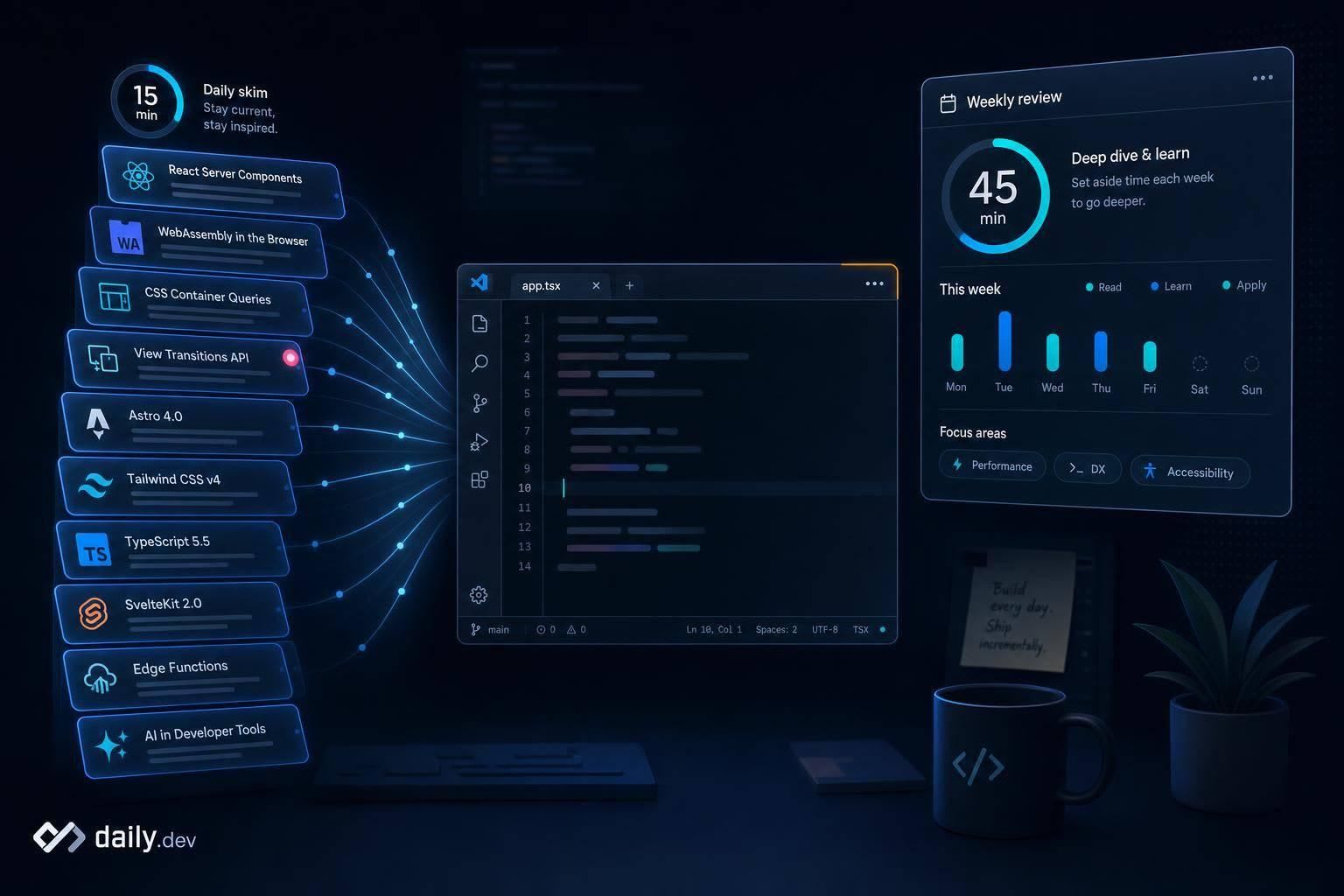
You do not need to follow every web dev trend to keep learning well. I’d keep my study time focused on HTML, CSS, JavaScript, and projects first, then limit trend reading to 10–15 minutes a day and a 30–45 minute weekly review.
Here’s the short version:
- Study first, read later
- Save only a few articles
- Follow beginner-safe sources
- Track 4–6 topics tied to what I’m learning now
- Pay attention to tools and browser changes I already use
- Ignore most new frameworks until later
A simple rule helps: if I spend 15 minutes reading, I should spend about 30 minutes building. That keeps reading from taking over my coding time.
I’d also keep my feed narrow. Topics like HTML, CSS, JavaScript, React, accessibility, and performance are enough for most beginners. And I’d treat AI coding tools like GitHub Copilot and Cursor as “learn now” items, while leaving niche libraries and experimental tools for later.
The main idea: I stay current by filtering hard, not by reading more.
Build a simple learning routine
Start with a routine that protects your study time and gives trend reading a set place. The goal is simple: keep up without letting updates eat your whole session.
Learn first, skim trends later
Put your core study first every time you sit down. That’s the main work. If you are just starting to learn programming, focusing on these fundamentals is crucial.
Then spend 10 to 15 minutes skimming updates. Keep that part short and fixed. If you don’t, it’s easy to slide from “just checking headlines” into an hour of reading that doesn’t build much skill.
A good rule of thumb: for every 15 minutes you spend reading, spend about 30 minutes building. That’s where ideas start to stick.
Keep a short weekly list of articles worth revisiting
Don’t save everything. Save only the few articles that are worth a second look.
Then block off 30 to 45 minutes once a week to go through what you saved. Read those pieces, jot down a short note, and test one idea in a small project or quick practice task. That last part matters. Reading can point you in the right direction, but trying something yourself is what turns information into skill.
| Routine Phase | Time Investment | Primary Goal | Key Action |
|---|---|---|---|
| Daily Check-in | 10–15 minutes | Skim and save | Skim feed, bookmark for later, avoid deep reading. |
| Weekly Review | 30–45 minutes | Read and test | Read saved articles, take notes, test one new tool. |
| Active Building | 2x reading time | Skill Retention | apply concepts to practical experience projects or quick practice tasks. |
Once the routine is set, choose sources that fit it.
Choose beginner-safe sources
Not every source is made for people who are still learning the basics. Some jump straight into a change and act like you already know the backstory. That can make you feel behind, when in fact you're just building your base.
What makes a source safe for beginners
A beginner-safe source uses plain language, gives practical examples, and explains why it matters, not just what changed. It should also start with a short summary so you can tell, fast, whether it’s worth your time.
Sources that skip context or assume deep prior knowledge are harder to use early on. That matters even more when your feed is doing the sorting for you.
Use daily.dev as your personalized beginner feed
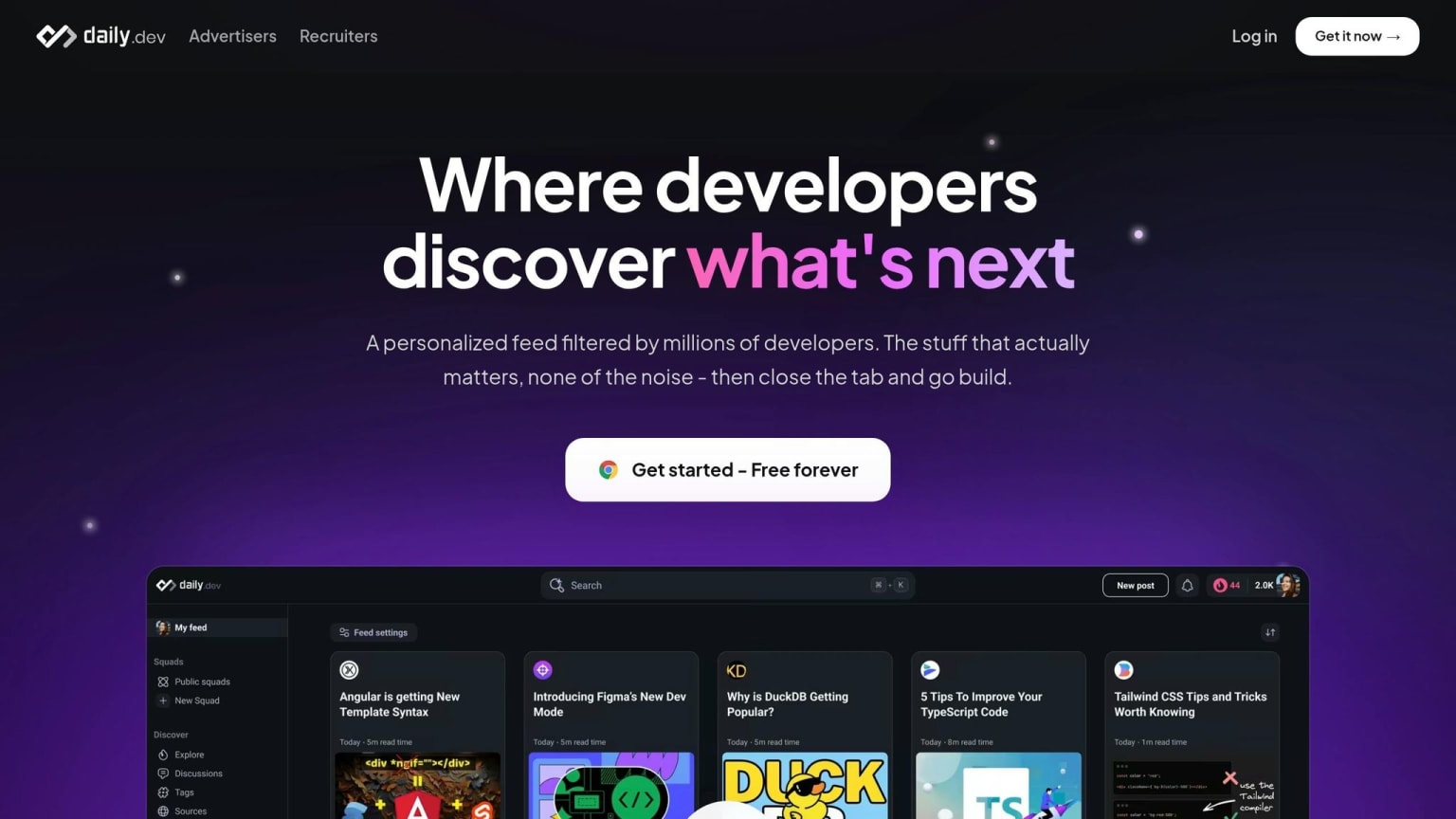
Use daily.dev for a short daily skim, not for deep study. It pulls relevant articles, tutorials, and discussions into one place, which helps you keep up with trends without drifting away from the basics.
Pick a few interests when you sign up, and daily.dev fills your new tab with relevant articles and discussions. Happening Now adds short AI summaries of the biggest stories, and the core experience is free forever .
Source types compared by difficulty and best use
Each source type does a different job, depending on where you are in your learning. Here’s a quick comparison:
| Source Type | Difficulty | Best Beginner Use |
|---|---|---|
| Curated Feeds (daily.dev) | Low | daily discovery and building daily habits. |
| Developer Blogs | Low–Medium | Learning one concept at a time. |
| Community discussions | Medium | Getting real-world feedback, troubleshooting, and asking questions. |
| Official docs and release notes | High | Verifying official changes when you are actively using a specific tool. |
Start with curated feeds and developer blogs. Add communities once you have enough context to ask and answer questions. Save official docs for the moments when you need to confirm what changed. Begin with low-difficulty sources, then let your feed learn what you actually read.
Get more from a personalized feed without overload
A personalized feed works best when you choose a small set of topics on purpose. The aim isn't more content. It's a better signal.
Start with a short topic list
Pick 4–6 topics that match what you're studying right now, like HTML, CSS, JavaScript, React, accessibility, and performance. Those are the areas most likely to help you use what you learn right away.
If you use daily.dev, lean on topic filters to cut the noise. A good starting point is to keep Tutorials and Comparisons turned on, and turn off Opinions and Releases. That keeps your feed centered on material that's easier to use at your level . You can also mute advanced topics until they line up with your class or current project.
Train the feed by saving and reading regularly
You shape the feed through steady interaction. What you save and what you read tells the system what to show you next. Save the posts that help. Skip the ones that are too far ahead.
Stick with that for a few weeks, and the feed will usually start showing more beginner-friendly front-end content and fewer advanced posts.
Consistency matters more than volume. A steady habit does more for you than scrolling through a huge pile of links.
Next, focus on which trends deserve your attention now and which ones can wait.
Track the right trends and keep fundamentals first
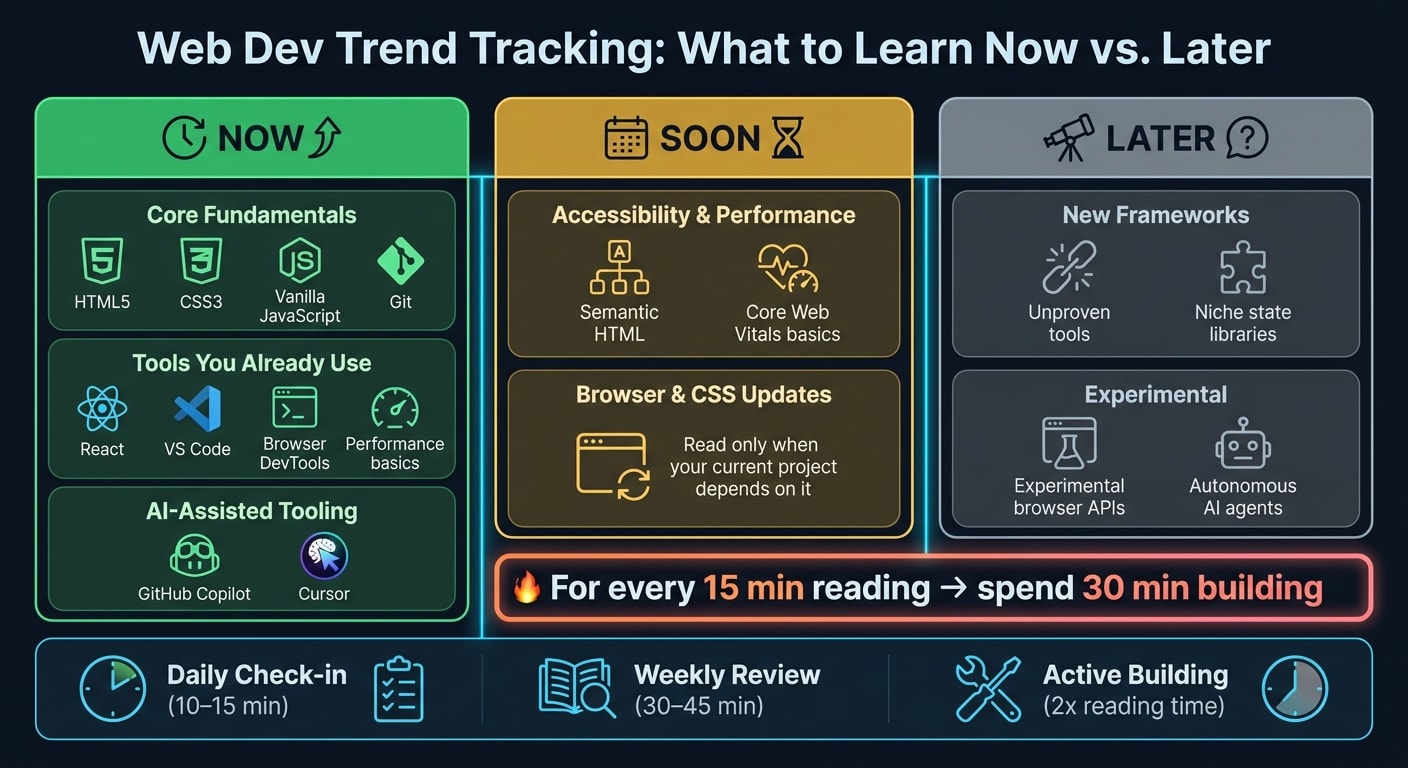
Once your feed is tuned, use a simple filter: Do I need this now, or can it wait? That one question cuts through a lot of noise.
Which trends actually affect beginner work
The trends worth watching early are the ones that touch your day-to-day work.
CSS and browser updates matter when they make layouts you're already building easier. AI-assisted tooling - like GitHub Copilot or Cursor - is worth learning now because it can speed up work you're already doing.
What can wait? New frameworks with little track record, niche state management libraries, and anything pitched as a replacement for established frameworks. Those debates aren't going anywhere.
A simple table to decide what deserves attention now
Use the table below when a headline looks interesting but you want a fast gut check.
| Category | When to Pay Attention | Examples |
|---|---|---|
| Core Fundamentals | Now | HTML5, CSS3, Vanilla JavaScript, Git |
| Tools you already use | Now | React, VS Code, Browser DevTools, Performance basics |
| AI-Assisted Tooling | Now | GitHub Copilot, Cursor |
| Accessibility & Performance | Soon | Semantic HTML, Core Web Vitals basics |
| Browser & CSS Updates | Soon | Read only when your current project depends on it |
| New Frameworks | Later | Unproven tools, niche state libraries |
| Experimental | Later | Experimental browser APIs, autonomous AI agents |
Use daily.dev's "Happening Now" section to catch major releases and time-sensitive updates .
Conclusion
Staying updated doesn't mean reading everything. It means reading the right things at the right time. Follow a light weekly routine, stick with beginner-safe sources, and let a personalized feed tuned to your current topics do some of the sorting for you.
Keep HTML, CSS, JavaScript, debugging, and project practice first. Trends get a lot less confusing when your basics are solid.
FAQs
How do I know if a trend is worth my time?
Use the 2-year filter: give a new technology two years before you spend major time on it. That gap helps it get past the hype cycle and prove whether it’s here to stay.
After that, look for signs of traction in senior-level job descriptions. If experienced roles keep mentioning it, that’s a strong signal it matters beyond early buzz.
You should also ask a simple question: does it make your workflow better in a clear way? If the gains are fuzzy or hard to repeat, it may not be worth the effort yet.
To judge the claims, use the Three-Layer Model for claims and evidence. And don’t rely on one article, one post, or one loud voice. Look for convergence across multiple reputable sources. When the same pattern shows up in several places, the picture gets a lot clearer.
What should I do if trend reading starts replacing coding practice?
If trend reading starts taking the place of actual coding, use the 1:2 learning ratio: for every hour you spend reading news or watching tutorials, spend two hours building projects, debugging, or working through coding challenges.
The idea is simple: keep coding as the main goal, and treat trend reading as a side habit that supports it. Give each one its own time block. For example, you might spend 30 minutes on daily updates, then shift into longer hands-on sessions. That way, reading stays useful instead of quietly turning into procrastination.
How can I make my daily.dev feed more beginner-friendly?
Choose tags that fit what you’re learning right now, like Git or REST APIs, during onboarding or in your feed settings. That helps shape your feed around the topics you care about most.
Then use feed filters to turn on Tutorials. This shows you more step-by-step posts and fewer advanced news updates or opinion pieces. It’s a simple switch, but it can make your feed feel a lot less noisy.
You can also use the Coding Tutorial Finder to sort by skill level and programming language. And if something looks useful but you’re not ready for it yet, bookmark it for later. That way, you can keep a routine that feels focused and easy to stick with, instead of ending up with a pile of tabs and too much to read.