
Discover the top 7 Clojure static code analysis tools to improve code quality. Learn about tools like Eastwood, Kibit, clj-kondo, lein-bikeshed, lein-check-namespace-decls, lein-docstring-checker, and yagni.
Looking to improve your Clojure code quality? Here's a quick rundown of the 7 best static analysis tools:
- Eastwood: Thorough linter, finds hard-to-spot issues
- Kibit: Suggests simpler code patterns
- clj-kondo: Fast, works with editors, catches common errors
- lein-bikeshed: Checks code formatting and style
- lein-check-namespace-decls: Ensures clean namespace declarations
- lein-docstring-checker: Verifies public vars have docstrings
- yagni: Detects unused code
Quick Comparison:
| Tool | Key Feature | Setup | Speed |
|---|---|---|---|
| Eastwood | Comprehensive checks | Leiningen plugin | Slower on large projects |
| Kibit | Code simplification | Leiningen plugin | Moderate |
| clj-kondo | Editor integration | Standalone or plugin | Very fast |
| lein-bikeshed | Style consistency | Leiningen plugin | Fast |
| lein-check-namespace-decls | Namespace organization | Leiningen plugin | Fast |
| lein-docstring-checker | Documentation checks | Leiningen plugin | Fast |
| yagni | Dead code elimination | Leiningen dependency | Moderate |
All tools are free and work with JVM Clojure projects. Use them in your CI pipeline to catch issues early and maintain code quality.
Related video from YouTube
How We Chose These Tools
We picked the top 7 Clojure static code analysis tools based on four main factors:
- What they can do
- How easy they are to use
- How much support they have
- How they work
Here's a breakdown of what we looked at:
| Factor | What We Considered |
|---|---|
| Functionality | - Finding errors early - Making code easier to read - Enforcing coding rules - Cutting down debug time - Keeping code quality steady |
| Ease of Use | - Simple to set up - Clear instructions - Works well with different Clojure projects |
| Community Support | - Active user group - Regular updates - Known to be reliable - Good online resources |
| How They Work | - Approach to checking code - Ability to spot errors - Can handle big, complex projects |
We chose tools that do a good job in these areas. We wanted to make sure they're helpful for both new and experienced Clojure developers.
We also looked at specific features like:
- Managing namespaces
- Checking for old dependencies
- Looking at line length and method complexity
1. Eastwood
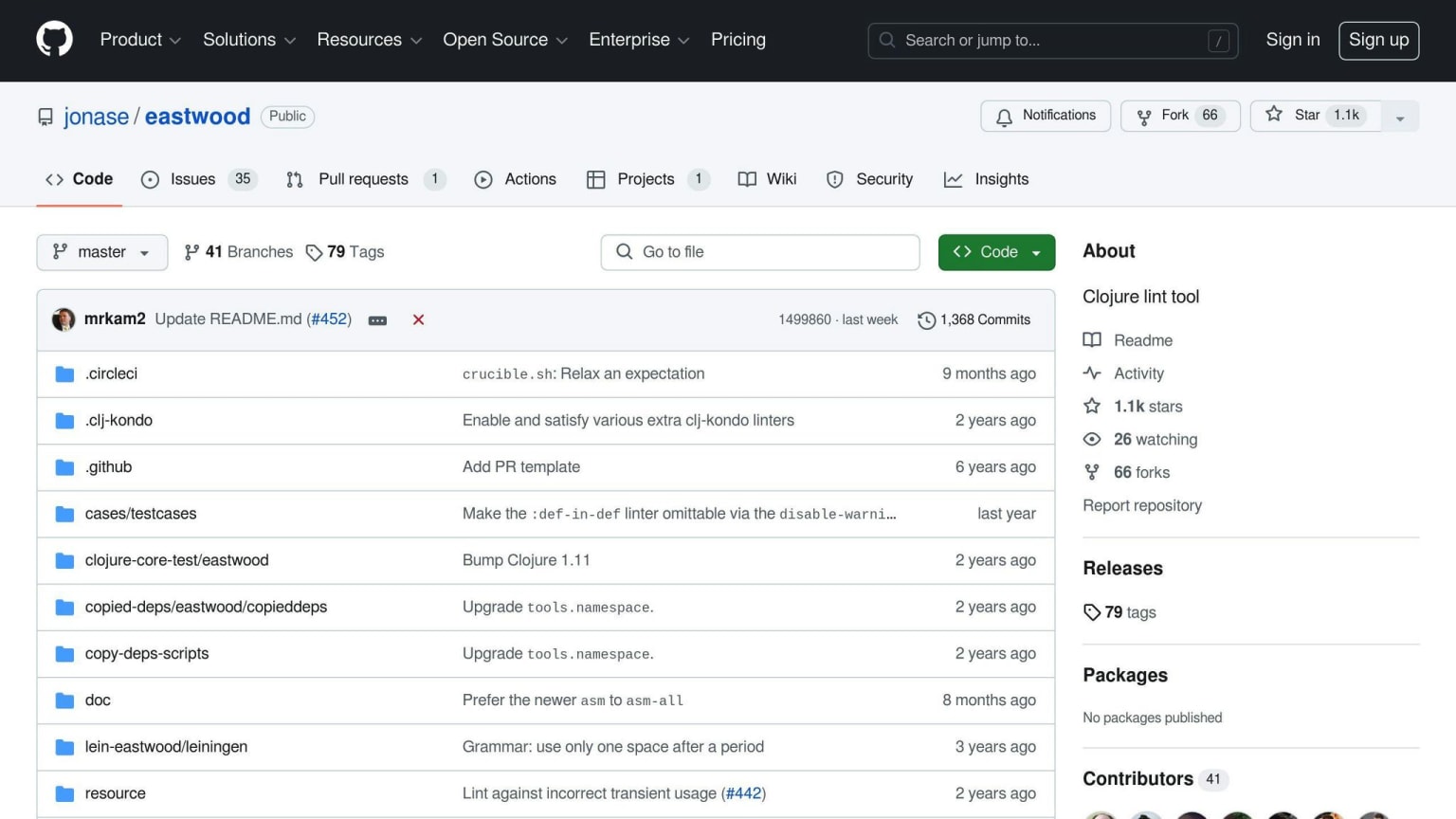
Eastwood is a Clojure linter that checks code for issues and problems. It's named after the actor and is known for its thorough checks.
Main Features
Eastwood uses two Clojure projects: tools.analyzer and tools.analyzer.jvm. It looks at your code in the JVM and finds issues like:
- Vars that are defined more than once
- Docstrings in the wrong place
- Return values that aren't used
- Odd expressions
- Tests that always give the same result
How to Install and Set Up
To use Eastwood in your Leiningen project:
- Add the Eastwood plugin to your
project.cljfile - Run the command
lein eastwood
Here's an example of how to add Eastwood to your project.clj:
(defproject myproject "0.0.1"
  :description "Eastwood Sample Project"
  :license "Eclipse Public License 1.0"
  :url "http://www.bradcypert.com"
  :dependencies [[org.clojure/clojure "1.8.0"]]
  :plugins [[lein-tar "3.2.0"]
            [jonase/eastwood "0.2.4"]])
What It Does Well
| Strengths |
|---|
| Finds hard-to-spot issues |
| Can be set up to fit your project |
| Checks for many different problems |
Possible Drawbacks
| Drawbacks | Details |
|---|---|
| False positives | May flag issues that aren't real problems, especially with certain Clojure features |
| Speed | Can be slow with big projects |
Despite these small issues, Eastwood is still very helpful for Clojure developers.
2. Kibit
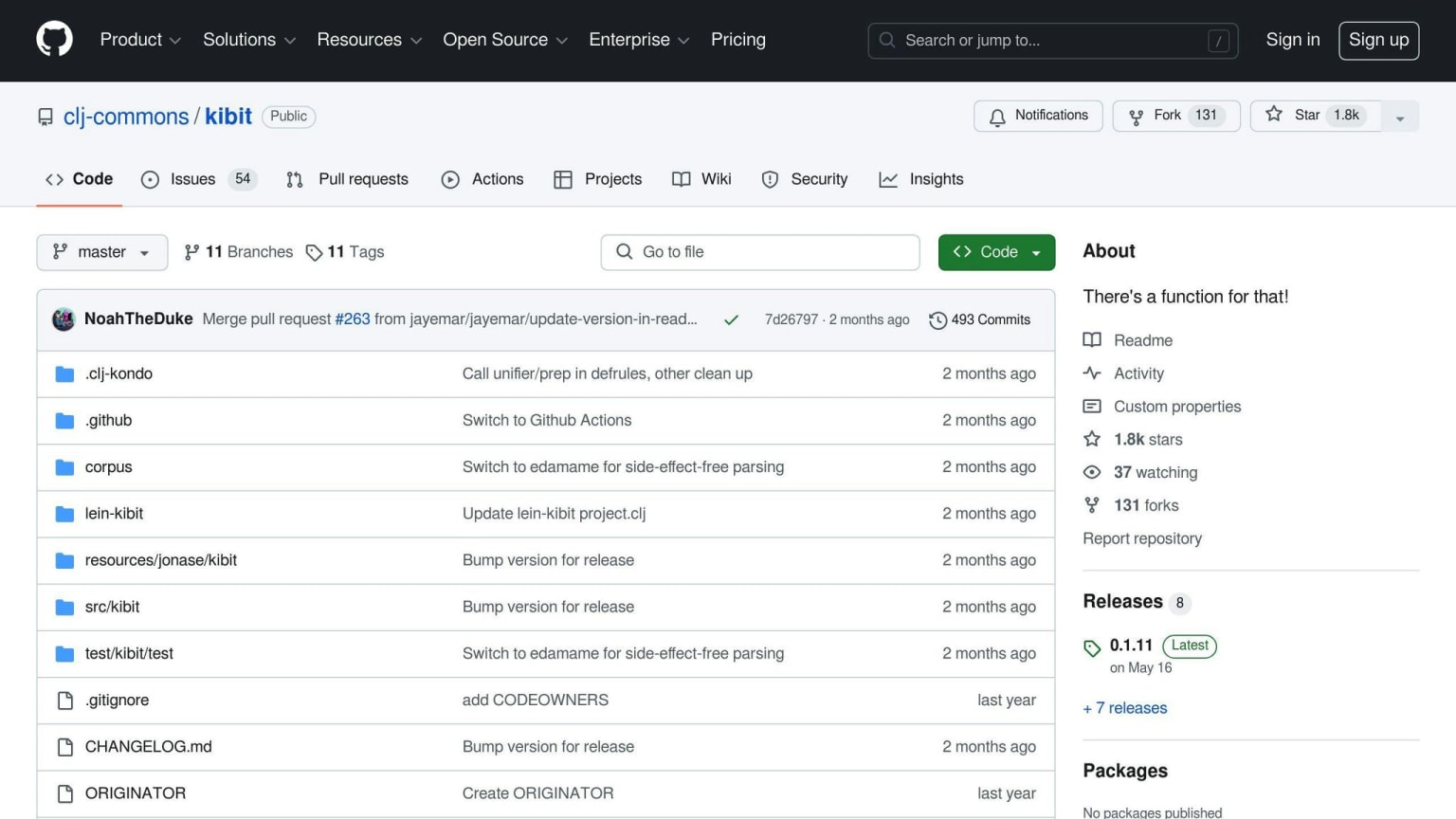
Kibit is a tool that checks Clojure code and suggests ways to make it better.
Main Features
Kibit looks for code patterns that could be written in a simpler way. It can suggest:
- Using
wheninstead ofif - Easier ways to check for nil
- Simpler ways to write expressions
How to Install and Set Up
To use Kibit in your Leiningen project:
- Add this to your
project.cljfile:
(defproject myproject "0.0.1"
  :description "Kibit Sample Project"
  :license "Eclipse Public License 1.0"
  :url "http://www.bradcypert.com"
  :dependencies [[org.clojure/clojure "1.8.0"]]
  :plugins [[lein-tar "3.2.0"]
            [jonase/kibit "0.1.5"]])
- Run
lein kibitto check your project - To check a single file, use
lein kibit path/to/some/file.clj
What It Does Well
| Strengths |
|---|
| Makes code easier to read |
| Suggests better ways to write code |
| Helps write more Clojure-like code |
Possible Drawbacks
| Drawbacks | Details |
|---|---|
| Struggles with complex code | May not work well with threading macros |
| Limited suggestions | Might not catch every possible improvement |
Despite these small issues, Kibit is a helpful tool for Clojure developers.
3. clj-kondo
Main Features
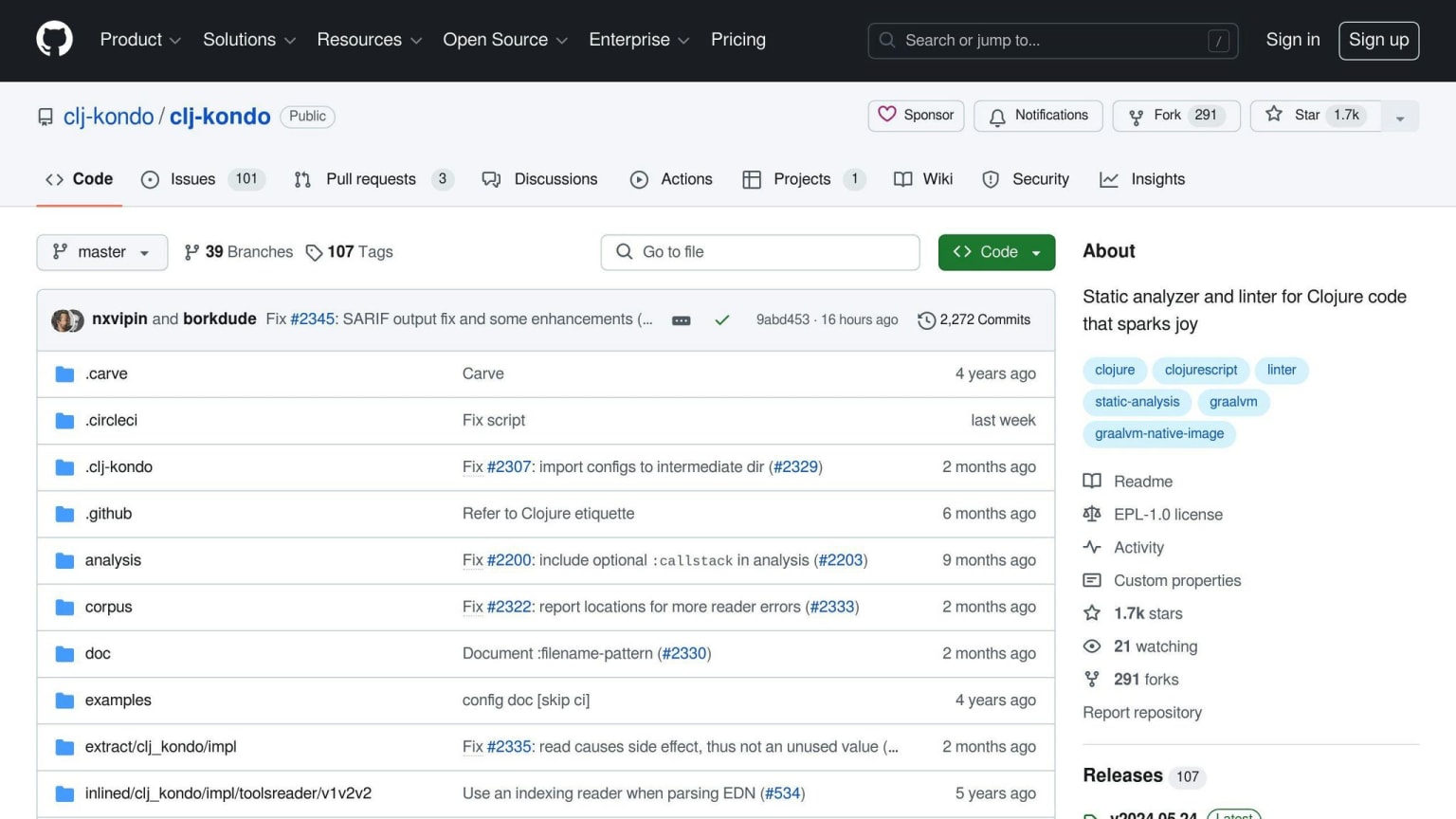
clj-kondo is a tool that checks Clojure code for errors and style issues. It can:
- Find mistakes in code structure
- Spot unused parts of code
- Suggest better ways to write code
- Work with common Clojure add-ons
How to Install and Set Up
You can add clj-kondo to your project in two ways:
- Use a script (for Linux and MacOS)
- Use ASDF plugin
Both methods are quick and easy to use.
What It Does Well
| Good Points | Details |
|---|---|
| Works with editors | Can check code as you type |
| Helps write better Clojure | Gives tips on how to improve your code |
| Works fast | Can handle big projects without slowing down |
Possible Drawbacks
| Drawbacks | Details |
|---|---|
| May need setup | Might take time to set up for some projects |
| Can miss some issues | May not catch all problems in complex code |
Even with these small issues, clj-kondo is a useful tool for Clojure coders. It helps them write better, easier-to-maintain code.
4. lein-bikeshed
Main Features
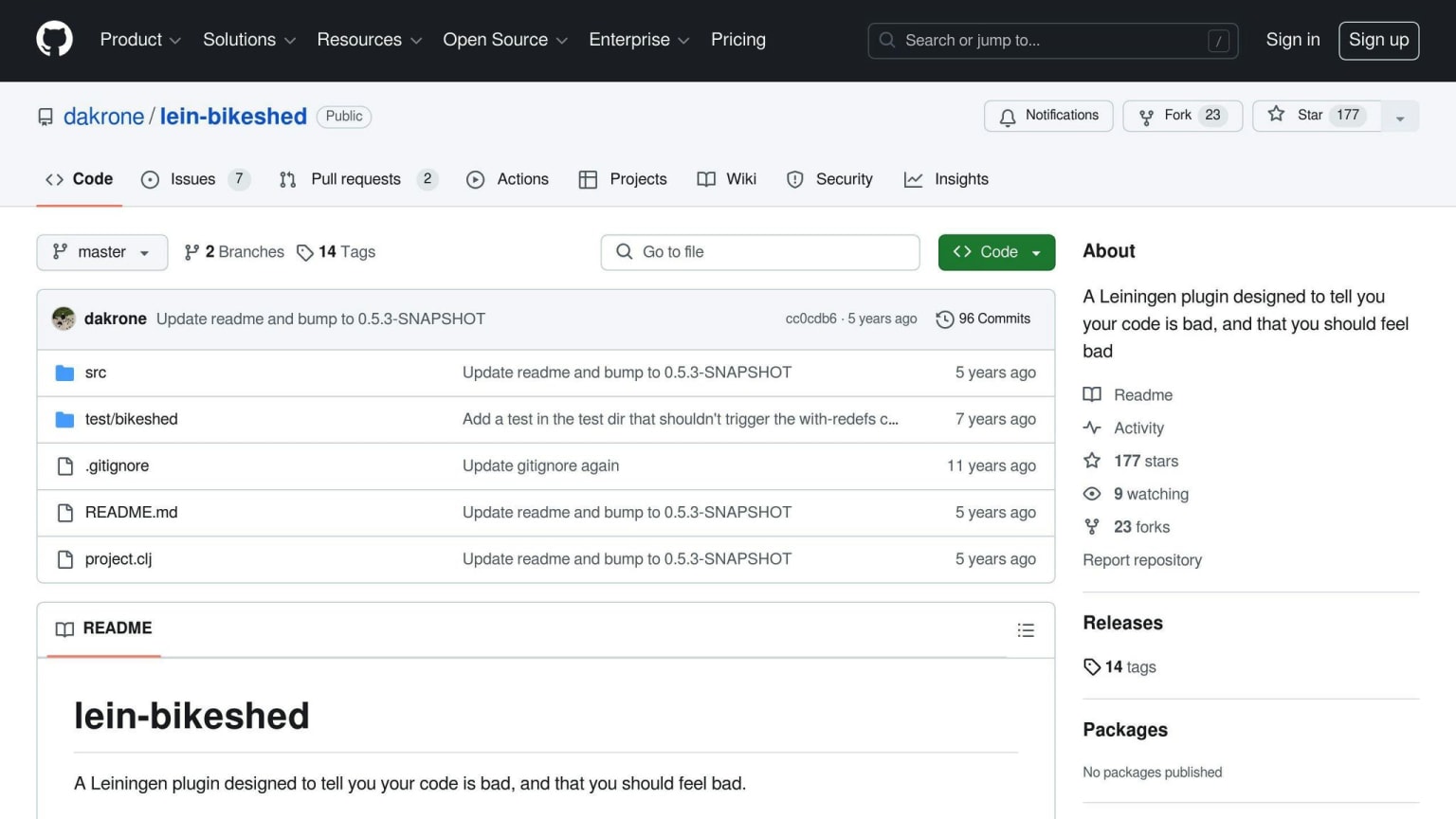
lein-bikeshed is a Leiningen plugin that checks Clojure code quality. It looks at:
- Line length
- Trailing whitespace
- Blank lines at file ends
- Redefined var roots
- Missing docstrings
- Argument names that clash with clojure.core functions
How to Install and Set Up
To use lein-bikeshed:
- Add this to your
~/.lein/profiles.cljfile:
{:user {:plugins [[lein-bikeshed "0.5.2"]]}}
- Run
lein bikeshedin your project folder.
What It Does Well
| Strengths |
|---|
| Keeps code style consistent |
| Finds common formatting issues |
| Easy to use with Leiningen |
Possible Drawbacks
| Drawbacks | Details |
|---|---|
| Limited scope | May miss some code quality issues |
| Extra setup | Might need more config for full output |
| CI integration | Output may not work well with CI tools |
lein-bikeshed helps keep your Clojure code clean and consistent. It's a simple tool that can catch common formatting problems, but it may not find all code quality issues.
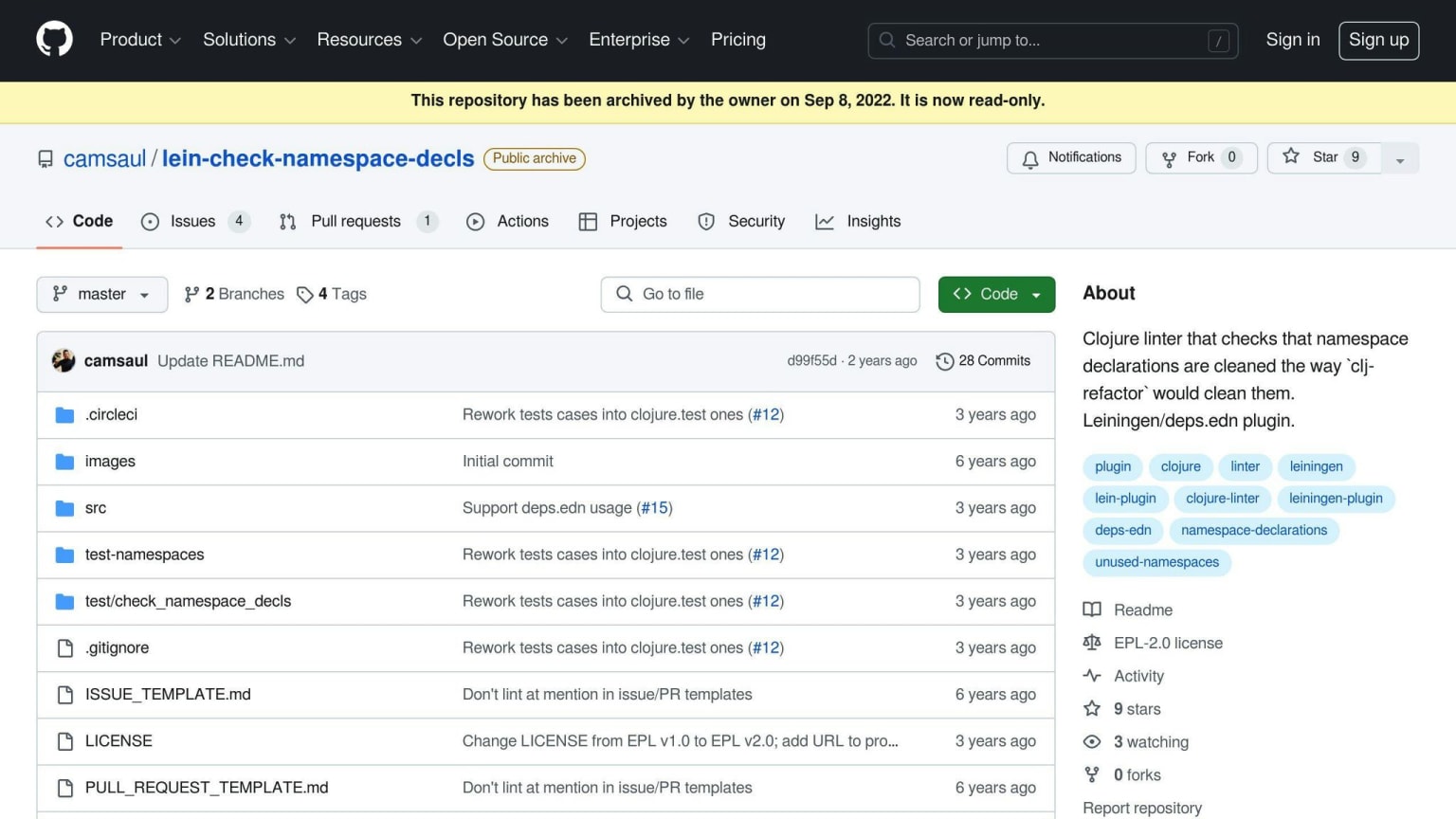
5. lein-check-namespace-decls
Main Features
lein-check-namespace-decls is a tool that checks namespace declarations in Clojure code. It looks for:
- Proper sorting of declarations
- Use of
:requireinstead of:use - Removal of unused namespaces
This tool helps keep code organized and easy to read.
How to Install and Set Up
To use lein-check-namespace-decls:
- Add this to your
project.cljfile:
:plugins [[lein-check-namespace-decls "0.2.0"]]
- Run
lein check-namespace-declsin your project folder.
What It Does Well
| Strengths |
|---|
| Ensures proper sorting of namespace declarations |
| Removes unused namespaces |
| Helps keep code clean and easy to maintain |
Possible Drawbacks
| Drawbacks | Details |
|---|---|
| Limited scope | May not catch all code quality issues |
| Focus on namespaces | Doesn't check other aspects of code quality |
lein-check-namespace-decls is a useful tool for keeping Clojure code organized. While it focuses only on namespace declarations, it can help make code easier to read and maintain.
6. lein-docstring-checker
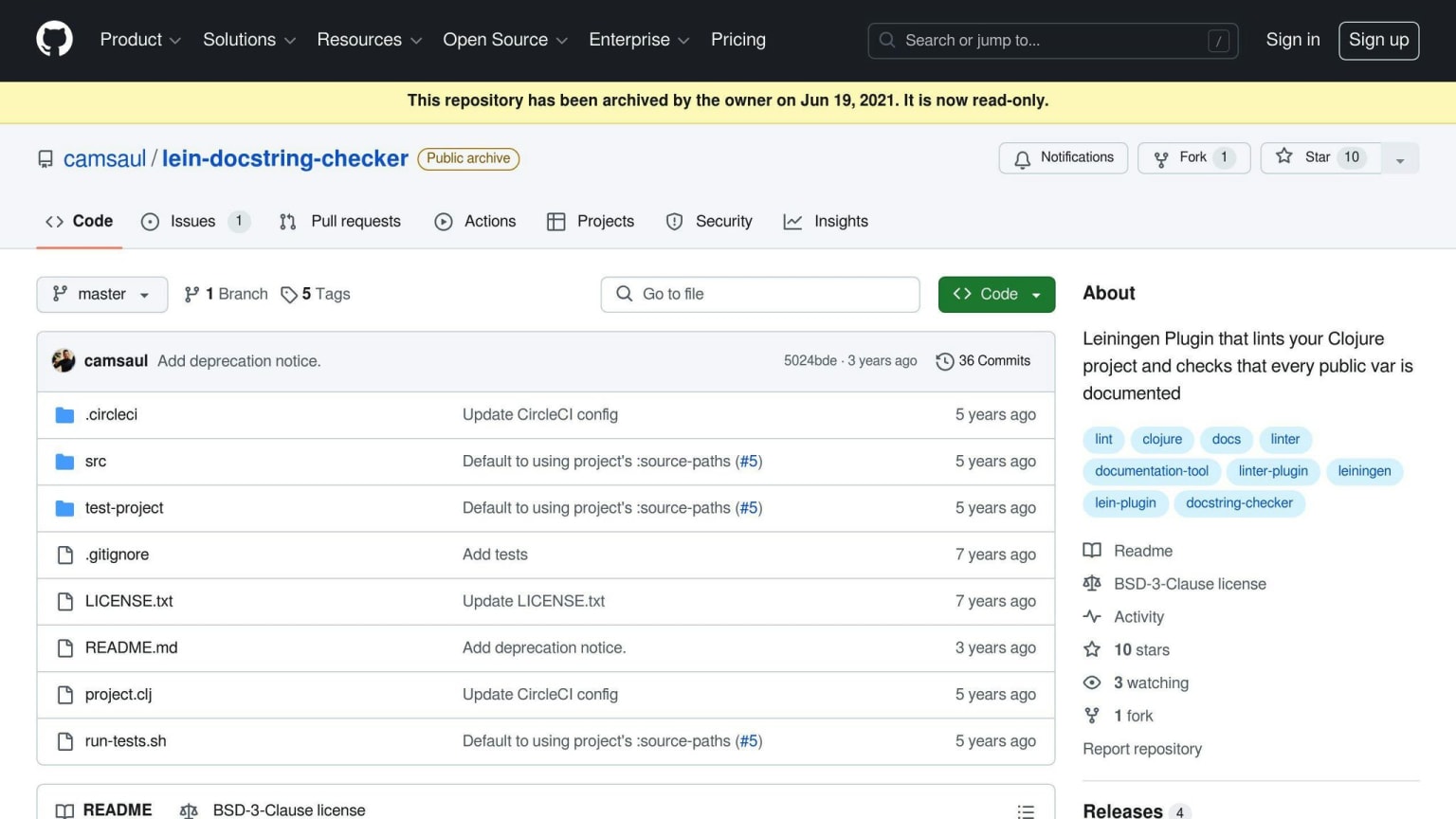
lein-docstring-checker is a tool that checks if your Clojure code has good comments. It helps keep your code easy to understand.
Main Features
This tool looks for comments called docstrings on public vars. These comments explain what your code does. Having good comments makes it easier for others to use and fix your code.
How to Install and Set Up
To use lein-docstring-checker in your Leiningen project:
- Add this to your
project.cljfile:
:plugins [[lein-docstring-checker "0.2.0"]]
- Run
lein docstring-checkerin your project folder.
What It Does Well
| Good Points | Details |
|---|---|
| Makes code easier to understand | Checks if public vars have comments |
| Helps keep code neat | Well-commented code is easier to use and fix |
| Keeps comments consistent | Makes sure all public vars have comments |
Possible Issues
| Issues | Details |
|---|---|
| Takes time to write comments | You need to add comments for all public vars |
| Only checks comments | Doesn't look at other parts of code quality |
lein-docstring-checker is a simple tool that helps you write better comments in your Clojure code. While it only looks at one part of your code, it can make your project easier for others to use and understand.
7. yagni
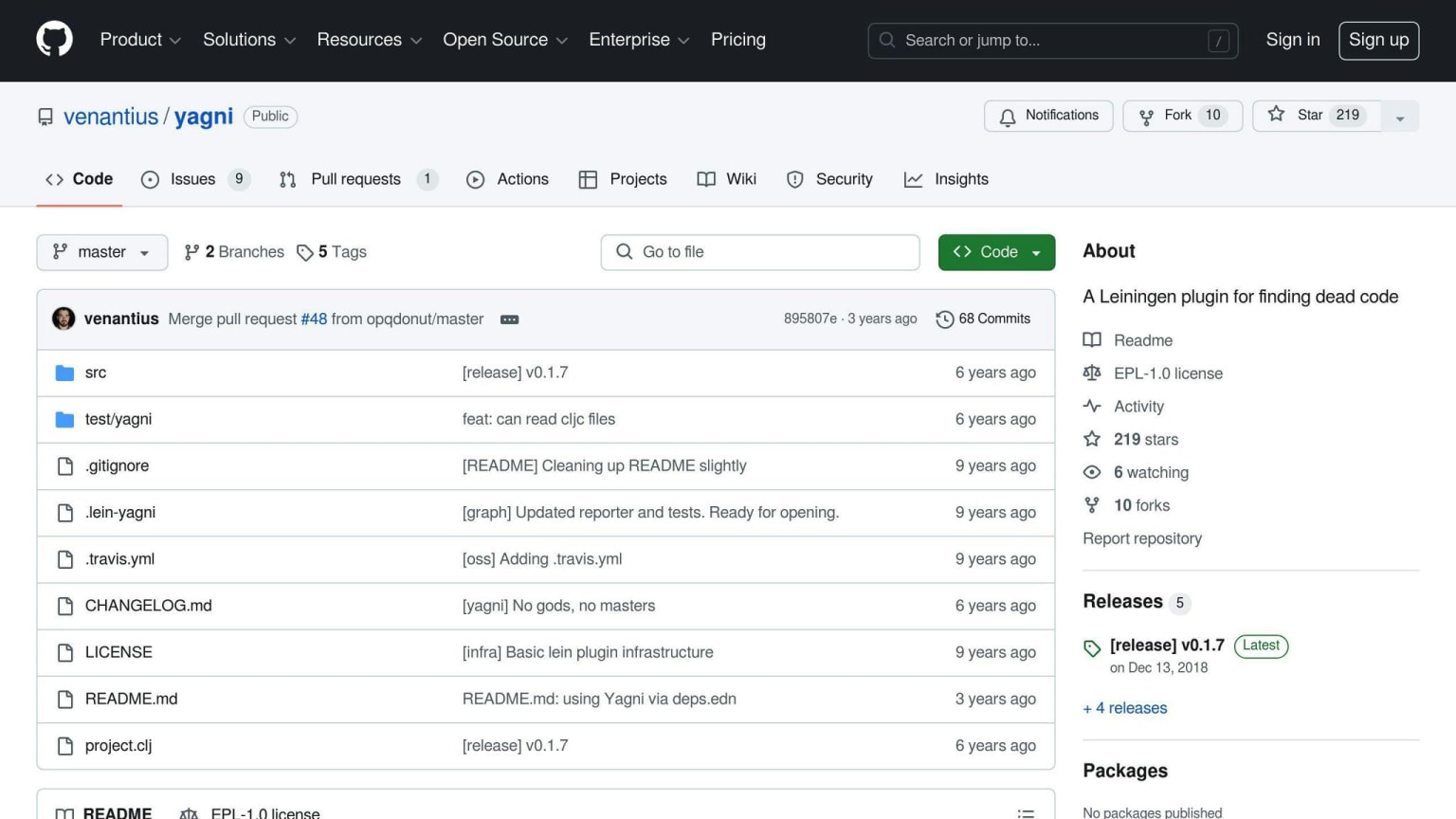
yagni is a tool that finds unused code in Clojure projects. It helps keep code clean by spotting functions and variables that aren't being used.
Main Features
yagni looks for:
- Unused functions
- Unused variables
- Code that never runs
This tool is helpful for big projects where unused code can build up over time.
How to Install and Set Up
To use yagni in your Clojure project:
- Add this to your
project.cljfile:
:dependencies [[yagni "0.1.0"]]
- Run
lein yagniin your project folder to check your code.
What It Does Well
| Good Points | Details |
|---|---|
| Cleans up code | Gets rid of unused code, making projects easier to manage |
| Makes code run faster | Less code means faster programs |
| Keeps code tidy | Helps keep your code clean and organized |
Possible Problems
Some issues with yagni:
| Problems | Details |
|---|---|
| Reader Conditionals | yagni might have trouble with reader conditionals, leading to false alarms |
| Spec Usage | yagni may not work well with Spec, a Clojure tool for checking data |
Even with these small issues, yagni is a good tool for finding unused code and making Clojure projects better.
Tool Comparison Table
When picking a tool to check your Clojure code, it's good to know what each one does, where it works, and if it costs money. Here's a simple table that shows this information for the 7 tools we talked about:
| Tool | What it does | Where it works | Cost |
|---|---|---|---|
| Eastwood | Checks code hard, can be set up | JVM, Leiningen | Free |
| Kibit | Helps write better Clojure code | JVM, Leiningen | Free |
| clj-kondo | Finds unused parts, wrong function use | JVM, Docker | Free |
| lein-bikeshed | Checks how code looks | JVM, Leiningen | Free |
| lein-check-namespace-decls | Makes sure namespaces are clean | JVM, Leiningen | Free |
| lein-docstring-checker | Checks for comments on public vars | JVM, Leiningen | Free |
| yagni | Finds code that's not used | JVM, Leiningen | Free |
This table gives you a quick look at what each tool can do. It can help you choose the right one for your Clojure project.
Using These Tools in Your Workflow
Adding these tools to your daily work can help you write better Clojure code. One good way to do this is by using them in your Continuous Integration (CI) pipeline.
CI pipelines help check your code automatically. They can find problems early, which saves time later. Here's how you can set up a CI pipeline for your Clojure project:
- Use Github Packages for storing your code parts
- Use tools.build to put your project together
Here's a step-by-step guide:
- Make a
settings.xmlfile in your~/.m2folder. Put this in it:
<settings xmlns="http://maven.apache.org/SETTINGS/1.0.0" xmlns:xsi="http://www.w3.org/2001/XMLSchema-instance"
          xsi:schemaLocation="http://maven.apache.org/SETTINGS/1.0.0 https://maven.apache.org/xsd/settings-1.0.0.xsd">
  <servers>
    <server>
      <id>github</id>
      <username>GITHUB_USERNAME_HERE</username>
      <password>PERSONAL_ACCESS_TOKEN_HERE</password>
    </server>
  </servers>
</settings>
Set up your CI pipeline to use the code checking tools. For example, you could use Eastwood to look for problems.
After checking, the CI pipeline can put your code parts in Github Packages.
Using these tools in your CI pipeline helps keep your code clean. It also helps developers write better code because they get quick feedback.
Here's a table showing how these tools can fit into your work:
| Step | Tool | What it does |
|---|---|---|
| 1 | Github Packages | Stores code parts |
| 2 | tools.build | Puts project together |
| 3 | Eastwood (or other tool) | Checks code for problems |
| 4 | CI Pipeline | Runs all checks and stores code |
What Developers Say
Clojure developers want better tools to keep their code clean and easy to read. Here's what they're saying:
Needs and Challenges
| Need | Challenge |
|---|---|
| Tools that work outside the code editor | Finding tools that support both Clojure and Clojurescript |
| Ways to check code quality | Getting tools to work well with Clojure's unique structure |
| Help for new learners | Teaching good coding habits to student developers |
Popular Tools and Practices
Developers like:
- Live linting with clj-kondo
- Editors that follow the Clojure Style guide
These tools help catch errors early and make code look neat.
Room for Improvement
| Current Issue | Potential Solution |
|---|---|
| Tools struggle with Clojure code | Community could help improve existing tools |
| Inconsistent results from tools | Develop new tools that understand Clojure better |
Key Takeaways
- Good tools help write better code
- Developers want tools that work well with Clojure
- There's still work to do to make Clojure tools better
Wrap-up
We've looked at 7 tools that help check Clojure code. Each tool has its own good points:
| Tool | What it's good at |
|---|---|
| Eastwood | Finds many types of errors |
| Kibit | Suggests better ways to write code |
| clj-kondo | Checks code as you type |
| lein-bikeshed | Makes sure code looks neat |
| lein-check-namespace-decls | Keeps namespaces tidy |
| lein-docstring-checker | Checks for helpful comments |
| yagni | Finds unused code |
When picking a tool, think about what your project needs and what your team likes. Using these tools can help you:
- Find mistakes early
- Make code easier to read
- Save time when writing code