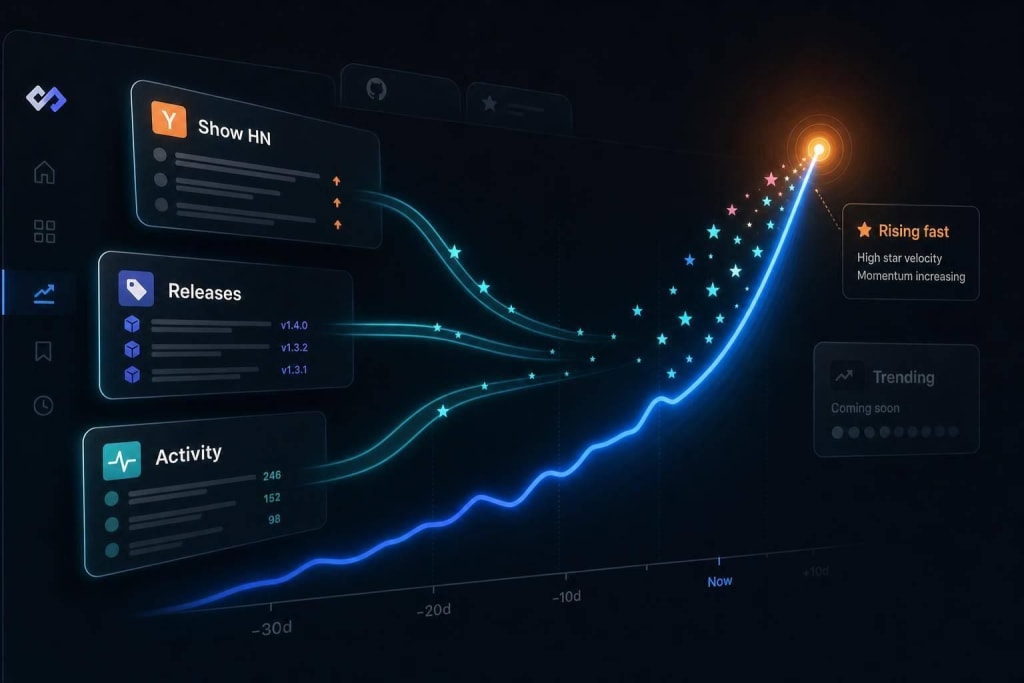
Use a three-source system and one 30–45 minute weekly session to discover, validate, and test AI coding tools without daily noise.
You do not need to track every AI coding launch. I’d use a simple 3-part routine: 1 feed for discovery, 1 place for user feedback, and 1 place for demos, then review everything in one 30–45 minute weekly block.
Here’s the short version:
- Use only 3 sources: daily.dev, Reddit, and YouTube
- Check them once a week: not every day
- Sort each tool into 3 buckets: watch, test, or adopt
- Ignore launch-day hype: wait about 30 days before giving new tools serious time
- Focus on workflow impact: code generation, IDE use, terminal flow, testing, debugging, and code review
- Use proof, not claims: public feedback, issue threads, demos, and your own short test
A few numbers make the point clear:
- Public directories list AI tools for developers
- daily.dev pulls from 2,000+ sources
- A weekly review can stay within 30–45 minutes
- During the week, scanning should take about 10 minutes total
- One simple test can fit inside 1 hour in a throwaway repo
What I like about this approach is that it cuts repeat reading. Instead of chasing every post, I’d let items pile up, review them once, and only spend time on tools that might help with the work already on my plate.
Quick comparison
| Source | Job | What I’d use it for |
|---|---|---|
| daily.dev | Discovery | Find new tools and updates in one feed |
| Validation | Check user complaints, limits, and side-by-side feedback | |
| YouTube | Evaluation | Watch setup, usage, and friction before installing |
If I wanted to stay current without losing half my week, this is the system I’d use.
Step 1: Pick a small set of trusted sources
Use three sources, and give each one a single job.
More inputs usually mean more noise, more overlap, and more tabs you never get back to. Keeping your source list small is a deliberate move. It makes the flow easier to handle week after week without turning it into a chore.
Use daily.dev as your default discovery feed
daily.dev tracks 2,000+ sources and adjusts to your stack, so you get one feed that cuts down on duplicate stories and brings up relevant articles, tutorials, and discussions.
A simple move here: set daily.dev as your new tab page. That way, updates show up on their own instead of waiting for you to go look for them.
Use it to spot new tools first. Then take the ones that look promising to Reddit and YouTube to check whether they hold up.
Use Reddit for real-world reactions
Reddit is where you see how people react when a tool leaves the landing page and hits actual workflows.
A new tool like Cursor AI might sound great on its marketing site. That tells you what the tool is meant to do. Reddit is where you find out what happens when people try to ship code with it, hit bugs, compare outputs, or run into limits.
A practical habit: wait 48 hours, then search Reddit for "[tool name] problems" to see how it performs for early adopters.
Use YouTube for fast hands-on evaluation
YouTube helps you watch a tool in action before you install anything.
You can see the setup process, how long it takes to get something working, and where the rough spots show up. That's hard to judge from a product page alone.
Skip hype-heavy thumbnails, pure speculation, and "tool X killed tool Y" claims. Instead, bookmark channels that show the full setup and the friction along the way.
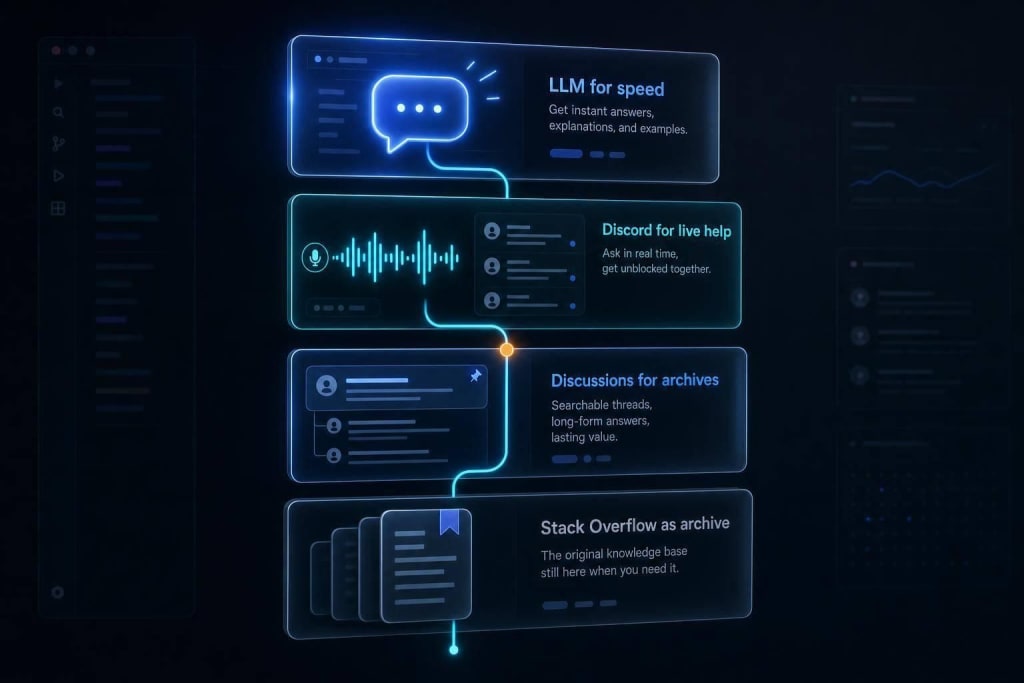
Each source should have a different role. You don't want three places telling you the same thing.
| Channel | Role | Best for |
|---|---|---|
| daily.dev | Discovery | Personalized feed across 2,000+ sources |
| Validation | Practitioner reactions, benchmarks, practical Q&A | |
| YouTube | Evaluation | Demos, walkthroughs, setup friction |
With your source list narrowed down, the next move is to batch your reading into one short weekly session.
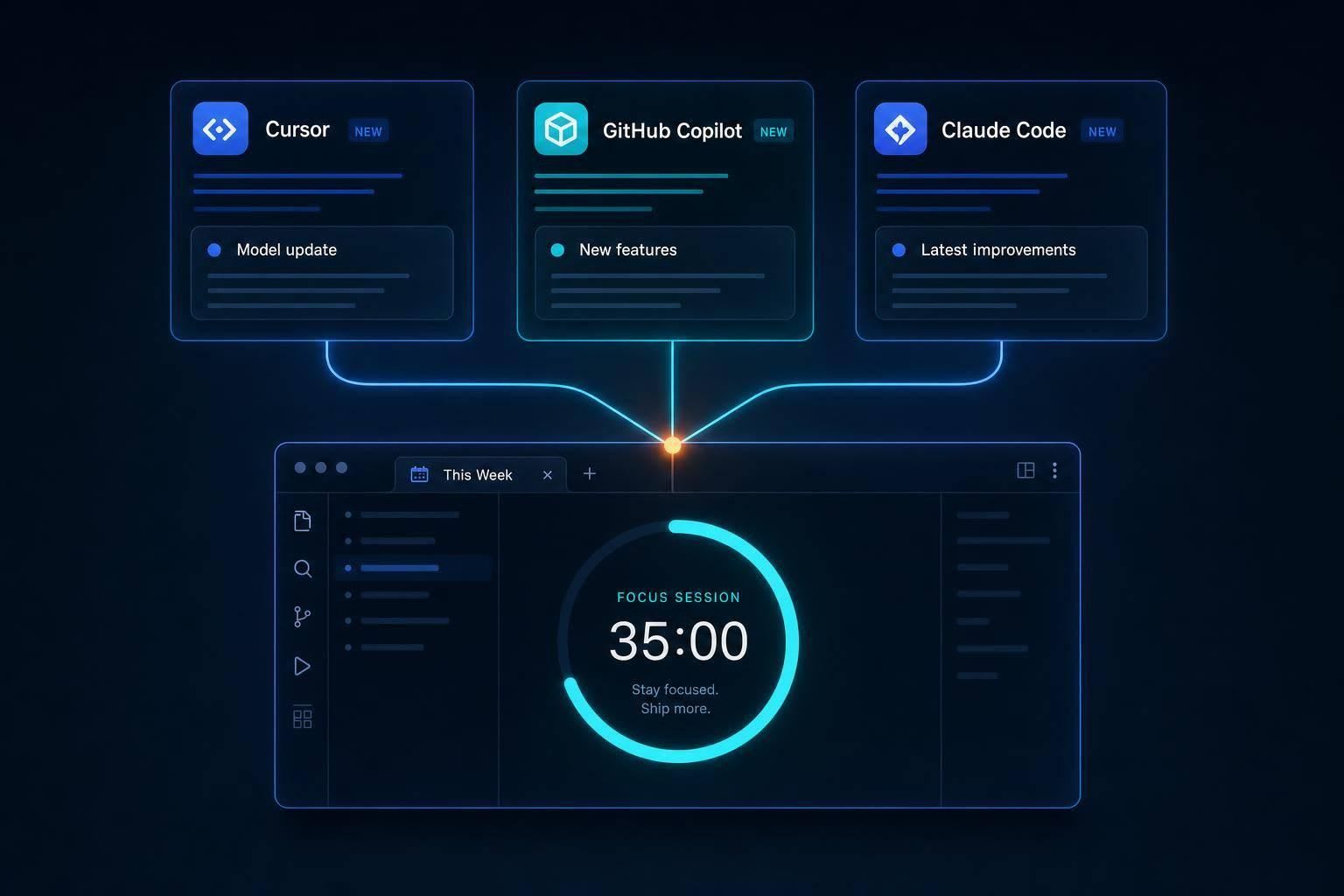
Step 2: Batch your reading into one short weekly session
Once your sources are set, stop checking them all week. Put one 30- to 45-minute block on your calendar each week and treat it like an appointment . During the week, your job is to collect, not read.
Save useful items to an AI Updates folder. Send newsletters and tool update emails there, and bookmark anything that looks worth a look from your daily.dev feed. That one small shift cuts down on context switching and keeps random updates from eating your day.
Separate scan mode from deep-read mode
Use two simple modes: scan and deep read.
Scan mode happens during the week. You're just sorting signal from noise and spending about 10 minutes total across the week . No rabbit holes. No long reads.
Deep-read mode happens once, inside your scheduled block.
A simple split for that weekly session:
- 10 minutes on changelogs for tools you already use
- 10 minutes on one curated source
- 10 minutes on one new item that looks worth a closer read
The goal isn't to read everything. It's to read the things that might change how you work.
Rank updates by workflow impact
Not every update deserves your time. Before you dig in, ask one question: Will this affect my current work?
Run git log --since='30 days ago' --name-only to spot which files and tasks have been taking most of your attention . Then focus on updates that could help with speed, code review, context handling, or debugging in your current workflow.
If an update can help with the work already on your plate, read it first. If not, archive it and move on.
Once this weekly review is in place, the next filter gets pretty simple: ignore launches until a tool proves it can help.
Step 3: Ignore launch noise until a tool proves itself
Once you have your weekly scan set up, put every new tool through a simple filter: watch, test, or adopt.
That matters more than it sounds. An estimated 34% of AI tools fail to replicate their own marketing demos when tested by independent engineers . So instead of jumping in on day one, it makes sense to slow down and wait for proof.
Apply a watch, test, or adopt rule
Put new tools into one of three buckets:
- Watch: New and unproven; review it quarterly.
- Test: Relevant to your workflow; spend one hour in a throwaway repo.
- Adopt: Shows measurable gains in a 6–10 week pilot.
Check for proof before you test
Before you move a tool from watch to test, look for signs that it works outside the launch demo. A simple way to do that is to search Reddit for "[Tool name] problems" or "[Tool name] doesn't work", then spend 15–30 minutes trying to reproduce the demo yourself .
If the tool has a public GitHub repo, check a few basic signals: how recent the commits are, how many contributors are active, and how fast maintainers reply in the Issues tab . If commits look stale and bug reports sit unanswered, that's usually your cue to keep it in the wait-and-see pile.
A good default is to wait 30 days before you look at any new launch . By then, the first wave of hype has cooled off, and the limits are a lot easier to spot.
Build your weekly AI tool routine
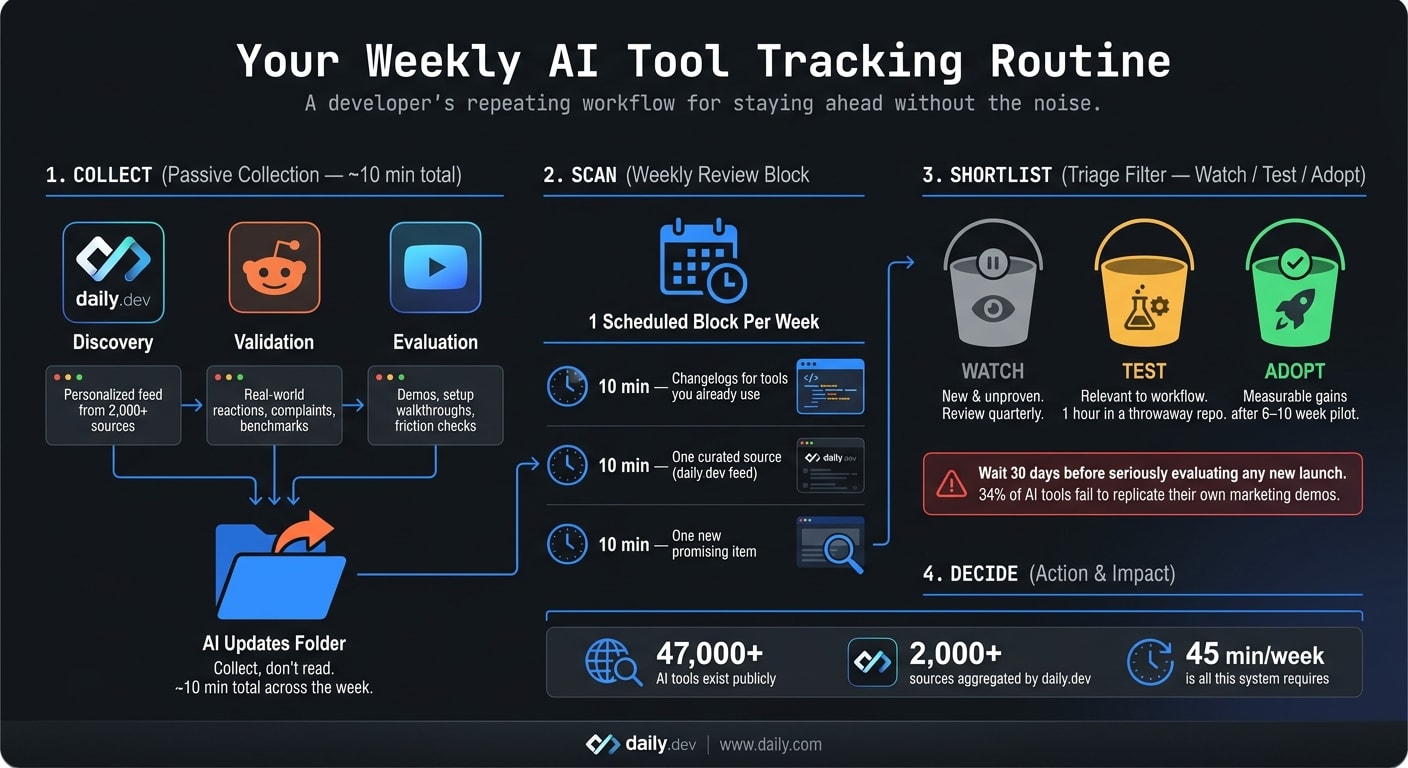
Put your sources and filters into one simple weekly routine.
Use daily.dev to surface updates. Then check the most promising tools on Reddit and YouTube before you spend more time on them.
Here’s the same sequence to run each week:
- Collect: Let items pile up during the week.
- Scan: Review your daily.dev feed for 10 minutes.
- Shortlist: Keep only the items that are worth a Reddit check or a YouTube demo.
- Decide: Mark each item as watch, test, or adopt.
FAQs
How do I know if a tool is worth testing?
Put utility first. Before you get pulled in by the buzz, ask a simple question: Will this save at least 30 minutes on a task in your current sprint? If the answer is no, or if it forces you to rebuild how your team works, it’s probably not worth the time right now.
It also needs to fit the way you already work. Can it slot into your setup without a big mess? Can you audit what it does, step by step, instead of just trusting it blindly? Those checks matter.
Then look for signs that the project has some life in it. Recent commits are a good sign. Steady releases help too. And if people are still talking about it in developer spaces like daily.dev, that usually tells you it hasn’t gone cold.
What should I include in a 1-hour trial?
In a 1-hour trial, focus on one thing: does the tool fix a real problem for you? Not whether the buzz sounds right.
Start by recreating the vendor’s demo in the first 15–30 minutes. That gives you a fast gut check and helps you spot obvious failures early.
Then spend the rest of the hour using your own data or your actual workflow. That’s where the truth usually shows up. A tool can look great in a polished demo and still fall apart the moment it touches your day-to-day process.
Check that it fits into your current setup without major changes. Also make sure it can still do the job if the provider’s business status changes.
When should I move a tool from watch to adopt?
Move a tool from watch to adopt during planned learning time, not because of launch buzz.
Adopt it only when it clears a simple bar: it solves a real problem, saves at least 30 minutes on a specific task in your current workflow, fits without forcing a major rebuild, and lets you check its output while understanding the security tradeoffs.
If it doesn’t meet that bar, leave it alone for now. Come back later once the tool has matured and picked up independent validation.